
Gridfinity | Hole Customizer
896 downloads · 4 years ago · Trypophobians beware!
This is a parametric file which will allow you to make your own custom Gridfin
This model is restricted by licensing terms.
View license.
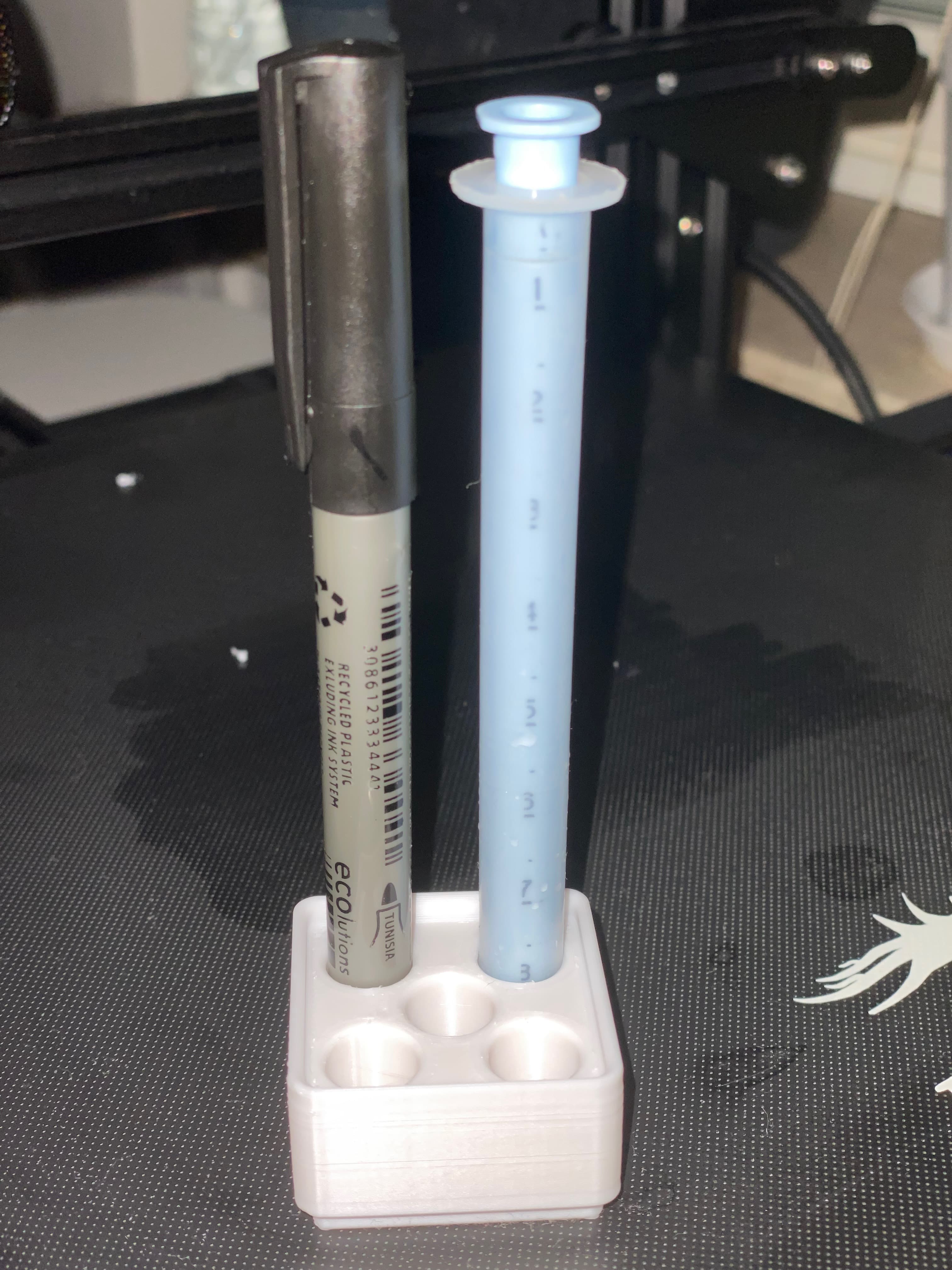
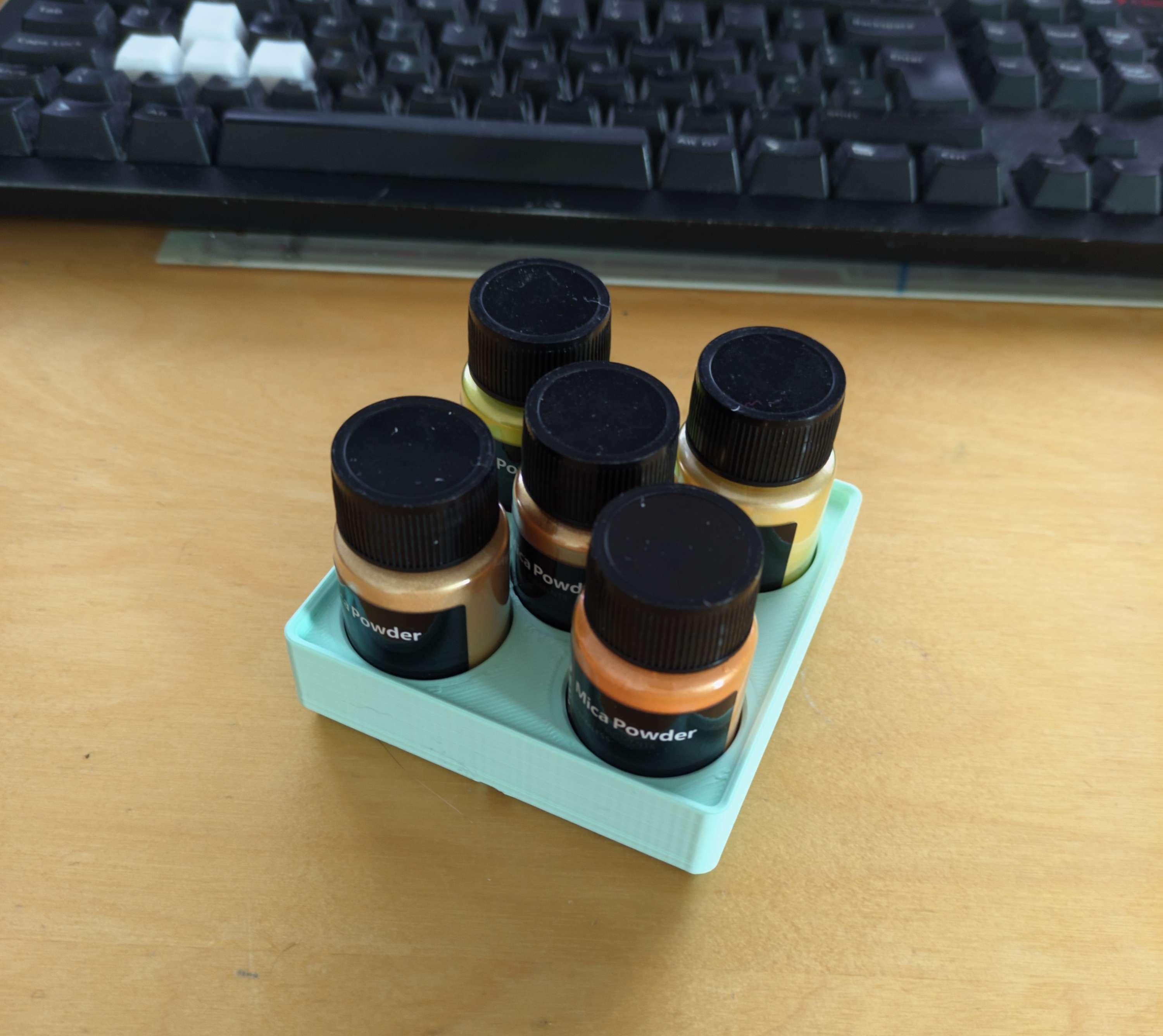
Trypophobians beware! This is a parametric file which will allow you to make your own custom Gridfinity blocks. This file is setup to allow you to create blocks with holes in them for holding any number of cylindrical objects such as bottles, pens, markers, pencils, drill bits, etc. The holes are laid out in 'major' rows with 'minor' rows in between. There are a number of favorited parameters within the file which allow you to customize as you need:
- slotsWide & slotsDeep - sets the number of 42mm slots your block will occupy
- slotsHigh - sets the height of your block
- majorRowsWide & majorRowsDeep - how many 'major' rows of holes you want in the specific direction
- holeDiameter - how wide each hole should be
- holeDepth - how deep each hole should be
- chamferWidth - the width of the chamfer at the top of each hole
- edgeDistance - how far from the 'rim' the edge of the chamfer should be
Derived from: Gridfinity Divider Bins by Zack Freedman is licensed under CC BY-NC-SA 4.0
Gridfinity | Hole Customizer
896 downloads · 4 years ago in
This model is restricted by licensing terms.
View license.
Gridfinity 1x1x1 Cigar Tube - Nozzle Clog Kit - 25mm Marker Hole
_v1.png&w=3840&q=75)
Gridfinity 1x1x1 Large Marker / Paint Pen Holder (17mm Chartpak AD)
Magigoo Holder v1.stl
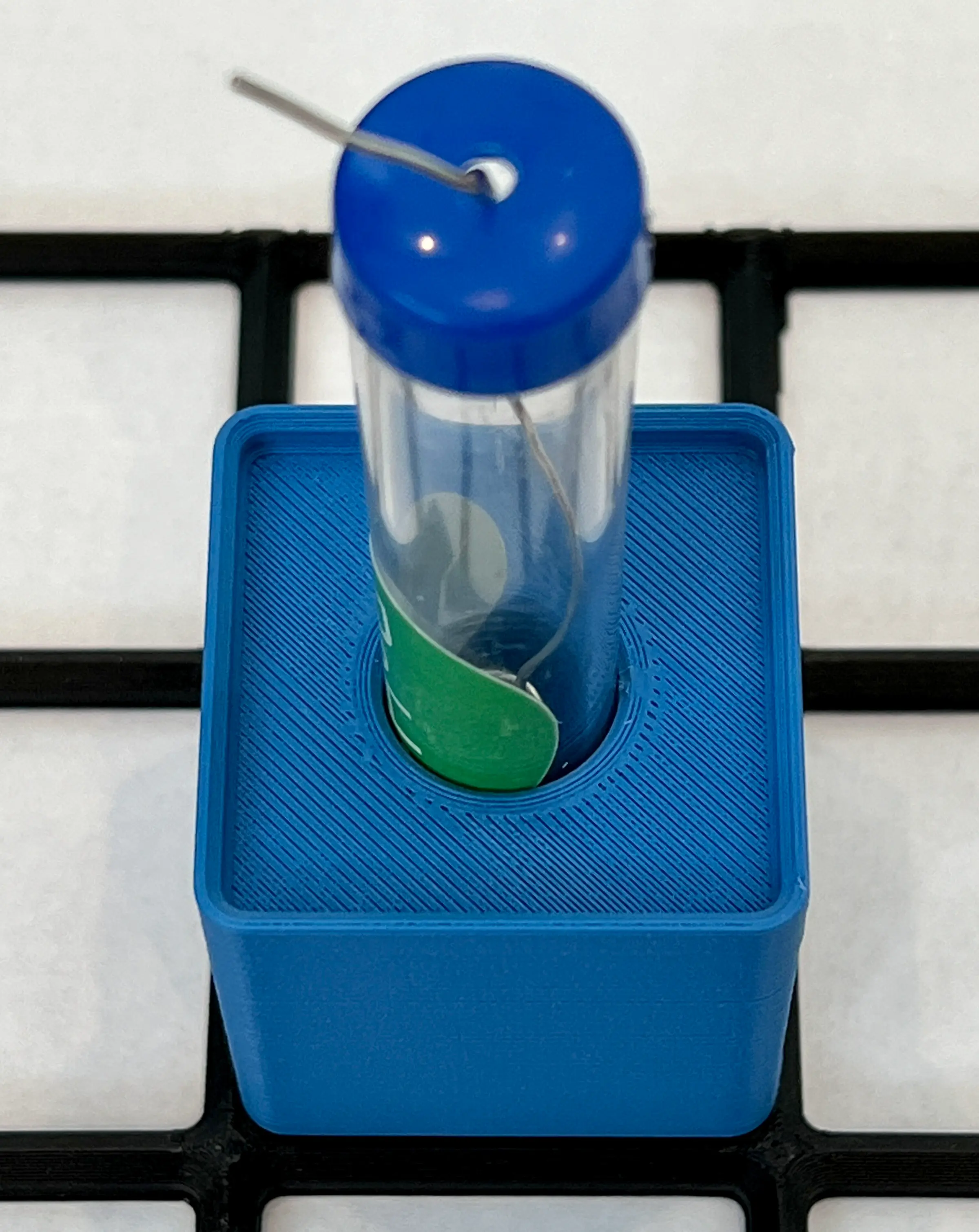
#Gridfinity Solder Tube Holder
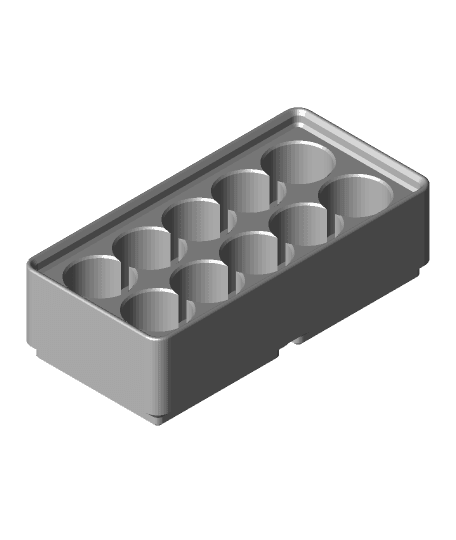
Gridfinity 2x1 10xAA Battery Holder
Multiboard Bolt Generator
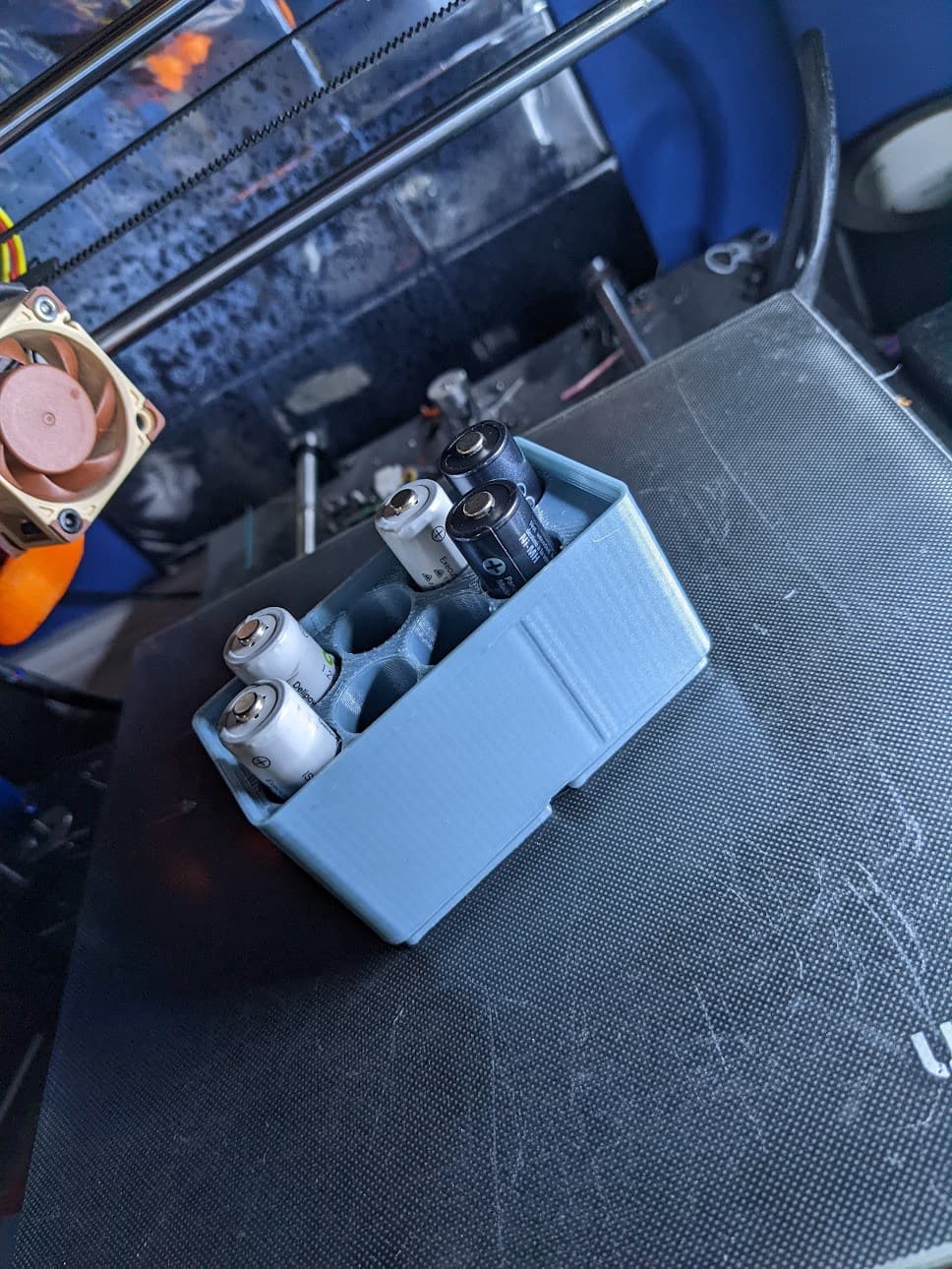
Gridfinity - 2x1 8 AA batteries storage
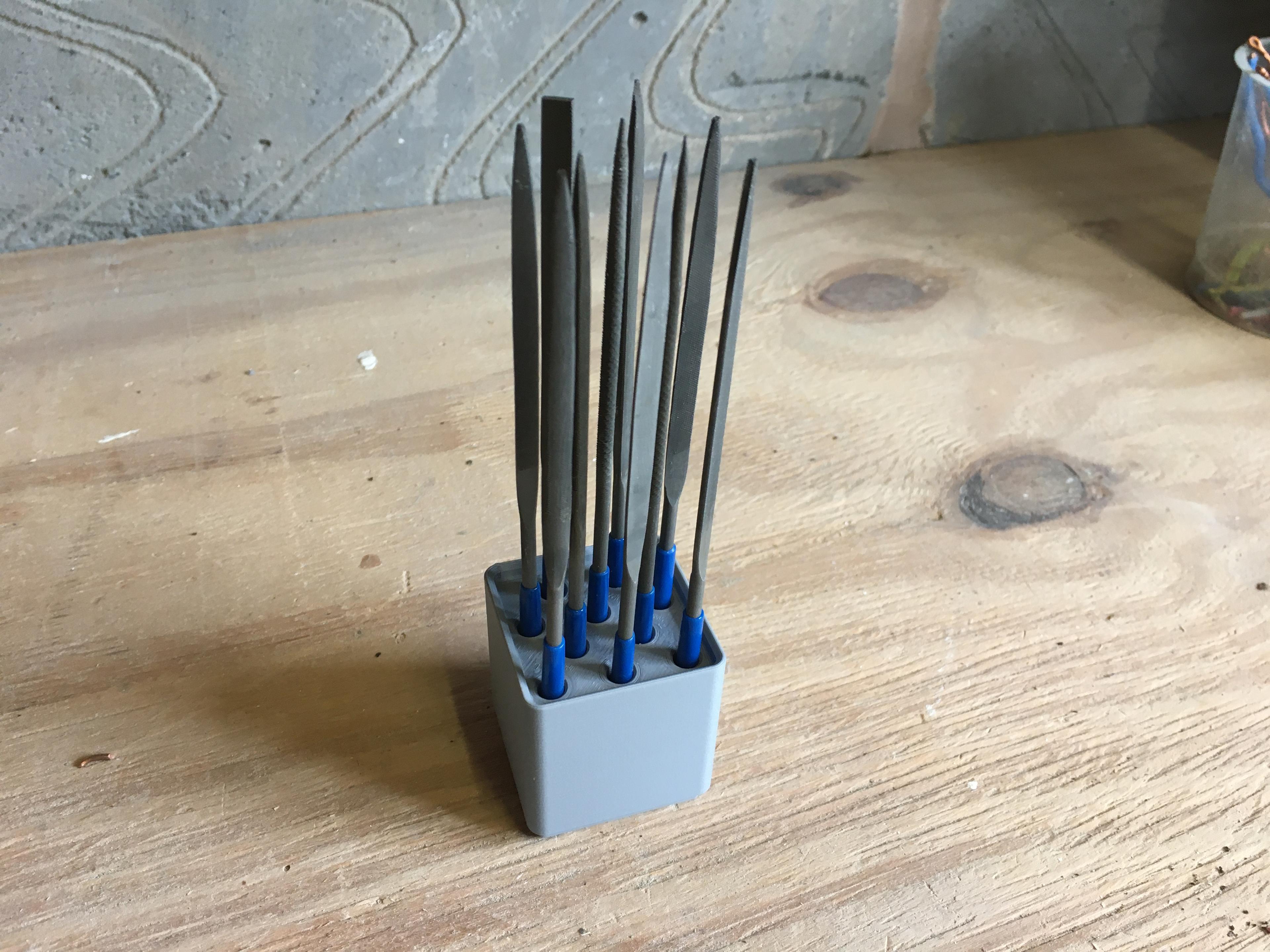
Gridfinity 10-Piece Needle File Holder
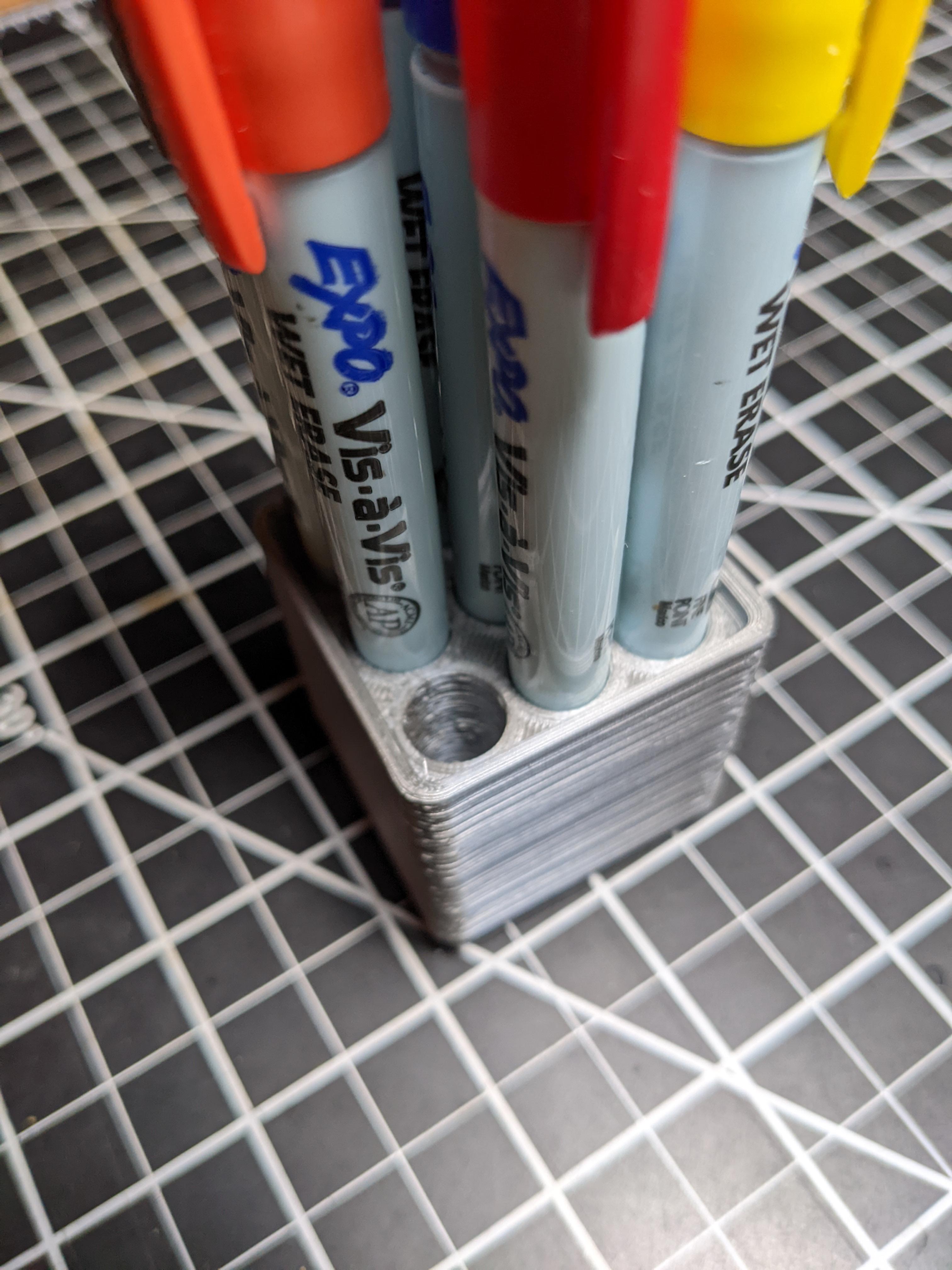
Gridfinity 1x1x1 Expo Marker Holder (10mm Pen or Pencil)
Gridfinity 2x3 5-bay nipper rack
Support-less Weighted Gridfinity Baseplates (CadQuery Customizable)
FreeCAD Gridfinity Parametric Bin Blank.stl
BIGTREETECH Tool Box
FreeCAD Gridfinity Parametric Simple Storage Bin-Body.stl
FreeCAD Gridfinity Parametric Bin Base Blank-Body.stl
FreeCAD Gridfinity Parametric Storage Bin

Gridfinity Mechanical Keyboard Switch Bin / Keyswitch Tester
Gridfinity Tunnel Baseplate
Multiboard Multigrid 1x1 Ruler Holder No Lock Holes

Thanks for this design! I remixed this to include the "hole bridging fix" https://www.printables.com/model/484636-gridfinity-parametric-multiple-bottle-holder-whole
This is really awesome, I've never used fusion 360 before but I was able to make a usable tool holder. I'd love to see this same type of file for slots, or square holes. Thanks for making this.
Amazingly helpful, thank you.
While using this, there always seems to be an extra hole being added, is there something I'm likely doing wrong?
There will always be a row of holes in the “middle”, if that’s what you are asking. If you dont want that center hole (or row(s) of holes depending on your dimension), in the timeline at the bottom of the screen, right click on the "Hole2" object and click "suppress feature". That should remove the center hole(s) when you do the export.