


.png&w=256&q=75)
Click Screw Fidget
- Small, 3-piece fidget designed to be used with one hand or two. Satisfying spinning, clicking, and screwing.
- Quick print with low filament cost (approx 18g).
- Support-free. No adhesive or external hardware needed for assembly (100% 3d printed).
- 2 different versions available. Standard and Keychain
Printing Info **These are just the settings I used to test the model, feel free to use whatever settings work best for you. FDM or Resin: FDM Scaling: Can be scaled up. Scaling down may be fine to a certain degree, but afterwards may cause issues with the threaded parts/snaps. Supports: None Infill/Perimeters: 10-15% infill + 2 wall loops. (extra wall loops for a stronger keychain) Nozzle Size: 0.4 Layer Height: 0.2 Print Time: Approx 1 hours 8 mins (Bambu X1C) Filament Usage: Approx 18 grams (Bambu X1C)
Printing Notes
-
No Supports Needed. Print all pieces in the orientation that they import in and assemble according to the assembly instructions below.
-
If you want the keychain version, print outer_part_v2 (keychain version). If you don't care to make it a keychain, just print outer_part_v1.
-
The file list is below the assembly instructions on this document. This particular model has 3 pieces, you need one of each!
-
The tightest clearance on the model is 0.4 mm, with the threaded portion having 0.45 mm. As long as your printer can handle that clearance (which is should), everything should fit together well and move freely.
-
If you wish for things to be tighter or looser, trying adjusting XY Contour Compensation (setting in BambuSlicer, may be called something differeint in other slicers) to -0.10 (to make looser) or +0.10 (to make tighter).
Click Screw Fidget
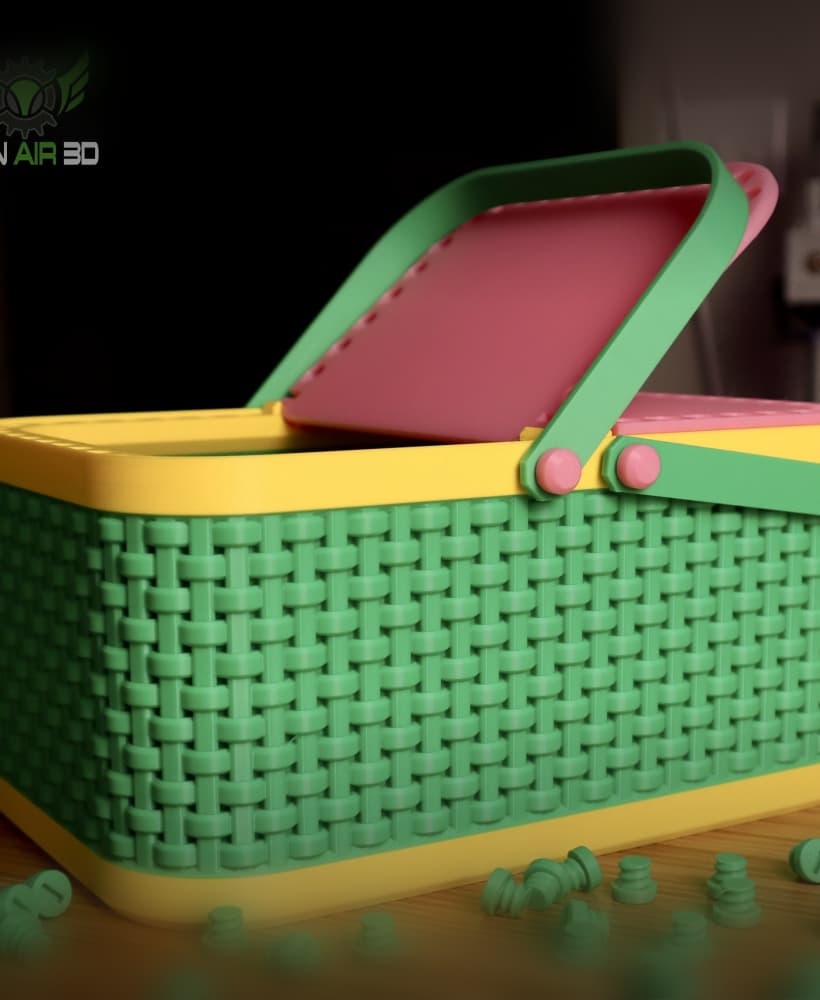
Annoying Easter Basket

Annoying Easter Egg

Modular Golf Ball Holder
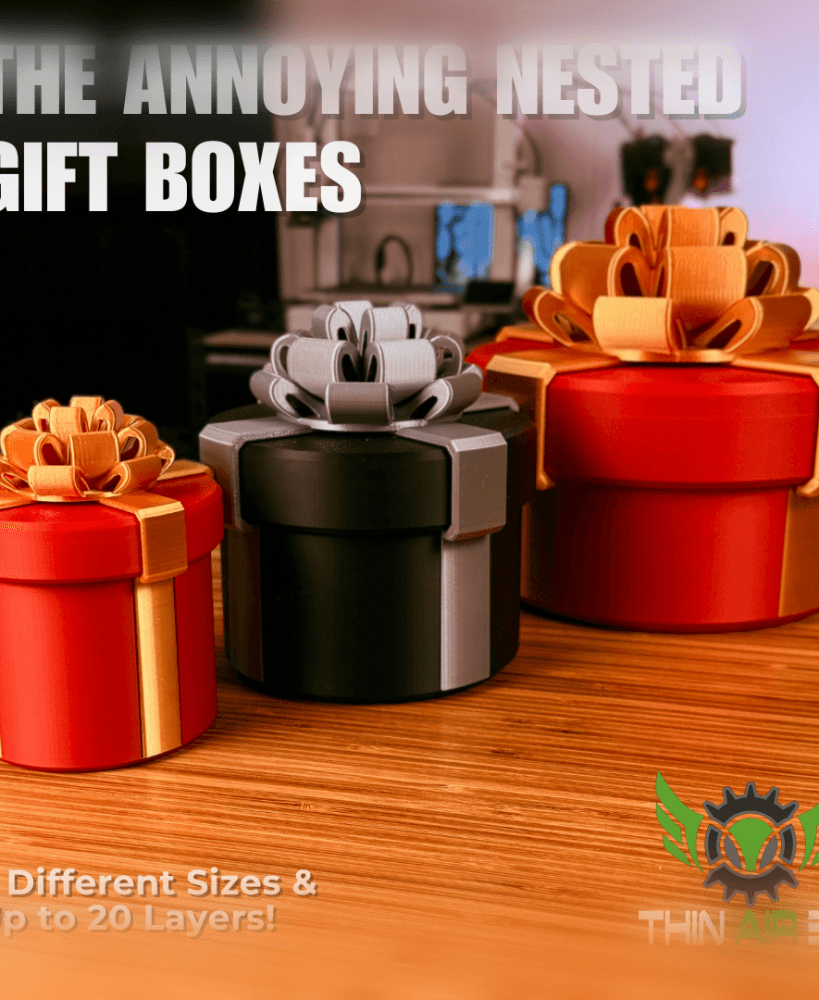
Annoying Nested Gift Box
%2520snowball%2520mold.gif&w=3840&q=75)
Print-In-Place Snowball Mold

Santa's Sleigh Phone Stand
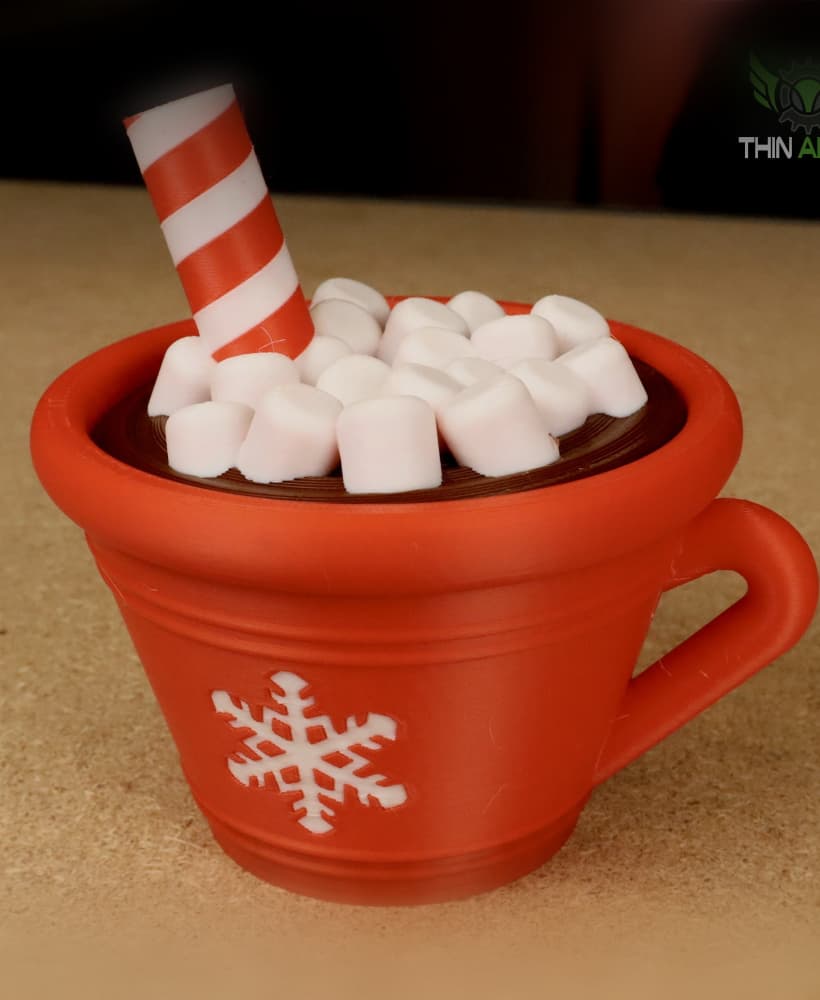
Hot Cocoa Container
.JPG&w=3840&q=75)
Halloween Gravestones
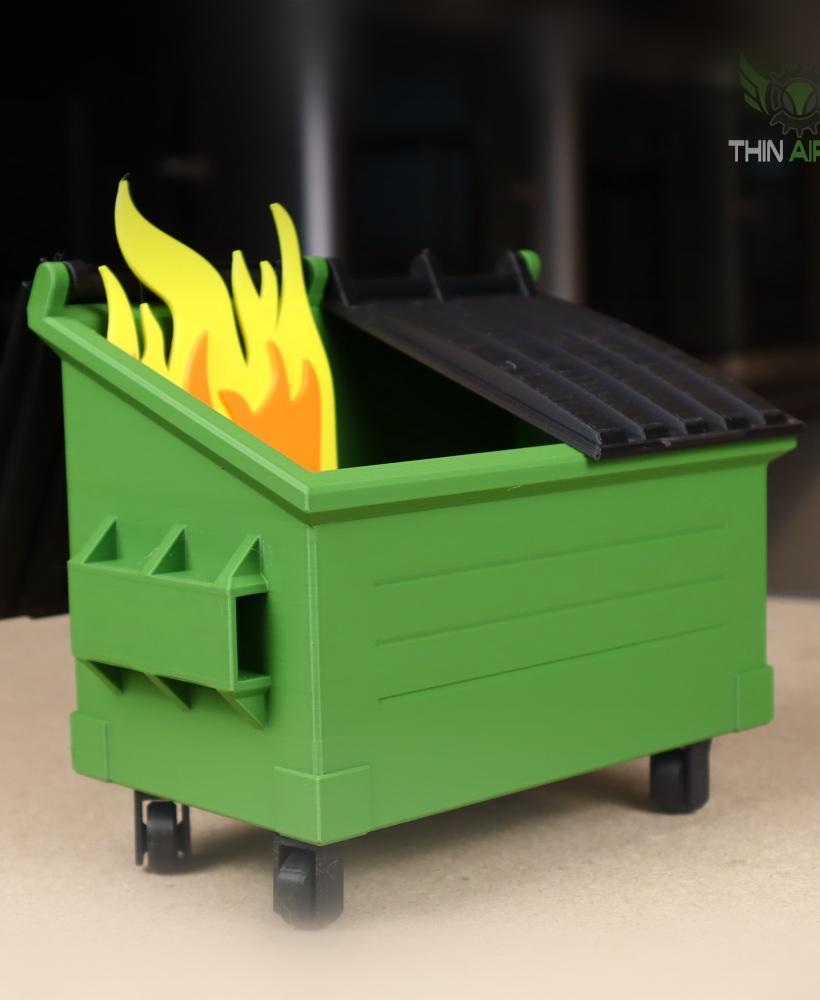
Desktop Dumpster Fire
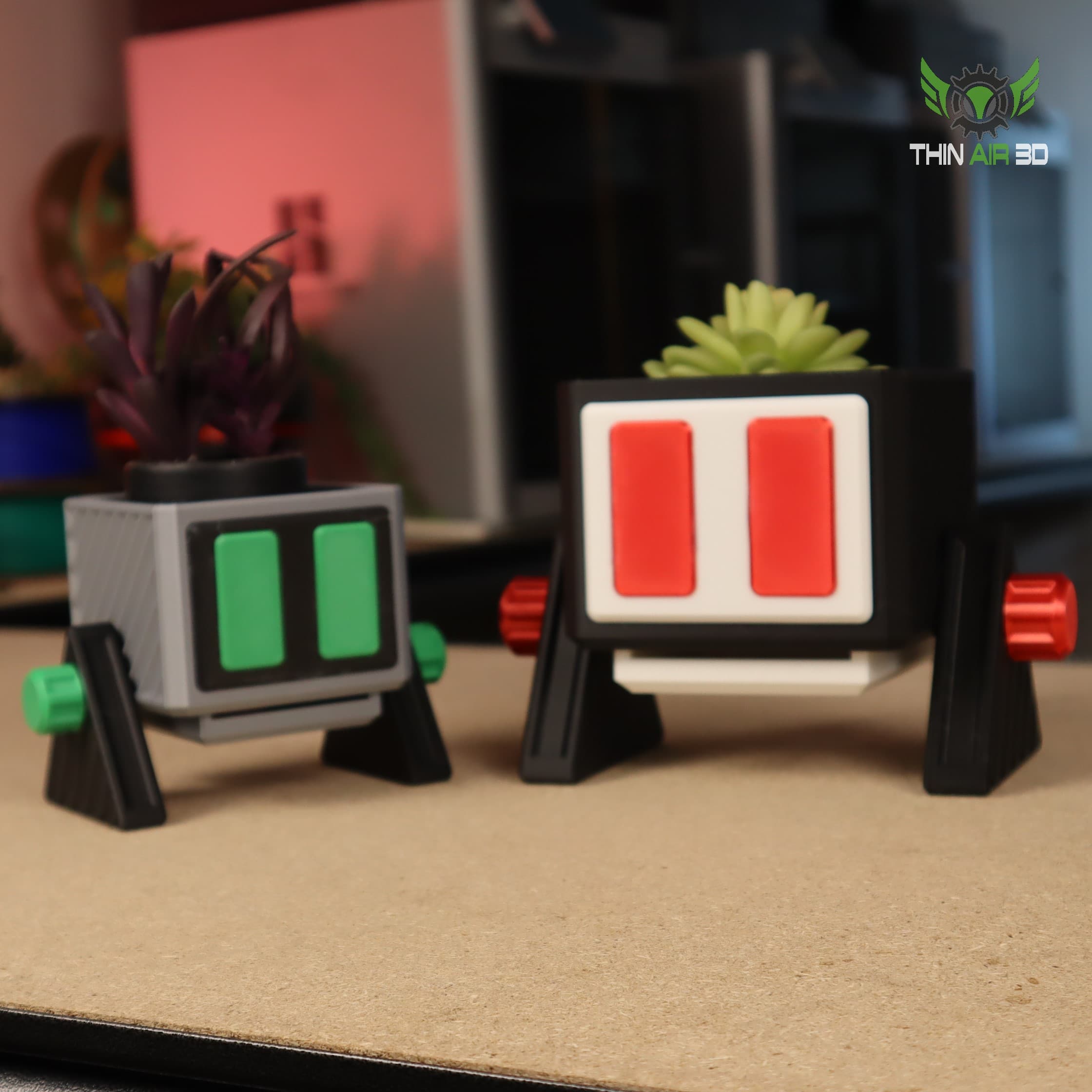
Droid Planter #2
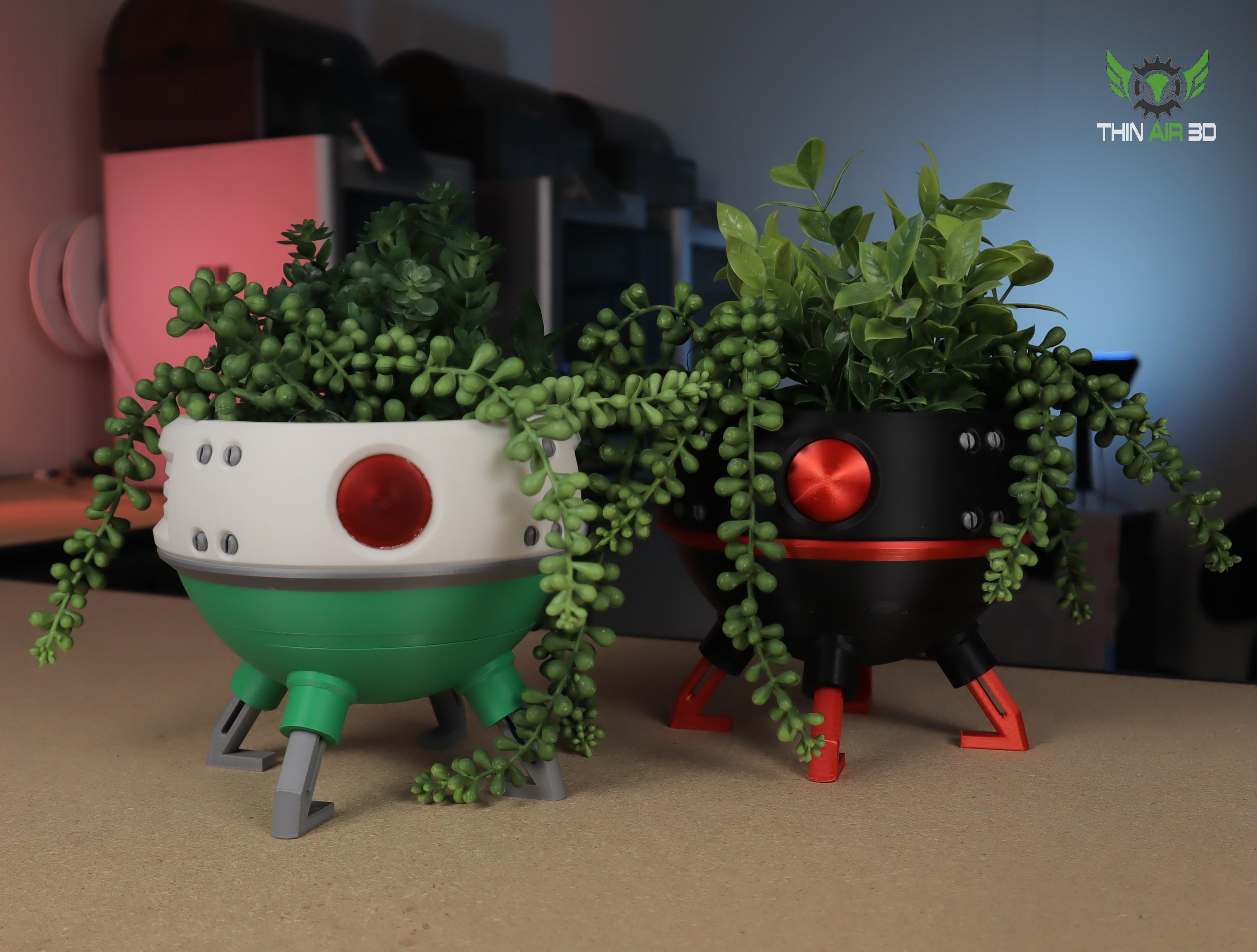
Droid Planters #1
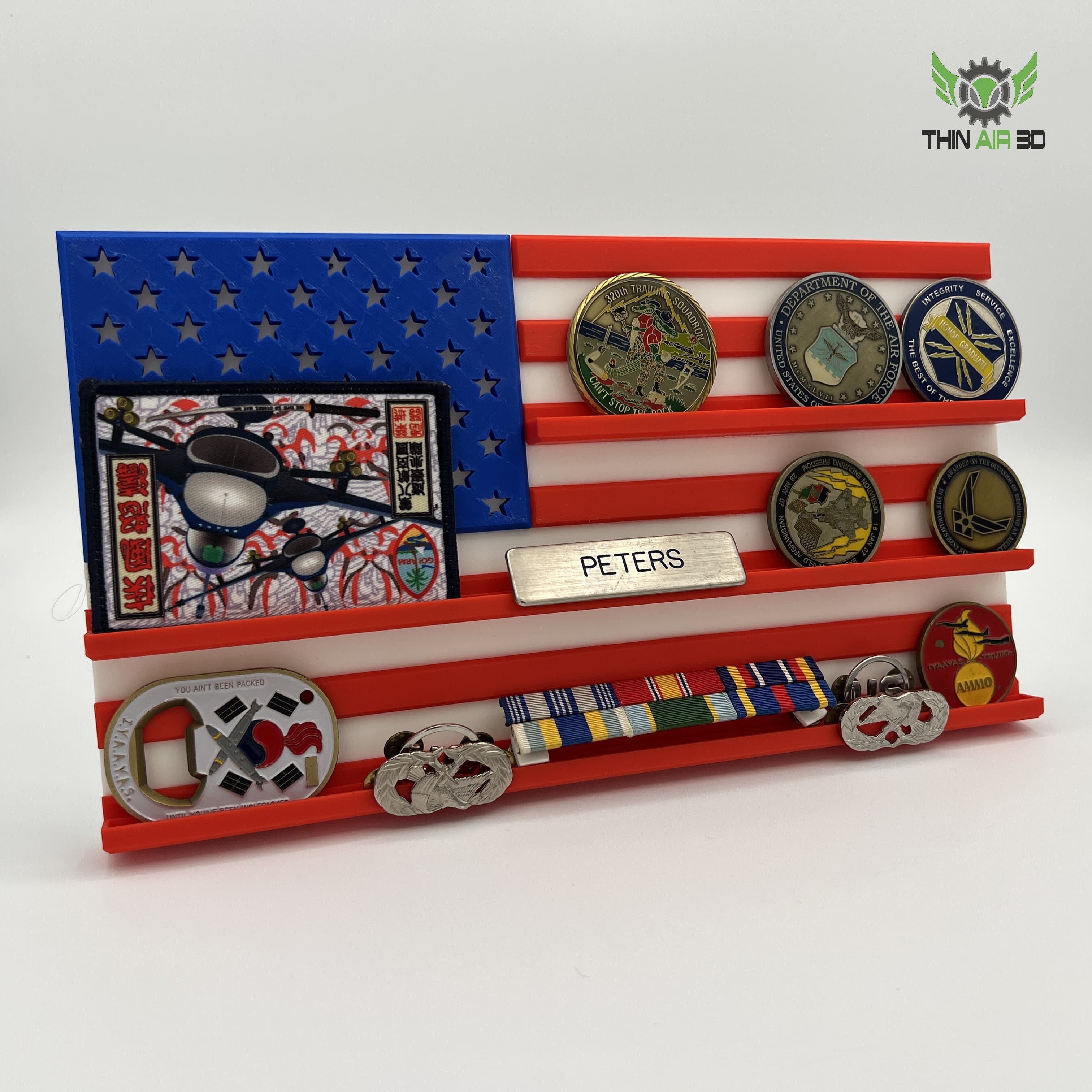
American Flag Challenge Coin Display
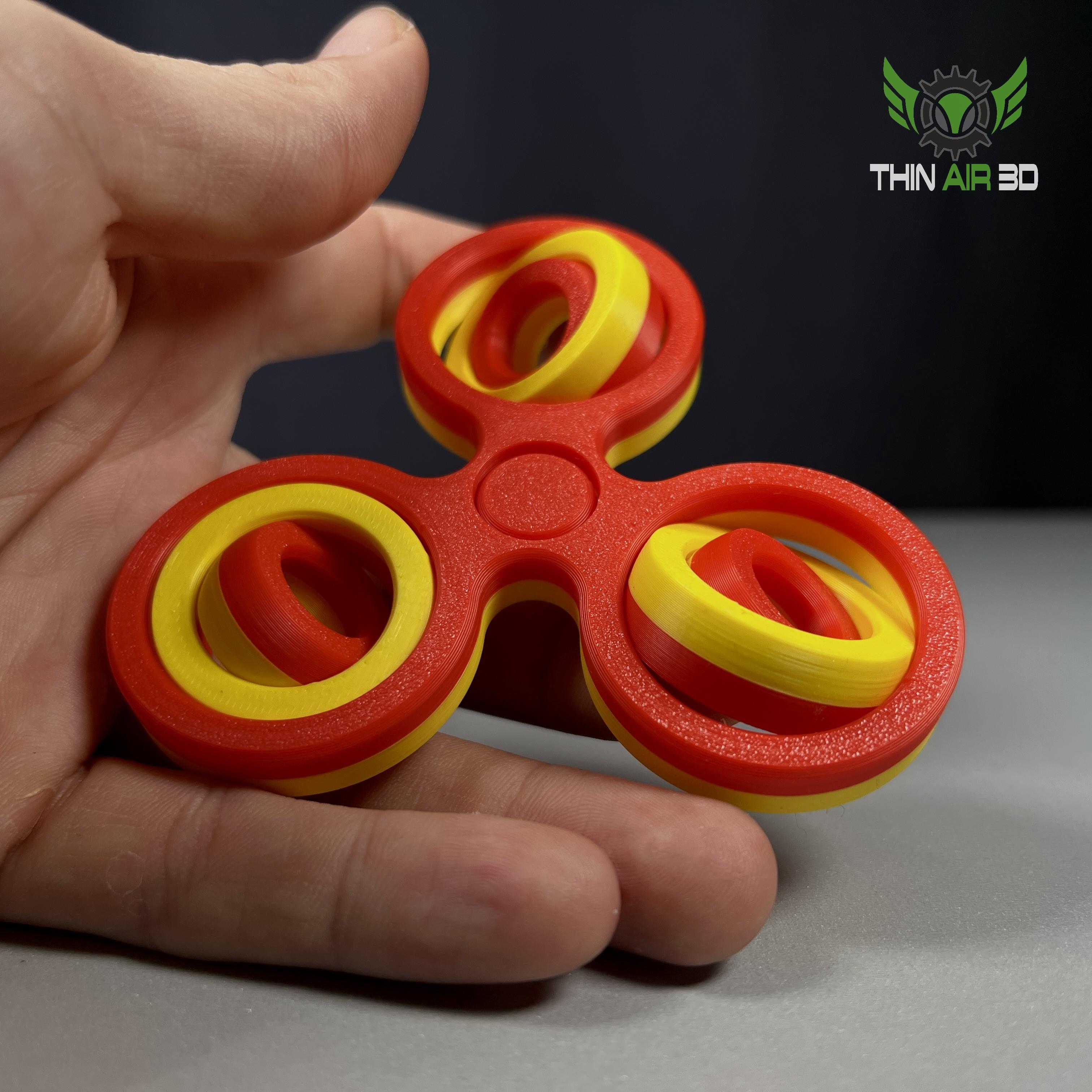
Gyro Fidgets (4 Variations, 7 Models)
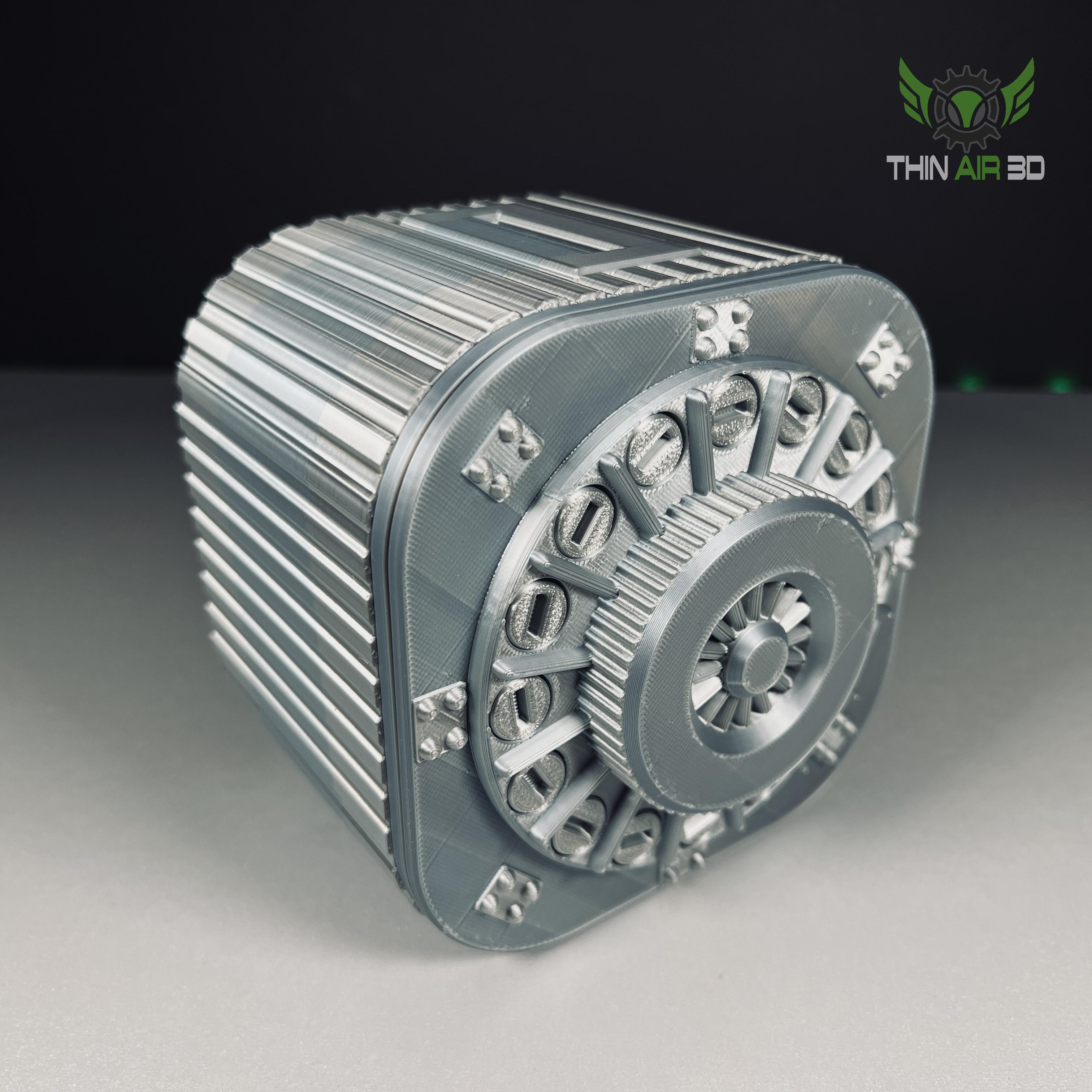
Annoying PIggy Bank
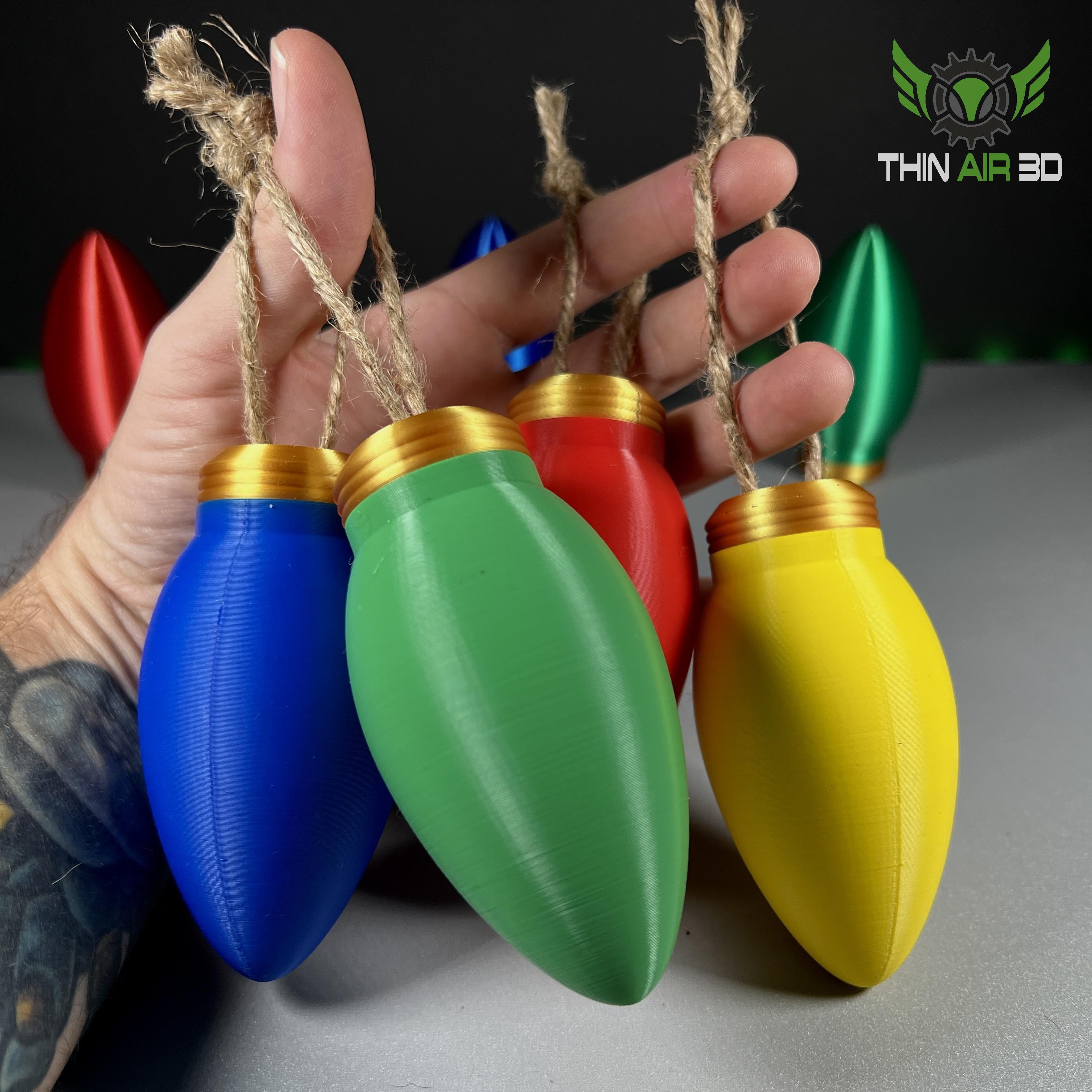
Christmas Lightbulb Ornament/Container
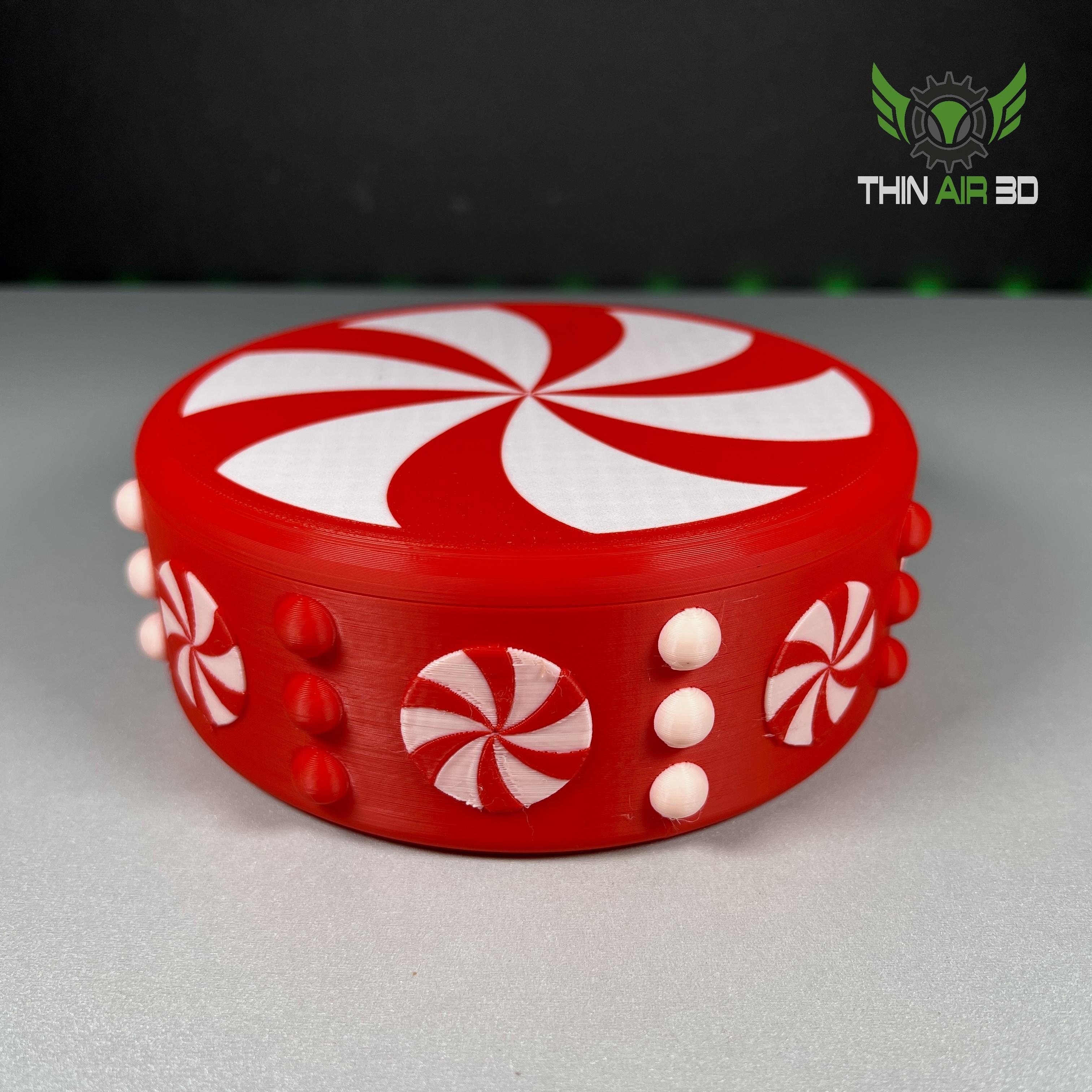
Peppermint Candy Bowl
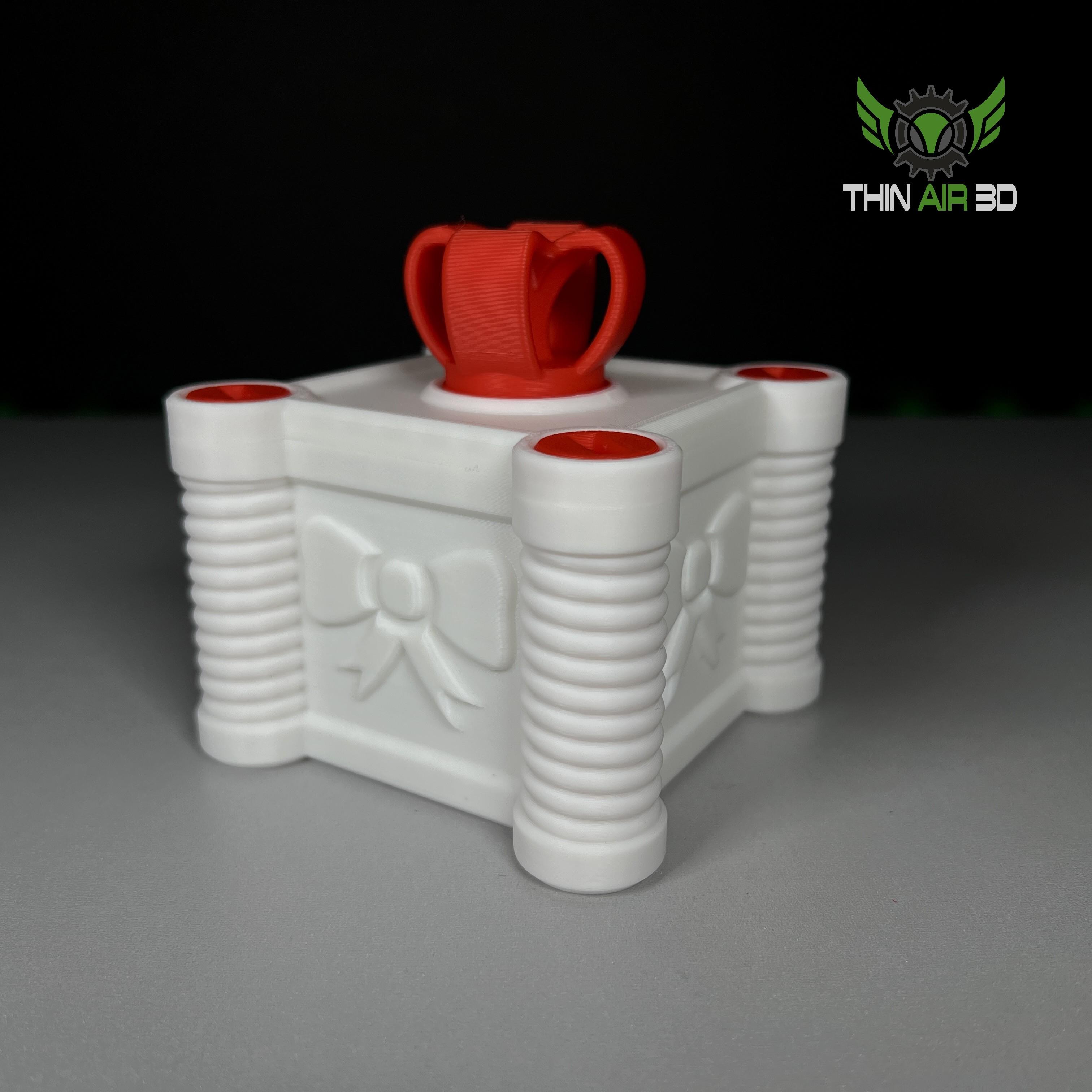
Annoying Gift Box Mini
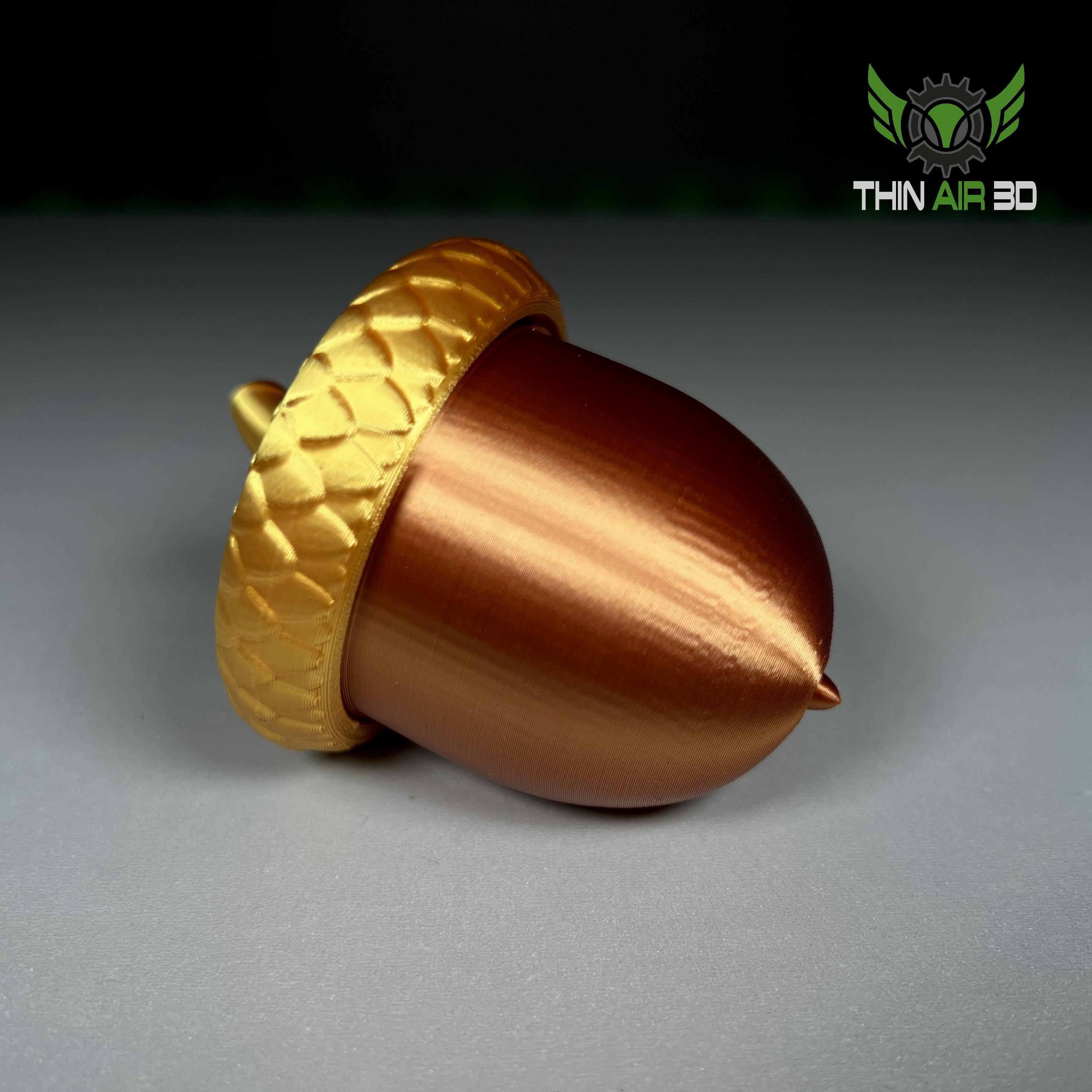
Acorn Stash Jar / Geocache
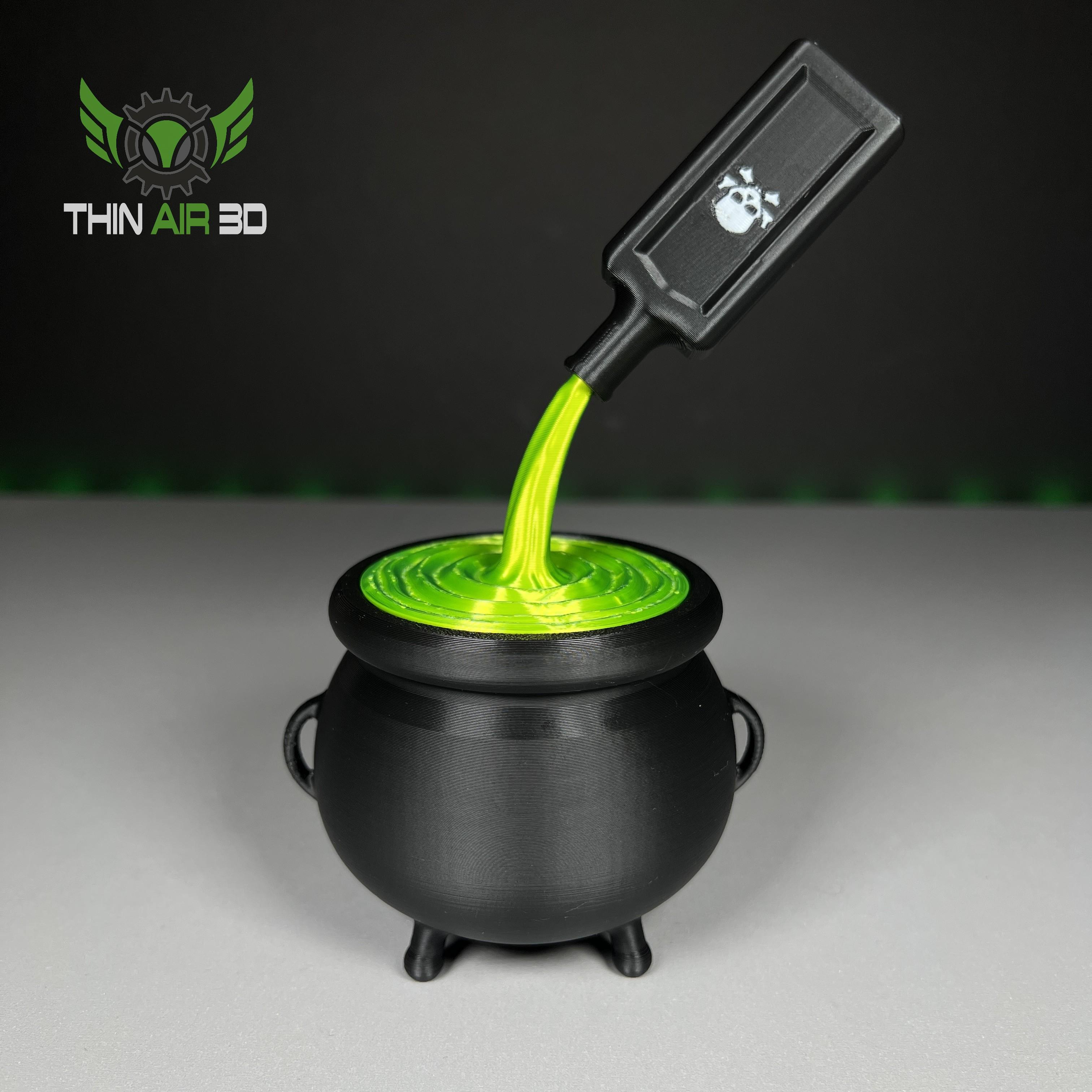
Halloween Cauldron w/ Locking Lid
Where the heck are the assembly instructions?