3D Printing World
3dprintingworld25K followers
3dprintingworld
3dprintingworld
|
|
Image 1 of 2
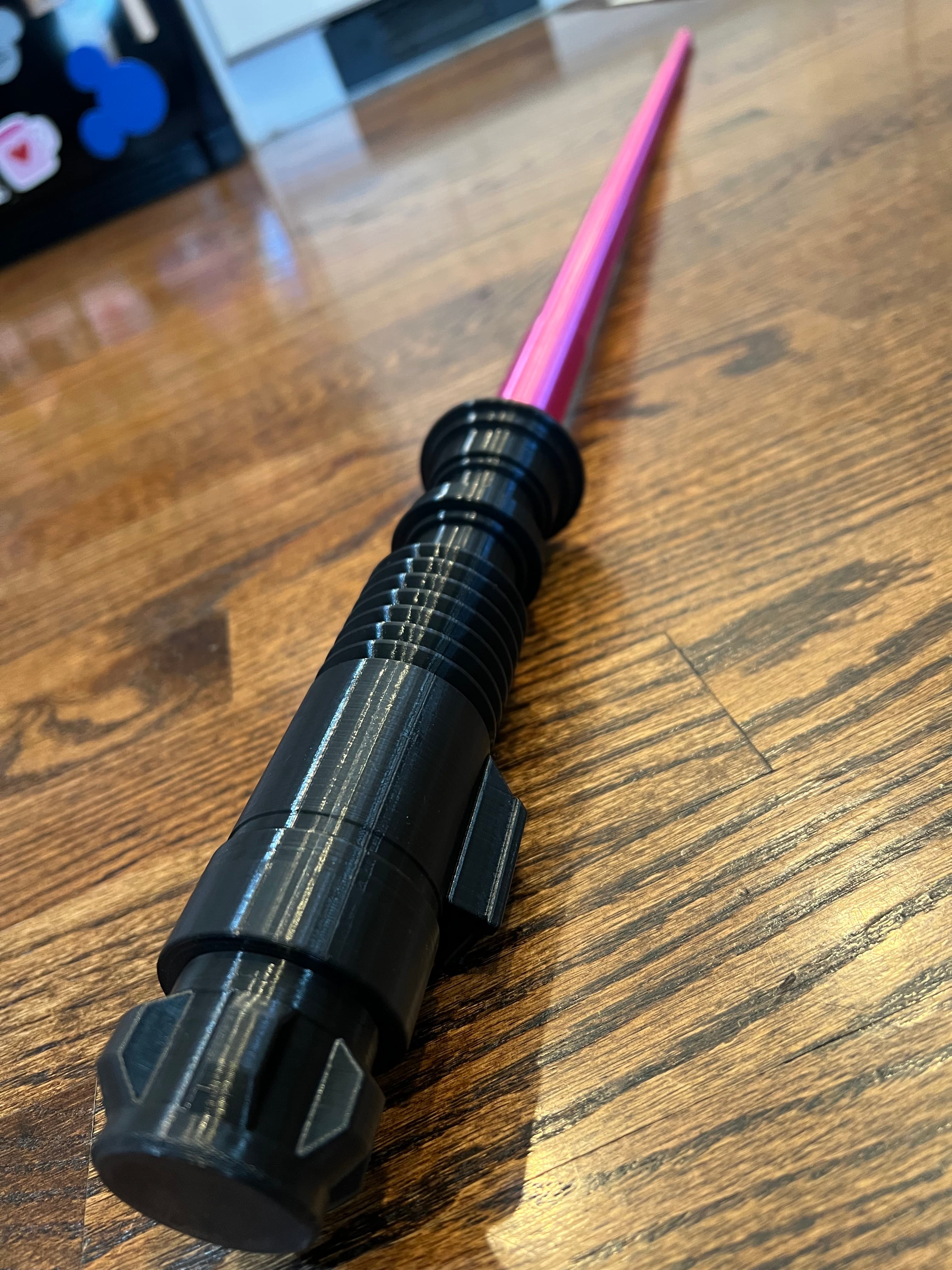
Collapsing Lightsaber - Luke's ROTJ Saber, Painted. - 3d model
3dprintingworld
3dprintingworld
|
|
Image 1 of 2
Collapsing Lightsaber - Luke's ROTJ Saber, Painted. - 3d model
Collapsing Lightsaber 3d model

Collapsing Lightsaber

This model is restricted by licensing terms. 

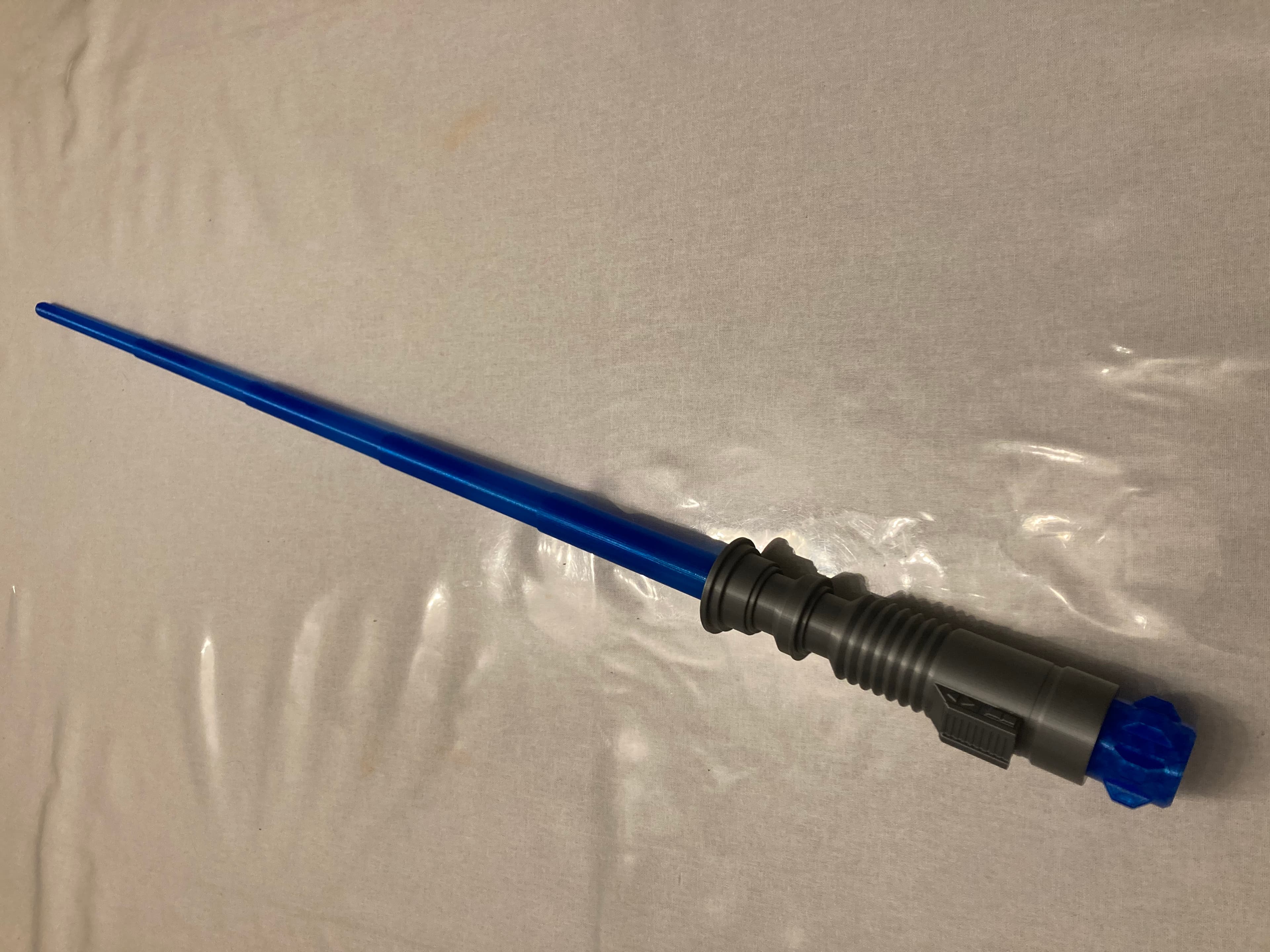
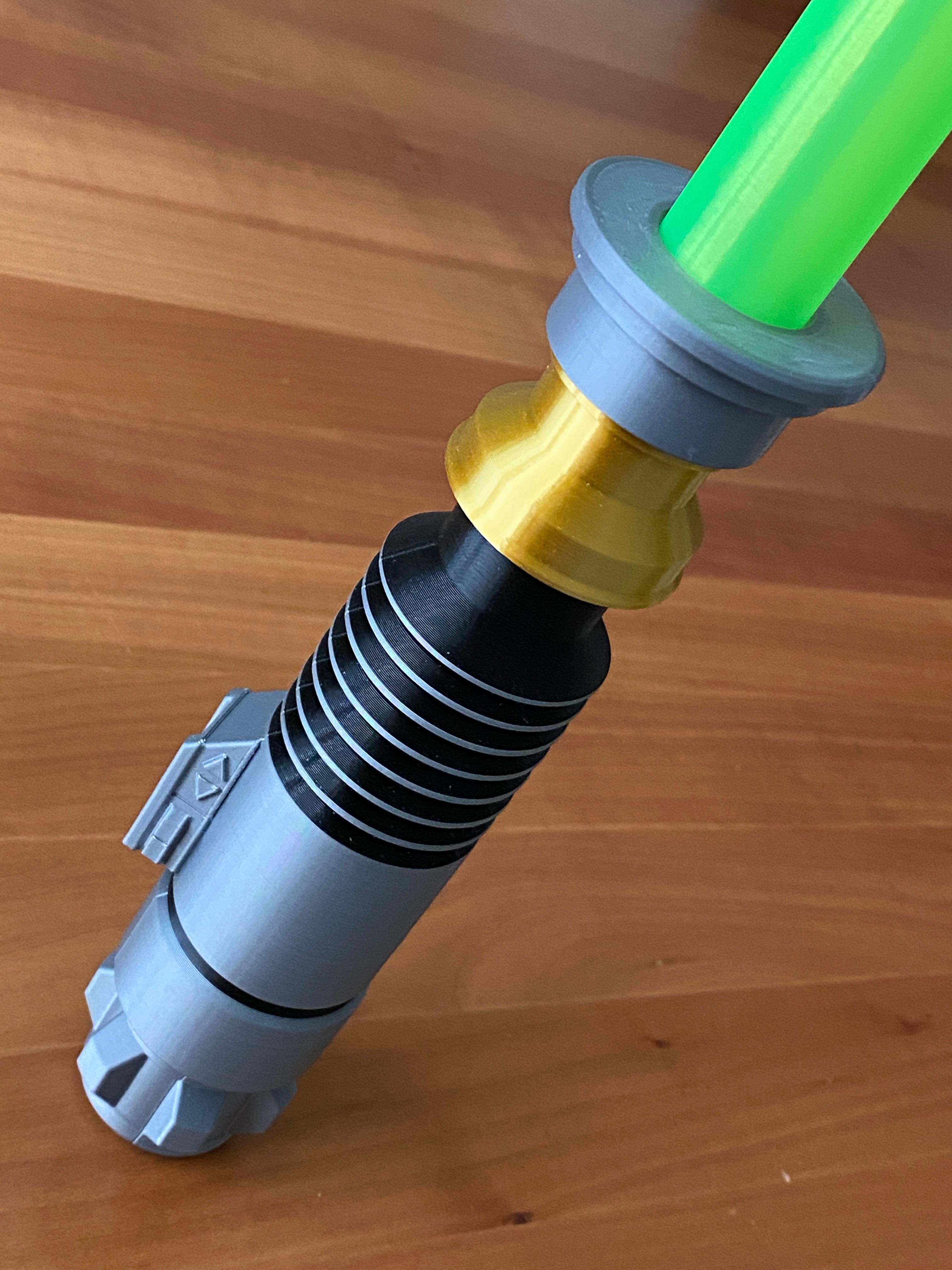
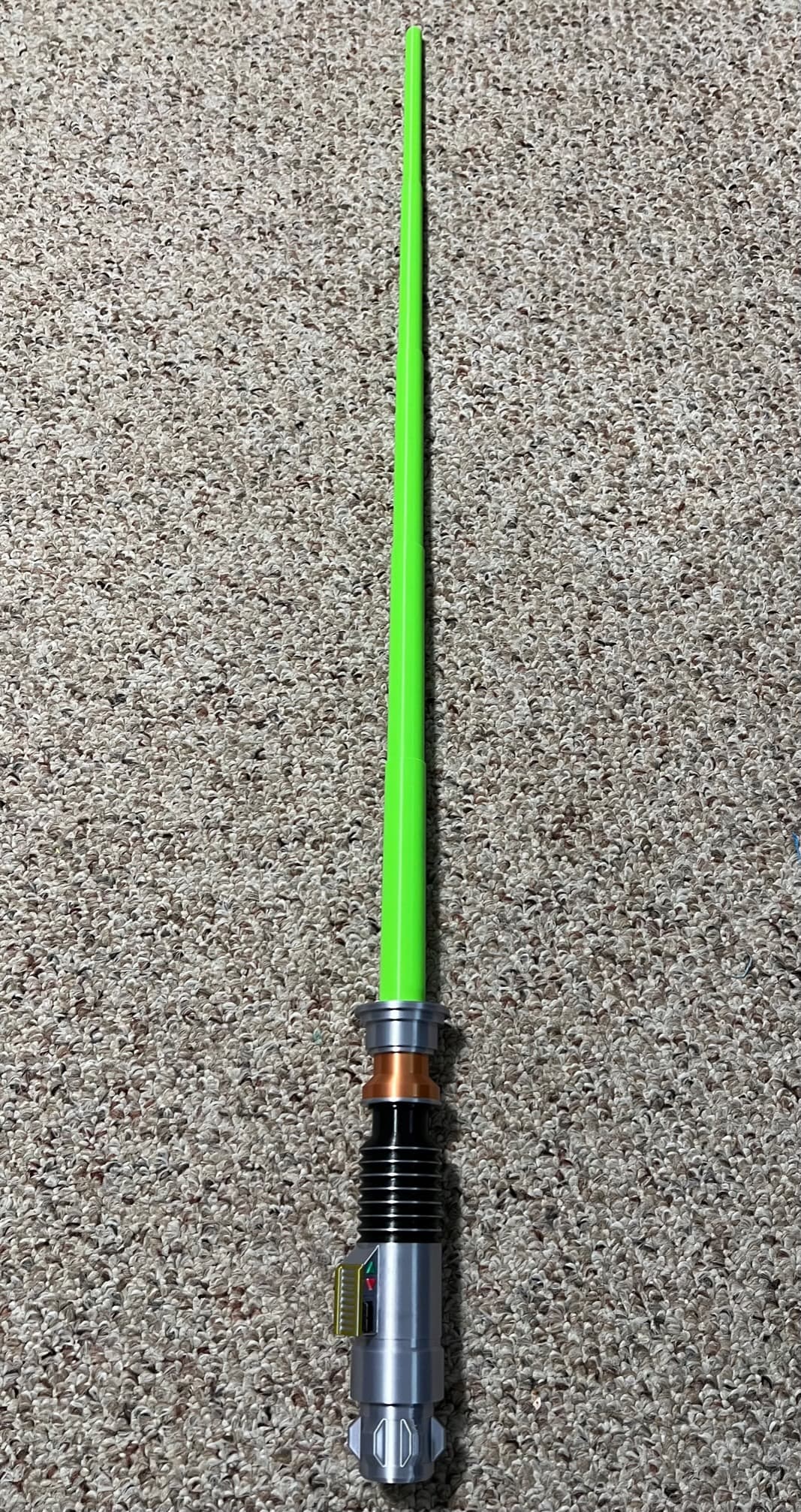
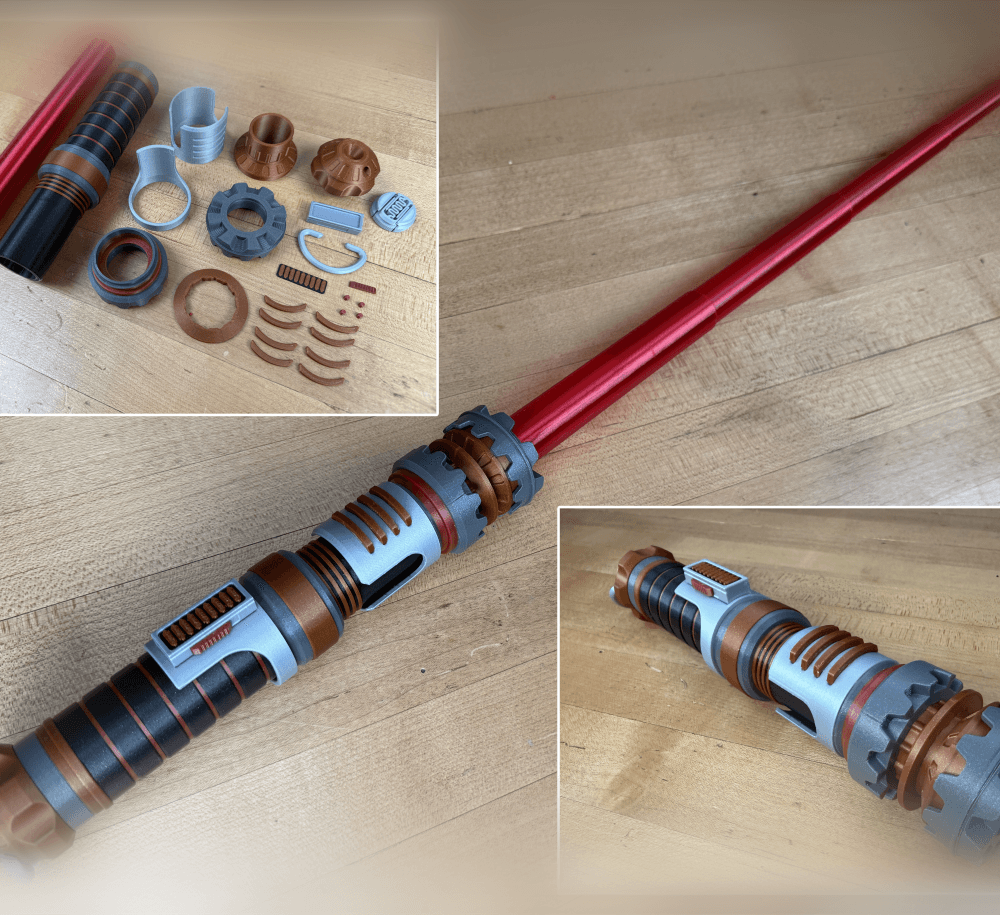
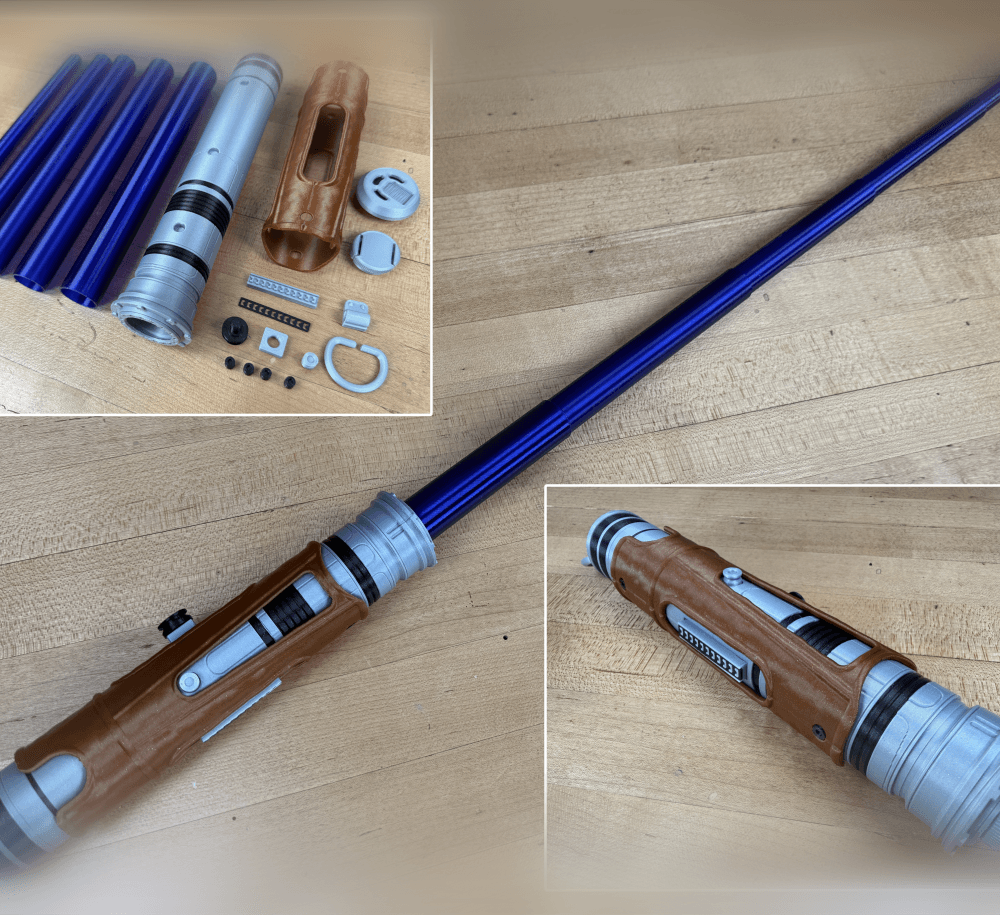
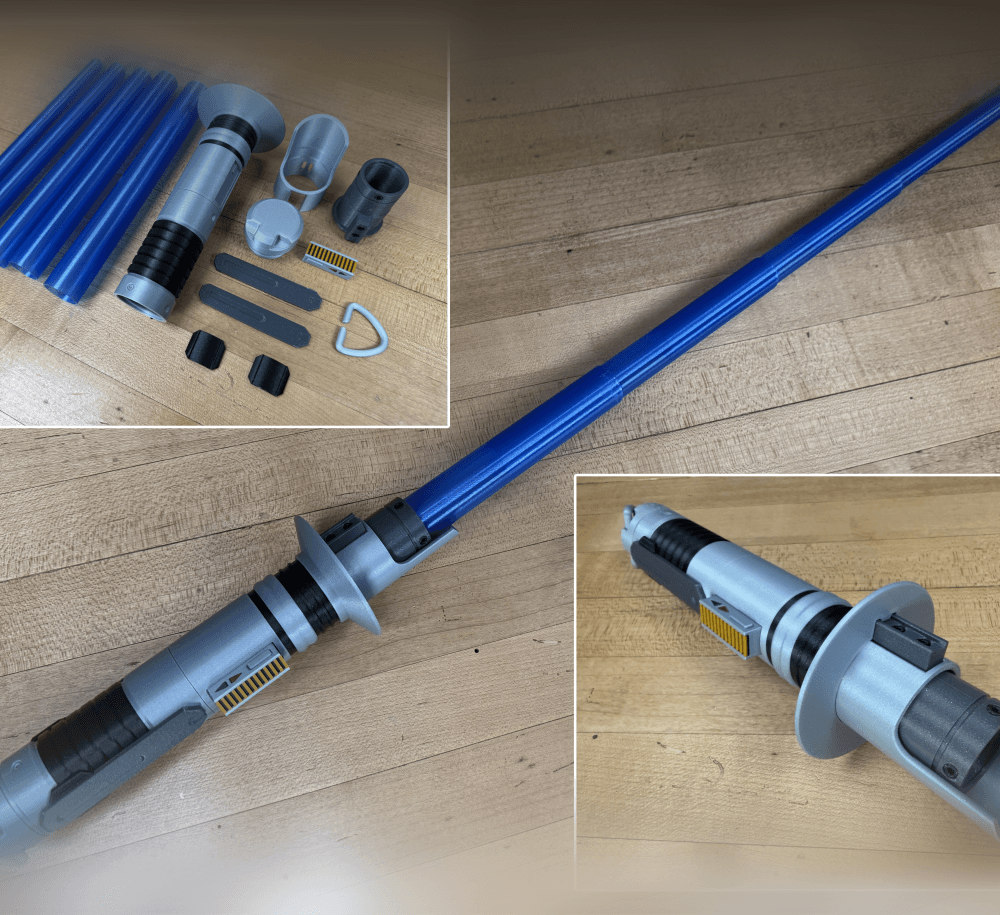
This Lightsaber has a removable collapsing blade that can be printed separately in a different color. The hilt is designed with a screw on cap which allows the blade to be inserted after its printed. The hilt is 209mm long with the cap installed but it expands to over 950mm in total length with the collapsing blade installed!

Its designed to be printed with a ,4mm nozzle, with a line thickness of .43, so the blade will be two shells thick. The test print can be found here.

Detailed printing instructions can be found on my website

Links to the filament I used(aff): Transparent Green Silver

Video Intro Troubleshooting

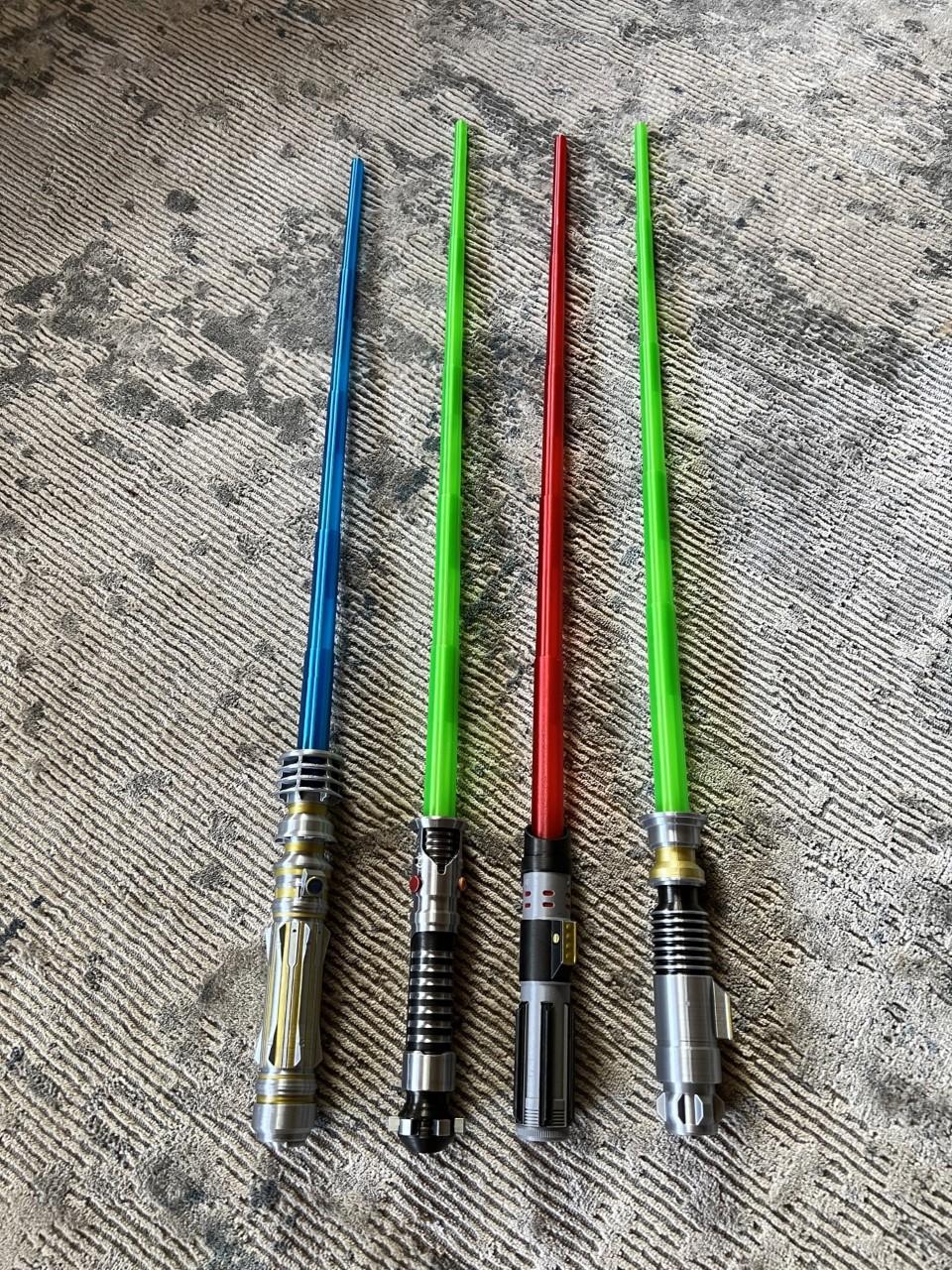
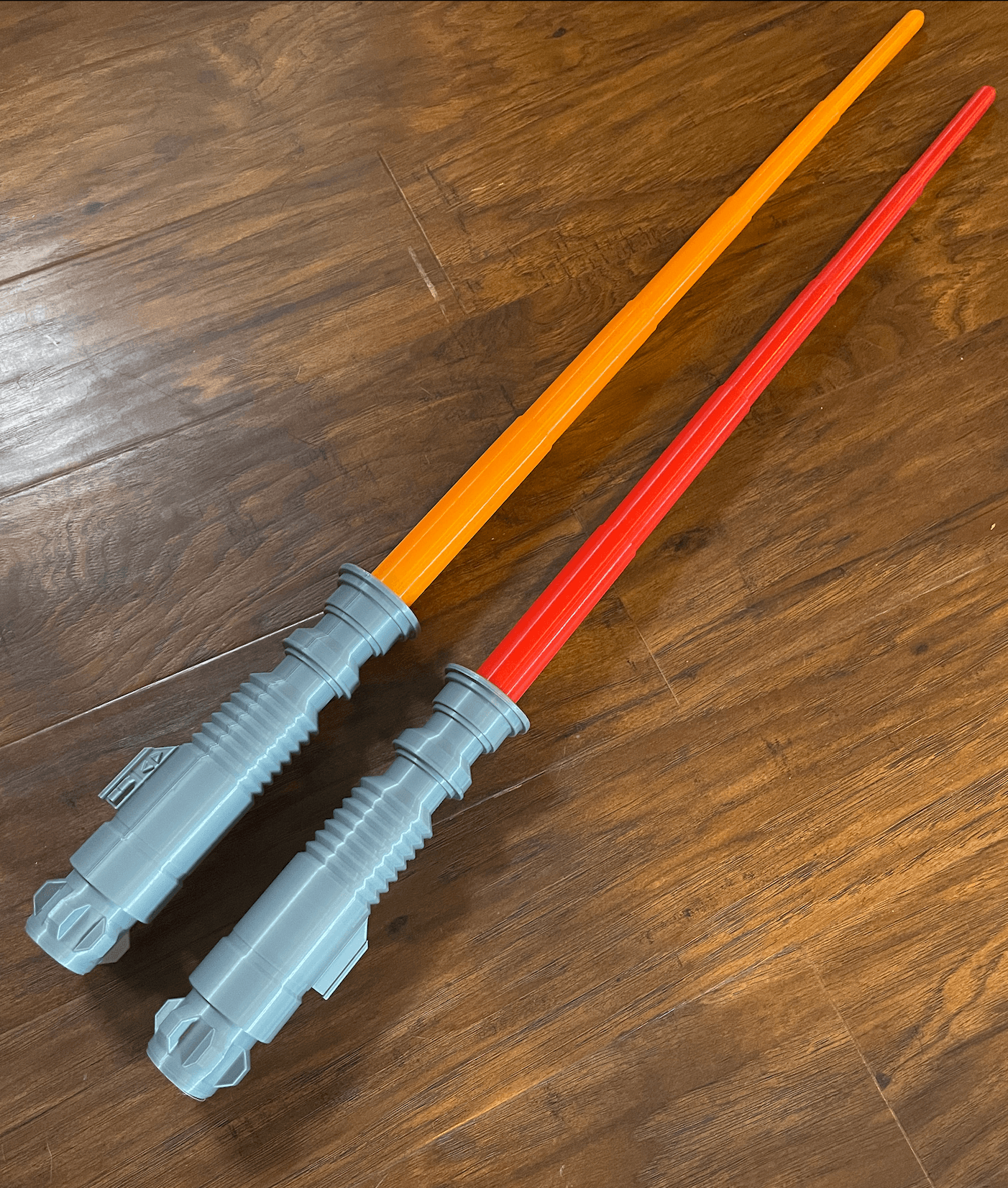
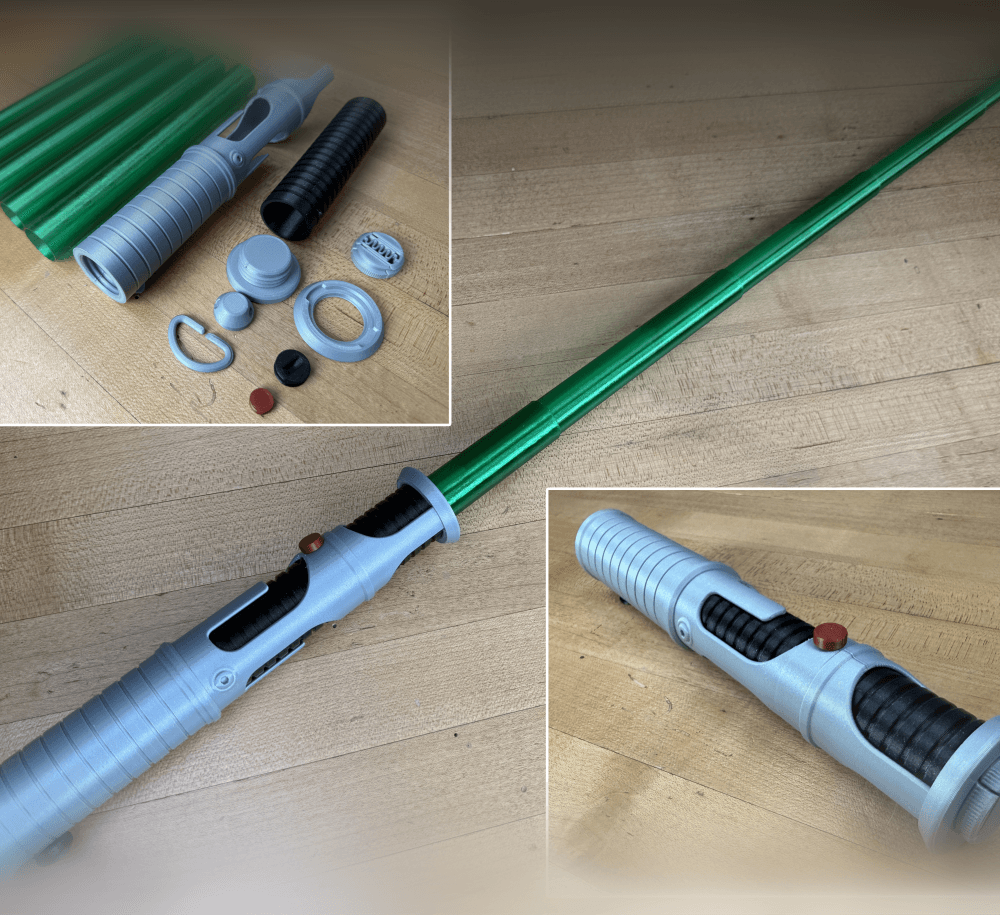
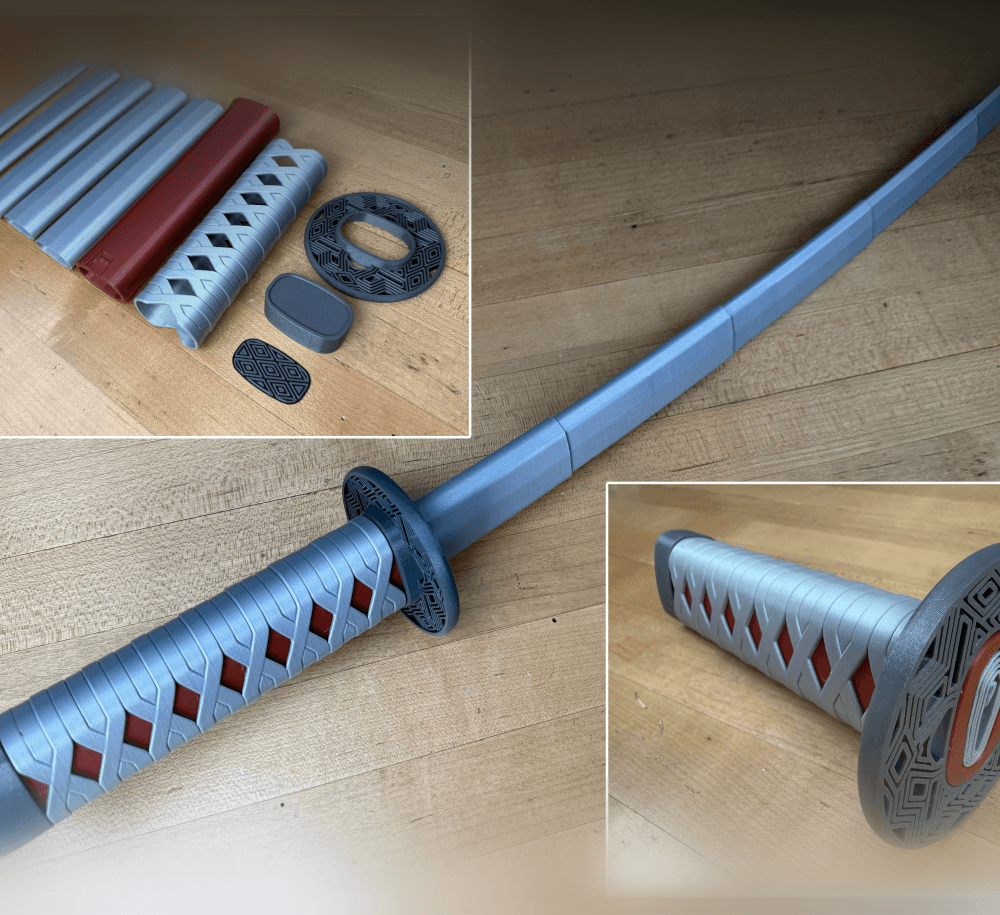
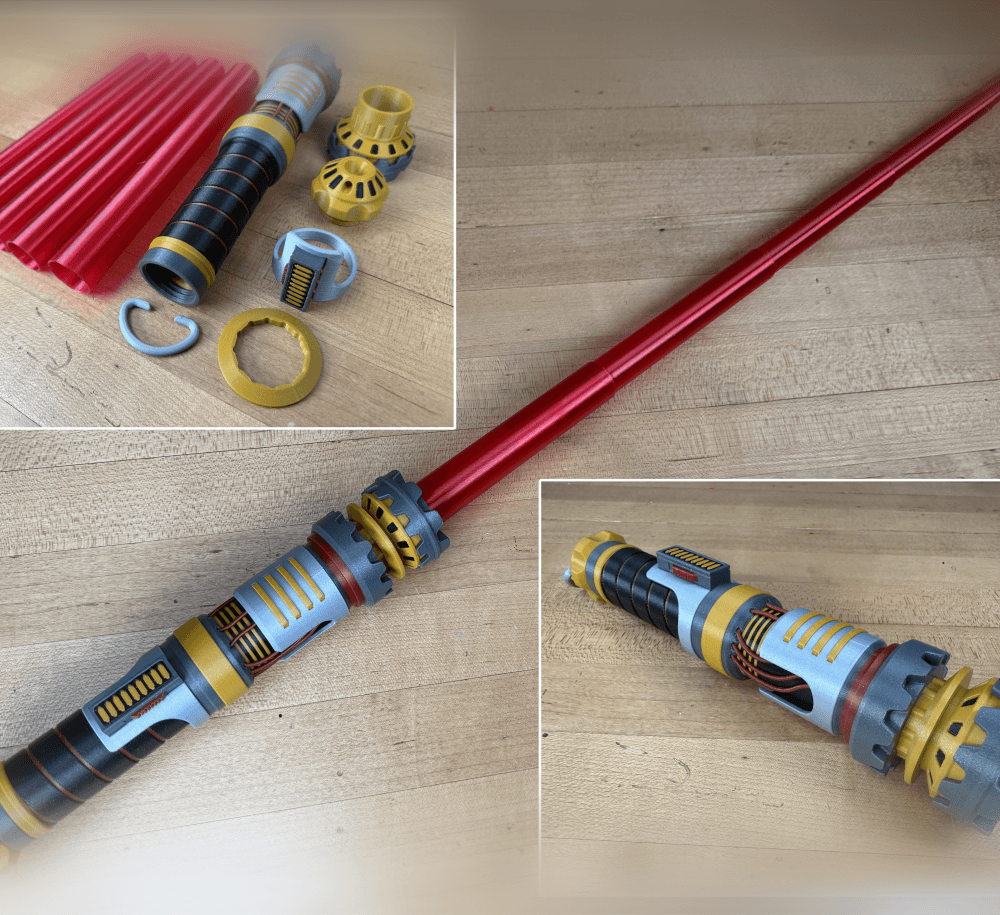
Collapsing Lightsabers ROTJ Dual Extrusion Vader’s Single Extrusion Vader’s Dual Extrusion Leia’s Dual and Single


Support and Licensing If you would like to help support more free models please consider joining my Thangs Membership To get permission to sell physical copies of my models, consider joining my Patreon

Community Makes (7)
Every time I try to print this, all of the pieces get stuck together. Can I please get some advice on how to prevent this from happening? I have tried changing retraction settings and nothing has helped.
Looks great!
Make by user
Great design & and easy to print!
My take on it - first lightsaber for me, came out just fine. Printed on a slightly modified Ender 3v2, manual filament changes to achieve multiple colors.
Make by user
Make by user
Every time I try to print this, all of the pieces get stuck together. Can I please get some advice on how to prevent this from happening? I have tried changing retraction settings and nothing has helped.
Looks great!
Make by user
Great design & and easy to print!
My take on it - first lightsaber for me, came out just fine. Printed on a slightly modified Ender 3v2, manual filament changes to achieve multiple colors.
Make by user
Make by user


Community Makes (7)
Every time I try to print this, all of the pieces get stuck together. Can I please get some advice on how to prevent this from happening? I have tried changing retraction settings and nothing has helped.
Looks great!
Make by user
Great design & and easy to print!
My take on it - first lightsaber for me, came out just fine. Printed on a slightly modified Ender 3v2, manual filament changes to achieve multiple colors.
Make by user
Make by user
Every time I try to print this, all of the pieces get stuck together. Can I please get some advice on how to prevent this from happening? I have tried changing retraction settings and nothing has helped.
Looks great!
Make by user
Great design & and easy to print!
My take on it - first lightsaber for me, came out just fine. Printed on a slightly modified Ender 3v2, manual filament changes to achieve multiple colors.
Make by user
Make by user

Discussions
Garland B
gbeamer
Every time I try to print this, all of the pieces get stuck together. Can I please get some advice on how to prevent this from happening? I have tried changing retraction settings and nothing has helped.
Every time I try to print this, all of the pieces get stuck together. Can I please get some advice on how to prevent this from happening? I have tried changing retraction settings and nothing has helped.  3d model
PrinterPrusa MINI / MINI+
MaterialPLA
Layer height0.2 mm
Infill density15 %
SupportsGrid
pickletron3000
pickletron9

make our infill density 100%

3D Printing World
3dprintingworld

I would verify in your slicer that its actually retracting, you can turn it on in the viewer.

W
WMM10202

wait do i need to download all of the blade files to have it full length

3D Printing World
3dprintingworld

You can print them one at a time in vase mode or all at once.

Rodolfo S
rodolfo.schmauk

What kind of light does it use? Thanks

Nicole H
nicoleheyns

I am printing the saber blades in vase mode. Blade one is the tip and then blade 2 is open at one end and closed at the other. Is this correct that it is closed at the one end?

3D Printing World
3dprintingworld

The tip is the only one that should be closed, the rest should be open. Turn top and bottom layers off.

Taivyn G
taivyn.gestrin13

Wait, is the inside hollow?

3D Printing World
3dprintingworld

Yes

Trey A
treykeeper6014

Wait...I only see three files...blade, cap, and hilt...shouldn't there be another 5 files for if you want to print in vase mode?

**Edit: I am dumb. The SITH lightsaber doesn't have STLs for the vase mode, but this one does. Are the blades between this and the sith lightsaber interchangeable?

3D Printing World
3dprintingworld

Vaders blade fit but are just a little shorter.

Collapsing Lightsaber

4.8K downloads · 5 years ago in  and 
3D Printing World
3dprintingworld25K followers
This model is restricted by licensing terms.