Select a membership plan

15% off
The Collapsing Depot
$8.50
/ month
when billed annually

Unlock a world of mechanical wonders for just $10.00 per month! The Collapsing Depot instantly gives you access to my ever-expanding library of premium models. Choose up to five of your favorites each month to download and make your own. But that's not all—our catalog is continuously updated with new releases, ranging from 4 to 8 new models every month. This tier is perfect for those just getting started in 3D printing!

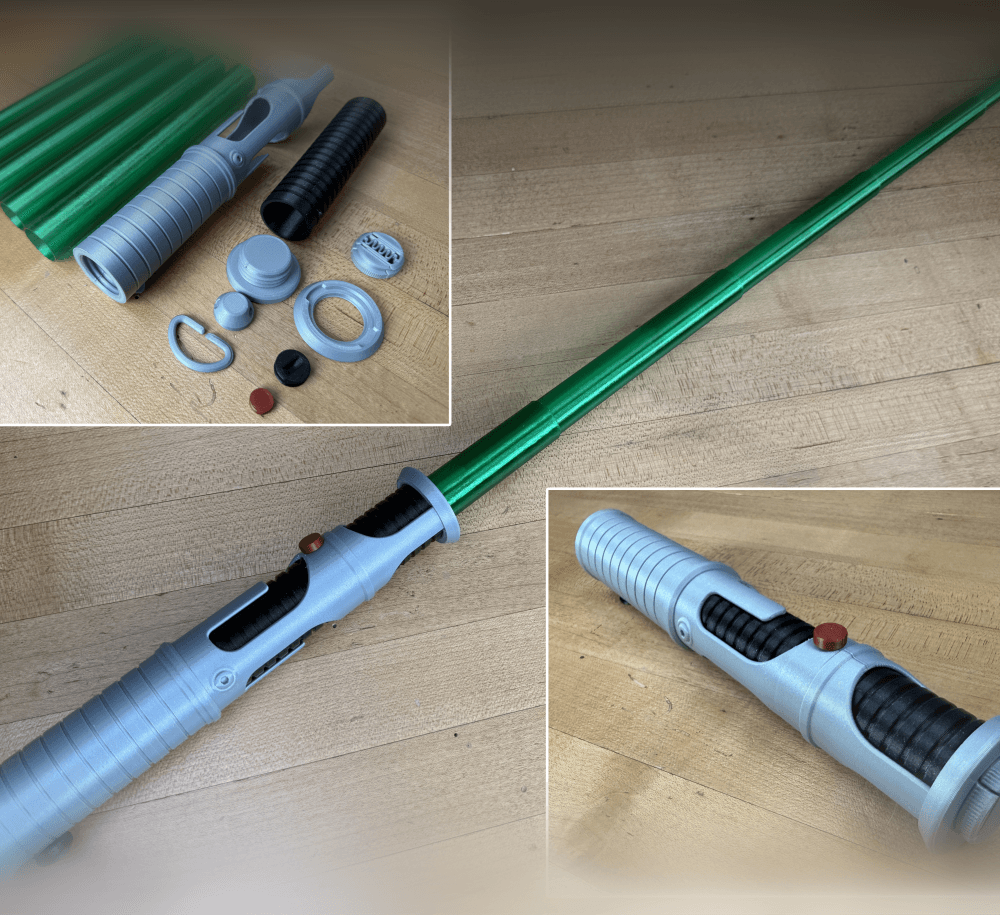
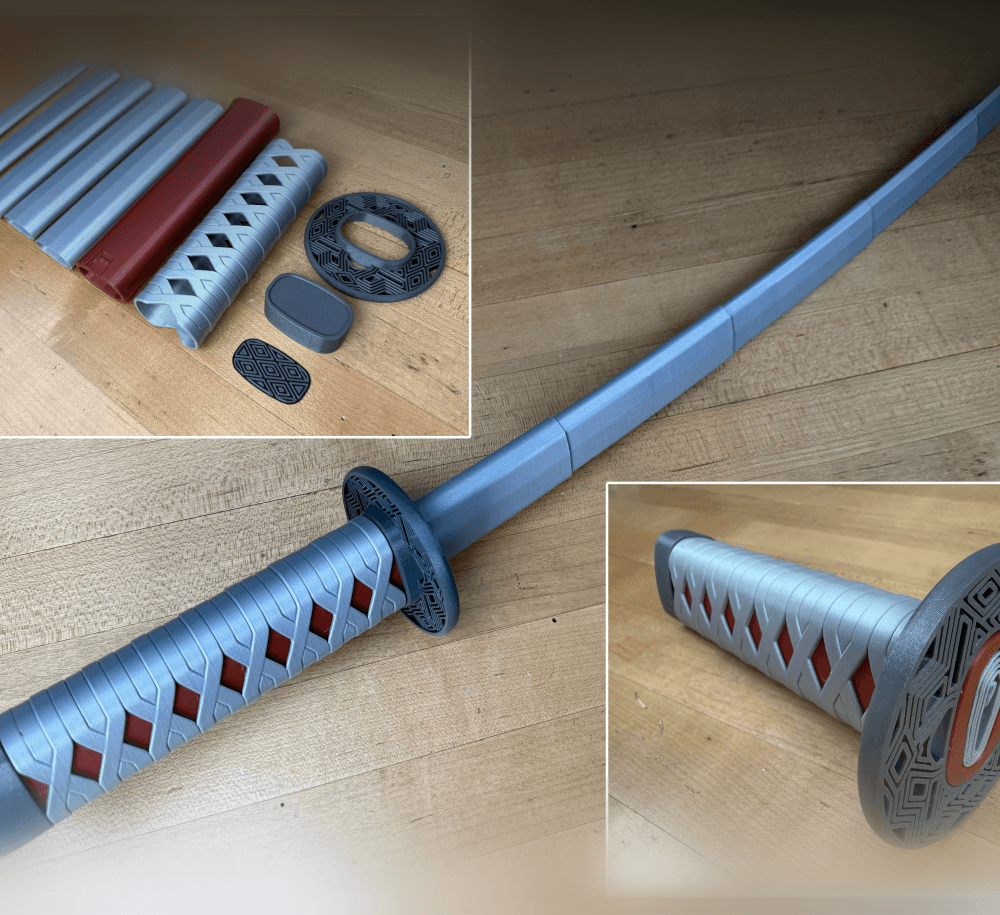
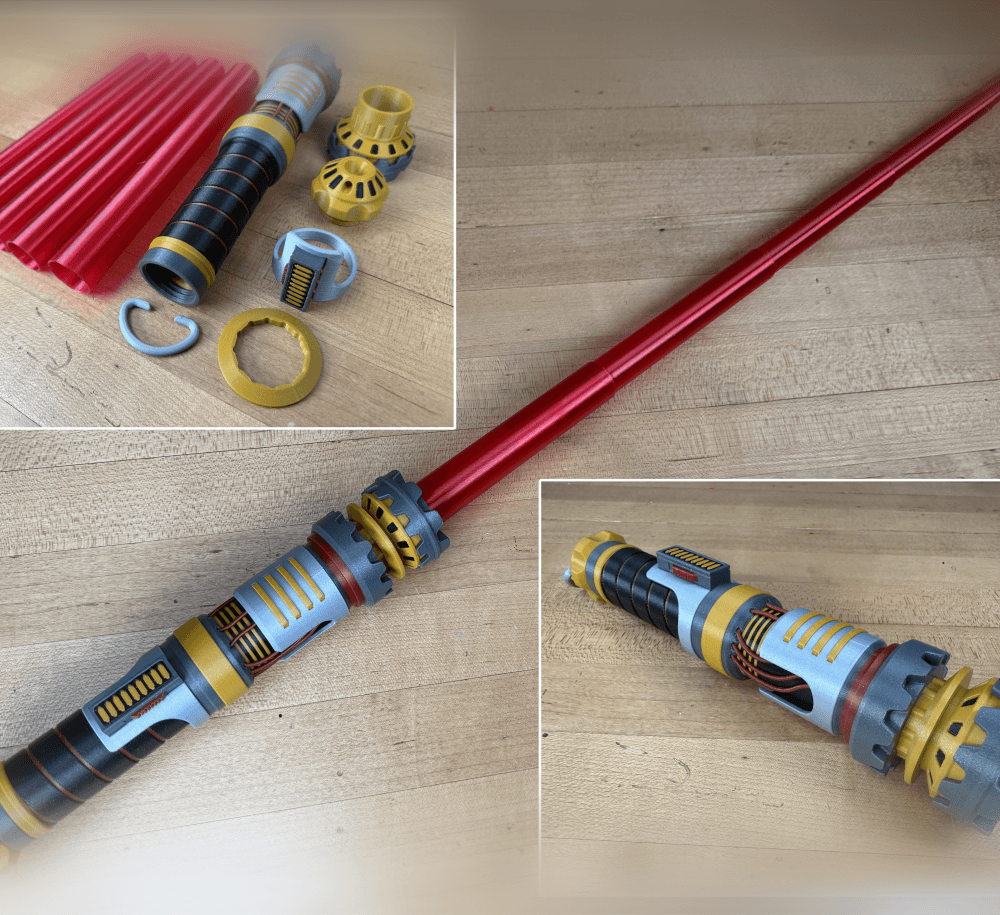
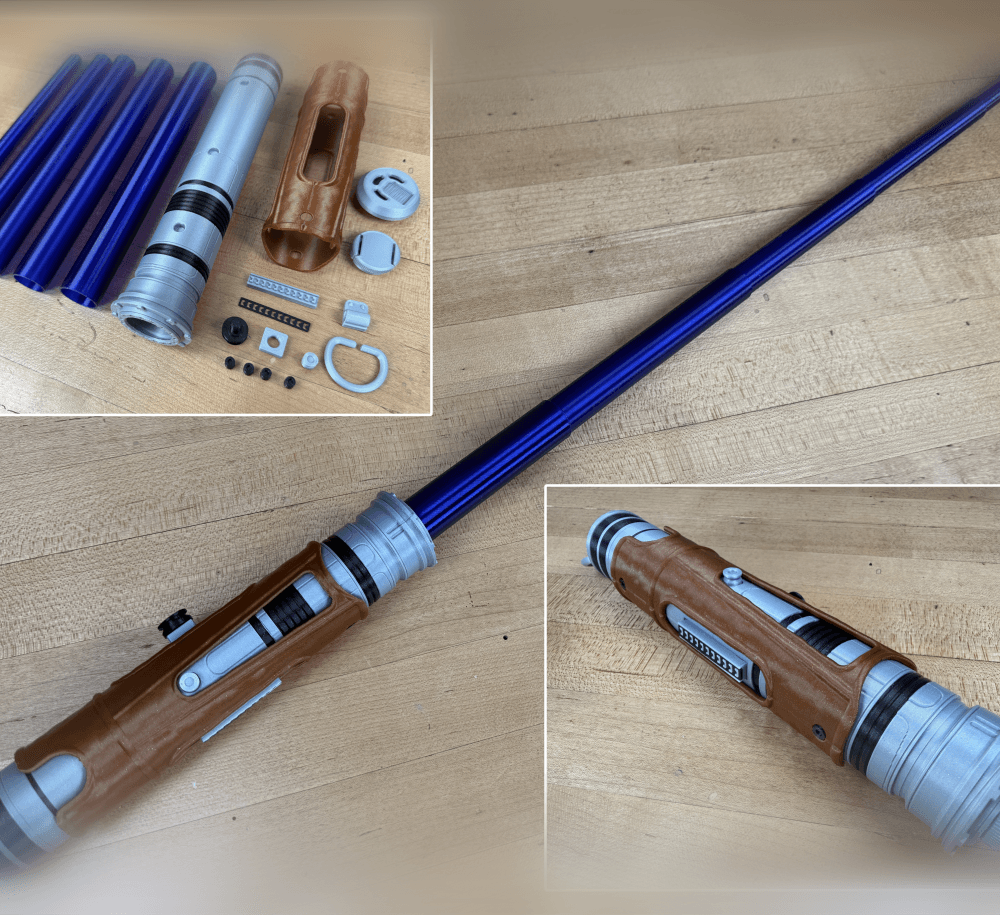
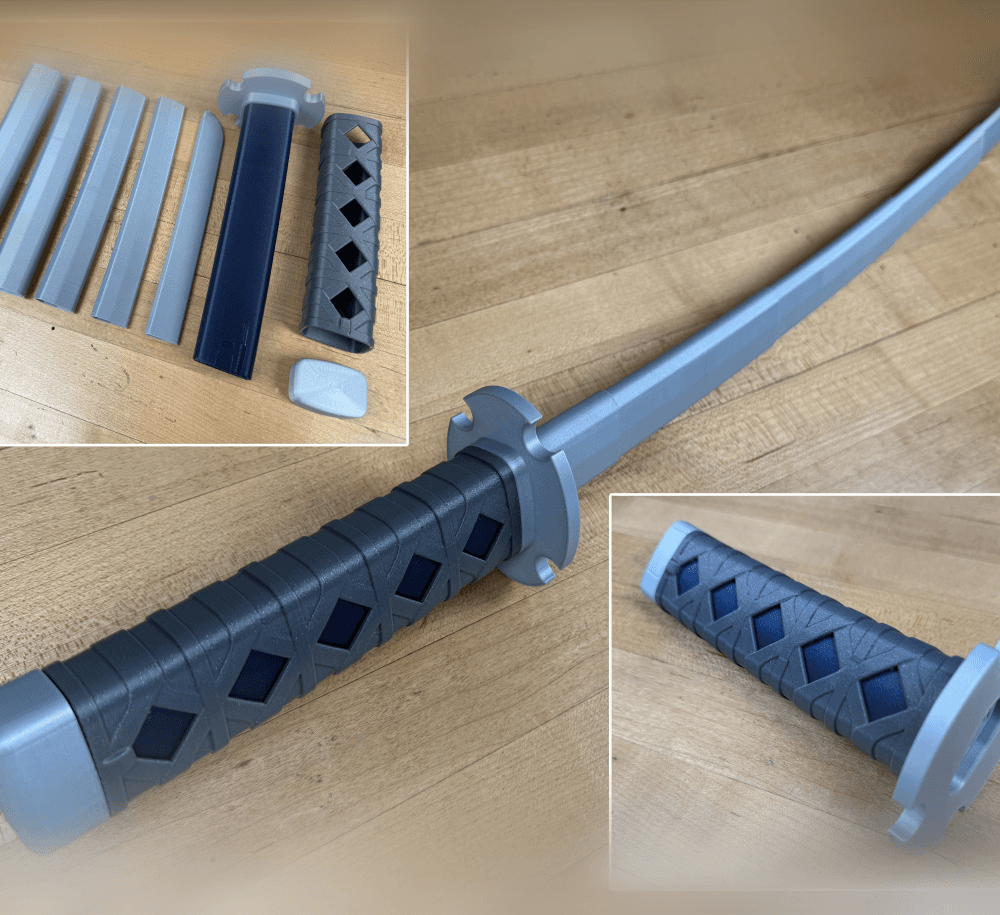
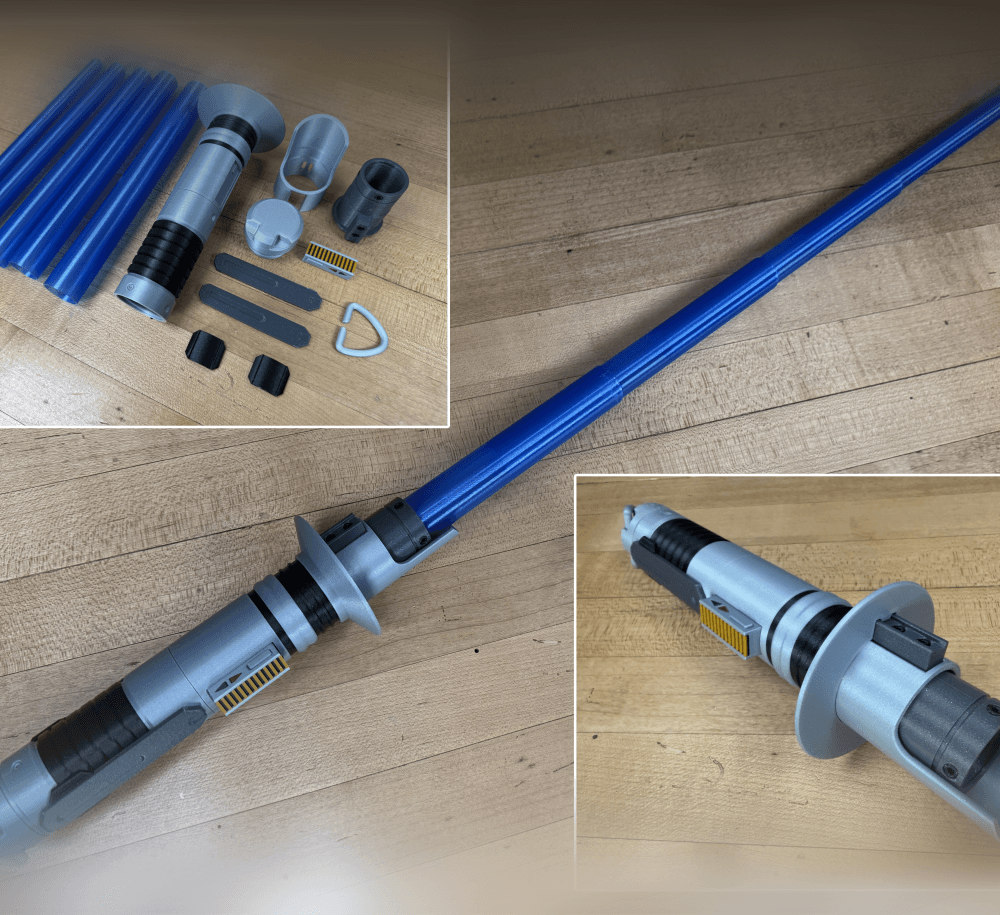
Models include: • Collapsing Swords • Collapsing Lightsabers • Planetary containers and fidgets • Puzzle presents gift boxes • Print-in-place grippers • Miscellaneous designs

In the Armory you will also gain access to my private discord server! In the server you can chat with other collapsing connoisseurs about 3D printing, ask questions about printing my models, share photos of your prints and more!

15% off
The Collapsing Armory
$15.30
/ month
when billed annually

Take your builds to the next level in the Armory! For $18.00 per month, enjoy twice the downloads! Select up to 10 of my premium models each month from my ever-growing library. The Goldilocks of tiers—not too little, not too much, just the right number of monthly downloads.

Models include: • Collapsing Swords • Collapsing Lightsabers • Planetary containers and fidgets • Puzzle presents gift boxes • Print-in-place grippers • Miscellaneous designs

In the Armory you will also gain access to my private discord server! In the server you can chat with other collapsing connoisseurs about 3D printing, ask questions about printing my models, share photos of your prints and more!

15% off
The Collapsing Arsenal
$34.00
/ month
when billed annually

This tier not only gives you access to ALL my premium models but a active subscription also gives permission to SELL physical copy's of any of my original designs.

Claim your throne in the Arsenal! For $40.00 a month, you'll receive unlimited access and downloads from my premium model collection a fantastic value that makes sure you never run out of projects.

Models include: • Collapsing Swords • Collapsing Lightsabers • Planetary containers and fidgets • Puzzle presents gift boxes • Print-in-place grippers • Miscellaneous designs

In the Arsenal you also gain access to my private discord server! In the server you can chat with other collapsing connoisseurs about 3D printing, ask questions about printing my models, share photos of your prints and more!

50% off
The Collapsing Conglomerate
$50.00
/ month
when billed annually

This membership is for companies and businesses who wish to show off printed versions of my designs for promotional reasons. A active membership grants you access to my entire library of designs and the ability to use my printed designs for promotional reasons. The selling of prints or sharing of the files is still prohibited.

3D Printing World
3dprintingworld25K followers
3dprintingworld
3dprintingworld
|
Image 1 of 3
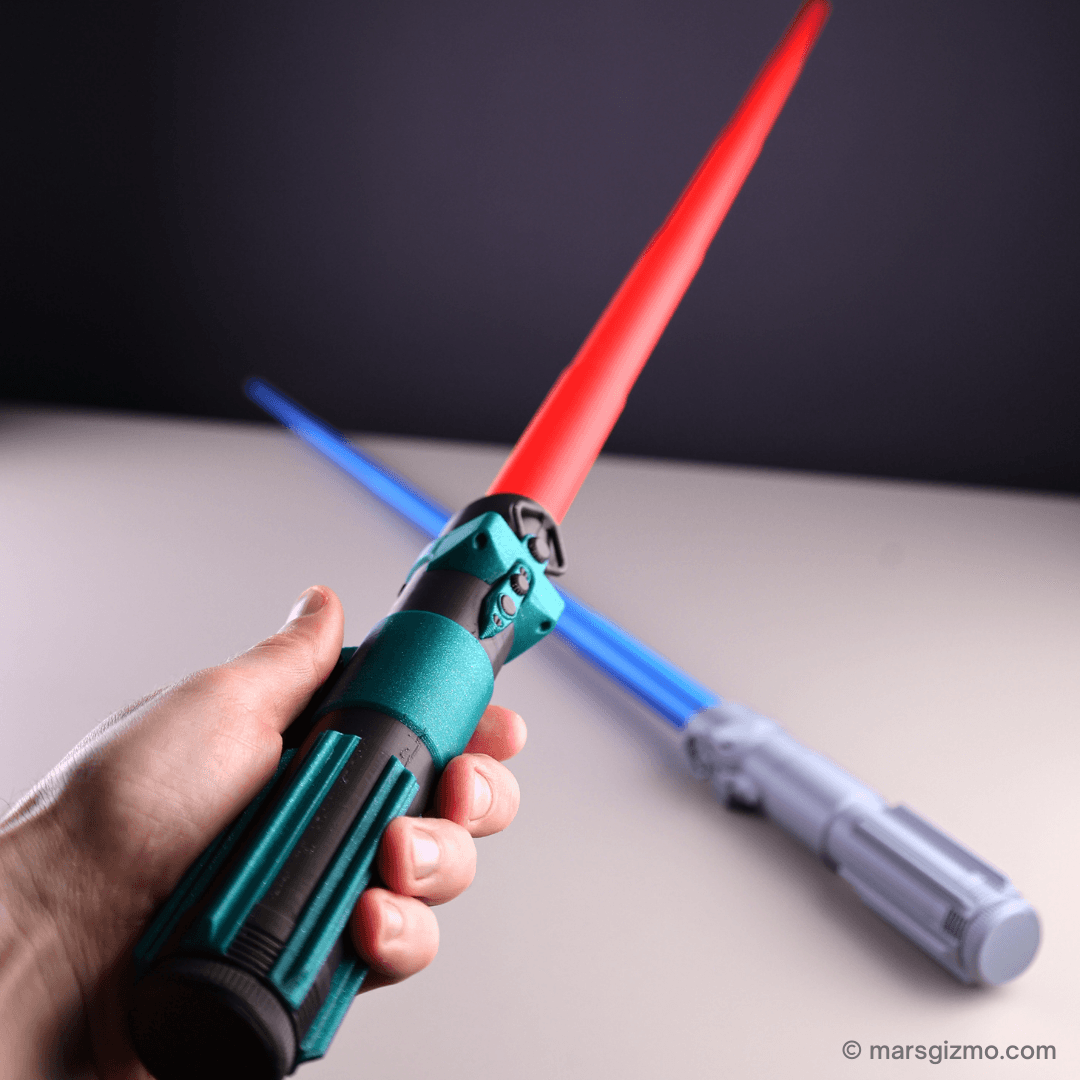
Collapsing Sith Lightsaber (dual extrusion) 3d model
3dprintingworld
3dprintingworld
|
Image 1 of 3
Collapsing Sith Lightsaber (dual extrusion) 3d model

Collapsing Sith Lightsaber (dual extrusion)

This model is restricted by licensing terms. 

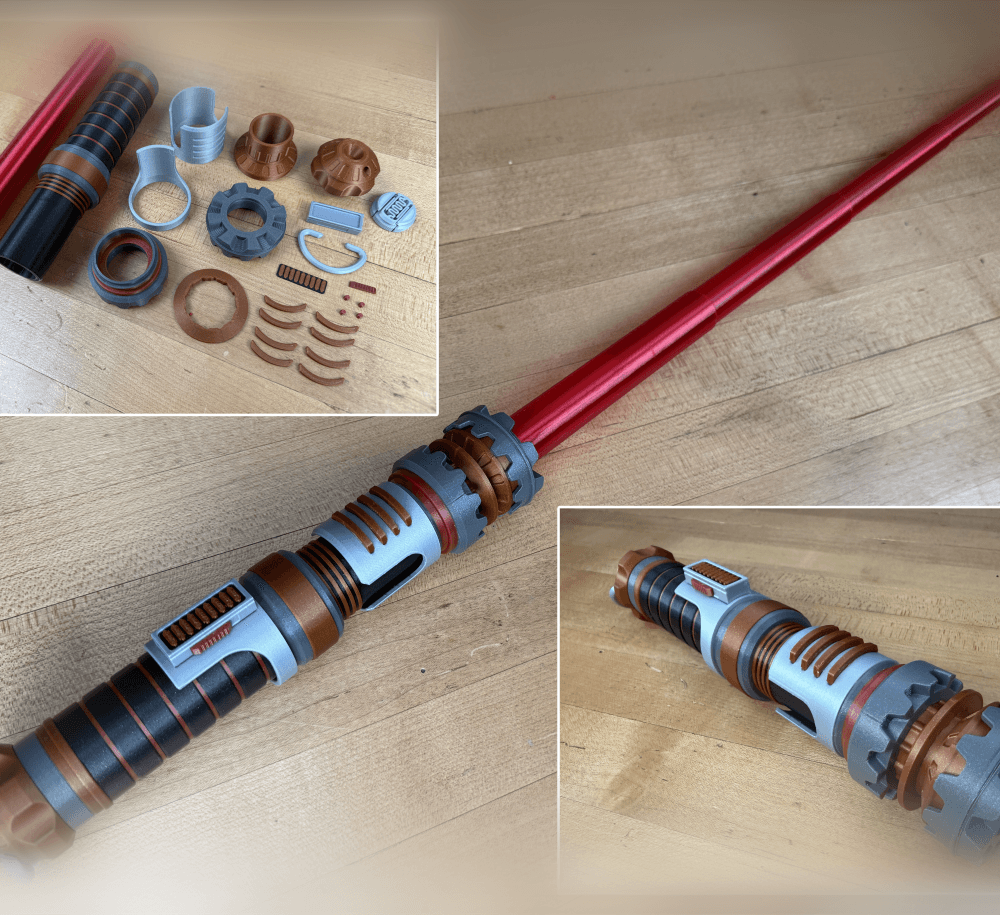
Collapsing Sith Lightsaber Dual Extrusion

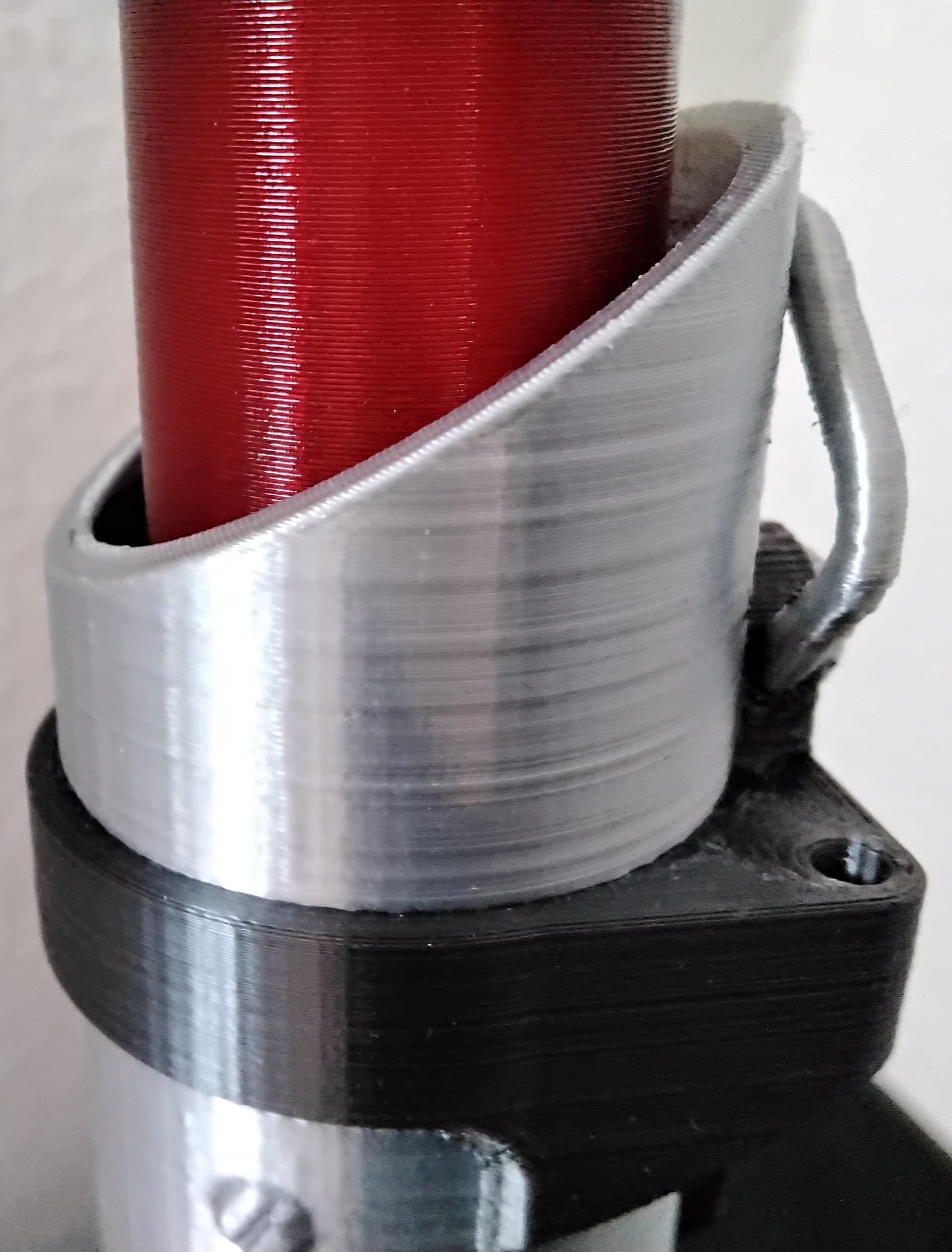
This is the same as the original Sith lightsaber but designed for dual extrusion. This Lightsaber has a removable collapsing blade that can be printed separately in a different color. The hilt is designed with a screw on cap which allows the blade to be inserted after its printed. The hilt is 209mm long with the cap installed but it expands to over 950mm in total length with the collapsing blade installed! Its designed to be printed with a ,4mm nozzle, with a line thickness of .43, so the blade will be two shells thick. The test print can be found here.

Detailed printing instructions can be found on my website

Printed on the Muldex rep-rap IDEX printer.

Collapsing Lightsabers ROTJ Single Extrusion ROTJ Dual Extrusion Vader’s Single Extrusion Leia’s Dual and Single


Support and Licensing If you would like to help support more free models please consider joining my Thangs Membership To get permission to sell physical copies of my models, consider joining my Patreon
Community Makes (2)
Make by user
Check it in my video:
https://youtu.be/HgyQV65hYMM

My website: https://www.marsgizmo.com
Make by user
Check it in my video:
https://youtu.be/HgyQV65hYMM

My website: https://www.marsgizmo.com


Community Makes (2)
Make by user
Check it in my video:
https://youtu.be/HgyQV65hYMM

My website: https://www.marsgizmo.com
Make by user
Check it in my video:
https://youtu.be/HgyQV65hYMM

My website: https://www.marsgizmo.com

Discussions
Adrian
marsgizmo

excellent design! 👏😌

M
MarioDaDesigner

How do i get the AMS version? (im new to 3d printing)

3D Printing World
3dprintingworld

Just drag the stl's in at the same time in your slicer and select the colors you want to use.

3D Printing World
3dprintingworld

Just drag the stl's in at the same time in your slicer and select the colors you want to use.

M
MarioDaDesigner

How do i get the AMS version? (im new to 3d printing)

Chumachi
shirelyasi2008

when i try to print in vase mode the parts are not holo so i can not assebel them and this happens on most of the other sords in vase mode the model is not holo when i dowload it do i need to do some thing in meshmixer?

3D Printing World
3dprintingworld

No, you just need to select "spiral outside Contour" or otherwise known as "Vase mode" in your slicer. Also turn on/off top and bottom layers as required.

rocks
asachan756

Hi , what settings do i use on cura when i do the sword test. I have an anycubic vyper, I don't know what the good settings are.

3D Printing World
3dprintingworld

Sorry I'm no help, I don't have a vyper or use Cura....

Andro t
beresnev1313

hello! its a very good and beautiful think, but i broke part 3. Can you post a working version ,please

3D Printing World
3dprintingworld

You can print the segments individually in vase mode.

Paul R
PaulR71

hi. thanks for your work. im having trouble merging the the hilt models using cura... the models never centre bang on when both are selected. one is always 6mm off and positioned incorrectly- so even if they were both center, the models are wrong to the original model. ive printed duel extrusions before with no such issues, any ideas? +-

Adrian
marsgizmo

For me it's working well (using Cura 4.12). Select both models > right click > Merge Models and they are perfectly aligned

Collapsing Sith Lightsaber (dual extrusion)
3K downloads · 5 years ago in  and 
3D Printing World
3dprintingworld25K followers
This model is restricted by licensing terms.