

Collapsing Riptide
100 downloads · 2 years ago · **Collapsing Riptide**
_Replaceable Blade Version_
This version of the Riptide has a screw on pomme
This model is restricted by licensing terms.
View license.
Collapsing Riptide Replaceable Blade Version
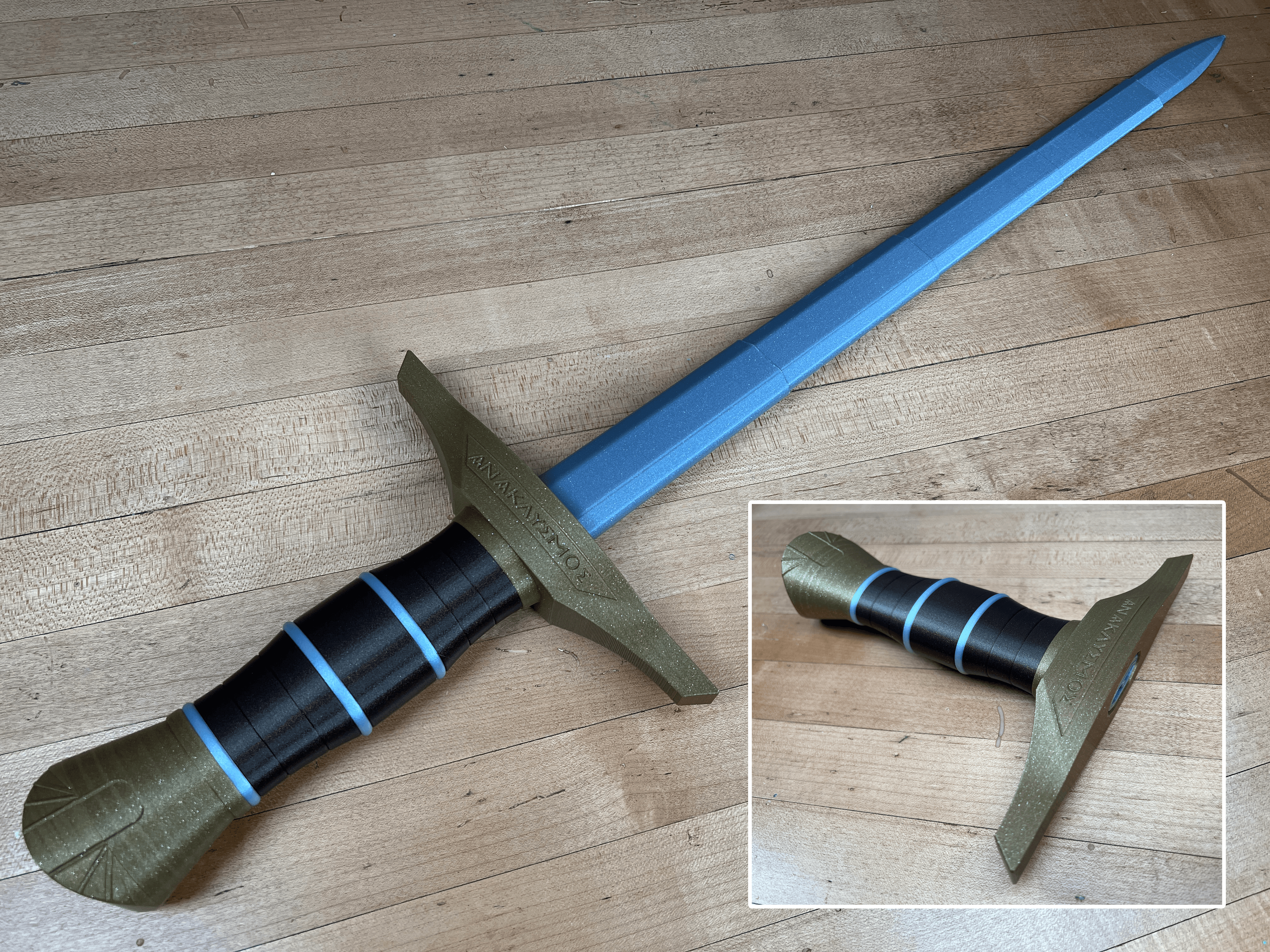
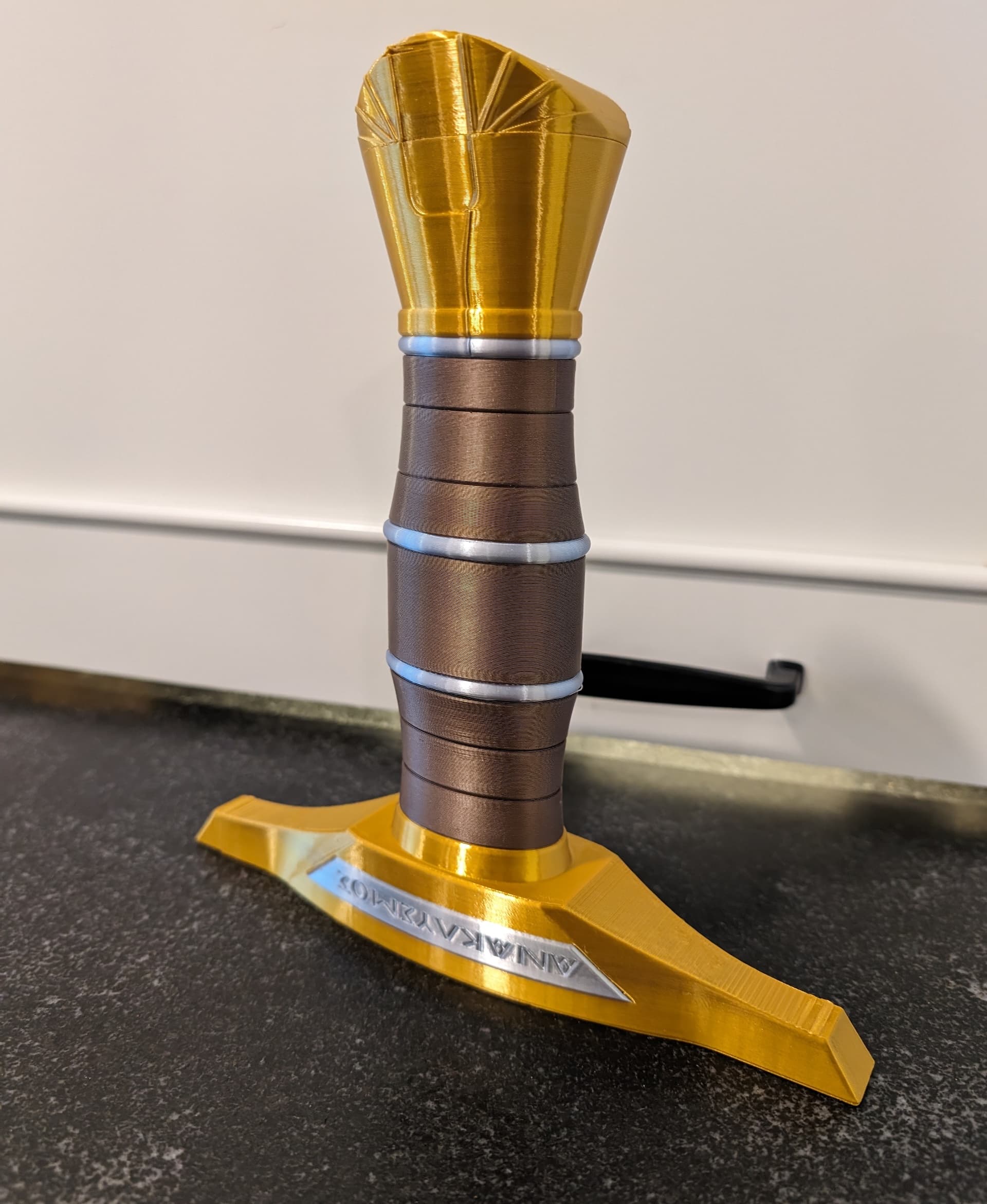
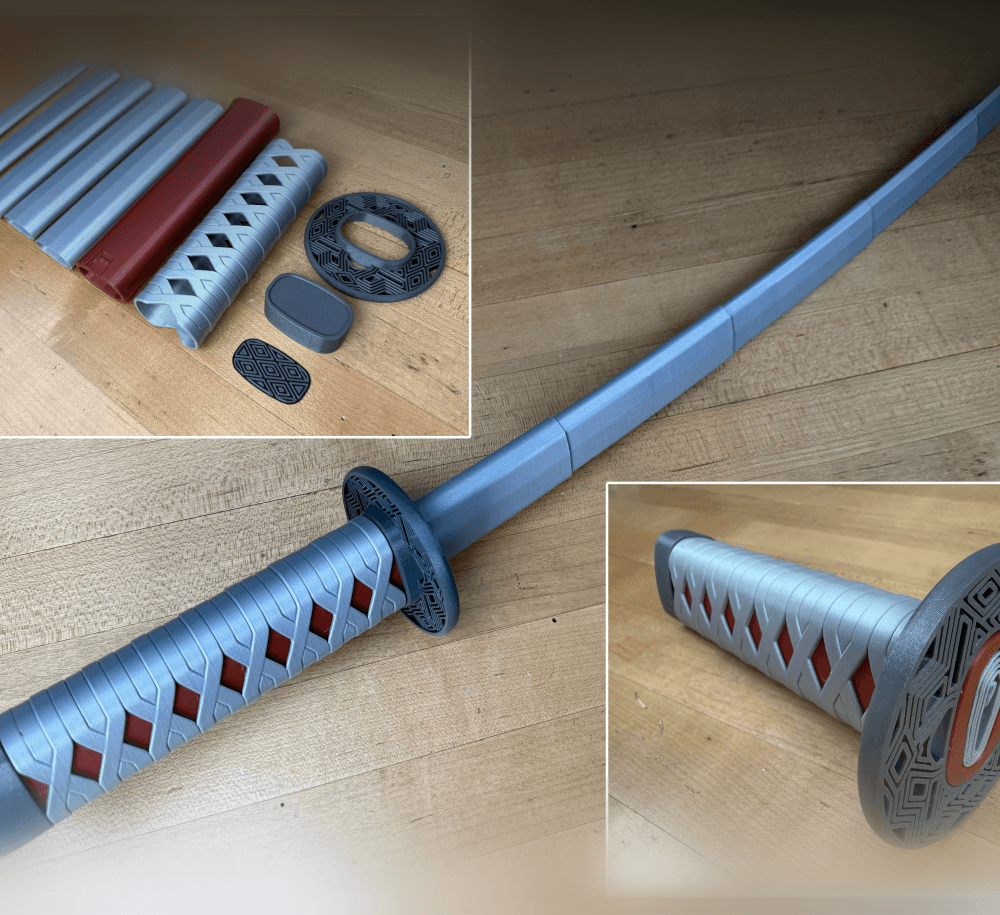
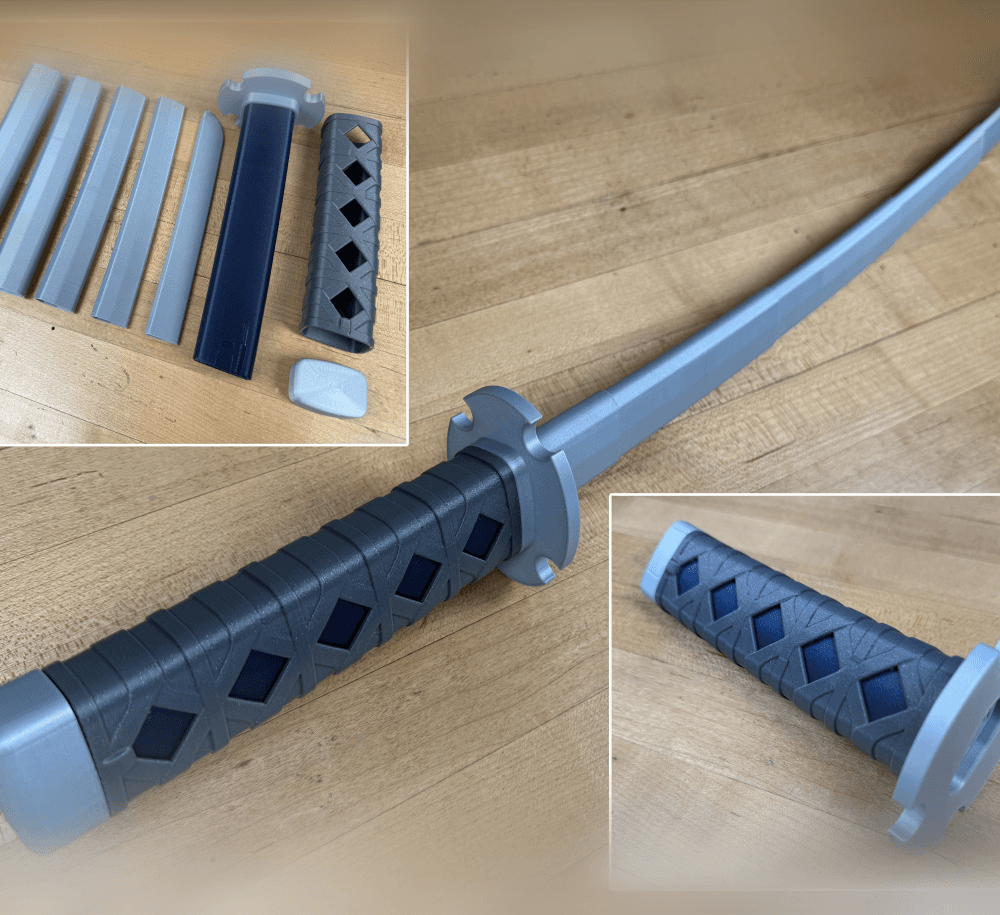
This version of the Riptide has a screw on pommel so the blades can be printed separately then inserted or replaced.
Supports are not required, for best results use a .4mm nozzle. You can print the blades all at once concentrically or one at a time in vase mode. Find detailed instructions on how to print collapsing swords on my website.
Printed on the Mulcore Core-XY 3D printer.
Support and Licensing If you would like to help support more free models please consider joining my Thangs Membership. Get permission to sell physical copies of my models by joining The Collapsing Arsenal
Collapsing Riptide
100 downloads · 2 years ago in and
This model is restricted by licensing terms.
View license.
Quinlan Vos Collapsing Lightsaber

Master Sword Horizontal Wall Mount

Expanding Master Sword

Lightsaber Belt Clip

Luke’s ROTJ Multi-Part Collapsing Lightsaber
BYOK #10

Fallout Access Granted Illuminated Panel
The Incinerator Multi-Color
The Incinerator Collapsing Lightsaber

Fallout Access Granted Panel
Devon Izara's Collapsing Lightsaber
Sakonji Tomioka Katana

Master Sword Vertical Wall Mount

Collapsing Easter Basket

Buster Sword Wall Mount

Textured Planetary Egg Container
Ezra Bridger 3rd Collapsing Lightsaber

Illuminated Galaxy Edge Control Panel #2

Illuminated Galaxy Edge Control Panel #1

what are ur settings for the blade? yours looks long and mine is really short
Nice! Even painted the text.
Thoughts on being able to do a collapsible version of the one from the Disney show? https://www.therpf.com/forums/threads/riptide-percy-jackson-and-the-olympians-d.355763/
https://www.therpf.com/forums/attachments/percy-jackson-olympians-walt-disney-presents-01142024-29-scaled-jpg.1782557/
I thought about doing that one too, I'll put it on the list and try to circle back to it sometime.
how long should the sword be? the blades are catching about 2/5 through, and it seems right, but it feels short. my blade printed at your exact specifications is around 21 inches, I worried it was catching too early, so I printed the last piece (the stabby part) with a 60-millimeter line width instead of a 90, and it catches in the exact same place. will you help me?
Are you printing the blades in vase mode? That is the best way to control length, just decrees the line width to get a longer blade.
i am printing via vase mode. As I said, I decreased the line width by a lot, and it didn't work. Do you have any other suggestions?
If you change the line width, its going to change the length. You are either not changing it enough or not modifying the correct setting. The only other thing it could be is elephants foot causing it to catch to early.
Sorry if I'm wrong about this, but I went to start printing the file and the blades where solid. Is the annoying that I might be doing wrong.
I figured it out, I just had to do vase mode thanks.
There is more information on how to print them in vase mode in the troubleshooting guide.