


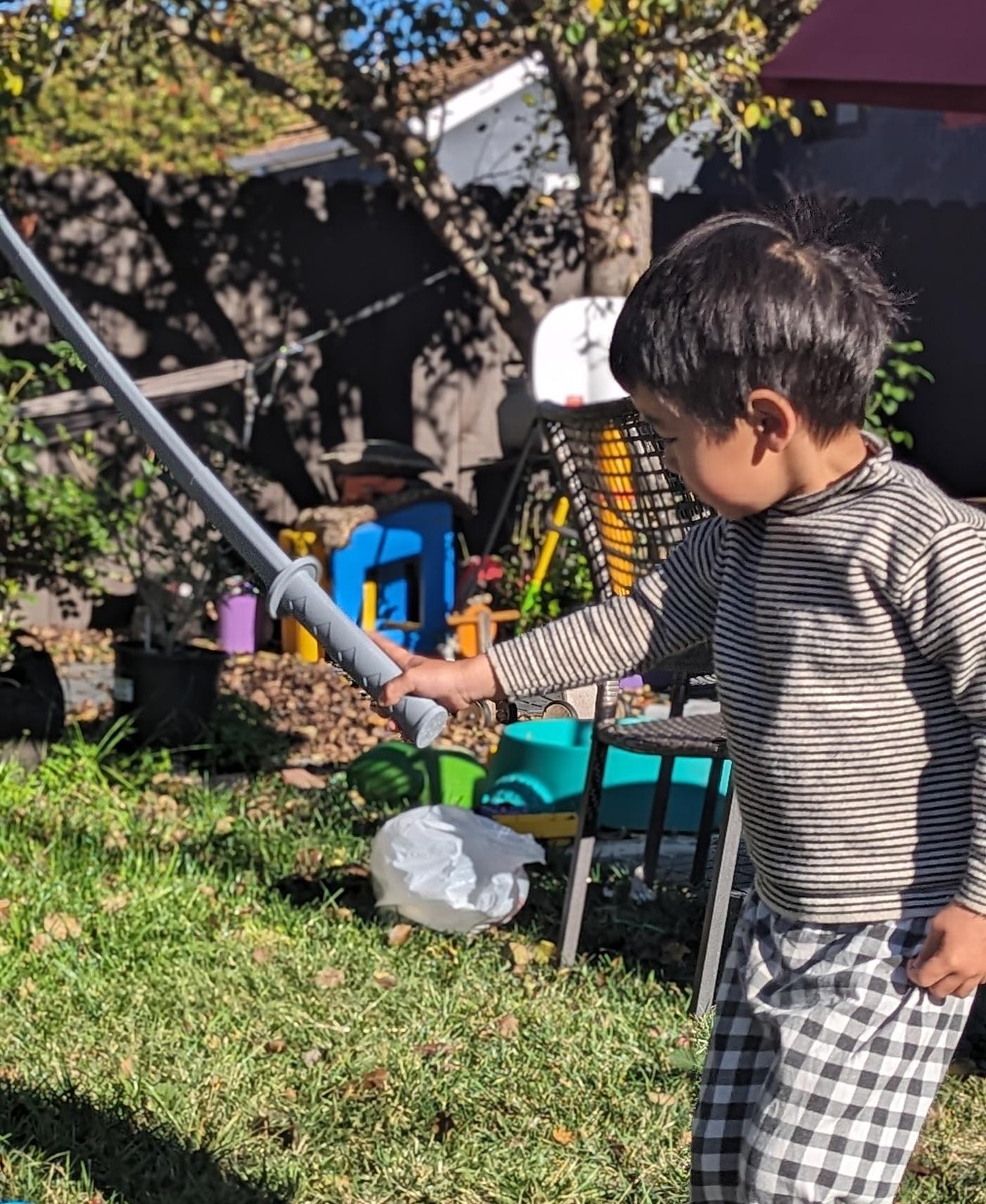
Collapsing Katana Print-In-Place
6.6K downloads · 4 years ago · **Collapsing Kanata**
_Print-in-Place Version_
This version prints-in-place as one part at only 185
This model is restricted by licensing terms.
View license.
Collapsing Kanata Print-in-Place Version
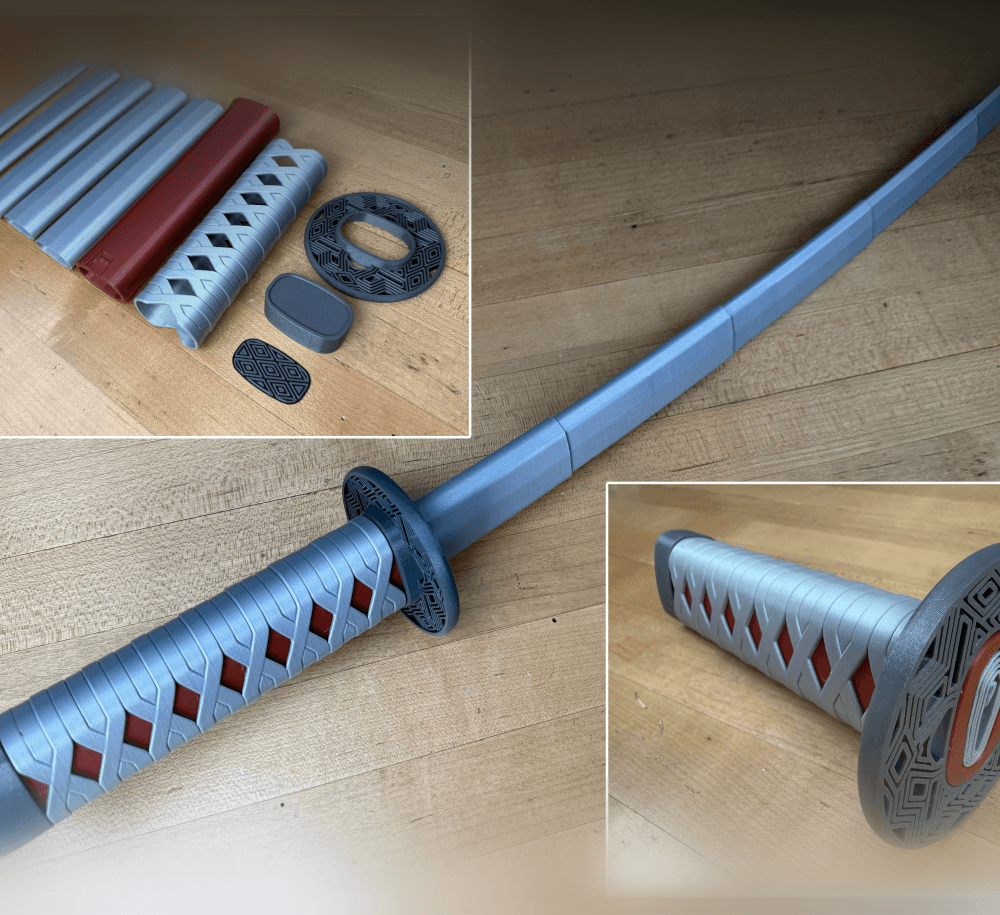
This version prints-in-place as one part at only 185mm tall but extends to 825mm in total length!
Both the straight and the [curved replaceable blade versions are available to my Thangs Members.
Printing Prints with no supports. When printing with a .4mm nozzle set the line width to .43 so the blades are two shell thick. Before printing a test print can be found here. I have detailed instructions on how to print collapsing swords on my website.
Support and Licensing If you would like to help support more free models please consider joining my Thangs Membership To get permission to sell physical copies of my models, consider joining my Patreon
Collapsing Katana Print-In-Place
6.6K downloads · 4 years ago
This model is restricted by licensing terms.
View license.
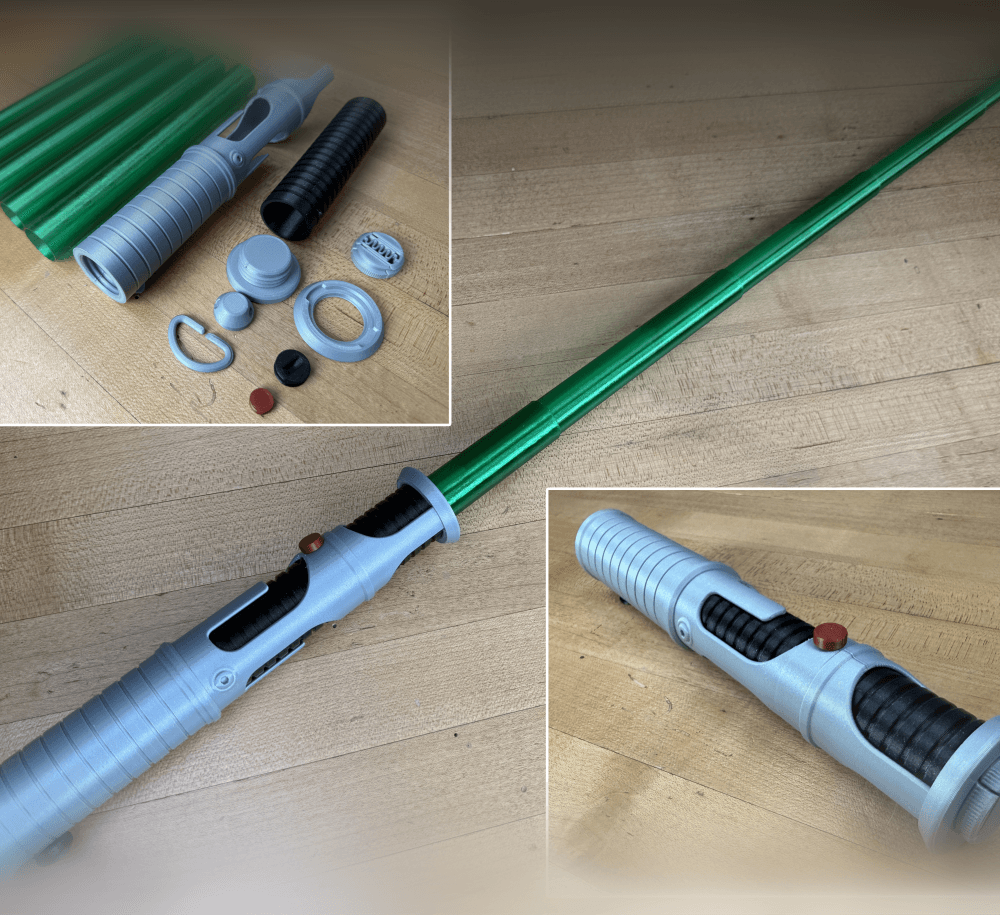
Quinlan Vos Collapsing Lightsaber

Master Sword Horizontal Wall Mount

Expanding Master Sword

Lightsaber Belt Clip

Luke’s ROTJ Multi-Part Collapsing Lightsaber
BYOK #10

Fallout Access Granted Illuminated Panel
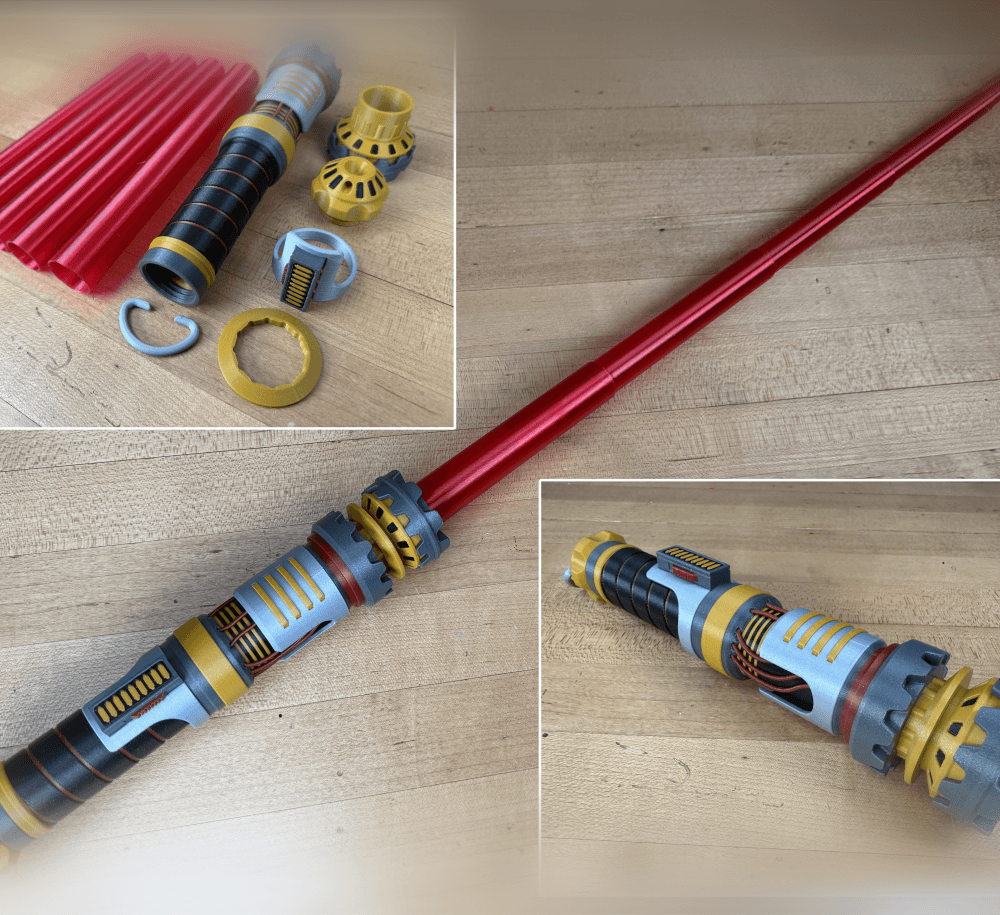
The Incinerator Multi-Color
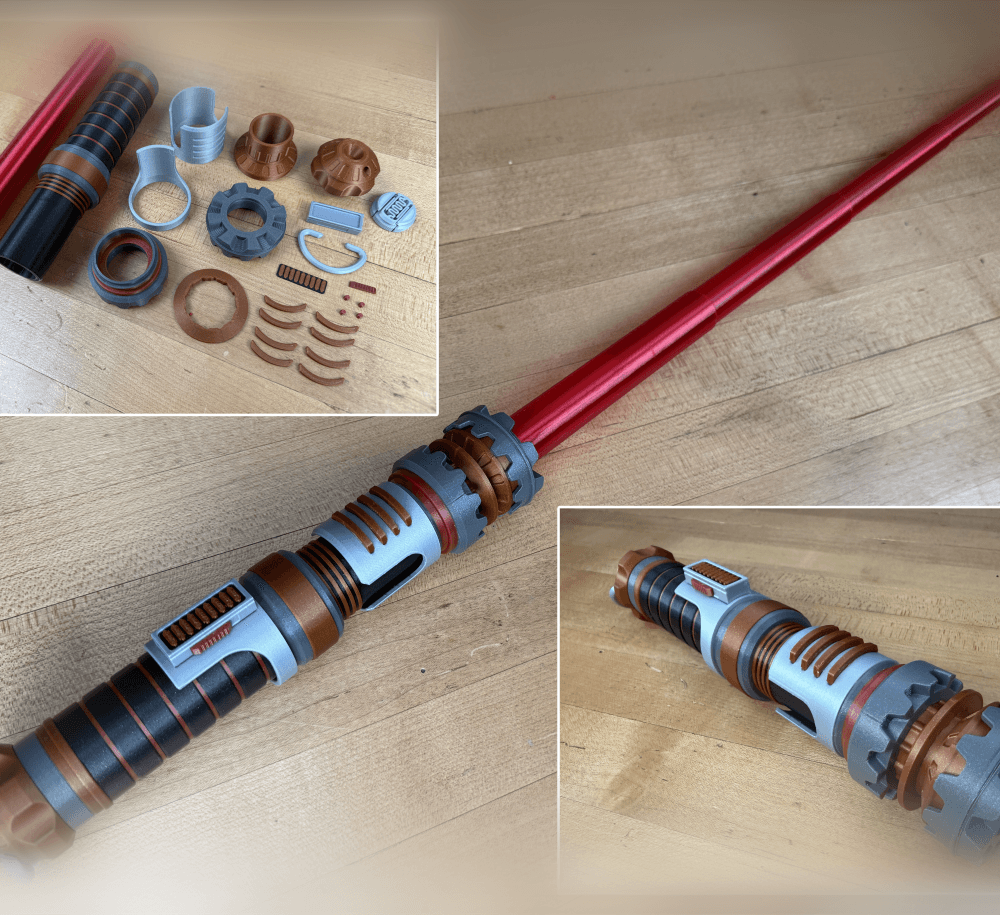
The Incinerator Collapsing Lightsaber

Fallout Access Granted Panel
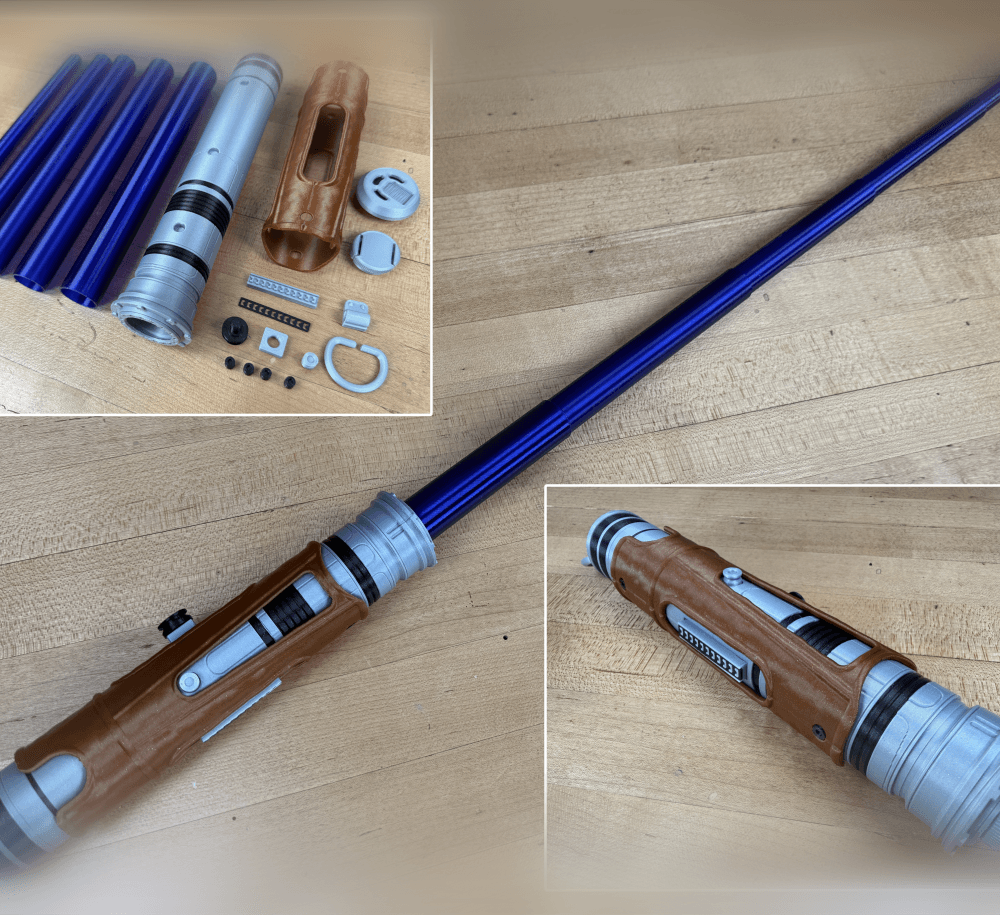
Devon Izara's Collapsing Lightsaber
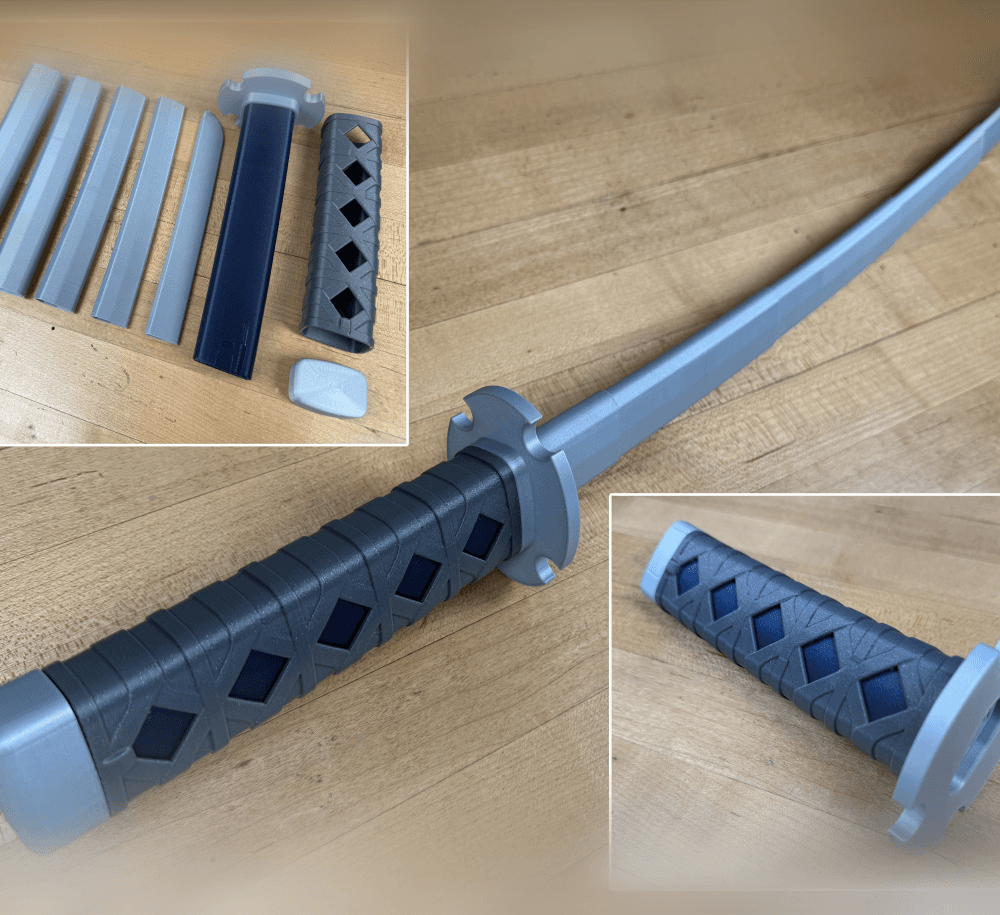
Sakonji Tomioka Katana

Master Sword Vertical Wall Mount

Collapsing Easter Basket

Buster Sword Wall Mount

Textured Planetary Egg Container
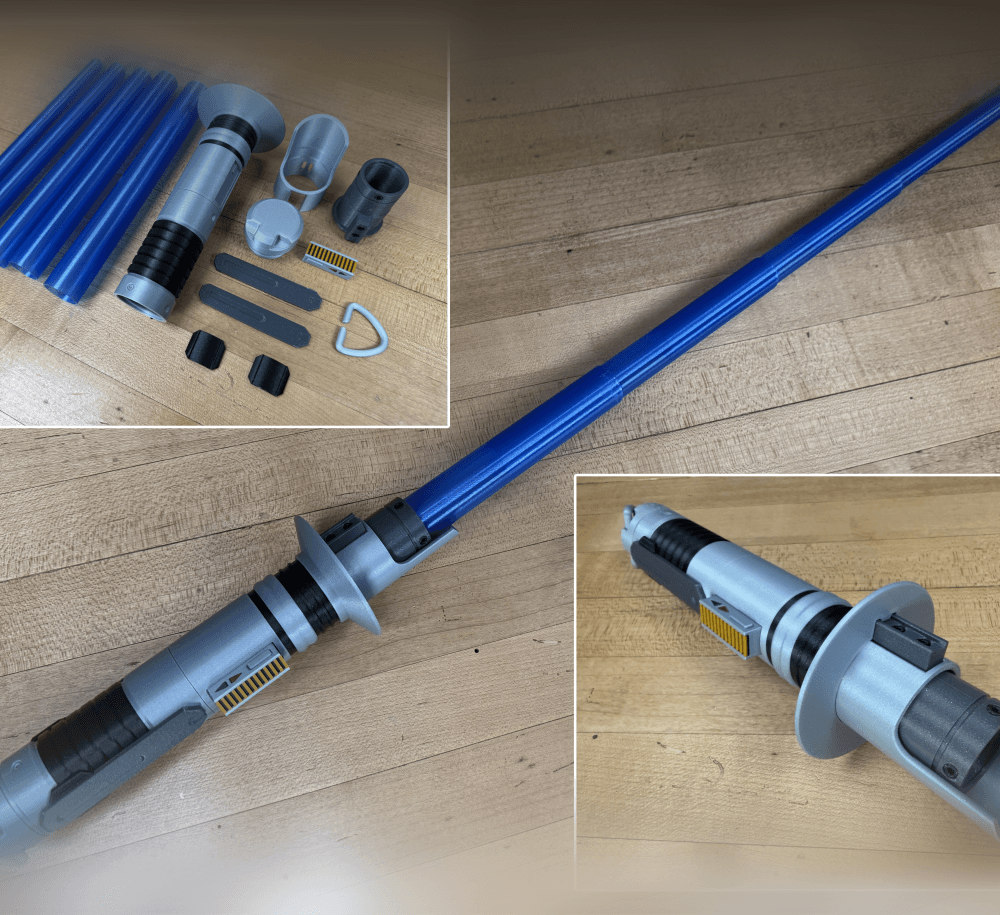
Ezra Bridger 3rd Collapsing Lightsaber

Illuminated Galaxy Edge Control Panel #2

Illuminated Galaxy Edge Control Panel #1

In case it helps anyone, I first printed the test print, which came out without issue. I then used the settings suggested in the description:
My first try failed using vase mode, which caused my printer to spaghetti. I printed without vase mode and it worked great. Still hasn't broken! I love the little emblem on the bottom.
hey i need help on mine because i printed the test model and worked great and now i print this and the blade is all one and not come out in layers
Im currently printing my second one because i accidentally shattered my first one. Works great though🤣
all of the Katanas this guy makes NEVER work on my ender 3 pro
What are the issues? I know a lot of people have had luck on a Ender. Find the test print and the troubleshooting guide here
Quite disappointing... You ABSOLUTELY need to revise your design.
Tried printing this two different times (with different settings) on my Bambu Lab P1S... After doing the "test" print mind you. Which is hardly a test btw.
Overall, the print was almost a success, minus the fact that the end portion would not release no matter what. I am not new to 3D printing by any means, and if a Bambu Lab printer could not print this, than your model is flawed. Please fix it.
Sorry to hear that, I know hundreds of people have had success on a P1s maybe thousands. If only the tip stuck, its a good sign that you had bed adhesion issues caused by the nozzle hitting the overhand on the tip. There is a version with a supported tip, that might help with this.
geez, dont lessen to him, keep up the amazing work! :D
i agree but i did shrink mine because i have a tina2s
Printed this twice now and each time it fully prints all the collapsible pieces just fine and they slide out ok but fails at the top of the print on your logo it seems. I ended up stopping the print both times as the nozzle just dug into the hilt lol I'm not sure why that keeps happening but this is a very cool print! I want to try vase mode but haven't yet. Sorry for double comment, I thought I posted this on the wrong print
Z hop and z-offset may be your best friend. Ensure first layer is good, also ensure flow is correct.
Is your printer having issue with the bridging on top, maybe?
I have a Dremel 3D45 printer and I printed it but the blade would not come out do you have any recommendations for how to slice it?
Use the test print to see if it does work. Adjust the retraction distance as well as the outer wall wipe distance, make sure to adjust your seam so it does not create a blob between layers, make sure your temperature is also adjusted so it doesn't burn or be fragile. The test print is your friend.
I started printing this on my Ender 3 v2 and I had to increase the size by 15% because there was no way i could have a chance at printing it without making it a bit bigger!
i have tried everything in cura . test print is fusing. my flow and esteps are set correctly. ive tried horizontal expansion both ways -0.01 and 0.01 and 0.02 ect. still fusing. any chance to get a copy of someones settings? ty
Try raising or lowering your retraction settings with the test print.
All of the blades expand except the tip of the blade, any tips to get it out? Great print btw!!
Not sure... could it have gotten loose from the bed during printing. It may be hard to free up if its deep inside.
i'm not sure if it's my printer, but the blade doesn't fully expand and it's really tight.
If its tight all around and not from a layer seam or a elephants foot you can try reducing your "flow rate" or "horizontal size compensation"