

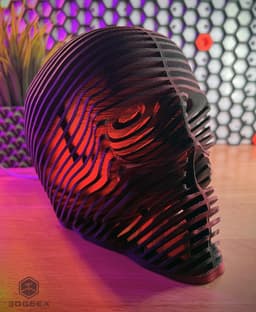
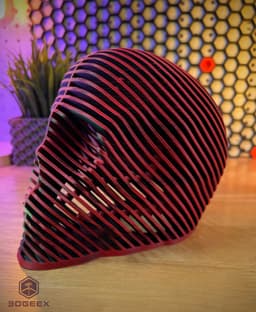


Stratum Mortis
Hi all,
This is probably my trippiest design to date!
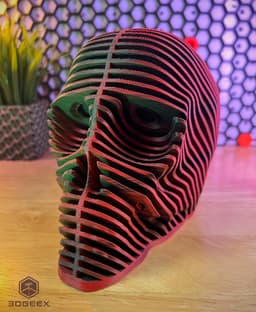
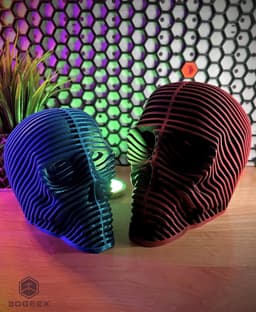
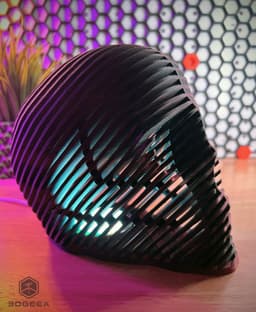
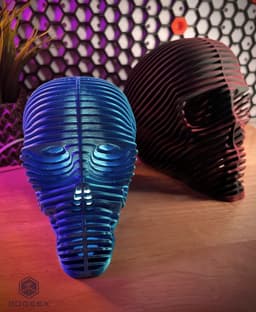
I called this model 'Stratum Mortis' which means "Layers of Death" in Latin. It can be used with the Bambu Lab Led Lamp Kit but it's pretty cool looking on it's own. Combining it with the lamp won't really make a lot of light - it's more as a decorative piece so don't count on reading books with it!
I had quite a few failures printing this model until I got it just right and safe to print, but it's still quite special so please read through the printing instructions.
Printing:
-
The model prints without supports, You can enable some for the back of the skull but it's not really necessary - Either way you WILL get some drooping at some back parts because of the extreme overhangs, but they are hardly visible and don't hurt the aesthetics of the print.
-
The model is almost entirely external walls, and lot's of them! This means that at the default size it will weigh approx. 350 grams (!) and approx. 250 for the smaller version - This model uses A LOT of filament. Printing time is also quite long because if that.
-
The "Impossible" files have no internal connectors between the layers and have a very high chance of failing - I did add this version in case:
a. You want to give it a shot b. You are going to print it super sized and in that case it might print all the way without issues because the base of each "layer" will be bigger and stronger.
-
The default sizes have a 6cm hole for the Bambu Lab lamp, due to size considerations (Not wanting to make it even bigger and heavier) I did not make a house for the lamp - It basically fits inside the hole and should stay in place by pushing the skull bottom against the lamp.
-
You can scale up/down just take into considerations all of the above.
Important: Use the hole test to make sure the lamp fits firmly inside - If it's too small/large adjust the scale accordingly - Then make the same adjustments for the skull (For example if you scaled down the test 2%, then scale down the main skull 2%).
My Print settings:
Layer heights: 0.2-0.3 Speed: SLOW! (like 60mms slow) Walls: 2 Infill: 10%
Stratum Mortis

Freddy’s Ice Cream Pint Holder

Slimer Ice Cream Holder
Handy Bottle Opener

Pillar Tray

E.T - the Extra Testy

Beerboard
Screaming Cactuses - Part II
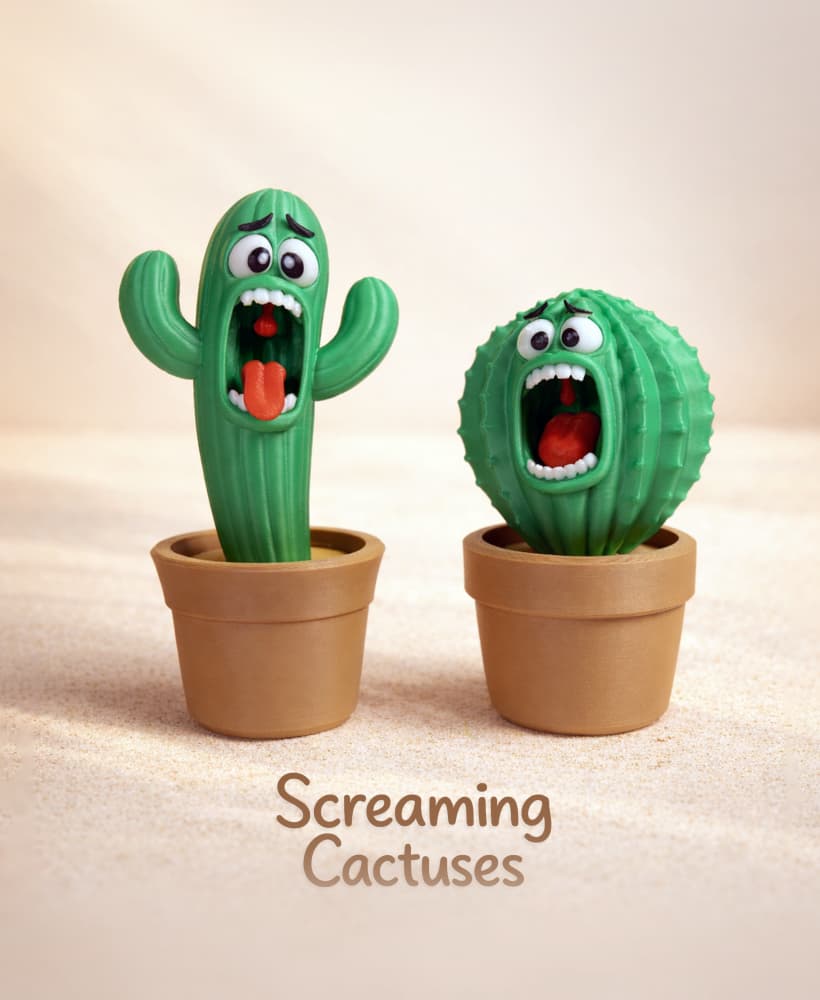
Screaming Cactuses - Part I
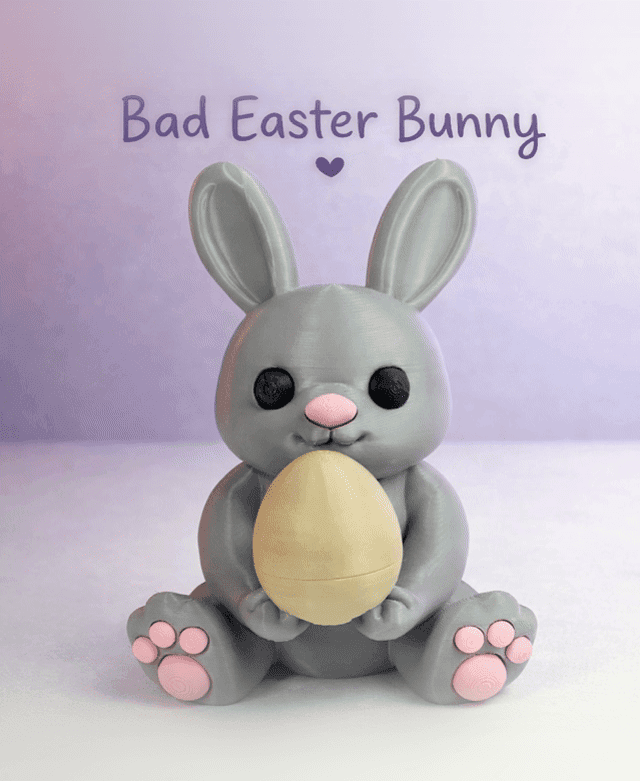
Bad Easter Bunny
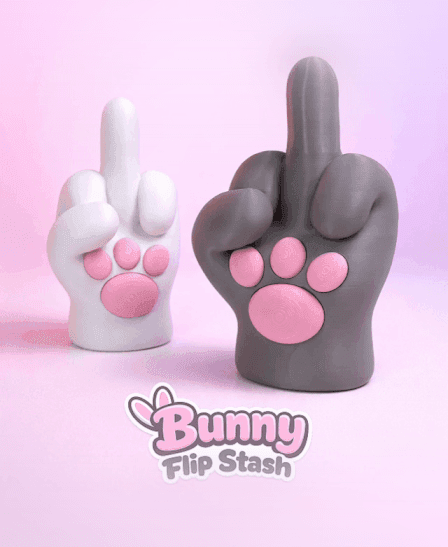
Bunny Flip Stash

Horror Bunnies - The Bunny In The Mask

Horror Bunnies - Ghostface

Horror Bunnies - Jason
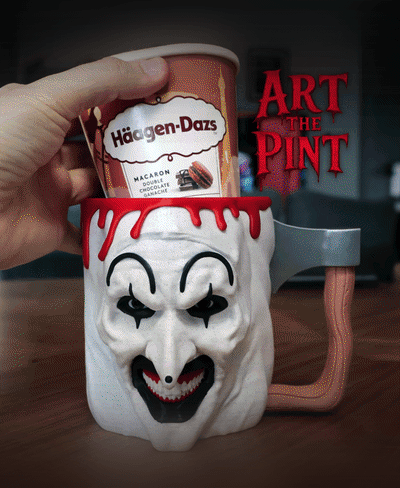
Art The Pint
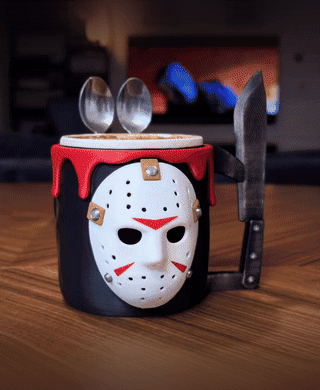
Jason Voorhees Ice Cream Pint Holder
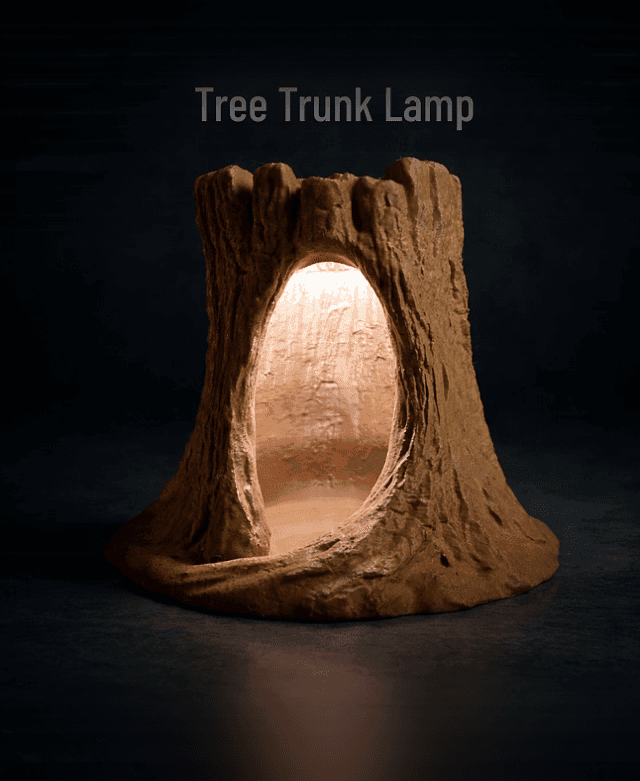
Tree Trunk Lamp

Bad Leprechaun

Armored Banana Case

Bad Penguin