


LipSticks on the Wall
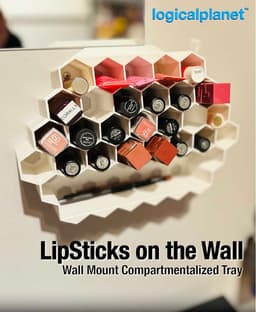
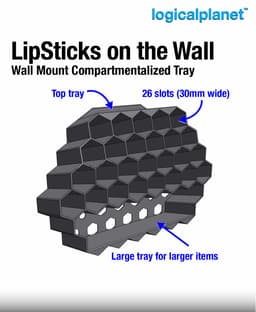
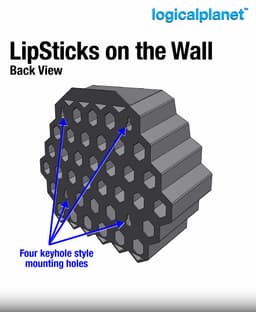
This is a wall mountable organizer for lipstick or similar products.
Print Settings
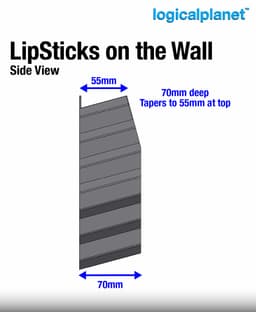
The model will fit on a 250mm print bed, but... it is tight. Used the "auto orient" feature in your slicer to fit the bed.
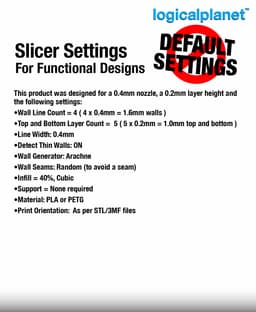
For the best results, I suggest the following: Material = PLA / PETG Nozzle = 0.4mm Layer Height = 0.2mm Line Width = 0.4mm Wall Count = 4 (1.6mm) Top and Bottom Layer Count = 5 Detect Thin Walls = ON Wall Generator = Arachne Infill = 40% (Cubic) Support = None required Print orientation = As per the STL/3MF files.
Related Links
Visit my blog for more details and other designs: https://www.logicalplanet.com/
Revisions and Updates I occasionally update and revise my designs. When I do, I’ll document the changes here. Check back periodically for the latest revision notes or if you’re experiencing any issues with a model.

Logical Wall Bin – Auto-Opening Wall & Cabinet-Door Trash Bin

Logical Lock Box — 4-Digit Programmable Combination Box

Logical Modular Planters
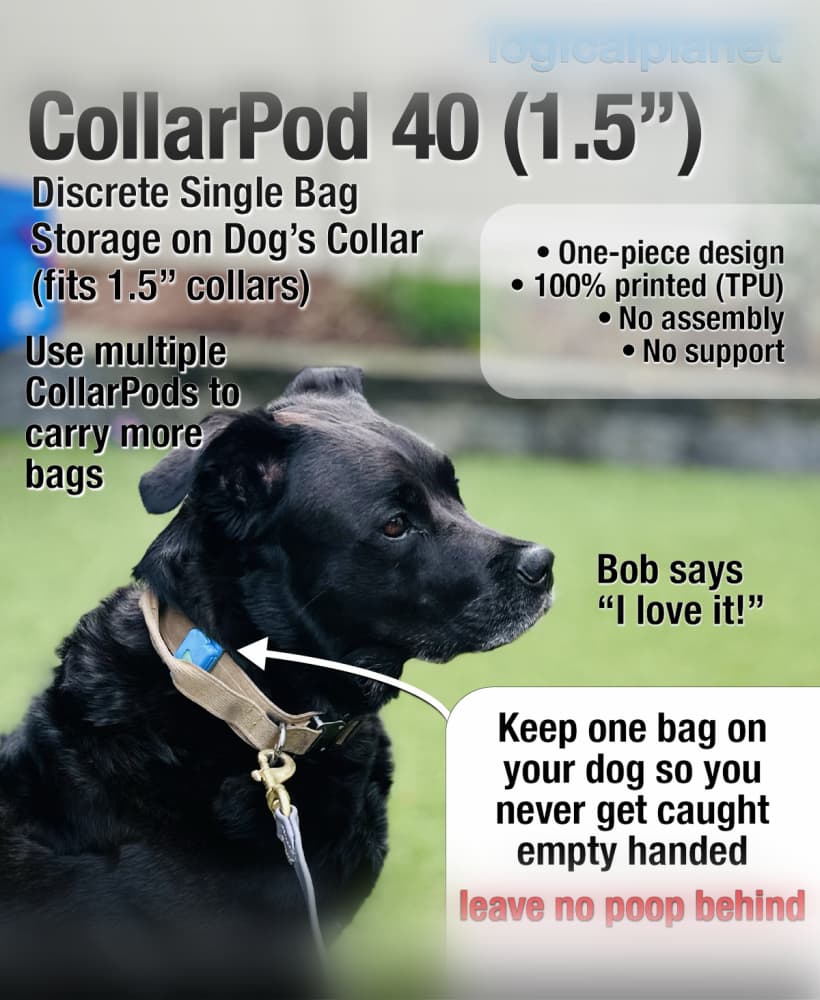
CollarPod 40 - Poop Bag Holder for Dog Collars - 1.5 Inch Collar - Single Piece TPU - No Assembly
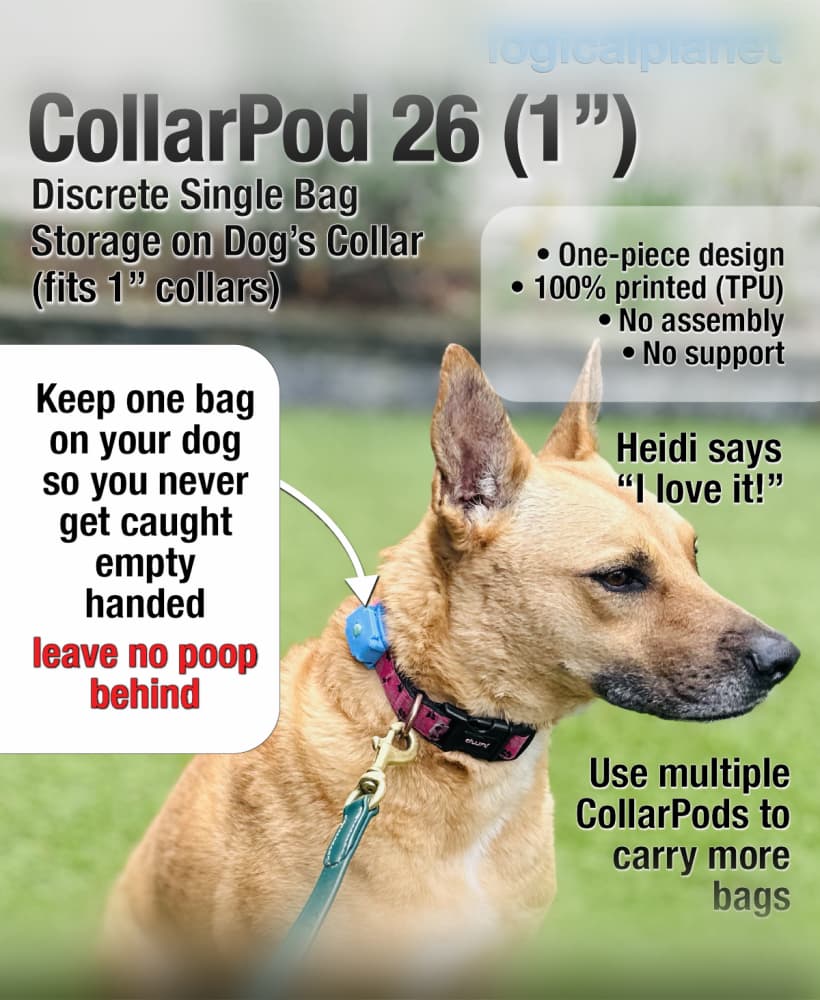
CollarPod 26 - Poop Bag Holder for Dog Collars - 1 Inch Collar - Single Piece TPU - No Assembly
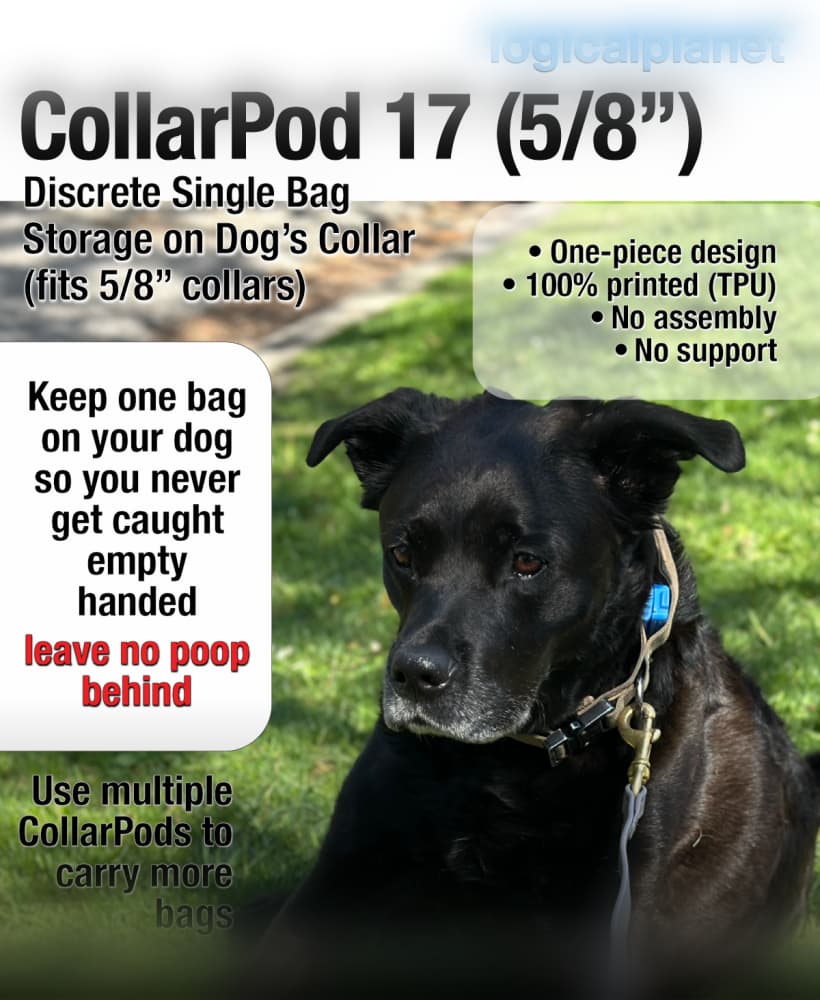
CollarPod 17 - Poop Bag Holder for Dog Collars - 5/8 Inch Collar - Single Piece TPU - No Assembly
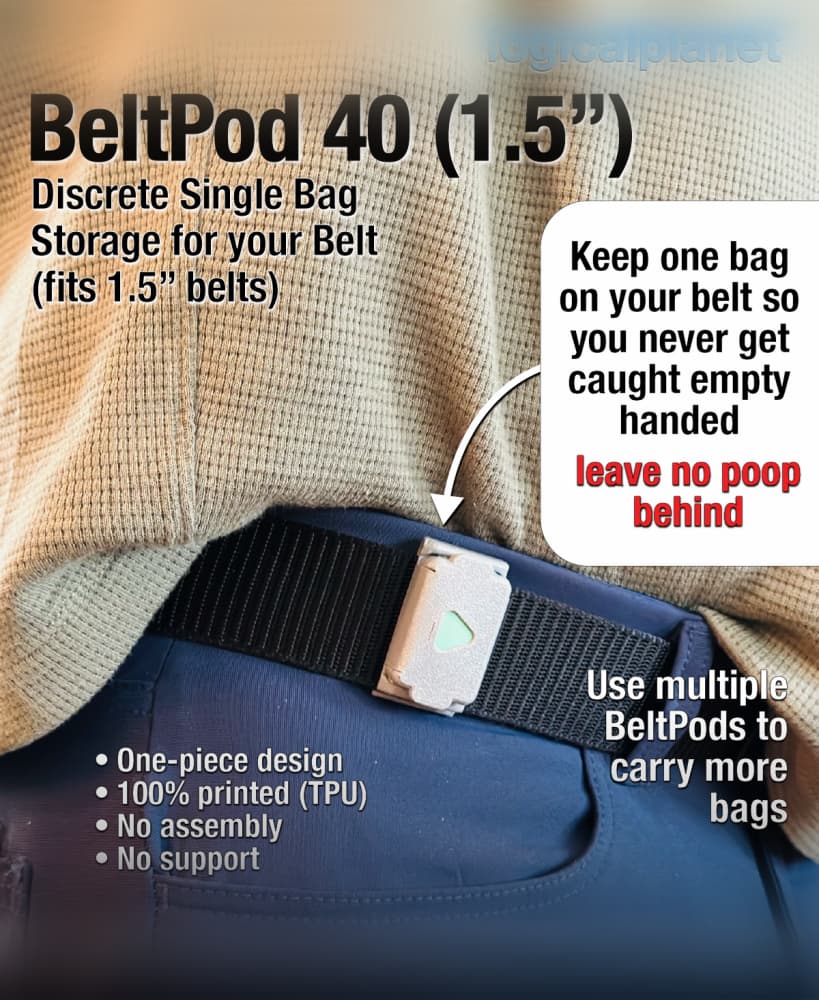
BeltPod 40 - Poop Bag Holder for Your Belt - Single Piece TPU - No Assembly
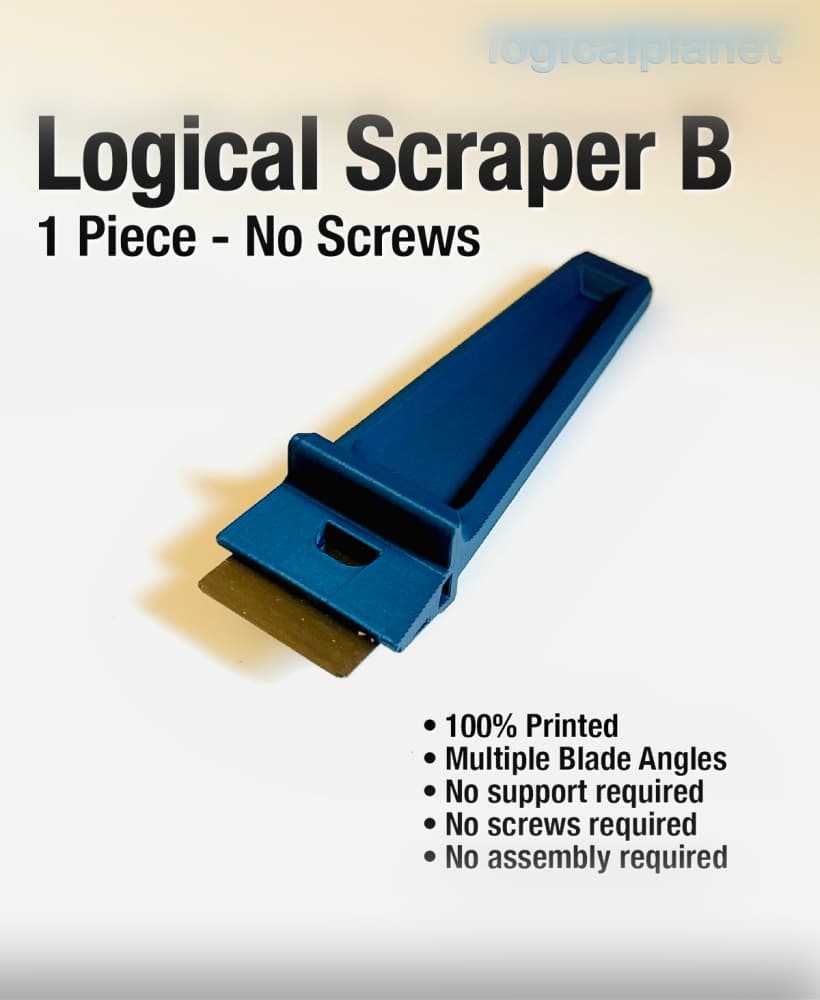
Logical Scraper B - 1 Piece No Screws No Assembly
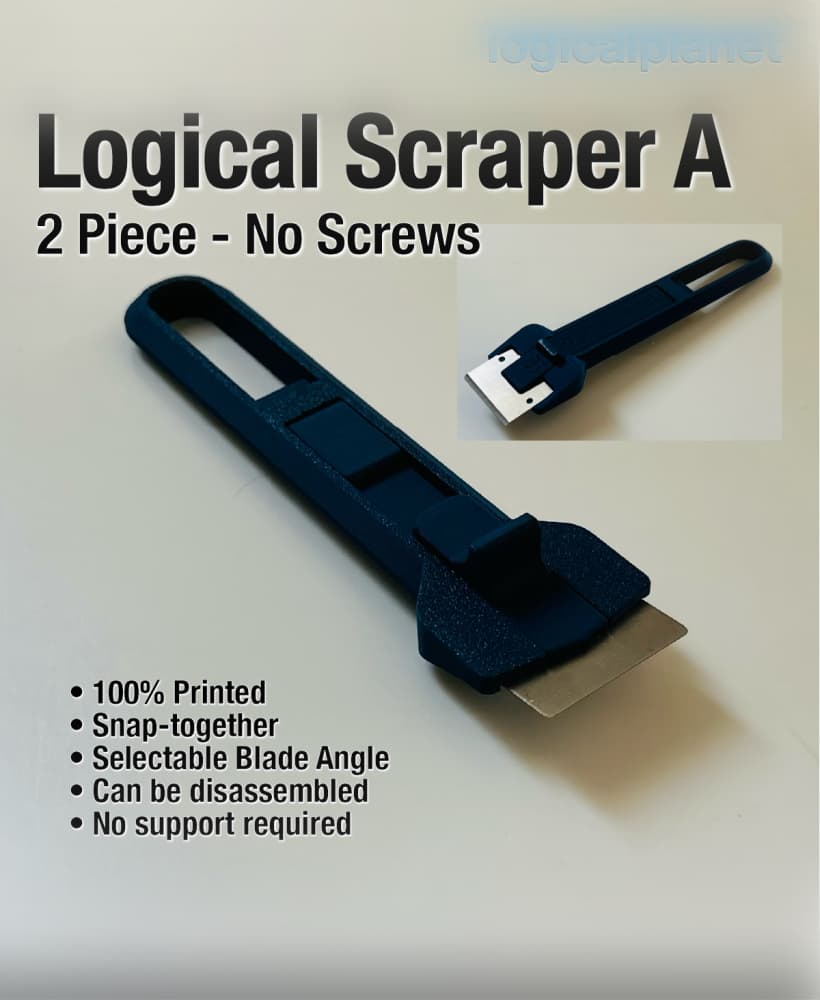
Logical Scraper A — 2 Piece, No Screws
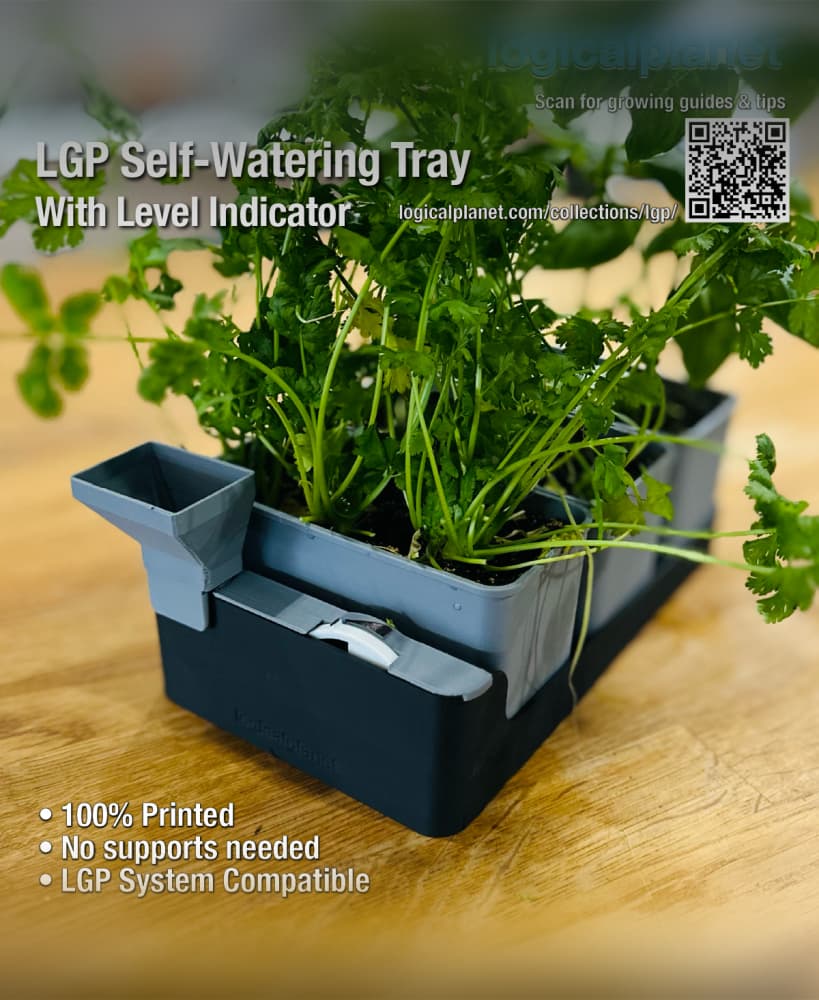
LGP Self-Watering Tray — Modular Bottom Watering Reservoir for the Logical Grow Platform
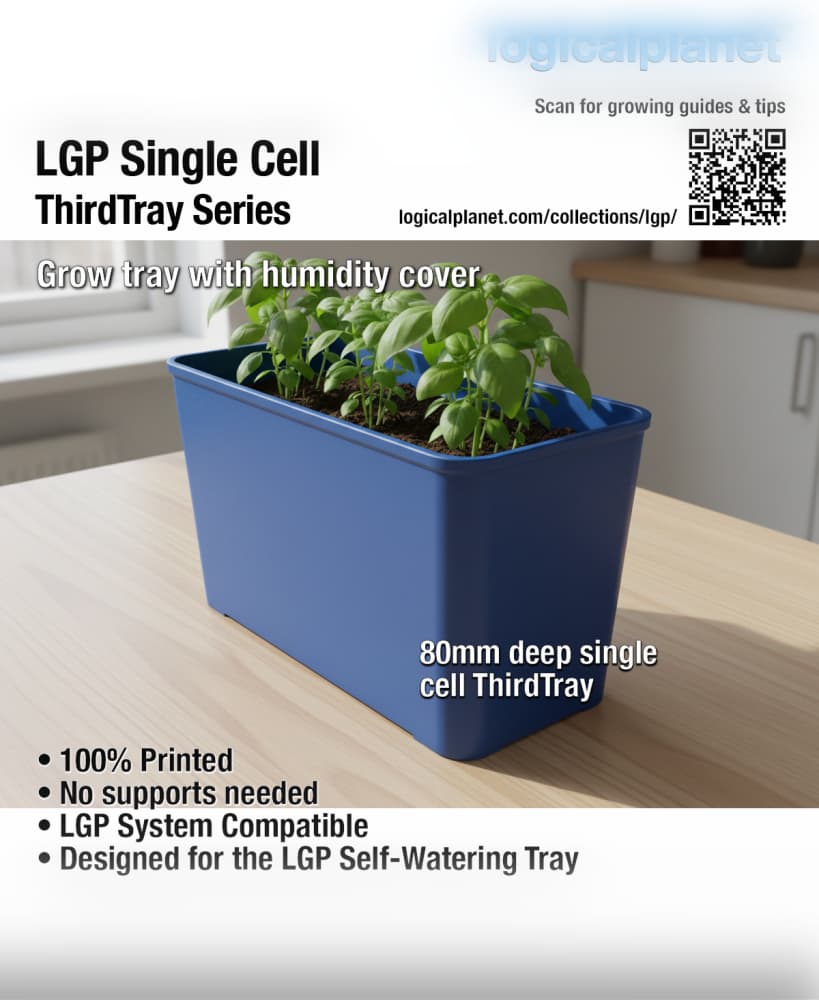
LGP Single Cell ThirdTray — Modular Grow Cell for the Logical Grow Platform
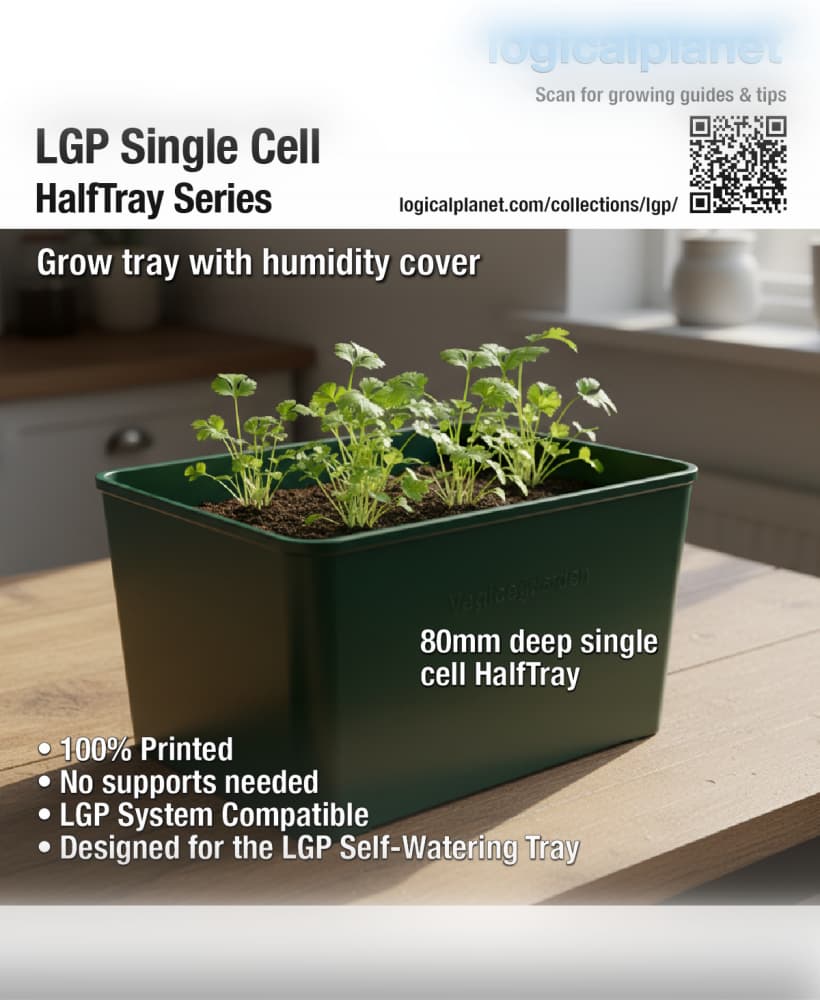
LGP Single Cell HalfTray — Modular Grow Cell for the Logical Grow Platform
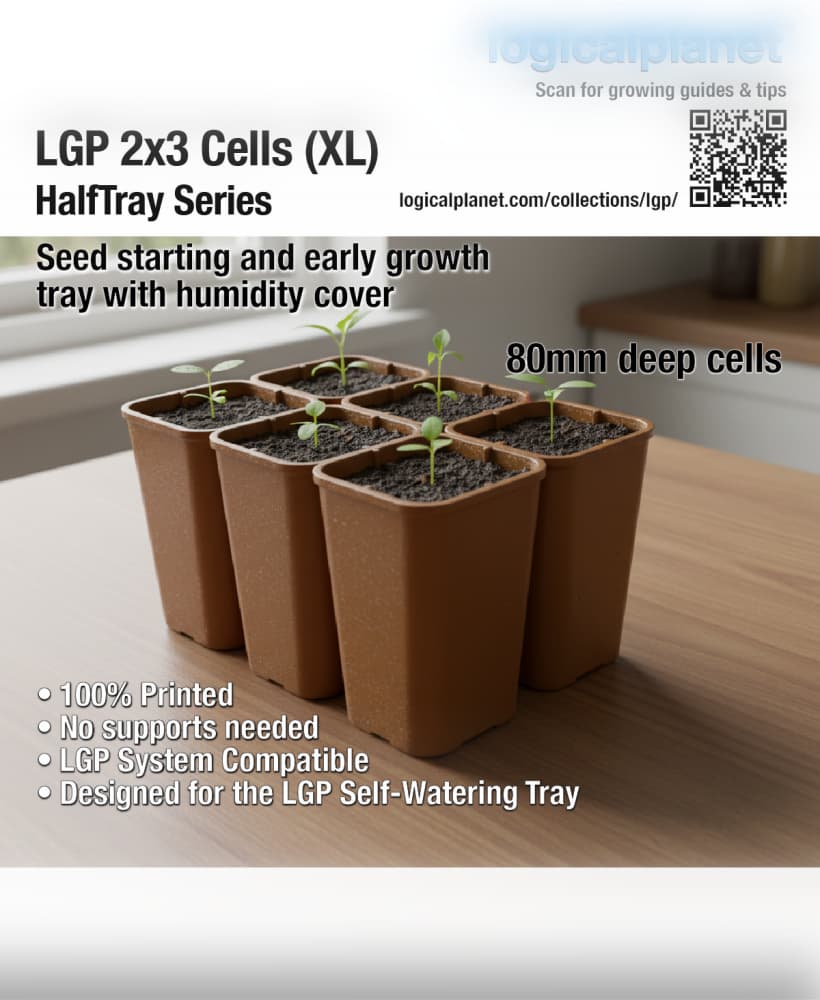
LGP 2×3 Cells XL HalfTray — Modular Seed Starting Tray for the Logical Grow Platform
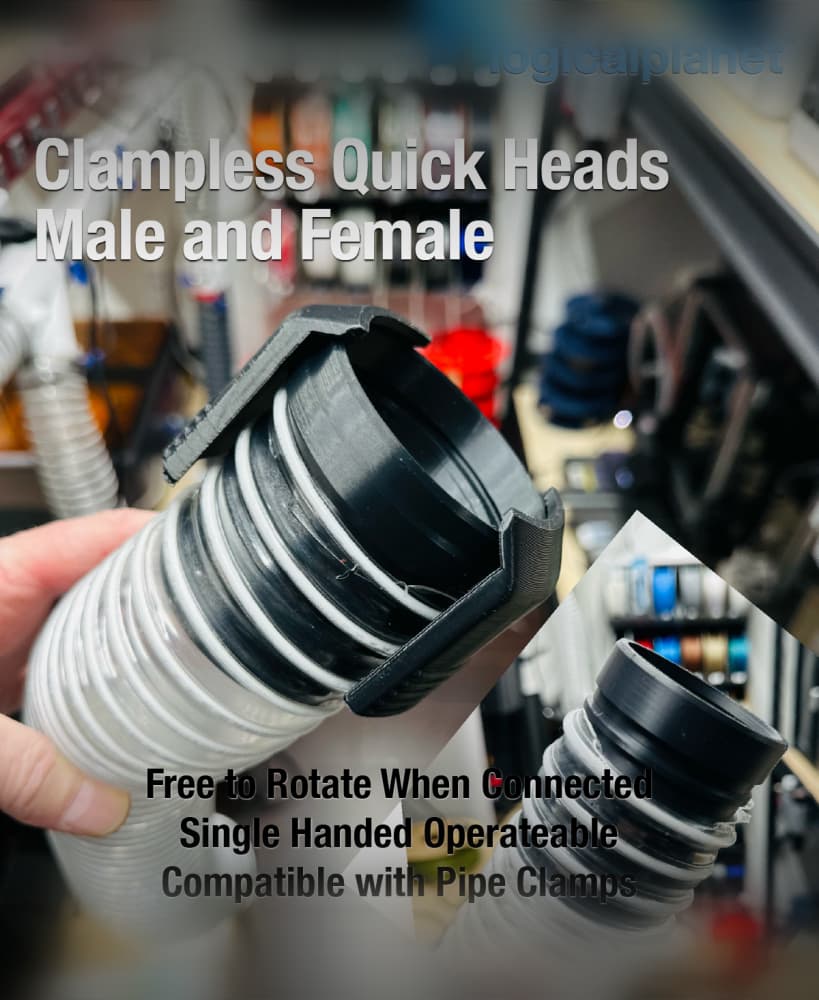
LPE25 Clampless Quick Connect
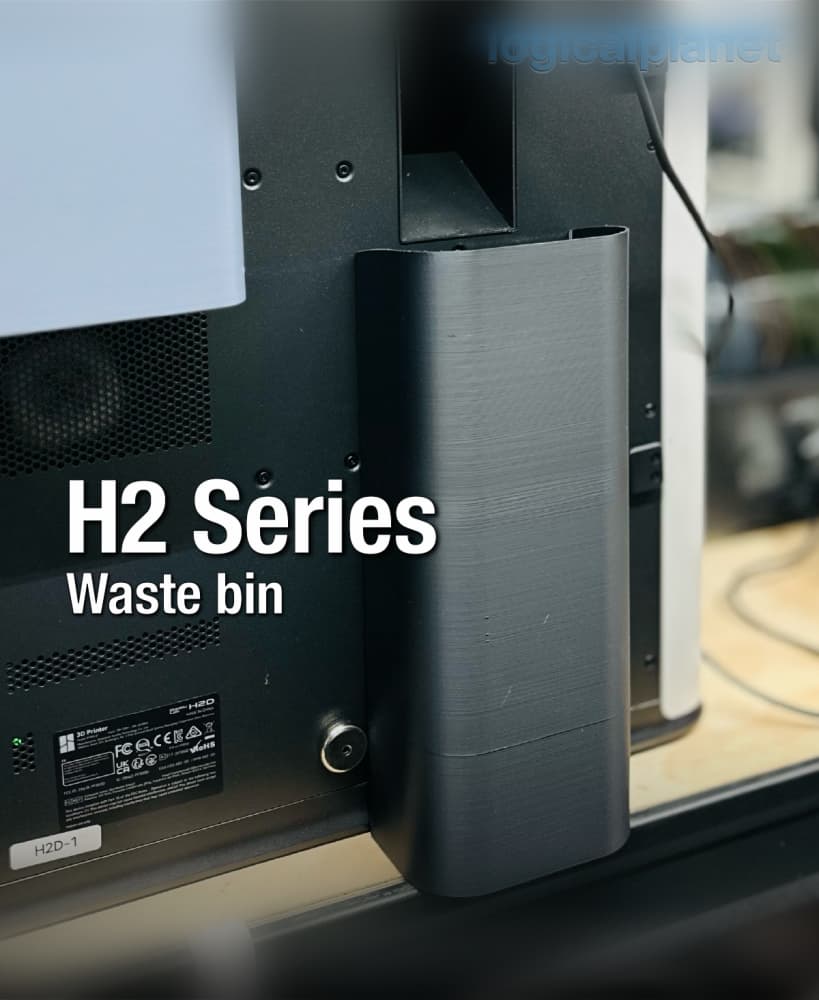
H2 Series Waste Bin
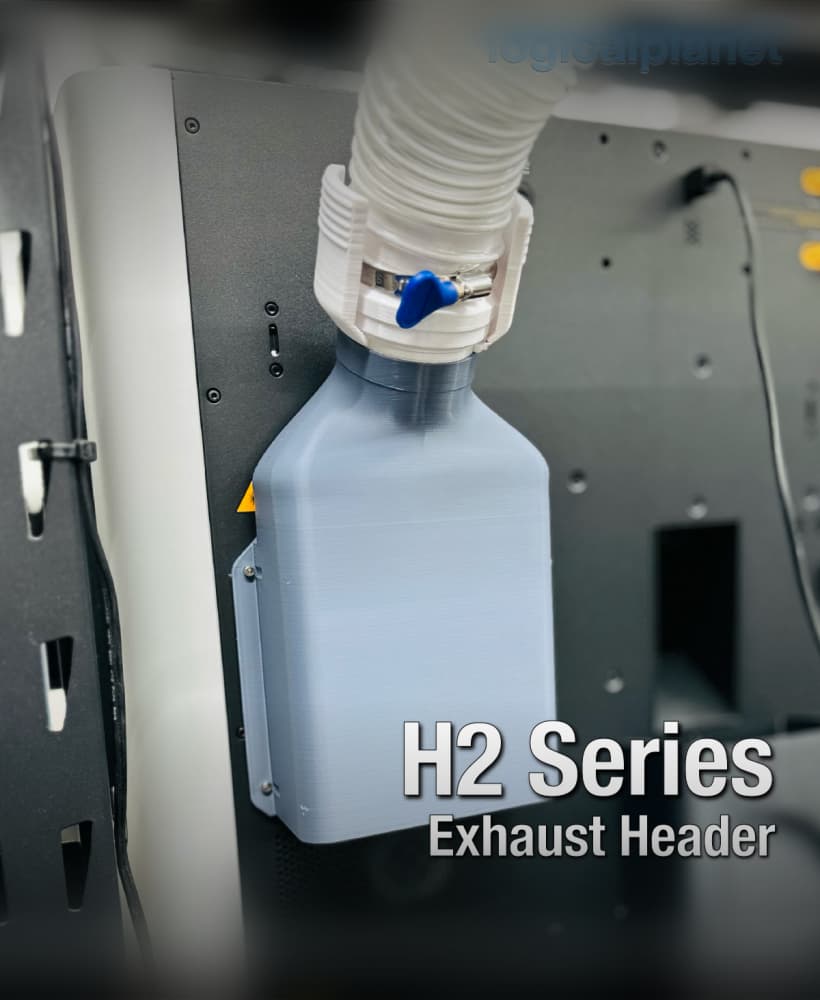
Exhaust Header for Bambu Lab H2 Series Printers

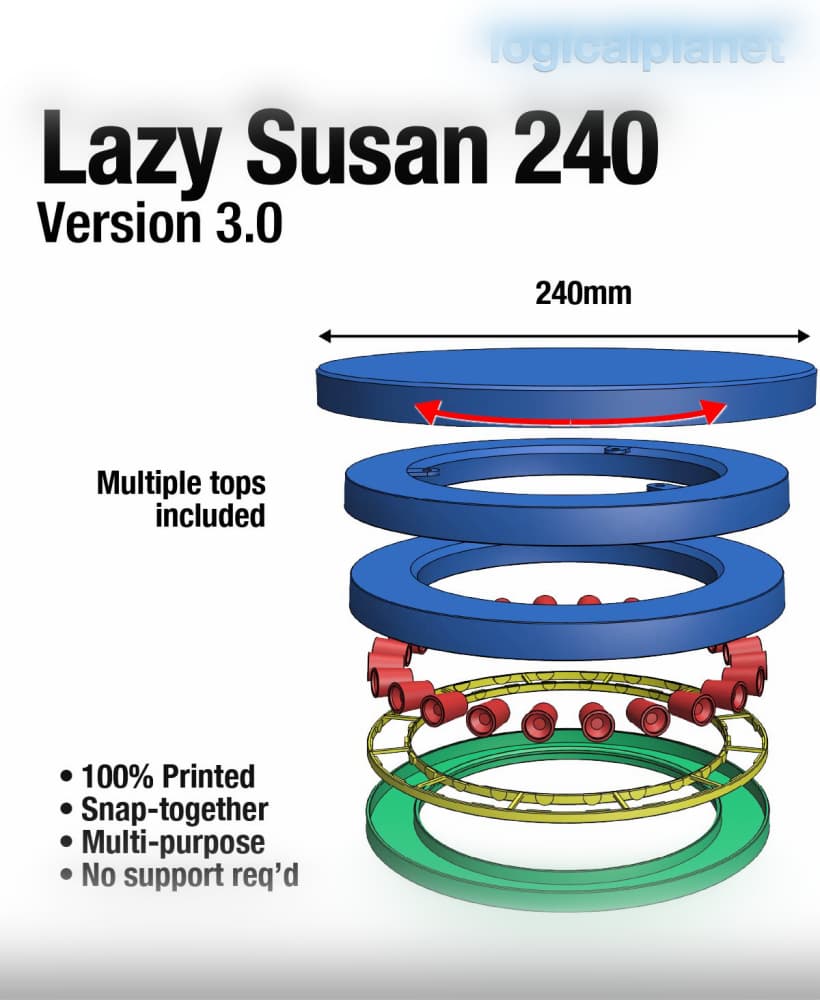
Lazy Susan 120 v3.0
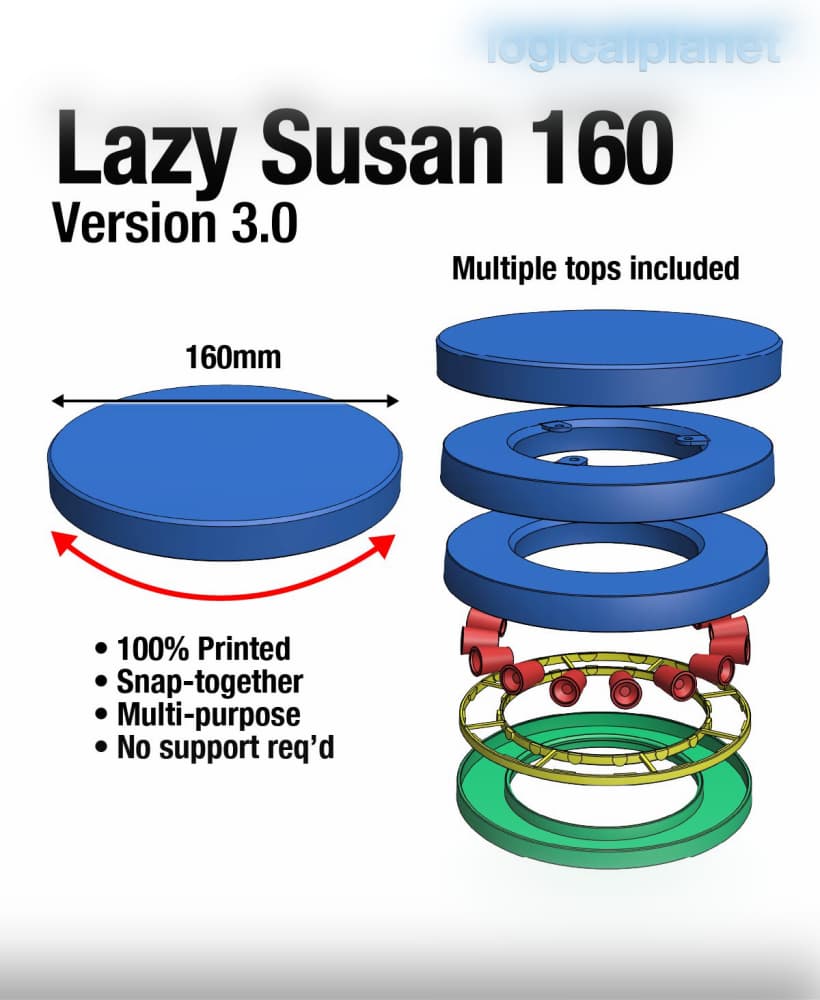
Lazy Susan 160 v3.0
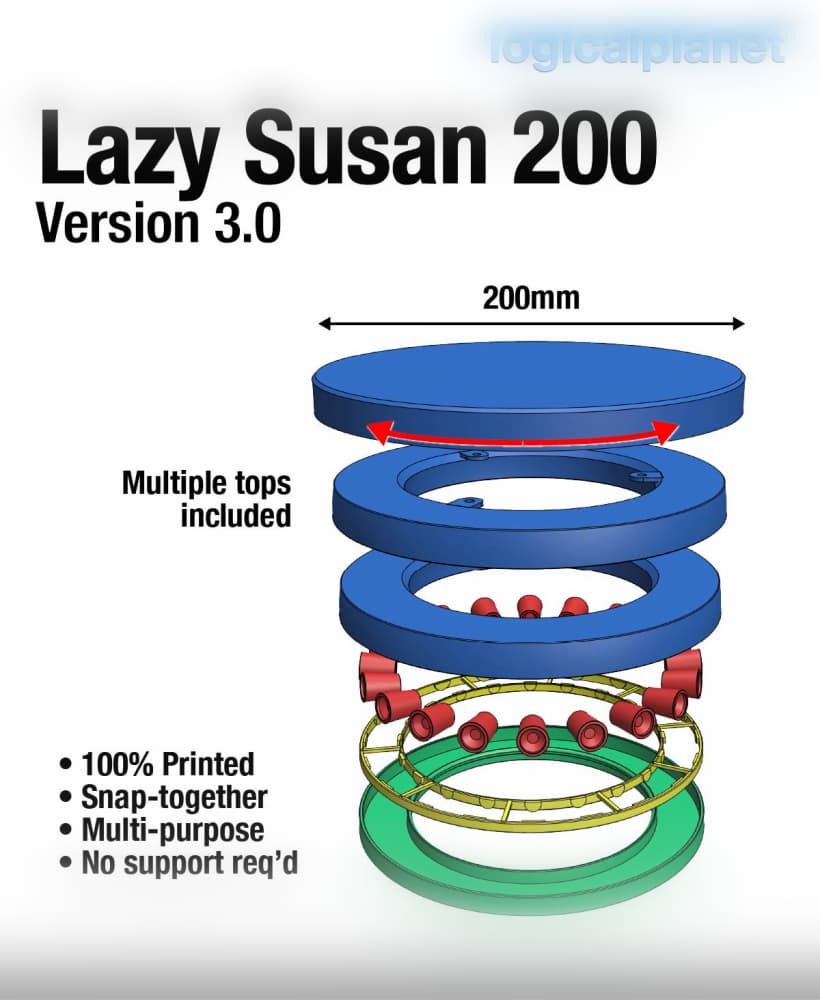
Lazy Susan 200 v3.0
In Orcaslicer, you can have EITHER Arachne OR Detect Thin Walls but not both. Which is more 'important' to select?
FYI, this item consumes a fair amount of filament (like 400g).
Definitely Arachne. When you switch to Arachne in OrcaSlicer, Detect Thin Walls becomes irrelevant (and is often greyed out) because Arachne is already solving that problem — and solving it better.