


Collapsing Pirate Sword
This is a collapsing sword designed to be printed as one part. Its only 142mm high when printed but expands to over 860mm in total length! The sword is designed to be printed with a ,4mm nozzle, the blade will be two shells thick.
There is a test print file. If this works, you shouldn't have an issue. If it fuses together, I would suggest adjusting your cost and wipe settings.
Detailed printing instructions can be found on my website
For more info on how to print this, I made a trouble shooting video. https://youtu.be/YQV4PYJPhx0
If you want to throw a little support my way, please follow the affiliate links to the filament I used to make this swords. Silver: https://amzn.to/2W3Z1Gh Pink: https://amzn.to/3AZngnL
Collapsing Swords Master Sword Katana Jian Board Sword Dagger
Support and Licensing If you would like to help support more free models please consider joining my Thangs Membership To get permission to sell physical copies of my models by joining my Patreon
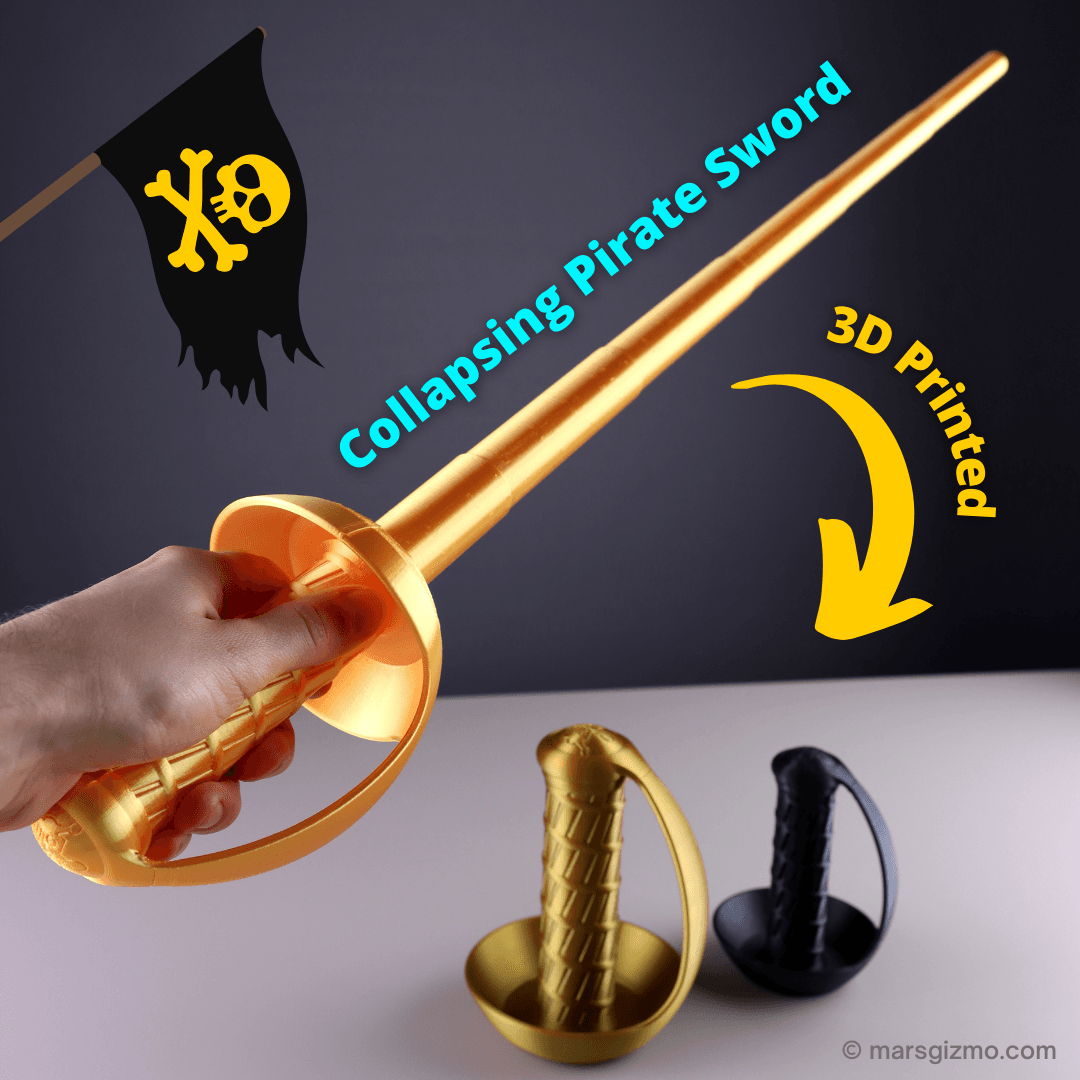
Collapsing Pirate Sword
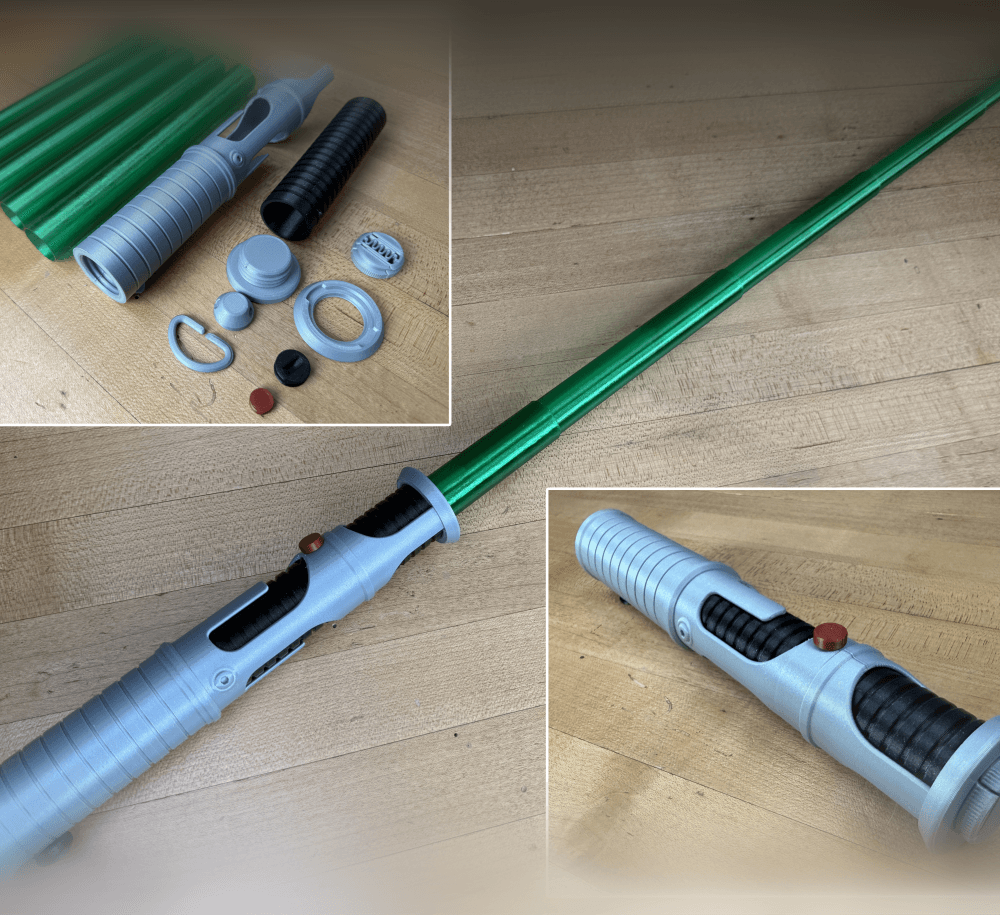
Quinlan Vos Collapsing Lightsaber

Master Sword Horizontal Wall Mount

Expanding Master Sword

Lightsaber Belt Clip

Luke’s ROTJ Multi-Part Collapsing Lightsaber
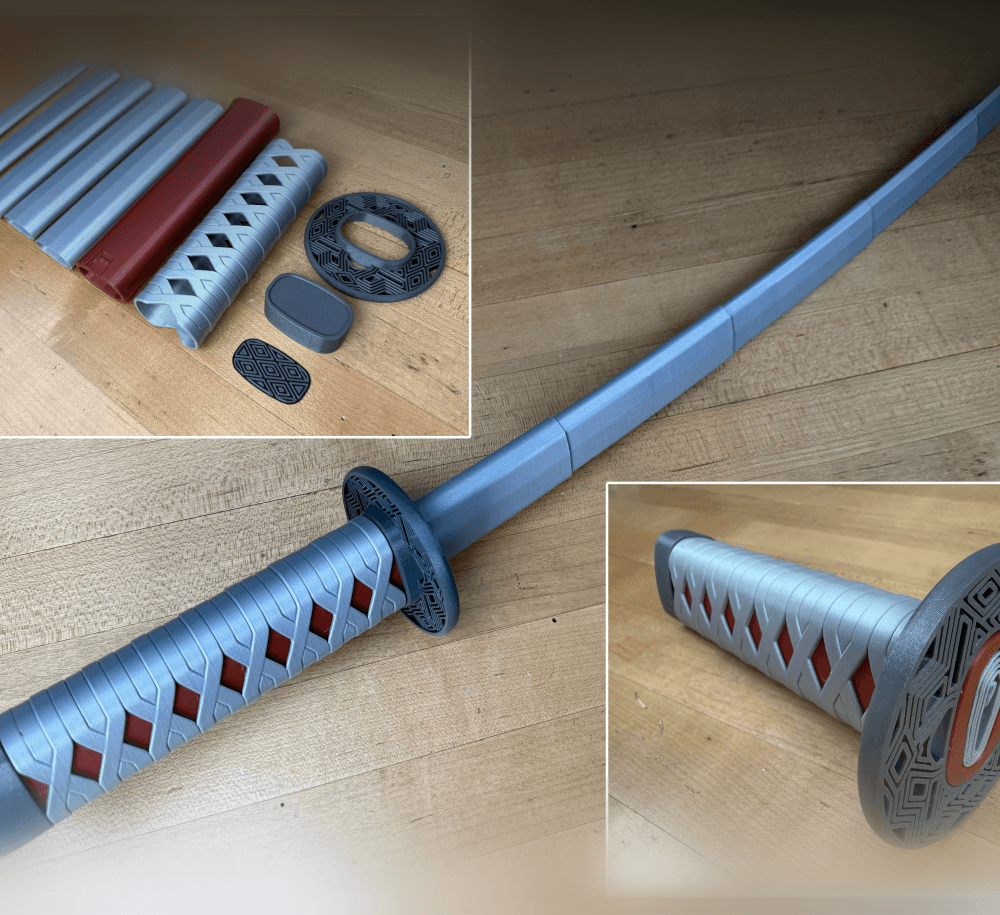
BYOK #10

Fallout Access Granted Illuminated Panel
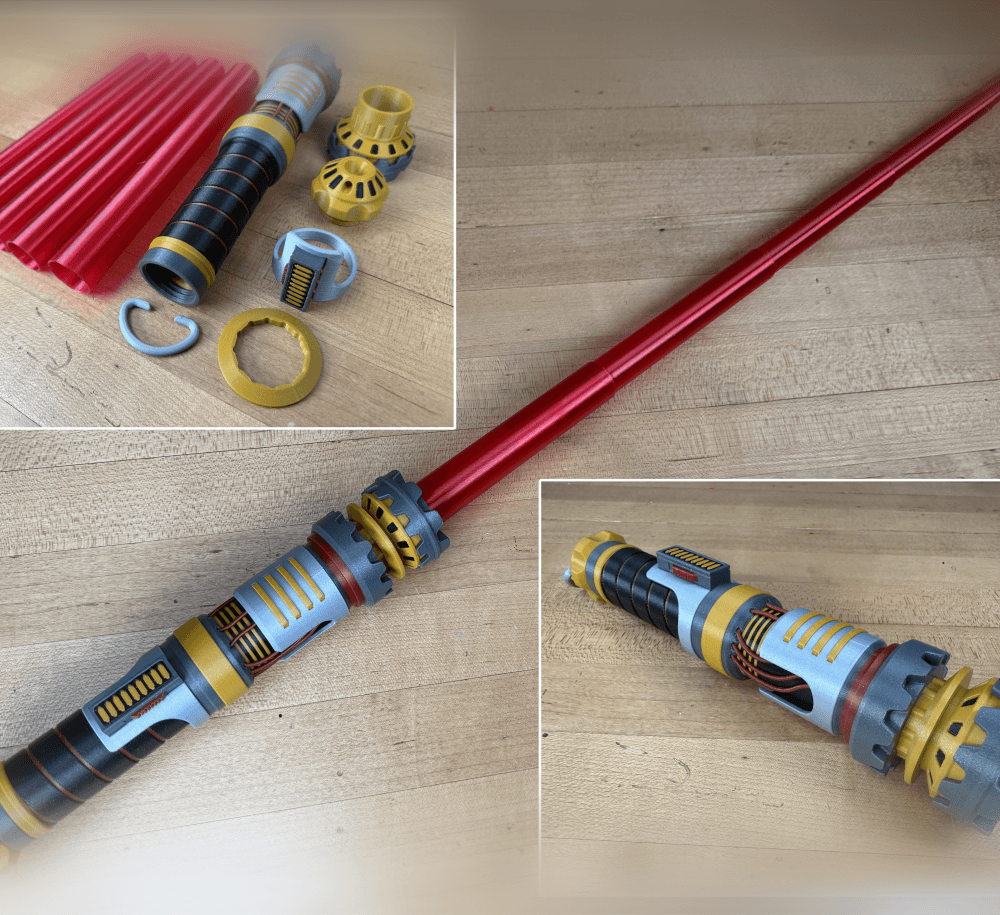
The Incinerator Multi-Color
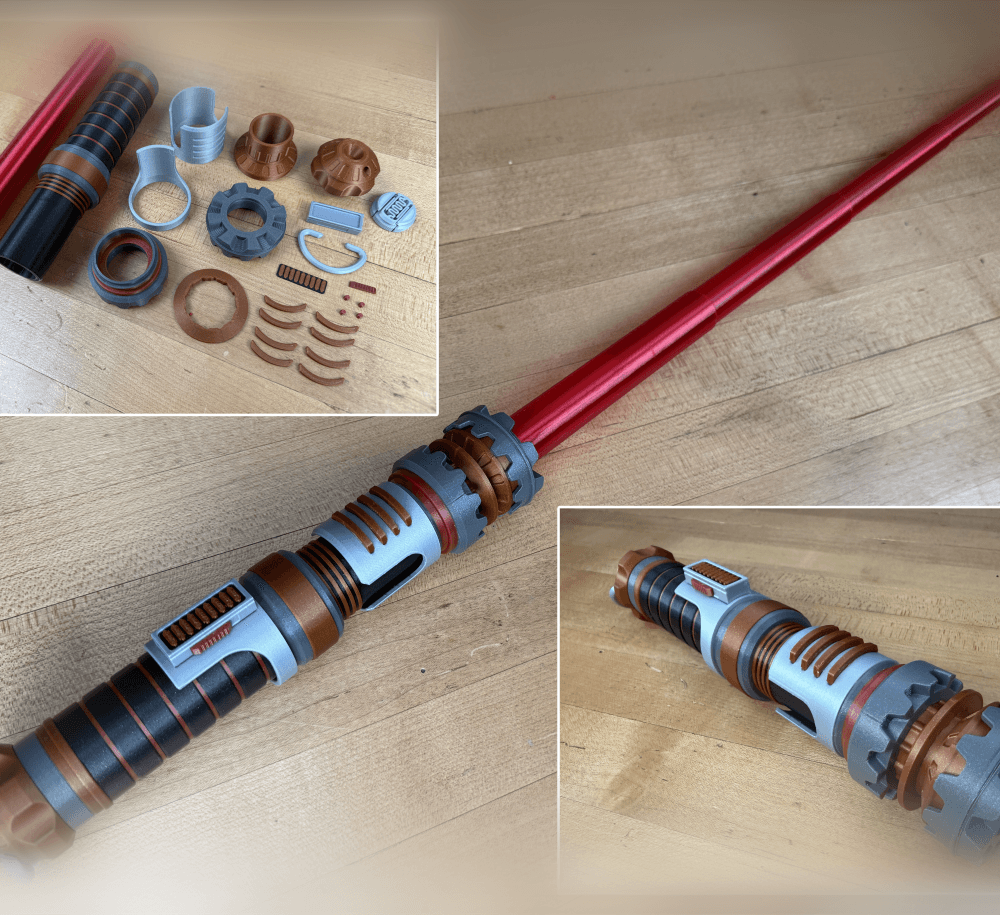
The Incinerator Collapsing Lightsaber

Fallout Access Granted Panel
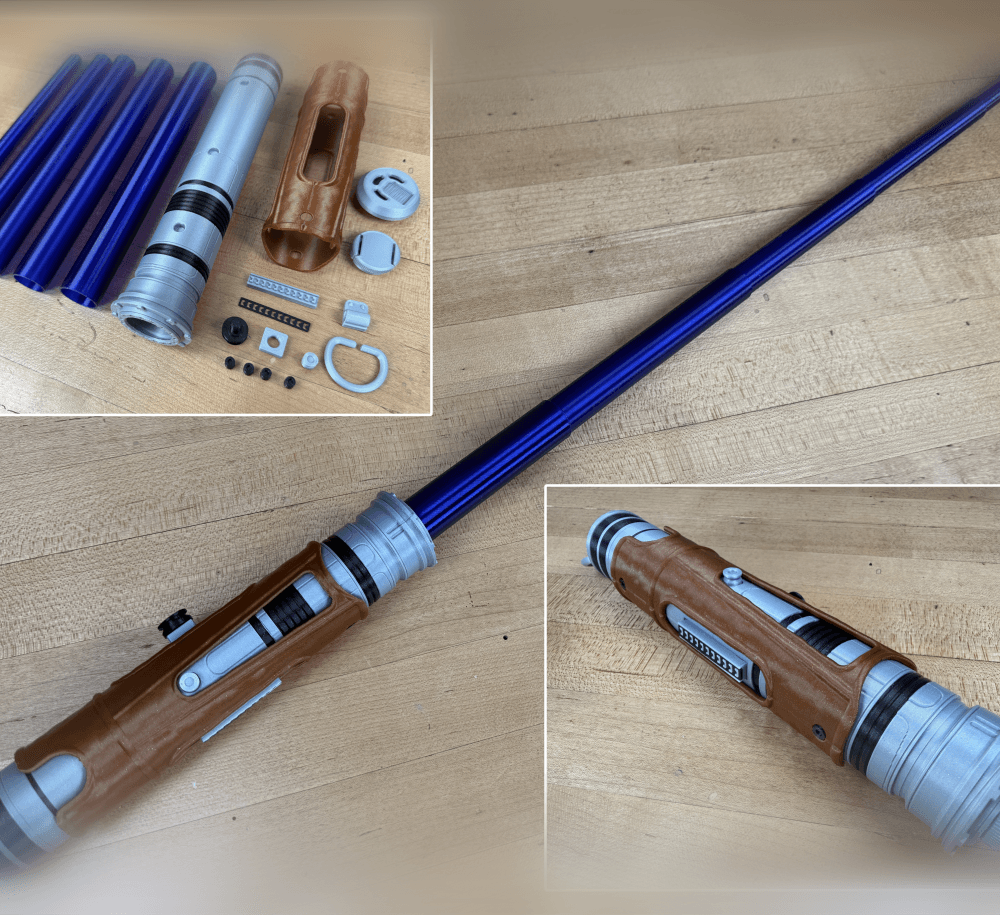
Devon Izara's Collapsing Lightsaber
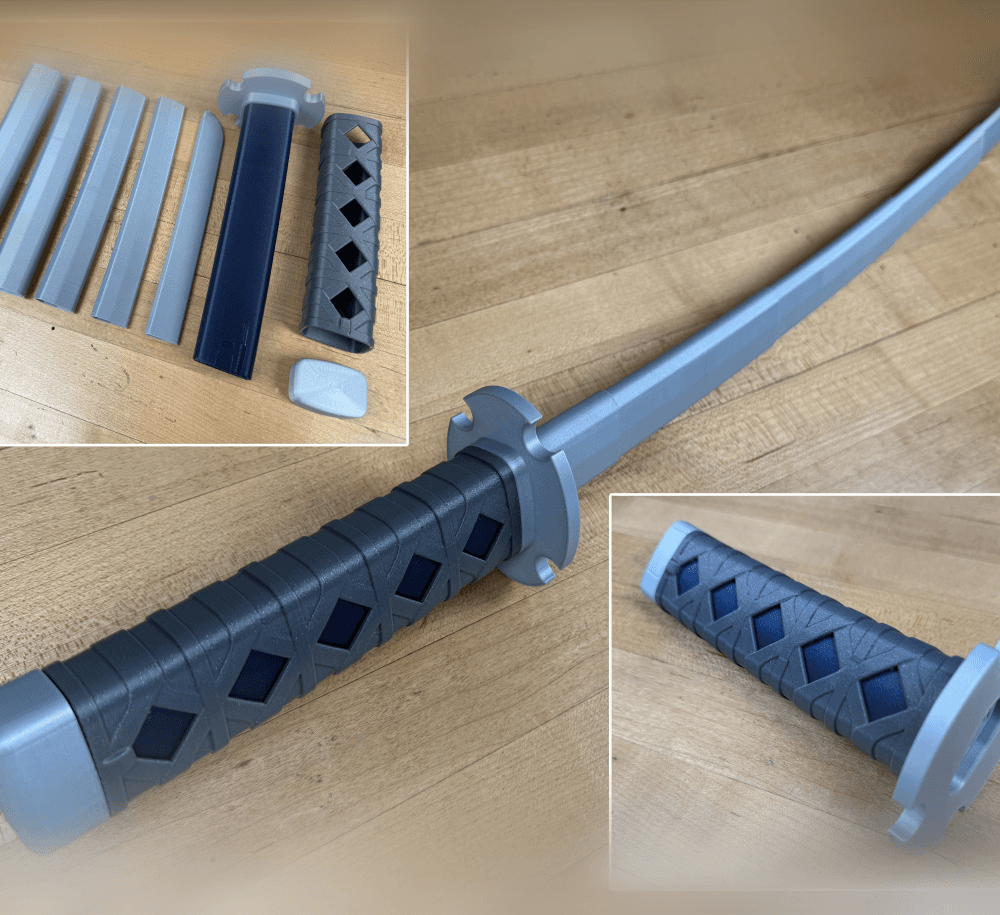
Sakonji Tomioka Katana

Master Sword Vertical Wall Mount

Collapsing Easter Basket

Buster Sword Wall Mount

Textured Planetary Egg Container
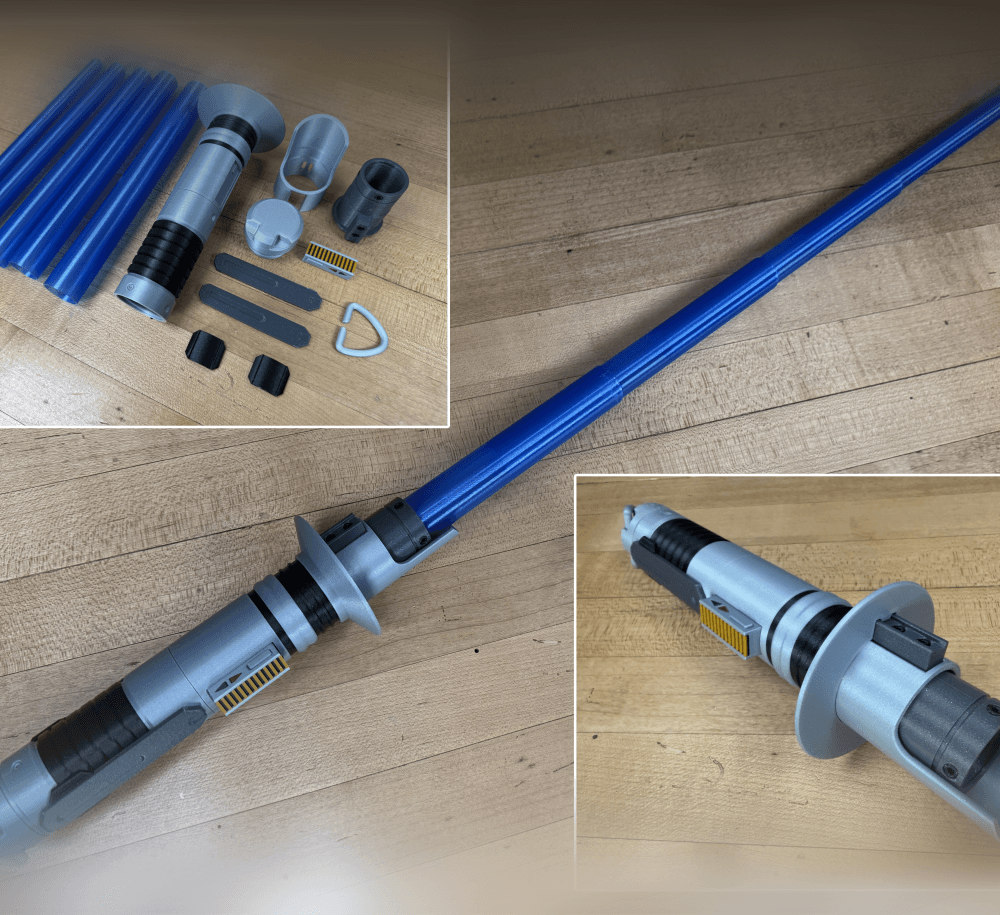
Ezra Bridger 3rd Collapsing Lightsaber

Illuminated Galaxy Edge Control Panel #2

Illuminated Galaxy Edge Control Panel #1

Why is it fusing together along the Z seam? PS: I'm a beginner
find the test print and the troubleshooting guide.
The seams are too close together and doesn't have time to retract. Try spliting the file into parts and put the seam in different positions for each part.
Im printing on the Ender 3 pro, im having issues with the walls fusing together, is there a way to fix this? Would it be something as simple and just lowering or increasing print speed or shell thickness? my current shell thickness is .8 and my speed is 80.
They are fusing together or really close all the way around? Adjusting the shell thickness wont help but what will is lowering your extrusion multiplier/flow rate. I would try lowering it a few percent. Print the test print first: https://thangs.com/3dprintingworld/SwordSaber-Test-Print-23601
@robomaniac, for me it was printing well on the Stock MK3S+. I used the default Profile (0.2mmm Quality), printed with PLA and Default Prusament PLA Filament Profile.
There are 2 options to fix it if you have issues, either set xy compensation to -0.05 for example, or lower the extrusion flow to 0.95.
Different brads of filament (of the same type, ex. PLA) will have different extrusion flows, with the same Slicer settings. This is because of the components of the PLA (different from brand to brand).
Hope it helps.
again and again. I print test fil and have no issue at all, they separate with no force. I then print this on my MK3S+ and everything is stuck! What a waste of plastic!
Excellent design! 👌😎
Its in my thangs, https://thangs.com/3dprintingworld/SwordSaber-Test-Print-23601
where's the test file?
can you share the separate parts of this sword for example handle and blades
Its not possible to assemble the printed parts but if you want to separate the blades anyways most slicers allow you to do that now.