How to Present Your Models So They Sell
Best practices for your model page including photos, description, and print instructions.
A great model deserves a great presentation.
On Thangs, your model page is often the very first impression someone has of your work. Before a maker downloads, likes, or subscribes, they’re deciding whether your design looks trustworthy, useful, exciting, and worth printing.
The strongest model pages do more than just host files; they clearly communicate what the design is, how it works, and why someone should care about it. From searchable titles and thoughtful tags to clean images and detailed print instructions, every section of your page helps improve discoverability, build confidence, and create a better experience for the people printing your work.
In this article we’ll cover some of the most important elements that make a model page stand out, including model title, description, categories and tags, print instructions, and images.
Model title
A strong model name or title on Thangs should immediately tell users what the design is in a clear, searchable, and intuitive way. The best titles balance creativity with practicality; making it easy for someone to discover your model through search while still giving the design personality.
Best title practices include:
- What the model is
- Important keywords people would actually search
- Relevant compatibility or category terms when useful
For example, “Articulated Crystal Dragon” is much more searchable and understandable than something vague or overly stylized. Avoid overly abstract titles, excessive emojis, long strings of keywords, or the names or brands you don’t have explicit permission to use. If someone can instantly understand what your model is from the title alone, you’re usually on the right track.
Model description
Adding a description to your model builds trust and excitement for your customers. It also adds to the discoverability of your model and helps build a sense of connection with your customers by offering unique details. Add a description by going to Model Editor > Model Description.
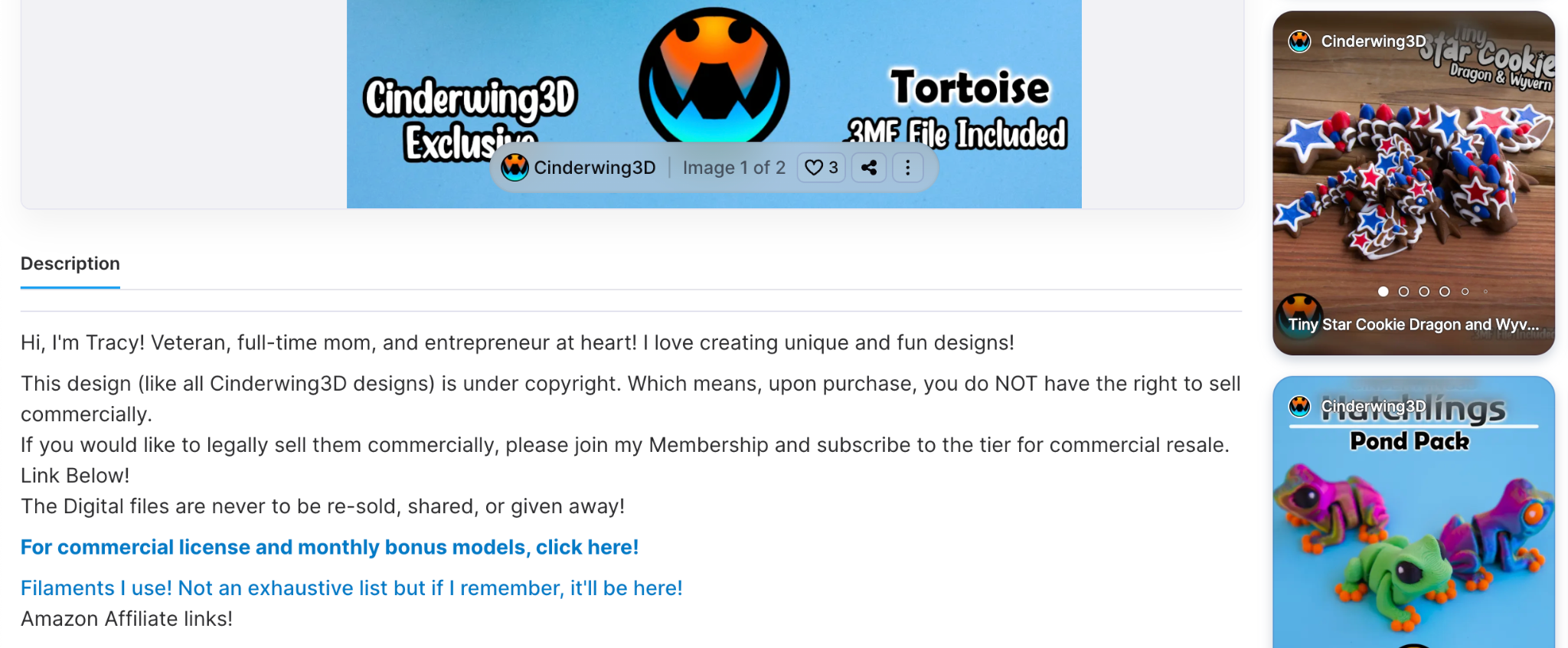
Open your description with an engaging introduction.This is your chance to give the model personality and help users connect with it beyond just the files themselves.
You can talk about:
- What inspired the design
- Why it’s useful or unique
- How the idea came to life
- If it expands on another model or collection
- Any interesting functionality, challenges, or creative details
A strong description not only helps users better understand the model, but can also increase engagement, trust, and interest in your work.
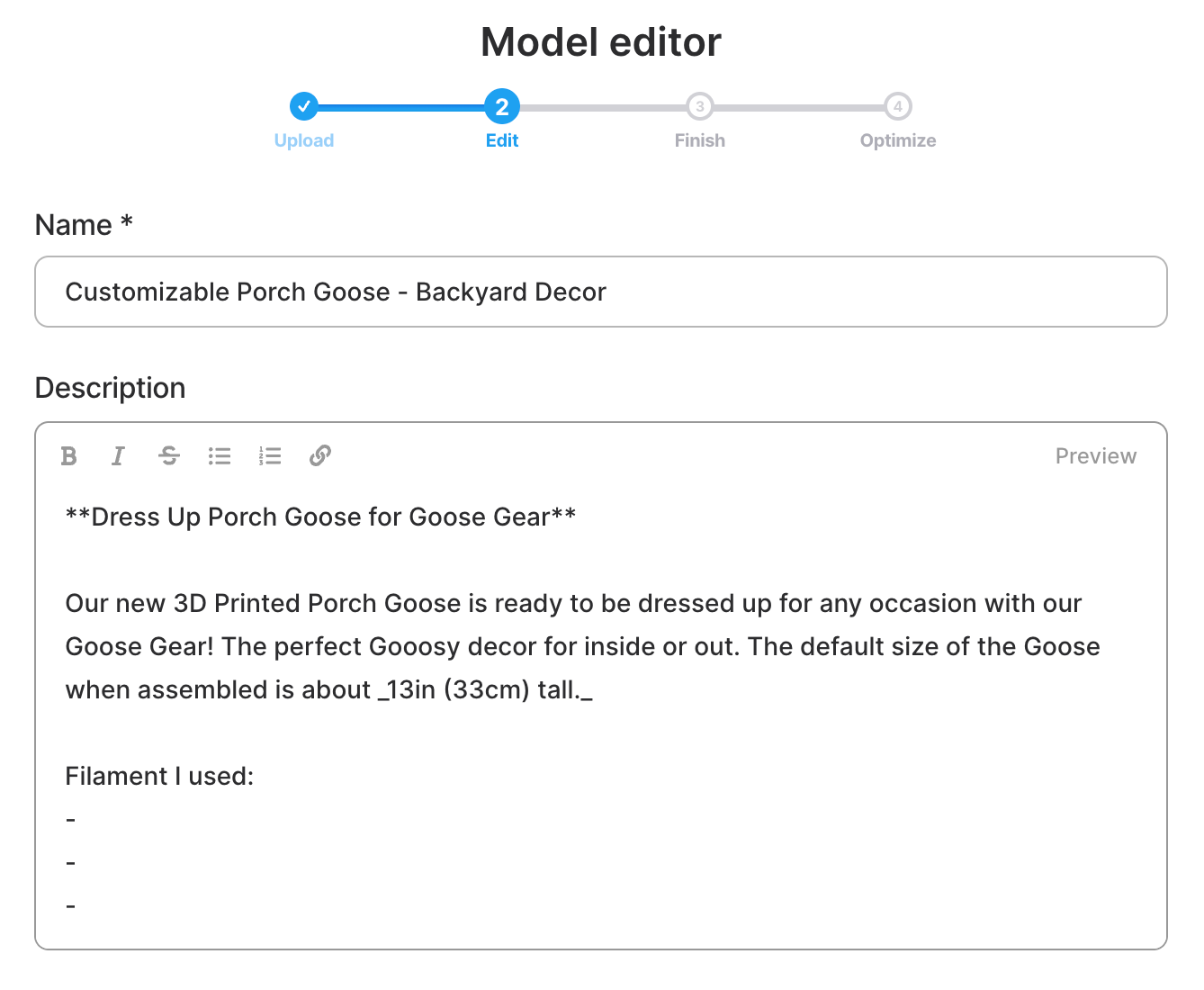
Here you can also include the filament you used/recommend for the model, the different files available in the download, & anything else you feel is worth mentioning.
Model categories and tags
Tags and categories on Thangs help connect your model to the right audience and improve discoverability across search and recommendations. Strong tags should reflect the actual object, style, function, fandom, or use case of the design; essentially the terms someone might realistically type when trying to find a model like yours.
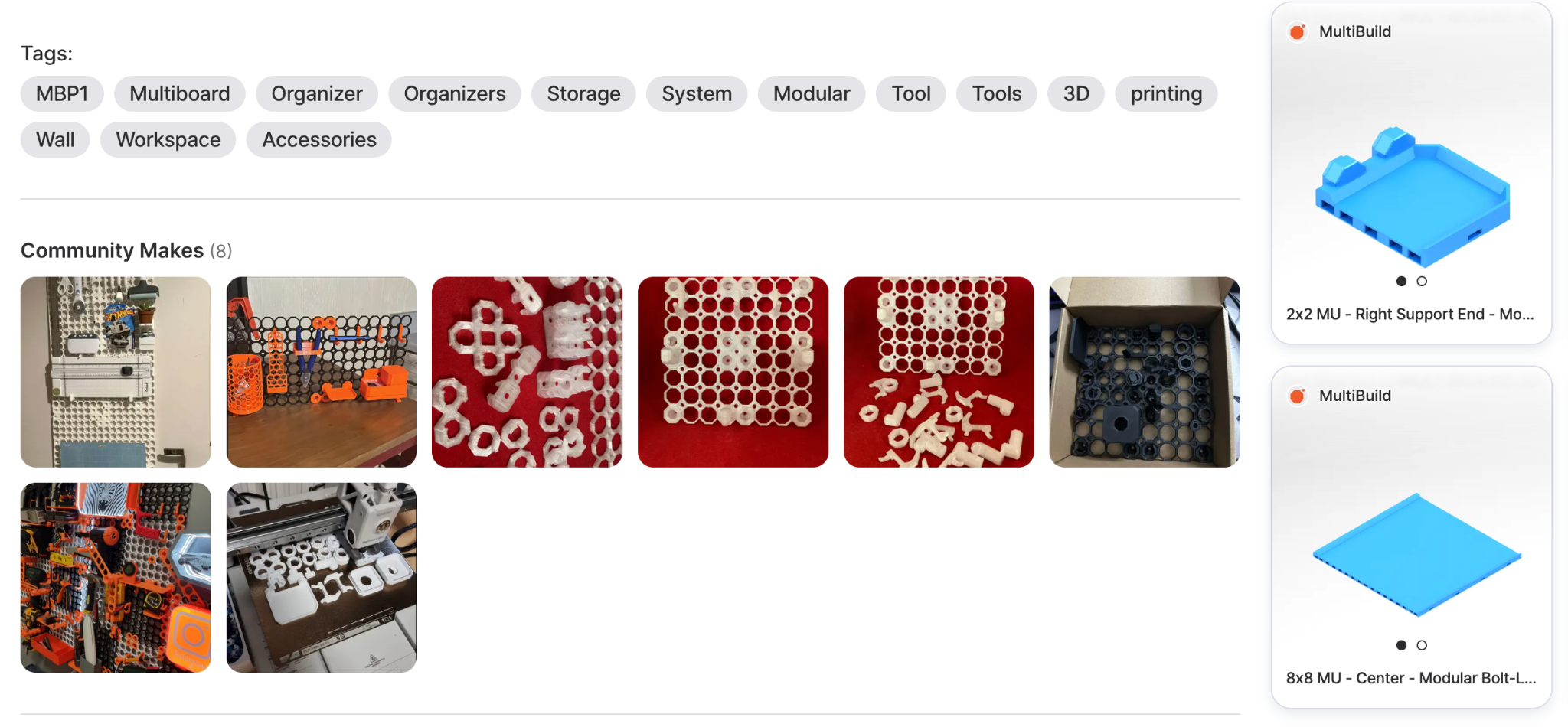
Effective tags are:
- Specific and relevant
- Easy to understand
- Closely related to the design itself
Think about categories, themes, materials, aesthetics, or compatible devices. For example, a controller stand might include tags like “gaming,” “controller,” “desk setup,” “cyberpunk,” or “PS5.” You can add up to 20 tags on Thangs.
Avoid stuffing unrelated trending tags or repeating the exact same words excessively. A smaller set of accurate, intentional tags will usually perform much better than a large list of generic ones.
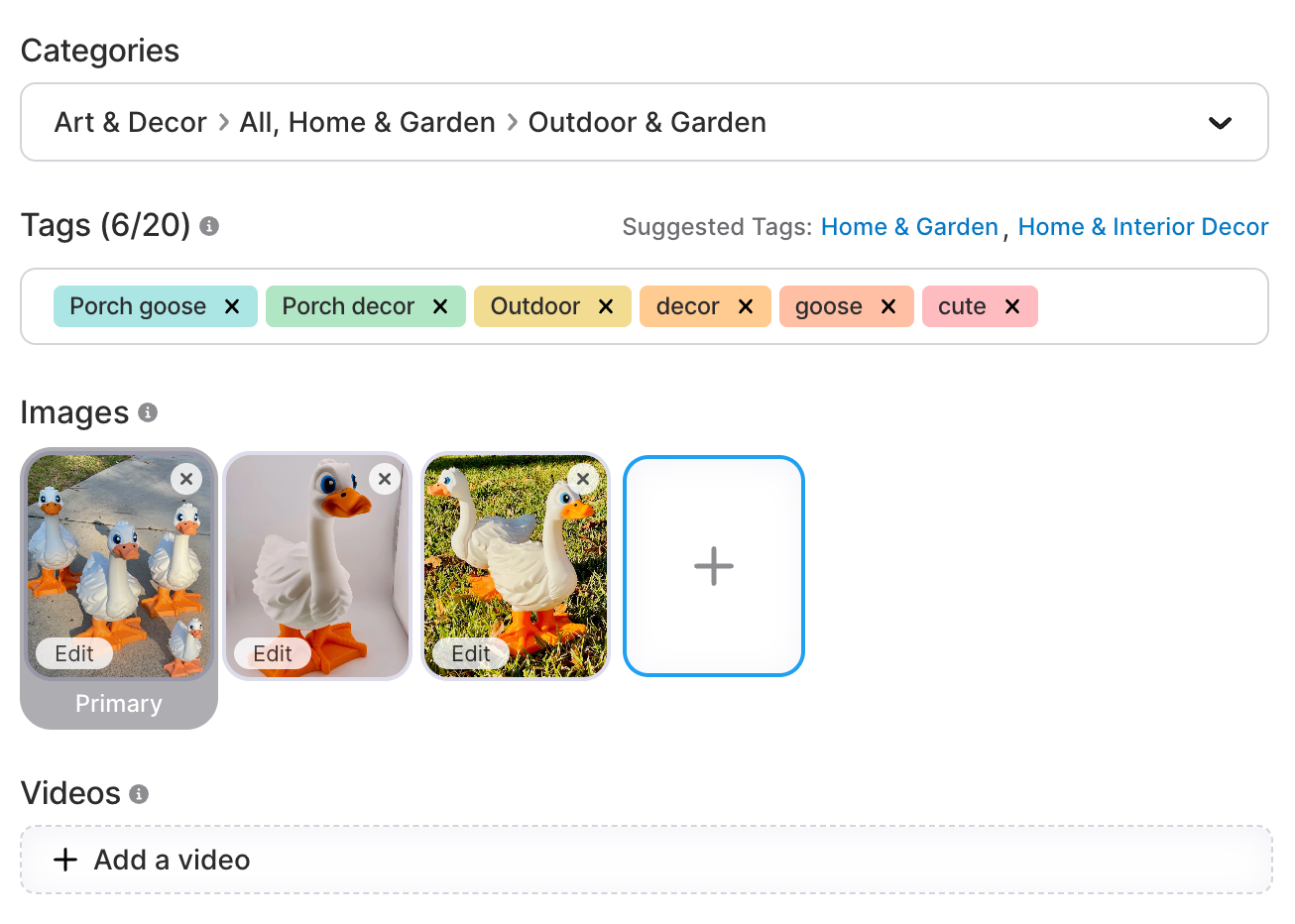
Always make sure to use both Tags and Categories on your models. On Thangs, search and discovery heavily rely on this information, with popular tags surfacing across the homepage, search results, and related model pages.
Model print instructions
Including print instructions is an important step in setting up your customers for success and a great experience with your model. Giving them clear guidance on how to print and assemble your model means your customers will have a better chance at good results and helps build trust and loyalty for your brand.
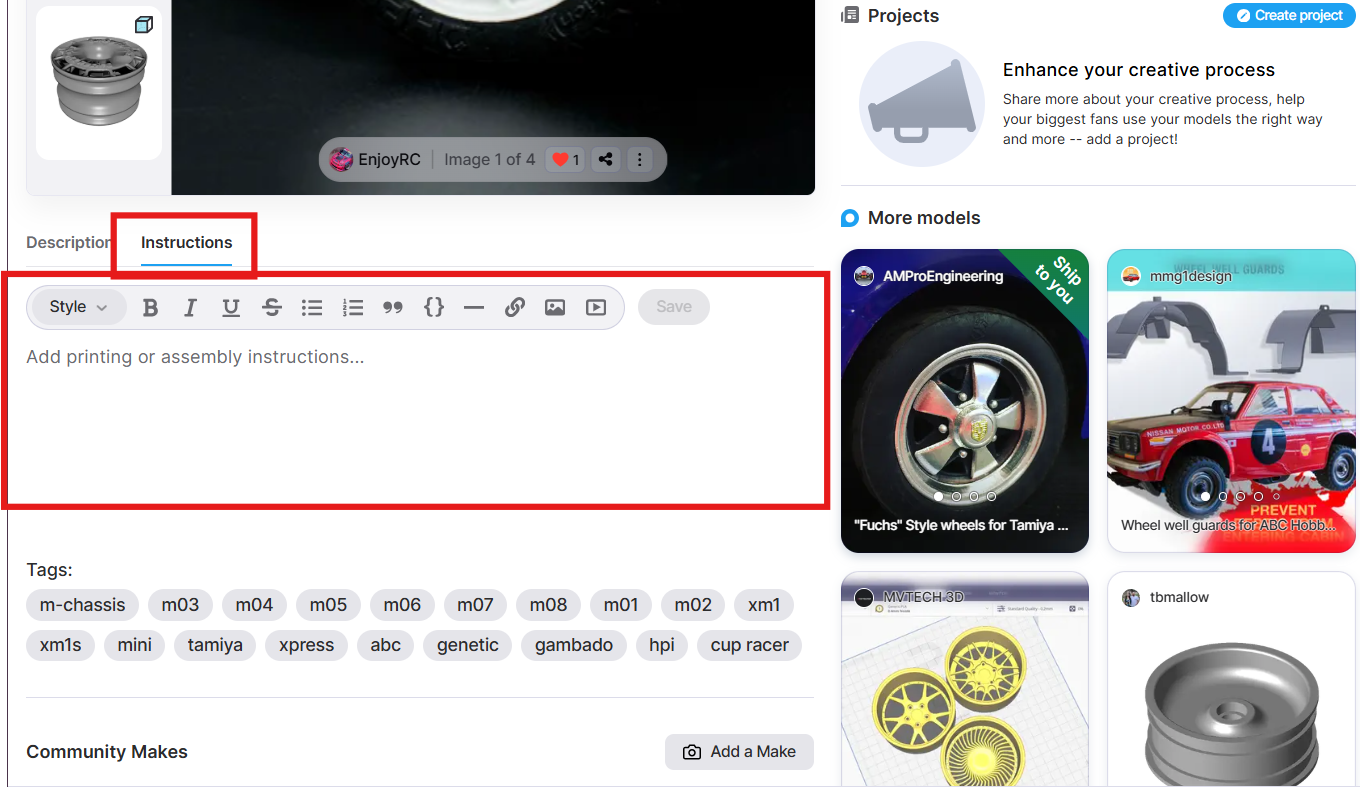
To add print instructions, in your Model Page > Print Instructions tab (located right next to Description), you can include all of the technical and assembly details needed to help users successfully print your design.
Effective print instructions include:
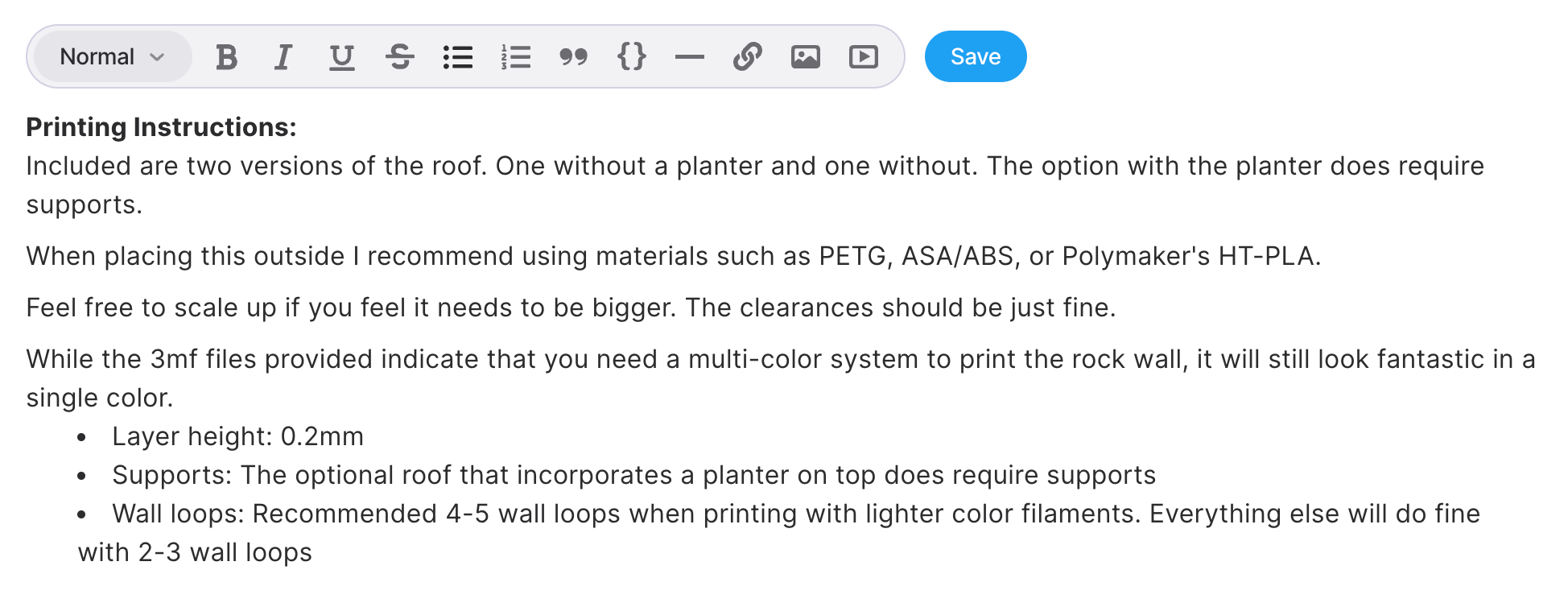
- Printing tips and recommended settings
- Assembly instructions and part breakdowns
- Images, renders, and diagrams
- Material recommendations
- Troubleshooting notes or extra guidance
Adding print instructions is a clean, centralized way to give users everything they need without requiring extra downloads. Even better, when a user downloads your model, the print instructions are automatically included as a downloadable PDF for easy reference while printing and assembling.
Model images and photography
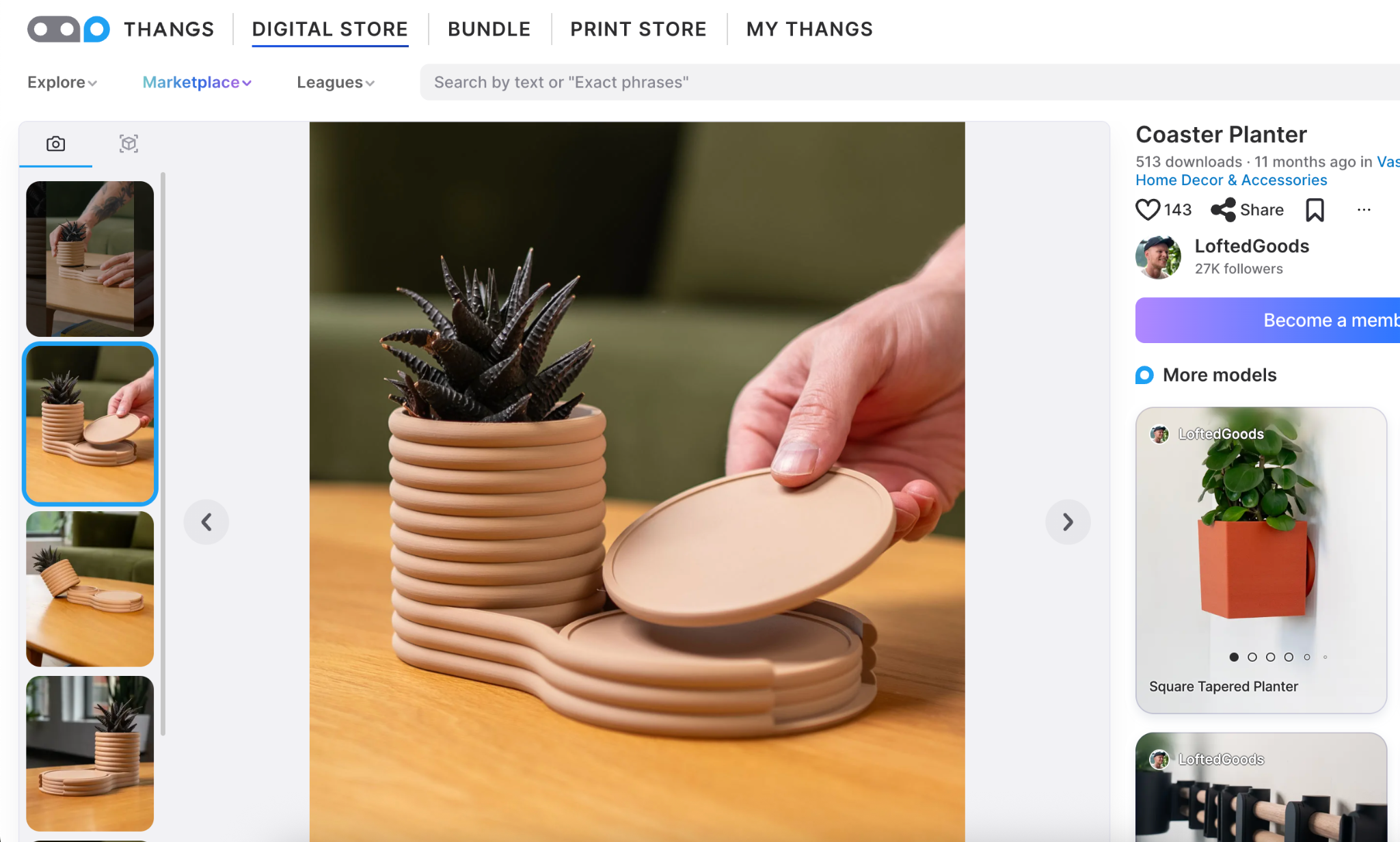
The visuals on your model page can make a major difference in how well a design performs. Strong images help makers immediately understand what the model is, how it prints, and what the final result can look like, while also building trust that the design is high quality and printable. In addition, Thangs requires that the images you share of your models match the design. We highly encourage you to add photos of an actual, printed model, not a render or an AI-generated image.
Qualities of a strong model image section:
- Good lighting: Natural daylight or a simple ring light can dramatically improve presentation.
- Clear, high-quality photos: A quick lens wipe before taking photos often makes a huge difference.
- Multiple angles: Show the model from different perspectives so users fully understand the design.
- Printed results: Seeing the actual finished print helps build confidence and excitement.
- Clean presentation: Simple backgrounds and uncluttered setups help keep the focus on the model itself.
A great design with weak presentation can easily get overlooked. High-quality visuals help your work stand out immediately.
Show your model off to its best advantage.
A polished model page doesn’t just help your design look more professional; it helps more people discover it, trust it, and successfully print it.
Even small improvements to your titles, images, descriptions, or instructions can have a major impact on engagement and visibility over time. The best-performing model pages are usually the ones that make the experience feel effortless for the user: easy to understand, easy to print, and easy to get excited about.
Your model page is an extension of your work as a designer. Treat it like part of the design itself.


