How to Grow and Manage your Community using Thangs Tools and Discord
Build loyalty with your audience with custom emails, engaging conversations, and regular posts.
Connecting directly with your customers and sharing the joy and excitement of the new designs you create is one of the best parts about using Thangs. It also ensures that when your members download your models it’s not just a translation, but a shared passion for 3D modeling, design, and making. Communicating with your members is a great way to build loyalty and increase retention and Thangs makes it easy.
Once you have created membership plans, added models to the plans, connected Stripe to receive payments, you are ready to set up your community building and growth tools. You can easily communicate with your members by customizing your welcome email, setting up a ThangsDiscord bot to host ongoing conversations with your members, and share posts that are published on Thangs.
Customize your welcome email
You can make your members feel appreciated from the beginning with a customized welcome email. Welcome emails are a great place to reinforce and solidify the relationship you are building with your members, set expectations, and share specifics about the membership plan. We’ve got a sample email to start from and editing tools to format your email. All you need to do is customize the content, we take care of the rest.
What to include in your email
You want to keep your email brief, but here are a few key points to include:
- Thank them for joining and for their support.
- Introduce yourself - tell them who you are and what you love to make.
- Tell them about the plan: How often you release new models and what to expect.
- How they can contact you with any questions about your designs.
As a reminder, Thangs takes care of customer service, such as questions about their account and payment.
How to create your email:
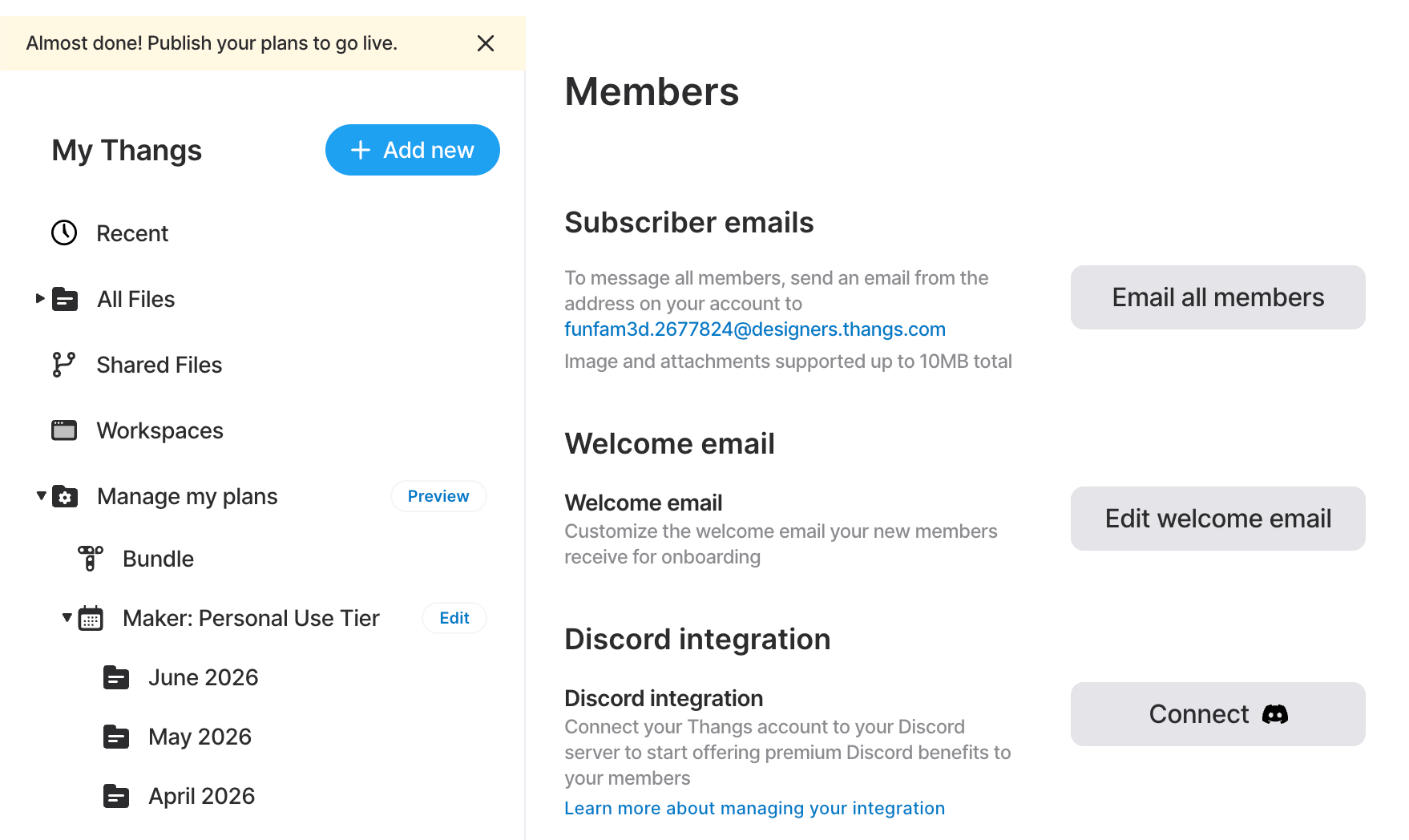
In Store Settings > Members > Select the Edit welcome email button to customize the email content. Customize the text provided with your own words, or replace with your own custom note. Select Save to save changes to the email.
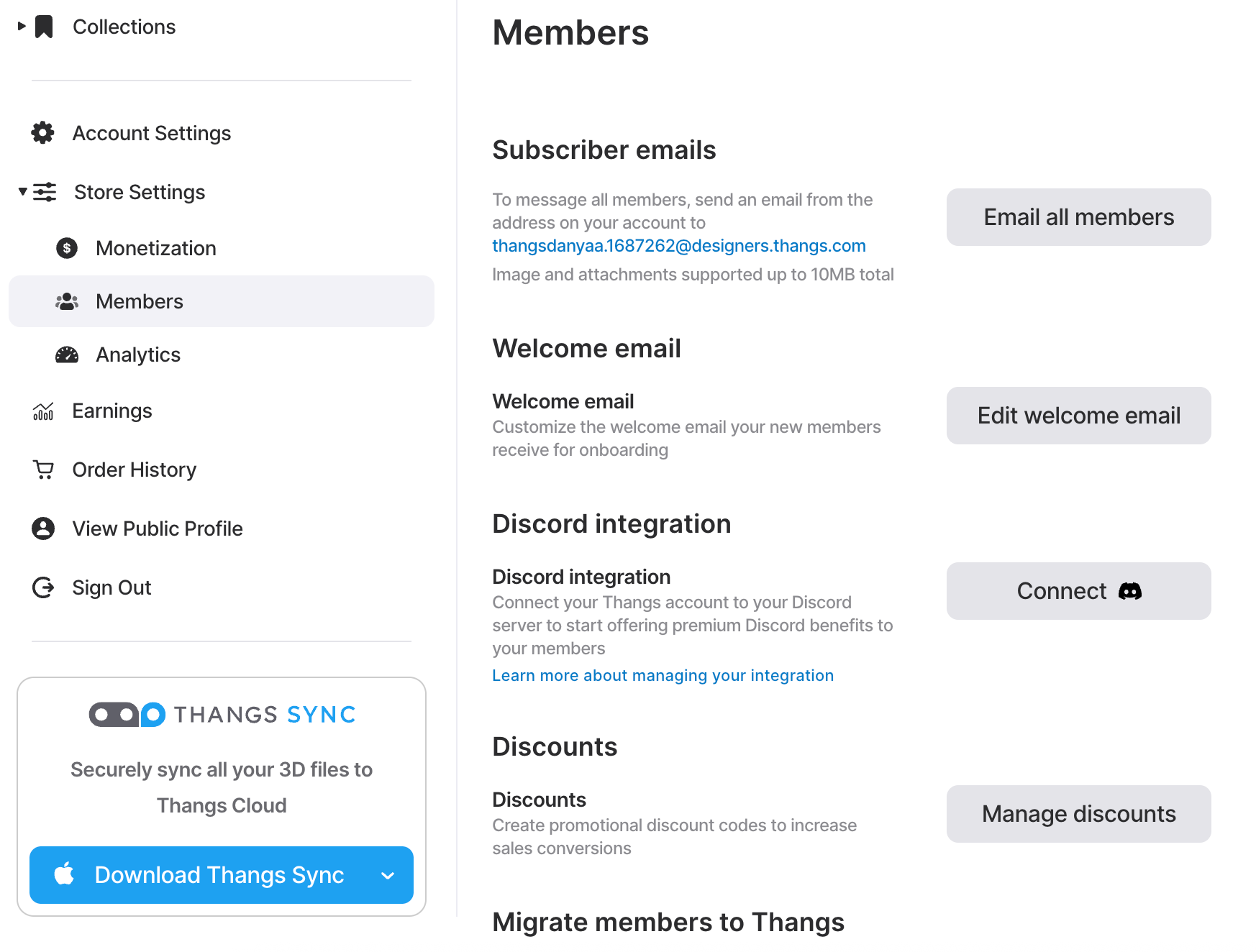
Once your welcome email is ready to go you’ve got an automatic way to make your members feel personally welcomed, without any extra work on your end.
Set up Discord bot
To build a community around your store, you can connect your Discord server directly to your Thangs account. This means you can have a direct communication channel for conversations, offer support, post updates and to share premium benefits with your members. These servers create a unique and exclusive space for you and your members to share ideas, inspiration, and what you’re making.
If you don’t have a Discord server yet, spend some time planning what you’ll talk about and what you want members to do there, as it’s important that members feel like they’re part of a fun, lively, ongoing conversation. For more ideas about how to run your Discord community, check out our designer education session about building a community around your work.
To connect your Discord server:
- From Store Settings > Members > Discord integration, select the Connect button.
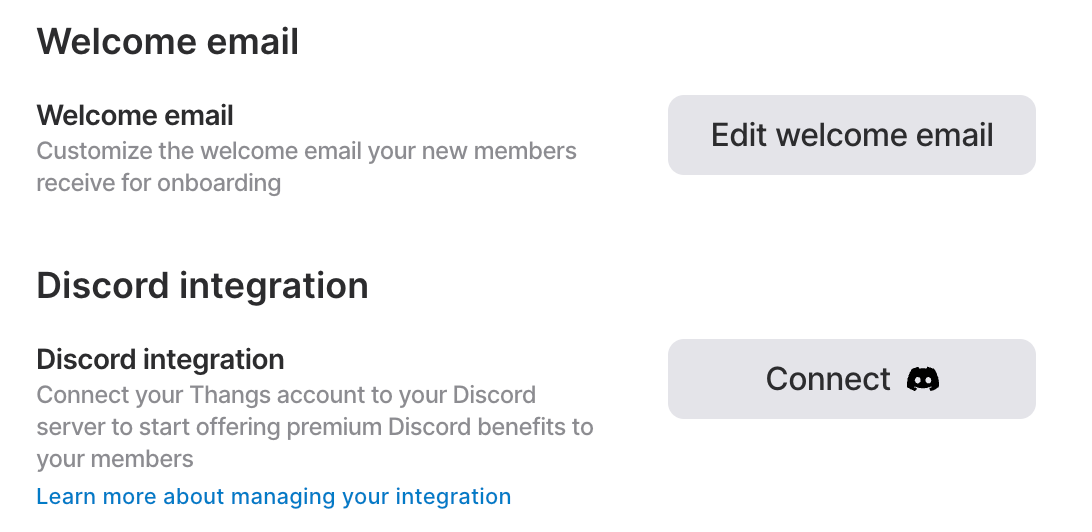
- You will need to sign in to Discord via a dialog window.
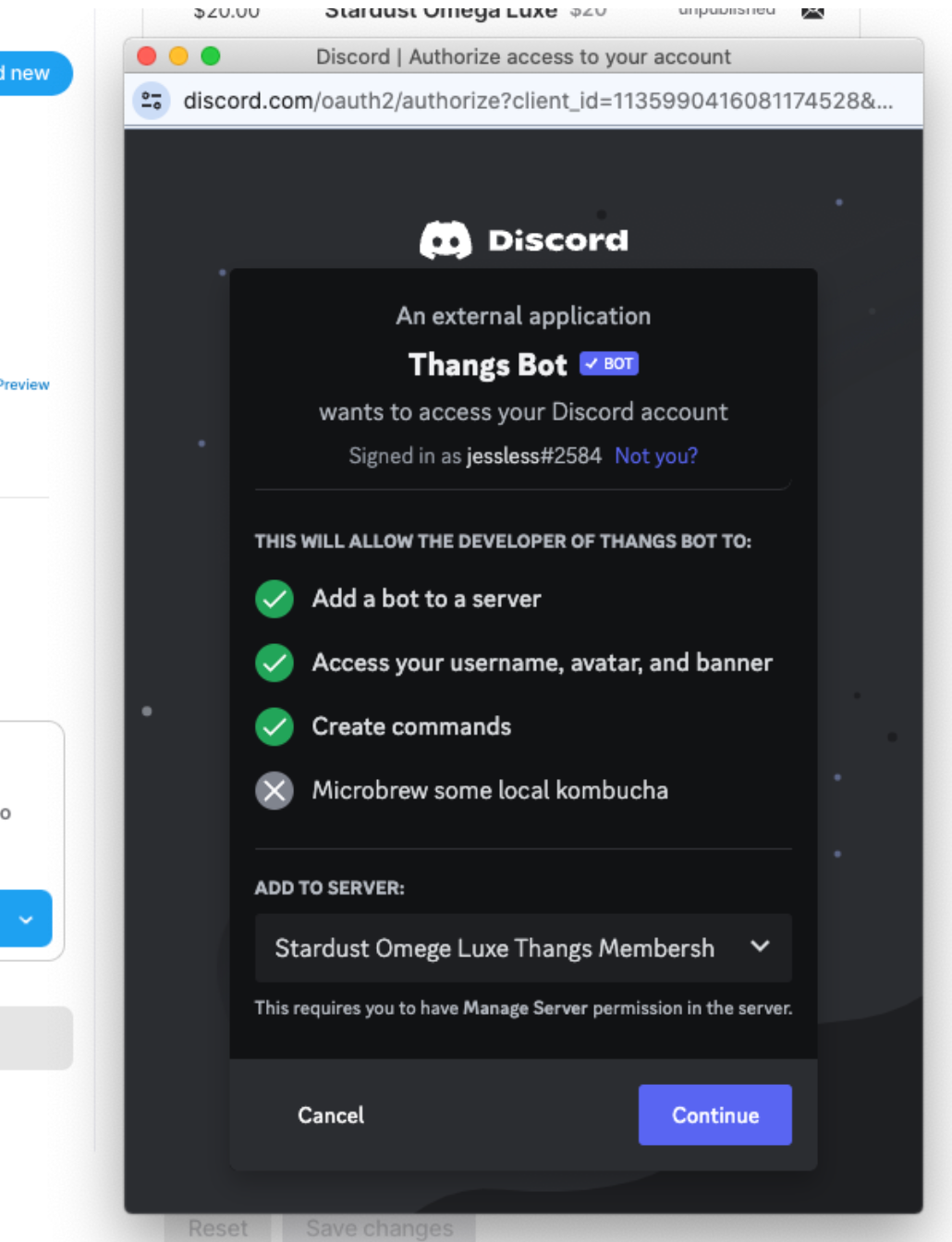
- To complete the set up, on Discord, you will first need to add a server for your membership plan.
- After it has been added, you will select it in the add to server dropdown and Continue.
- Then select Authorize to complete the set-up. This will bring you back to your Thangs Settings page.
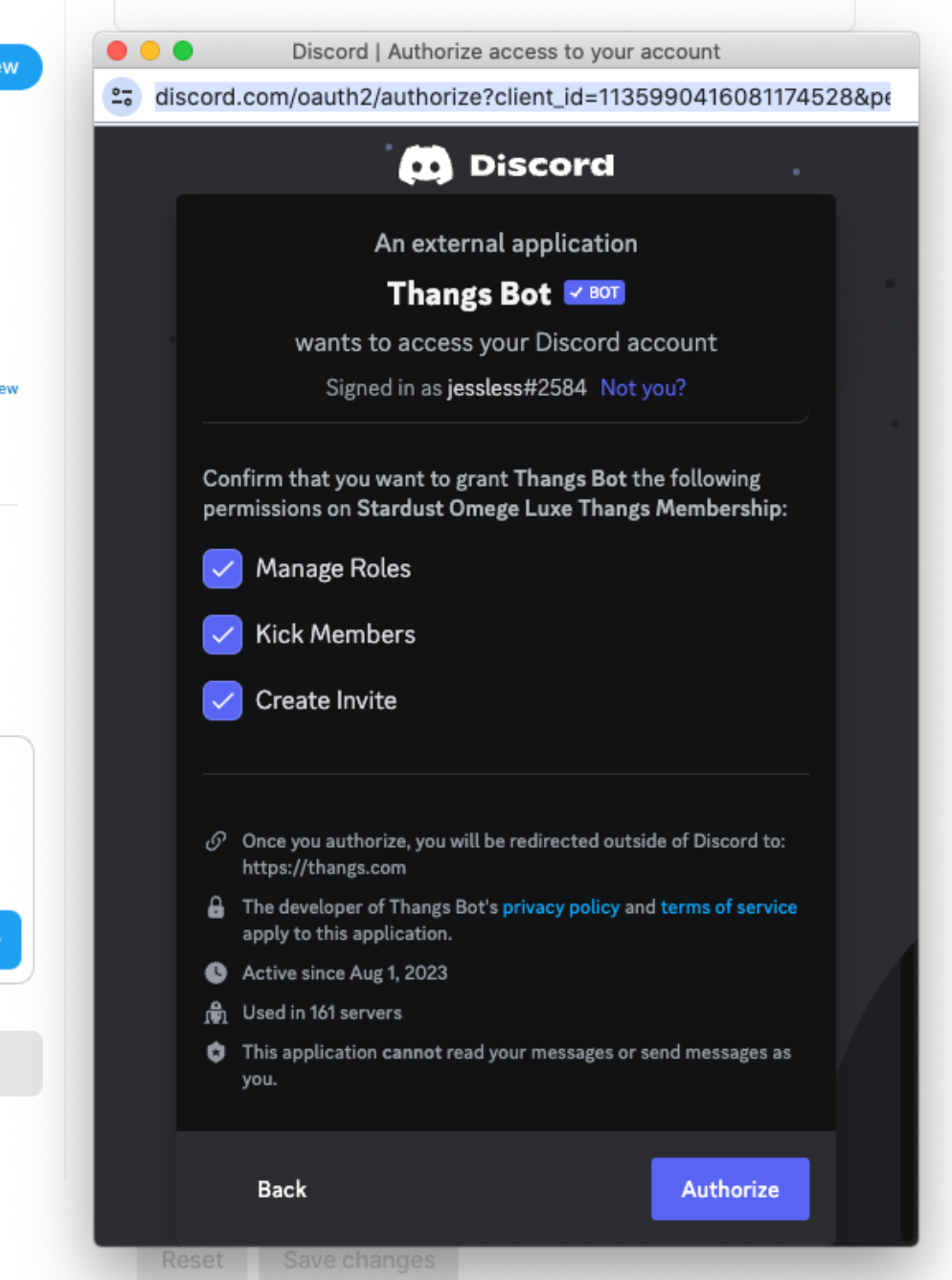
Now you’re ready to start the conversation!
Create designer posts
Designer posts are great ways to announce new releases, offerings and any news you want to share on Thangs. Posts appear on your profile and are shared via email digests to members who have opted in. They are a great way to show potential customers that you are active and engaged and give them a sense of who you are.
You can control the distribution on a post by post level and also use our editor to add images and format your post.
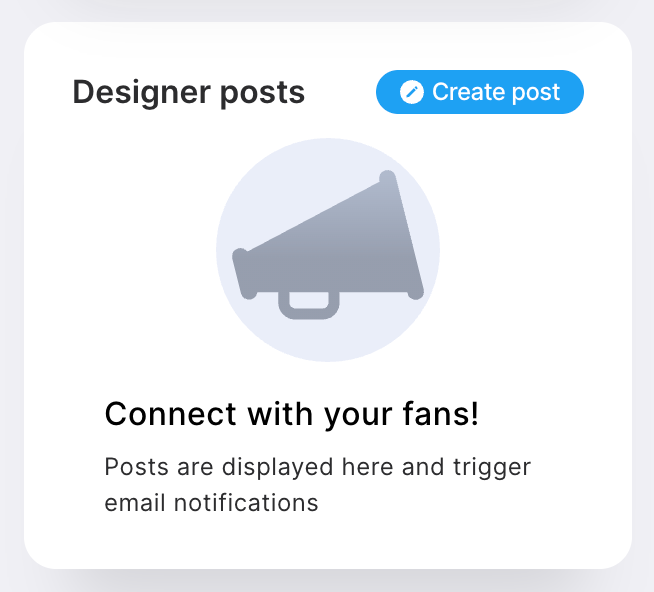
- Go to you Profile page and select Create post button on the Designer posts module
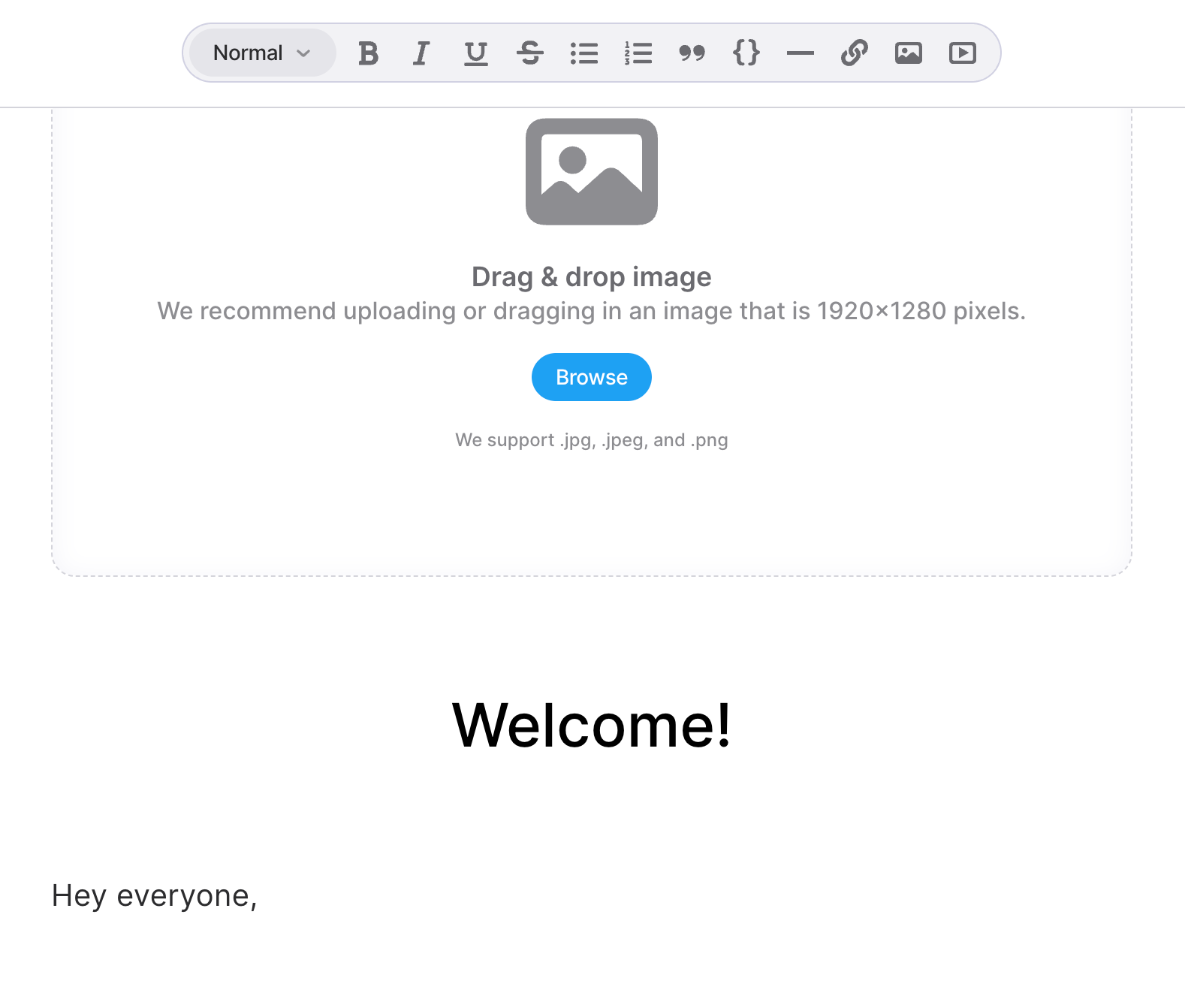
- Craft post using the editor and add images.
- Set the audience to determine who will be able to see your post.
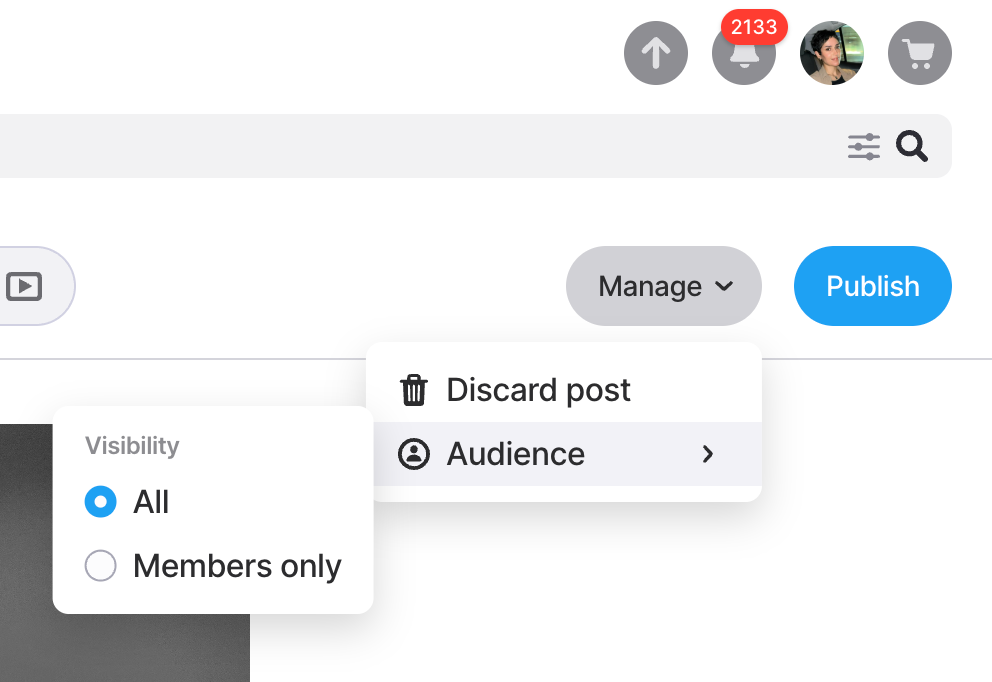
- There are two options:
- All will show your post to everyone on Thangs and
- Members only will show your post only to people who are members of one or more of your plans.
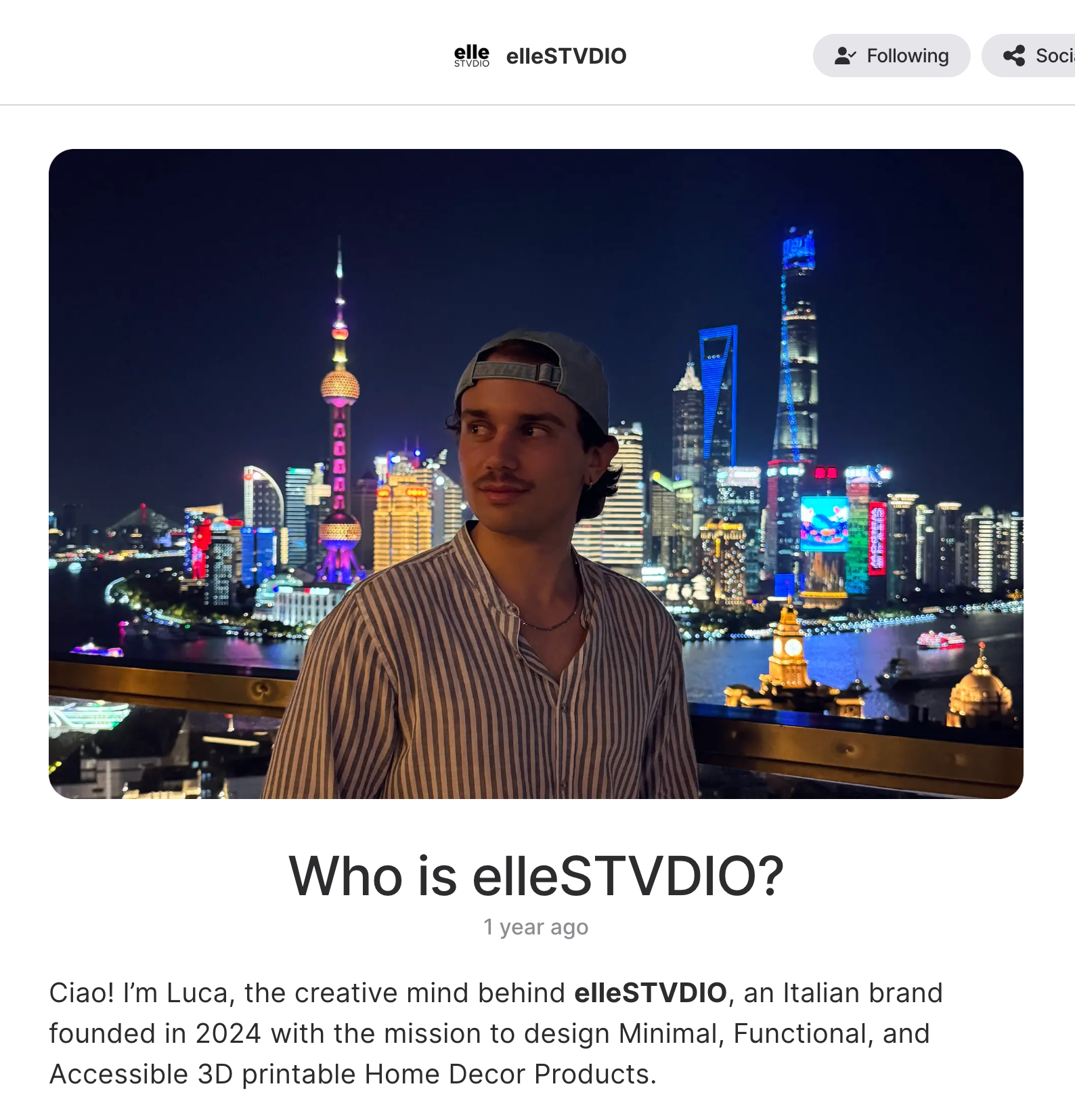
Creating posts creates a sense of activity on your profile and helps your members, and potential members, know who you are and what you make. To ensure a consistent posting schedule we recommend creating a post calendar for yourself with regular updates planned in advance so you can easily stay active.
Email your members and followers
Thangs gives you the option to email your subscribers and anyone who follows you, but may not be a member. That means that you have multiple ways to share updates and keep your fans engaged, as well as to convert followers who may not be subscribers yet.
Contact your members
Use the “Subscriber email” feature to give your paid members updates on your projects, new releases, special offers, remind them to join Discord, and offer other timely updates. It’s totally okay to copy your Twitter and Discord messages, since your audiences are on many different platforms.
Email your followers
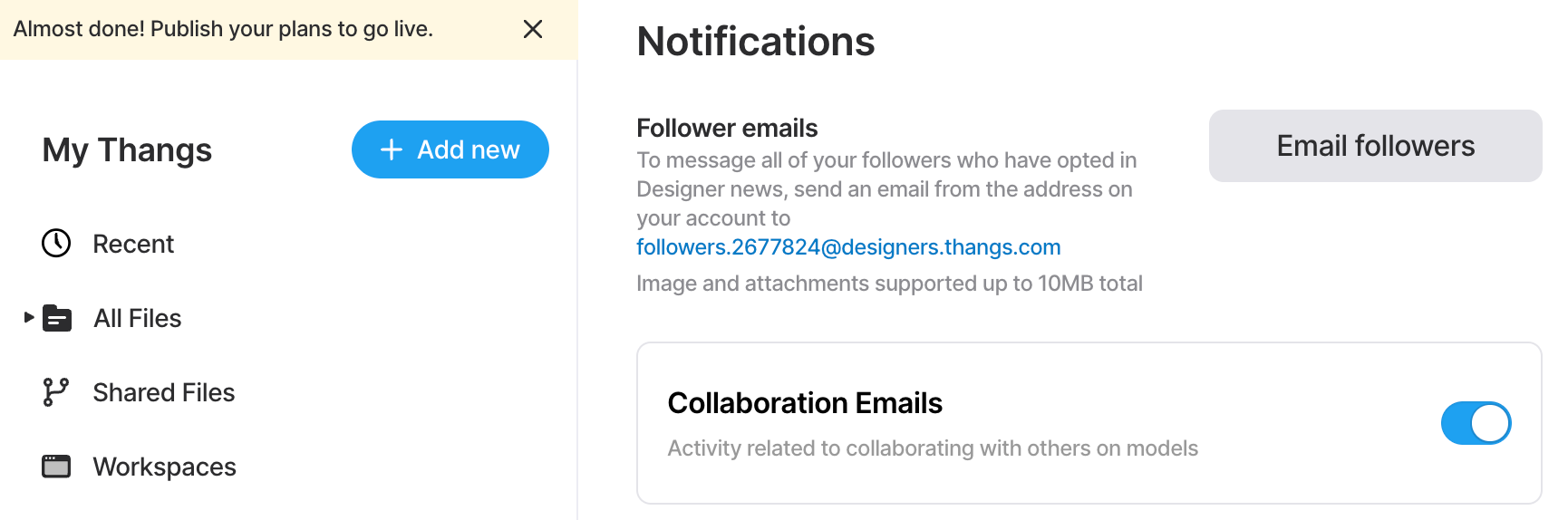
Thangs offers you the capability to reach out to all your followers who have chosen to receive Designer news updates. This empowers you to share timely insights, editorials on your latest uploads, and any other pertinent information. It's an excellent means of engaging with your unpaid members. Over time, nurturing this relationship will lead to more individuals subscribing to your Membership Plan or, at the very least, staying informed about your new downloadable creations.
Again, it’s okay to simply copy your Twitter and Discord messages and make slight adjustments!
Now that you know the tools available to you, you’re ready to connect with your members. Here are your action items:
- Customize your welcome email.
- Write your first post.
- Connect your Discord to your Thangs profile


