


Quinlan Vos Collapsing Lightsaber
Quinlan Vos’s lightsaber Multi-Part and Multi-Color Version with Saber Plug
The multi-part version is split into different stl's so it can be printed in full color with a single color printer. You need AMS, MMU, or Tool changer to print the multi-color version but the buttons still glue on so supports are not required. There is a screw on cap, so the blades can be printed separately in different colors and inserted or replaced. There is a version of the cap with and without a D-ring.
This version is Saber Plug compatible! This is a print-in-place spring-loaded cap that is printed separately to retain the blades when not in use. The cap positivity locks onto a groove on the ID of the hilt.
There are locators or the parts nest into each other making it easy to assemble. I used Starbond Medium CA Glue (aff.)
For best results use a .4mm nozzle for the blades. You can print the blades all at once or one at a time in vase mode. Find detailed instructions on how to print collapsing swords on my website.
Printed on the Prusa XL(aff.) with Polymaker Metallic Pro PLA

Master Sword Horizontal Wall Mount

Expanding Master Sword

Lightsaber Belt Clip

Luke’s ROTJ Multi-Part Collapsing Lightsaber
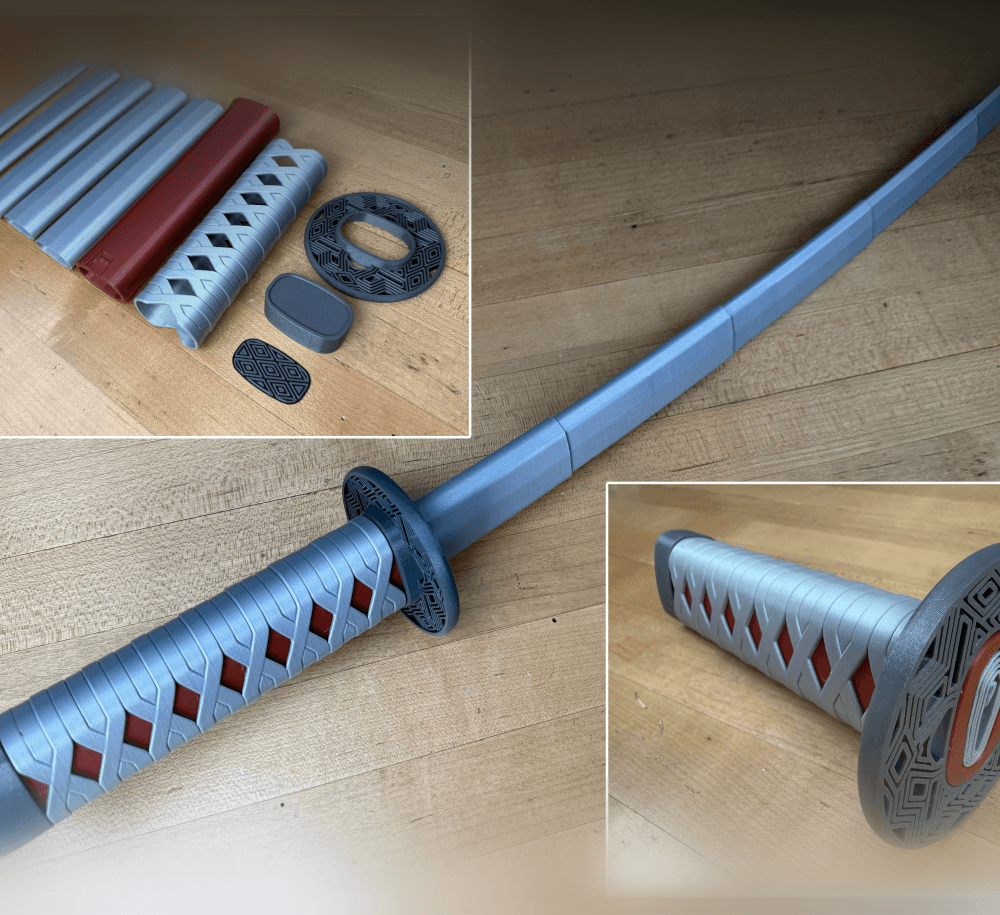
BYOK #10

Fallout Access Granted Illuminated Panel
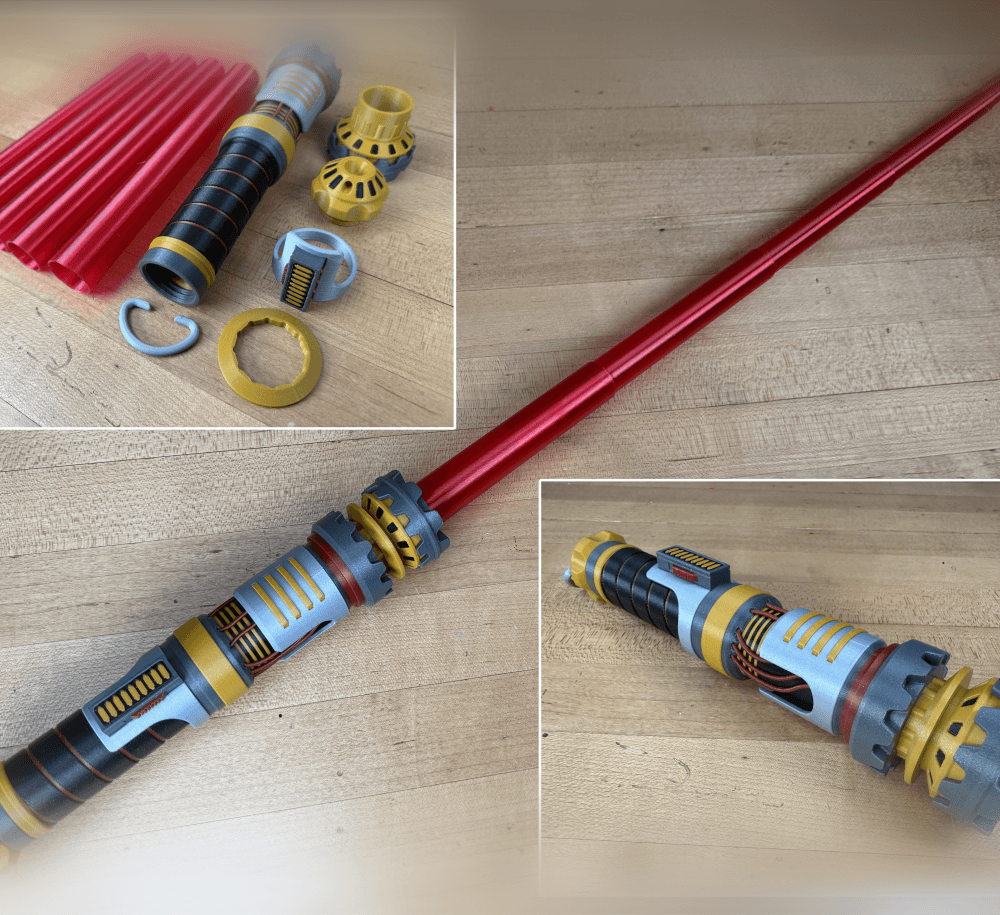
The Incinerator Multi-Color
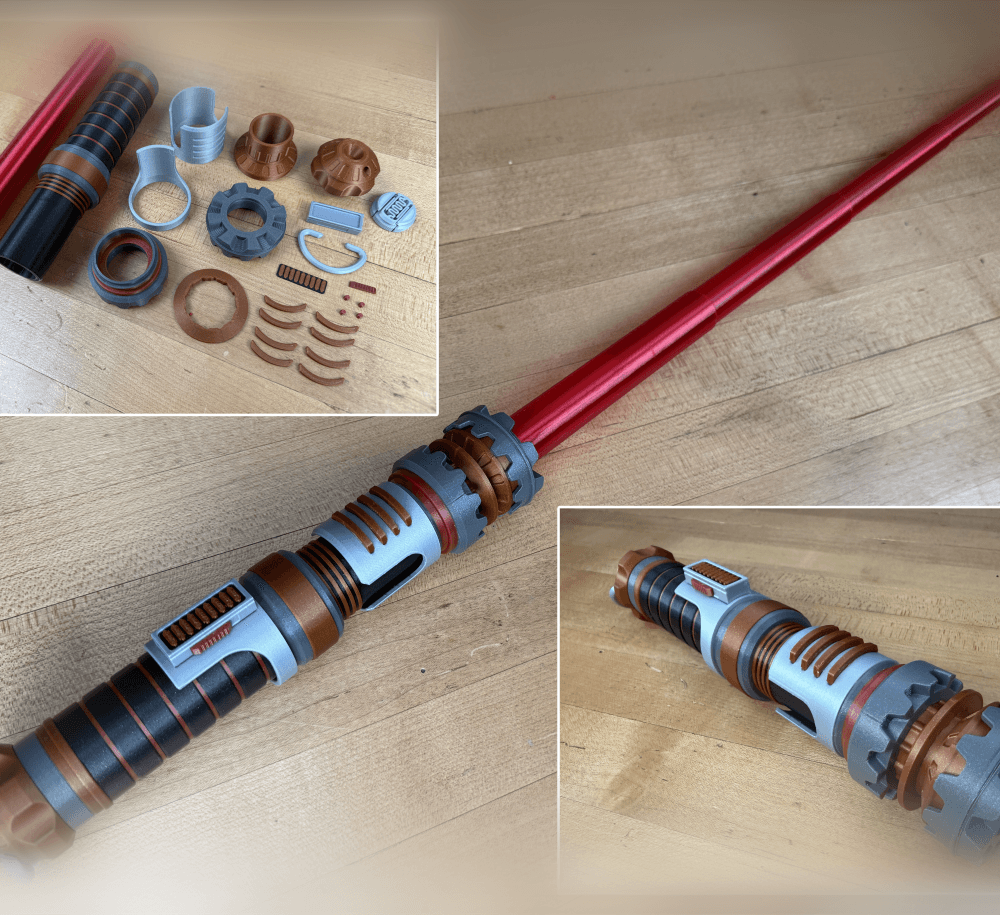
The Incinerator Collapsing Lightsaber

Fallout Access Granted Panel
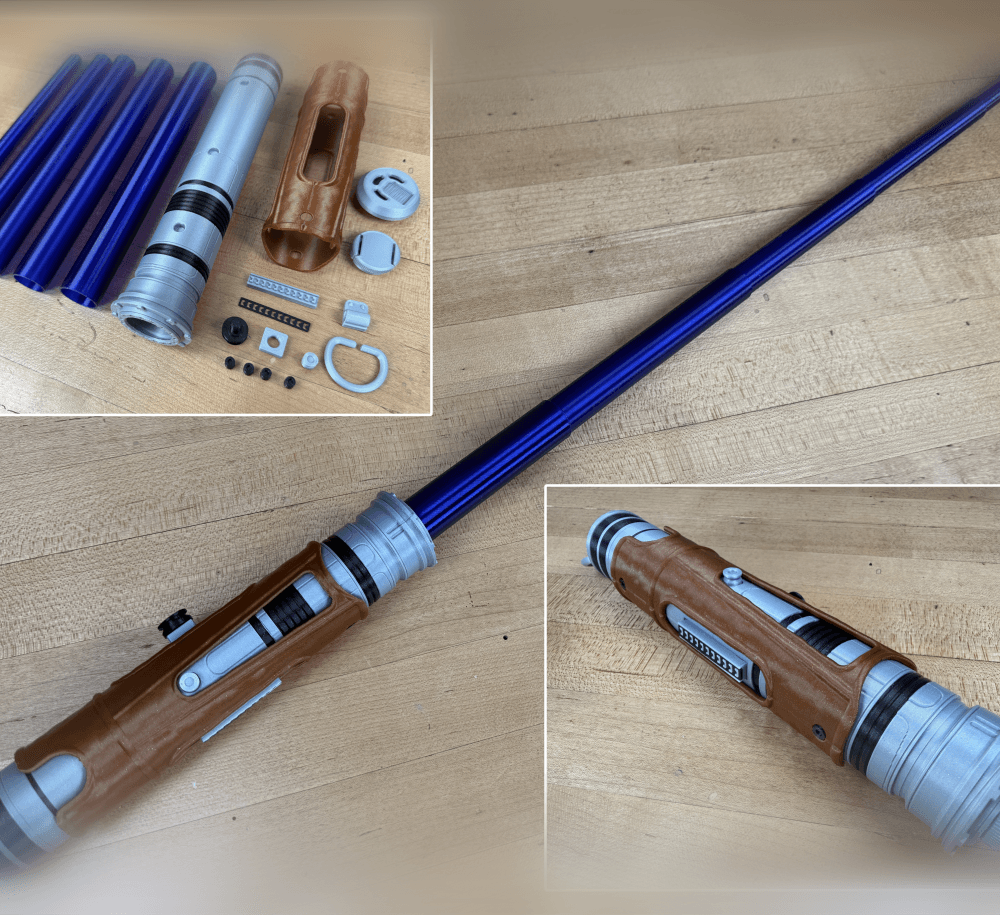
Devon Izara's Collapsing Lightsaber
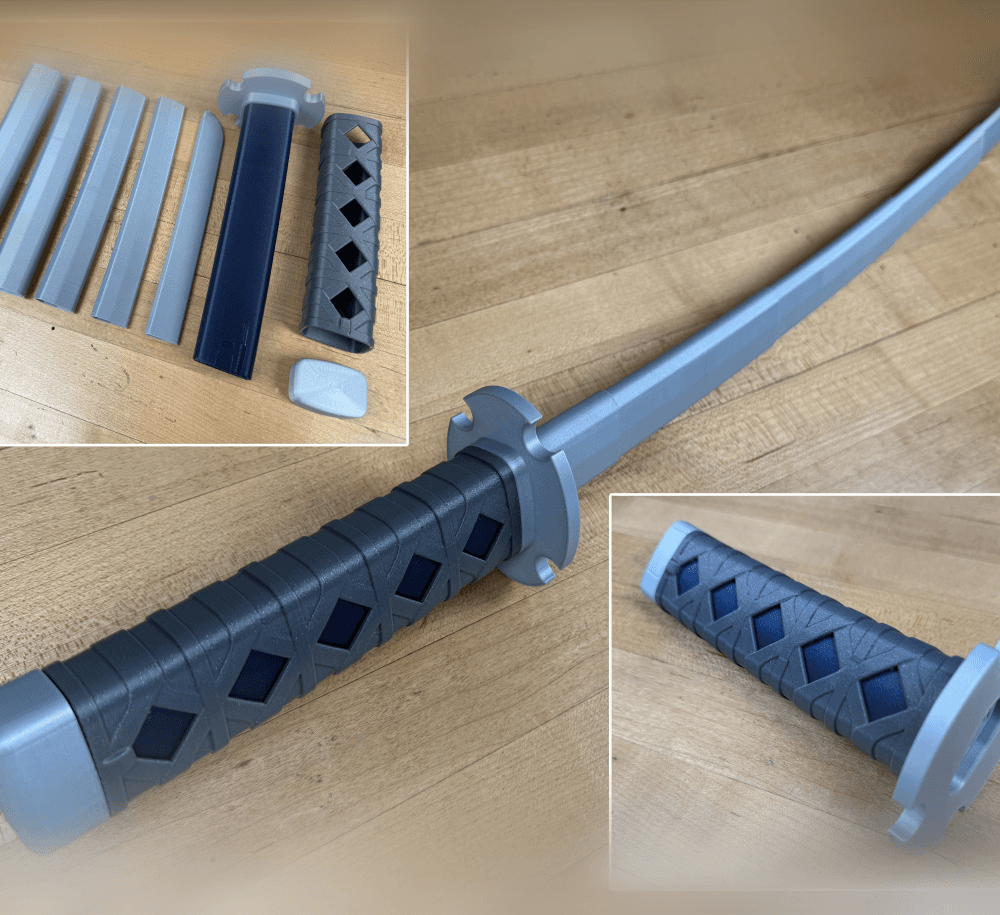
Sakonji Tomioka Katana

Master Sword Vertical Wall Mount

Collapsing Easter Basket

Buster Sword Wall Mount

Textured Planetary Egg Container
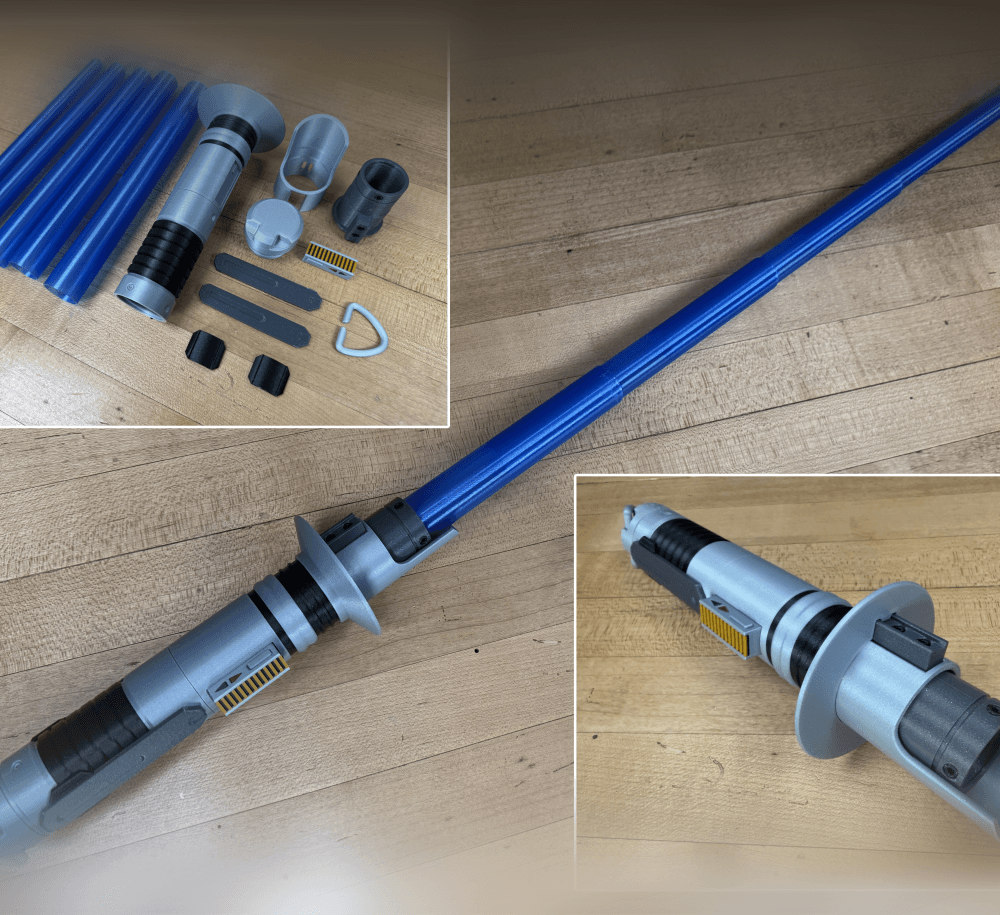
Ezra Bridger 3rd Collapsing Lightsaber

Illuminated Galaxy Edge Control Panel #2

Illuminated Galaxy Edge Control Panel #1

Illuminated Mini Lightsaber
