


Push Button Switch Plate
I made this switch plate cover to match the Control Panel I just released. It uses standard wall rocker switches. and replaces or goes over the top of a standard cover plate. I designed two types, one type leaves the switch exposed and the other hides the switch behind a set of push buttons.
There are two button styles, they are both interchangeable. There is a taller easier to press version, and a lower profile version with shorter, smaller buttons. There is a round, hex, and rectangular button shape for each style.
There are 1 and 2 gang versions of the switch plate, and 1, 2, 3, and 4 gang versions of the push button back plate. There are two different versions of each type of plate. The standard version will replace the switch plate, and the “cover plate” version will go over a standard switch plate cover. I recommend using the “cover plate” version because it is the safe option as a 3D printed PLA cover plate is not CE or UL rated.
The downsides are that the plate is slightly thicker, and the cutout for the cover will require supports. The supports won’t be seen once its mounted and they are pretty easy to remove so its just some waisted filament. The back plates are split into two different stl’s for a multi-color printer. The stl’s can be joined for single color, or you can do a manual filament swap at the layer height where the screw heads start for a dual color print.
The mounting screws for the switch hold the button bezel to the back plate, and the back plate to the wall. The buttons are trapped between the bezel and the back plate. They utilize the standard #6-32 screws, but they will need to be longer than standard. I suggest using a 1” long screw but I found it cheaper to buy this wall plate screw assortment, then a single length.
Required Parts 3-Way Rocker Switch Switch Plate Cover Back Screws (Affiliate links)
I printed it on my Prusa XL(aff.) with Polymaker Metallic Pro PLA Chrome, Black, Red, Green, and silver.

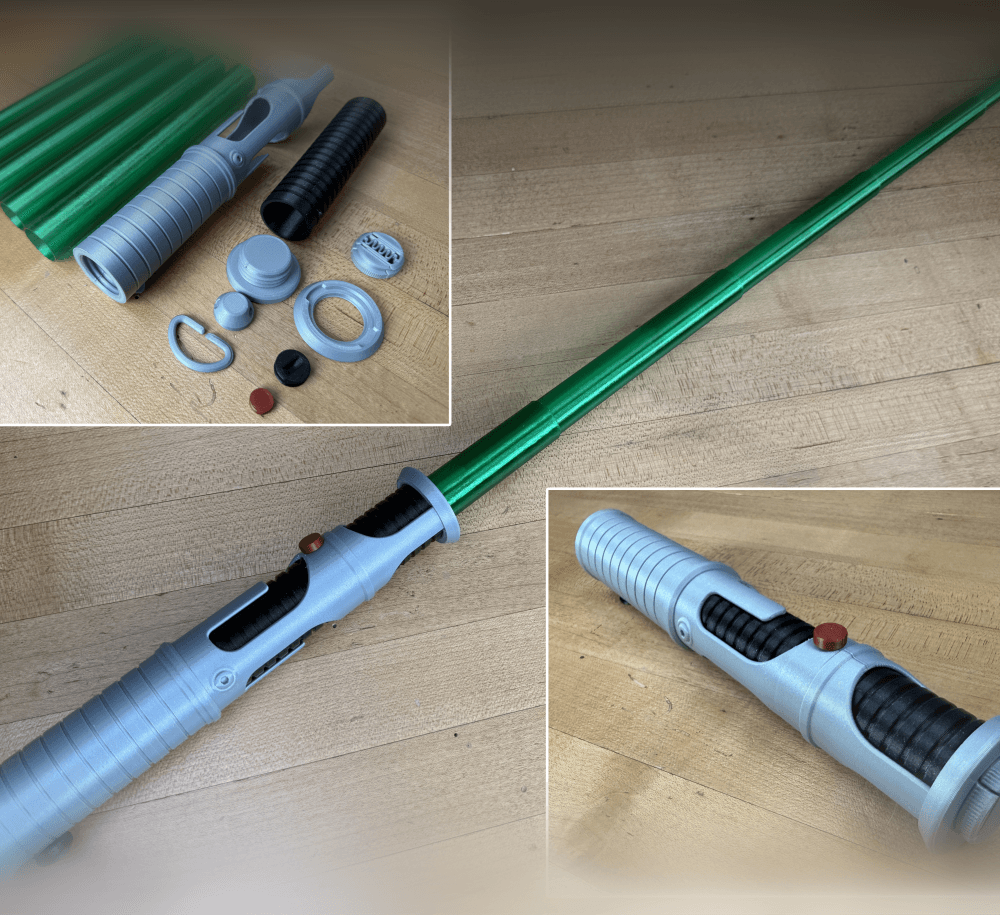
Quinlan Vos Collapsing Lightsaber

Master Sword Horizontal Wall Mount

Expanding Master Sword

Lightsaber Belt Clip

Luke’s ROTJ Multi-Part Collapsing Lightsaber
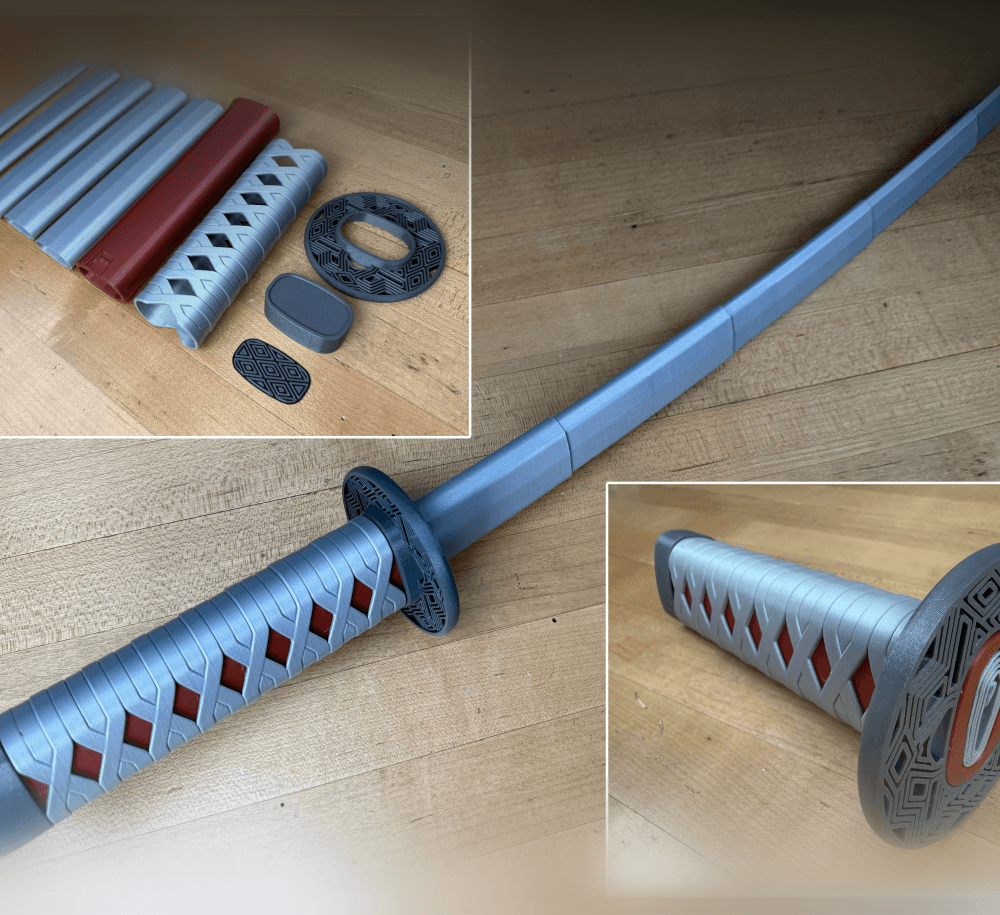
BYOK #10

Fallout Access Granted Illuminated Panel
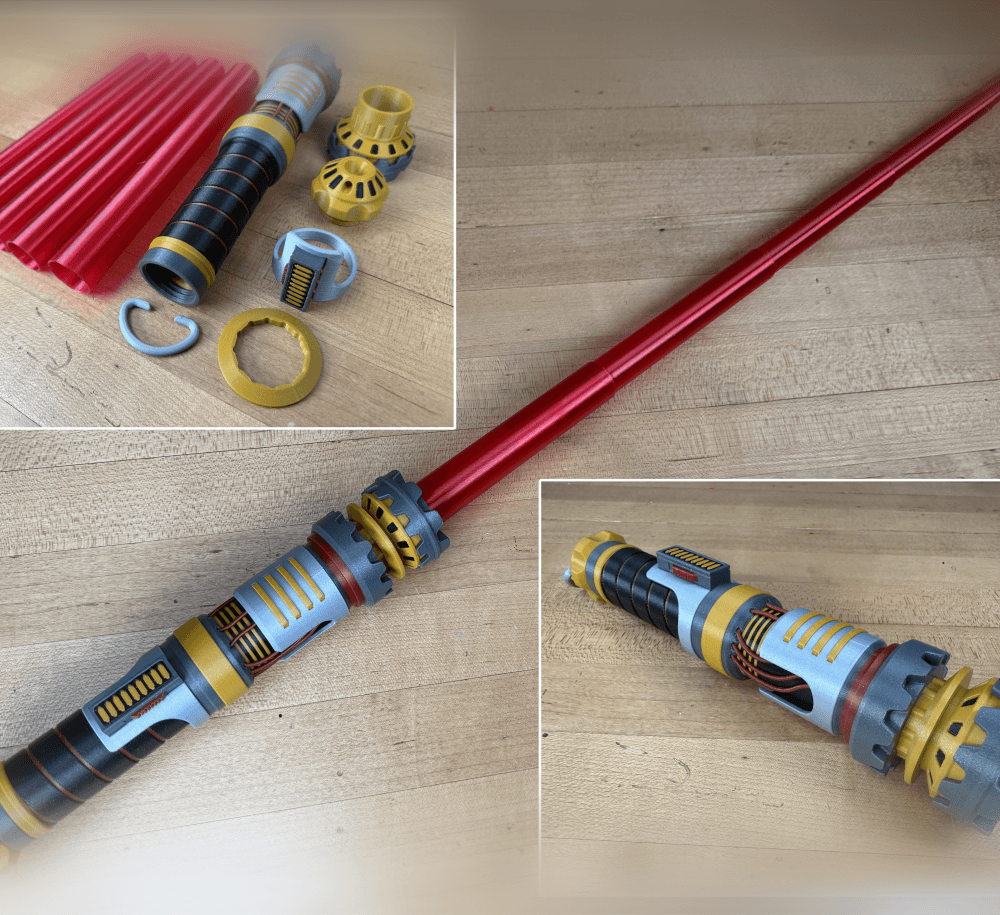
The Incinerator Multi-Color
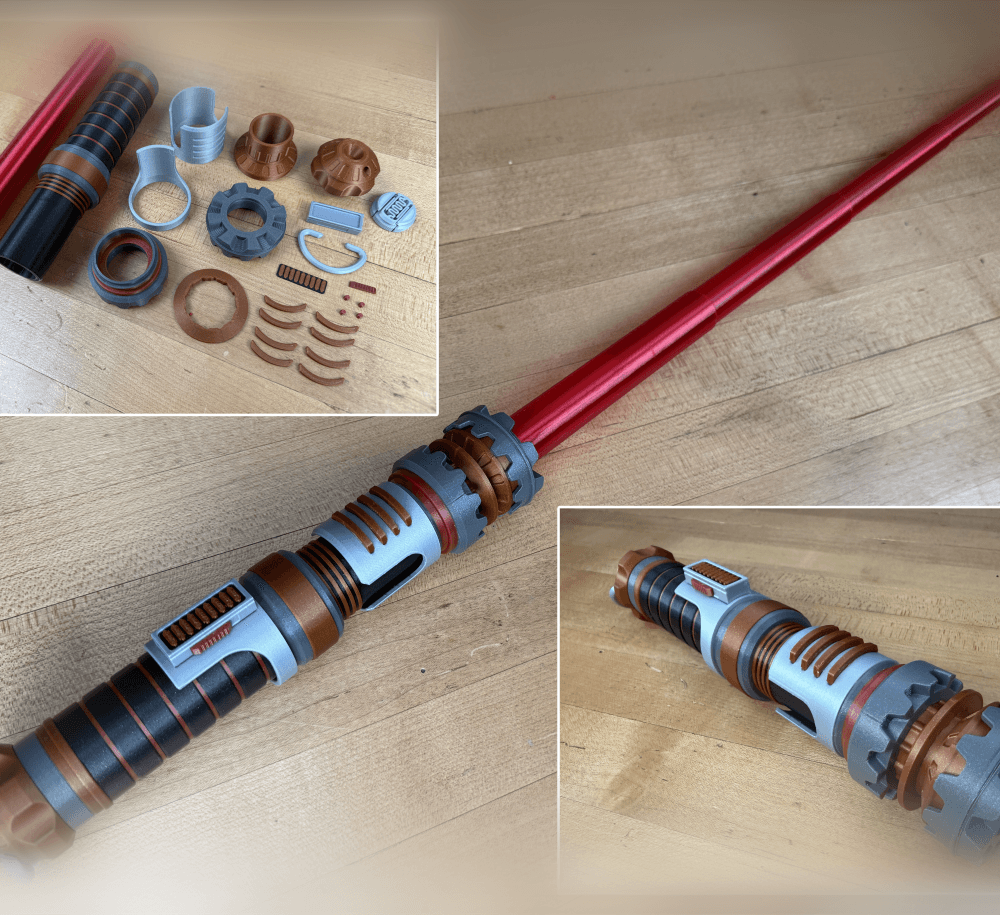
The Incinerator Collapsing Lightsaber

Fallout Access Granted Panel
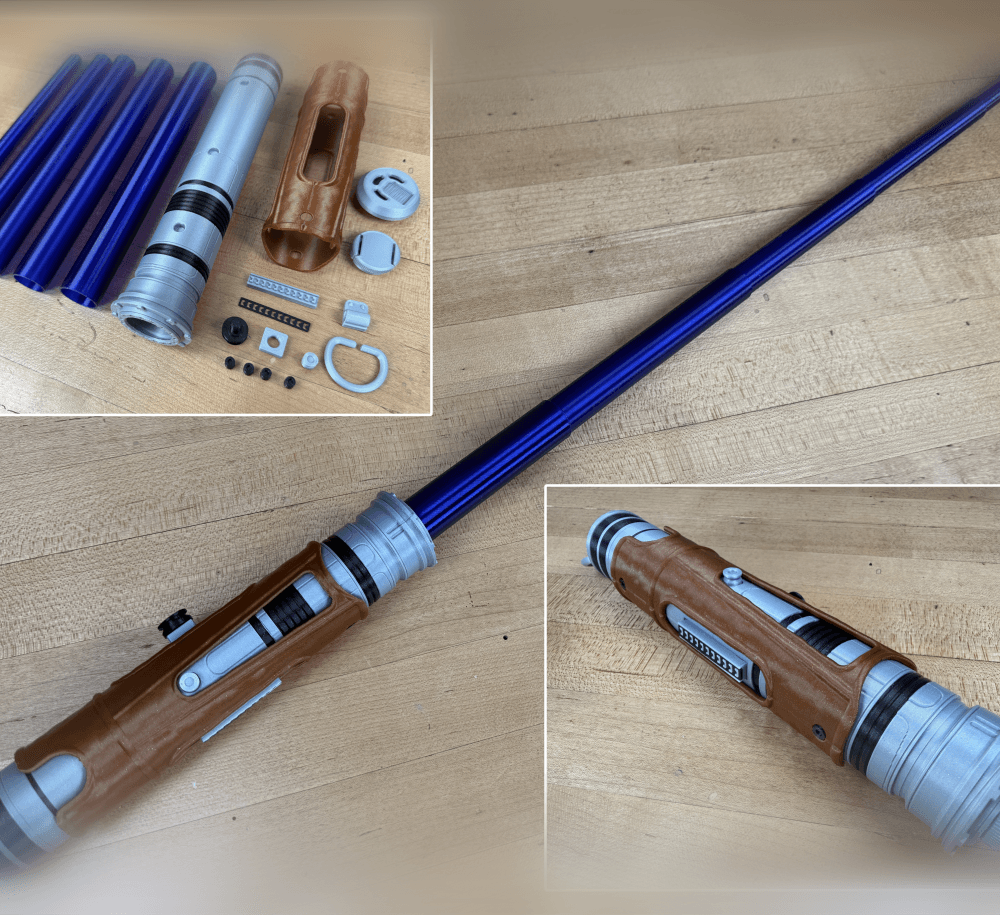
Devon Izara's Collapsing Lightsaber
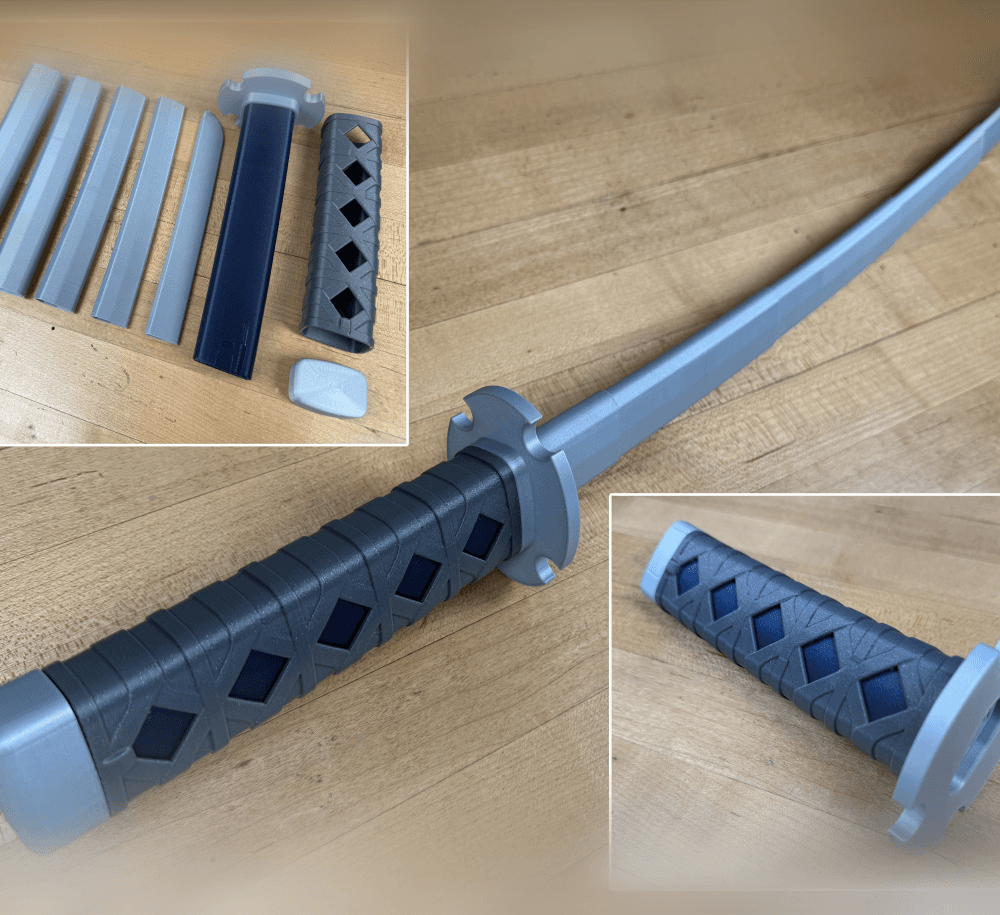
Sakonji Tomioka Katana

Master Sword Vertical Wall Mount

Collapsing Easter Basket

Buster Sword Wall Mount

Textured Planetary Egg Container
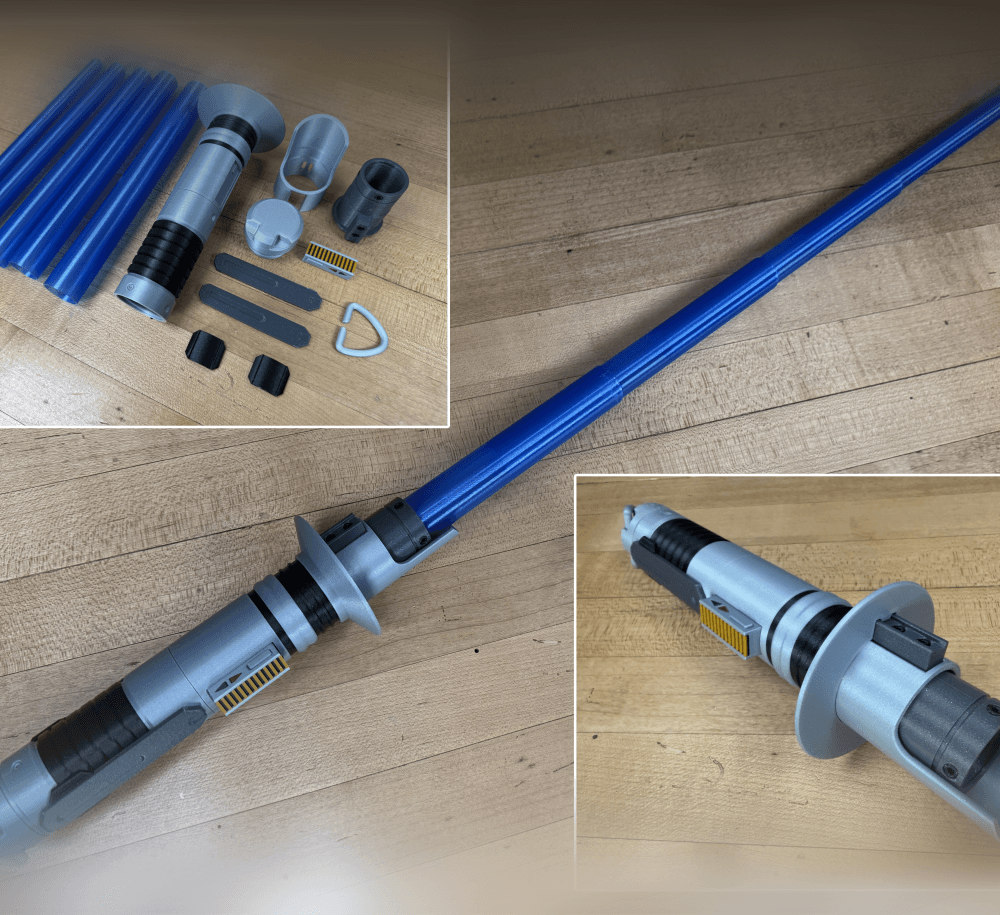
Ezra Bridger 3rd Collapsing Lightsaber

Illuminated Galaxy Edge Control Panel #2

Illuminated Galaxy Edge Control Panel #1

The download was just the 1 gang switch cover, no buttons or anything else. I don't see the buttons available separately, were they meant to be included?
I forgot the zip file. Please try again.
got it. thanks!