


Collapsing Zanpakuto
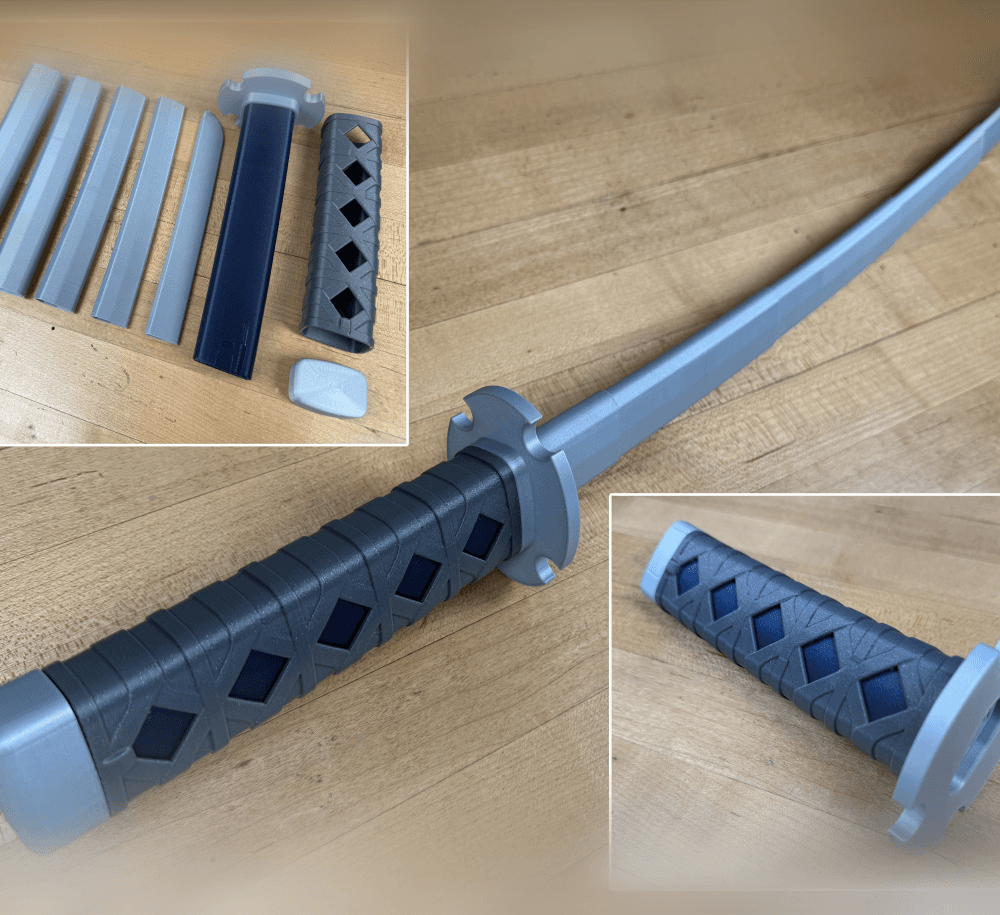
Collapsing Sword Print-in-Place Multi-Color Version
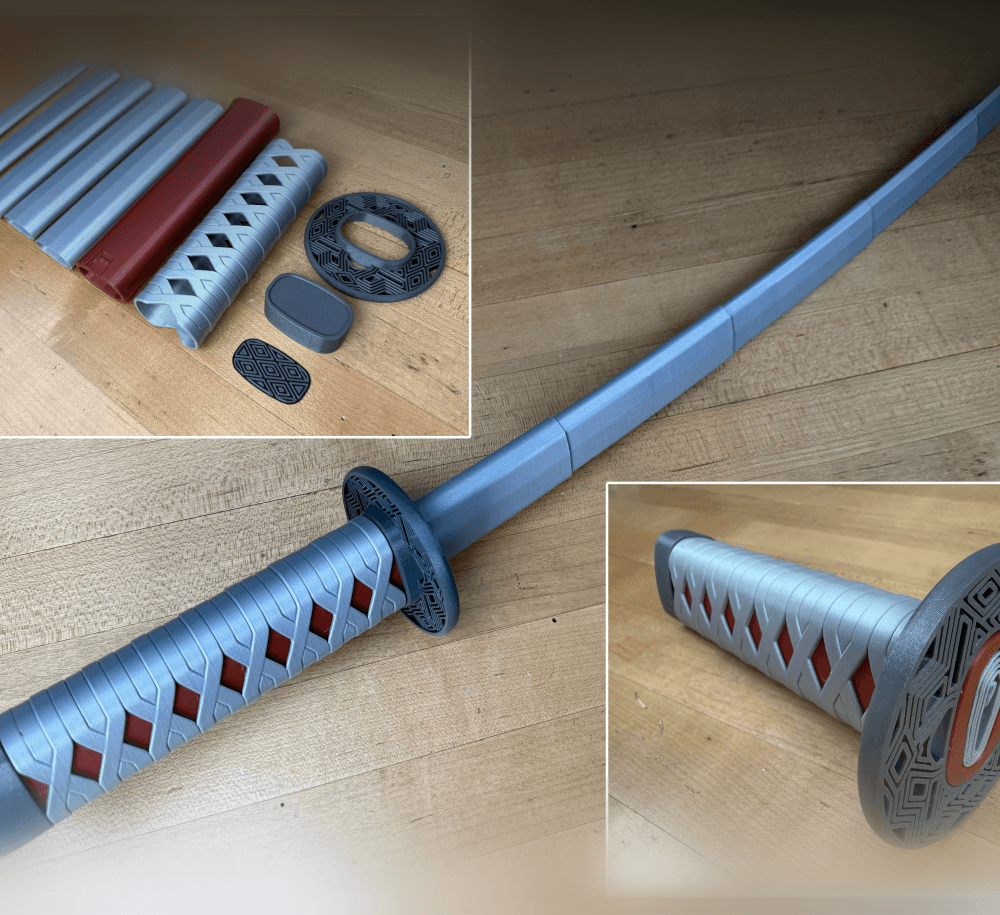
This version prints complete all as one piece, the files are split for multiple color printing with a AMS, Tool changer, or MMU.
The Removable Blade Multi-Color version is available to my Members. (pictures are of the removable blade version.)
Printing Supports are not required, for best results use a .4mm nozzle. Find detailed instructions on how to print collapsing swords on my website. If this is your first time printing, I would suggest you try the test print first. The chain is a little hard to print, make sure you use a brim. I also had to print a little slower at a lower layer height to keep it from getting knocked over.
Warning The files are designed for a multi-color printer, it will not work properly if you print the parts separately and try to assemble it.
Support and Licensing If you would like to help support more free models please consider joining my Thangs Membership. Get permission to sell physical copies of my models by joining The Collapsing Arsenal
Collapsing Zanpakuto

Master Sword Horizontal Wall Mount

Expanding Master Sword

Lightsaber Belt Clip

Luke’s ROTJ Multi-Part Collapsing Lightsaber
BYOK #10

Fallout Access Granted Illuminated Panel
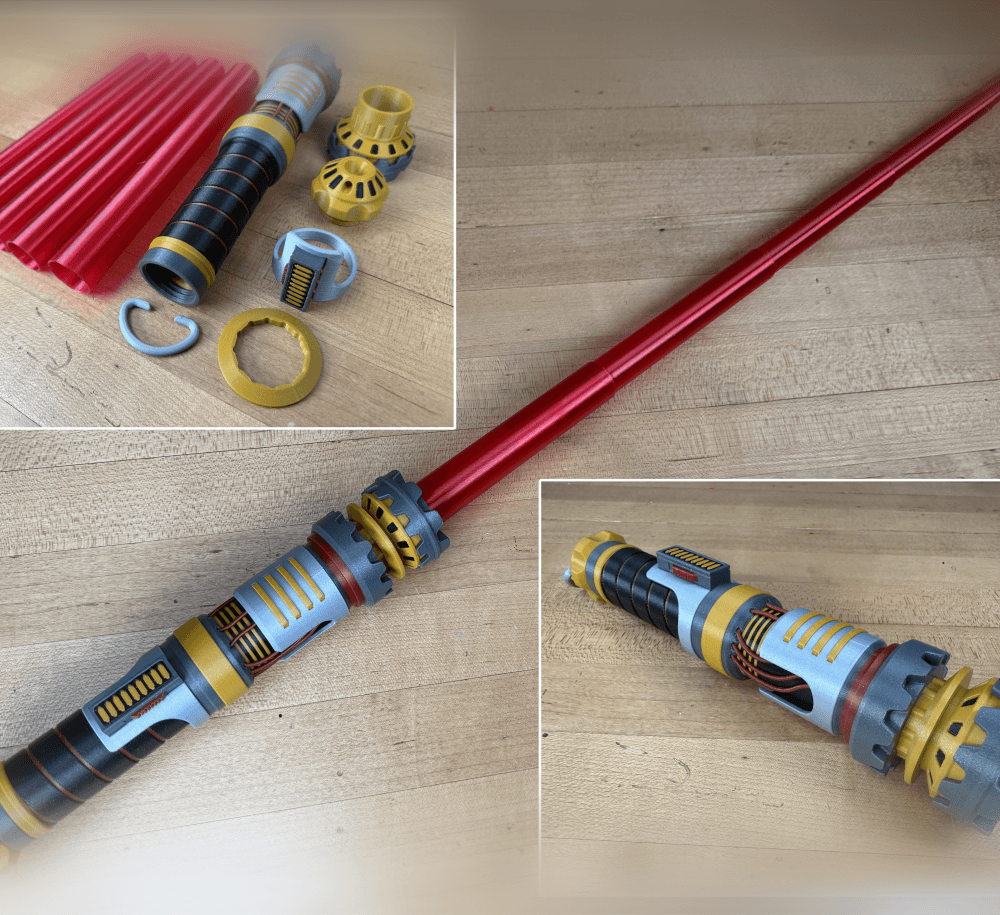
The Incinerator Multi-Color
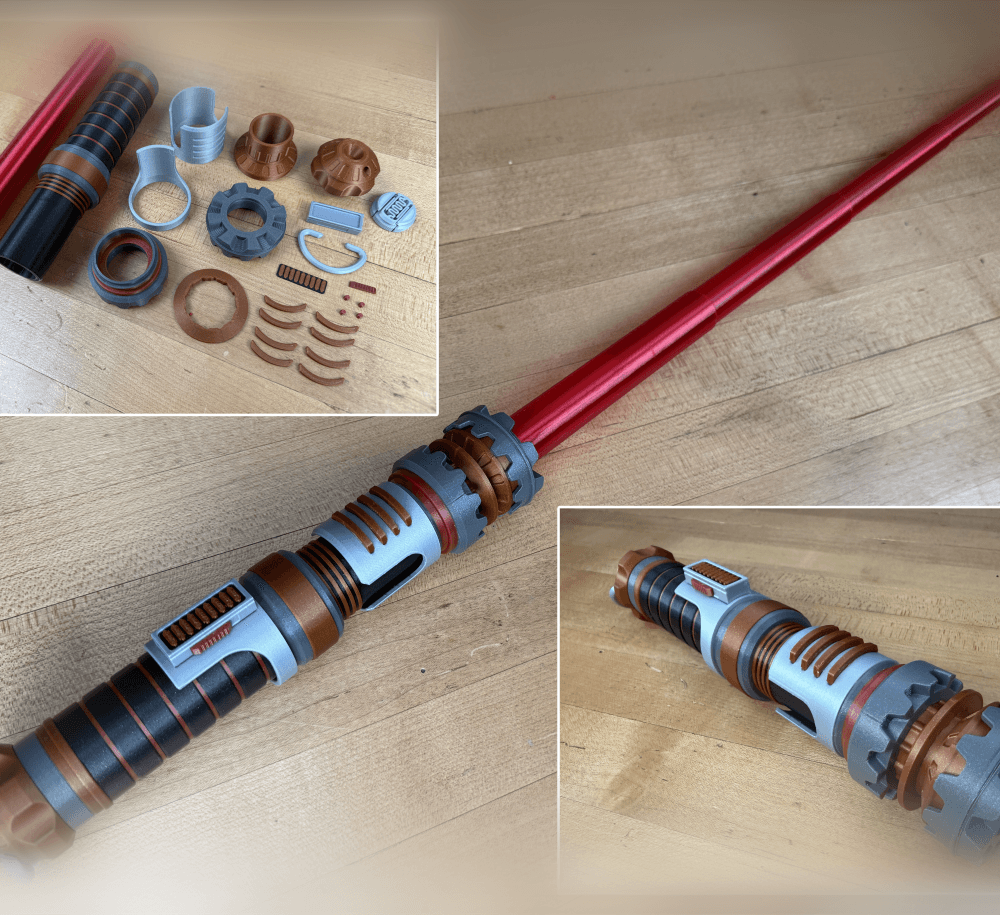
The Incinerator Collapsing Lightsaber

Fallout Access Granted Panel
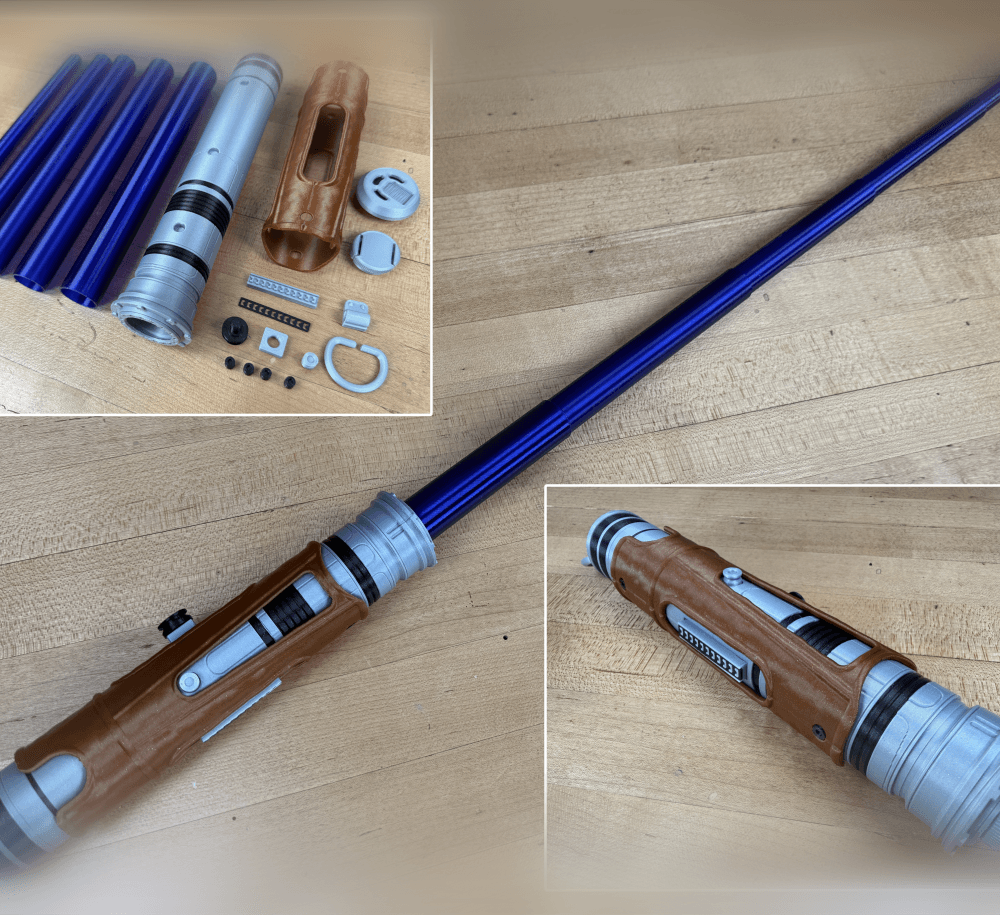
Devon Izara's Collapsing Lightsaber
Sakonji Tomioka Katana

Master Sword Vertical Wall Mount

Collapsing Easter Basket

Buster Sword Wall Mount

Textured Planetary Egg Container
Ezra Bridger 3rd Collapsing Lightsaber

Illuminated Galaxy Edge Control Panel #2

Illuminated Galaxy Edge Control Panel #1

Illuminated Mini Lightsaber

@3dprintingworld I sucesfully printed your collapsable lightsabre, with blades in Vase mode etc, I went to print this PiP katana but was expect a single STL with parts all joined - still multi colour paintable but all in 1 file with the model parts correctly aligned to Print-in-Place.
Is there a method to align them all as I note you said this model should NOT be printed seperatly?
Method depends on your slicer. Orca and bambu you just bring all the files in at once and it automatically aligns them.
@3dprintingworld - I figured it out, I had bambu BETA wierd install messing things up. I tried Orca, realised bambu was broken and fully reinstalled. Once I got it sliced realised the PiP one was WAAAY to many colour changes and long print haha. Thanks for the amazing models thou!
Find the multi part version, no waisted filament.
You can change colors at layer height when you print the hilt so you will only have three changes total, so there is not much waisted filament.
uh oh. did something wrong - i saw your 3 change comment below, mine had over 70 changes, if i just fill paint the PIP-MULTI-Base. I dont think by layer works with a multi-coloured hilt like in your picctures, red\black etc.
Thanks, yes I think I need to get signed up for Paid tier for the Removal blade version, the MuiltiPart, but PIP version (all 3, v1, 2,3 guards) still needs to be printed together so still flushes with the AMS etc, over 500 colour changes if i just paint the diamonds red- leave the rest black, increases if I use a silver blade etc.
I also figured out the stacking\import issue - 3MF format. I am so used to 3MFs with Bambu Studio, I was automatically downloading and only trying the 3FMs - they dont import as a correctly aligned project file in Bambu Studio, whereas the STL and STEPS do when I twigged and tried them.
Hello. I printed it successfully but the overlap between blades is huge, so it doesnt fully extend like how you mentioned. Is there a way to fix that?
Is your first layer to low, causing elephant foot. That is normally the issue.
can you scale it down for me if you could that would be great i have a tina2s
I would not recommend scaling it down, unless you are printing the removeable blade version.