


Collapsing Dice Tower
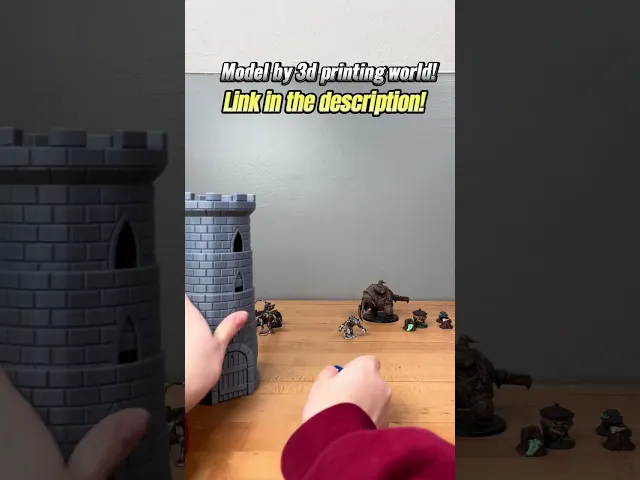
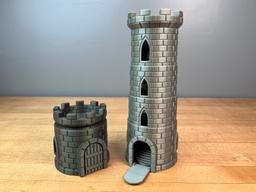
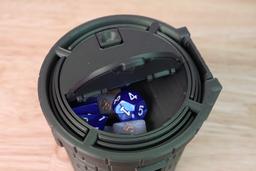
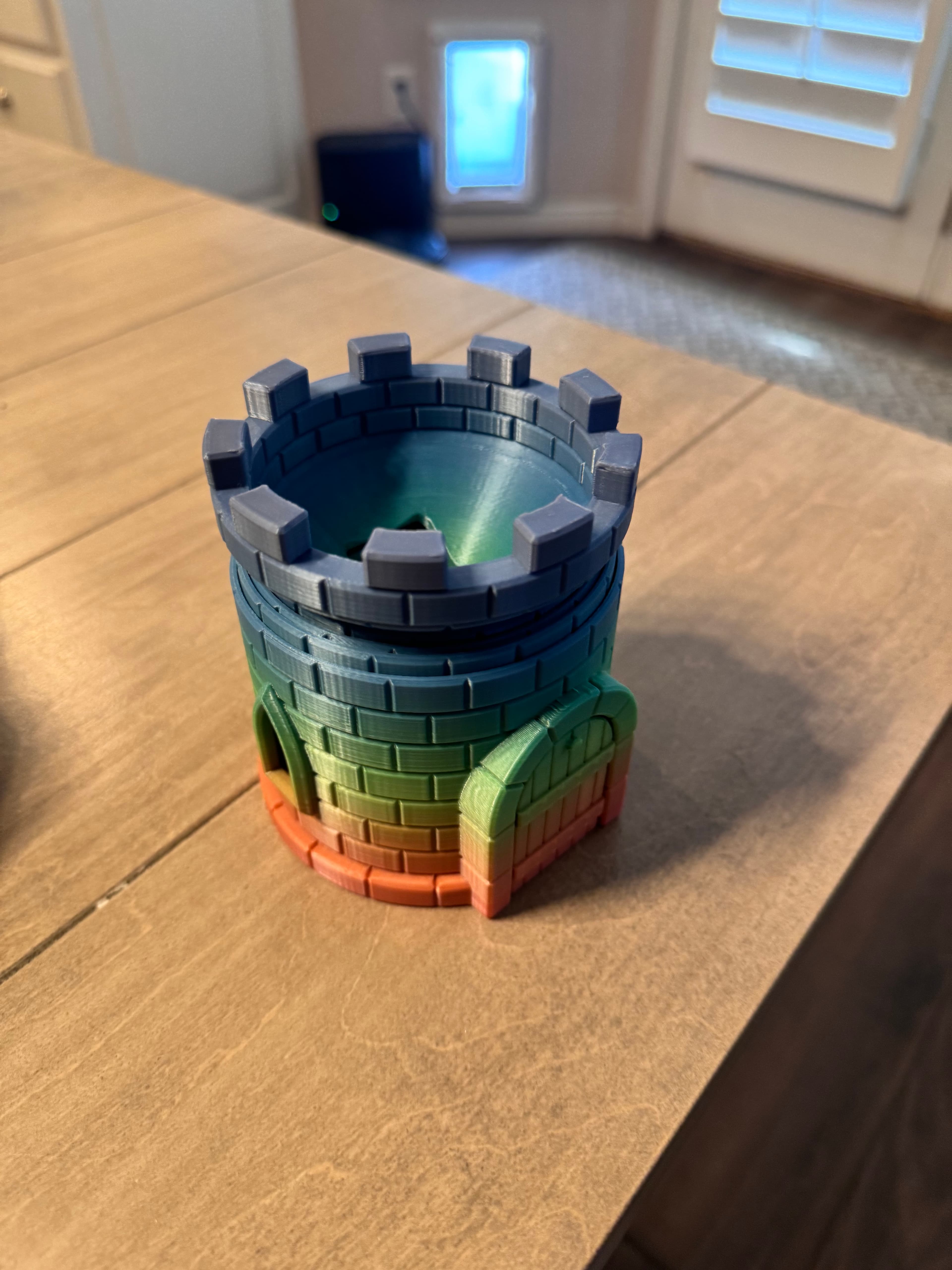
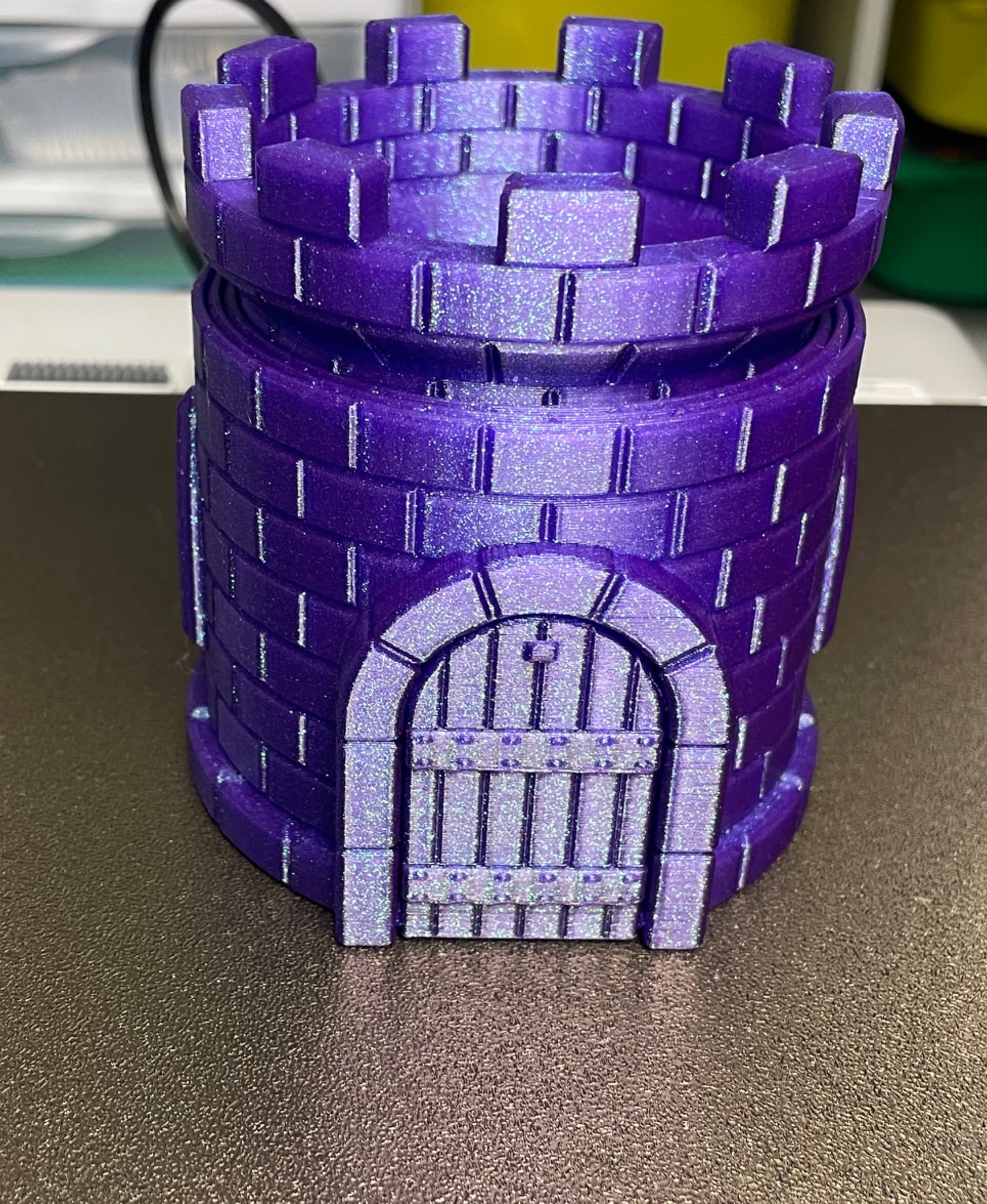
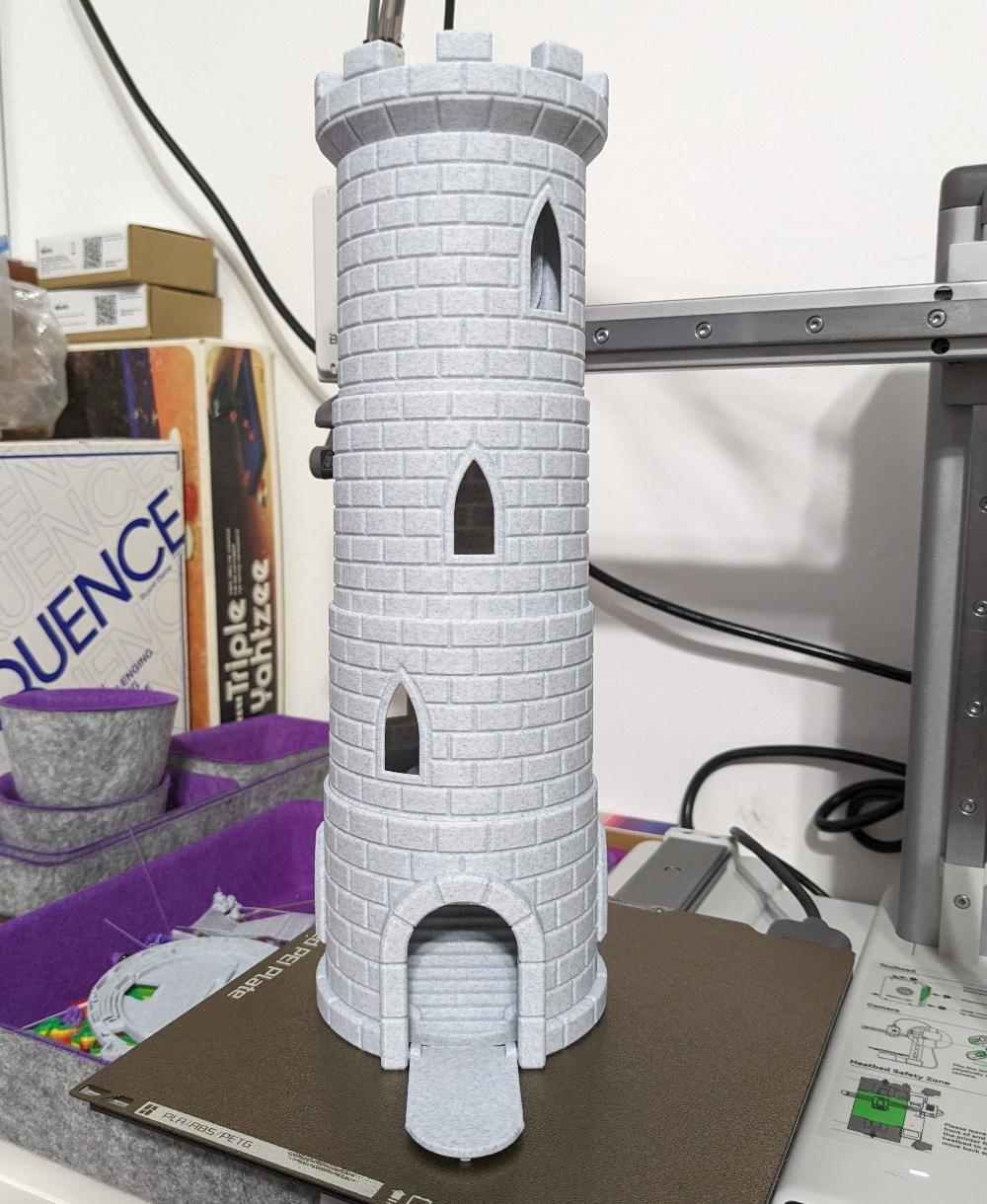
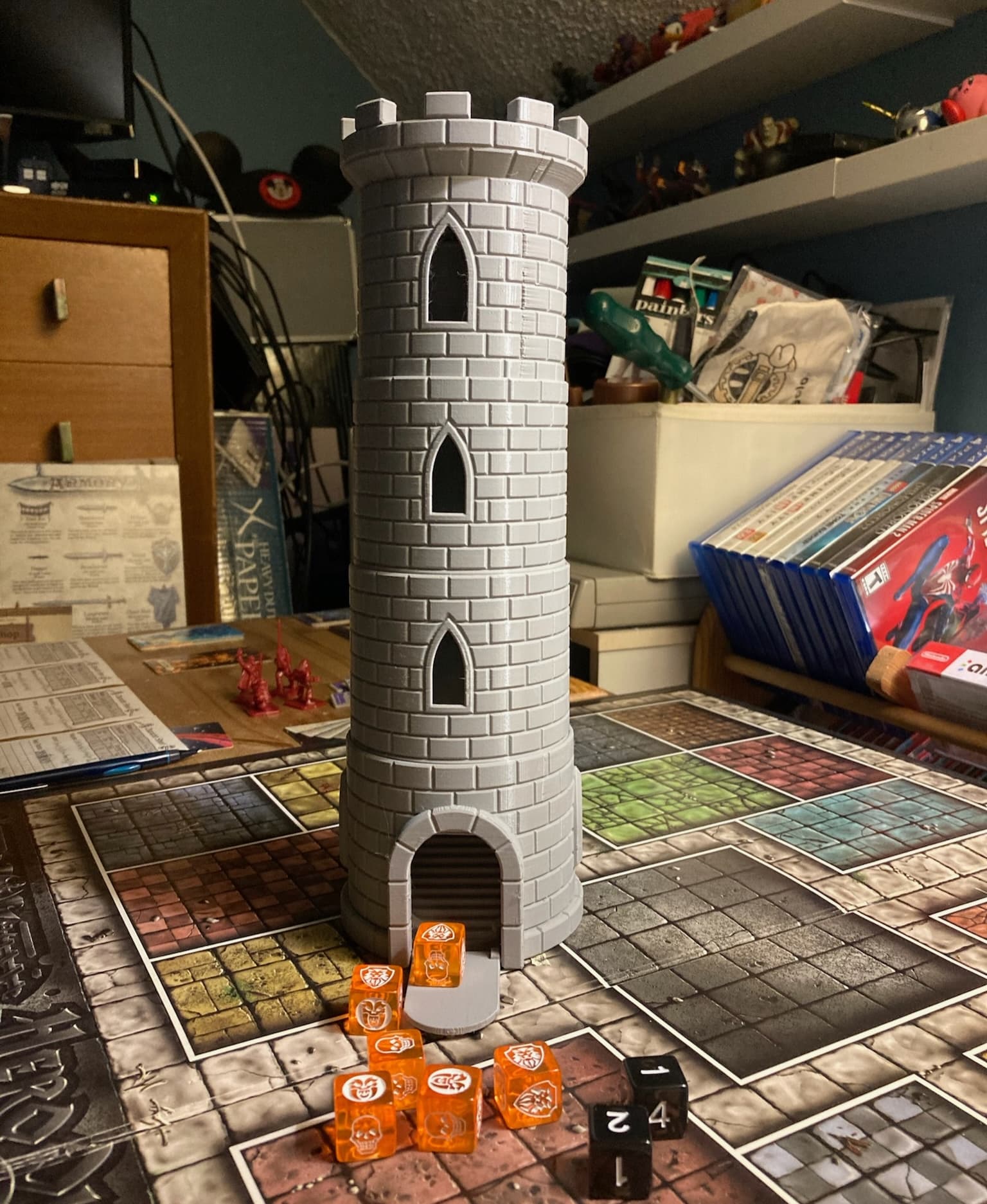
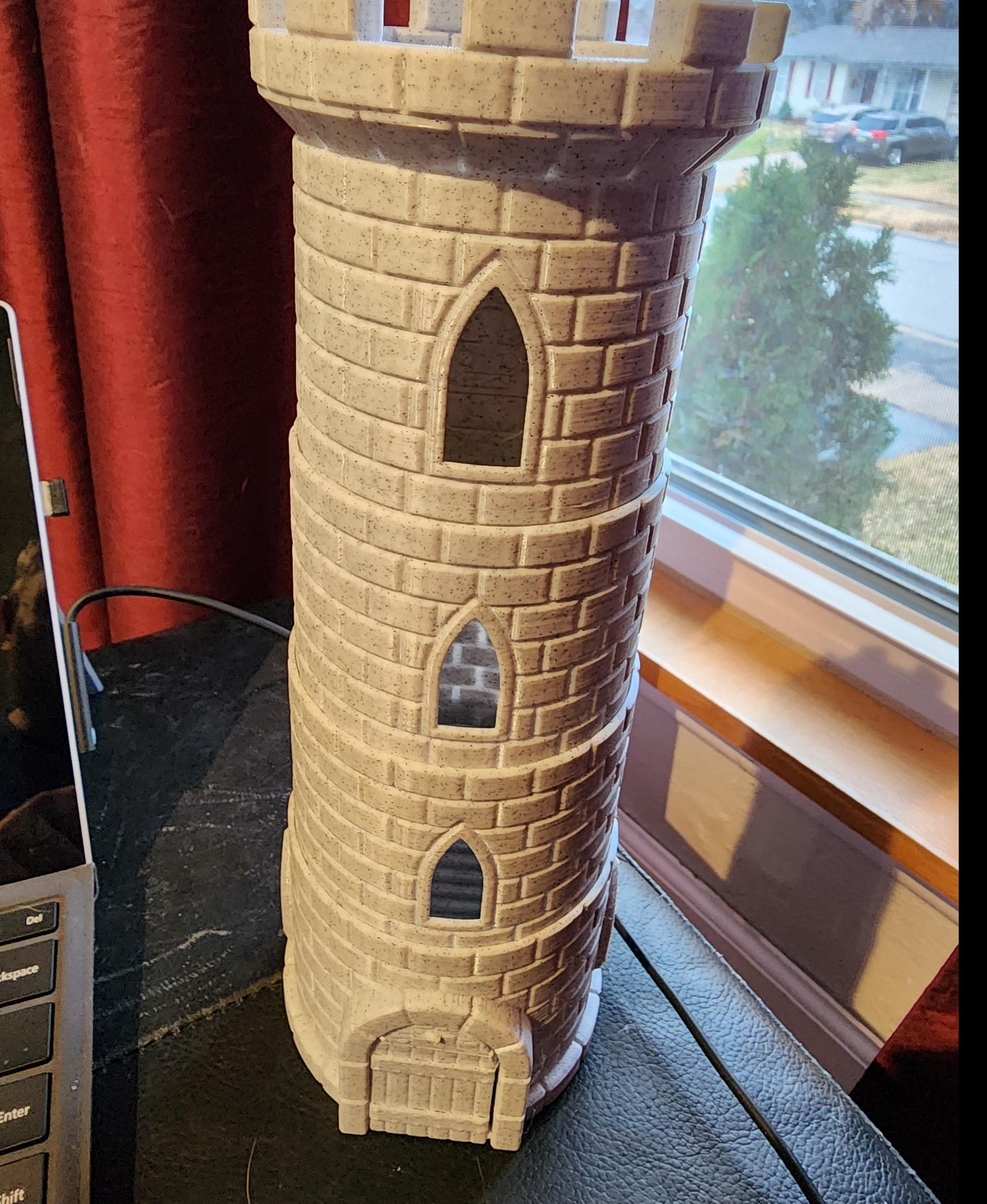
This dice tower prints-in-place in the retracted position with no supports but after printing it extends to three times its original height. The drawbridge opens to allow the dice through, but a detent keeps it closed when traveling. The funnel on top and the angle on the bottom mixes the die and makes sure they exit the tower every roll. There is a button on the bottom that locks the tower in position so it wont accidently extended. There is compartment on the bottom for storing dies with a built in catch on the lid.
It is designed to be printed with a .4mm nozzle. The walls are four shells thick, two shells are used for the brick inlay.
If your tower does not extend all the way, pull it apart until you have the desired extension and leave it for a day or two. The plastic will eventually "creep" and you will eventually get the perfect fit. If when you extend the tower it does not catch soon enough to stay open, increase your “Extrusion Multiplier” or “Flow Rate” depending on the slicer. For example, If the segments are just starting to catch before they are pulled apart, I would increase this facture 10%. In this case, if its set at 1, increase it to 1.1.
Printed on the Muldex rep-rap IDEX printer
Having troubles printing or want to show off your prints? Join our Facebook Group.
Collapsing Dice Tower
Quinlan Vos Collapsing Lightsaber

Master Sword Horizontal Wall Mount

Expanding Master Sword

Lightsaber Belt Clip

Luke’s ROTJ Multi-Part Collapsing Lightsaber
BYOK #10

Fallout Access Granted Illuminated Panel
The Incinerator Multi-Color
The Incinerator Collapsing Lightsaber

Fallout Access Granted Panel
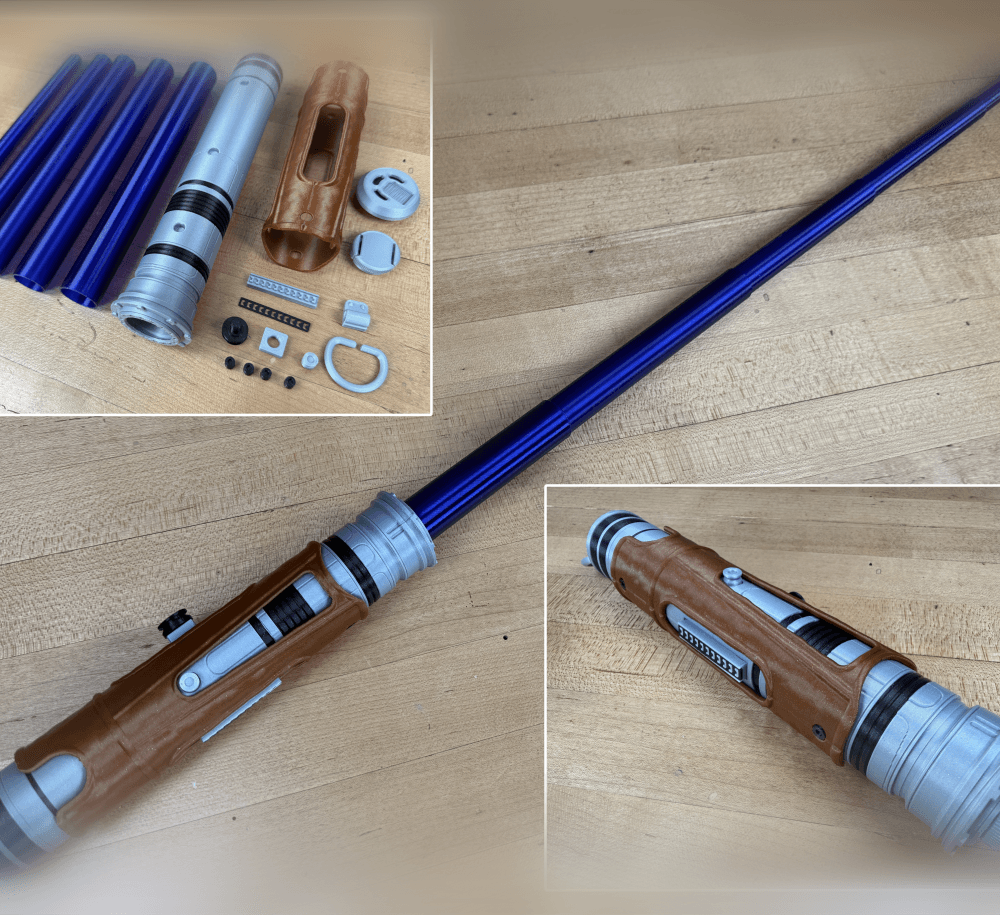
Devon Izara's Collapsing Lightsaber
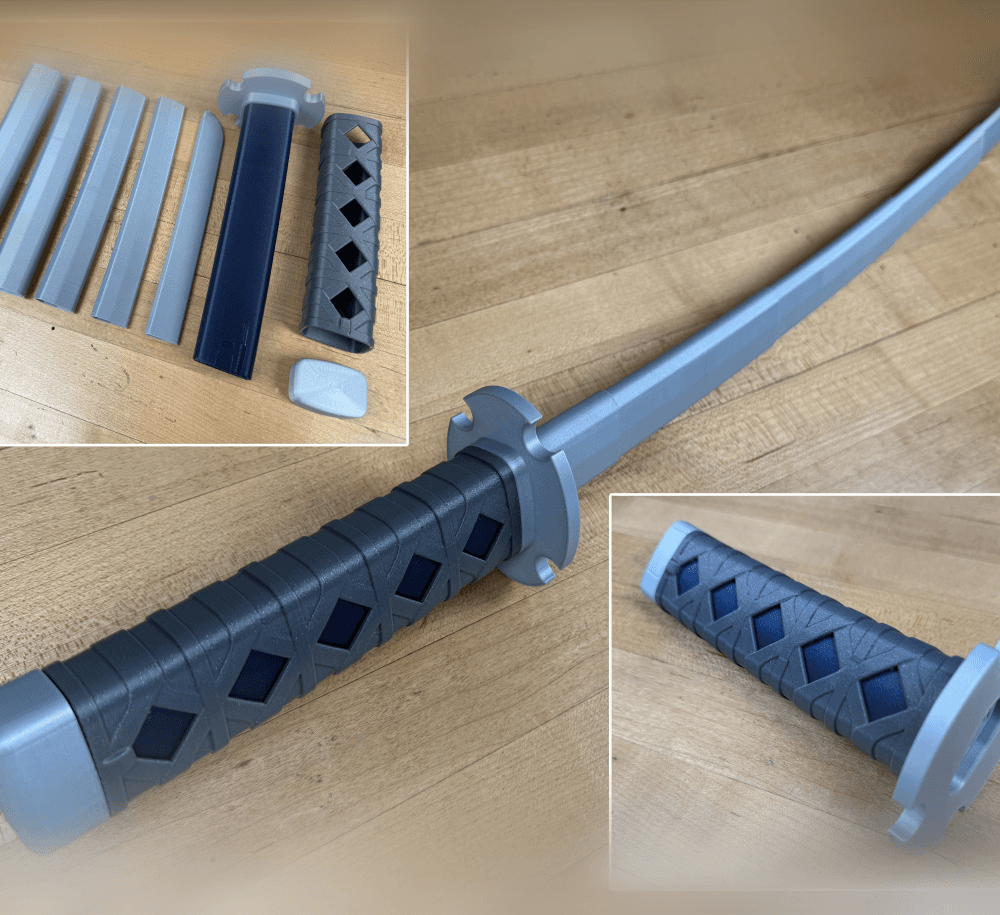
Sakonji Tomioka Katana

Master Sword Vertical Wall Mount

Collapsing Easter Basket

Buster Sword Wall Mount

Textured Planetary Egg Container
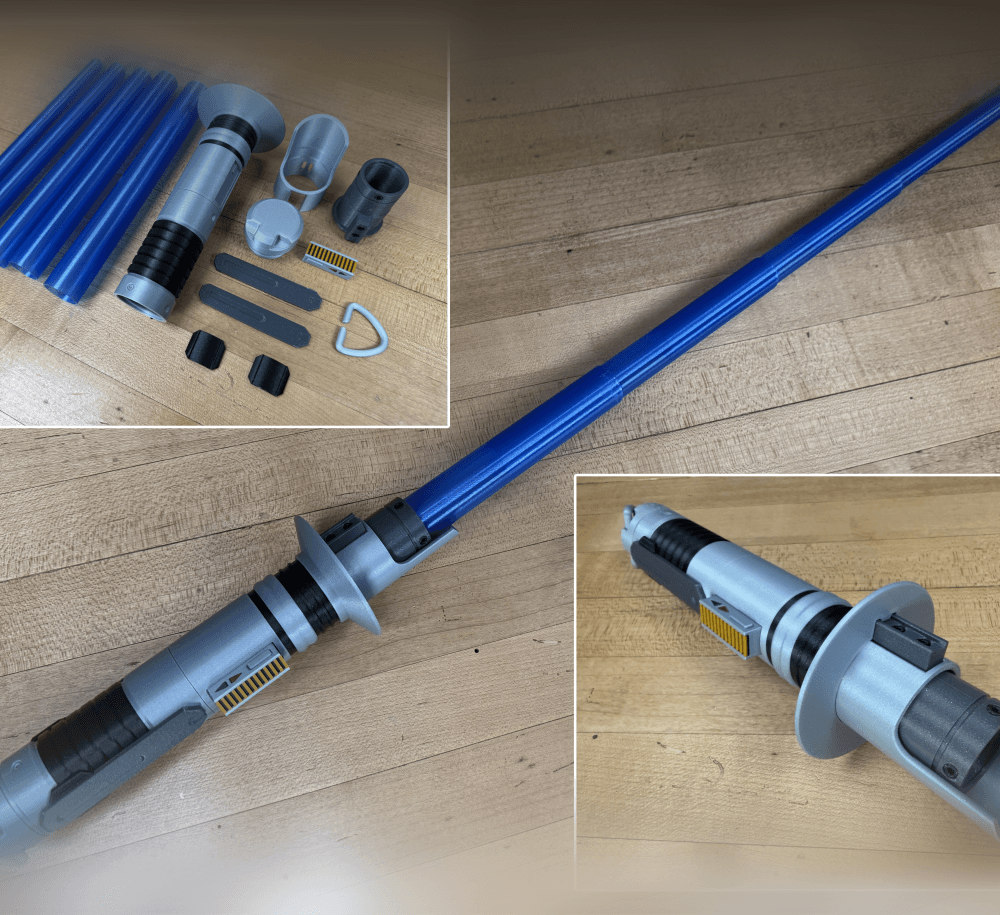
Ezra Bridger 3rd Collapsing Lightsaber

Illuminated Galaxy Edge Control Panel #2

Illuminated Galaxy Edge Control Panel #1

This looks awesome, but the pieces all just come apart when extending or collapse all the way down. Dang. I saw some comments from the maker about increasing extrusion multiplier or add a positive horizontal size compensation, but I don't know what that means and don't see it anywhere in the prusa software. Almost a great print! Wish I wouldn't have spent the money as there is no way to use this as is.
Its very easy to change in Prusa Slicer. It has worked for others. https://help.prusa3d.com/article/extrusion-multiplier-calibration_2257
I have the same issue with bambu studio slicer, any suggestions?
Hello Tommy, one question what is your setting on the bambu lab studio to do this print? I have tried but there is a error of some parts faying away.
You should have the same setting in bambu slicer as well as prusa slicer.
Mine printed well, but it's a little too loose. I'm going to put tape on the bottom so it doesn't pull off or collapse too easily. Took 22 hrs 35 minutes to complete on my Ender 3 S1 Pro (.4mm nozzle) using Reality Sonic Pad. Sliced with Orca Slicer @ .2mm Layer Height.
If its not catching soon enough. To fix this you can increase your extrusion multiplier or add a positive horizontal size compensation.
ERYONE marble PLA. I use tree supports to get nice window sills. Everything printed perfect and looks amazing. Just need to find a solution to keep the sections from falling when extended. Also for dice it's a long drop. But it looks so great!
Took 9 hours on my Bambu A1 Mini
It sounds like its not catching soon enough. To fix this you can increase your extrusion multiplier or add a positive horizontal size compensation.
Hi, what does that even mean on Bambu's slicer please ? I have nothing that says "extrusiuon multiplier" or "positive horizontal compensation" I've tried printing this 3 times already and its either completley fused together or the print just goes sideways, I've tried adding tree supports as well and it's seemingly upsetting my AMS somehow, I'm losing the will to live trying to print this damn thing.
These setting would not help with the issue you specify, neither would supports. "Sideways"? Is it an adhesion issue? Completely fused, or at the layer seams?
how do I put the 3D designs into the 3D printing I have a flash drive but that don't work?
Typically from USB, SD or WIFI after the stl has been sliced into Gcode that the printer understands.
I'm a little confused on the printing instructions. So print it with 4 walls? Any other print recommendations such as layer height or infill density and type?
Bambu Studio throws the following warning: "It seems object COLLAPSING DICE TOWER has floating cantilever. Please re-orient the object or enable support generation." Is that warning safe to ignore?
If you are printing with a .4mm nozzle there will be four walls but it wont matter how many wall you set it too. I set mine at two walls.
I dont know what this warning means, I know it prints fine though so you should be good.
It collapses too easily, where as the collapsible swords are very strong, has anyone figured out how to make it sturdier?
To fix this you can increase your extrusion multiplier or add a positive horizontal size compensation.