
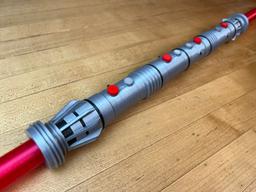
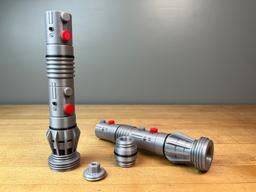

Maul's Multi-Color Lightsaber
Maul’s Multi-Color Collapsing Lightsaber Multiple Color Version
This model is separated for multi color printing. Each lightsaber half is printed as one part as a single print-in-place assembly containing both the hilt and the blade. There is a connector for attaching both lightsabers together.
The replaceable blade and the [dual extruder/multi-color versions are both available to my Thangs Members.
Printing The files not designed to be printed separately and assembled but printed on a printer with multi-color capabilities. Supports are not required, there is a built in support for the buttons. I have detailed instructions on how to print collapsing swords on my website. If this is your first time printing, I would suggest you try the test print first. I do not have a MMU or a AMS so I have not printed this version yet.
The example shown is the replaceable blade version printed on the Muldex rep-rap IDEX printer
Note: The assembly model is for reference only.
Support and Licensing If you would like to help support more free models please consider joining my Thangs Membership To get permission to sell physical copies of my models, consider joining my Patreon
Maul's Multi-Color Lightsaber

Master Sword Horizontal Wall Mount

Expanding Master Sword

Lightsaber Belt Clip

Luke’s ROTJ Multi-Part Collapsing Lightsaber
BYOK #10

Fallout Access Granted Illuminated Panel
The Incinerator Multi-Color
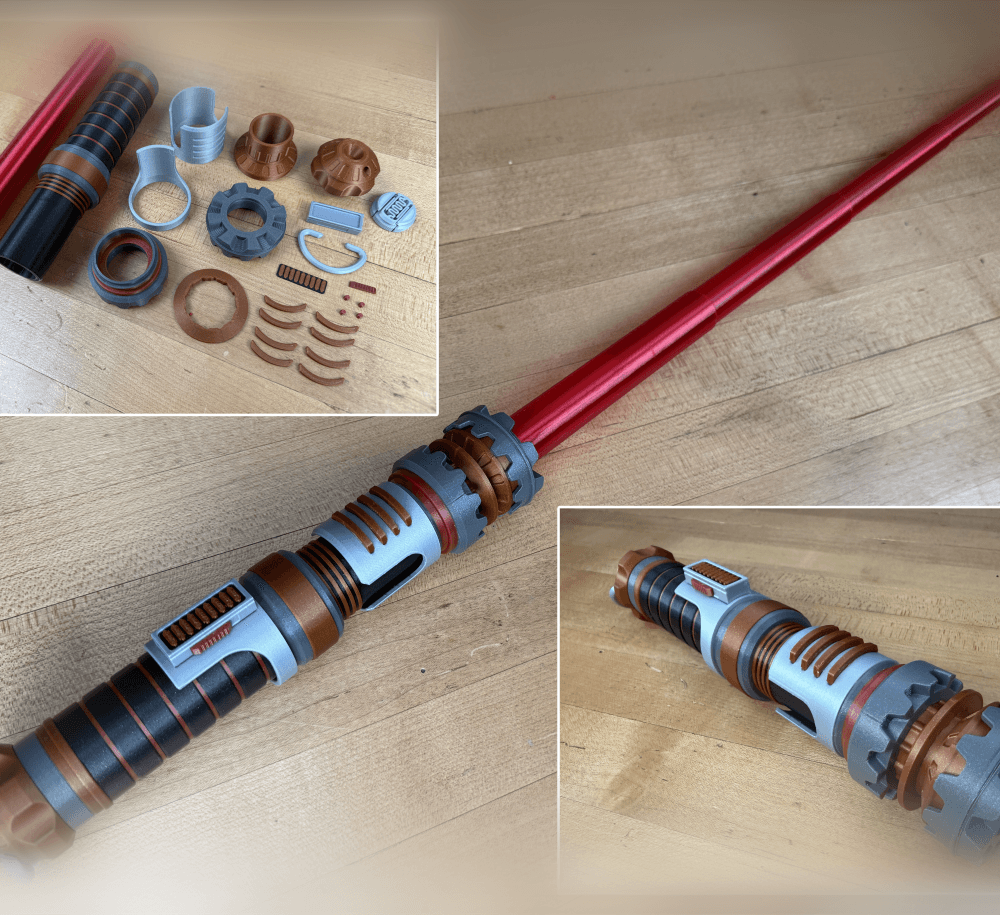
The Incinerator Collapsing Lightsaber

Fallout Access Granted Panel
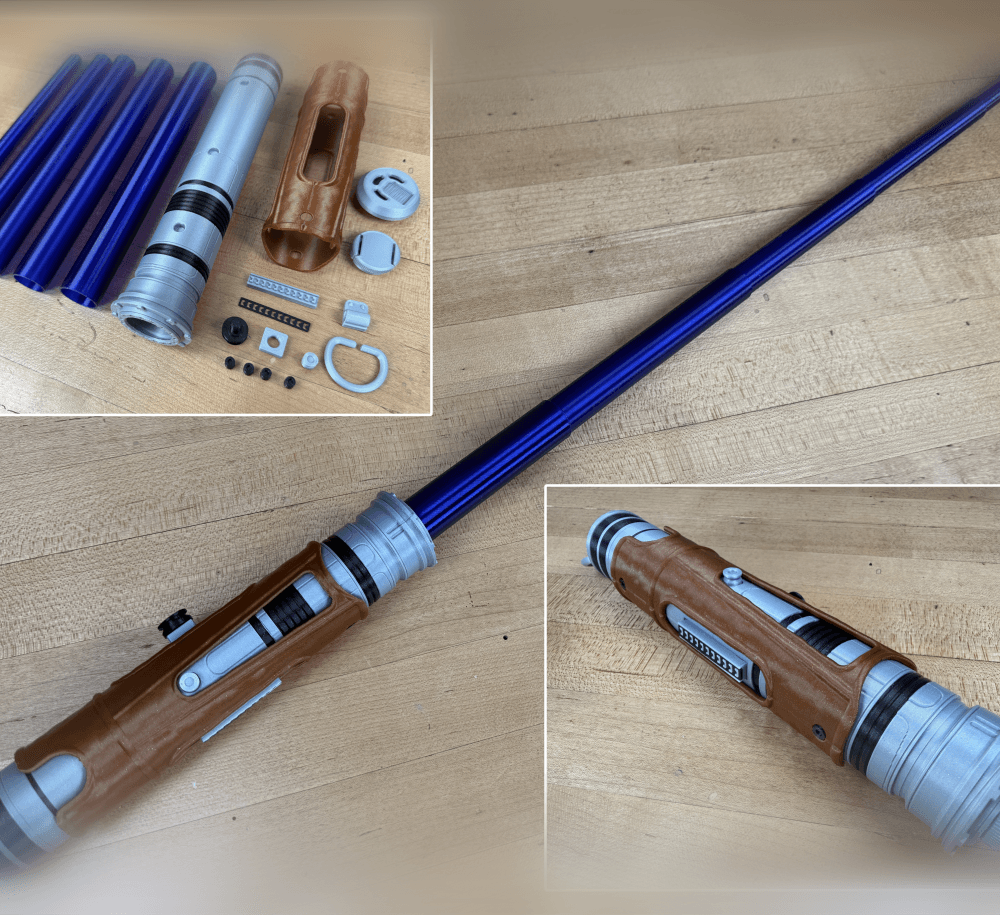
Devon Izara's Collapsing Lightsaber
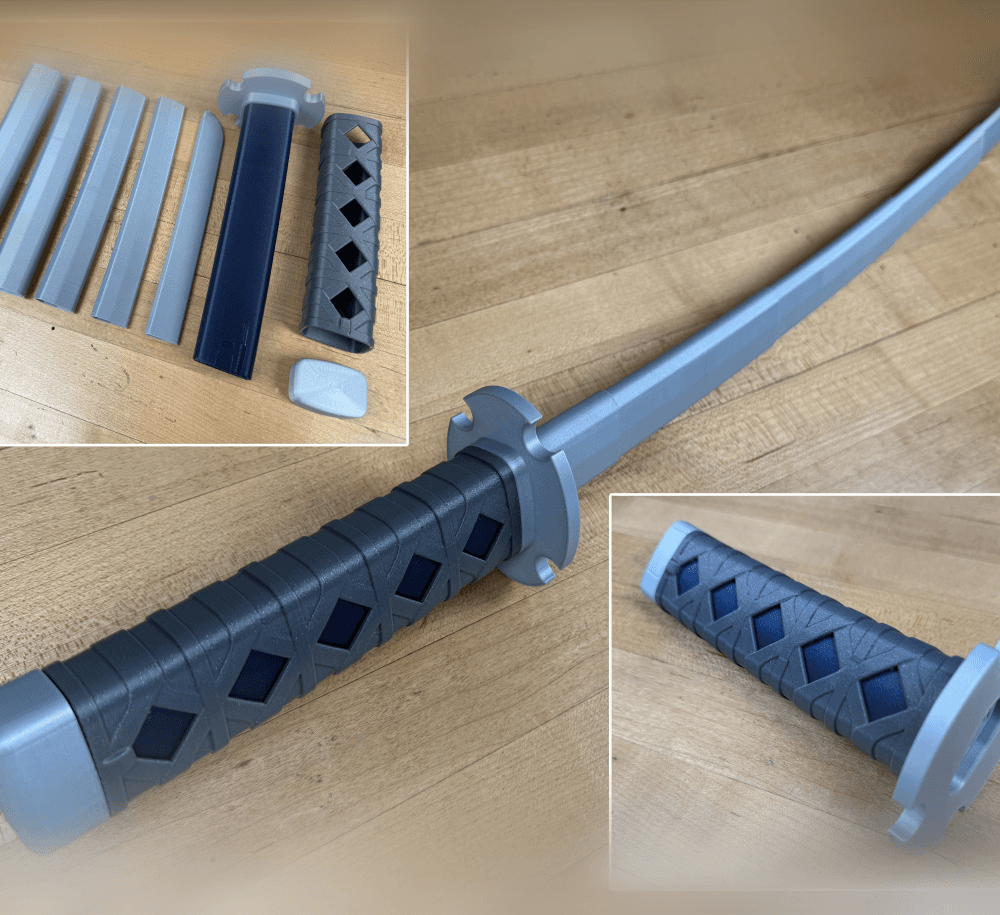
Sakonji Tomioka Katana

Master Sword Vertical Wall Mount

Collapsing Easter Basket

Buster Sword Wall Mount

Textured Planetary Egg Container
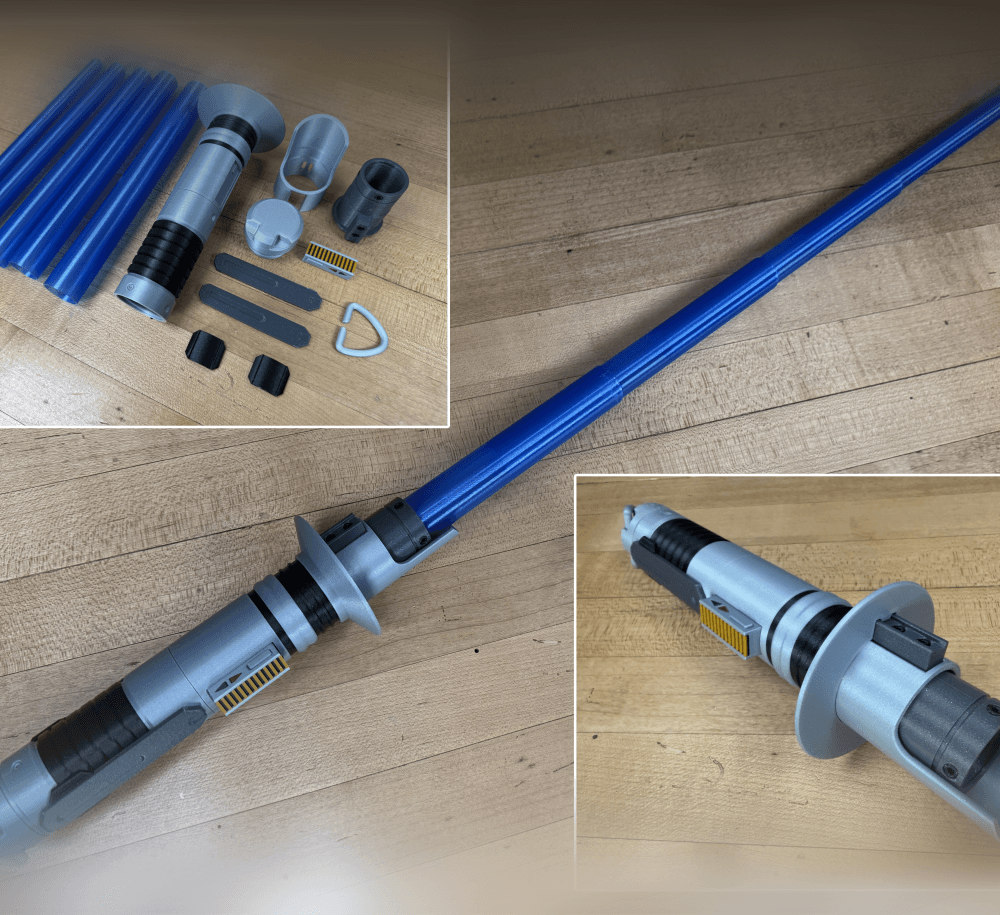
Ezra Bridger 3rd Collapsing Lightsaber

Illuminated Galaxy Edge Control Panel #2

Illuminated Galaxy Edge Control Panel #1

Illuminated Mini Lightsaber

That’s so cool!
Hi, I am a member on Patreon and have a question about printing the Darth maul lightsaber. There's multiple files, "DARTH+MAUL-HILT.stl" and "DARTH+MAUL-HILT-SILVER.stl" The one with silver in the file name doesn't have the "rings" on the hilt that are supposed to be black that the other file has, there's also a file named "DARTH+MAUL-HILT-BLACK" but I'm unaware of how this works and assume its for a multicolor printer?. i only have a single color printer, is it possible for me to print the blac
This is the multi-color version requiring a multi-color printer. You can do manual filament swaps with the single color version to get the black rings though.
I don't understand. You say "The files not designed to be printed separately and assembled but printed on a printer with multi-color capabilities." and yet each color is a separate stl. The one that combines all parts says it's for reference only. I can't see how this works.
The blade is redesigned to be printed separately but the hilt prints all at once.
How do print the handle so the blade can fit inside?
There are caps that screw on after the blade has been inserted.
The place you would put the blades in is solid though. Also, how do you line it all up for the hilt to print all at once? It's all separate files by color, but they do not line up when putting them all in the slicer. Do I need to micro move them to line up or is there a way to line them up that I don't know about?
Are you talking about the single blades? those are solid for vase mode. To aligning them depends on your slicer. In bamboo you just bring in all the files at the same time. PS is a little different, bring in one and then bring the other into that one.