
How to grow your Thangs designer revenue up to 30% in 12 weeks
Reduce your membership churn rate by 15% to increase your gross revenue by 30% within 12 weeks.
Hello 3D Designers,
Did you know that reducing your membership churn rate by 15% increases your gross revenue by 30% within 12 weeks? This week, we are delighted to showcase three tools to help you engage with your members for the long haul. Use them to improve community engagement and ensure you’re doing everything you can to show your supporters you appreciate them :)
Discord Community
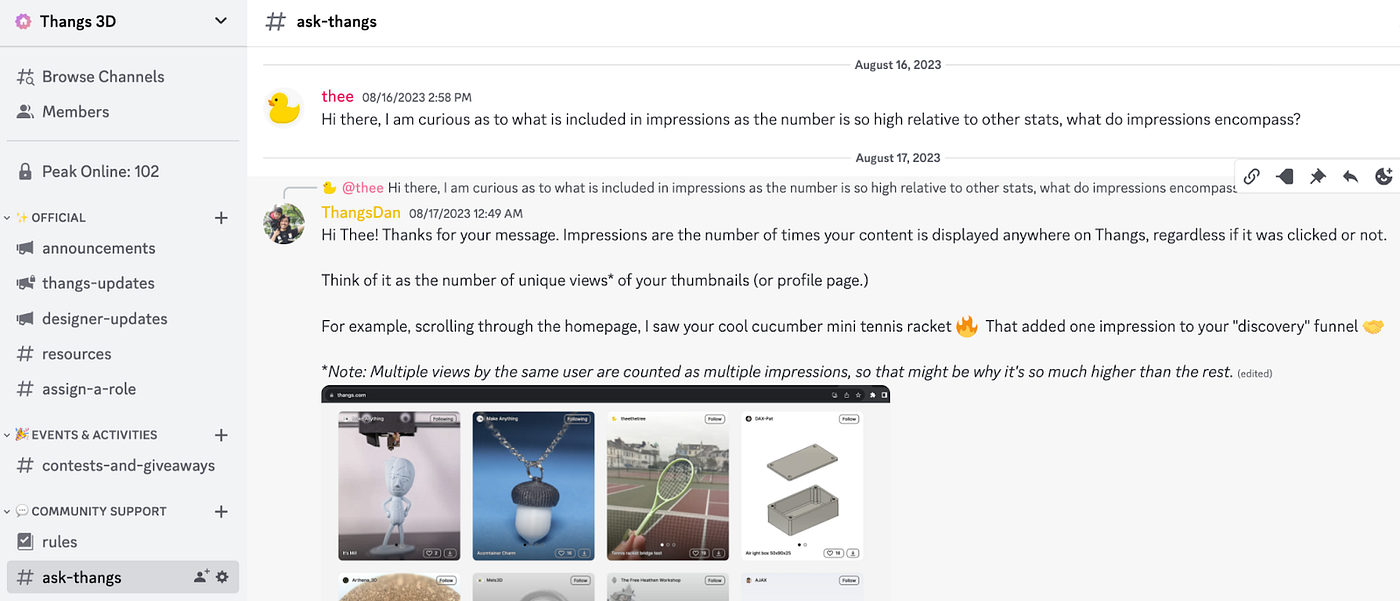
Make daily visits to your Discord community.
Discord serves as an exceptional platform for nurturing community involvement. If you haven’t yet ventured into the world of Discord, think about setting up a server to stay connected with your members. It offers a relaxed and informal channel for interacting with your followers and community.

Memberships Email Relay
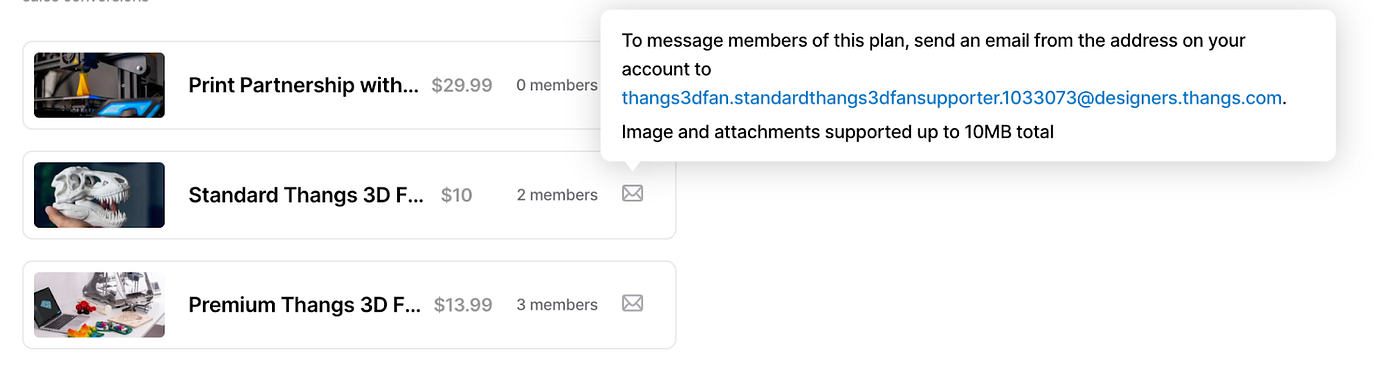
Communicate with your members at least once a week.
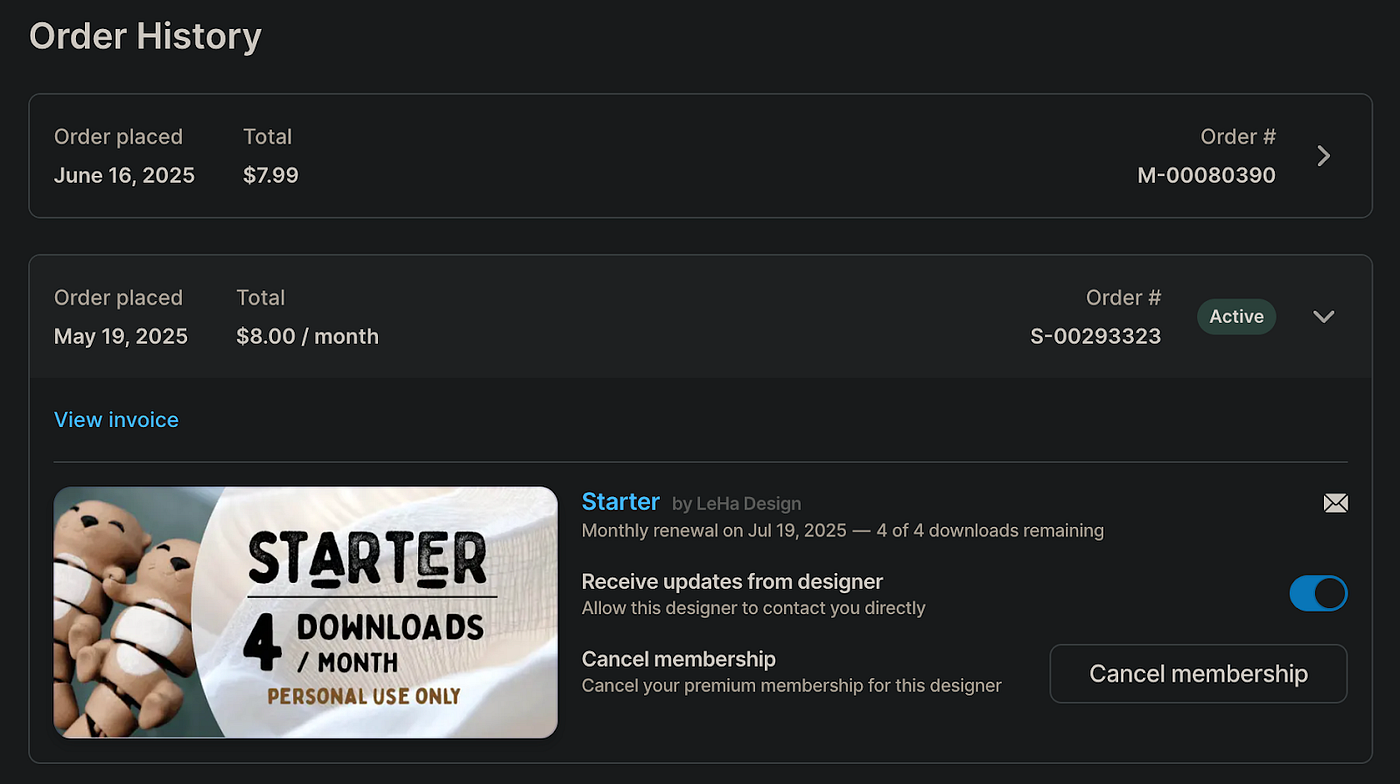
Use the Memberships Email Relay to give your paid members updates on your projects, remind them to join Discord, and other timely updates.
It’s totally okay to copy your Twitter and Discord messages since your audiences are often on different platforms anyway 🙌
Follower Broadcast
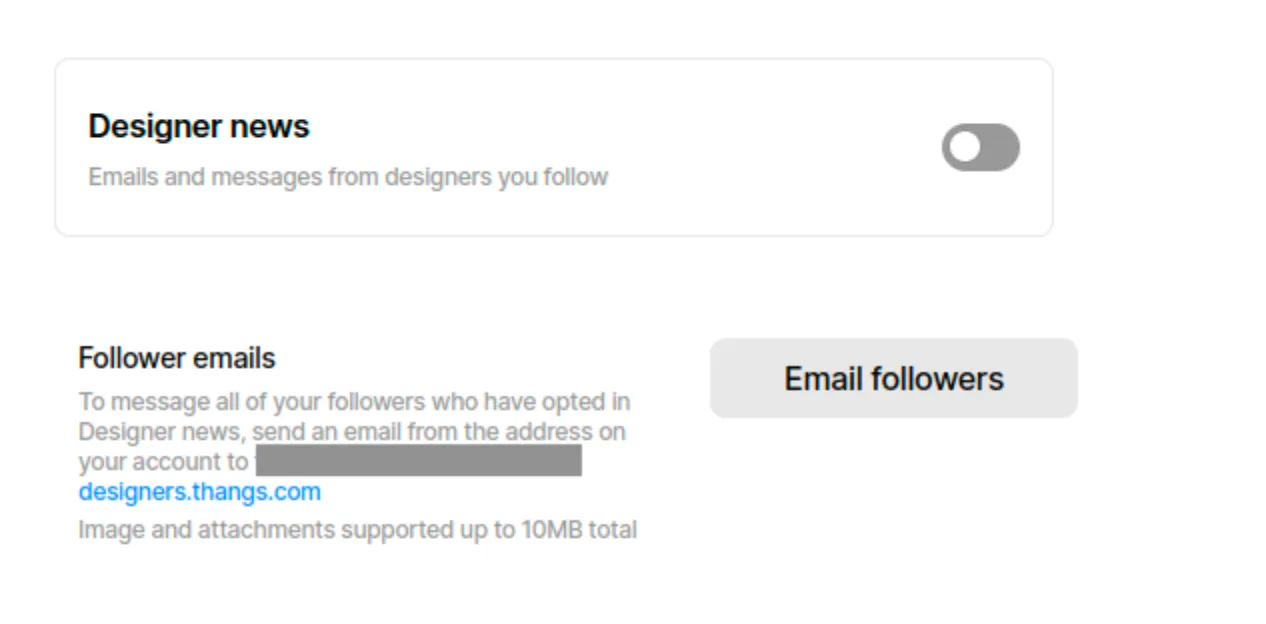
Contact your Followers at least once a week.
Thangs offer you the capability to reach out to all your followers who have chosen to receive Designer news updates. This empowers you to share creator insights, editorials on your latest uploads, and any other timely information. It’s an excellent means of engaging with your unpaid members, especially if you’re going after Leaderboard rankings.
Over time, nurturing this relationship will lead to more individuals subscribing to your Membership Plan or, at the very least, staying informed about your new downloadable creations!
Again, it’s okay to simply copy your Twitter and Discord messages and make slight adjustments 🙌
Membership CSV Export
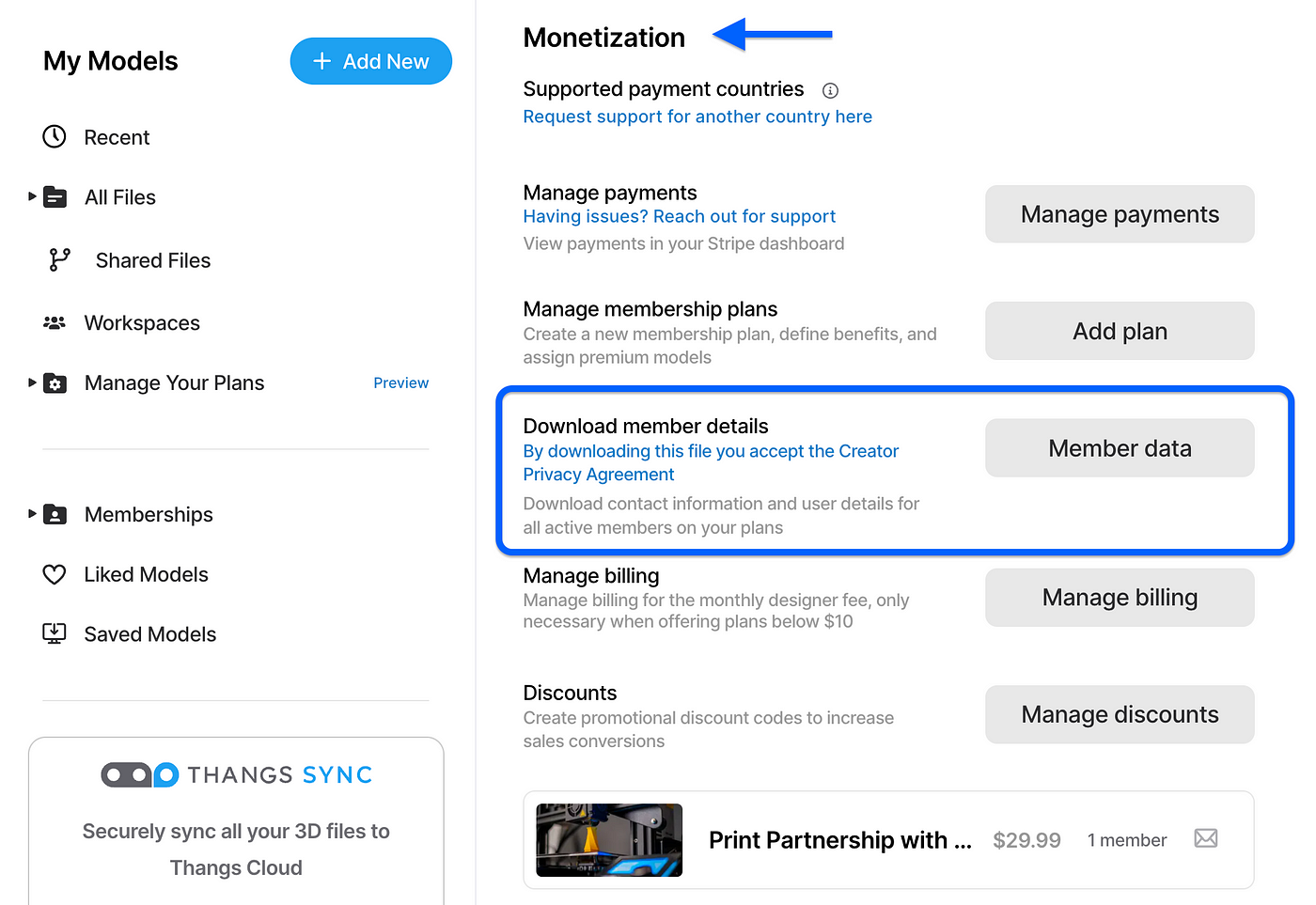
Clicking this will automatically download a .csv file with a row for every active membership to one of their plans. This lets you do more customized emails or offer benefits to your users! Learn more
Ready to engage with your fans?
All three of these tools can be found on your MyThangs Settings page under Monetization settings.
- To Install the Discord Bot, find the row labeled “Discord integration”

- To get your Email Relay email addresses, find the Email icons next to each of your plan names
- To get your Follower Broadcast email address, find the row labeled “Subscriber emails”
- To do CSV Export, look for the ‘Member Data’ button.
For more ideas on how to engage with your community, see our tutorial on member communications and Discord.

.jpeg)


