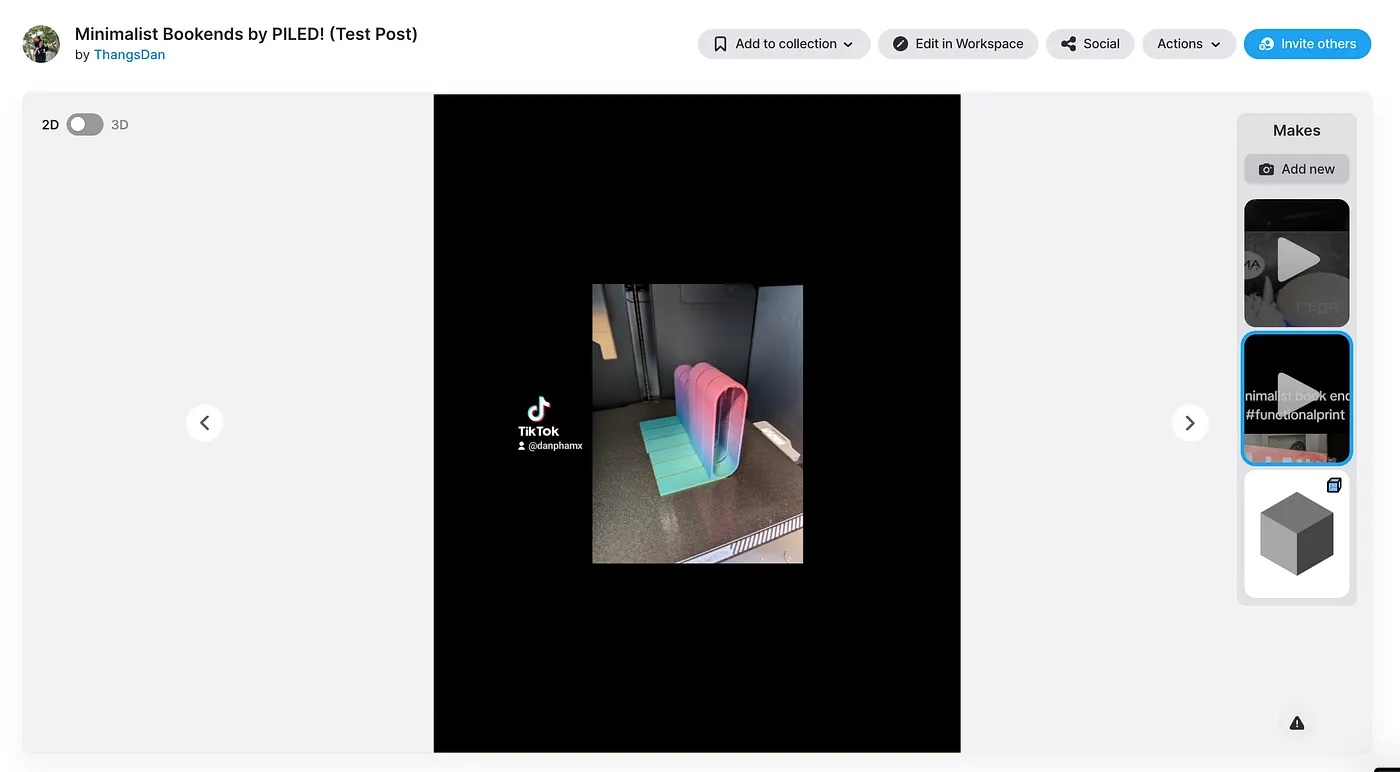
Add Instagram Reels to your models and posts to increase your engagement rate by up to 4X!
How to embed Instagram Reels in your Model Page and Thangs Posts.
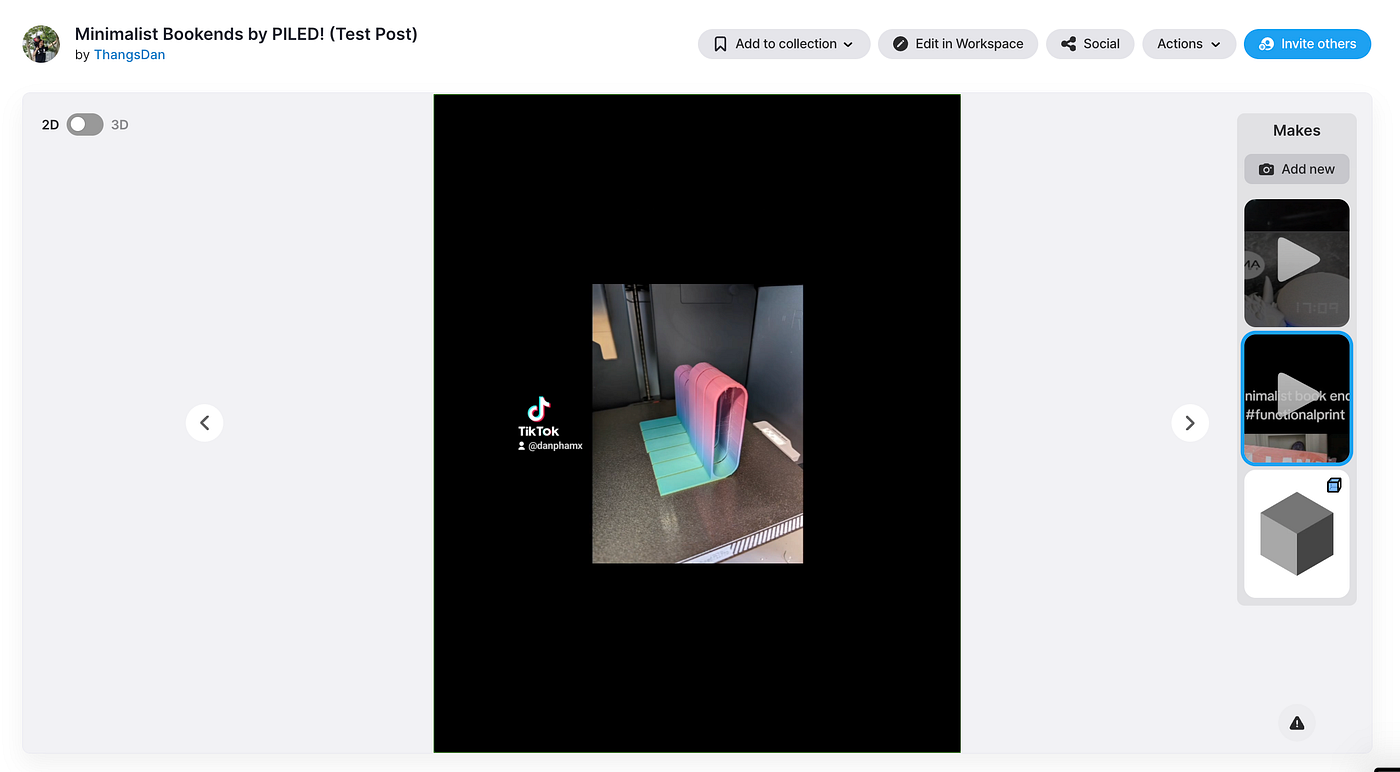
New Feature: Embed Instagram Reels
We’re excited to announce that you can now embed Instagram Reels in your Model Page and Thangs Posts! Just like YouTube videos, Reels will appear in the image carousel or Thangs Post emails to your followers, making them easy for new followers to discover.
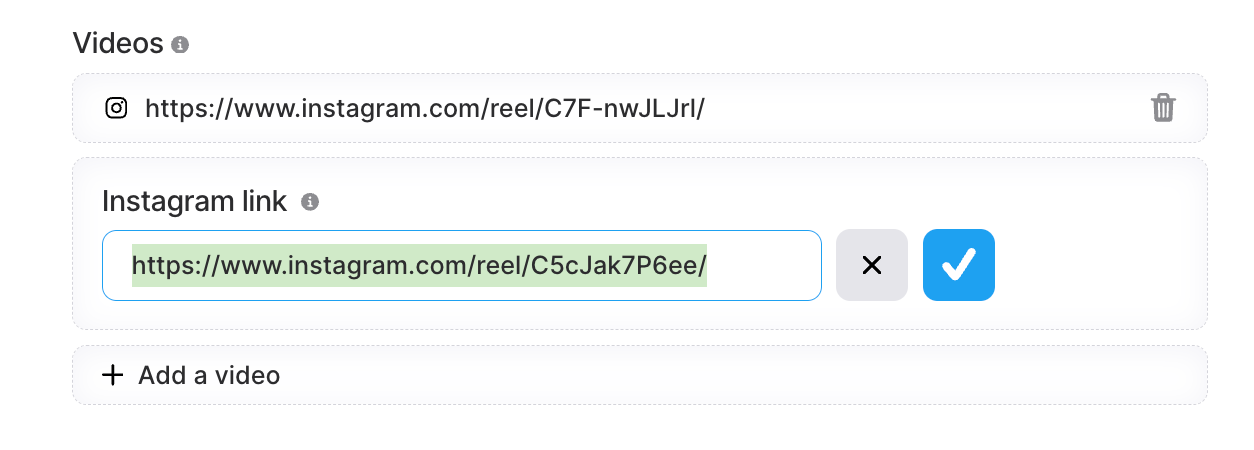
How to Add Instagram Reels:
- Go to your 3D Models (both new and existing).
- Add the Instagram Reels URL in the “Video” section.
Important Notes:
- Some Reels with copyrighted music cannot be played directly on Thangs. These will show as “View on Instagram” and open a new window.
- To keep visitors on your model page, use Reels without copyrighted music.
- Only Reels are supported (not posts). Ensure your URL includes
reelor link directly from your Reels tab.
Refresher: What are Thangs Posts?
Share stories, project updates, teasers, and more with your 3D Community using Thangs Posts! This emails all of your followers a rich text blog post, which lets you highlight videos, images, and documentation to help them get started. Learn more here!
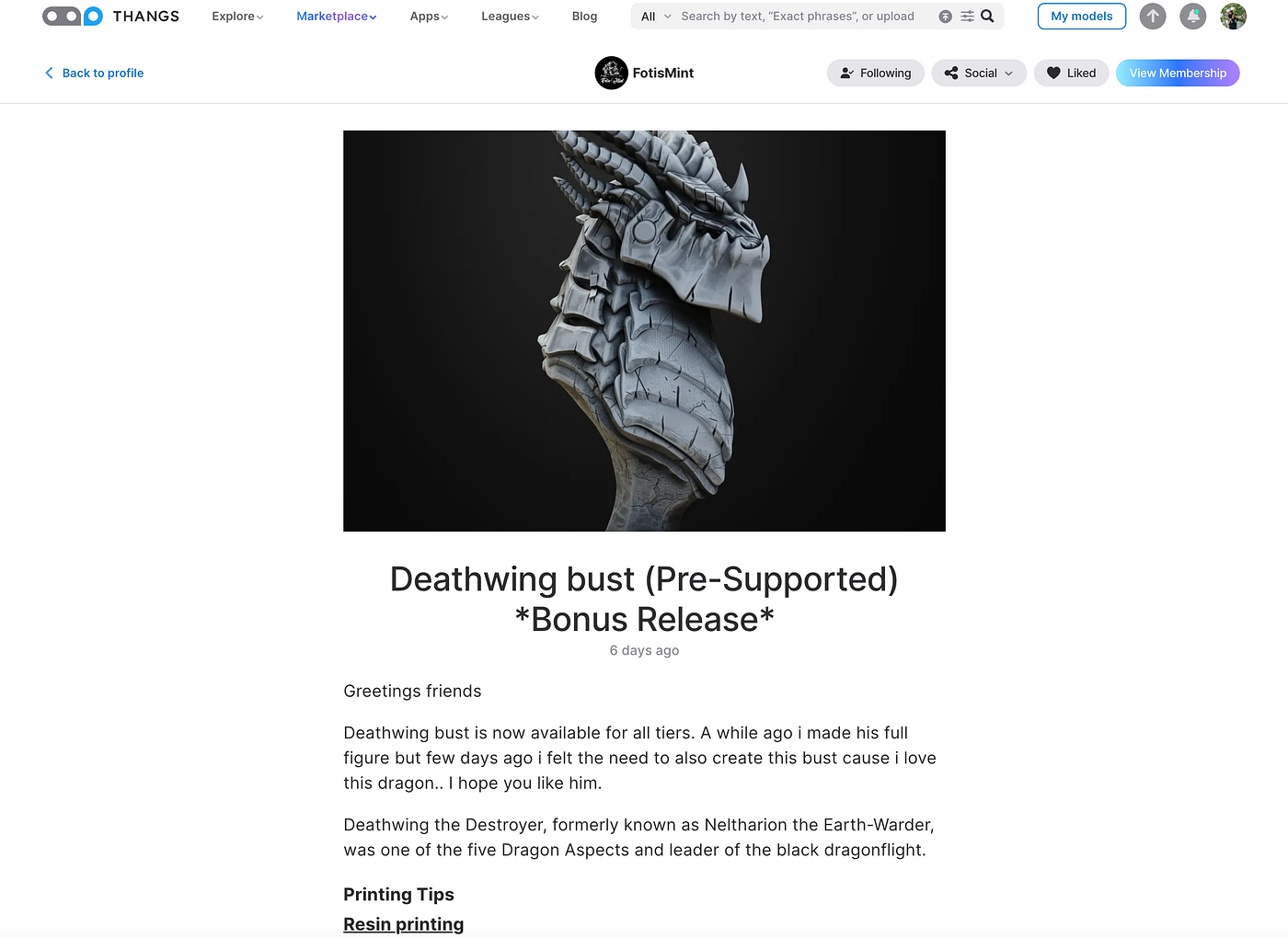
To learn more about creating great Reels and social media content read our social media for 3D designers tutorial or watch our Thangs Academy video.

.jpeg)


