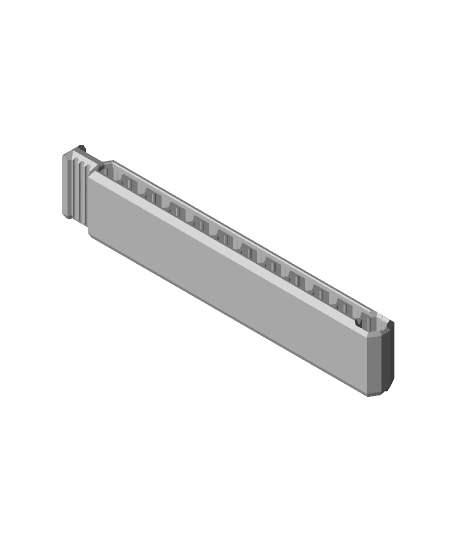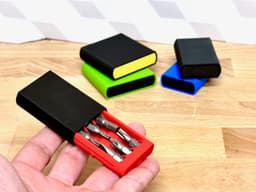
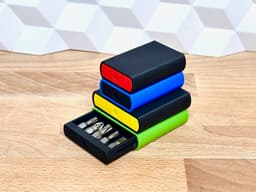


Compact Bit Box (pocket size driver bit storage)
This is a small, compact and pocket-friendly storage case for driver bits. It comes in multiple sizes and styles.
Just bring the bits that you are actually using for your current project - and bring the bits in style! Print it in 1 or multiple colors.
There is even an option for you to costumize it with color coding for easy locating your favorite bit - enjoy!
Overview
The case is made to store 1/4" (6.35 mm) Hex driver bits in length of 25 mm.
The Insert (the part that holds the bits) and the Cover comes in 2 sizes for now:
- Small (6 bits)
- Big (10 bits)
The Cover comes in 2 versions:
- Simple (with a smooth surface)
- Icons (for different bit-types)
The version with space for bit-type icons, has 3 spaces for icons. You can choose from the following bit-types:
- Flathead
- Philips (PH)
- Pozidrive (PZ)
- Torx (TX)
- Hex
- Square
Multicolor prints
This is optional - but looks nice and help you take the right one in first try. You can do like this (in Bambu Studio):
- Import the Insert in the size you want
- Right click on the model and click on Split > To parts
- In the left pane Process click on Objects
- Select individual parts of the Insert and choose filament for each.
Assembly
This is really simple! The Insert slides easily into the cover - done!
If you choose the cover with bit-type icons, you print those seperatly and glue them on the cover.
Print instructions
This is not too difficult. Here is a few tips:
- Brim: Yes for the Cover - that helps with bed-adhesion
- Orientation: The parts should be oriented correctly (the Insert flat on bed, and the Cover standing on one end)
- Supports: No - the print-in-place hinge prints without supports!
Filament
I printed these in filament sponsored by FormFutura - and they work great! To be sturdy enough for practical use I used their Tough PLA mostly - and their Easyfill PLA for color organizing. If interested, check out their products here:
Tough PLA (aff): https://formfutura.com/product/tough-pla/?aff=11 Easyfil PLA (aff): https://formfutura.com/product/easyfil-pla/?aff=11
Happy printing!
Compact Bit Box (pocket size driver bit storage)

Compact Bit Driver (pocket size screwdriver)
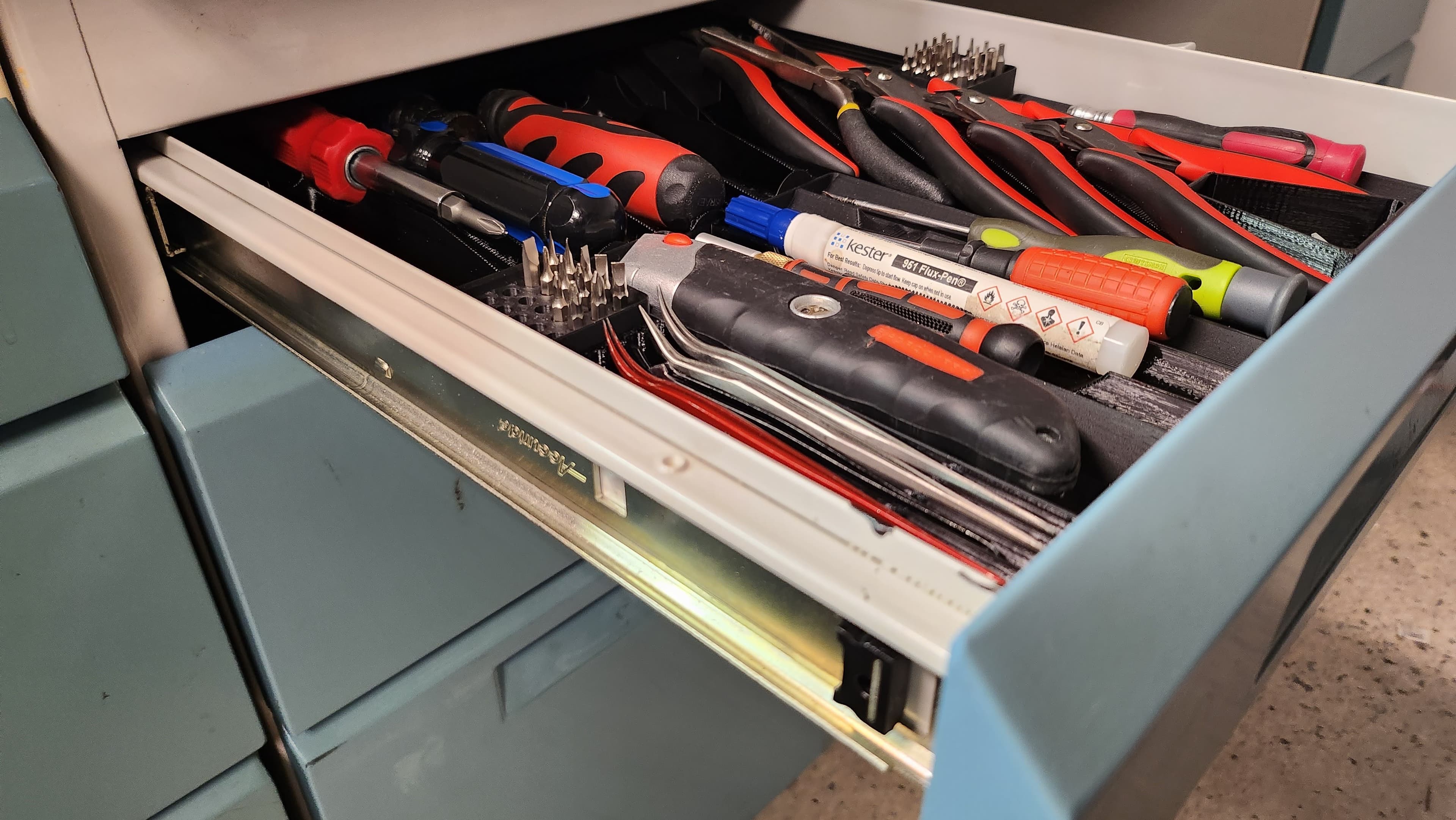
Gridfinity Low Profile Compact Tool Storage Drawer Organizer Set
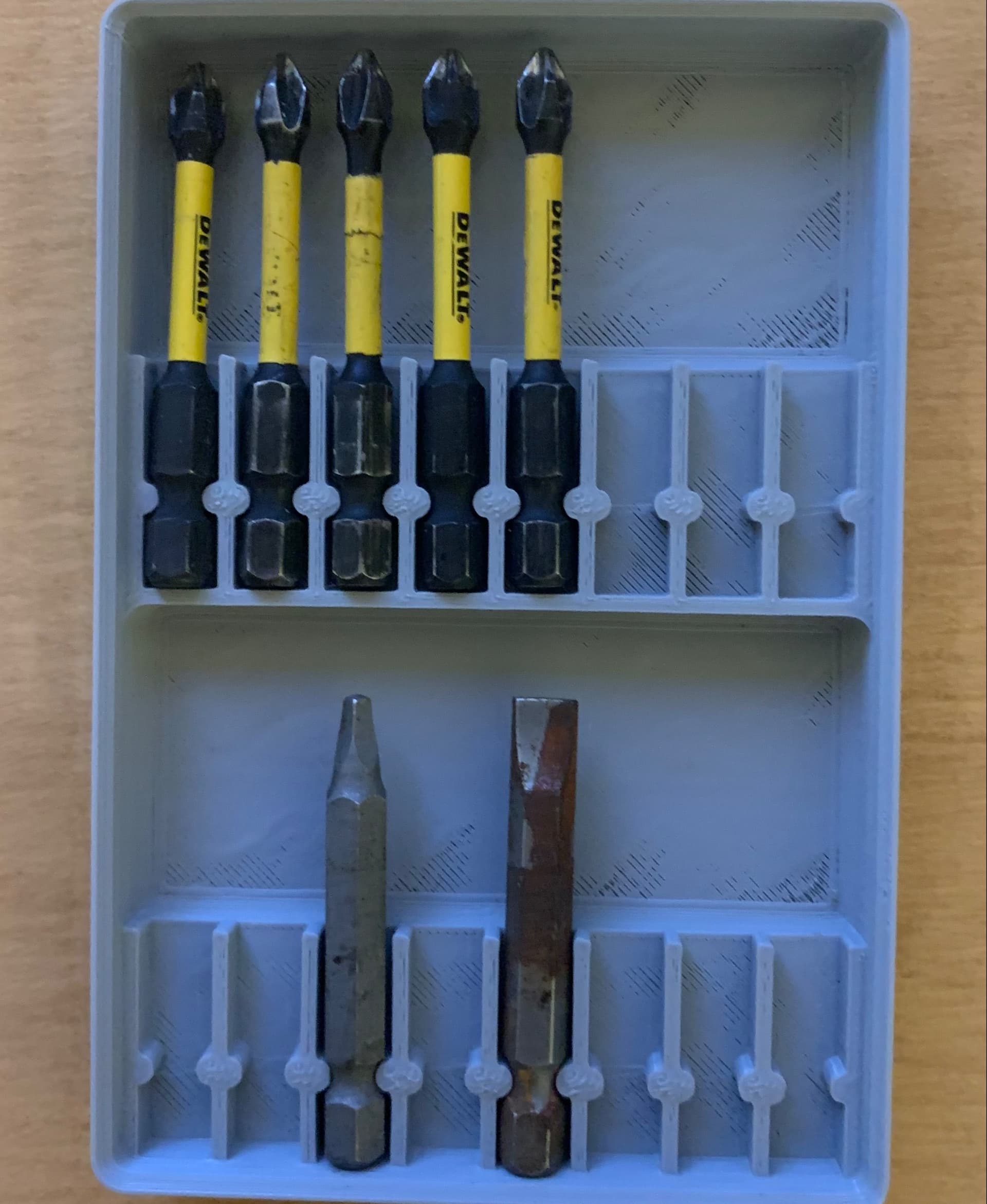
Gridfinity Driver Bit Tray
Mini Bit Driver

SORTSET 10 Position 1/4in Hex Bit Driver Holder

Driver Bit Insert.stl

Stubby Hex Bit Driver Small, medium and Large
Double ended hollow core bit driver

Basic Bit Driver Handle V2

AT3ch Hex-bit Driver

Compact Screwdriver Bit Case
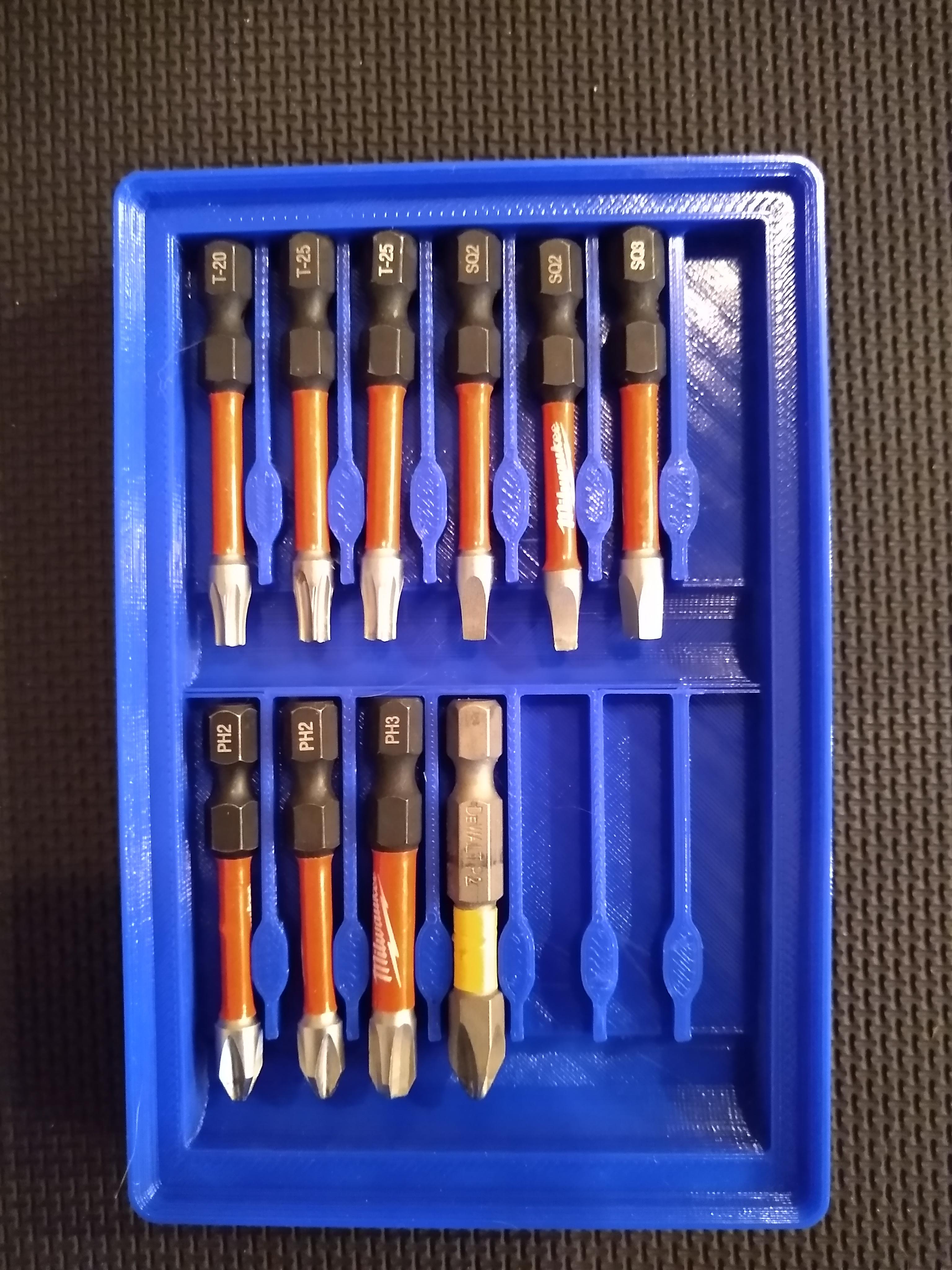
Gridfinity Driver Bit Tray
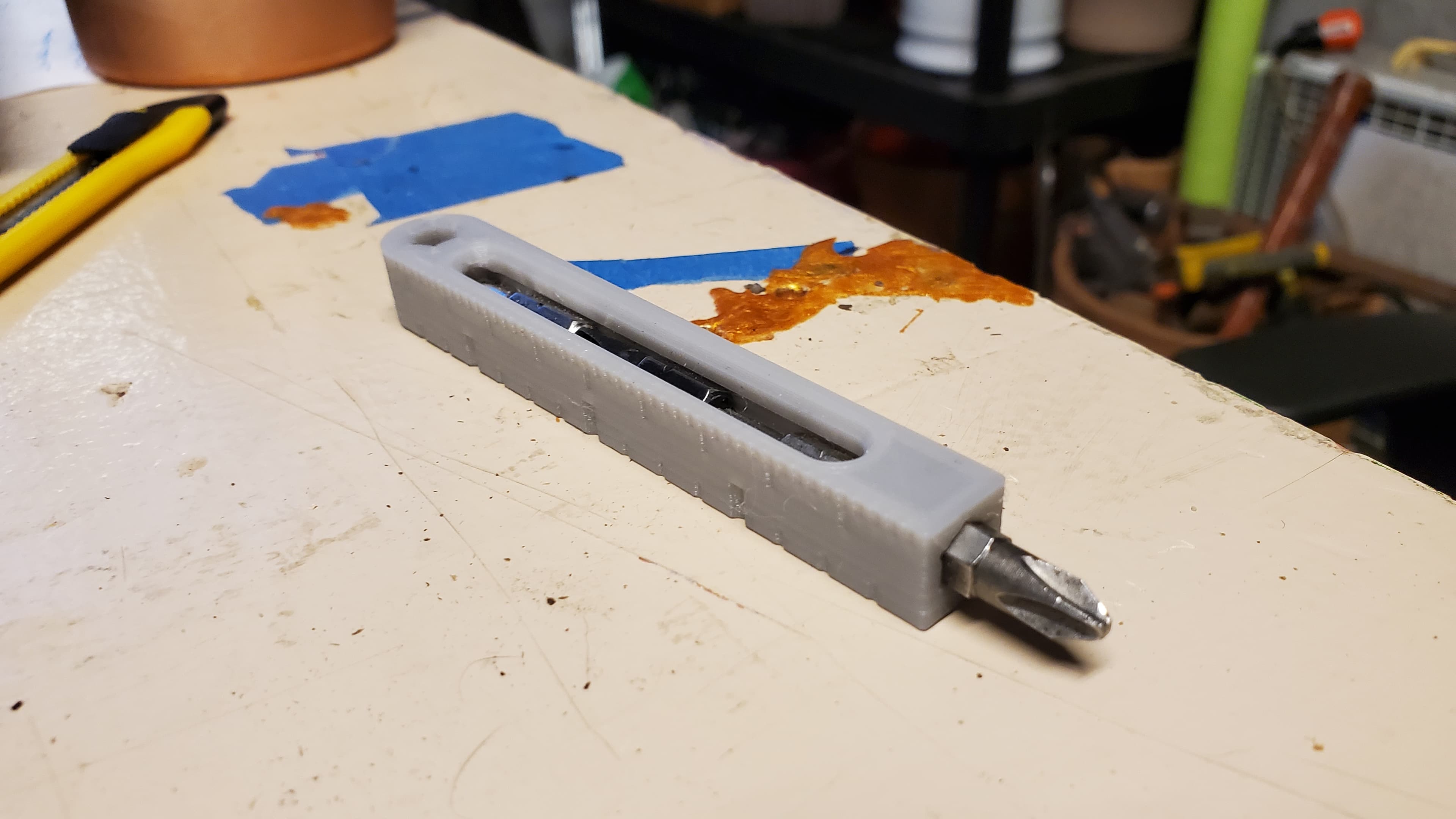
Bit driver with rule and storage
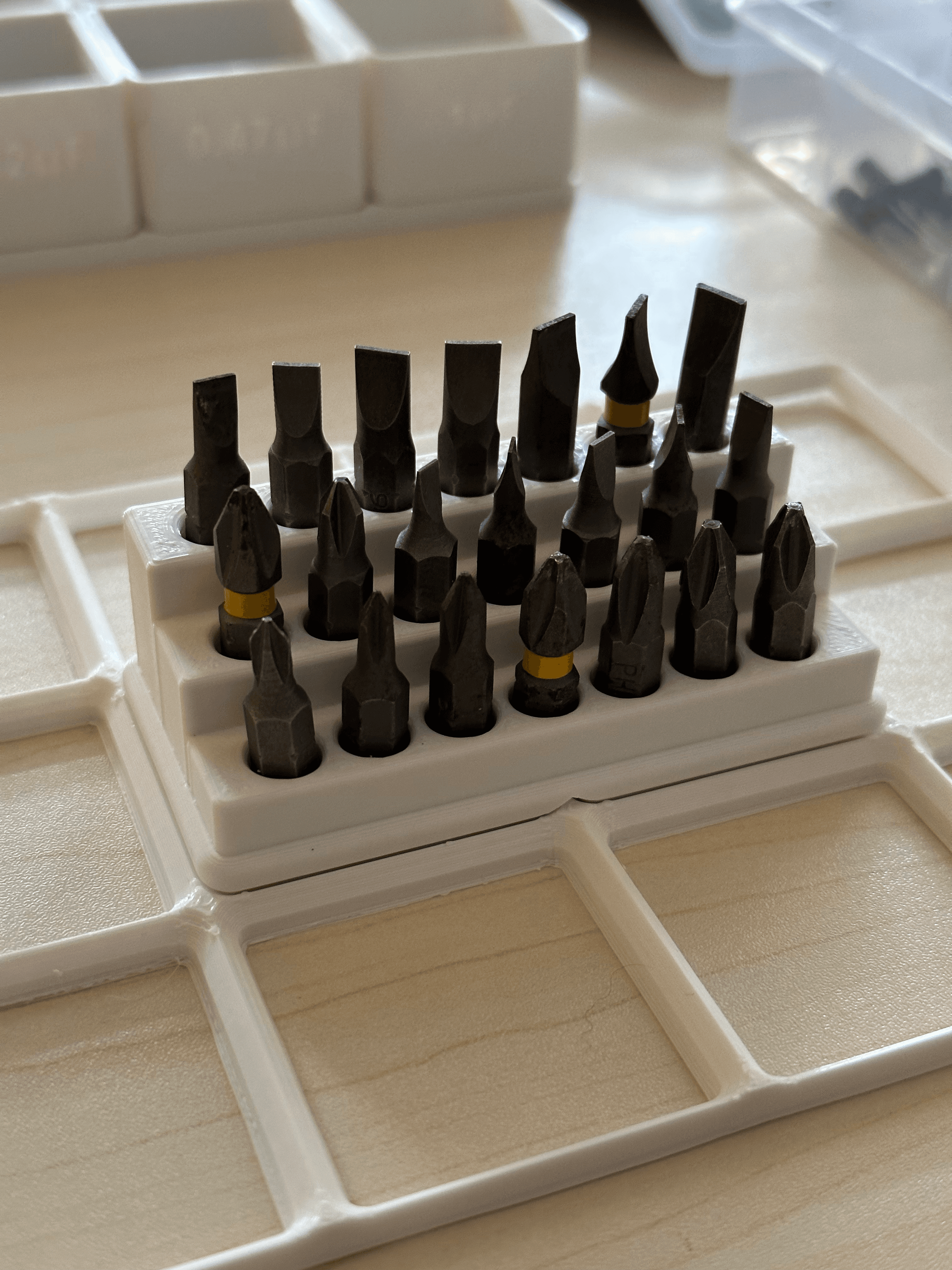
Gridfinity - Hex Driver Bits

120pc Toolbox Driver Bit Organizer - Fits in 2" drawers

Gridfinity 120pc Toolbox Driver Bit Organizer

Stanley Stubby Multi-bit Driver (Gridfinity)
Customizable Parametric Drill Driver Bit Holder
Altoids Tin Precision Screw Driver Bit Organizer