


Collapsing Master Sword (Dual Extrusion)
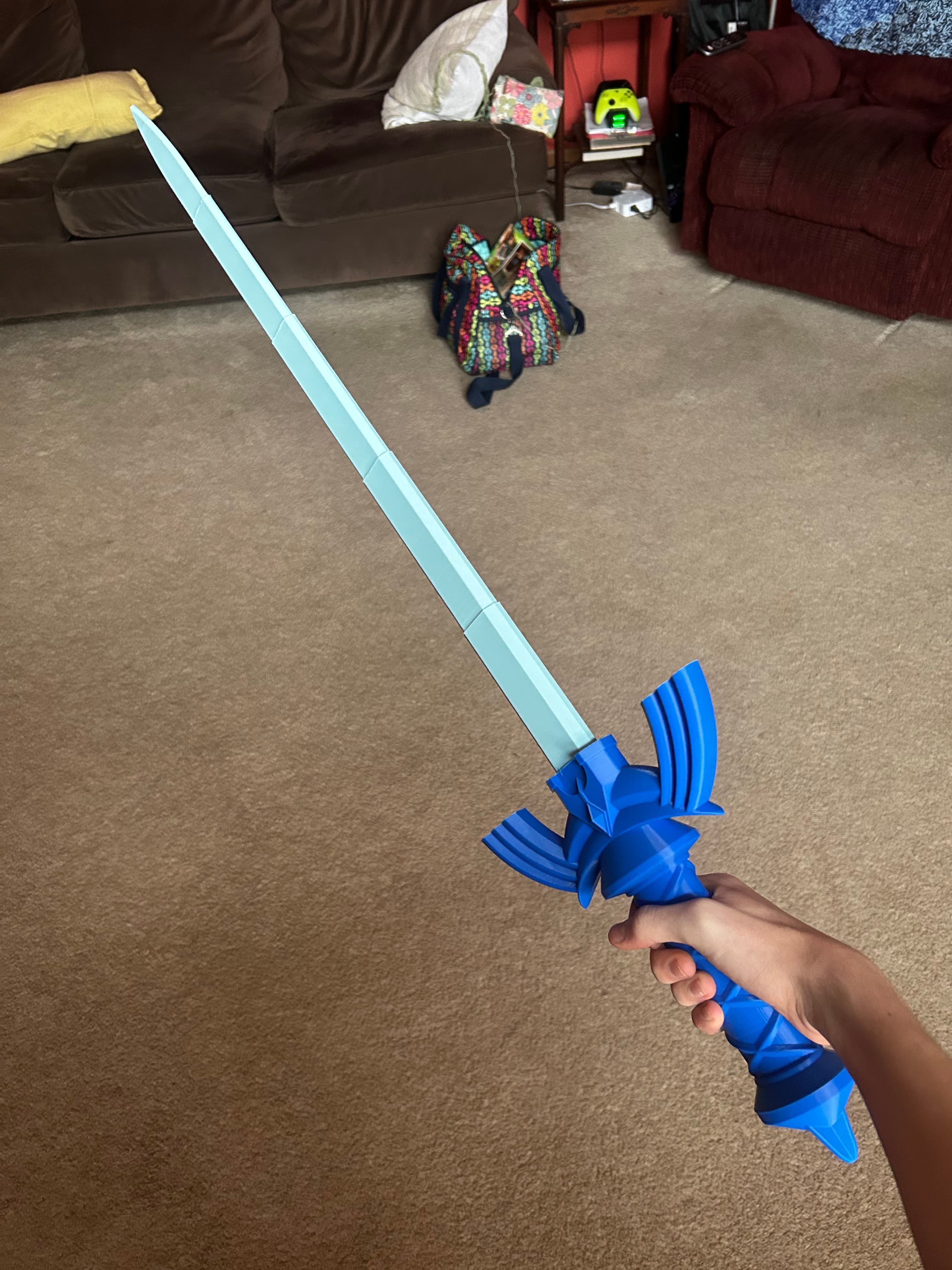
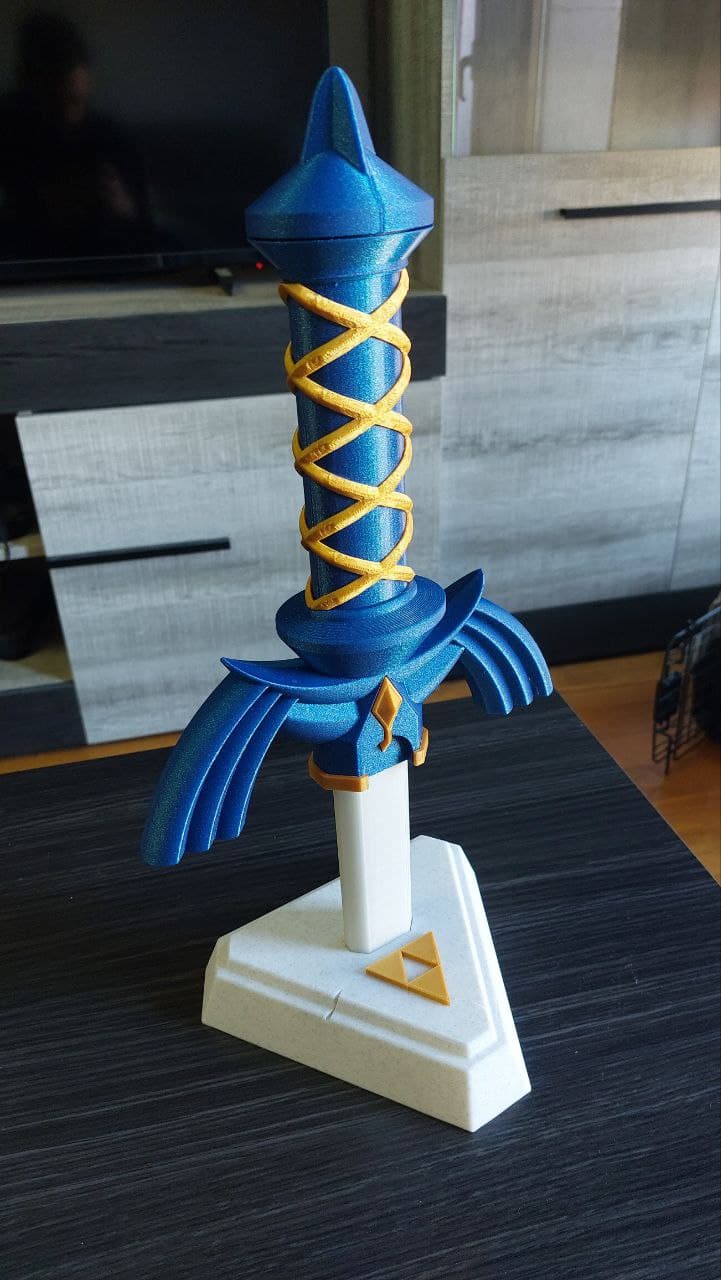
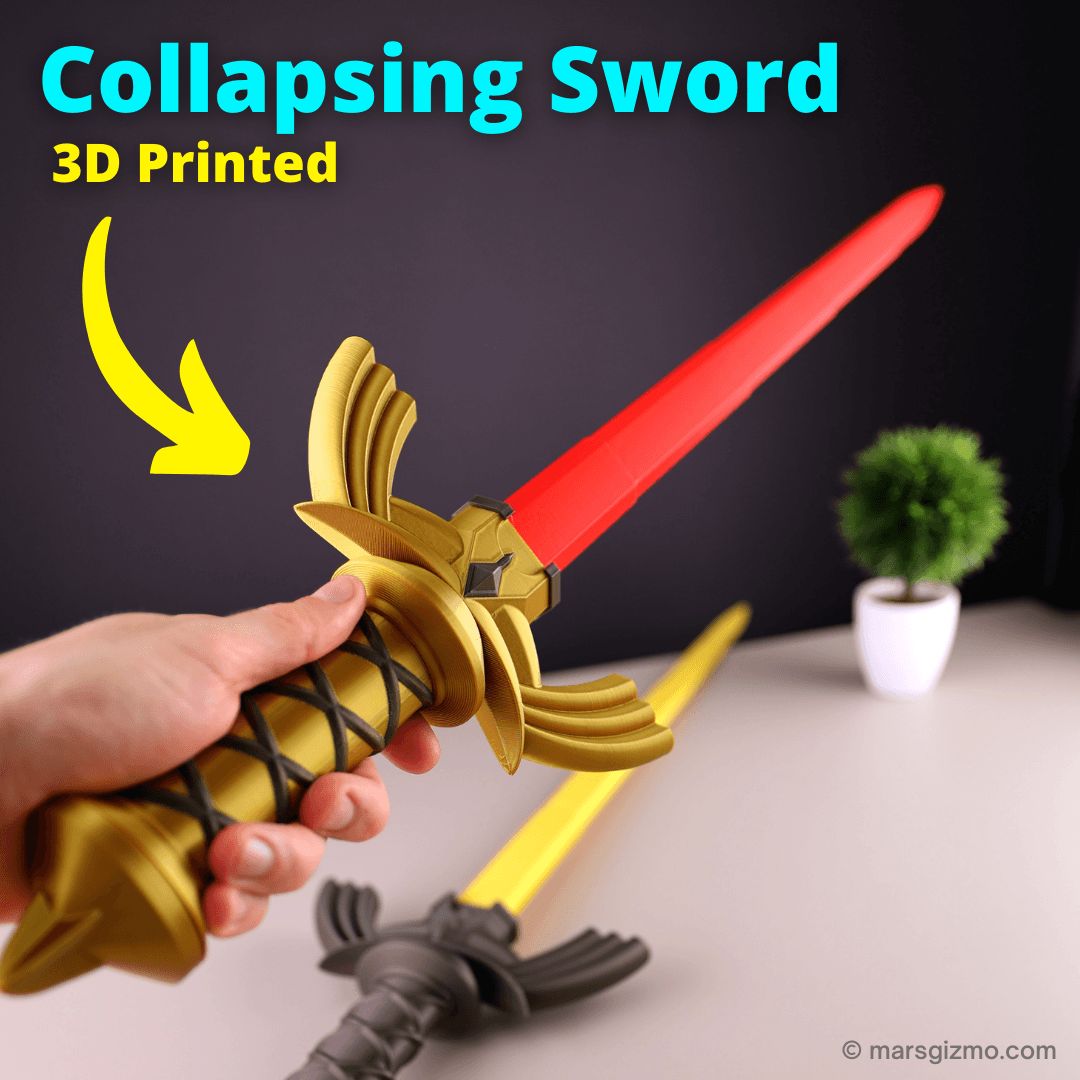
5.5K downloads · 5 years ago · **Collapsing Master Sword**
_(Replaceable Blade Dual Extrusion Version)_
This is the same as the s
This model is restricted by licensing terms.
View license.
Collapsing Master Sword (Replaceable Blade Dual Extrusion Version)
This is the same as the single extruder version but the hilt is separated into separate files for dual extrusion.
Detailed printing instructions can be found on my website
Printed with 3D Fuel Cobalt Blue and Silver Pro PLA
Printed on the Muldex rep-rap IDEX printer.
Master Sword Versions Print-N-Place Replaceable Blade Three Color
Having troubles printing or want to show off your prints? Join our Facebook Group.
Collapsing Master Sword (Dual Extrusion)
5.5K downloads · 5 years ago in and
This model is restricted by licensing terms.
View license.
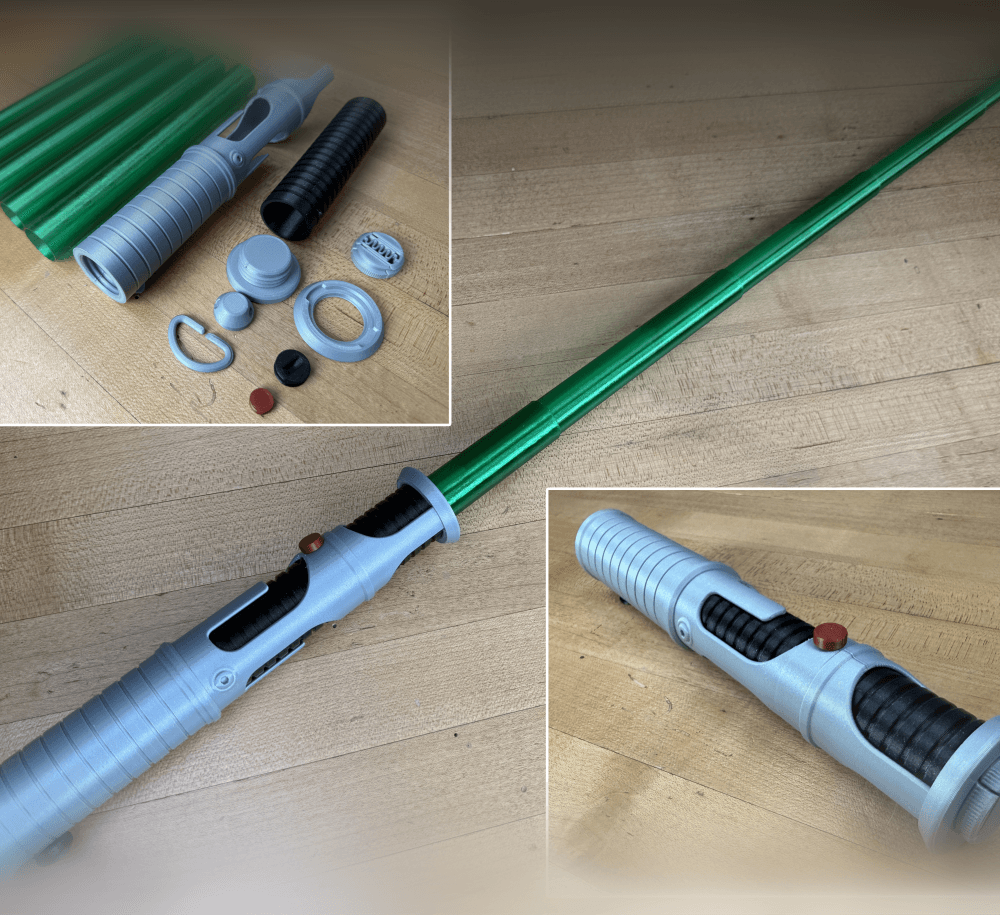
Quinlan Vos Collapsing Lightsaber

Master Sword Horizontal Wall Mount

Expanding Master Sword

Lightsaber Belt Clip

Luke’s ROTJ Multi-Part Collapsing Lightsaber
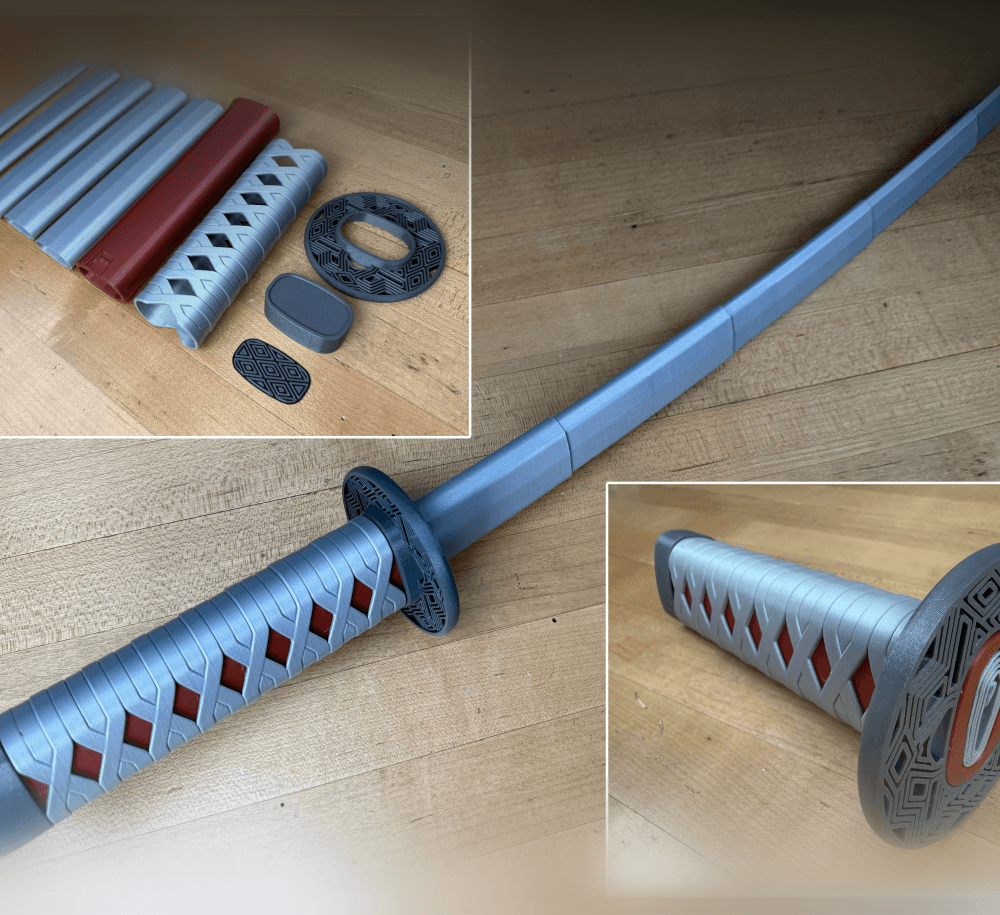
BYOK #10

Fallout Access Granted Illuminated Panel
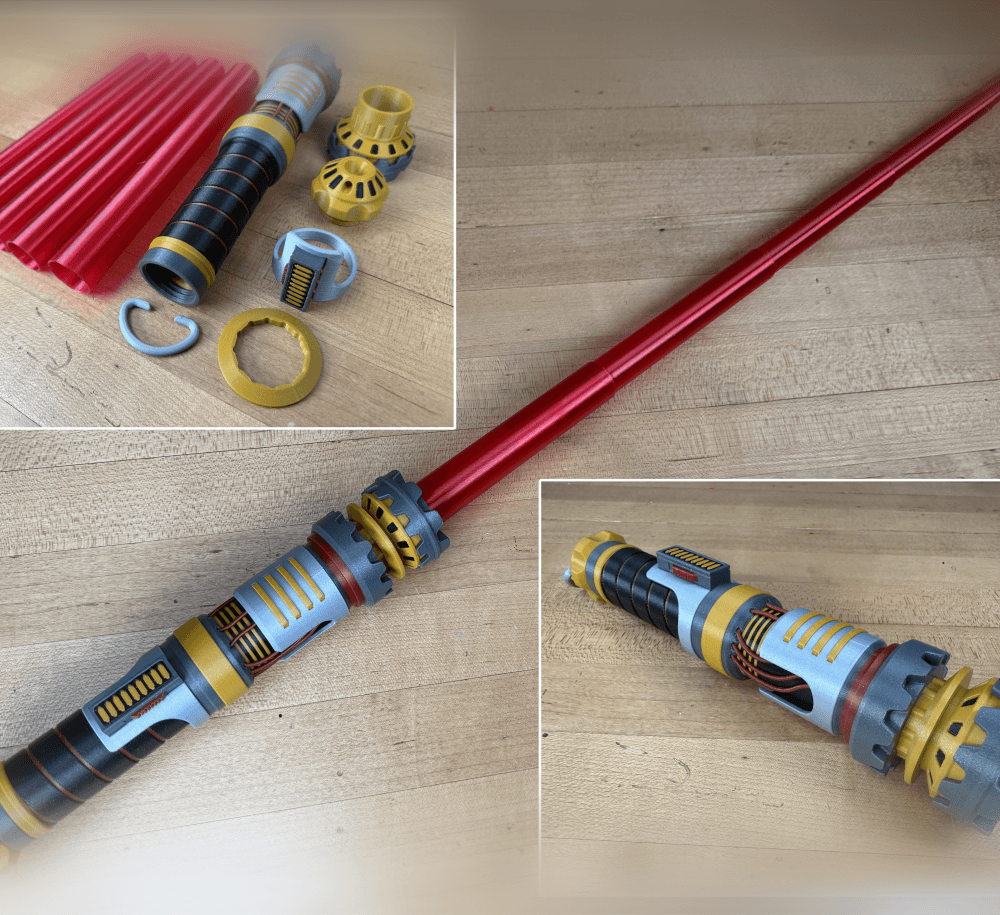
The Incinerator Multi-Color
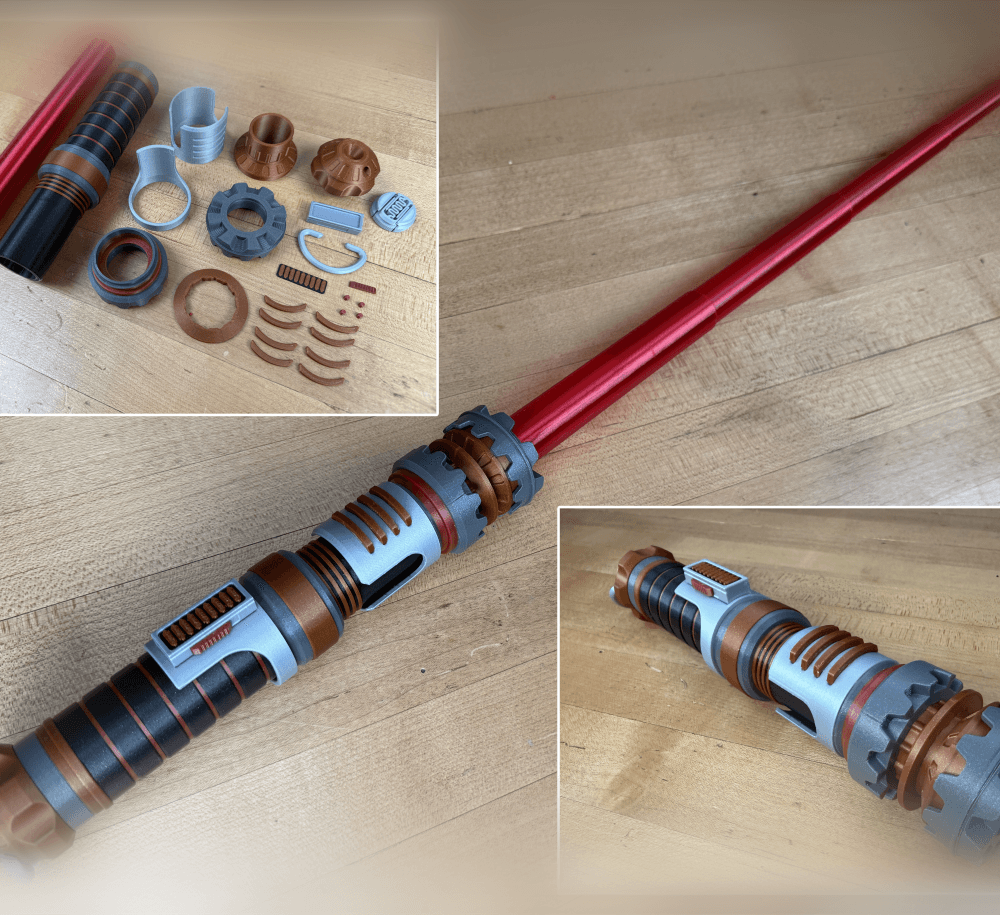
The Incinerator Collapsing Lightsaber

Fallout Access Granted Panel
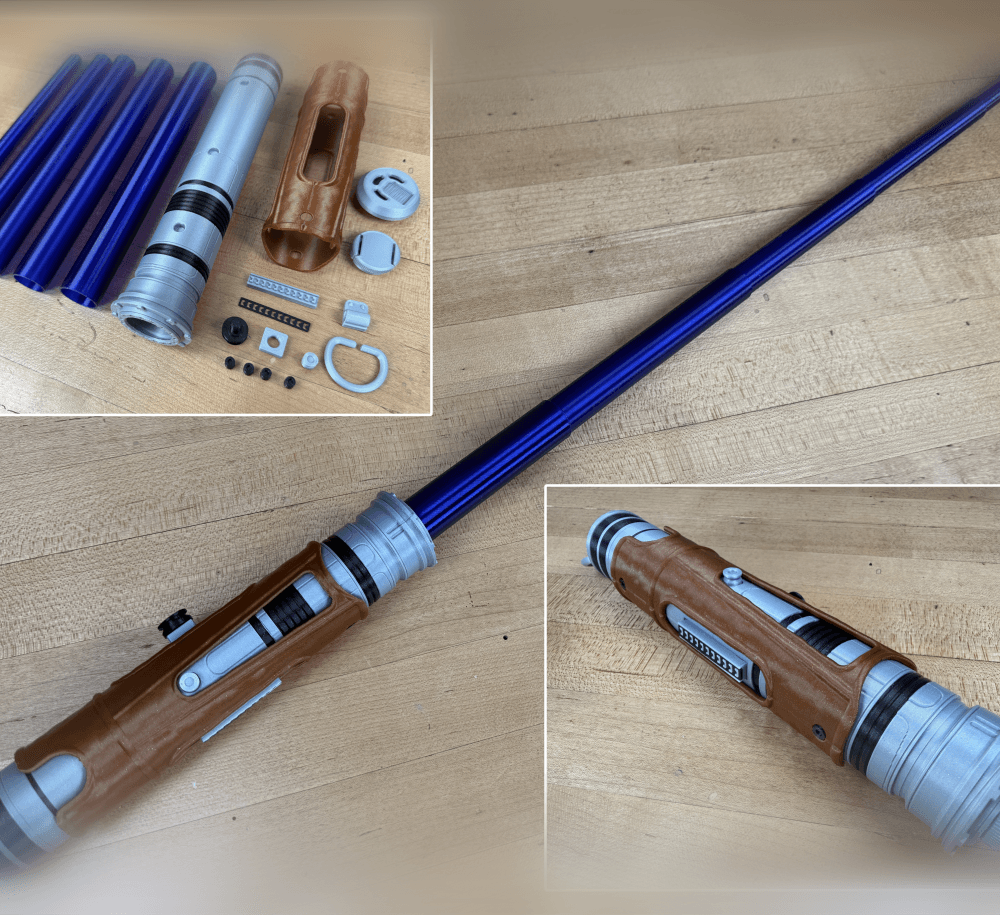
Devon Izara's Collapsing Lightsaber
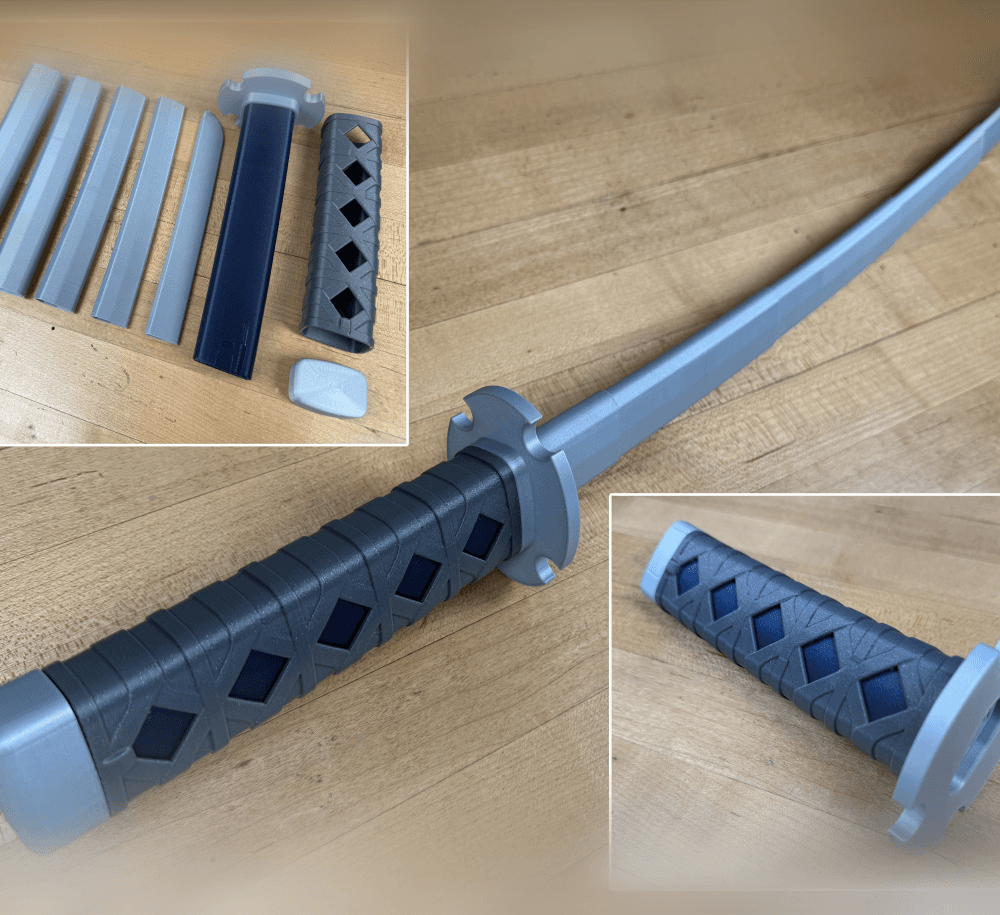
Sakonji Tomioka Katana

Master Sword Vertical Wall Mount

Collapsing Easter Basket

Buster Sword Wall Mount

Textured Planetary Egg Container
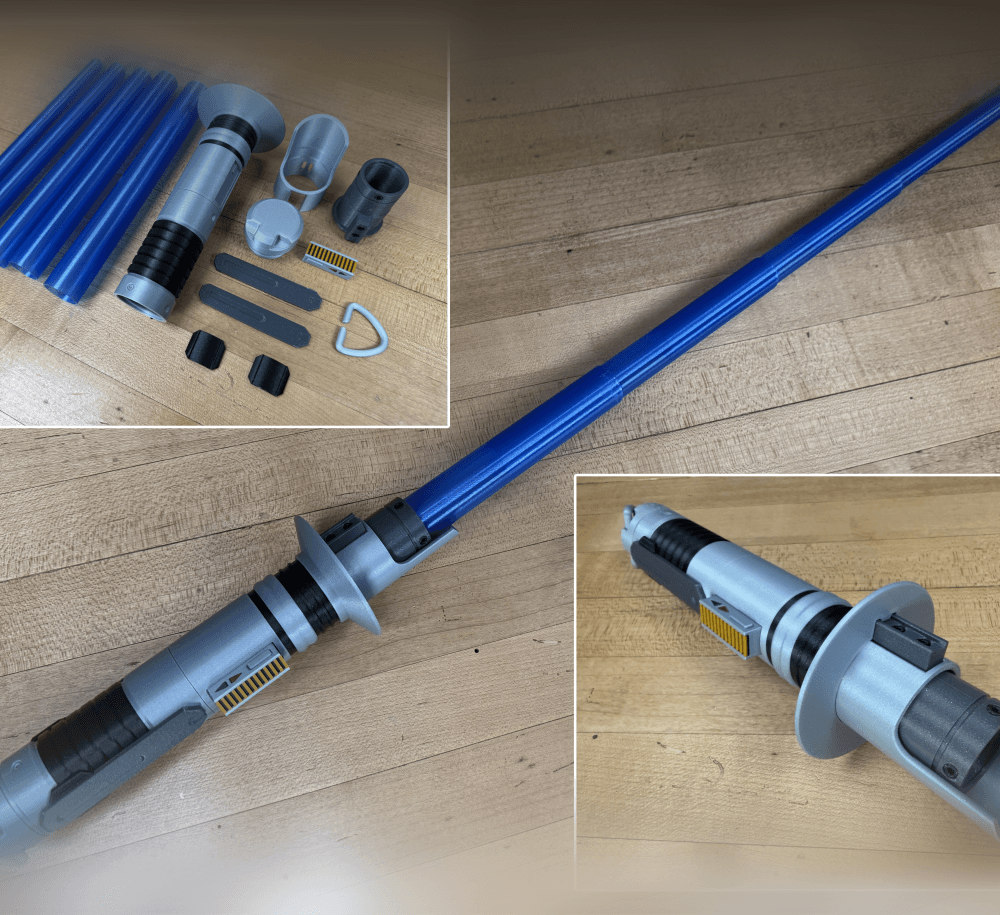
Ezra Bridger 3rd Collapsing Lightsaber

Illuminated Galaxy Edge Control Panel #2

Illuminated Galaxy Edge Control Panel #1

base need support?
Supports are not needed.
Just printed this with a separate blade and the small blade only goes out about 2 inches ?
Also newbie to dual extruding here, I've got a Bambulabs AMS on my P1S how are we making the details a different colour please ?
Are you printing concentrically or separately in vase mode?
I don't have a AMS but a IDEX so its a little differently but I believe you set each file to a different tool/filament. Our FB group is really helpful if you want to post here. https://www.facebook.com/groups/1390970855008168
Hey, I'm on the a1 mini, and I'm having a hell of a time trying to scale this thing so it'll actually print right. In your pictures, I see a smaller version. Do you have an STL for that smaller version that would print properly?
You are going to have a hard time scaling it down without changing the nozzle size or printing the blades separately in vase mode. I printed it at 50% but the blades were printed separately in vase mode.
Ok. I will try printing the blades separately. Thank you for the quick response!
I figured it out! Rather than use vase mode, I used Shapr3D and separated the segments and then scaled them down and it worked perfectly. Better yet, I was able to use a cool blue filament on the hilt and give it a really nice paint job. Great work on the model and thanks again for the help.
new problem: I printed the hilt and pommel separately and scaled it down to 80%. Now the blade segments don't catch and they slide right through, which is the opposite of the problem I had before with the segments catching. I scaled the line width down to 80% as well. Could this be the problem? Thanks in advance!
I don't get it, if you scaled both down the same percentage it should extend properly.
I can’t print the print in place, because the blades won’t show up. Can you maybe make a assy that works in cut?
It should work just fine in cura, are you using larger then a .4mm nozzle (.45mm line width)?
Cura*
Hi there. The threads between the hilt and the pommel seem to be off by about an 1/16th of a turn. It's way too tight to get them aligned when putting together.
If it gets tight too soon, reprint it with the face just below the bed. Or sand material off the face.
Do you need to print it in base mode?
Is this possible to print scaled up?
Yes!
Question how do you get print in your slicer to vase mode? am using Cura
I think its called "spiral outside contour" in Cura but its been a loooong time...
tinkercad wont let me donloed it cause it has to many MB