
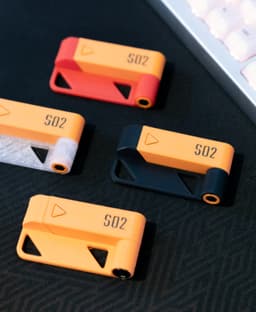



S02 Articulated Apple Pencil Stand
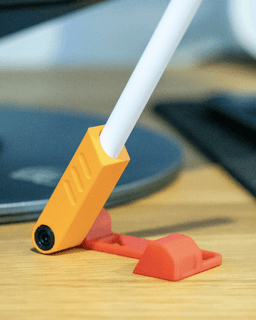
The S02 is a low-profile, articulated stand engineered for the Apple Pencil. It features a rotating arm that enables variable angle positioning and folds into a compact, geometrically consistent form when not in use. The design emphasizes print efficiency, mechanical simplicity, and desk-ready aesthetics.
Design Considerations: The stand utilizes a single rotational joint with friction-based positional resistance. A subtle detent profile at the pivot base provides tactile feedback, creating a satisfying “click” at key rest positions.
Material & Print Specs: Material: PLA or PETG (rigid, low-warping materials recommended) Layer Height: 0.08 mm (tested) Infill: 15–20% Supports: Required (limited to internal angles at the pivot and arm) Estimated Material Use: ~11 grams Estimated Print Time: ~40 minutes (at 0.08 mm resolution)
Hardware Requirements:
- 1× M3x30 bolt
- 1× M3 hex nut
Insert Geometry: Two dedicated mechanical inserts are integrated into the design:
- Bolt Insert (Left Side): From a top-down view, the bolt head is inserted into the left side of the joint housing.
- Nut Insert (Right Side): The hex nut is captured within a right-side cavity designed to hold it securely in place.
Both inserts feature tolerance-controlled fits to ensure alignment and prevent rotation or slippage during assembly. No glue or additional retention hardware is required.
Assembly Notes:
- Insert the M3 bolt through the bolt-side insert, pass it through the rotating arm, and into the joint housing.
- Secure the bolt by placing the M3 nut into the nut-side insert.
- Gradually tighten—avoid overtightening, which may cause binding.
- Adjust tension to achieve smooth articulation with enough resistance to hold position.
Customization: The modular design allows for dual-color printing to visually separate components. Structural parts (frame, pivot housing) and functional parts (arm, bolt covers) can be printed in contrasting colors for clarity or aesthetic variation.
Feedback Welcome: Thank you for downloading and printing! If you have any suggestions, I’ll be happy to consider them for the next version. Feel free to leave a comment and a like.

Apple Pencil Stand (Gen 1 & 2)

Pencil Gnome with Apple Pencil Holder
THE PHONE COUCH / DESIGNER APPLE IPHONE STAND / UNIQUE PHONE STAND / ANDROID STAND
Apple Pencil Topper - BackToSchool

Apple Gnome Pencil Holder
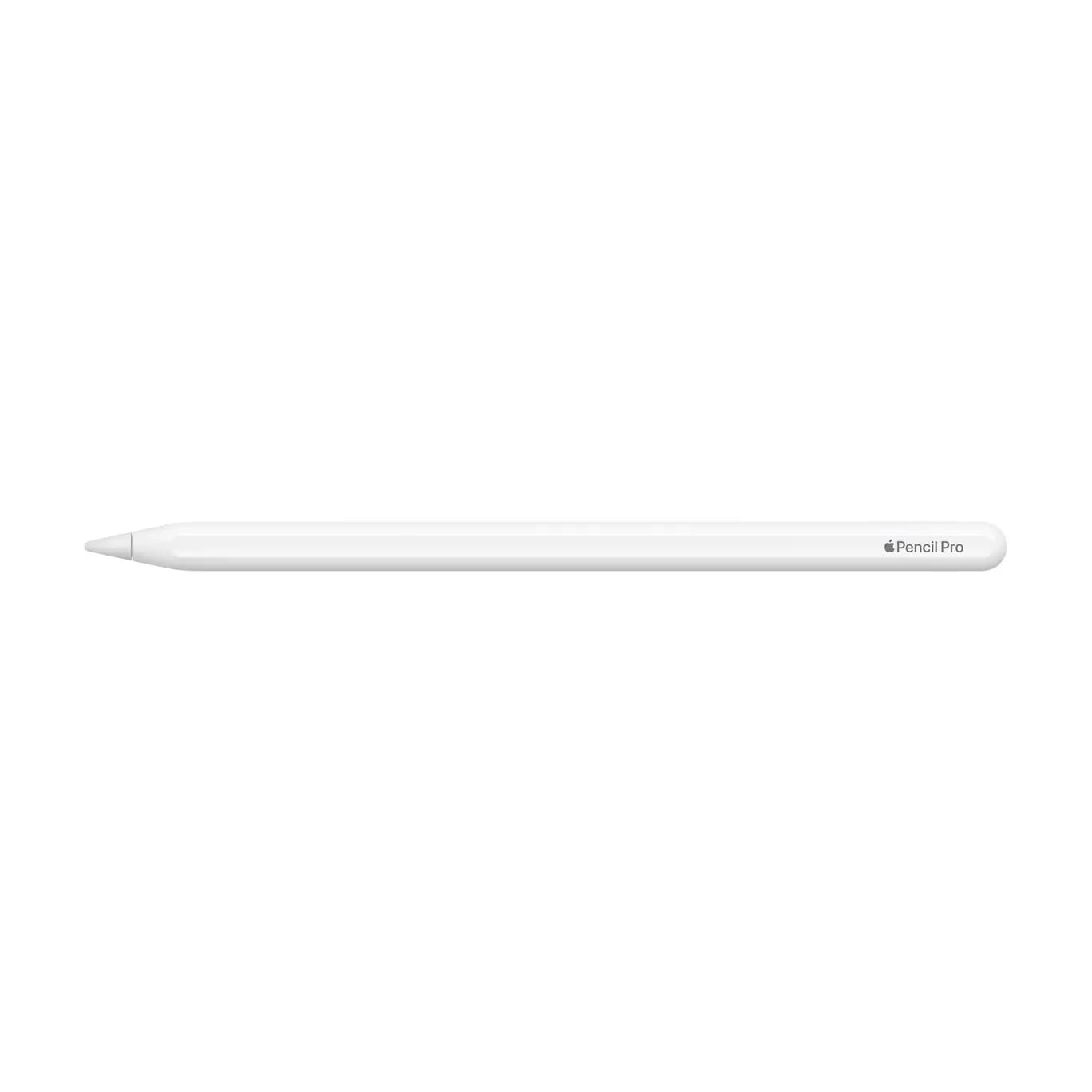
Apple Pencil Pro
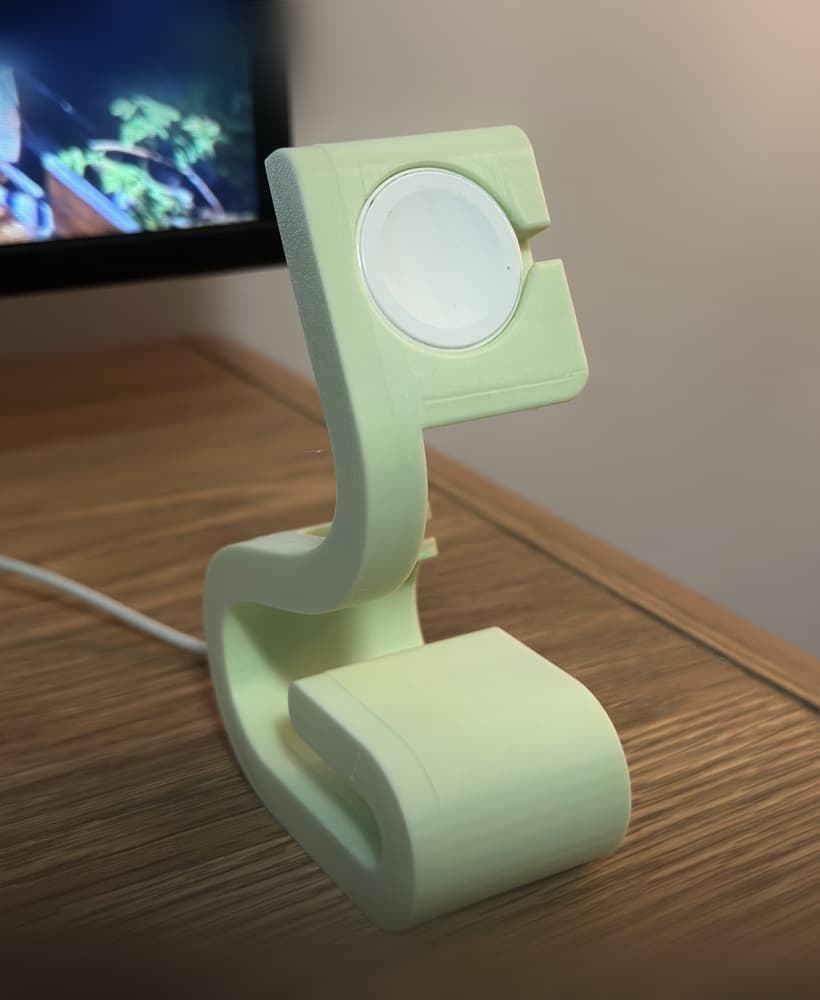
Apple Watch Stand STL | 3D Printable Charger Dock | Minimal Desk Stand

Apple Watch Charging Stand
Apple Pencil Grips

Minimalist Pencil Holder, Modern Desk Organizer for Office, Pencil Stand, Organized Desktop

apple pencil clip v2.3mf

Apple Pencil "iGrip"
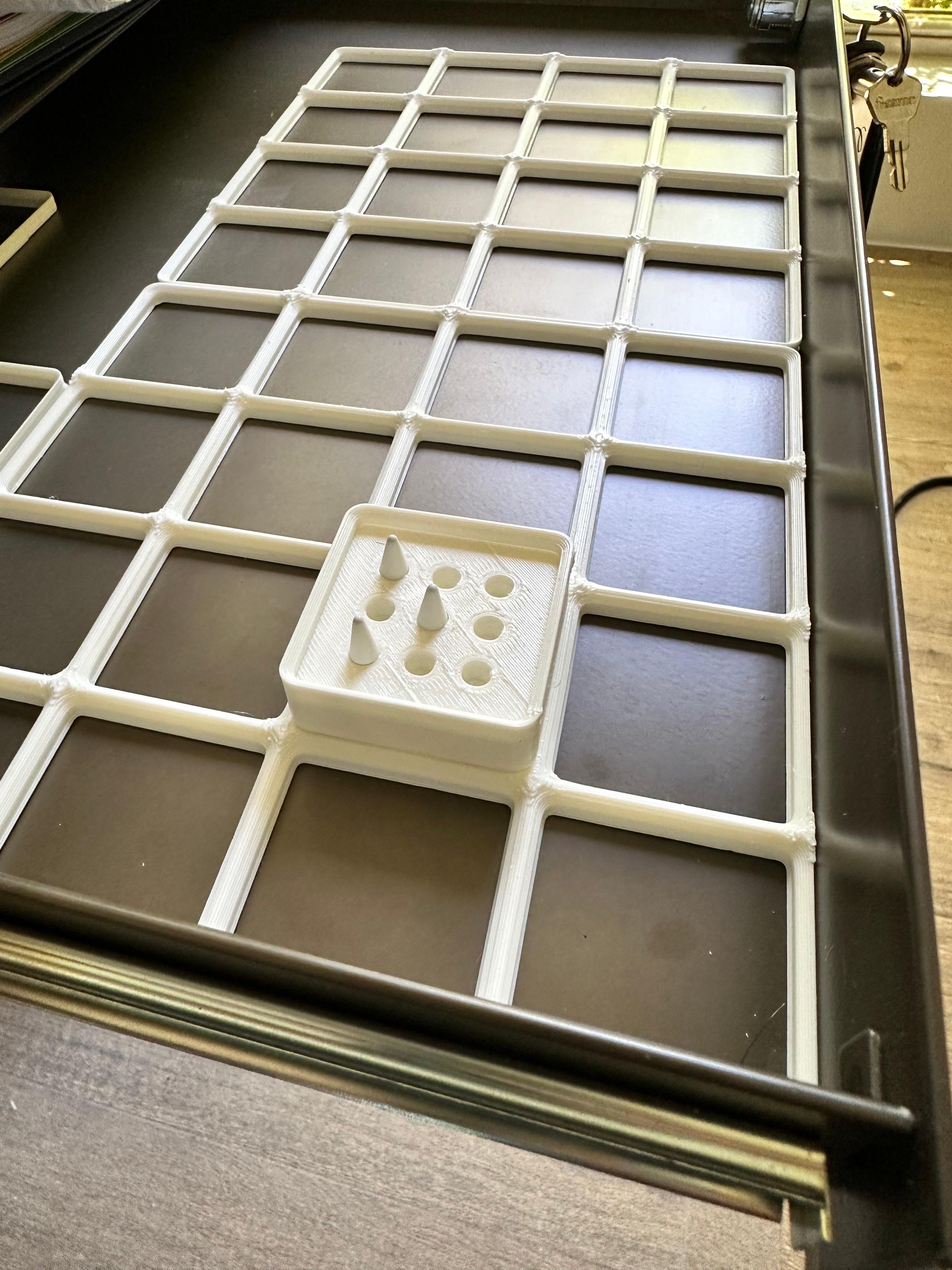
Gridfinity Apple Pencil Tip Holder 1x1x1.

King Kong vs Godzilla Pencil Stand – Epic 3D Printed Desk Organizer

Apple Pencil and iPad clip v04.stl

Pencil Stand with a drawer

Tire Watch Charger Stand – Apple & Android Compatible

Apple Pencil 2 Jig for Eufymake
Apple Pencil Accessory Case (magnetic)
