


Parametric Multibin/Multiboard Drawers
47 downloads · 1 year ago · Parametric Multibin Drawers with optional Multipoint slot
Download the Fusion 360 and go to Modify
Parametric Multibin Drawers with optional Multipoint slot
Download the Fusion 360 and go to Modify -> Change Parameters to set the width, depth, and height of the drawer. Set magnets to 0 for no Multipoint slot, or 1 for Multipoint slots. Set the number of dividers in each direction you want. The Finished Drawer model is the one you want to export as an STL or 3MF.
Note: Depending on the settings, there will very likely be errors and warnings in the Fusion 360 timeline, but the model should still be correct.
Parametric Multibin/Multiboard Drawers
47 downloads · 1 year ago in and
%25208_10_2023%25201_03_55%2520AM.png&w=3840&q=75)
Gridfinity Parametric Drawers
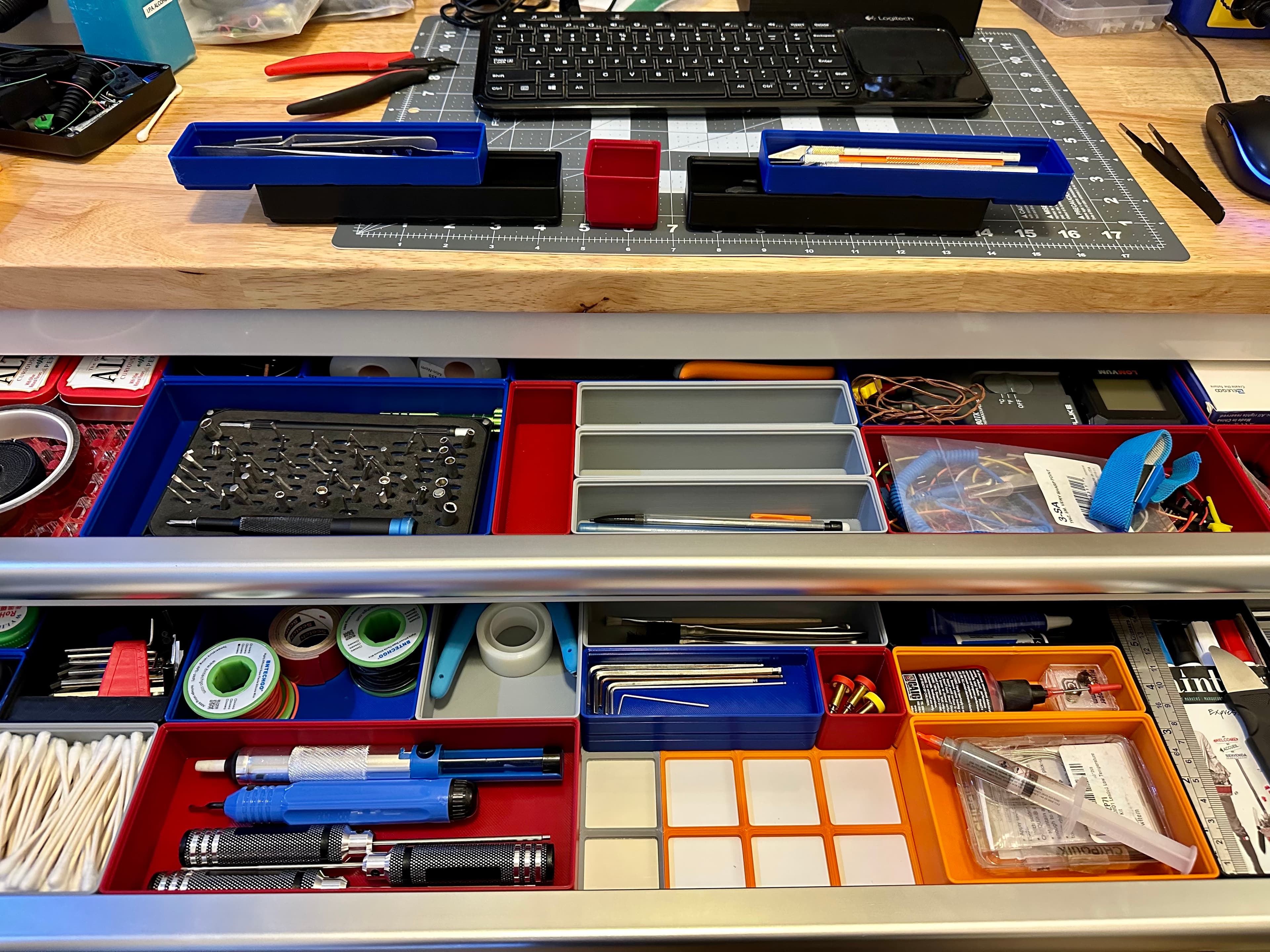
Gridfinity Simple Box for Husky drawers, no screw holes
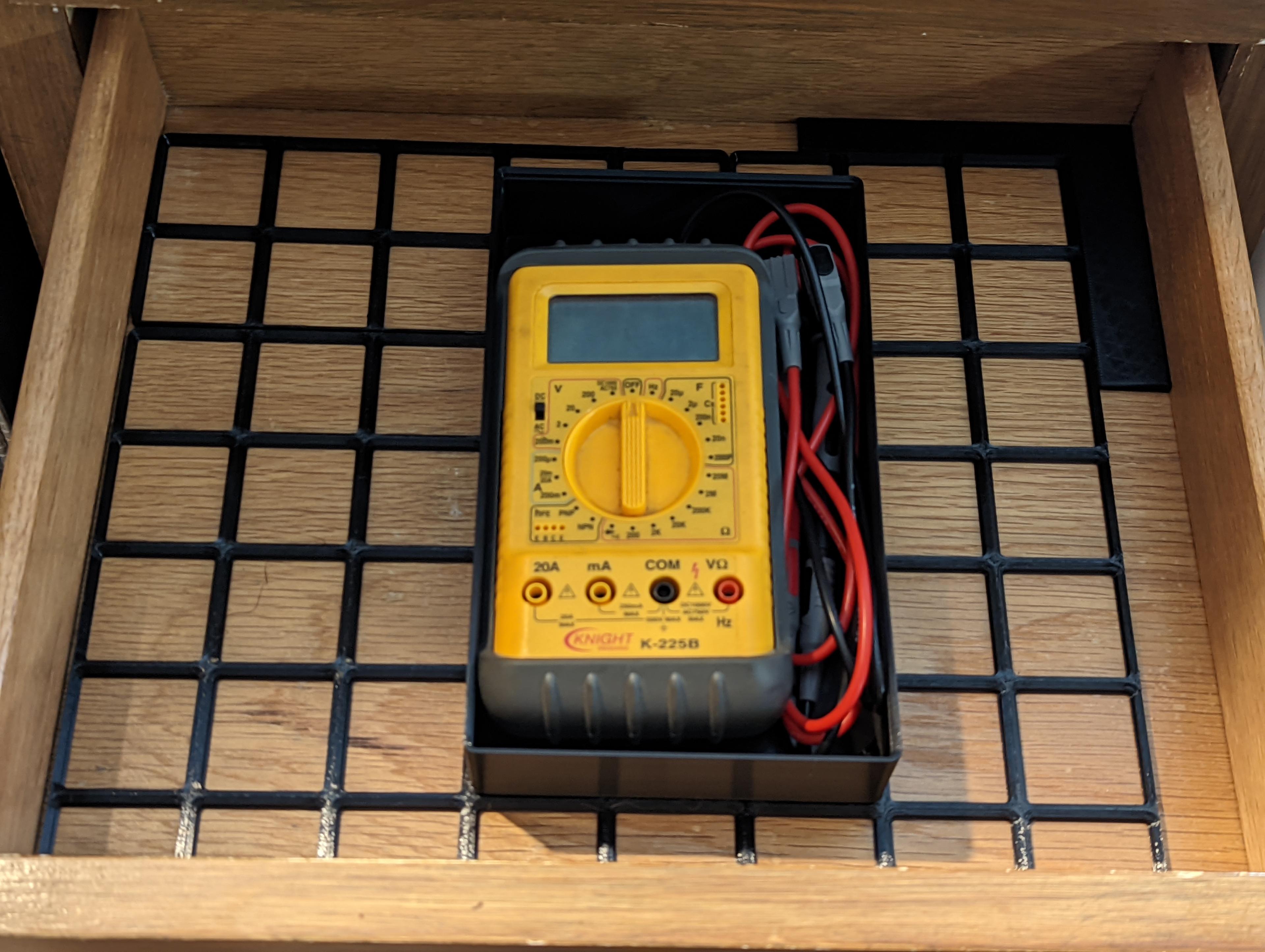
Gridfinity Parametric Baseplate Spacer
Parametric Grid System
Parametric Painters Triangles
Parametric Bins - Various Heights and Sizes
.jpeg&w=3840&q=75)
Grid-Master: Customizable Desk & Tool Organizer

Lattice Drawer Tower
Creality K1 gridfinity organizer
Screw Drawer Divider

LinkStow Modular Drawer System
Wing Handle (free)

GEN2 Decor Gridfinity Magnet Drawers - STANDARD

GEN2 Decor Gridfinity Magnet Drawers - LARGE
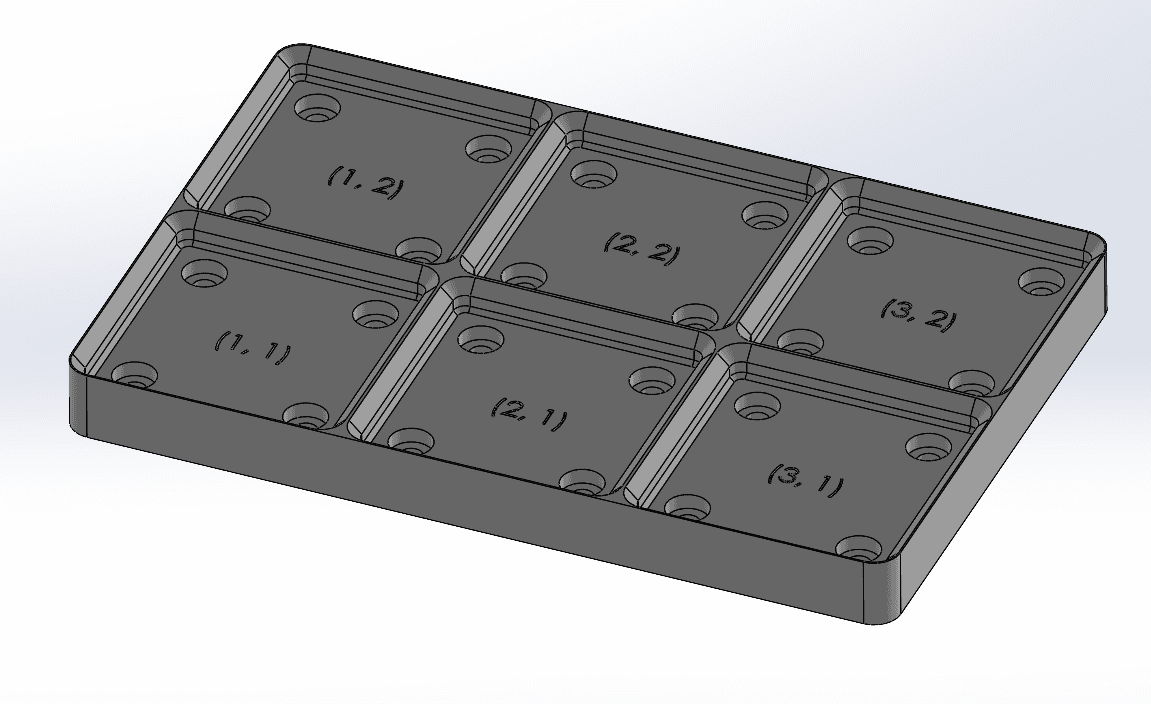
Solidworks 2022 Parametric Baseplate for Voidstar Lab's Gridfinity

GEN2 Decor Gridfinity Magnet Drawers - MINI

GEN2 Decor Gridfinity Magnet Drawers - MEDIUM
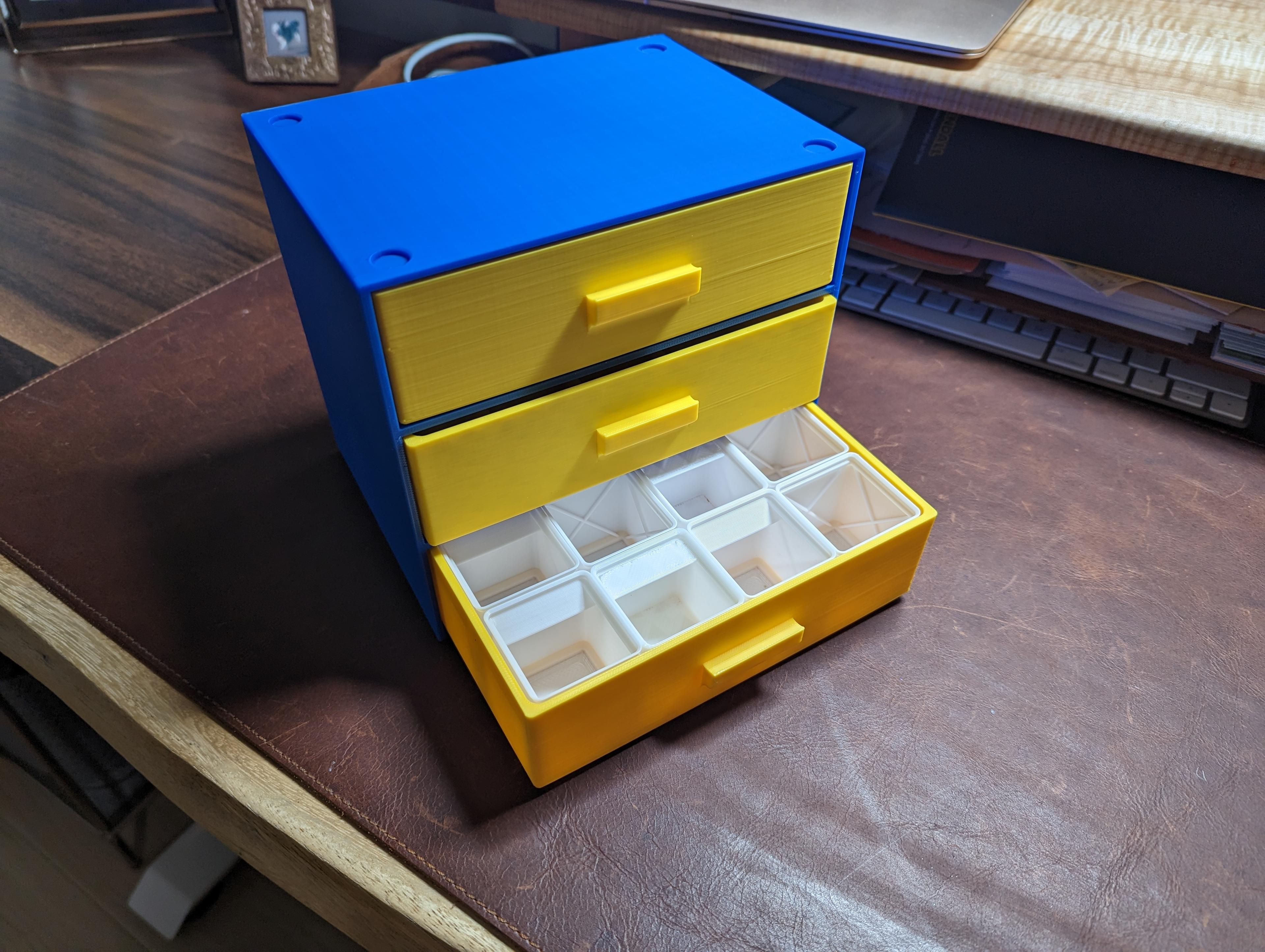
Gridfinity Drawer Cabinet with 3x4 standard height bin grid

GEN2 Gridfinity Magnet Drawers - STANDARD
