
.png&w=256&q=75)
.jpg&w=256&q=75)



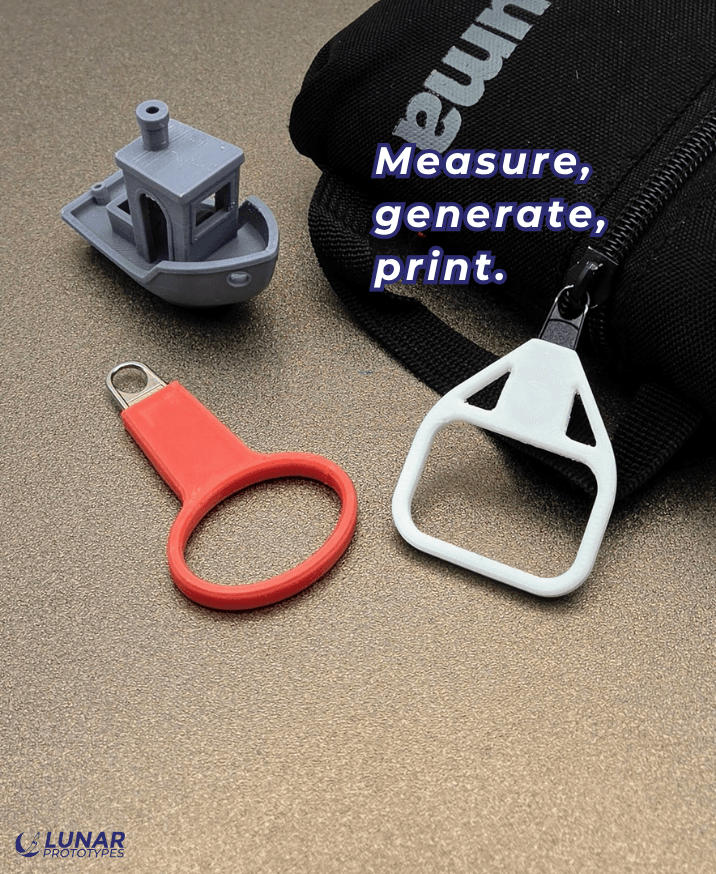
Zipper Pull Generator
Instructions:
Measure the zipper tab
Measure the metal zipper tab before generating the model.
For oval holes:
Zipper hole width: inside of the hole, side to side
Zipper hole length: inside of the hole, top to bottom
For round holes, use the same value for zipper hole width and zipper hole length.
Measure zipper length from the bottom of the zipper hole down to where you want the embedded tab to end.
Measure zipper width at the lower end of that length. Leave enough room below the embedded tab for the pull hole in the printed TPU body.
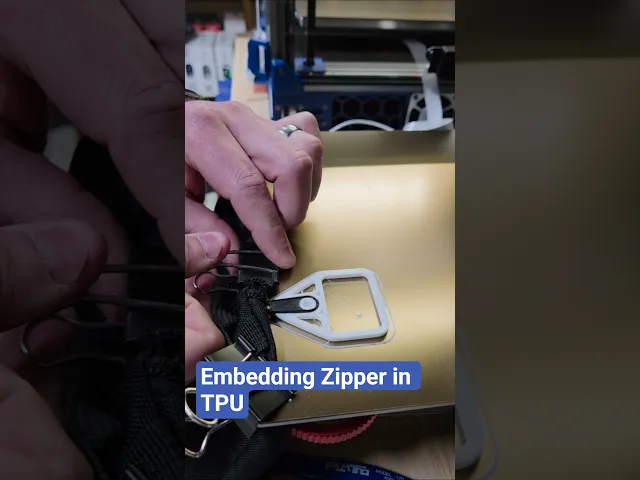
Print and embed the tab
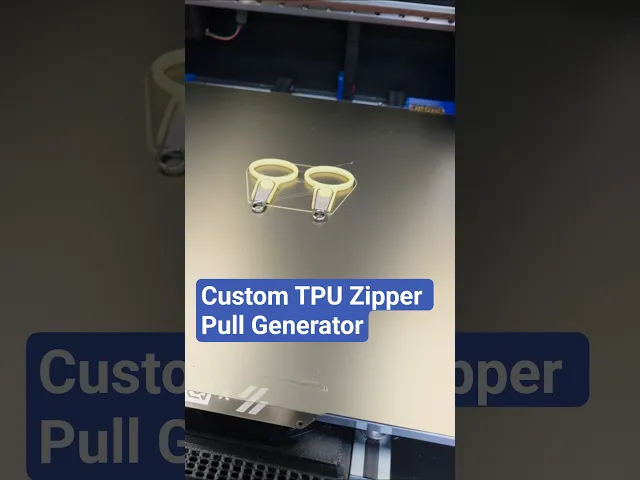
Slice the model in TPU.
Add a pause before the pocket closes over the zipper tab.
Start the print.
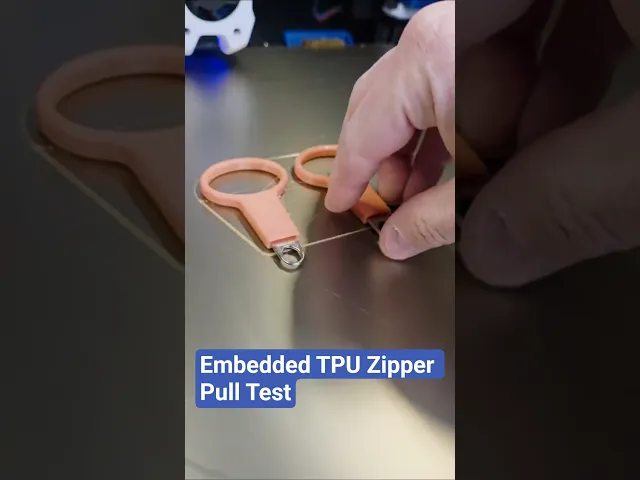
At the pause, place the metal tab into the open pocket.
Make sure the tab sits flat and does not stick above the printed walls.
Resume the print and watch the first few moves to make sure the nozzle clears the tab.
Reattach to the zipper
Let the print cool.
Reattach the metal tab to the zipper slider.
Close the slider loop carefully with pliers if needed.
Zipper Pull Generator

Shai-Hulud Sandworm Keychain Dune-Inspired

Squiggle Zipper Pull
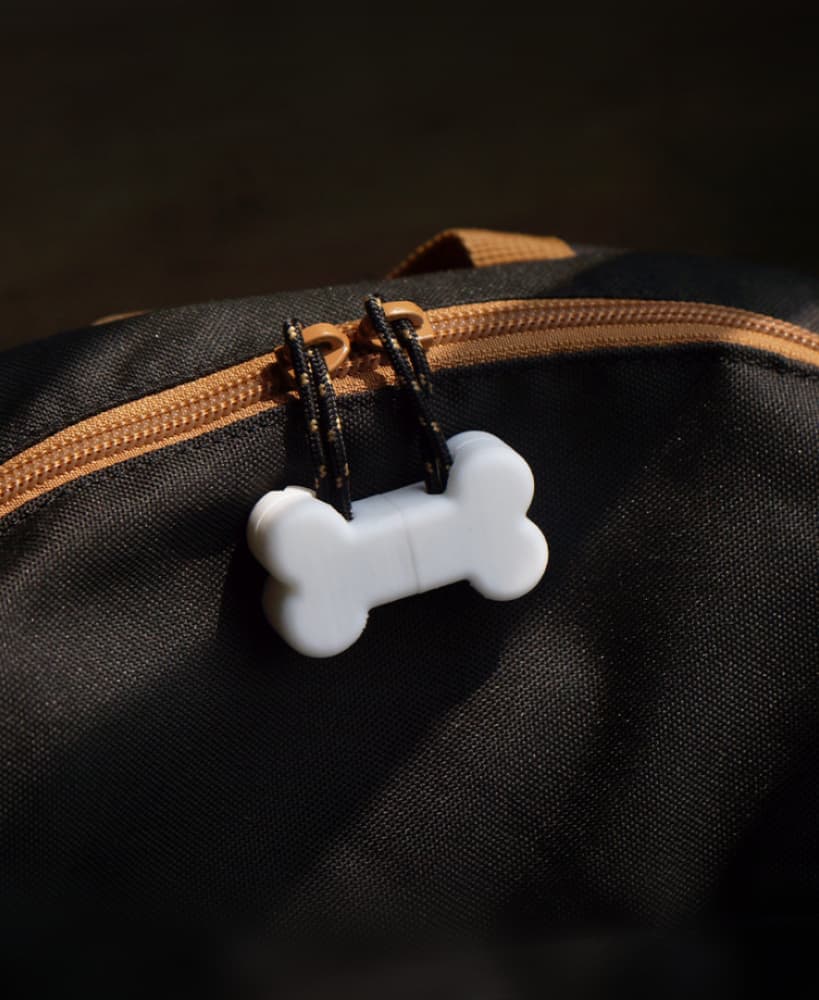
Zipper Pull - Bone
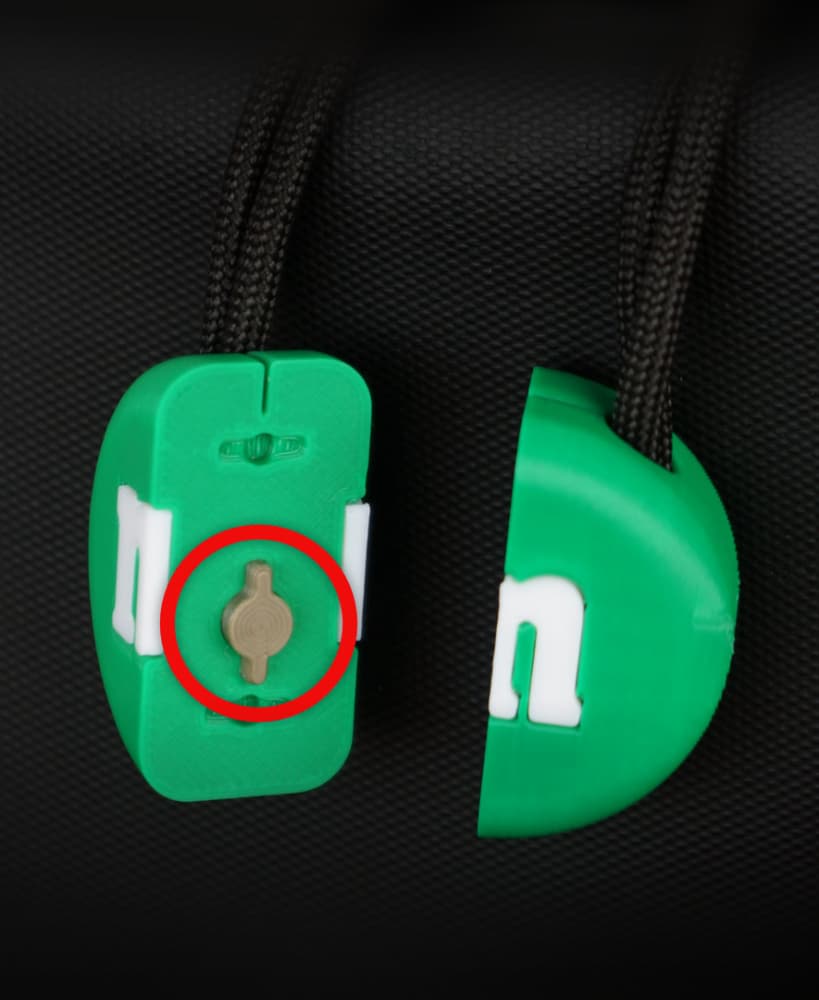
Zipper Pull - Connector
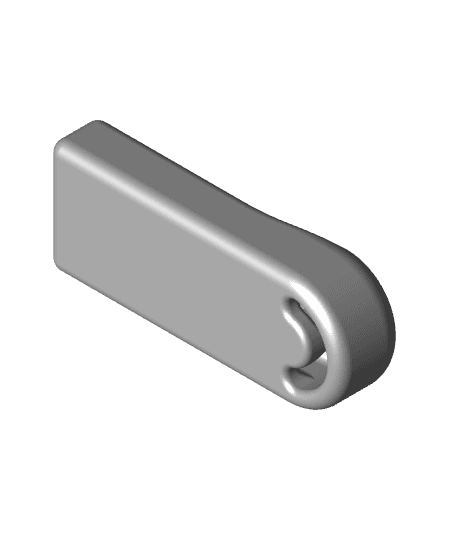
Removable Paperclip Zipper Pull Tab

Zipper Pull - Oreo
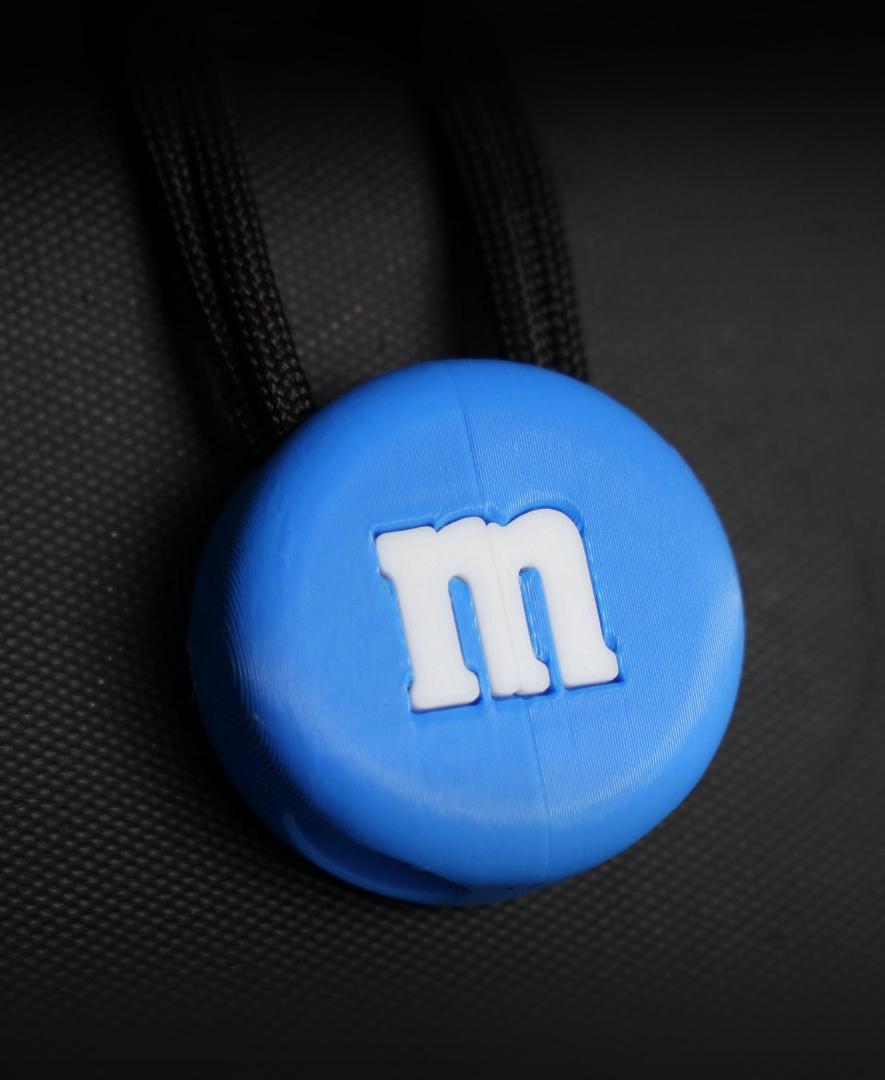
Zipper Pull - M&M

Zipper pull

Zipper Pull - Low Poly Heart

Zipper Pull - "Good Fortune" Chinese Coin

Zipper Pull - Super Star (Super Mario)

Zipper Pull - Gold Coin (Super Mario)

Zipper Pull - Double Happiness
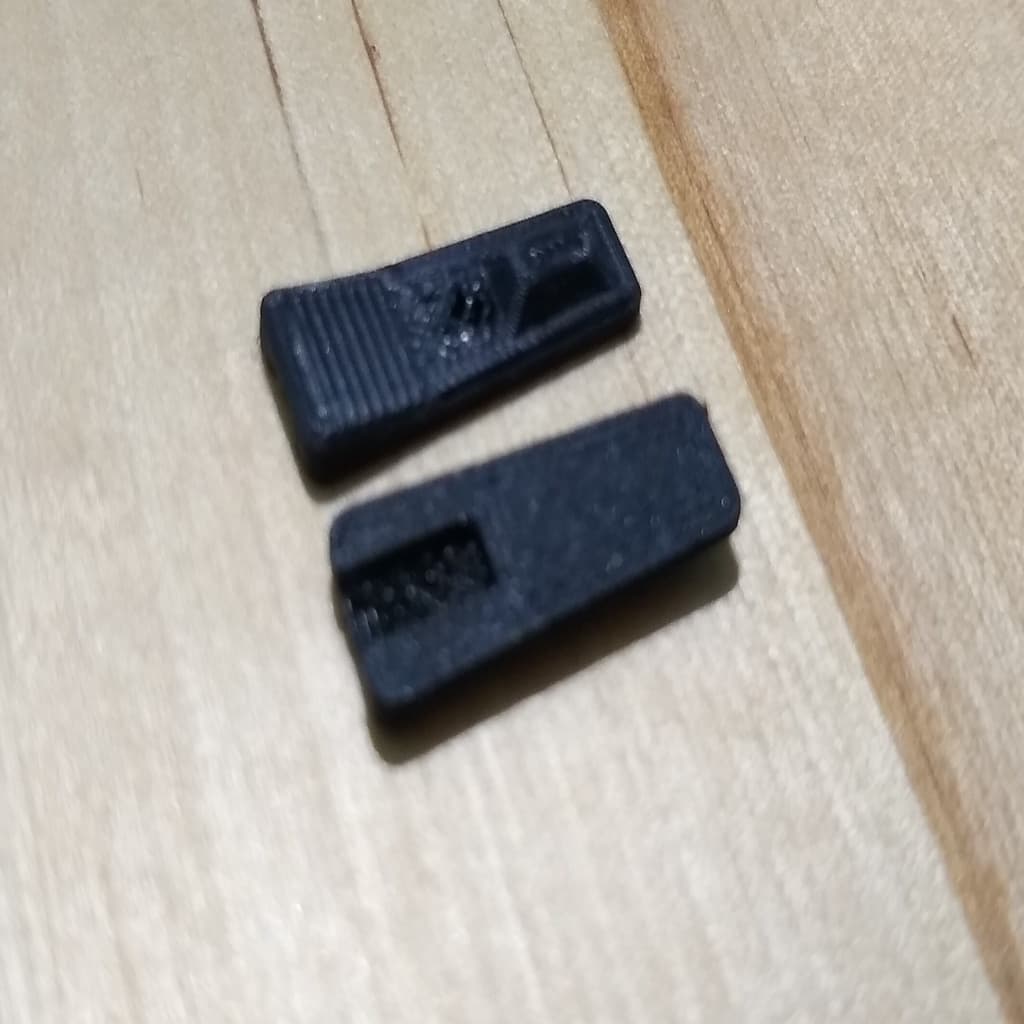
Zipper pull
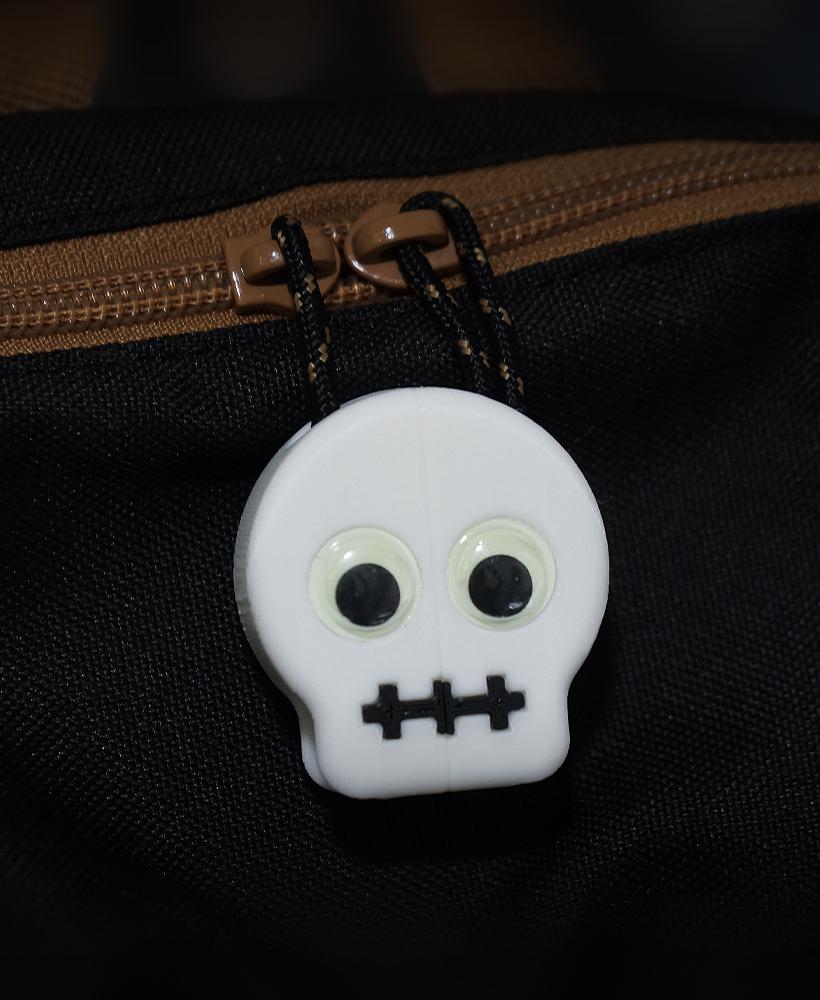
Zipper Pull - Skull Face

Zipper Pull - Cheese
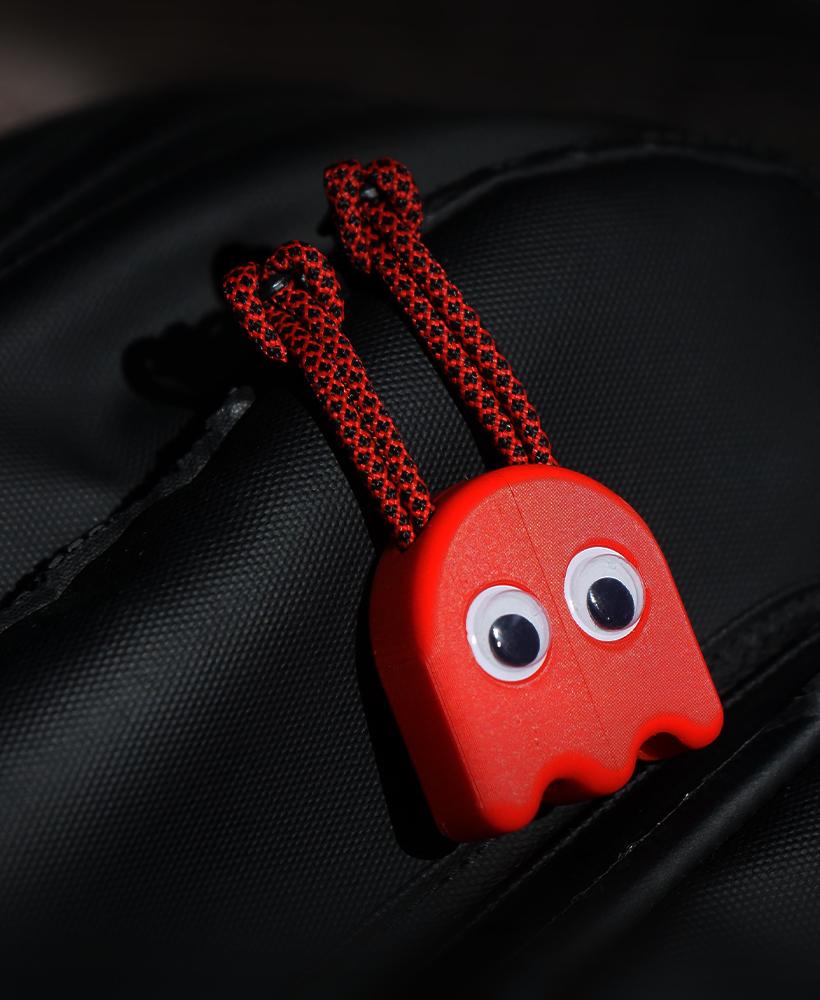
Zipper Pull - Ghost (Pac Man)
Zipper Pulls
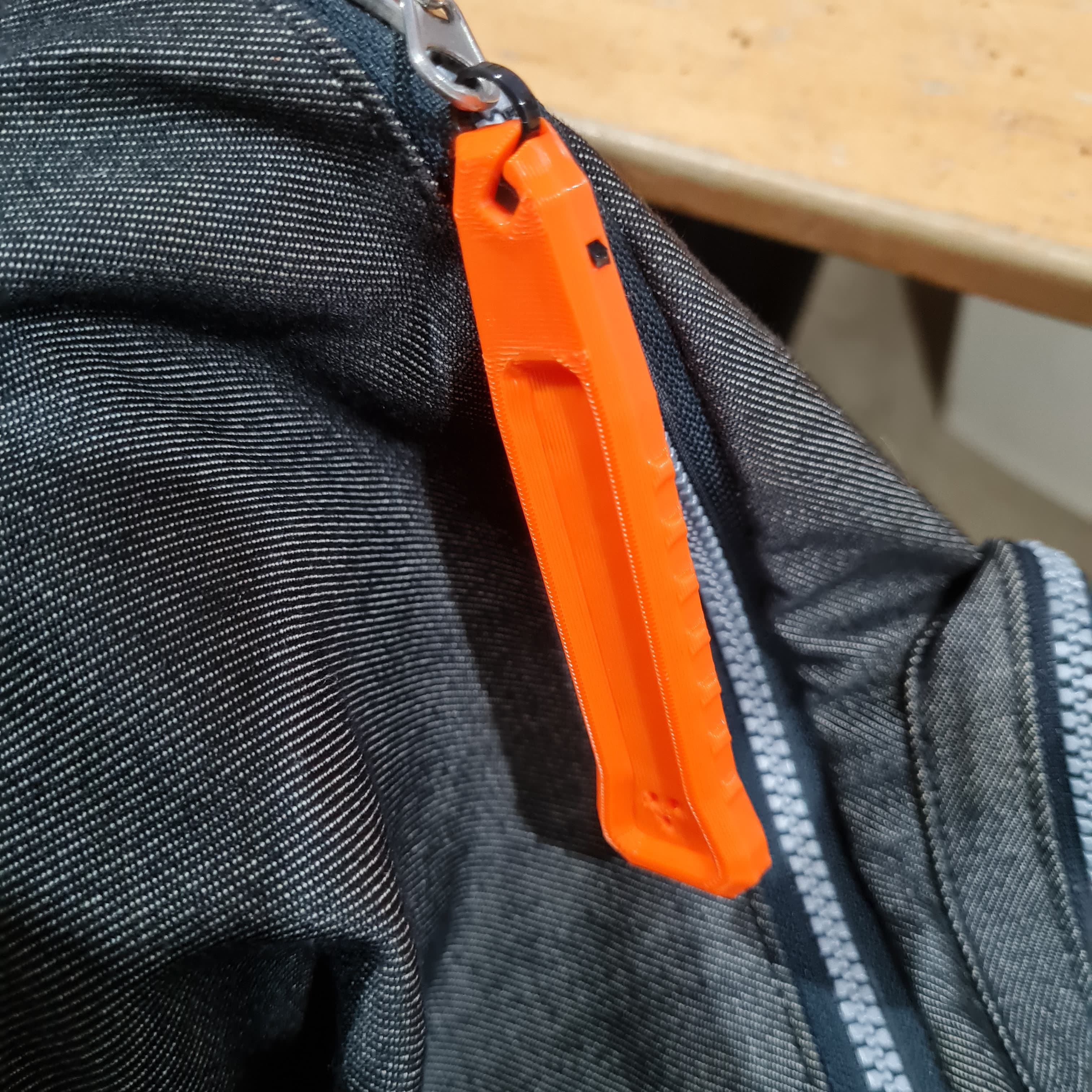
Rapid Access Zipper Pull Tab