
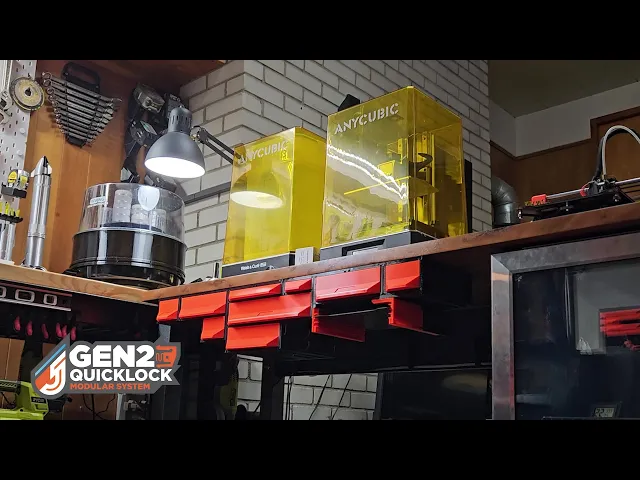
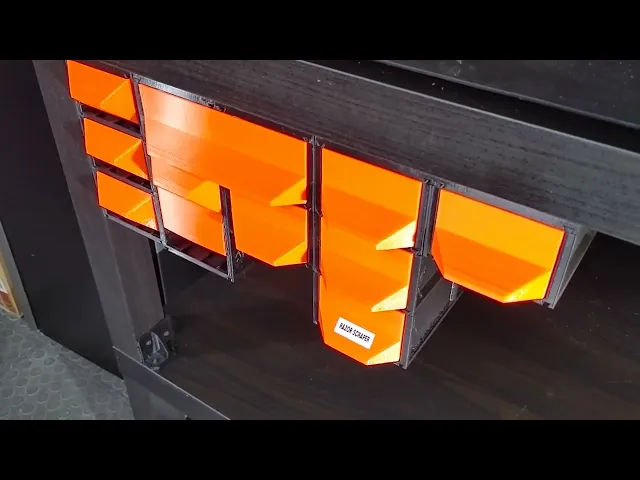


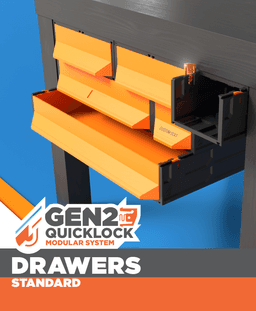

GEN2 185 - Classic Drawers
| Visit JERRARI3D.com for Instructions and a complete look at the GEN2 collection
The GEN2 Modular System is a 3D printable storage solution offering ultimate flexibility and customization. Perfect for home users, hobbyists, and small businesses, so you can print exactly what you need and customize every piece to fit your space and style.
Unlike store-bought sets, GEN2 lets you print only what you need and expand your setup whenever you want. The drawers snap together seamlessly, giving you endless expansion possibilities. With the unique QuickLock mechanism, rearranging or relocating drawers is quick and effortless, so your storage can grow and adapt with you.
CLASSIC DRAWERS These one-piece drawers print with the handle built in, no assembly needed. They’re quick, simple, and ready to use right off the bed. While they offer convenience, they don’t allow for the same material savings or faceplate customization as the Decor series.
STEP 1: Location
Decide how you would like to use your GEN2 storage. Keep in mind that the drawers are modular and can be easily swapped between under table, tabletop, and wall mount locations.
Find these kits at JERRARI3D.com
• UNDER TABLE (GEN2 RAILS) Attach GEN2 drawers under any surface by installing the GEN2 RAILS. Once installed drawers can slide and lock into place, they can then be swapped out and rearrange in seconds. • TABLE TOP KITS Table Top Kits include covers and foot rails that when combined with drawer cases create a rigid structure that can be placed anywhere • WALL MOUNT KIT Mount GEN2 cases and drawers to almost any vertical surface using the GEN2 Wall Mount – Lite. Once installed, your layout is secure, modular, and easy to expand or rearrange anytime.
What You'll Need
Visit Jerrari3D.com for a list of all compatible drawers.
HARDWARE
🔧Listed in instruction manuals
INSTRUCTIONS
🔧Visit Jerrari3d.com for Step-By-Step Instructions
Please note: The Non-Commercial license refers specifically to selling prints. You're absolutely welcome to use my designs in commercial environments—I actually encourage you to use them anywhere you see fit! 👍
v2508
GEN2 185 - Classic Drawers
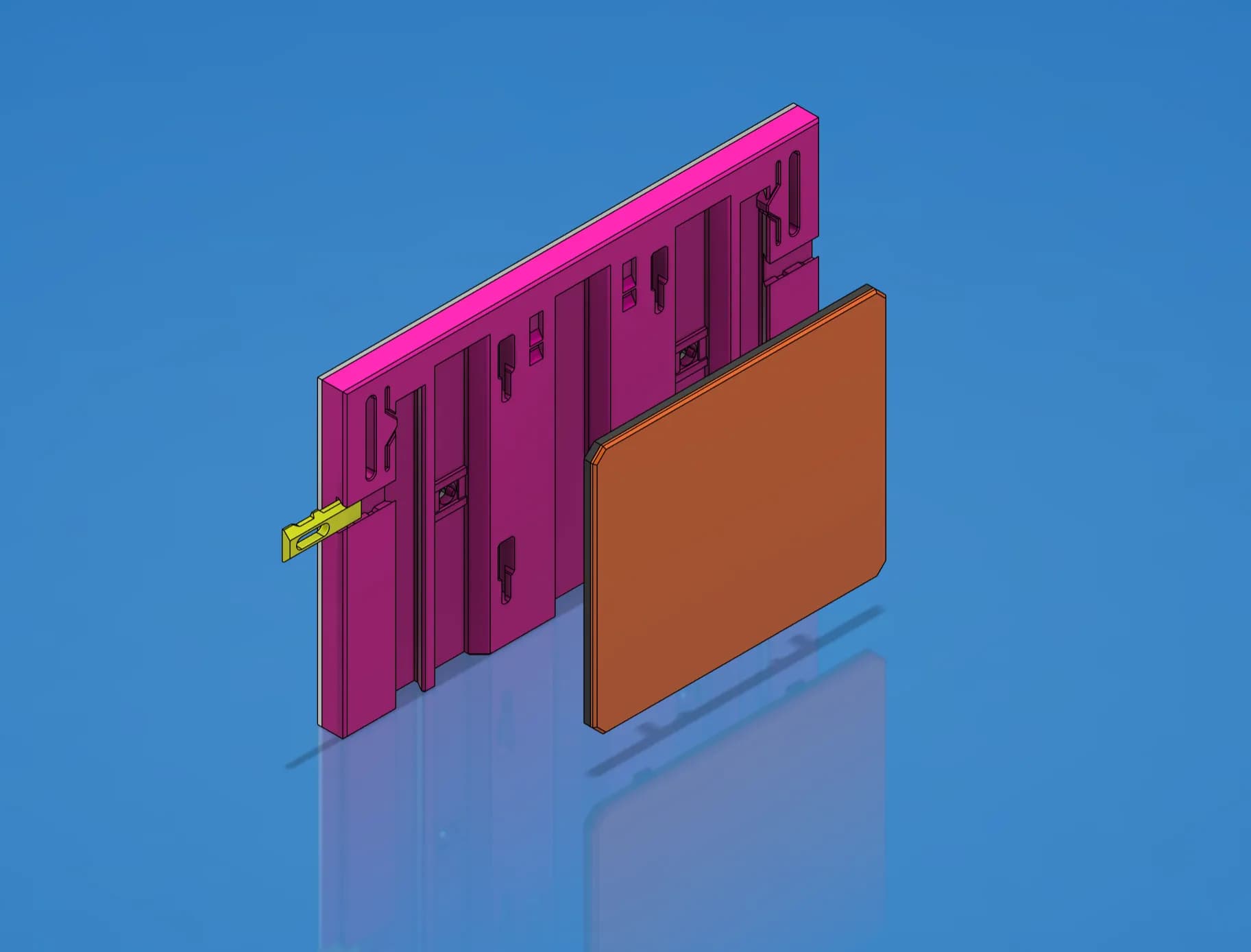
Faceplate Template - STEP/CAD Files (Essential Series)

GEN2 Cabinet Preview - Early Access

GEN2 59 Cases - All

GEN2 165 Cases - All

GEN2 185 Cases - All

GEN2 270 Cases - All

GEN2 240 Cases - All

GEN2 115 Cases - All

GEN2 185 Collection - STEP Files

GEN2 240 Collection - STEP Files

GEN2 270 Collection - STEP Files

GEN2 Wall Mount Kit - Lite - 165

GEN2 165 Collection - STEP Files

GEN2 Prusa Core-One - MK4 Tool Insert - 240

GEN2 115 - Case Extenders

GEN2 59 - Case Extenders

GEN2 165 Decor Drawers - All

GEN2 Wall Mount Kit - Lite - 115

GEN2 115 Collection - STEP Files

Hi,Jerrari,thank u for sharing the design , For me its very helpful for arranging my staff , look forward your update. ;>
i wonder, what does the L and R tabs lock into? the ones that I attach to the bottom of the cage that is.
Great question, those act as optional drawer stops, they help prevent drawers from falling out if you choose to add them
I don't have a Prusa (yet) but a entry-level Ender 3 V3 SE and I'm suffering with the precision. The stopper doesn't fit well. Any help ? Thanks. I love you idea.
Another thing to consider is your parts might be printing with a slight elephants foot, this is where the nozzle is slightly closer to the built plate than expected and the filament oozes out a little further on that first layer, you can look for a setting called elephant foot compensation and try dialing this back as well. Please let me know if that doesn't solve it and we can look at some other things to try 👍
No worries, I started with an Ender 3 as well when I started in the hobby, it's a great route to start. To help compensate for precision, with the stoppers you could try scaling them down very slightly (maybe -2%) in your slicing software.
Where's the buy-a-coffee or similar? :)
Could you add a writeup regarding the system, the piece parts, what size drawers are in the download etc., so people can more easily decide whether or not this is right for their need?
Thank you John, I completely agree and am working on ways to make the system easier to understand as it continues to grow. It can be difficult to organize all the information in one place, but I do have a catalog available here that I am continuously updating with more information. GEN2 System Catalog
My suggestion for most people is to start with STANDARD drawers, I have these labeled in orange. You can always install shorter drawers under longer ones too.
This catalog PDF is super handy. Well done.
Thank you, I also have my new website that functions in a similar way and is easier for me to update. it's jerrari3d.com
Fantastic looking system. Prepping to print a set, but confused what I need to print in the correct order.
Hey thank you, I recommend starting with the Gen2 rails, maybe single width to try out. That can simply be screwed to the underside of a table. Next would be the case, you could start with the single drawer case, followed by a pair of QuickLocks (they will help snap the drawer case in place). And last you can print the single drawer.
If you add drawers underneath this drawer you can print the drawer stoppers, these snap into the bottom of the case and create an edge for drawers the lower drawer to hit when pulled forward.
Thank you. What are the upper and lower locks for? I saw you use them on the on-top version. Do I need those for the under desk?
You're welcome, actually those were the original way to lock the drawer cases in place using the rear dovetail. This year I was able to finally figure out a better way which was the QuickLock mechanisms near the front top of the case, but I left the locks there for legacy support or just an alternative way to mount these.
Such a cool idea! Are you planing on adding versions with no handles so we can add our own? Was looking for something with a flat "face" to screw in a brass handle.
That's a really great idea, and would be handy on workbenches especially. I'll test out some design ideas for that 👍 In the meantime there is a really easy way to make them flat in the slicer, for instance in Prusaslicer if you use the cut tool and rotate it 90 degrees you can cut the current handle off. from there you can even use a cylinder shaped modifier to add say a screw hole for handles.
what's the largest single magnet size you can add to these? The 10x5x2 magnets just weren't strong enough for my liking using 3 (4 would pop out).
When looking for magnets you can get even tiny magnets in different strengths, they are usually measured in KG of pull. Unfortunately this information can be challenging to find at times. If you want THESE are the exact magnets I use and I find they are strong enough to hold the drawers in place, and you can stack 2 on top of each other for increased magnetism.