

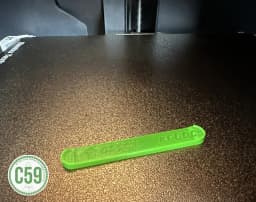

Bambu X/P Buffer Dust Cover
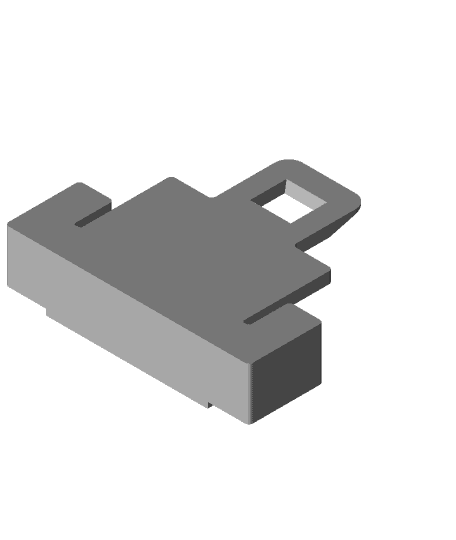
X/P Series Buffer Dust Cover XPBDC Dust Cap Overview These caps are designed to keep dust out of the buffer's internal sliding mechanism, preventing errors caused by the slider catching on accumulated debris. They are especially helpful if you’ve applied grease to resolve pre-existing issues.
Installation Instructions Prepare for Installation:
Ensure the arrow on the dust cap is oriented upward in the slot.
Insert the Cap: Insert the right side of the cap into the slot first. Slightly bend the dust cover outward in the middle to allow the left clip to pass inside the buffer.
Check for Proper Fit: Ensure the cap is securely in place and flush with the buffer.
Removal Instructions Pull gently at the center of the dust cap using a nail or a small prying tool.
Avoid excessive force to prevent damaging the cap or buffer.
Enjoy your printing journey, and remember—keep your fingers away from the poop chute, she's angry!
You shall not share, sub-license, sell, rent, host, transfer, or distribute in any way the digital or 3D printed versions of this object, nor any other derivative work of this object in its digital or physical format (including - but not limited to - remixes of this object, and hosting on other digital platforms). The objects may not be used without permission in any way whatsoever in which you charge money, or collect fees.
Current ver.1.0_11/18/2024
© 2025 C59 Design Lab. All rights reserved.
Bambu X/P Buffer Dust Cover

Plain Extruder Cover and Knob Cover for Bambu Labs A1 and A1 Mini
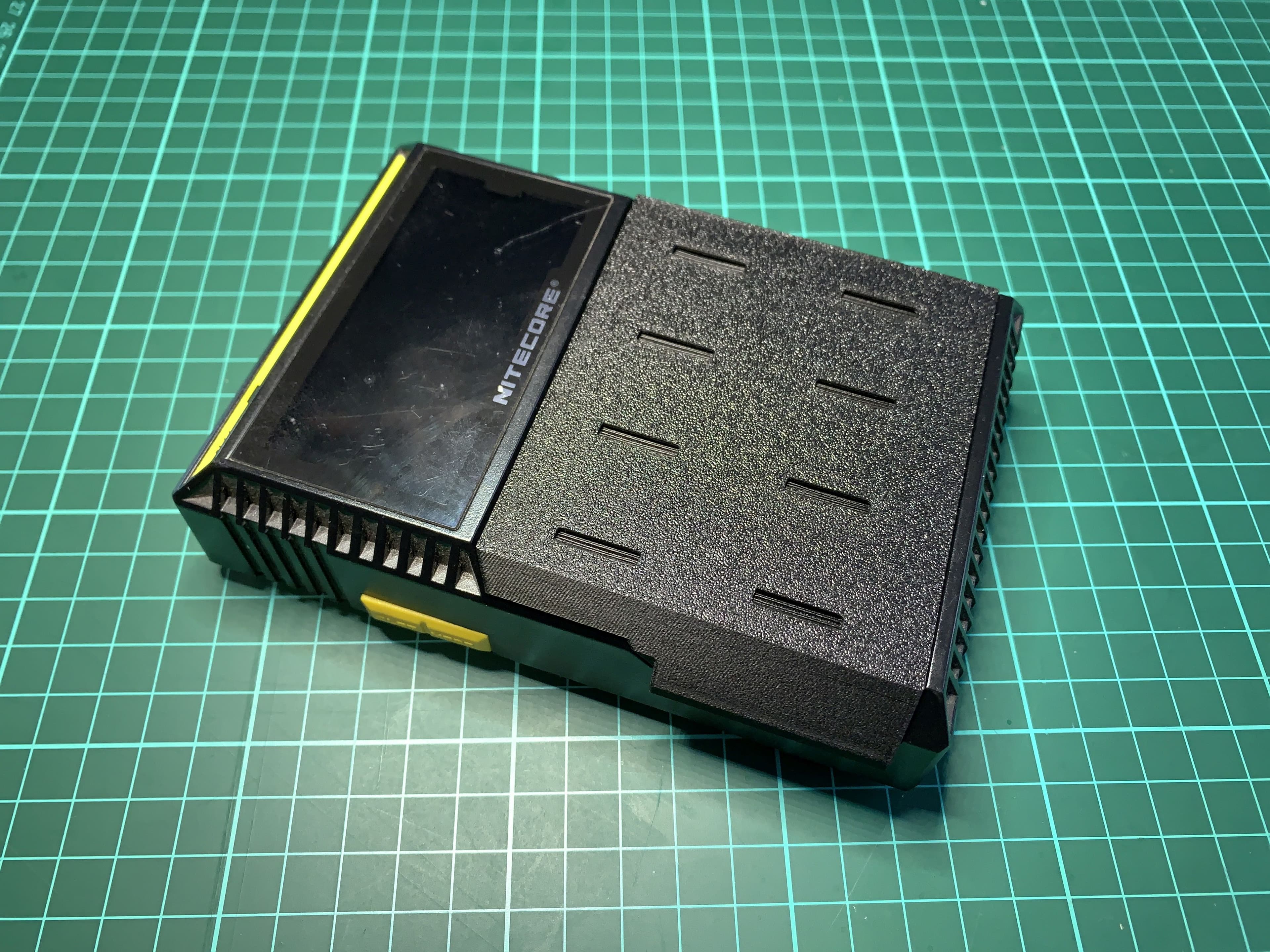
Nitecore D4 Charger Dust Cover
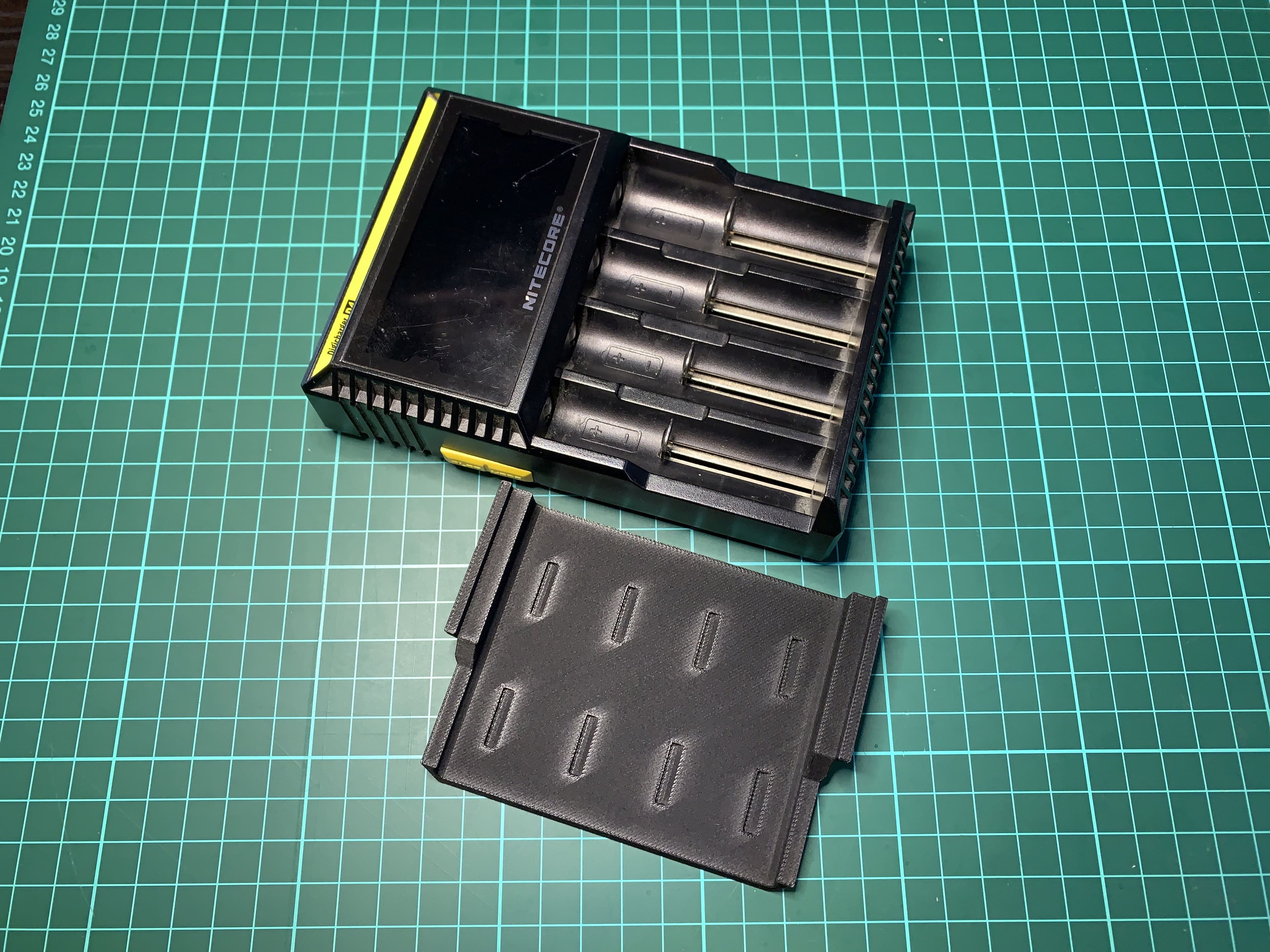
Nitecore D4 Charger Dust Cover

Dust Cover for ArcDroid control panel
circular dust cover - magnifying glass lamp cover.stl

fogger vape dust cover (1) updated.stl
Headlight dust cover latch fix for BMW X3 e83

Nintendo Switch Dock Dust Cover — Short Variant for Dbrand Dock Adapter (USB-C Port Insert)

Retro Game Cartridge Dust Covers
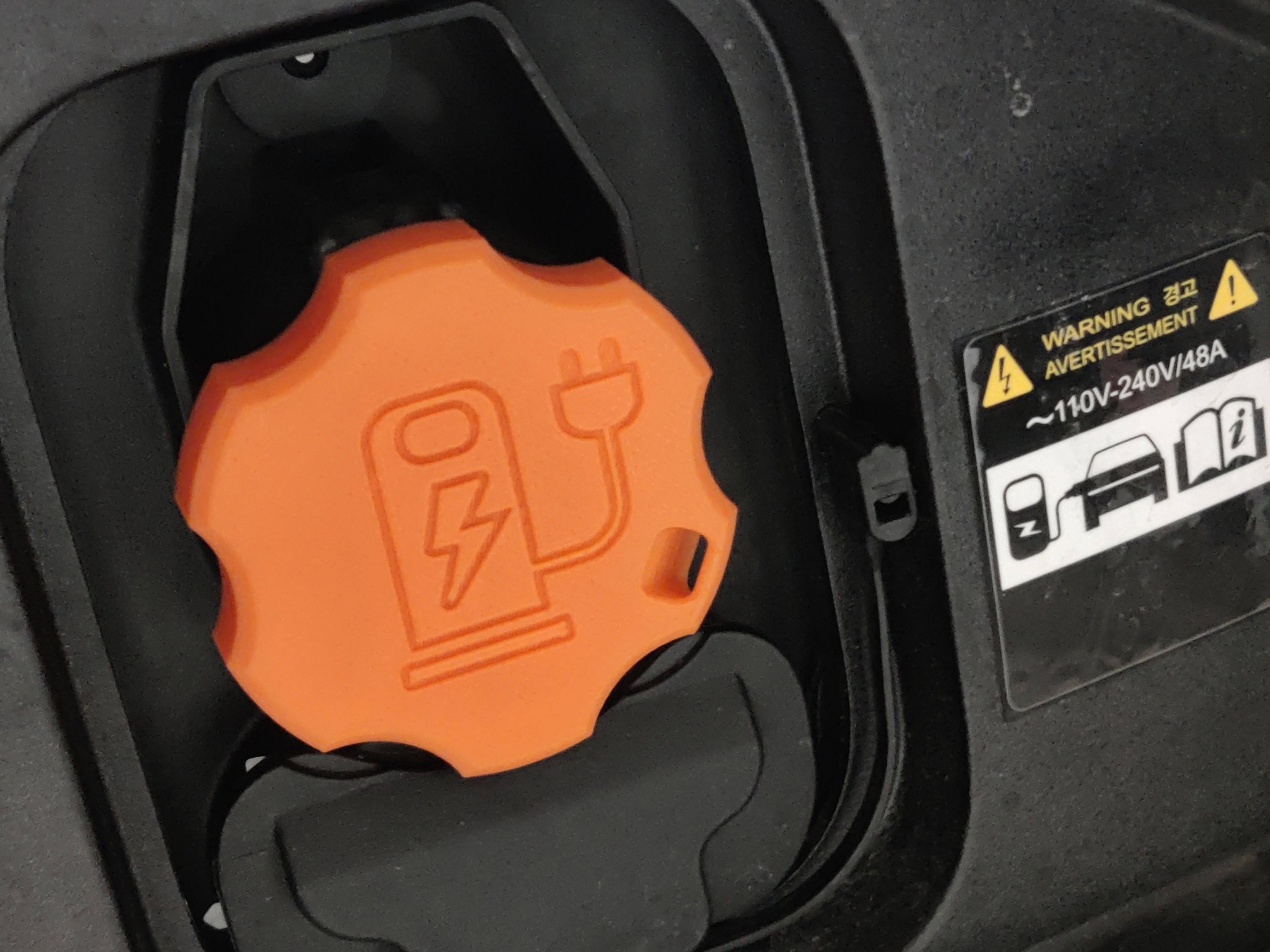
J1772 Dust Cover - Kia EV6.stl

Keychron V1 - knob version Dust Cover

Archaea RJ45 Dust Cover
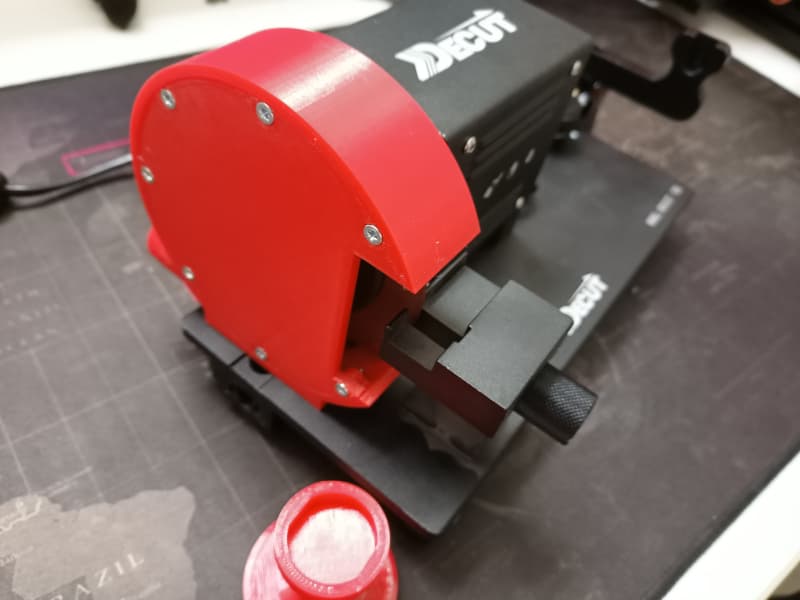
Decut Shaft Cutter Dust Cover With Vacuum Adapter
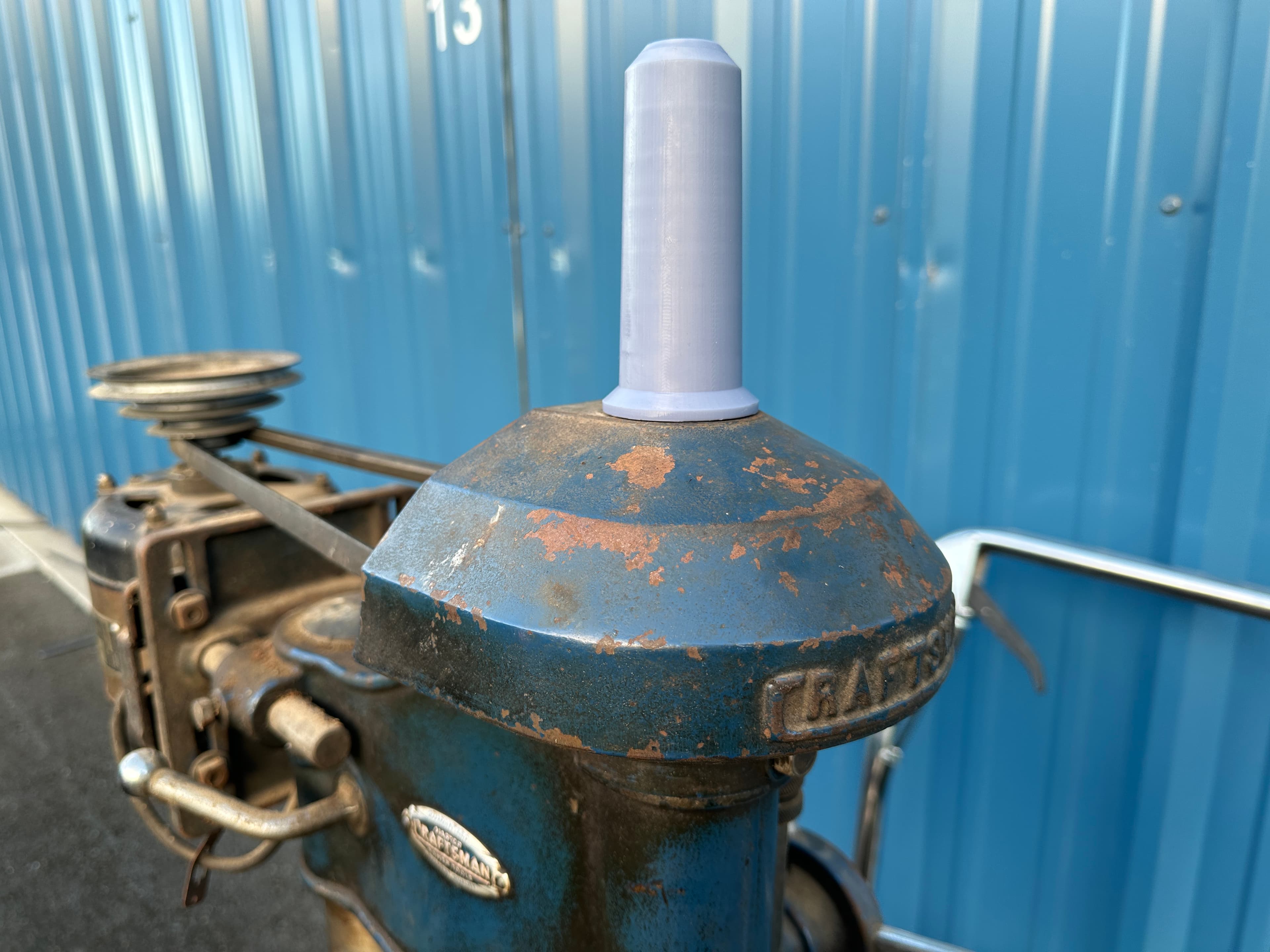
Craftsman Vintage Drill Press Spindle Dust Cover
Dust cover DeLaval (Alfa Laval) EP100 dairy pulsator

Power Switch LED Cover for Bambu Lab A1
Audio Jack Dust Cap Cover Plug for 6.35mm or quarter inch & 4.4mm Pentaconn
Bambu X1 Filament Buffer Button

Ecovacs Deebot Ozmo T8 Dust Bin Flap Baffle Cover
