


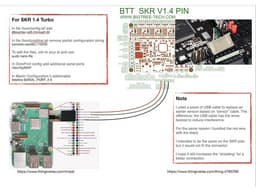

SKR 1.4 (Turbo) + Raspberry Pi - Direct Serial connection - CheatSheet
8 downloads · 5 years ago · Model originally uploaded to Thingiverse at https://www.thingiverse.com/thing:4793760.
This is not
This model is restricted by licensing terms.
View license.
Model originally uploaded to Thingiverse at https://www.thingiverse.com/thing:4793760.
This is not a printable thing, this is not a guide. This is a cheatsheet.
Direct Serial connection from RaspBerry Pi (GPIO pins 8, 10 and 14) to SKR 1.4 (Turbo)This cheatsheet shows which wire goes where and what to configure in the Pi, in OctoPrint and in Marlin to get this working.
FAQYour sheet says "ssh to Pi". How?
- Please use Google, search for how to ssh into raspberry pi
Your sheet says "use sudo nano file"... what? where? how?
- This is not the place for teaching you how to configure your Raspberry Pi. There are people much more qualified to teach you that. You could start by using Google and search for raspberry pi ssh sudo nano /boot/config.txt
Is this just for SKR 1.4 (turbo)? What other boards are supported?
- I really don't know. A lot of boards have additional serial interfaces, but also a lot don't. I only have Creality Melzi boards (in the "don't" category) and SKR 1.4 Turbo board (for which is this cheatsheet) I also have an MKS Gen_L 1.0 that has an AUX-1 connector that in theory could be used for serial communication on the GND, D1 and D2 pins, but I have not tested this, I have not been able to confirm, I have no intention of trying it :)
Your sheet says "In Marlin do this and that"... How?
- For building your own firmware, there are excellent guides on the internet. I suggest you start with this video by Michael Laws, a.k.a. TeachingTech; https://www.youtube.com/watch?v=J9vxJT5Tgh4
Can I ask questions? Can you help?
- Yes, you can, just leave a comment here. I cannot promise I can help everyone with everything, but I can try :)
What is the thing/model attached here?
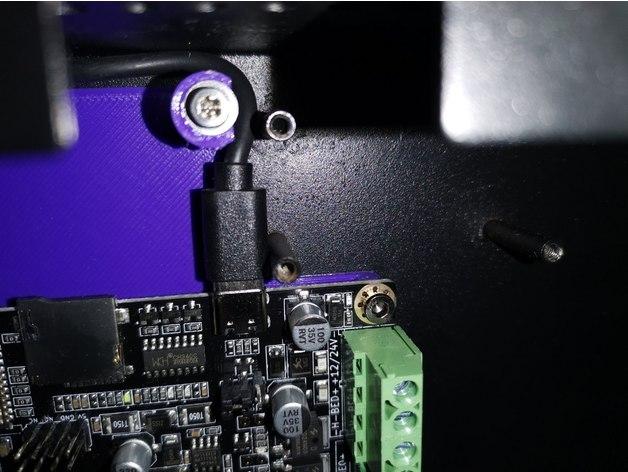
- Because thingiverse does not allow me to create a thing without an STL file, probably because I'm doing it wrong, I added the GPIO cover found here https://www.thingiverse.com/thing:4782916 that exposes the 4 pins for this cable. There is no actual need for it, unless you want to keep it tidy :)
SKR 1.4 (Turbo) + Raspberry Pi - Direct Serial connection - CheatSheet
8 downloads · 5 years ago in and
This model is restricted by licensing terms.
View license.
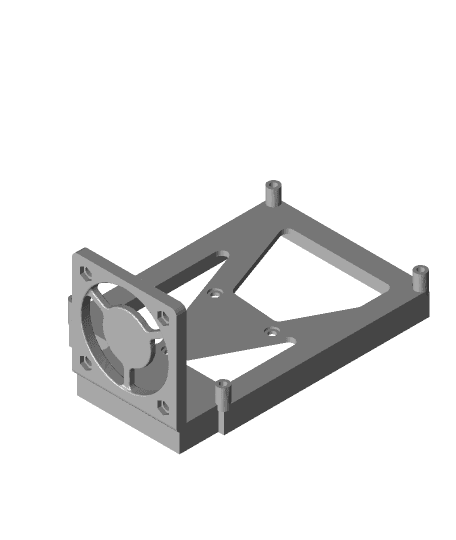
Skr 1.4 Turbo Cr10s Bracket.stl
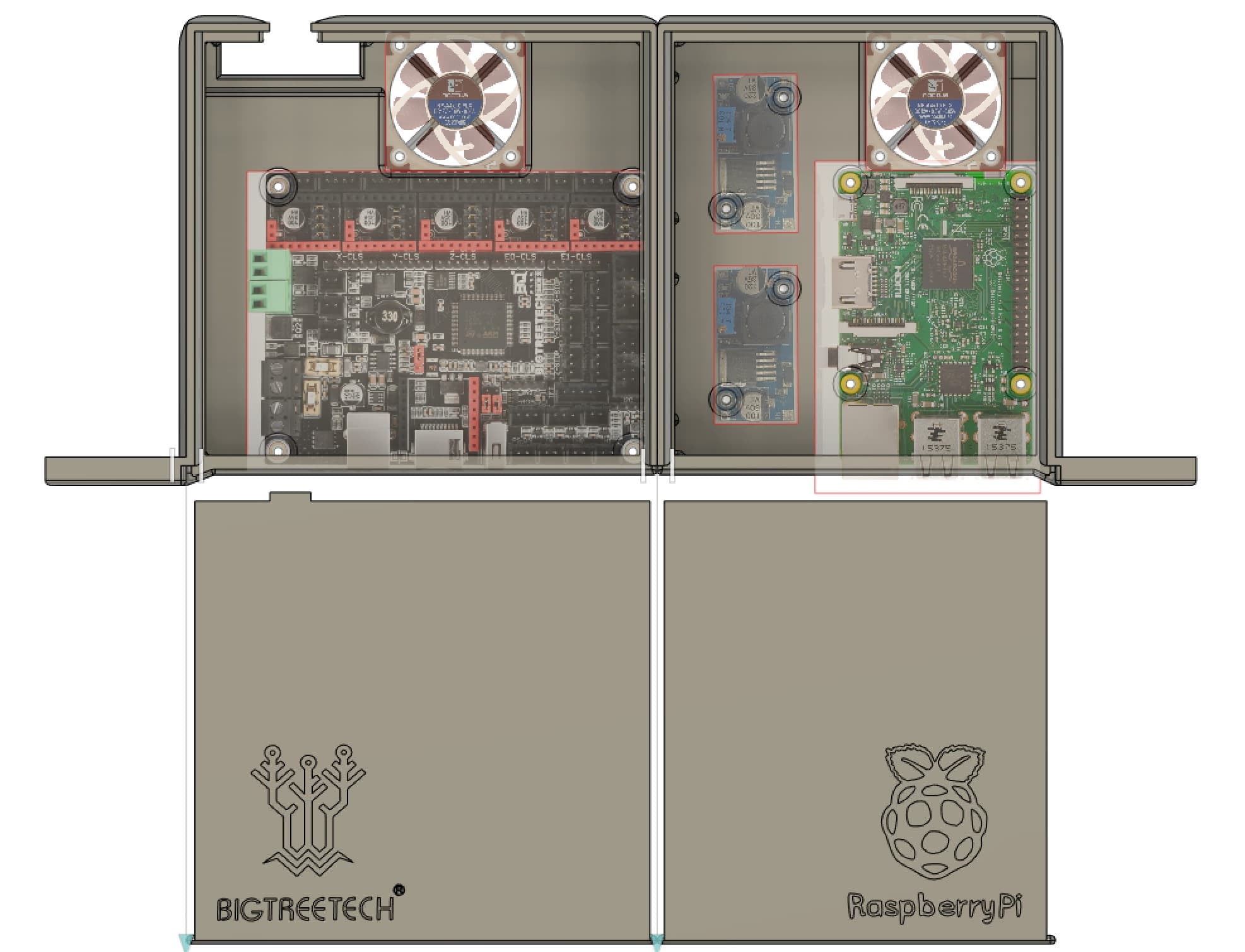
Ender 3 clone Bigtreetech SKR 2.0 & SKR Mini E3 V2.0 case
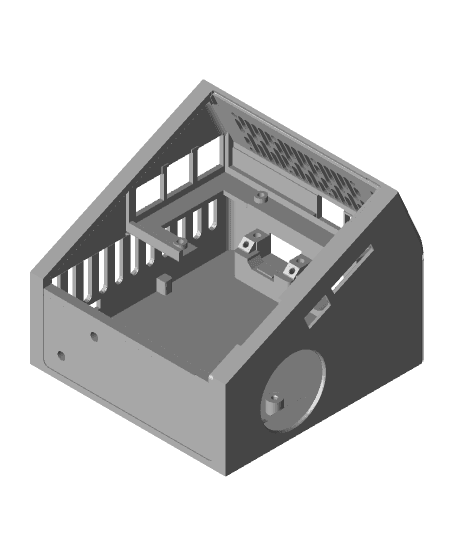
Ender 3 Electronics Case
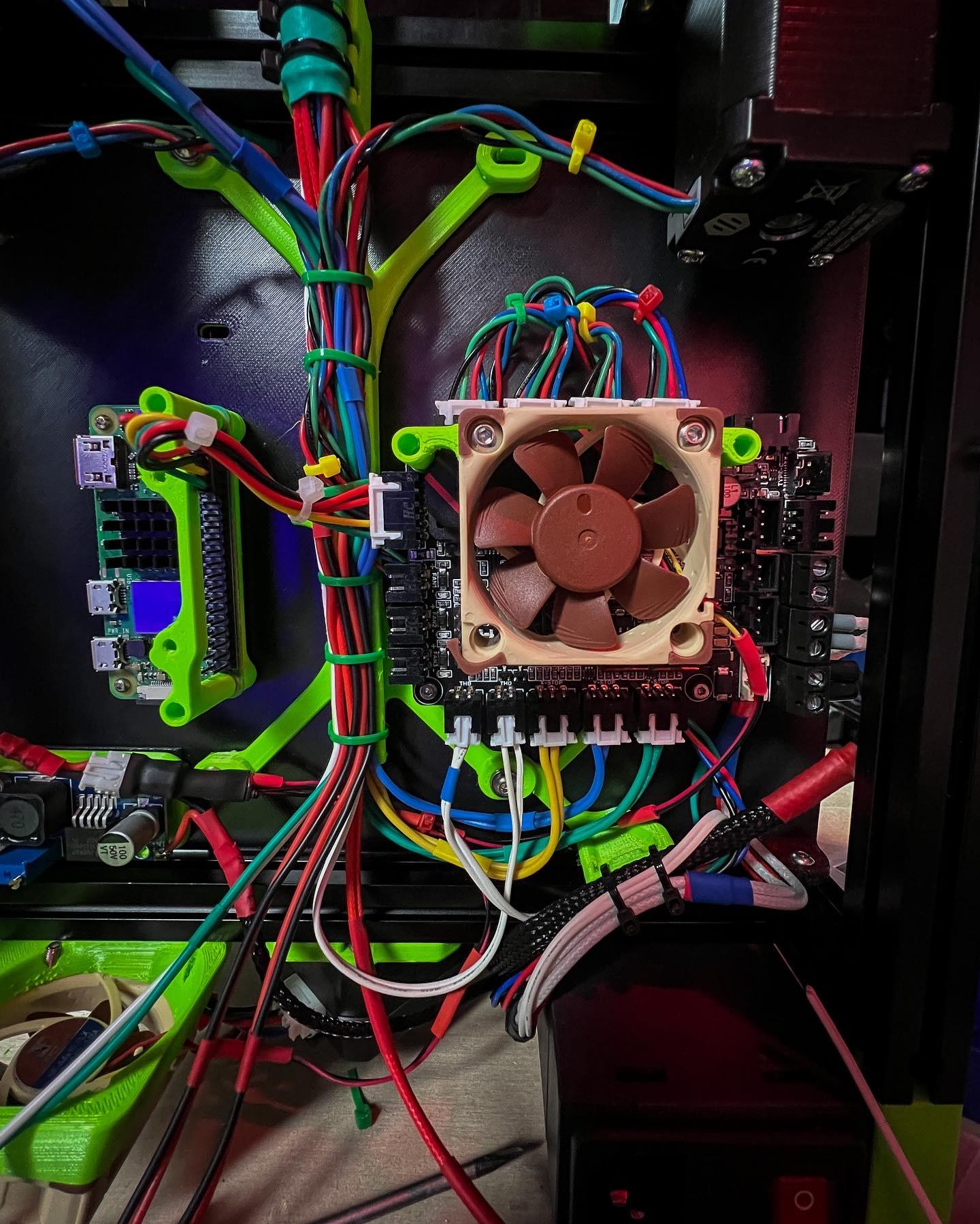
BTT Pico Board Mount for Voron V0.1
![External Electronics Box for Ender-3 [Fat PSU] 3d model](/_next/image?url=https%3A%2F%2Fstorage.googleapis.com%2Fproduction-thangs-public%2Fuploads%2Fattachments%2F7dc39966-f49a-4a65-8ce2-8c40008e5e43%2FCaptura%2520de%2520tela%25202023-11-03%2520233547.png&w=3840&q=75)
External Electronics Box for Ender-3 [Fat PSU]
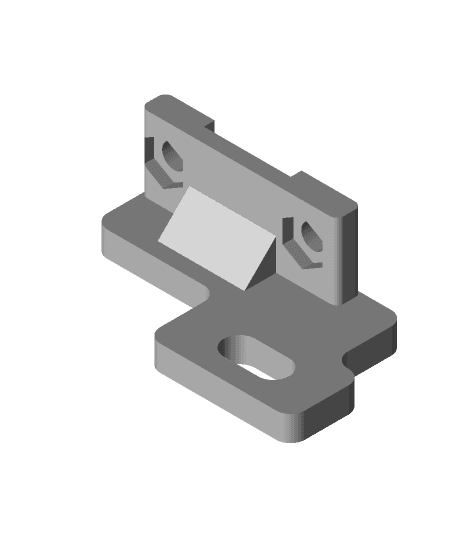
Ender 5 optical endstops
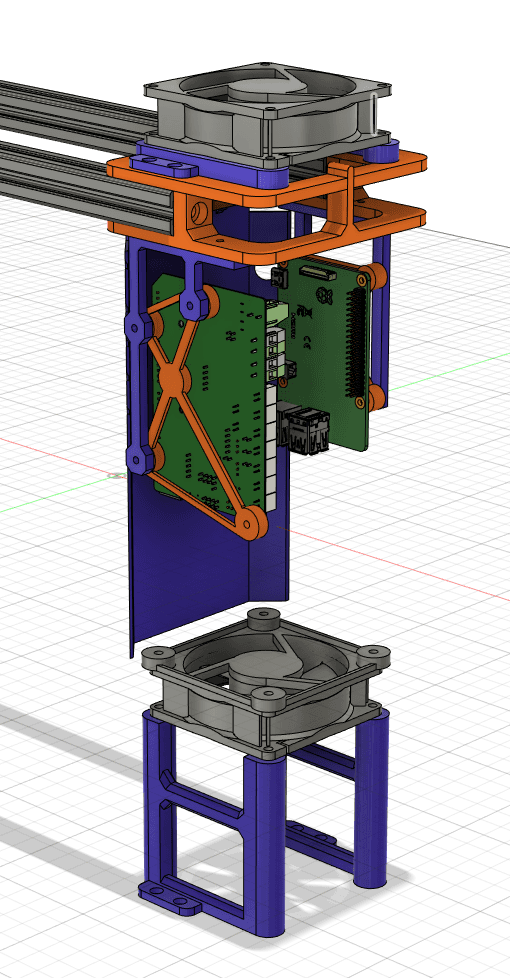
Kywoo Tycoon Vertical Mainboard Mount
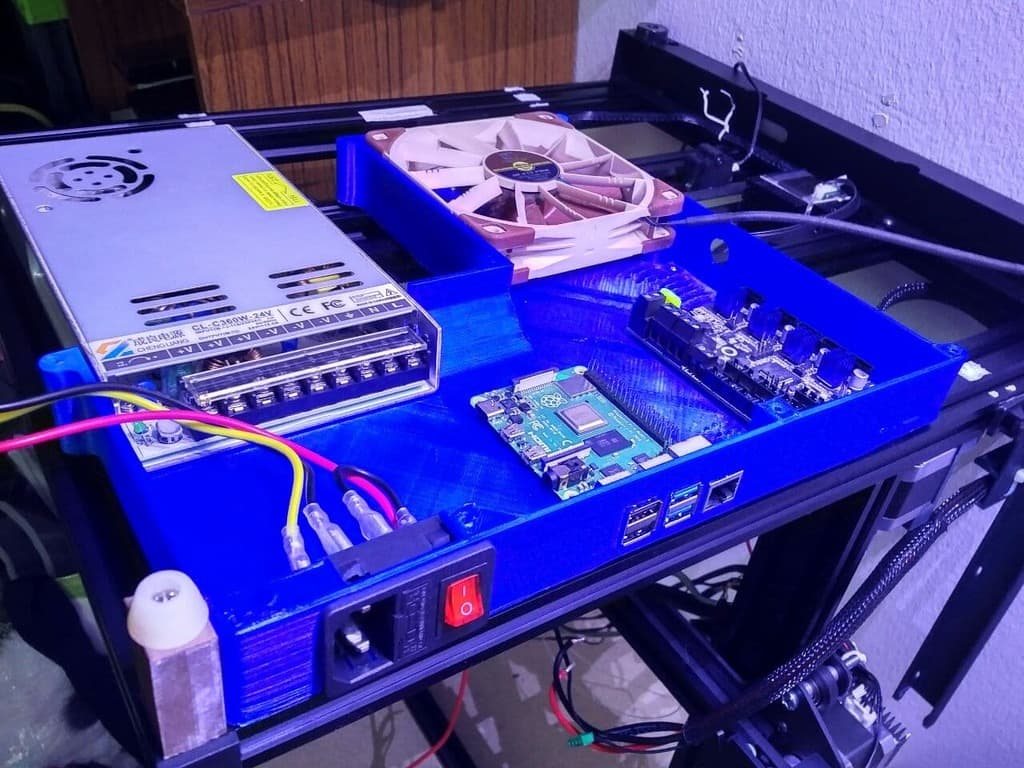
Sunlu S8 new electronics case
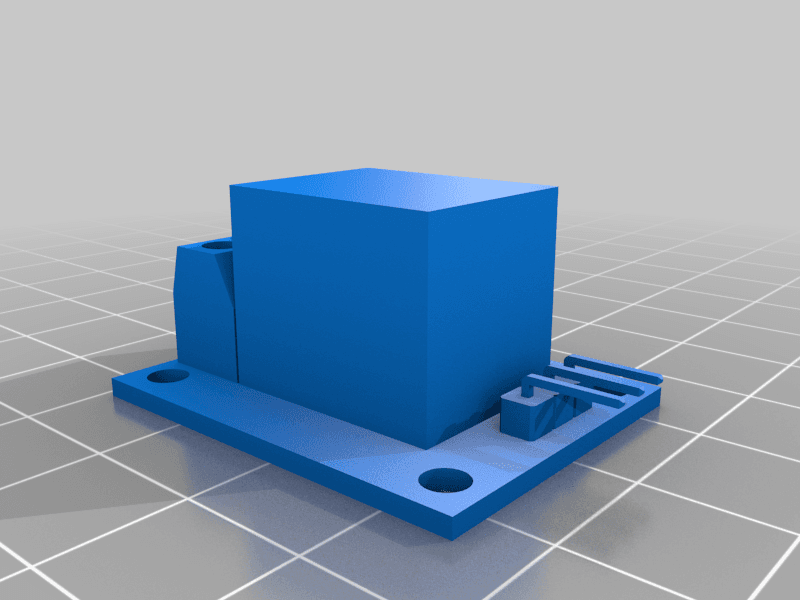
KY-019 Single Channel 120/220v 10A 5v Coil Relay for Arduino / Raspberry Pi

Top_SKR_Enclosure_TFT35 v6.stl
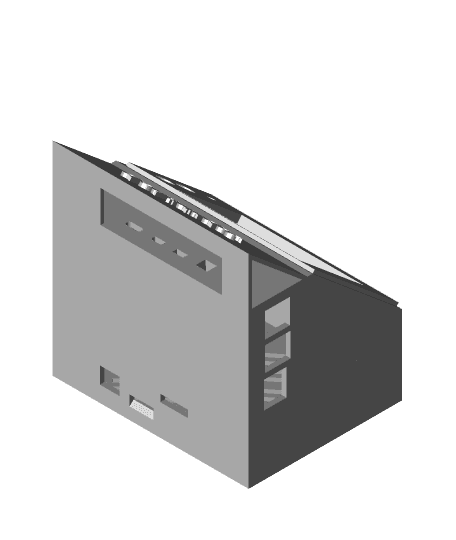
SKR_Enclosure_TFT35 with tabs.stl
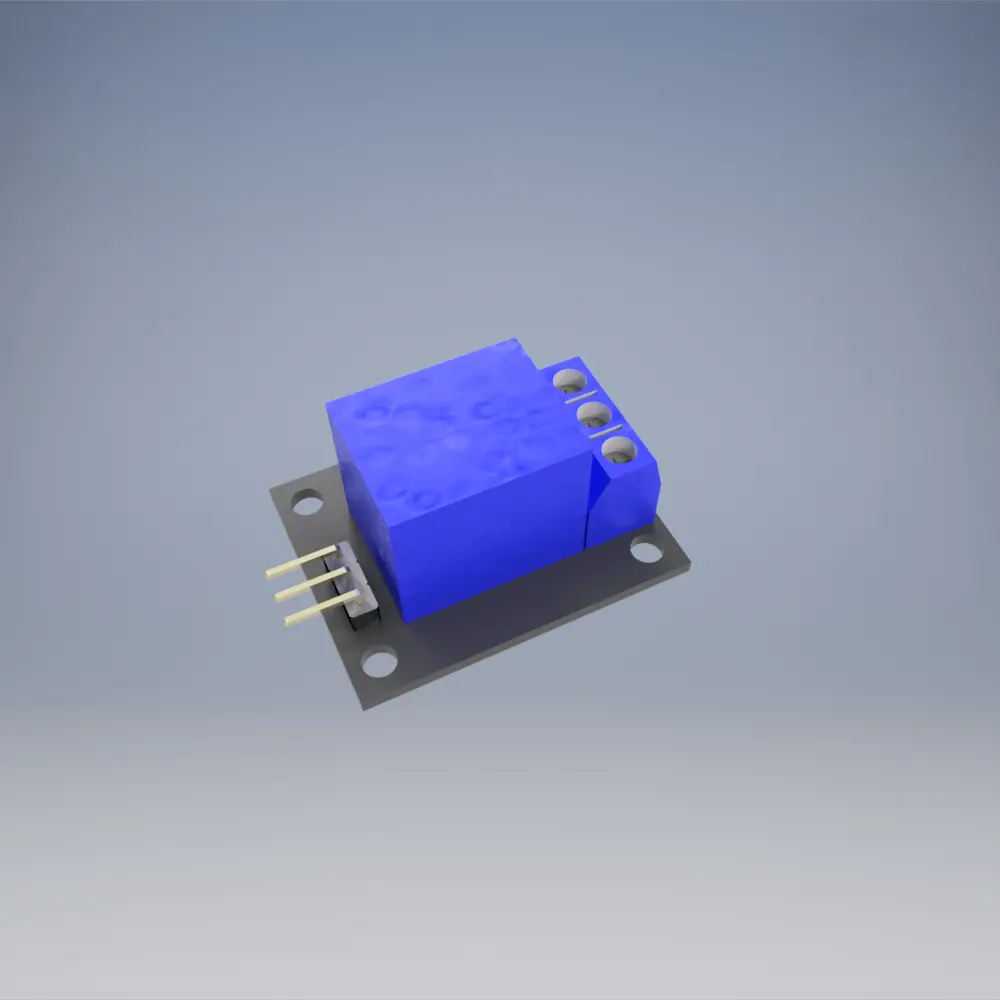
KY-019 Single Channel 120/220v 10A 5v Coil Relay for Arduino / Raspberry Pi

Ender6 SD Card Extender Mount
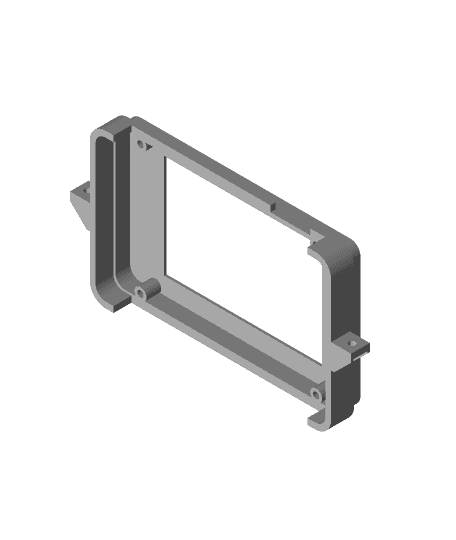
PowerSpec Ultra SKR Upgrade
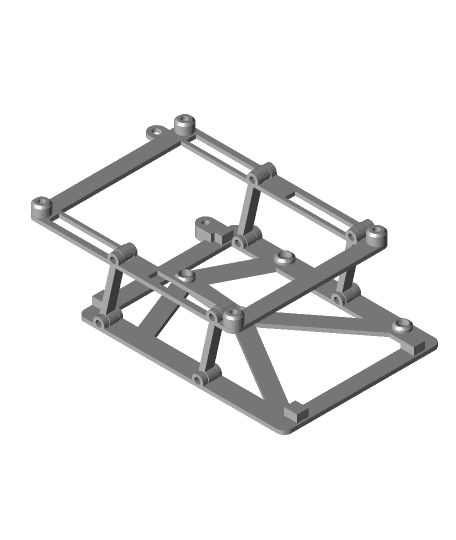
Hinged mount for BiQu BigtreeTech SKR and Makerbase MKS Gen mainboard in Ender-5
Bottom_SKR_Enclosure_TFT35 v5.stl

Toybox Alpha v1 Klipper Conversion SKR Pico
Taz 5 SKR 1.4 / TFT35 Electronics Enclosure w/ LM2596 and Relay Mounting
LCD_Plate_SKR_Enclosure_TFT35 v7.stl
About a year ago, I added stuff for SKR2 because one of my SKR 1.4 Turbos died. Few days ago, I murdered my other SKR 1.4 Turbo by briefly shorting the wires to the hotbed. (Still don't know why that killed the EXP1 part of the SoC and not the rest of the board - printer kept printing fine with OctoPrint), but when searching for confirmation on the pinout, I found that I forgot to update Thangs.com;
https://github.com/rmpel/direct-serial-connection-raspi-3dprinter
This is where updates go ;)
for PDF version: https://www.thingiverse.com/download:9351745 Sorry, Thangs.com, but it's your own fault; I cannot attach images nor pdfs to a Thang... ;)