
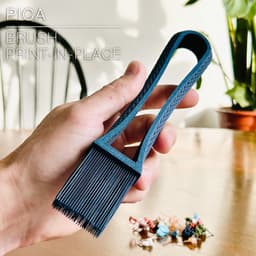

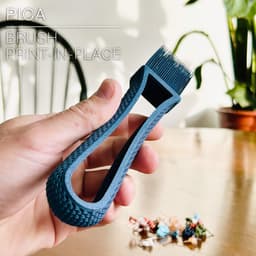

PICA | Brush, print-in-place
PICA | Brush
Here is a 100% print-in-place brush to use around the house. I use mine to catch rebellious purges from my 3D printers.
It prints in about 40min with a 0.4mm nozzle.
DIMENSIONS | L200mm x W40mm x H20mm It can print on a Bambu Lab A1 mini print bed (180x180mm) if you put it in diagonal
3D PRINT SETTINGS: The brush is meant to be printed with a 0.4mm nozzle. You'll need a few particular settings as follow:
• Wall loops: 2 • Layer height: 0.3mm/layer (ignore the warning in some slicers)
The lines of the weave pattern have a width of 2mm. So you can print in 40min with 2 wall lines of 1mm each, or in a bit more than 1h with a regular 0.5mm wall line width.
For a faster print (about 40min): • Line width (inner & outer wall): 1mm • Initial layer line width: default 0.5mm or so • Wall generator: Arachne (so your slicer can "detect" the bristles of the brush)
If you don't have "arachne mode" in your slicer, just go with regular settings, regular line width of about 0.5mm. The 2mm weave pattern will need 4 lines for each layer, so it will take about 1h10min to print.
Happy printing!
PICA | Brush, print-in-place

SINE | pendant light E27/E26

COROA | pendant light E27/E26

MALLA | woven fruit bowl

MALLA | key bowl
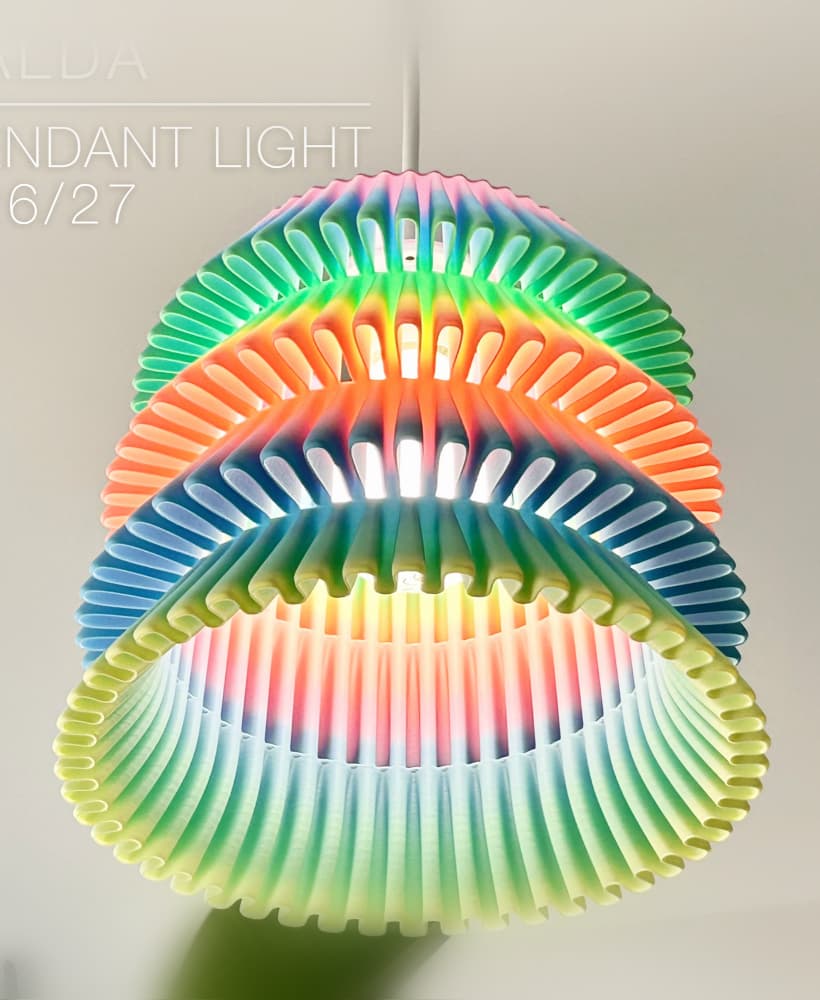
FALDA | Pendant Light E26/27

MALLA | Woven String Art Deco

SAKURA | Pendant Light E26/27

SAKURA | Scalable Pencil Holder

MALLA | nut bowl
![SAKU[MINI] | Table Lamp E14 & E26/27 3d model](/_next/image?url=https%3A%2F%2Fstorage.googleapis.com%2Fproduction-thangs-public%2Fuploads%2Fenhanced_images%2Fv1%2F421bb906-ca95-4bc9-9dba-a6fd01fd6885%2FSAKU%255BMINI%255D_table-lamp_perspective-ON.jpg&w=3840&q=75)
SAKU[MINI] | Table Lamp E14 & E26/27

SAKUMI | Table Lamp E14 & E26/27

SYZYGY | Heart Vase, scalable
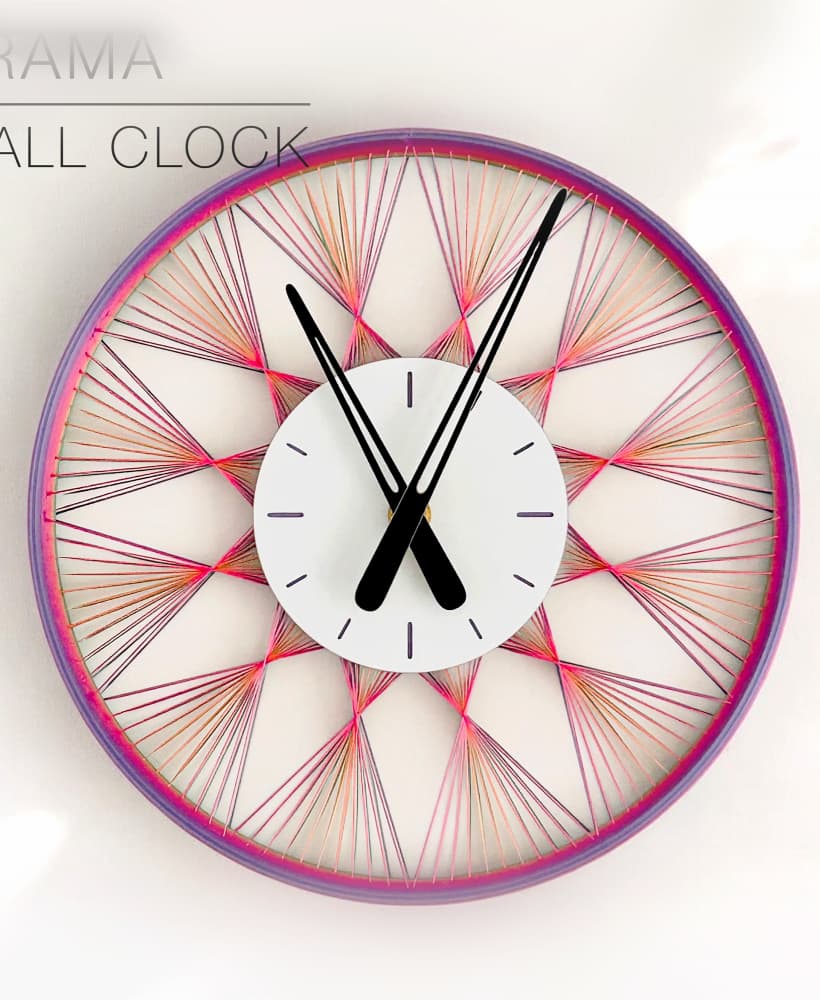
TRAMA | Wall Clock
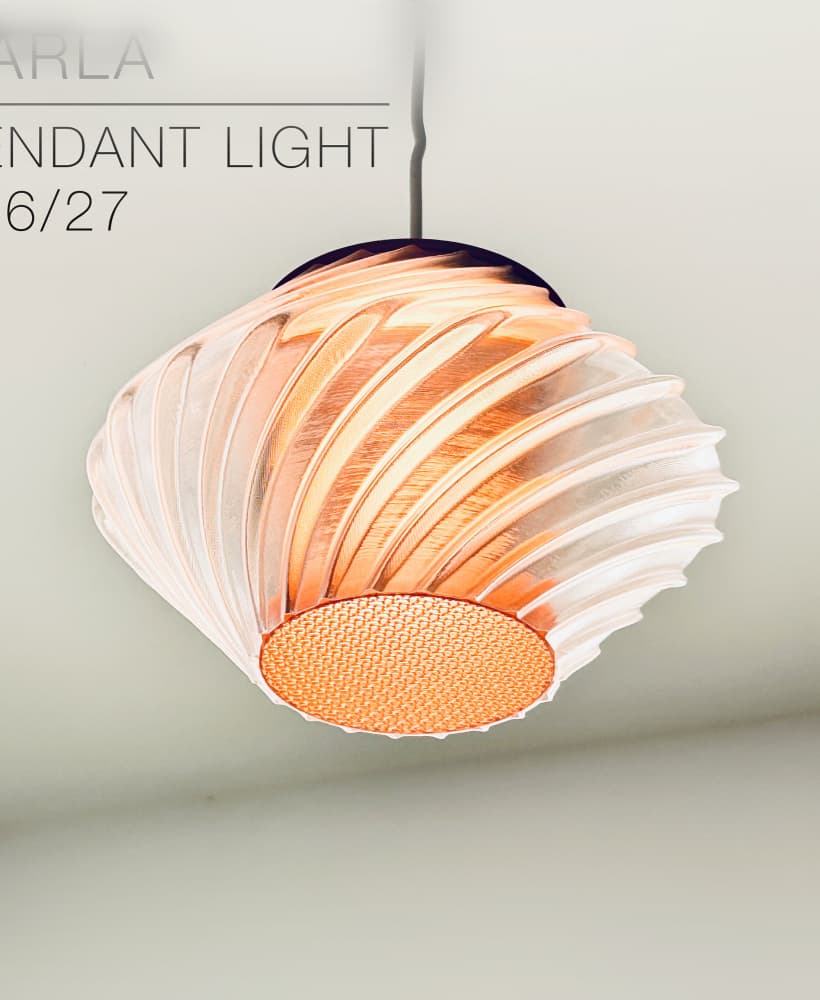
CARLA | Pendant Light E26/27

ORB XY | String Art Pendant Light

NINA | Toothbrush cups

MORPH | Stackable Egg Cup

ARYZ Divide | Pendant light E26/27

ARYZ Multiply | Pendant light E26/27
