
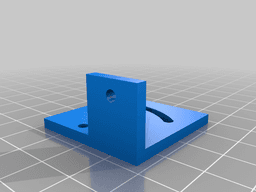

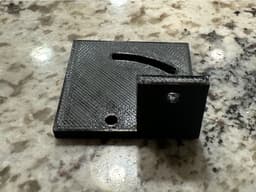



Williams Coin Return Micro Switch Bracket
Model originally uploaded to Thingiverse at https://www.thingiverse.com/thing:6269441.
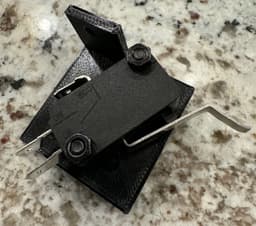
This is a bracket for a micro switch that allows the coin returns on Williams coin doors to be used as buttons. The idea comes from the Pinscape Build Guide discussing coin doors.
The micro switch this particular part is designed for is https://www.amazon.com/gp/product/B08B3LY7V9 but anything with a long enough arm should work. The only thing you would need to change is the SWITCH_DISTANCE_BETWEEN_HOLES variable in the OpenSCAD script.
Edit:
A second STL (and OpenSCAD file) with an angled bracket has been provided so that there is more clearance between the micro switch and the coin door mounting screw. I find the angled version works better but I have left the originals. Incidentally, the original version can (likely) be created with the "angled" script.
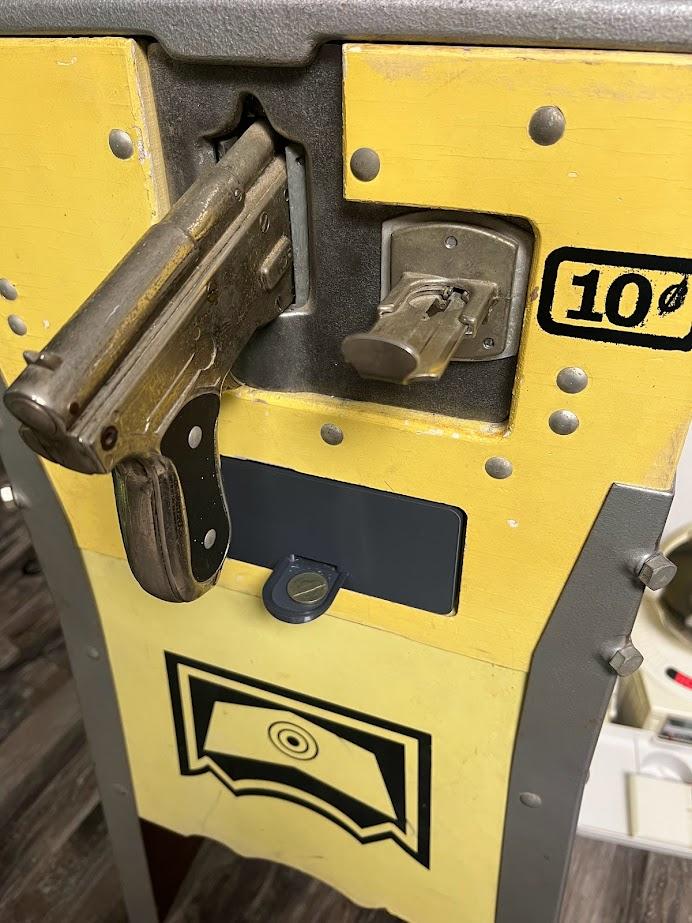
ABT Manufacturing penny arcade coin return

Retro Arcade Coin Return Fidget Clicker Keychain – Press to Reject, Nostalgia, AMS Required
Blinds, Roman Shade Valance Return L Bracket
Blinds, Roman Shade Valance Return L Bracket
Ender 3 or CR10 bracket for mounting Revo Micro
.png&w=3840&q=75)
Dell Omniplex 7060 Micro Touchscreen and Post Mount
Predator Grabber v2
Naruto & Boruto Cosplay Rasengan Device
Multibin Coinholder for common US coins

Universal Trigger for Joysticks - Open Source
Push2Twist Throttle Converter
RC Drift 1:10 Steering System with Servo

Coin Ride (Lorelings) (Pre Supported)

WALL BRACKET AND KEY HANGER (1 KEY).3mf
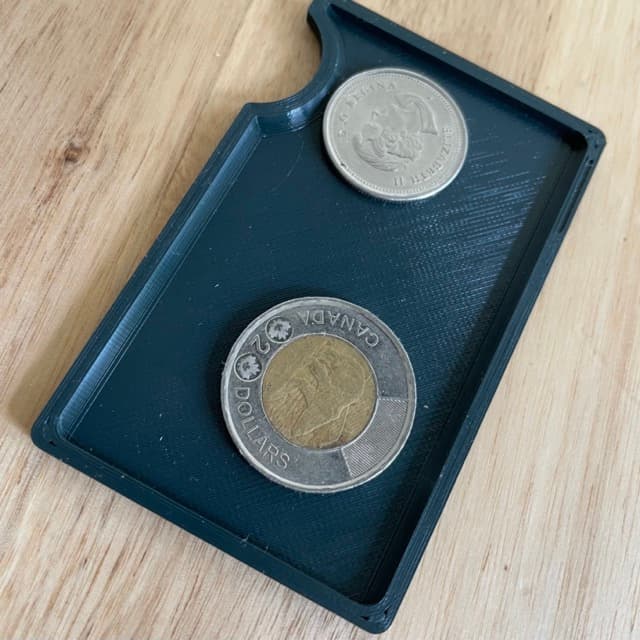
Tray for Ridge(-like) Minimalist Wallet

Thermal Detonator • Star Wars Cosplay Prop
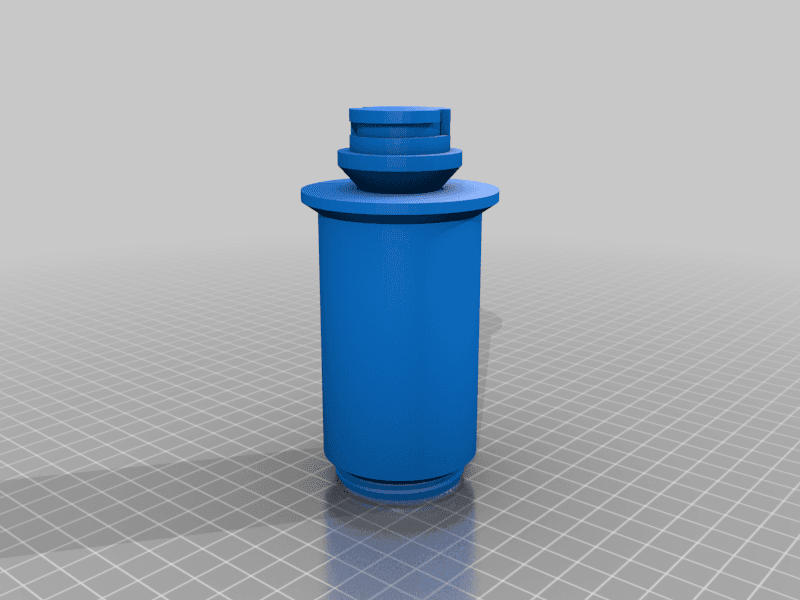
DOUBLE SPOOL HOLDER FOR ENDER 3 SERIES (PRINT-IN-PLACE)
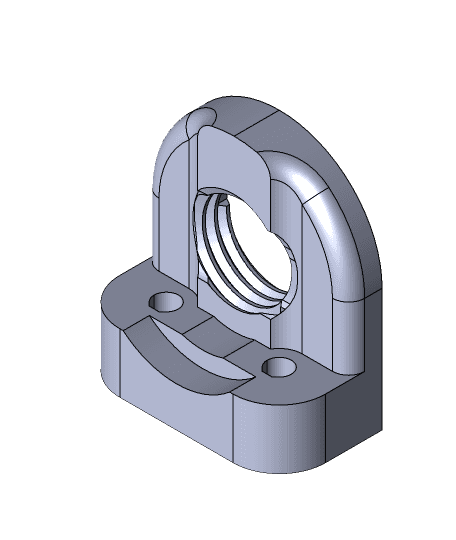
Creality Revo Micro Bracket.STEP
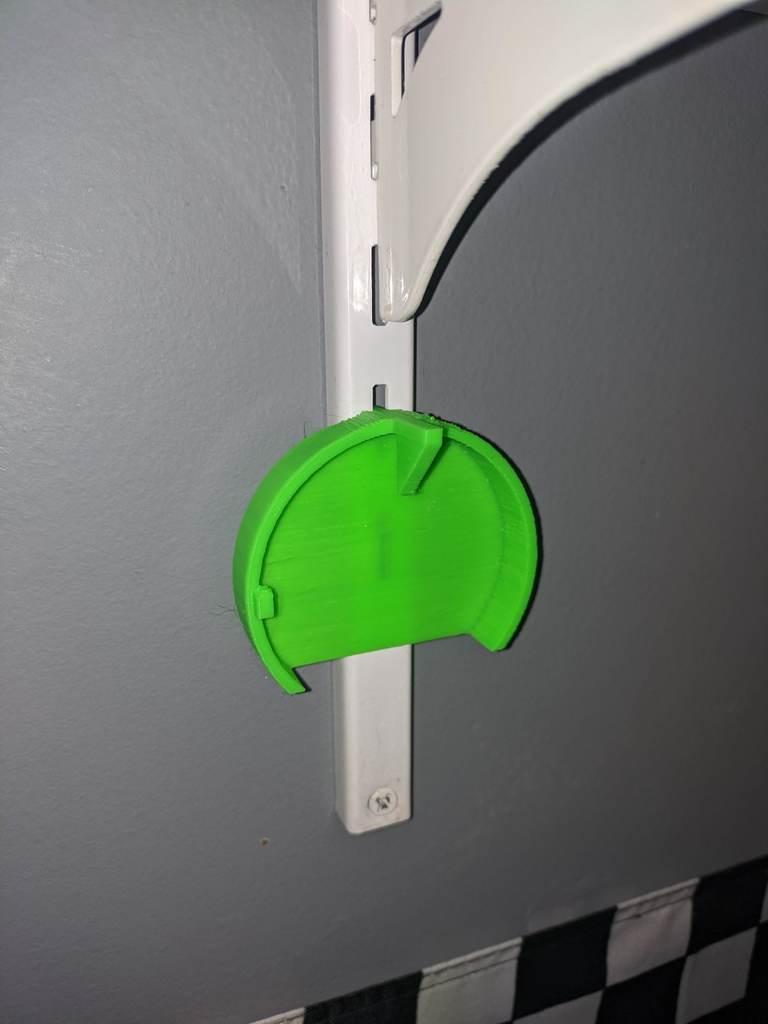
ChallengeCoinDisplayWithShelfBracket

Quick question, if I have the coin mechs installed, will this design still work with them? Thanks
I do not know. Unfortunately, I don't have coin mechanisms so I can't verify one way or the other.