
Redox Handwire Mechanical Keyboard
Designed by MattDB and uploaded with permission.
Split ergonomic custom mechanical keyboard with handy thumb buttons. The Redox is a smaller, simplified remix of the classic Ergodox with fewer keys but just as much comfort. It's easy to make, inexpensive, and looks great in any filament.
The Redox is a great first keyboard project - it's easy to print, easy to build, and runs the free and easy-to-configure QMK firmware. The 1u version is especially interesting, because you only need to buy one size of keycap for the entire board!
Configure and download firmware at https://config.qmk.fm/#/redox/rev1/LAYOUT
Print one BottomL and one BottomR. Then, print PlateL1u and PlateR1u OR PlateL and PlateR. The 1u versions use only 1-unit-wide keycaps, which makes the board smaller and reduces the number of differently sized keycaps you need to buy. Otherwise, the two are identical.
Consult the schematic while assembling: https://www.thingiverse.com/download:4894954
In addition to the printed components, you'll need: 70x: Cherry compatible switches - I used Kailh Box Jade - https://amzn.to/3a3MNAc 70x: Diodes - I used 1N4148 - https://amzn.to/3qOE9fW 70x: Cherry compatible keycaps - I printed some KeyV2 G20 caps --> If using 1u version: 8x 1.25u keycaps and 56x 1u keycaps --> If not using 1u version: 6x 1.5u keycaps and 54x 1u keycaps 14x: M3 8mm screws (M3.5 if fit is loose) https://amzn.to/368H1wh 2x: 4 poles 3.5 mm plug - https://amzn.to/2Mg6tZw 1x: Short 4 poles 3.5 mm male-male cord - https://amzn.to/2NyqDP6 2x: Arduino Pro Micro - https://amzn.to/3oii7Am 2x: USB micro male to female cable/adapter - https://amzn.to/2Y6ZULA Rubber feet - https://amzn.to/2Nozi6u Solid-core wire Solder and soldering gear Note: These are affiliate links.
For more information, visit the author's page at https://www.thingiverse.com/thing:2704567
The Redox Handwire is copyright 2017 Mattia Dal Ben and licensed Creative Commons Attribution. Please credit MattDB and not myself.
Redox Handwire Mechanical Keyboard
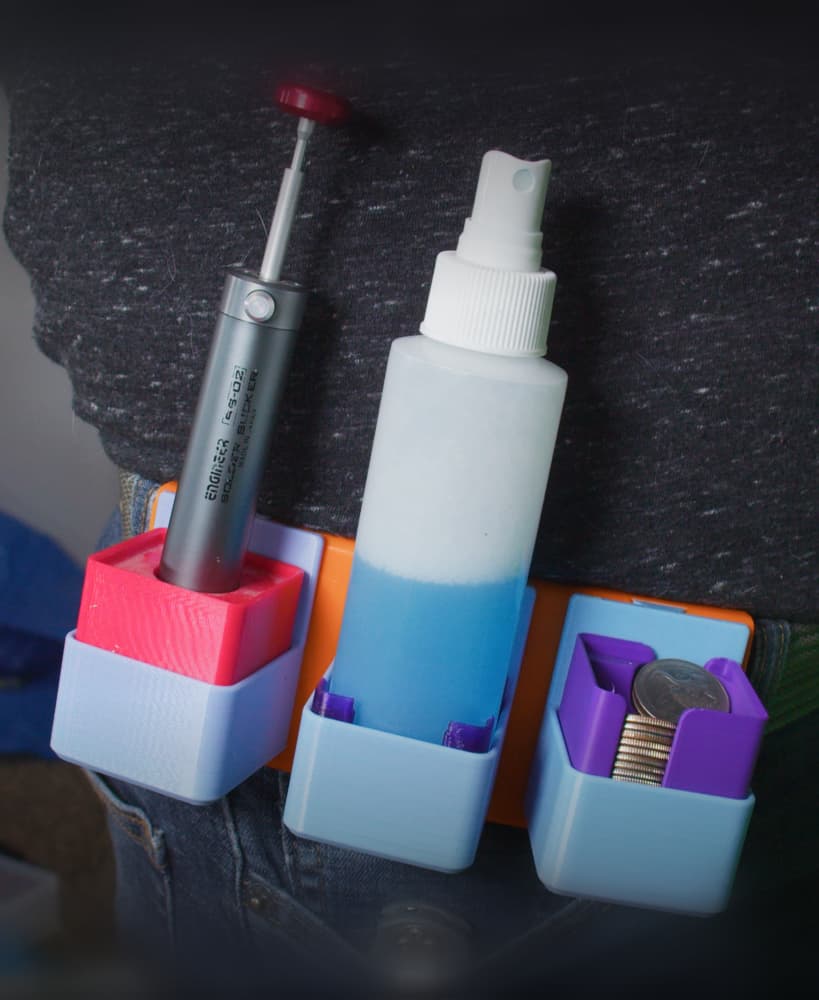
Gridfinity Utility Belt Module for Modular Utility Belt
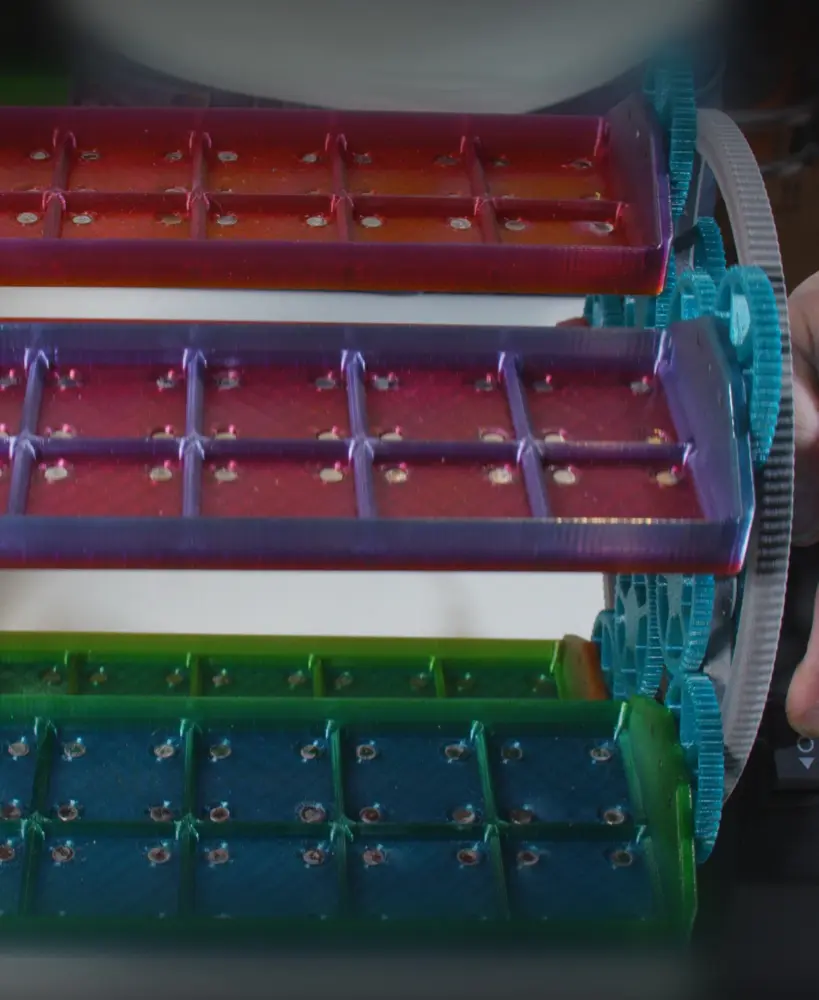
Gridfinity Carousel Carriage w Magnets
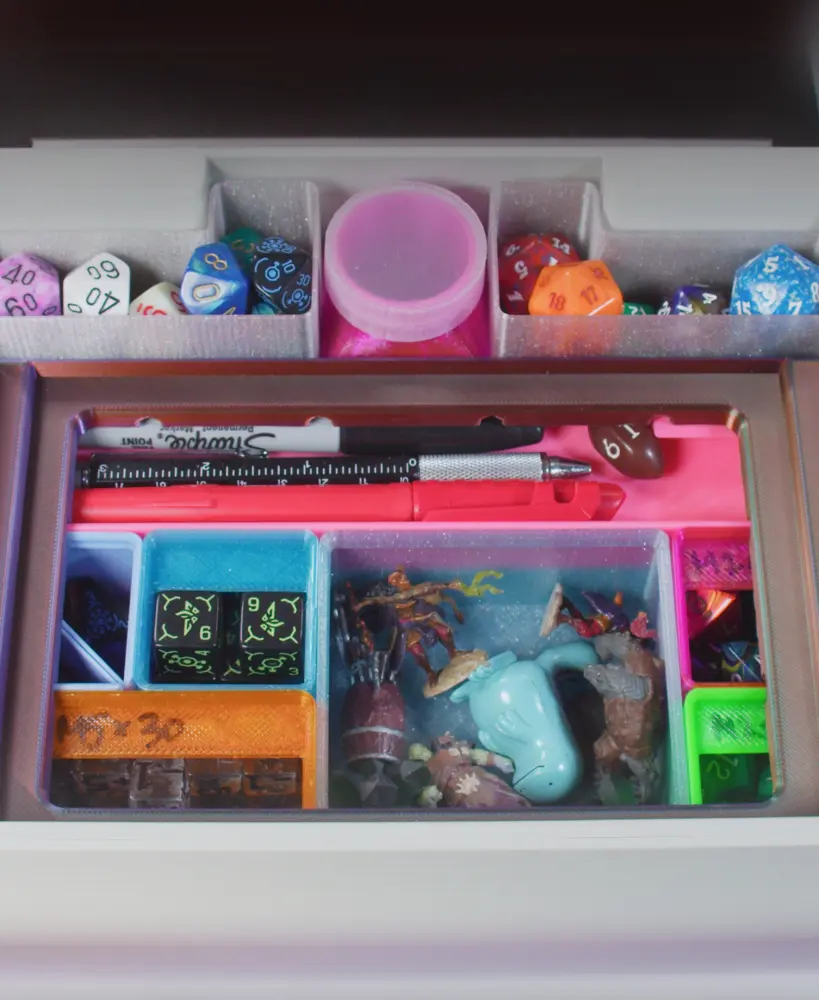
Gridfinity Kit for Dungeon Master's Tome
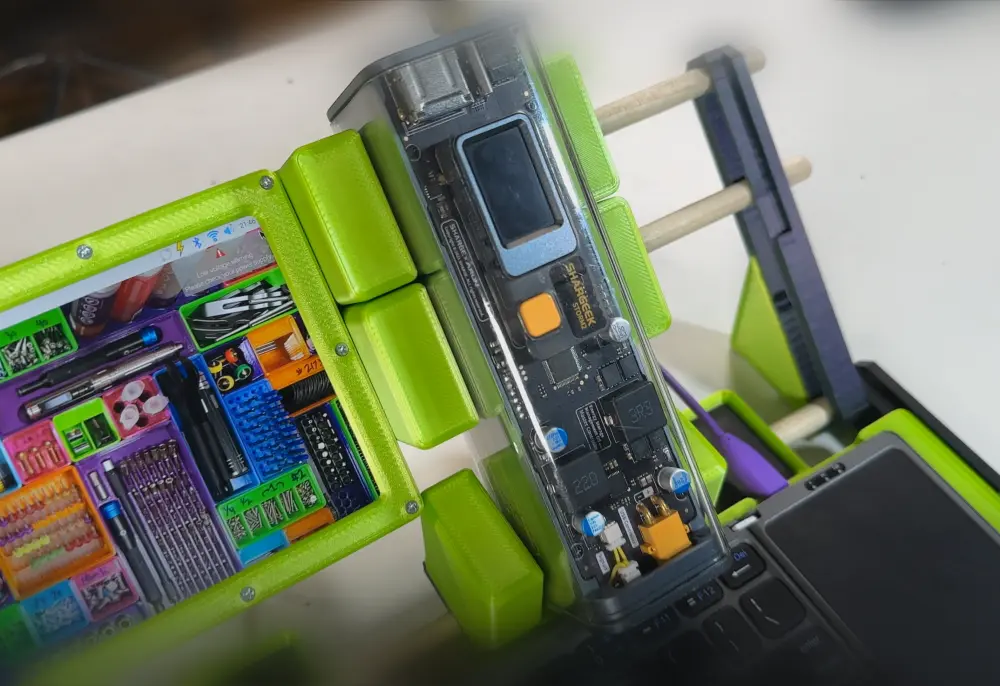
Shargeek USB Power Bank Gridfinity Cradle
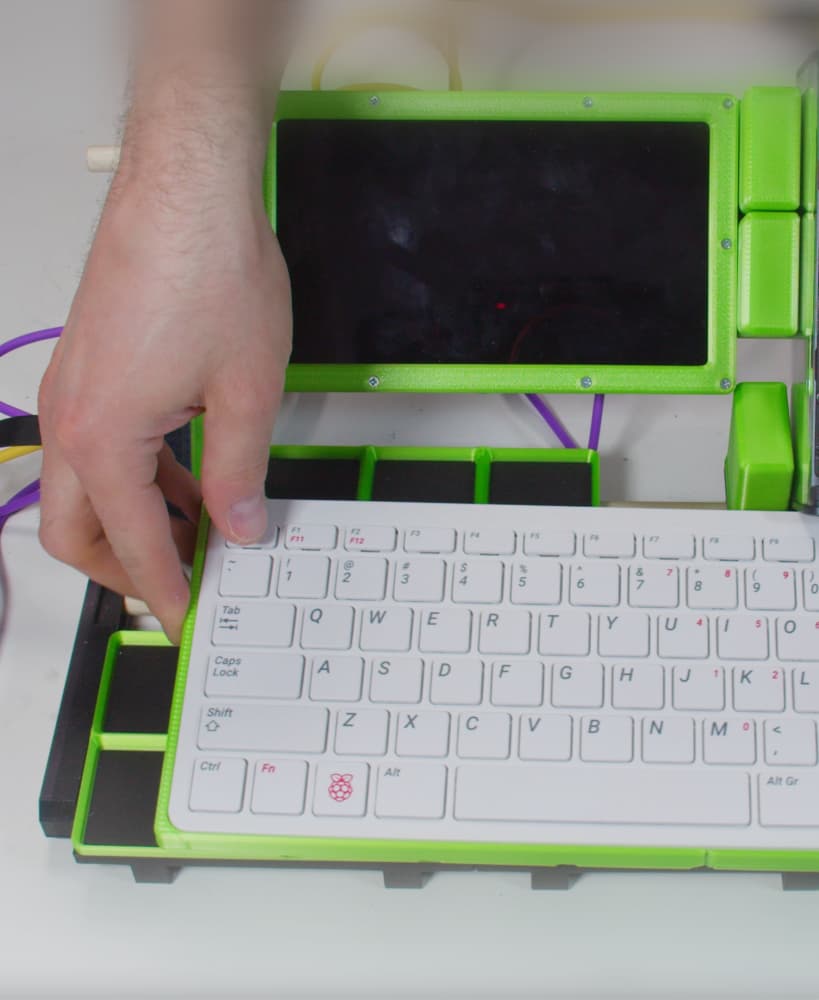
Gridfinity Raspberry Pi 400 Tray (for Cyberdecks)
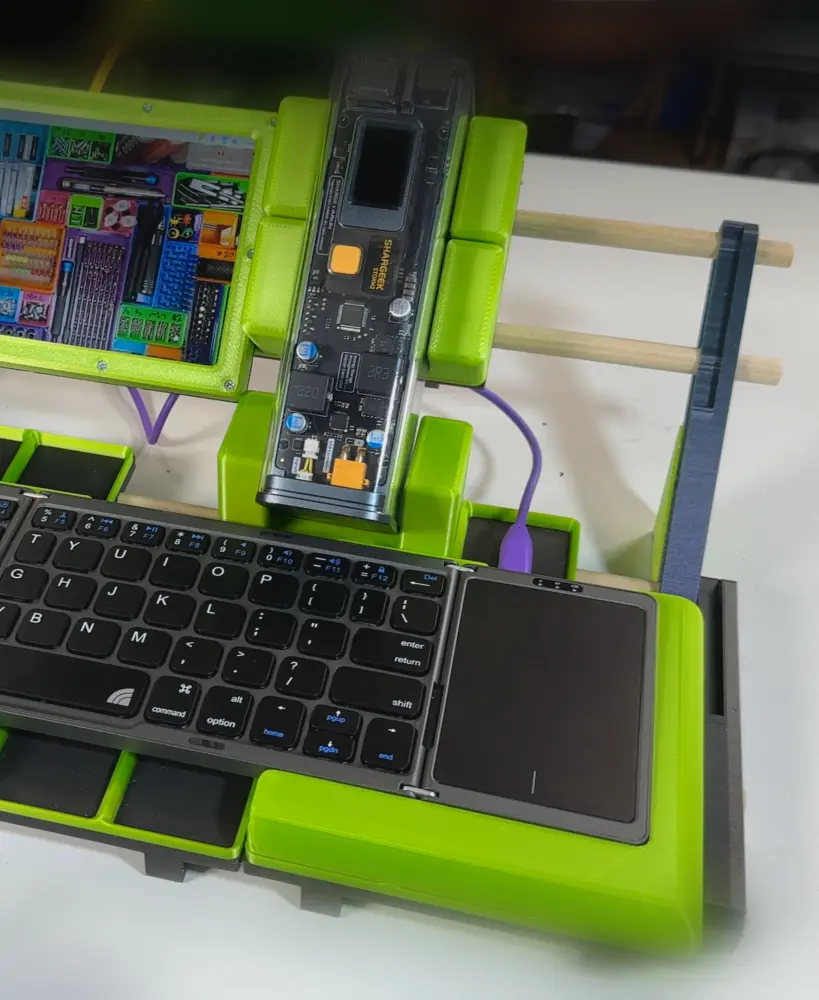
Inland Folding Keyboard Gridfinity Tray (for Cyberdecks)
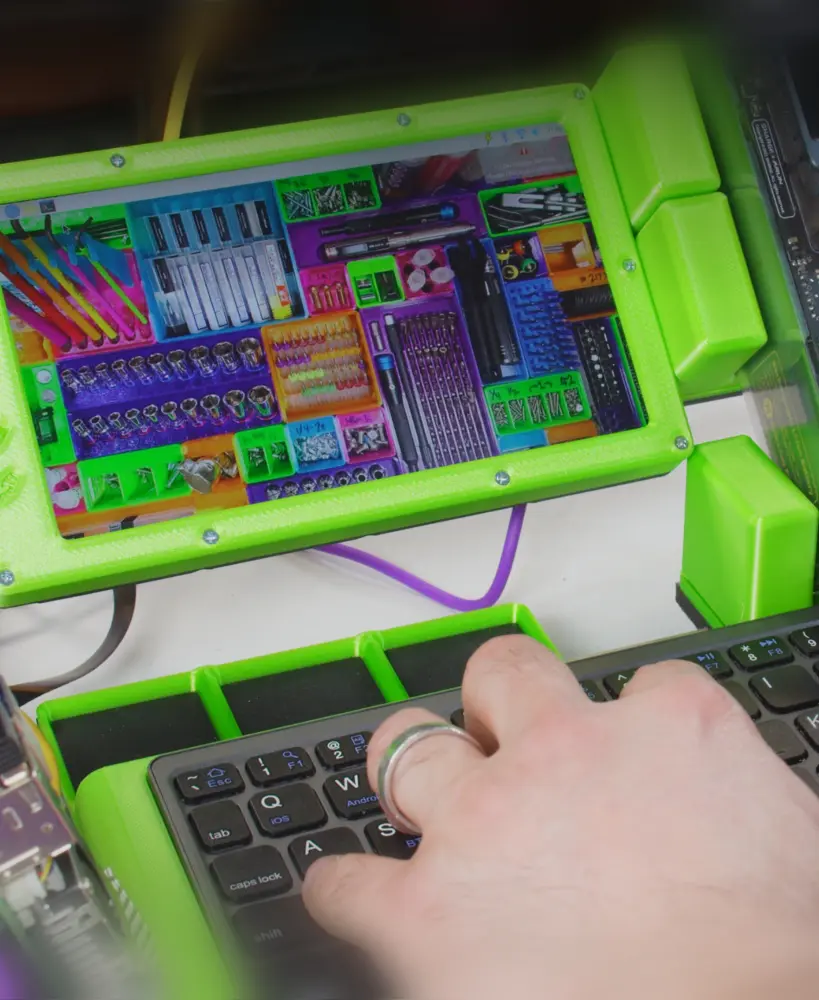
Gridfinity 7" Mini-Monitor (for Cyberdeck)
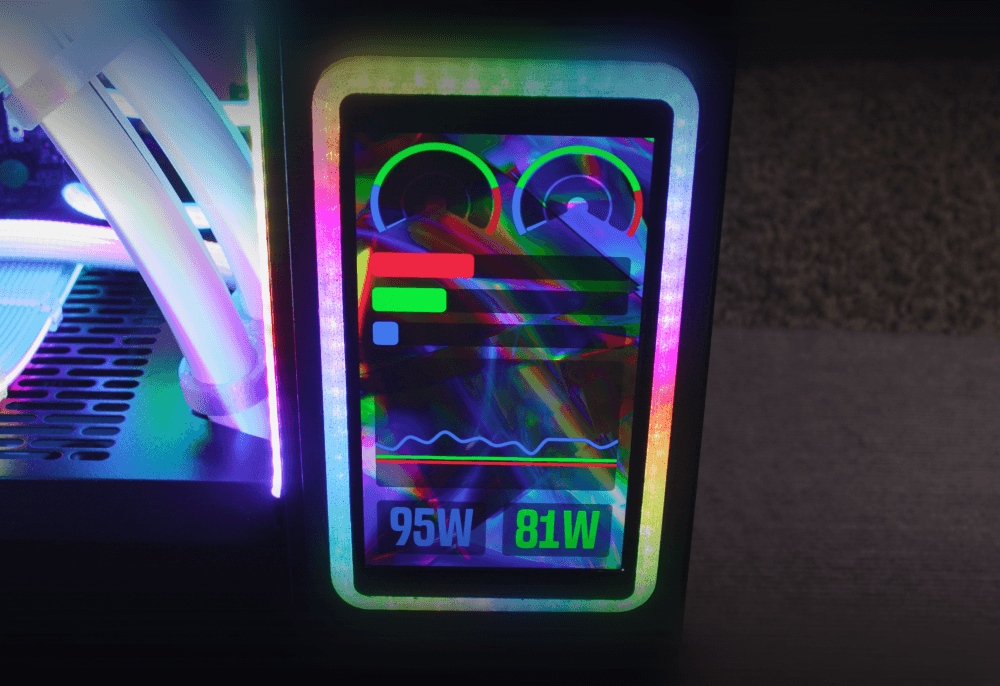
WaveShare AMOLED Panel Mount Frame (With rgbleds!)
North XL Extra-Tall Rgbled Feet

RGB Silicone-Sleeved AIO Tube Clamp Comb Clip Thingamajiggler

Silverstone IceMyst Custom Emblem
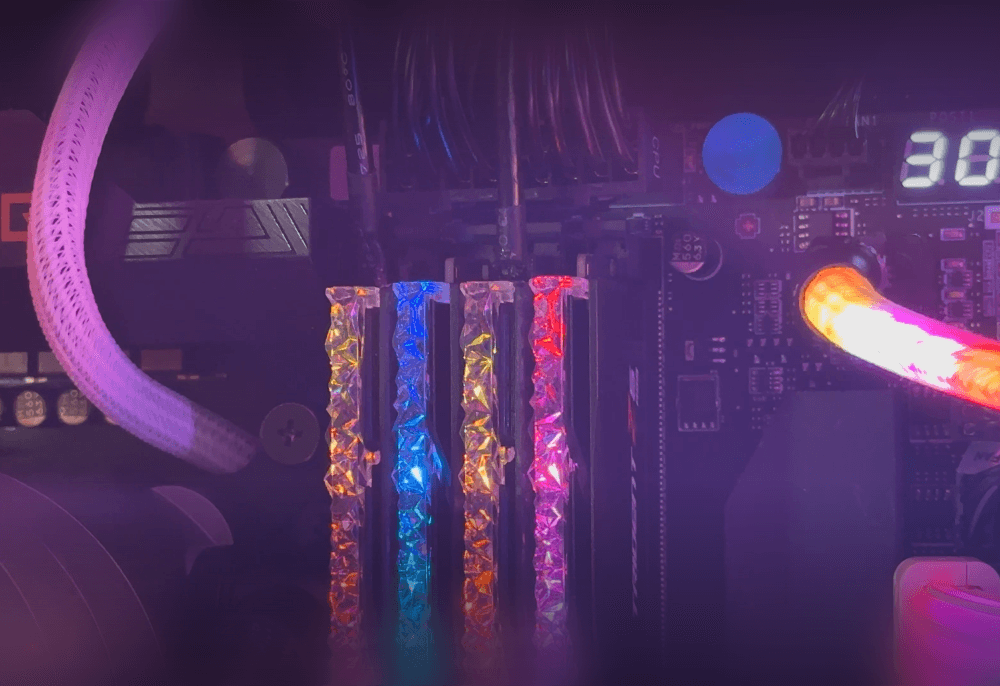
Authentic Faux RAM (Looks like G.Skill Trident Z5 RGB) (Download More RAM)
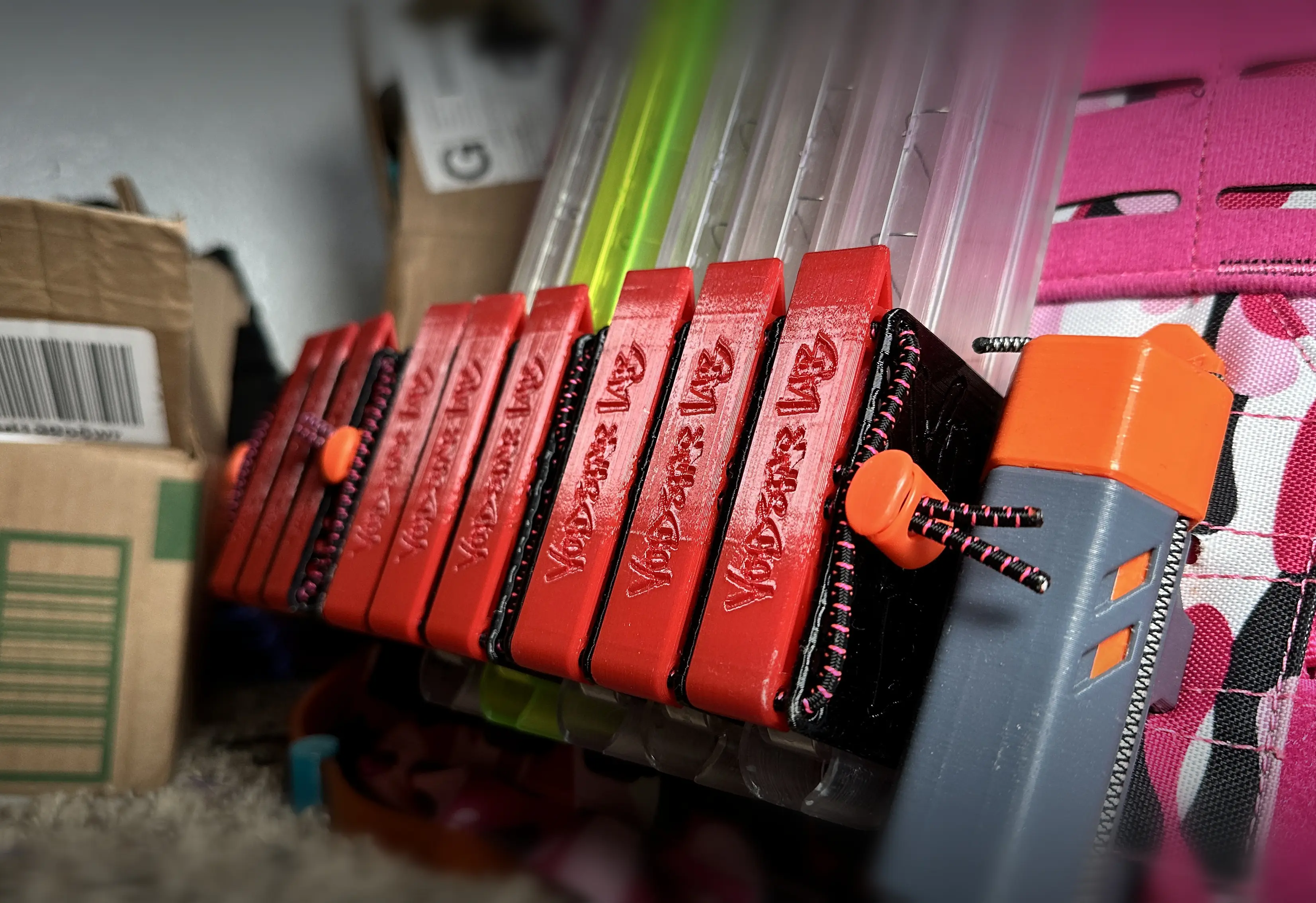
Transwarp Saya - High-Density Nerf Mag Holder for Talon, Katana, and Zinc
MakerChip: Zack Freedman/Voidstar Lab
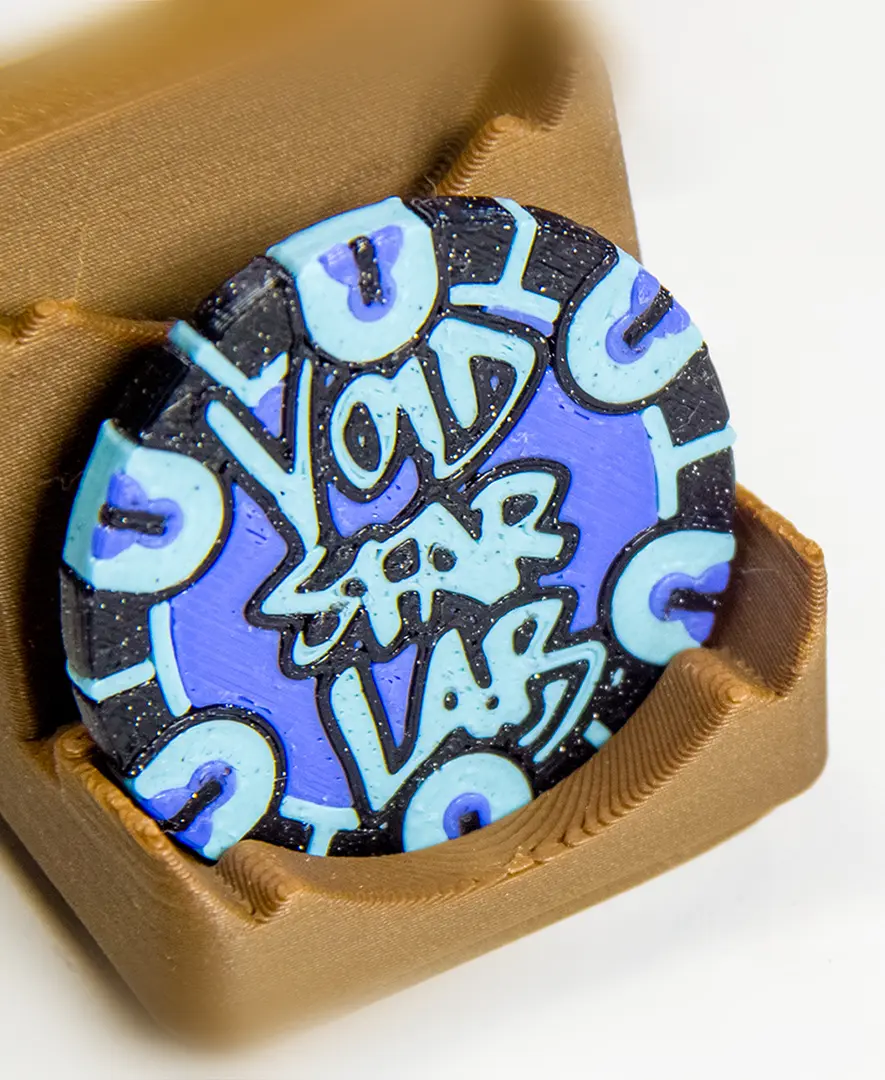
MakerChip Gridfinity Holder (also fits poker chips)
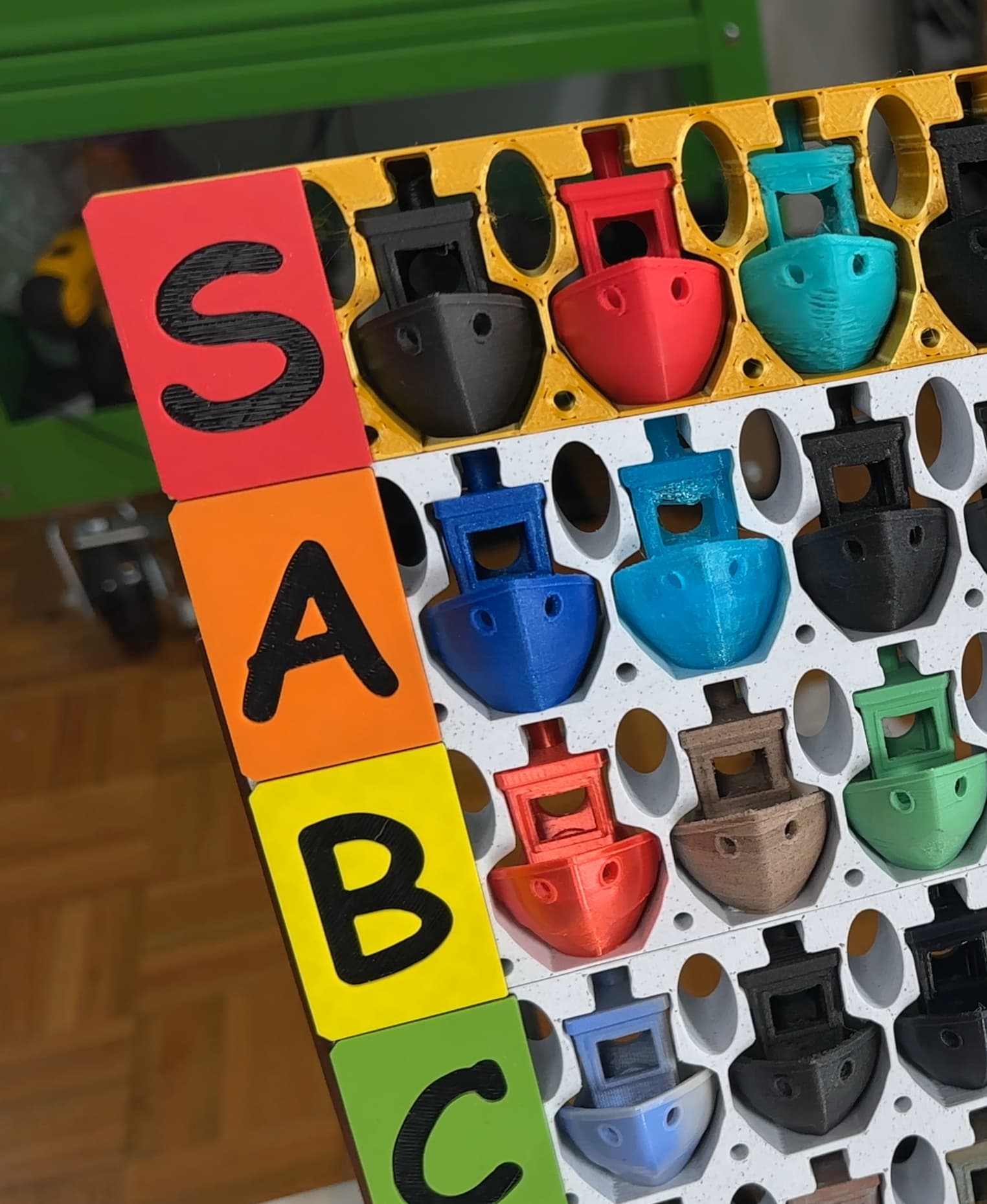
Benchy Tier List!
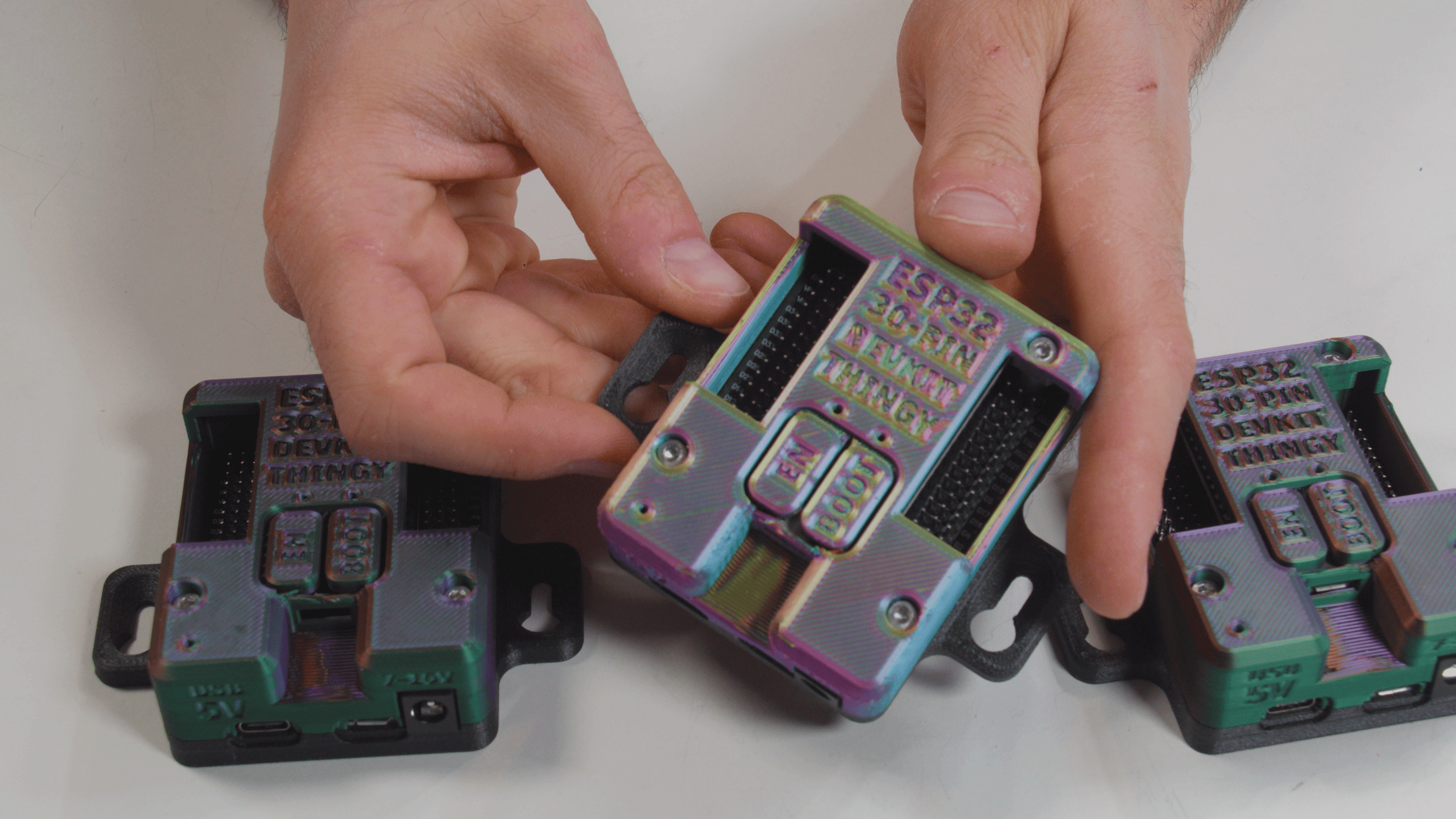
ESP32 30-Pin Devkit V1 Expansion Board Enclosure Thingy
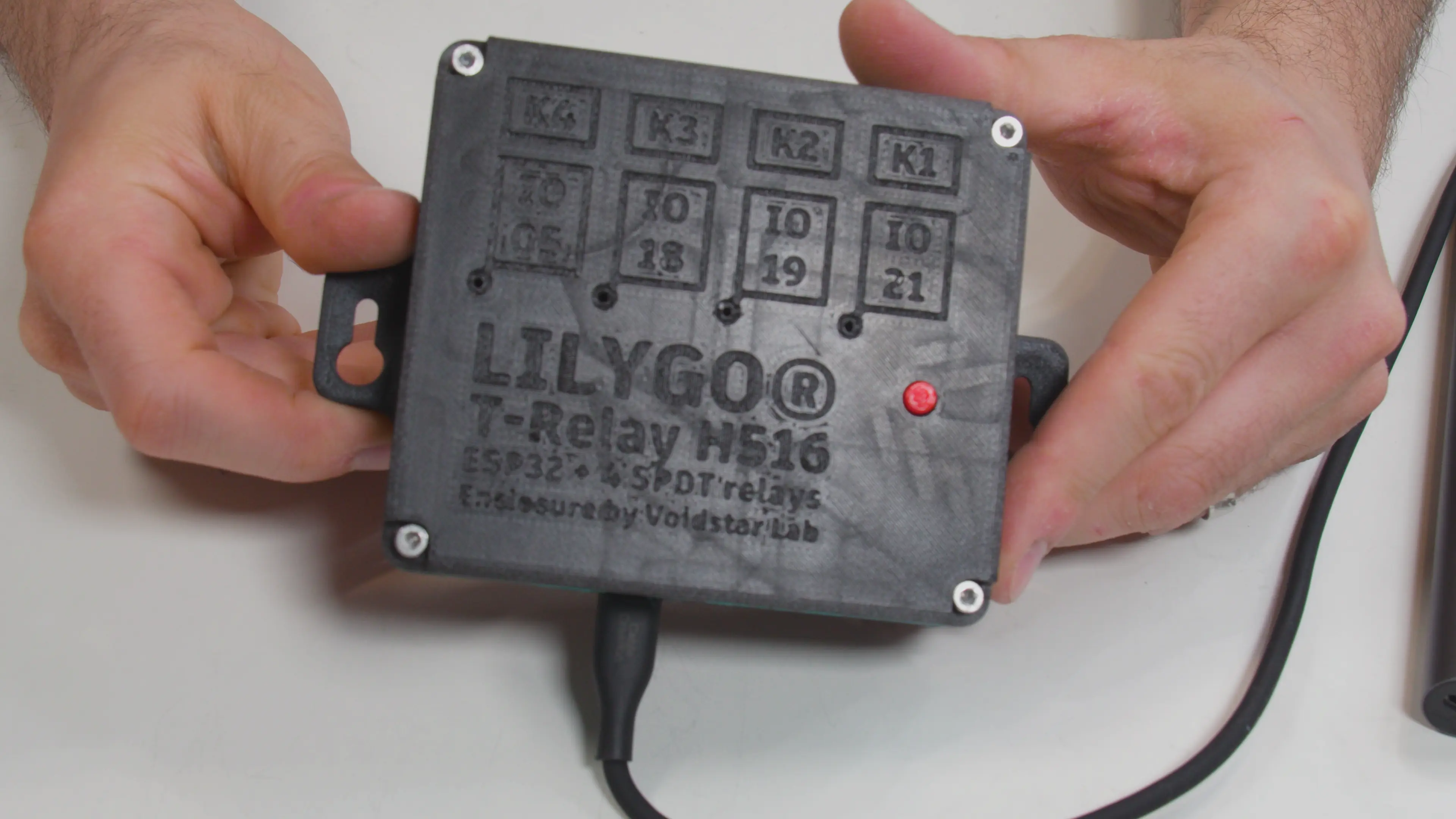
Lilygo T-Relay H516 Enclosure
Hextraction: Take the Tilepill
Extremely fascinating!
anyone know if you have to keep the AUX cable plugged in? can i just use this for like idk a one handed keyboard?
Sorry, for sure it must be late but for anyone seeing this. yes, the side which the usb is plugged in could be used standalone without the aux cable
I was actually gong to ask the same question, since I have never done any projects that involve wiring or electricity.
How do I wire this, I need to know before I decide on this or the Dactyl-ManuForm.
u can find the wiring guide here https://www.thingiverse.com/thing:2704567
Hey Zack, I'm a big fan, thanks for the project idea!