


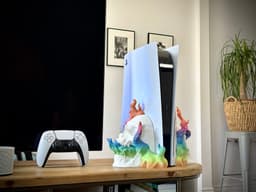


Skull Stand - Playstation 5 Disc Edition - Print-in-Place
Print-in-place No Support Needed It's only for the PlayStation 5 Disc Edition. Not the PlayStation 5 Digital Edition. Check my designs for other consoles
Super easy to print in any color to go along with your TV setup! The model was carefully designed to insert the Playstation 5 like a glove. It is a proper stand; your PlayStation won't fall when docked. The design does not block AirFlow. The PlayStation 5 sucks fresh air from the front and blows the hot air at the back. I added a security indent on the bottom, just in case.
There are 2 parts. You need a minimum build volume of 22x22x22 No support at all; just deactivate them. I recommend some infill (printed with a Giroid pattern at 10/15%) Make sure you do not have any elephant foot to link the 2 parts properly.
3D PRINTING SETTINGS To get the best out of the STL file, please follow these guidelines: • No support is needed to print this dock. Everything is Print-in-Place. • Layer Height 0.2mm • Nozzle 0.4mm • Recommended infill 15%. • Recommended Infill Pattern: Gyroid or Cubic
• Prepare and clean your bed for excellent adhesion. • Make sure your bed is correctly leveled. Then check again :D • Try to hide the seam and place it where nobody will pay attention. • Make sure your printing and bed temperatures are adequate for the filament you are about to use.
Skull Stand - Playstation 5 Disc Edition - Print-in-Place

JoyCon Cup Switch 2

Vase Station - Set of 3
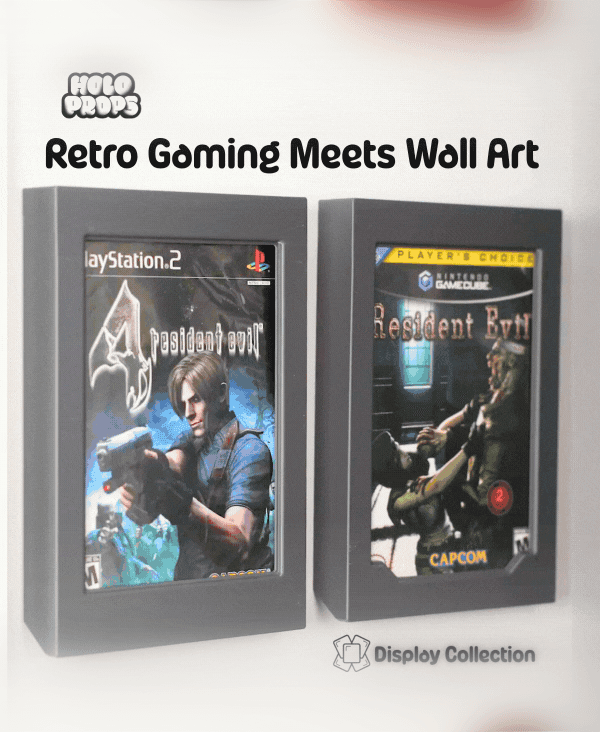
DVD Frames - DISPLAY COLLECTION
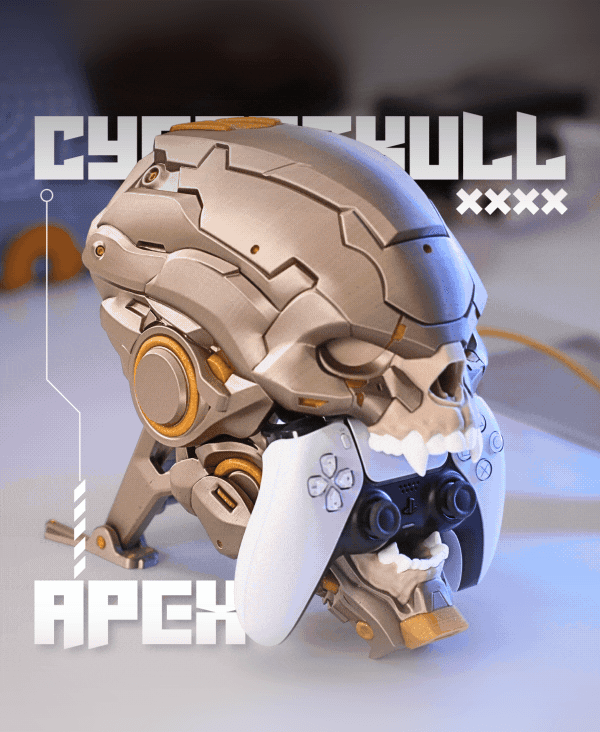
CyberSkull Apex

MechDam Dock Switch 2

MechDam Dock Switch 1
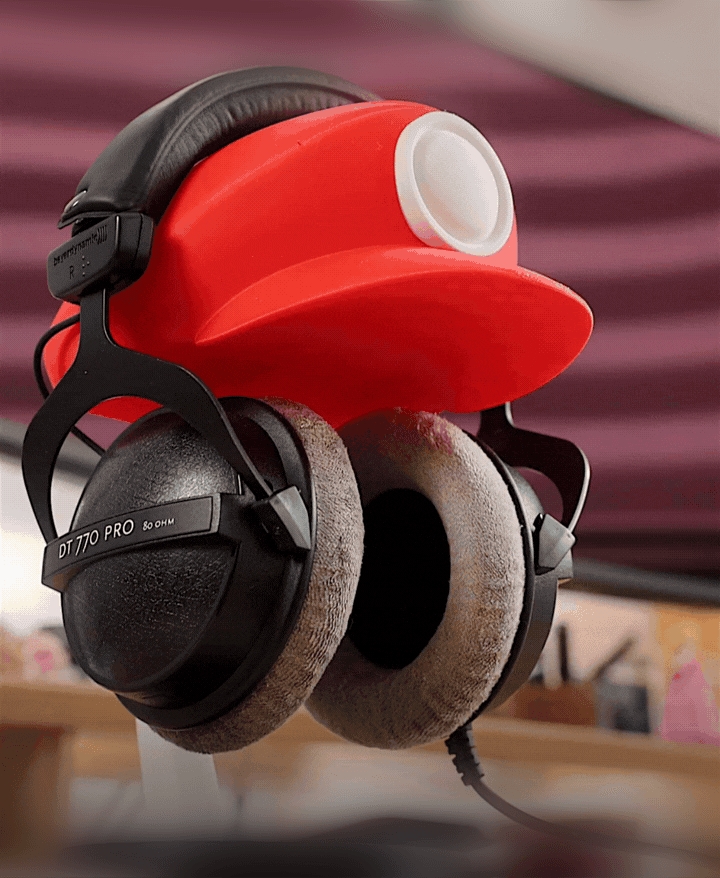
Plumber Cap Headphone Stand
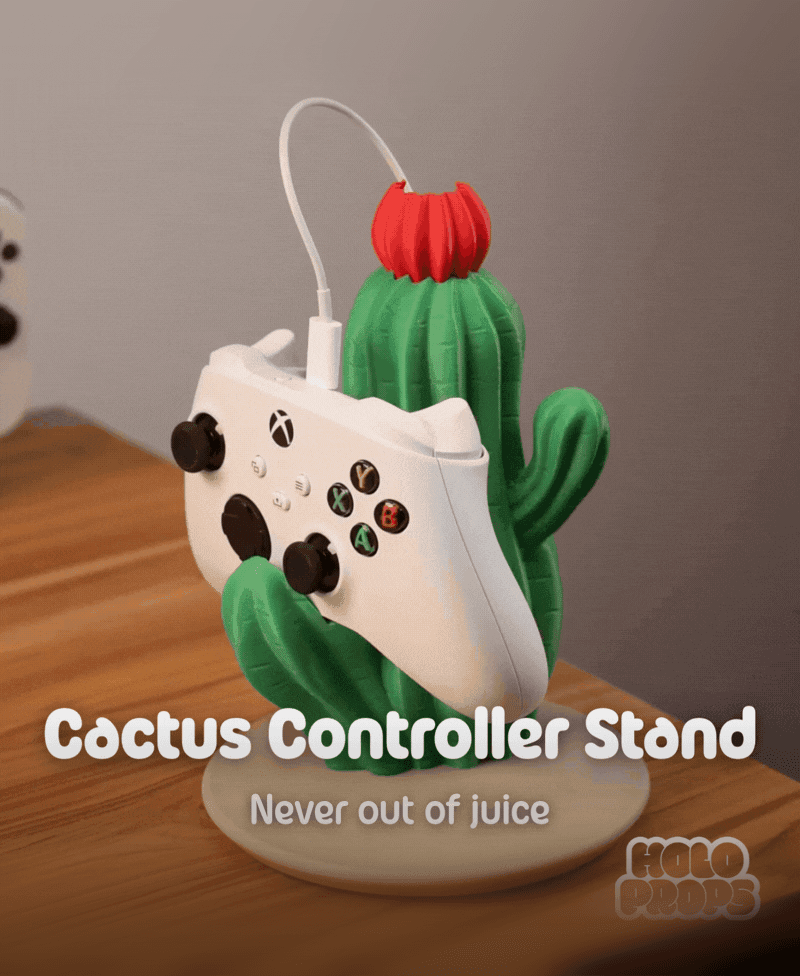
Cactus Controller Stand - Cactus Series

Magnetic Keychain for the Display Collection

Classic Blu-ray Frames (PS, Xbox, Movies, Steelbooks) | DISPLAY COLLECTION
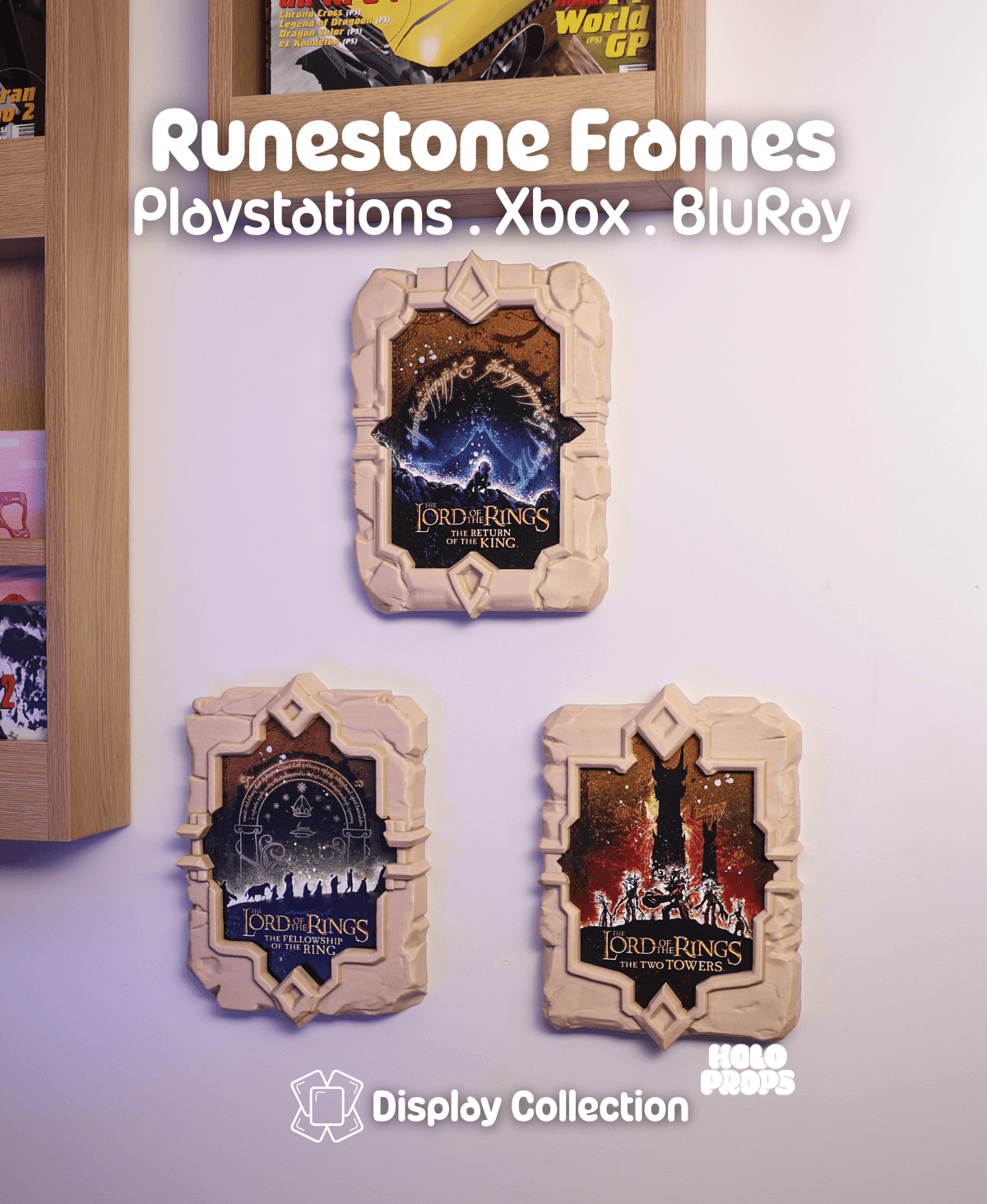
Runestones Blu-ray Frames (PS, Xbox, Movies, Steelbooks) | DISPLAY COLLECTION
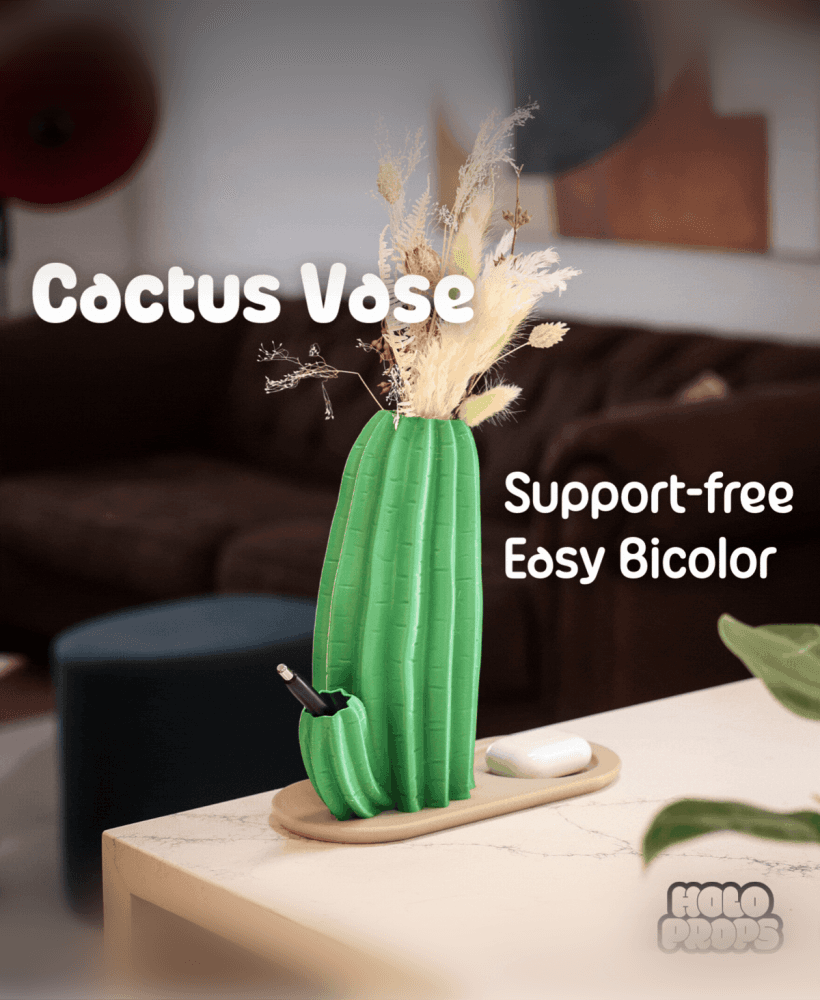
Cactus Vase - Cactus Series
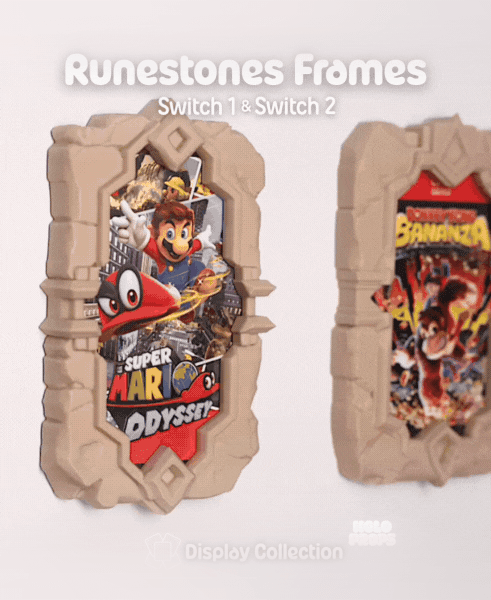
Runestone Frames - Switch | DISPLAY COLLECTION
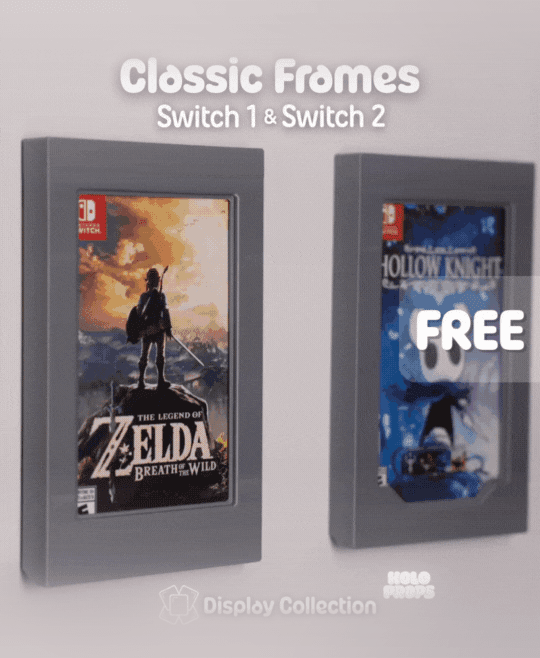
Classic Frames – Switch | DISPLAY COLLECTION Free Model
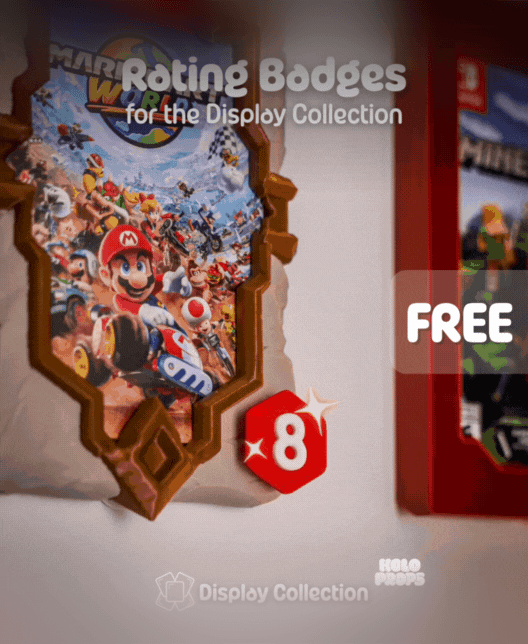
Tier List Badges | DISPLAY COLLECTION - Accessory Set

Tier List Badges | DISPLAY COLLECTION - Accessory Set

Knitted Cozy Pillow
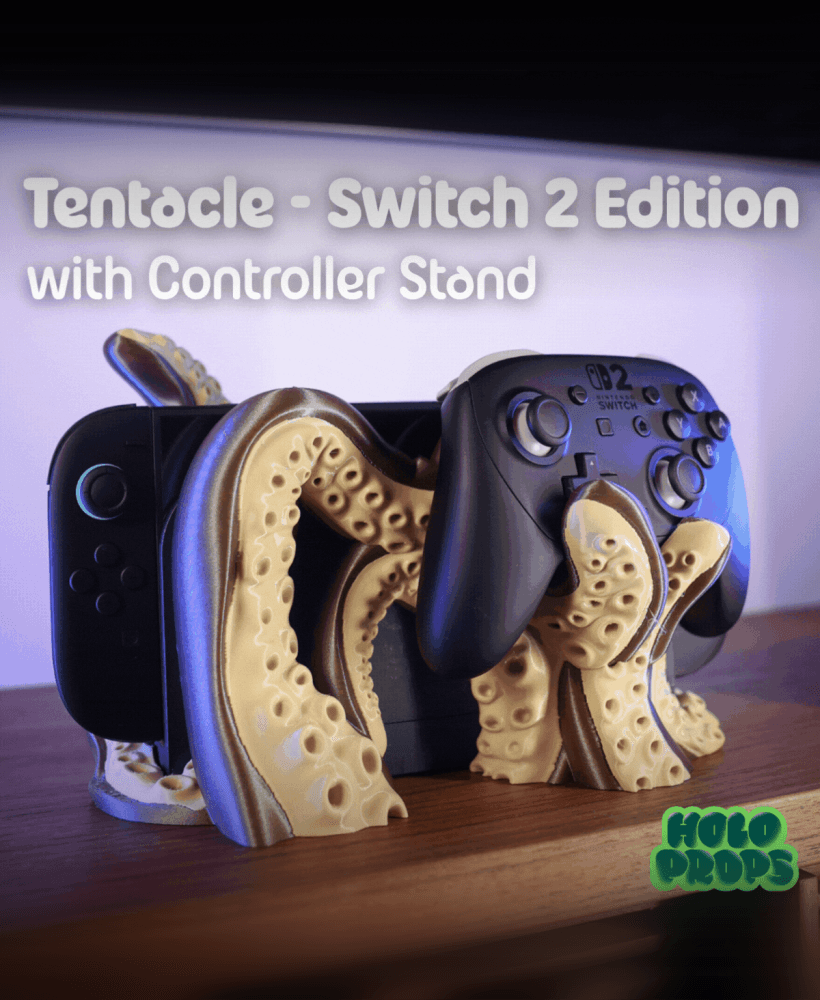
Tentacle Dock – Switch 2 Edition
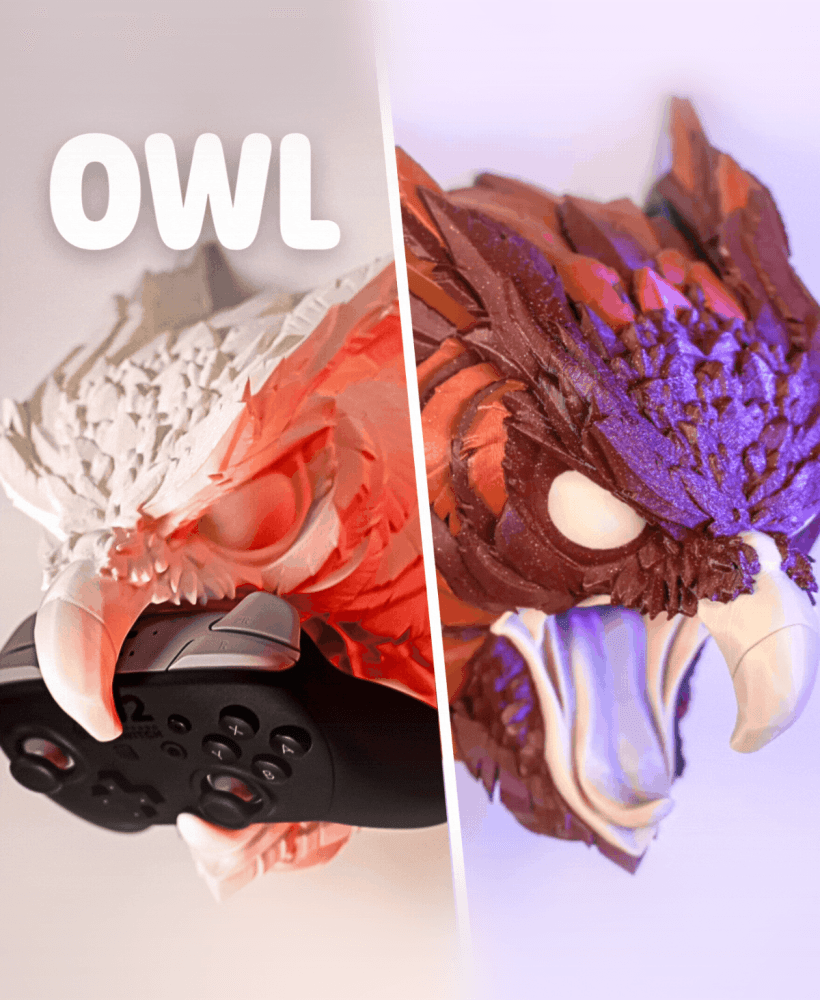
Owl Controller Stand - Creature Series #6
How did you print it to be this multicolor?
Would love to know how you printed the flames in a different color without a ton of material wasted from purging
Wouldn’t that just be rainbow filament?
como faço pra imprimir as chamas de uma cor e a caveira de outra cor ser desperdiçar filamento ?