


_Low.png&w=256&q=75)
Obital_Launch_Mount(OLM)
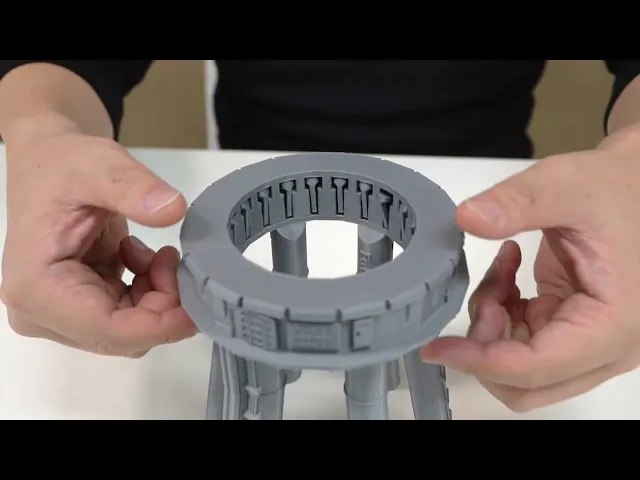
The launch mount of the super heavy booster was also designed. The feature of this Launch Pad is that several small legs support the Starship as it unfolds inside the Launch Pad. To make this structure, we tried a lot of experiments and finally succeeded.
The 20 small legs that support the Booster are lifted slightly and put inside so that they hang over the internal structure and do not fall out.
This launch mount consists of two parts, and three protrusions are inserted. If the connection of these protrusions is weak, it is recommended to use adhesive to connect these two parts.
To put Booster on, first,
- Slide the 20 small legs in.
- And after placing the booster at the center, push the lower ring upwards. 3) Slowly push up this ring in several places, and 20 small legs will come down in the direction of the booster in the middle.
- The 20 small legs should be located between the engine and the booster.
- When all the small legs come down, it will support the Booster very strongly.
- Putting a Starship on top of the Booster is enough.
Please check the video for the detailed process.
Building process of Orbital launch mount - https://youtu.be/lIeCsIhhdnA?si=CXy6pYQx7TBdiTu9
Scale 1:144
Biggest part size X : 137mm, Y : 131mm, Z : 128mm
Design by GOODesign
Obital_Launch_Mount(OLM)

Roberto - Foldable Robot

M4A3E8 Sherman - Fury

Knight Bus Conversion Kit (FREE Add-On Pack)

GIR – Foldable Robot

Nissan Skyline GT-R R34 – Foldable Model

Fab365_Foldable_Fireplace_Inner part.stl

Foldable AEC-Regent 3 Red bus Double decker -1937
Typewriter shape SD card Holder

Papercup_holder_tall_size_Print_in_place
GOODesign_Foldable_Dodge_Charger_Body.stl
Piranha Plant- Extendable Scissors
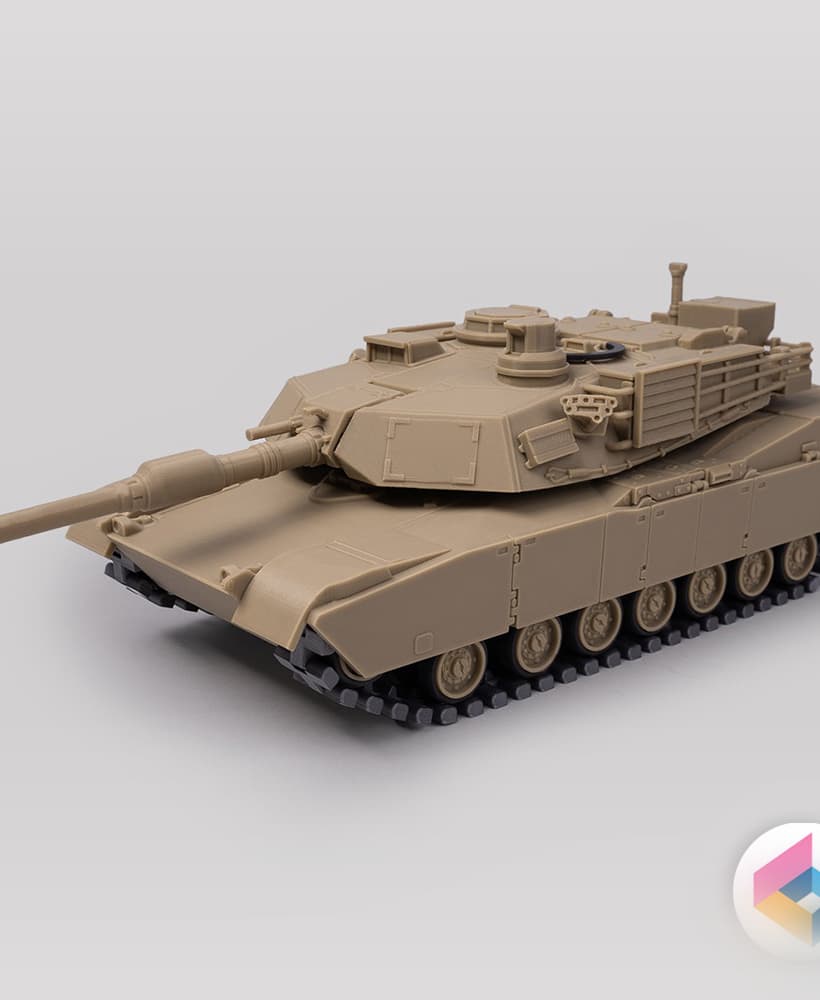
M1A2 Abrams tank - foldable

Foldable car G-wagen W460 230G

General Lee - Dukes of Hazzard- No flag version

Super heavy booster concept

Foldable Porsche 911 Turbo Ver 1.0
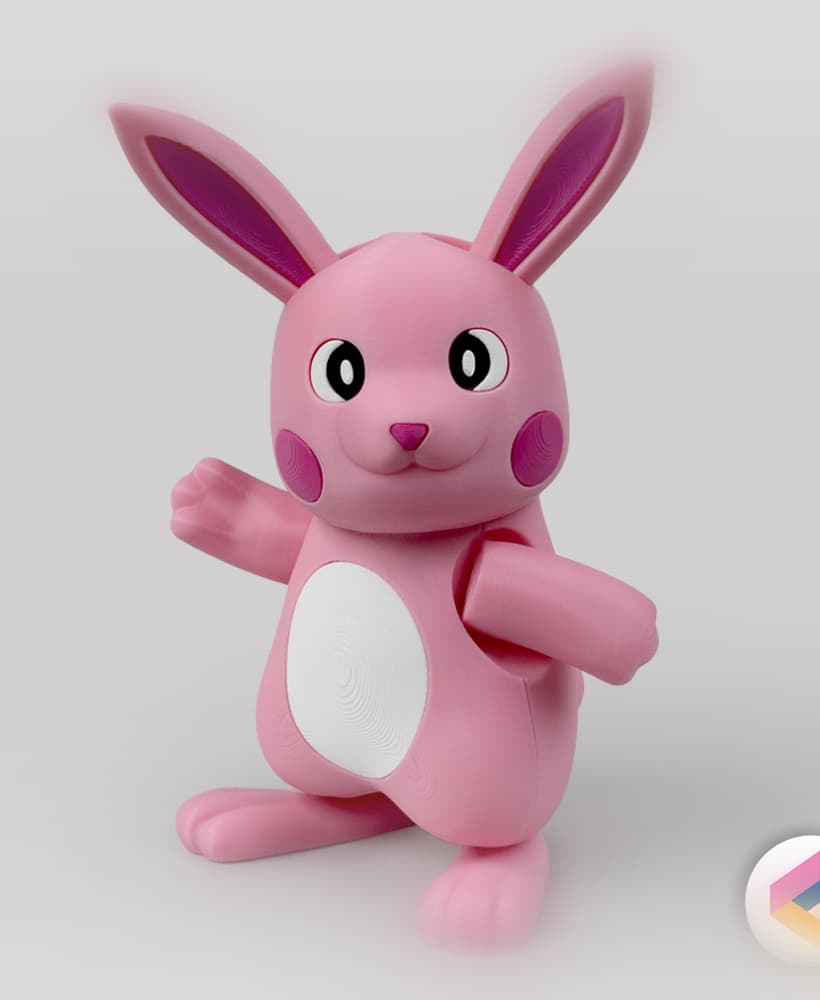
Foldable Easter Bunny based on Pikachu
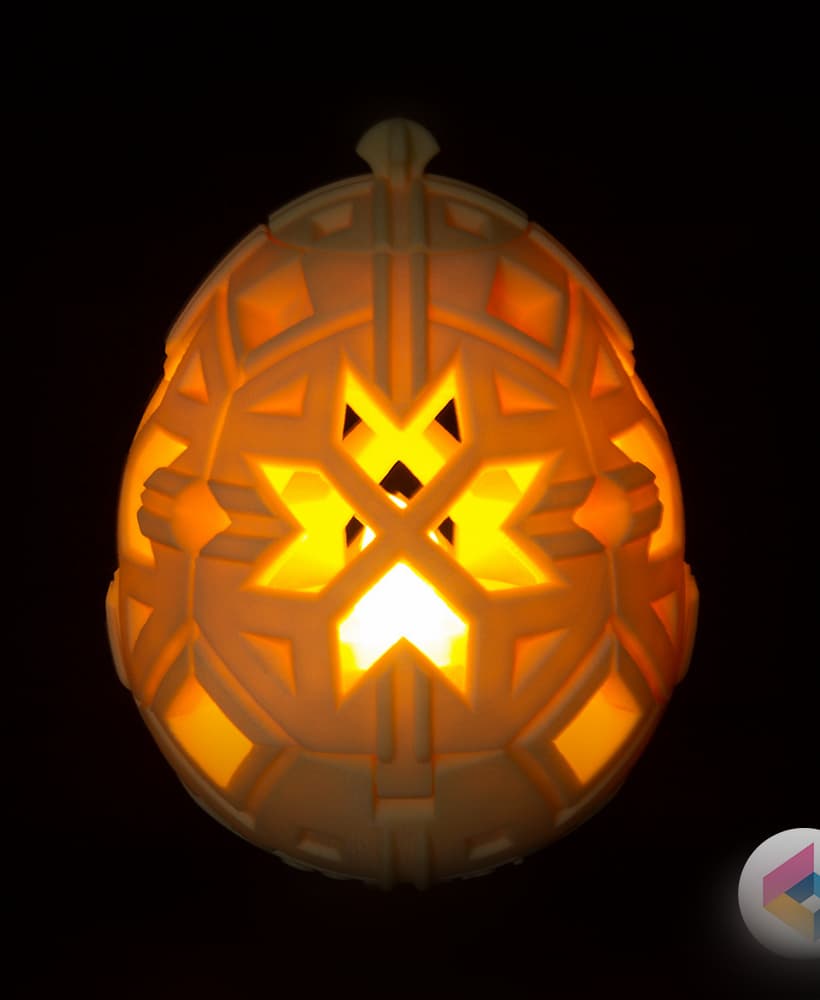
Easter Egg lights

Easter bunny bank(Foldable)
