

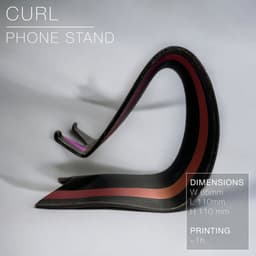


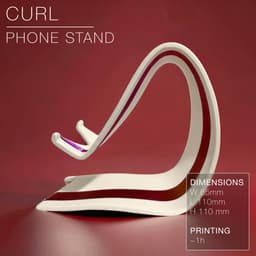



CURL | Phone Stand
93 downloads · 3 years ago · **CURL | Phone Stand**
Meet our CURL phone stand, designed for fast-print (~1h) and robustness than
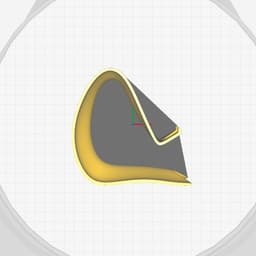
3D PRINTING SETTINGS
Resolution: 0.2mm / layer or less
Wall count: better with 3, so you won't need infill
Build adhesion type: ~4mm brim
Supports: None
Infill: None
If you want to print it with a stripe as on the pictures, add a "custom code" for filament change in your slicing software of choice.
For the effect as on the pictures I set the first filament change at layer 40, then next filament change at layer 80, with a resolution of 0.2mm/layer.
To do so, first, slice your model.
Then, in CURA go to:
Extensions > Post Processing > Modify Gcode > Add Script > Filament Change
And in there you input the layer where you need the filament change to happen.
Slice your model once again so it updates your Gcode.
And there you go! Ready to print!
CURL | Phone Stand
93 downloads · 3 years ago in and

SINE | pendant light E27/E26

COROA | pendant light E27/E26

MALLA | woven fruit bowl

MALLA | key bowl
FALDA | Pendant Light E26/27

MALLA | Woven String Art Deco

SAKURA | Pendant Light E26/27
Bundle

SAKURA | Scalable Pencil Holder

MALLA | nut bowl
![SAKU[MINI] | Table Lamp E14 & E26/27 3d model](/_next/image?url=https%3A%2F%2Fstorage.googleapis.com%2Fproduction-thangs-public%2Fuploads%2Fenhanced_images%2Fv1%2F421bb906-ca95-4bc9-9dba-a6fd01fd6885%2FSAKU%255BMINI%255D_table-lamp_perspective-ON.jpg&w=3840&q=75)
SAKU[MINI] | Table Lamp E14 & E26/27

SAKUMI | Table Lamp E14 & E26/27
Bundle

SYZYGY | Heart Vase, scalable
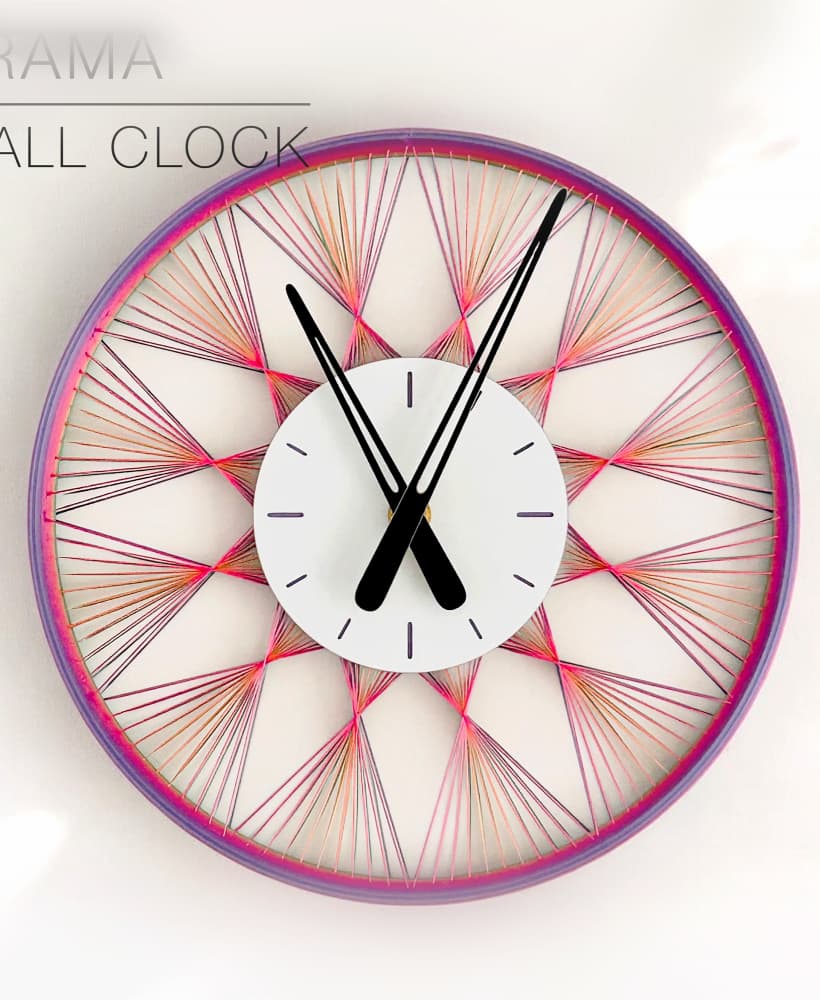
TRAMA | Wall Clock
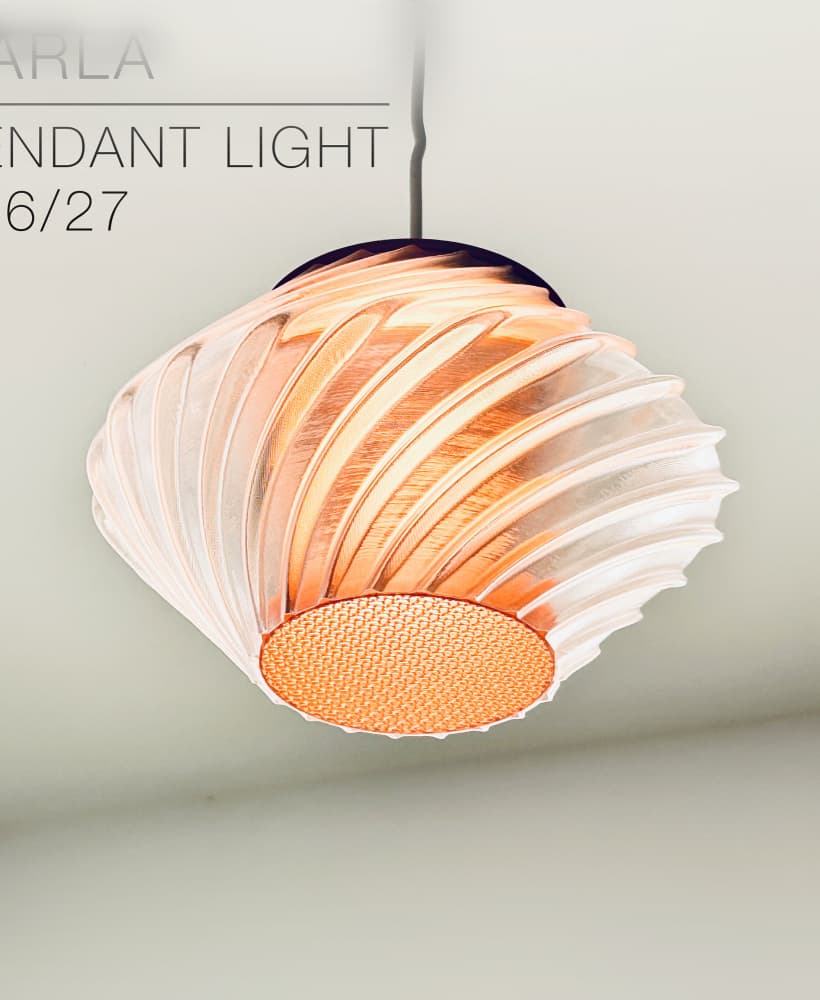
CARLA | Pendant Light E26/27

ORB XY | String Art Pendant Light

NINA | Toothbrush cups

PICA | Brush, print-in-place

MORPH | Stackable Egg Cup

ARYZ Divide | Pendant light E26/27
