
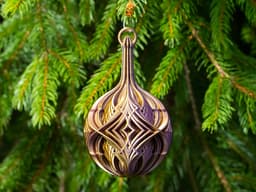
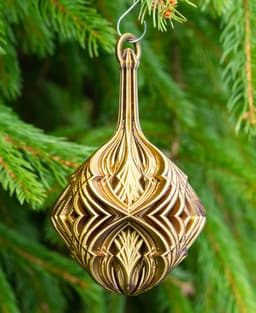
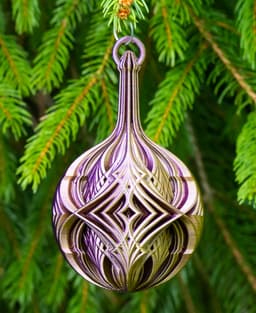

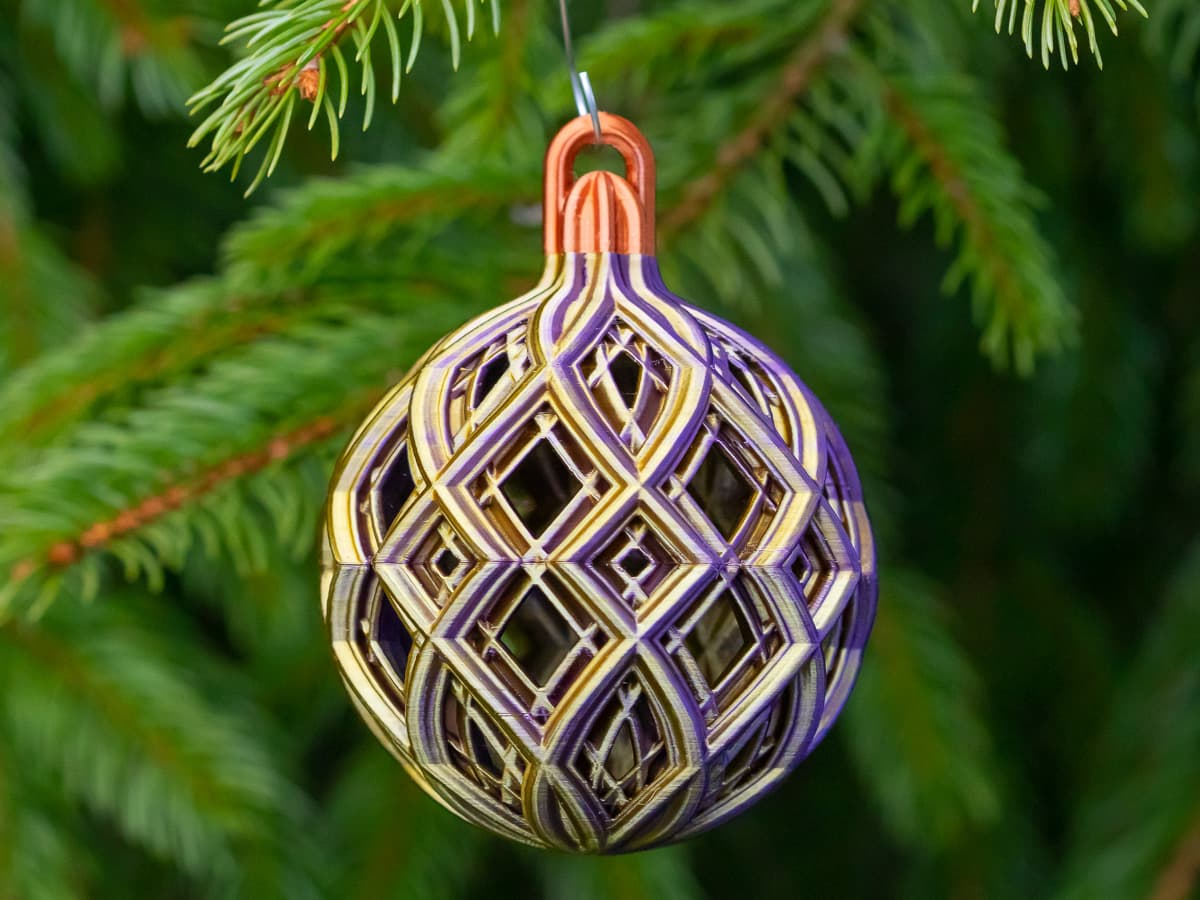
Christmas Ball with Intersecting Diamonds
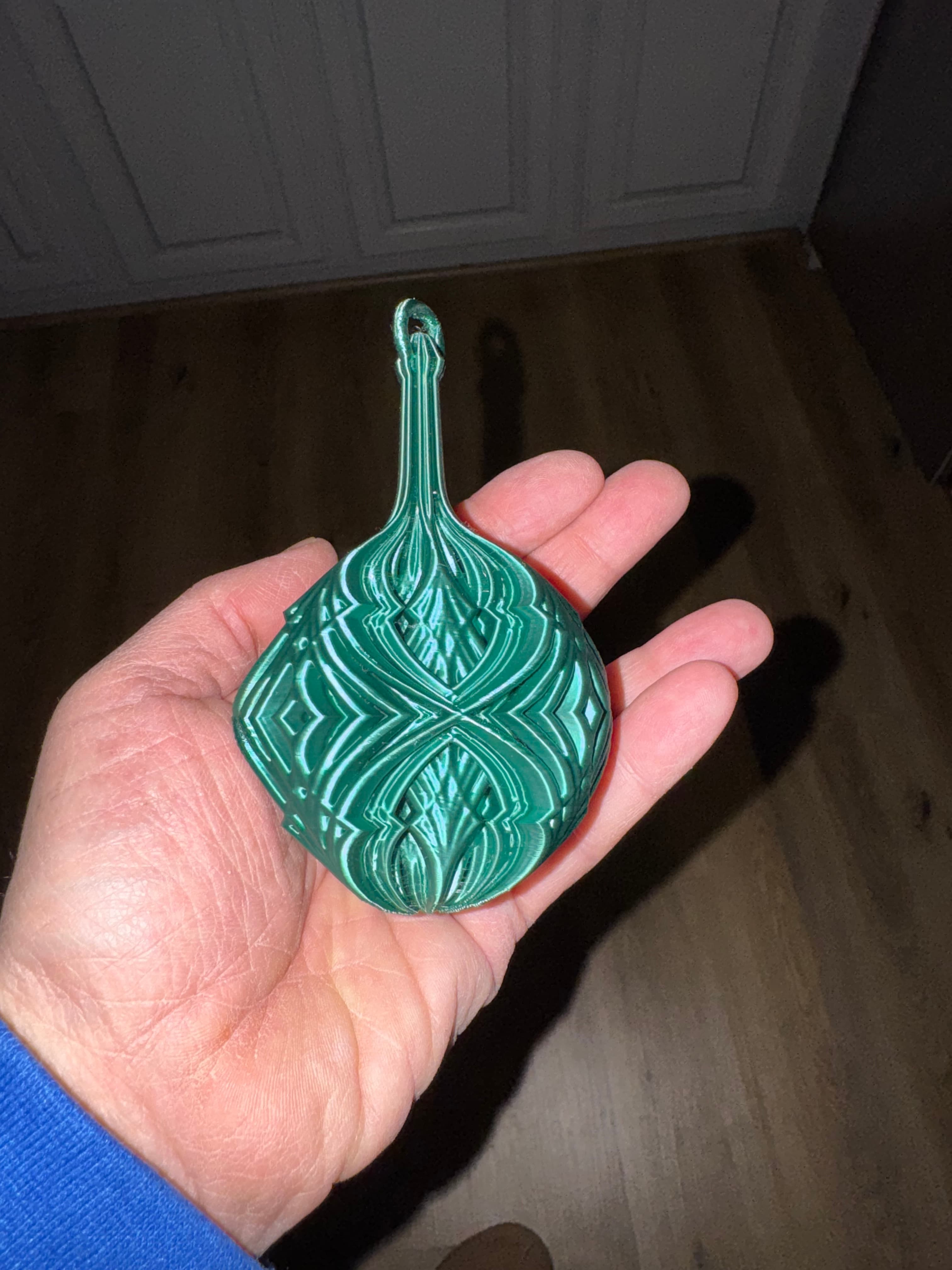
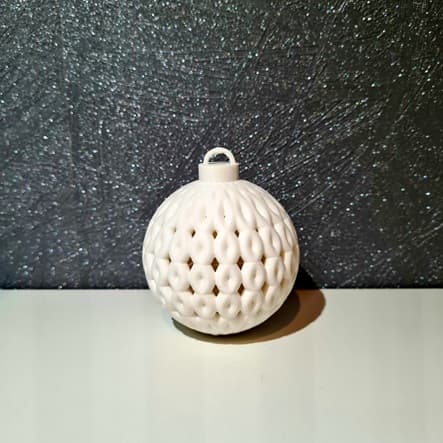
An elegant holiday decoration created by overlapping diamond patterns over a basic ball with stem. The ornament is printed as a single piece. It requires some infill, but only in certain places.
Update: I've uploaded new PrusaSlicer 3MF and GCODE files (look for “New settings” in the file names). These keep the hot end at 190C and use other techniques to cool the filament, so it's less likely to clog. I made a few other changes, too, so it's a little faster, uses less filament, and the final print is lighter.
Not for commercial use. Please see license agreement.
The ornament prints very well with the standard 0.4mm nozzle but prints even better with a 0.25 nozzle.
I've provided my PrusaSlicer 3mf file (for 0.4mm nozzle), which includes all the height adjustments to minimize weight while providing the necessary top, bottom, and infill needed for a beautiful print. Some supports are needed, but not a lot. I used organic supports.
I included GCODE in my 3MF file to reduce the nozzle temp at key places to avoid having the filament overheat. The nozzle starts at 200c and decreases at key points down to 180c. You may need to adjust these based on your filament.
The filament shown is MatterHackers Quantum Purple Gold. The design will look good in a variety of filaments, from single color silky or glitter filaments to rainbow and 2 or 3 color filaments.
Have fun and if you like how it turns out, please post a make.
Happy holidays!
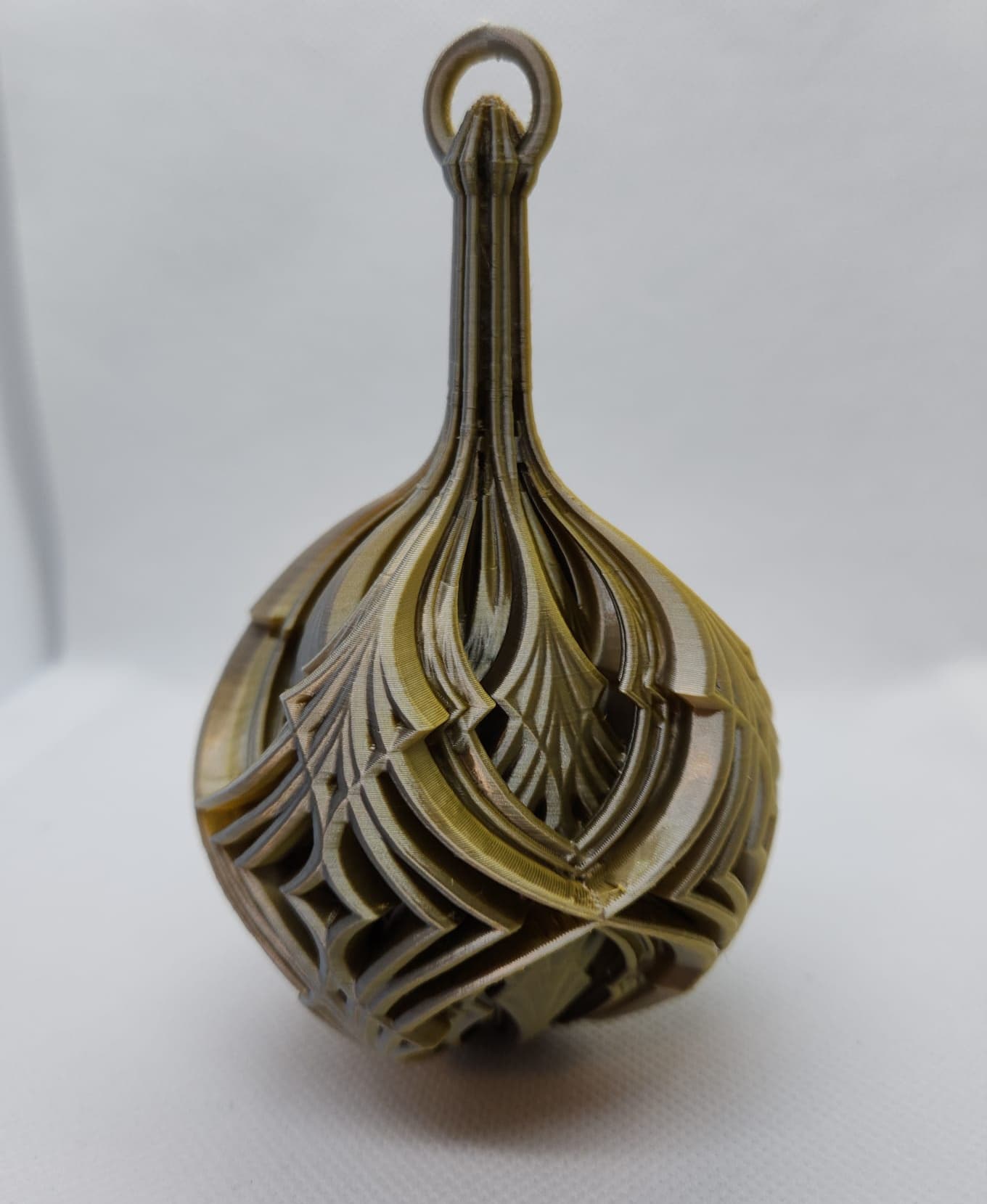
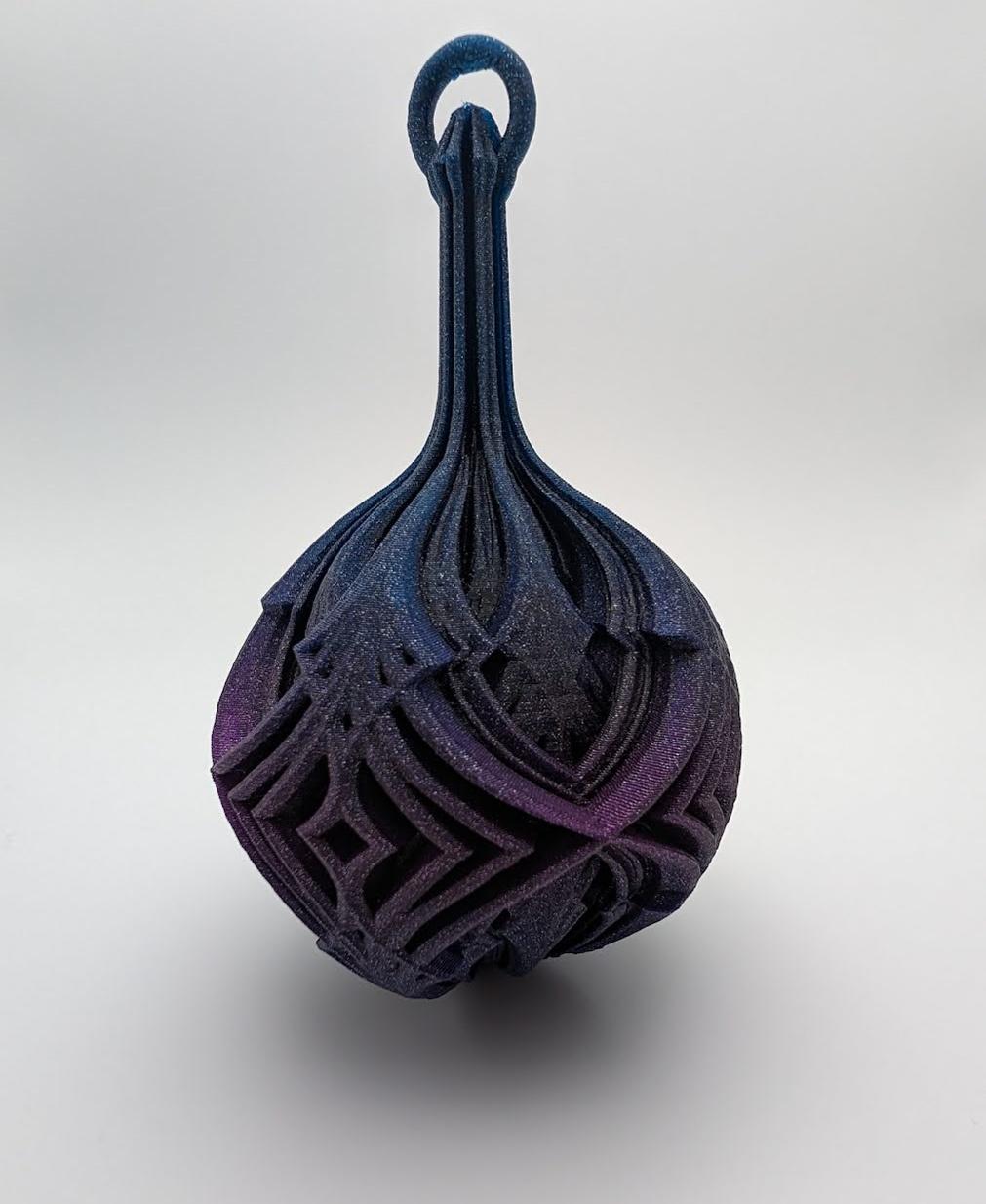
Christmas Ball with Intersecting Diamonds
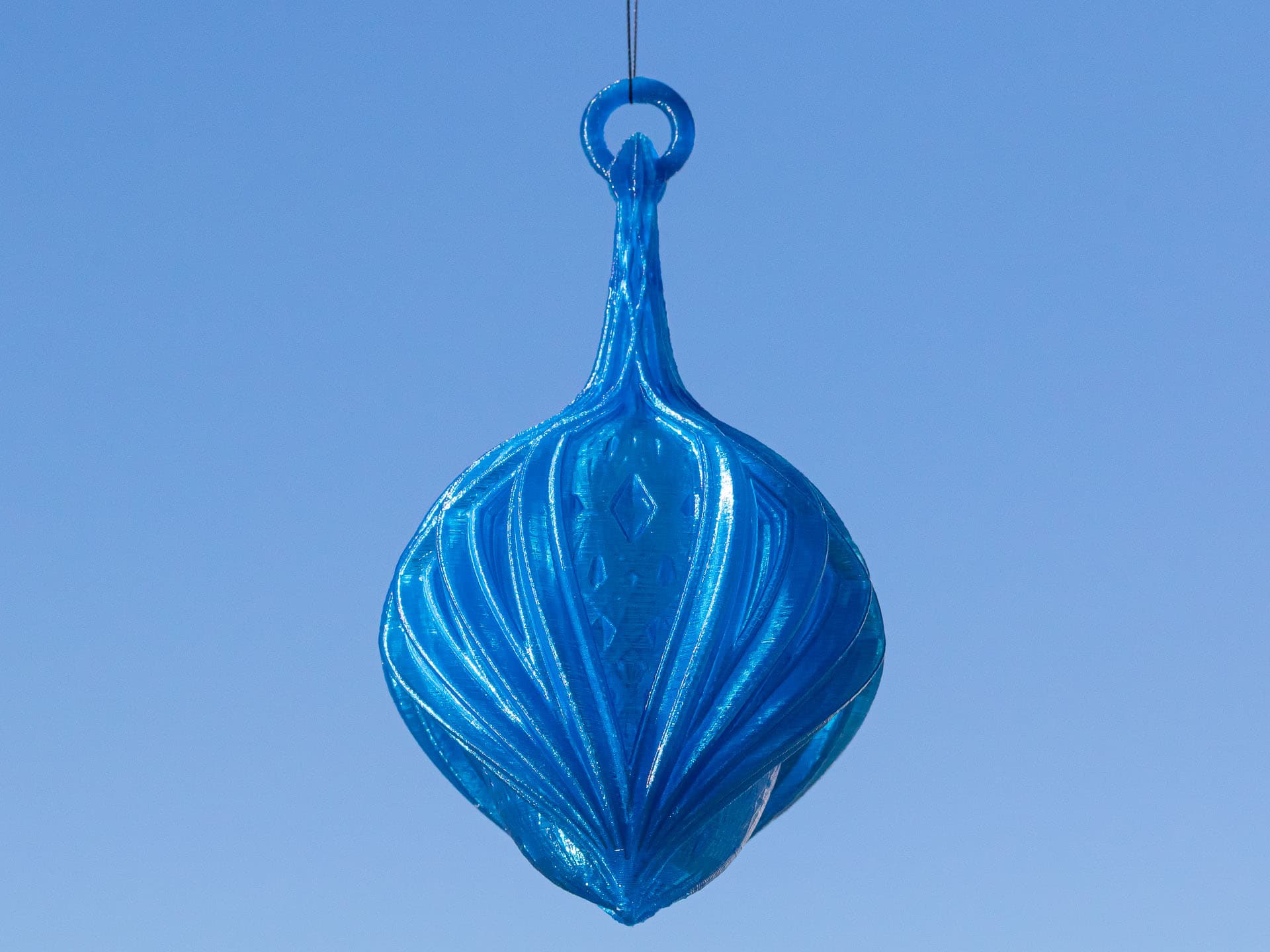
Winged Kaleidoscope Christmas Ball
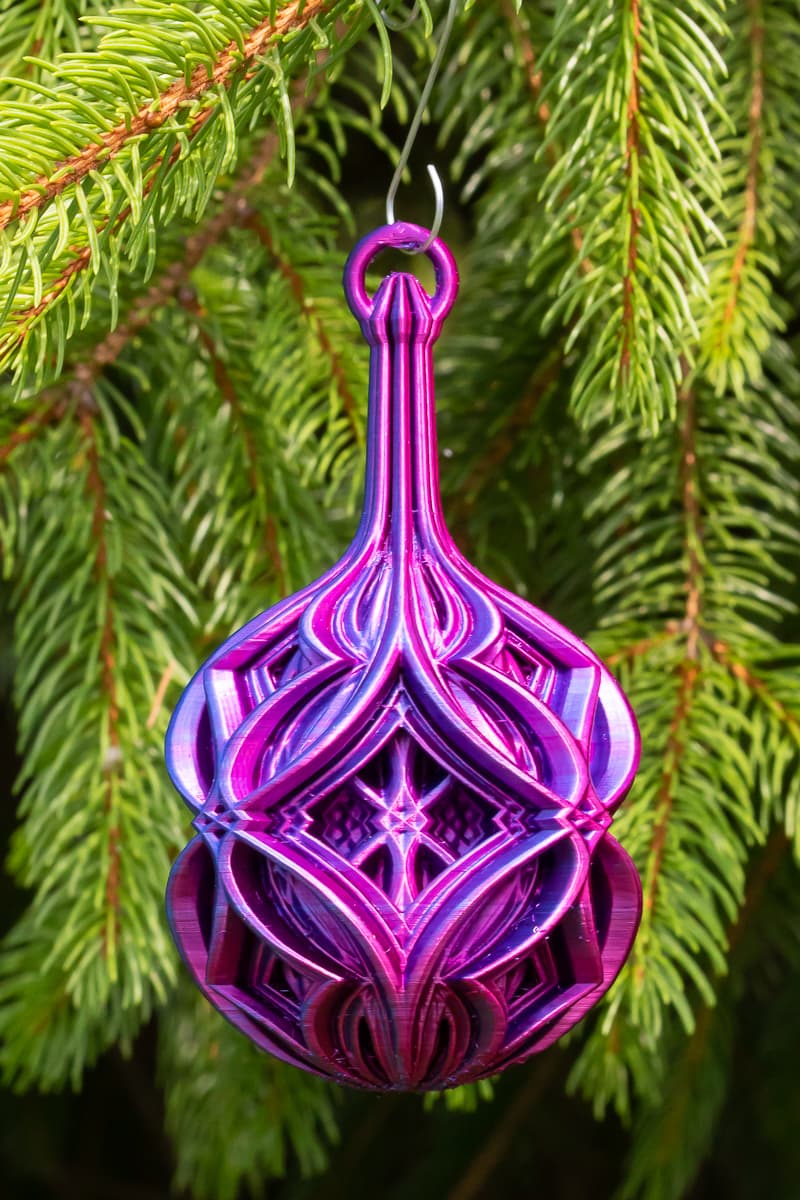
Christmas Ball - Alternating Diamonds
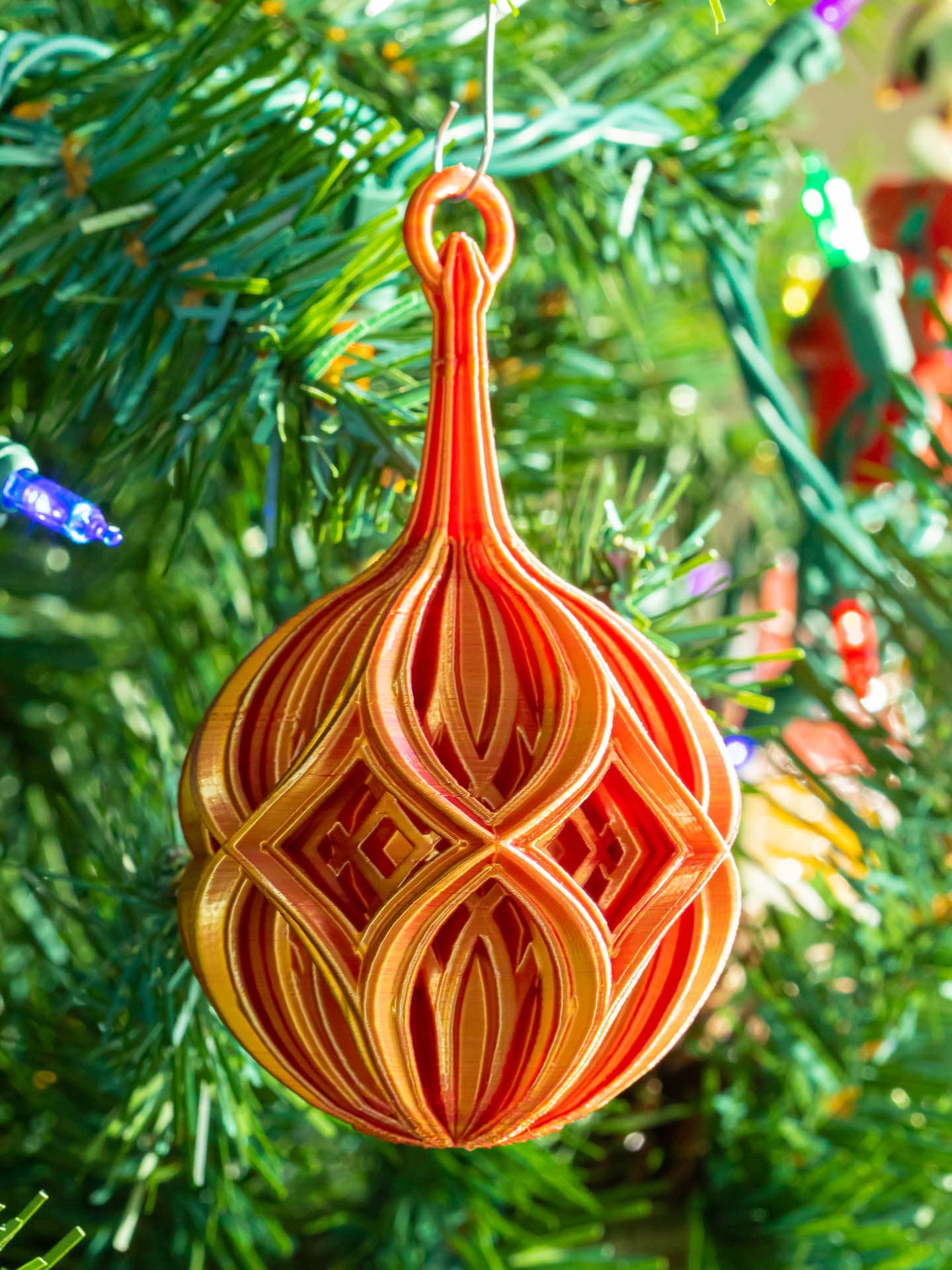
Diamond Christmas Ball
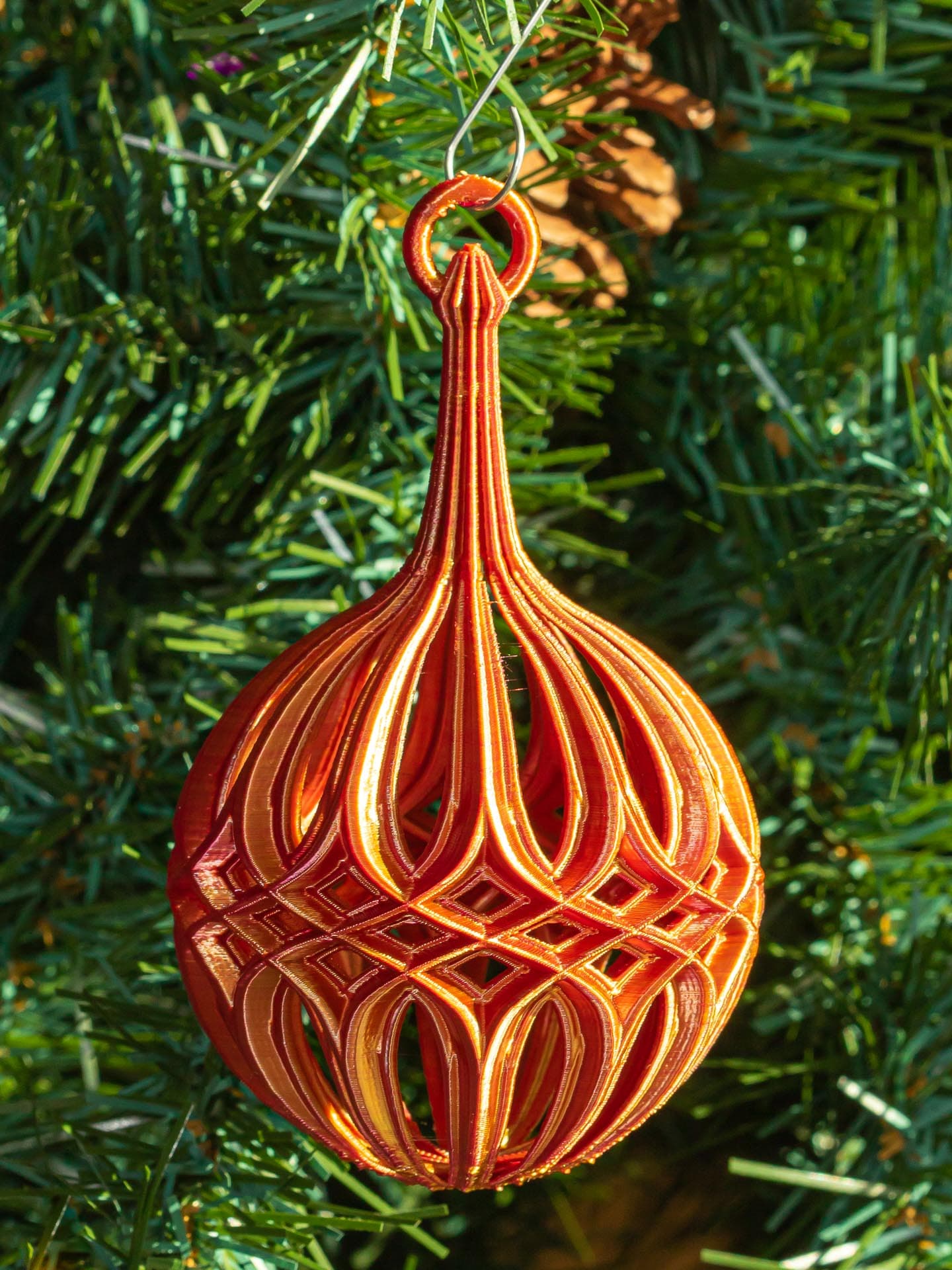
Diamond Christmas Ball Design 2

Stacked Diamond Christmas Ball
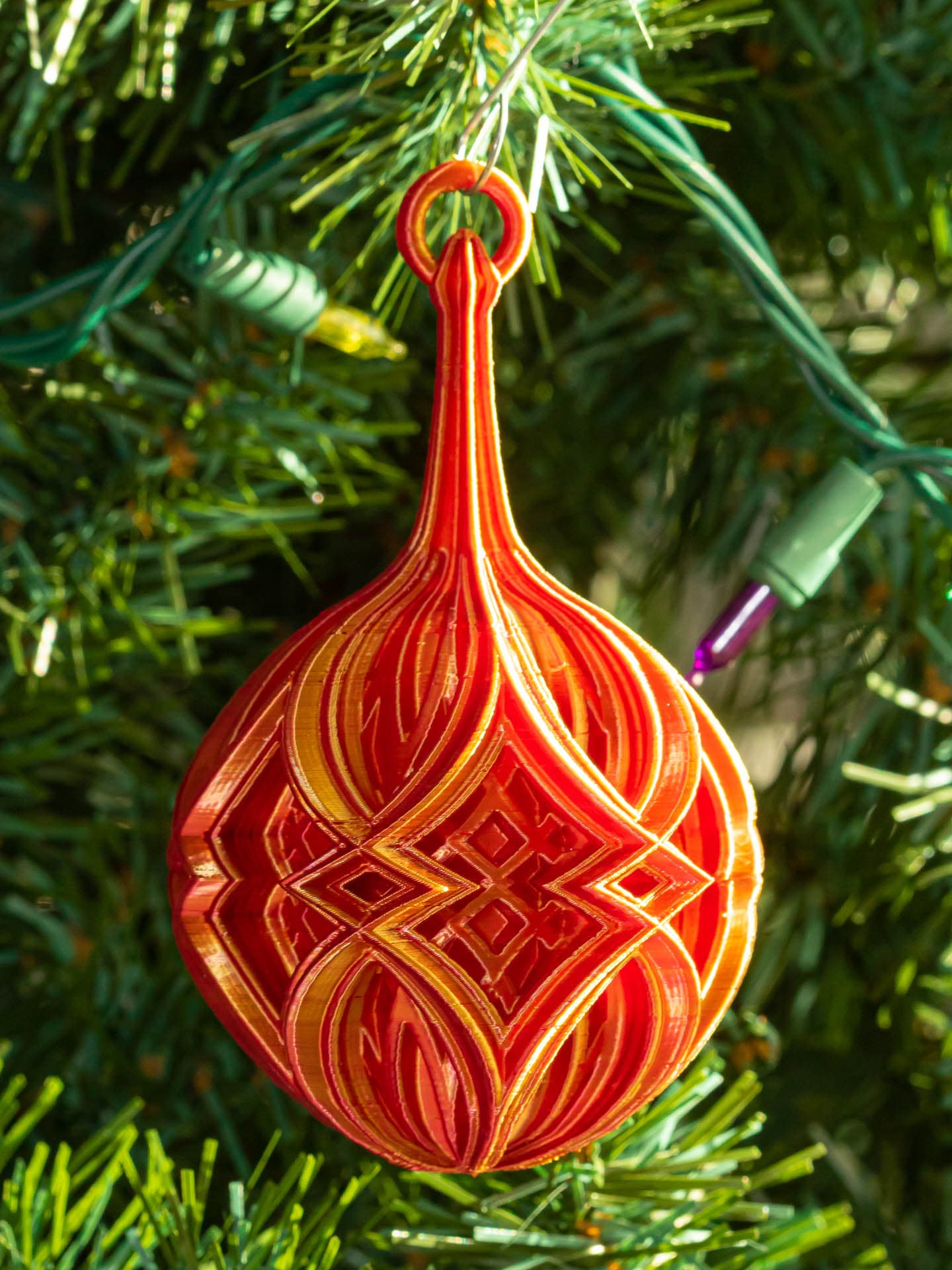
Double Diamond Christmas Ball
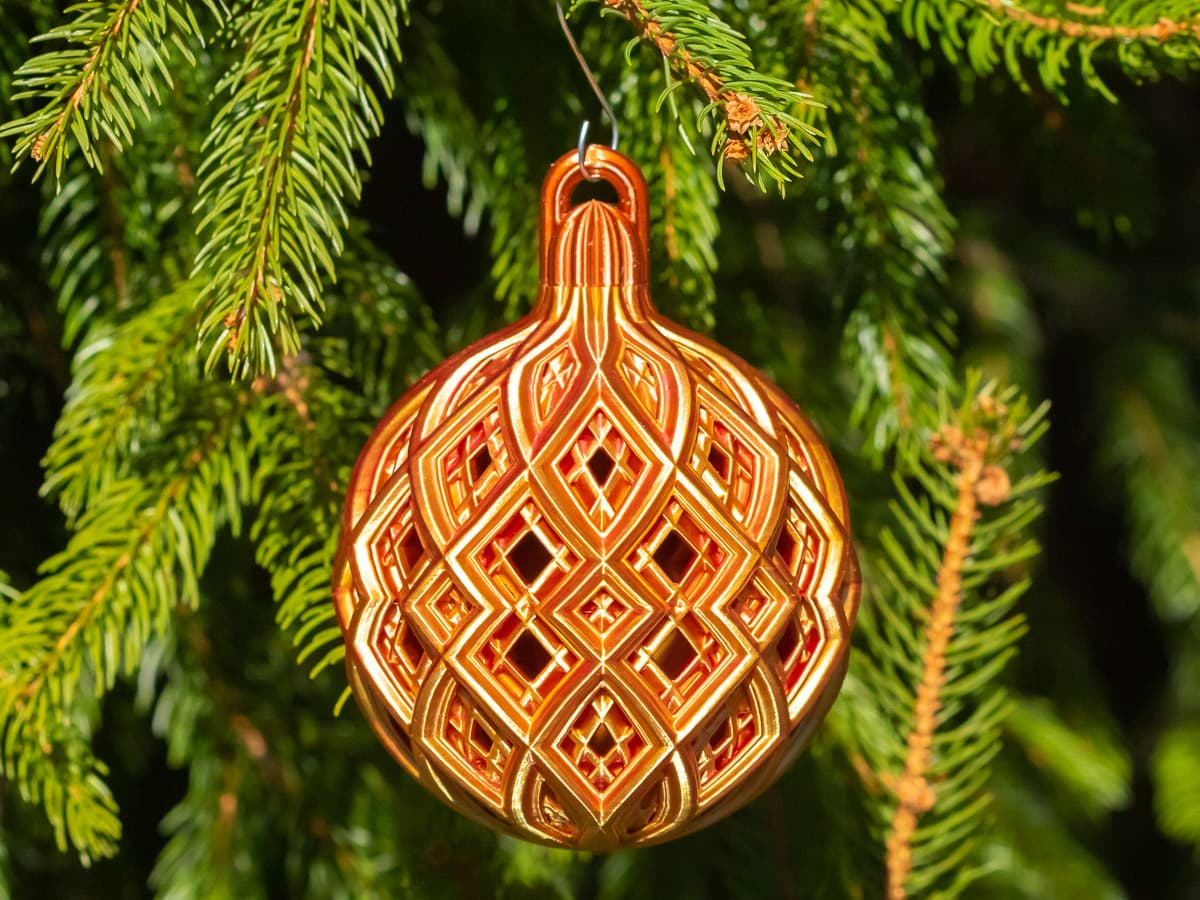
Christmas Ball - Fine Diamond Lattice
Christmas Ball - Medium Diamond Lattice

MELTING CHRISTMAS BALL / UNIQUE CHRISTMAS DECOR / HOMEDECOR / DESIGNER
Christmas Accessories Vol.1 – 3D Printed Christmas Ball Ornament

Remix of Christmas scene in Christmas Ball
Christmas scene in Christmas Ball

Gift balls, Christmas tree ornaments.

Christmas Ball Ornaments

VANOCE | String Art Ball, Christmas Tree

VANOCE | String Art Flat Ball, Christmas Tree

Customizable deer Christmas ball
Braided Christmas ball 100mm
braided christmas ball 60mm

Ended up at 198 (silk PLA / dual color), with the print slowed down a bit in the control panel because of minor skips in the supports. Already adjusted in the slicer for the next print. It's at the point where I'm pretty confident it will finish. Beautiful pattern!
Also had to adjust infill speeds, the infill layers started to cause skipping with the faster volumetric flow. Second fail ☹️. And I see why you wanted to print so cool, you have some steep overhangs, especially in the first layers. Trying to slow it down instead.
Had to remove the gcode that reduces temperature - going down to the 180s is simply too low, was causing the extruder on my Mk4 to skip, eventually stop extruding and had to restart the print. PLA doesn't "overheat" at temperatures below 200, as it can usually handle 210.
Adjusting the cooling thresholds in PrusaSlicer is the better way to deal with cooling issues anyways, I've reduced the minimum print speed to 10 mm/s, hopefully that helps. Will know in a few hours, I guess.