
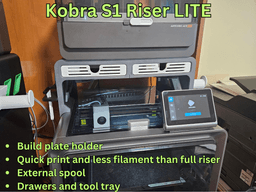
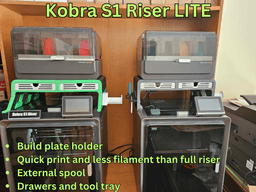


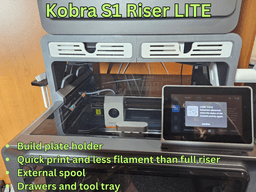

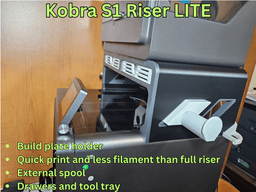

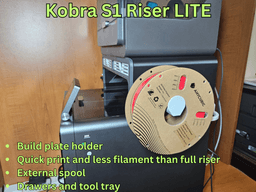

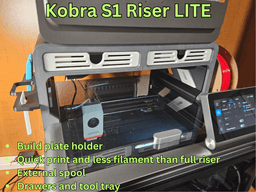


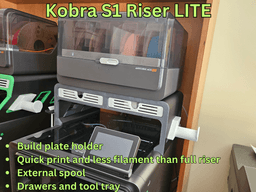

Anycubic Kobra S1 Riser LITE
The Kobra S1 Classic Lite riser works for both the Ace-pro and the Ace-pro 2.
NEW: 2026-6-16 Added a universal version of the Kobra S1 riser LITE which works with both the Ace pro 1 and the Ace pro 2. Please download and use the files "Kobra S1 LITE Universal". The only change is the removal of the pads and modification of the top profile on the left and right cabinet (with the drawers)- no need to reprint the rest. I have left all other versions there for backward compatibility. I have verified the design but have not test printed it. If there are any issues please let me know so that I may correct them. Thank you.
NEW: Added an Ace-pro V1 to Ace-pro V2 adapter. Free to download on Makeronline: https://www.makeronline.com/en/model/Ace-pro%201%20to%20Ace-pro%202%20Adapter/279394.html?trackModuleType=10
This model is a riser for the Anycubic Kobra S1. It is a LITE version of my S1 Riser. It does not have all the features but is quicker to print and uses less filament (a little more than half a spool). It requires about 1.5 kg.
The LITE riser sits on top of the Kobra S1. It does not have the LED tracks, a sign and the build is more compact.
The full version S1 riser is available here: https://cults3d.com/en/3d-model/tool/anycubic-kobra-s1-riser
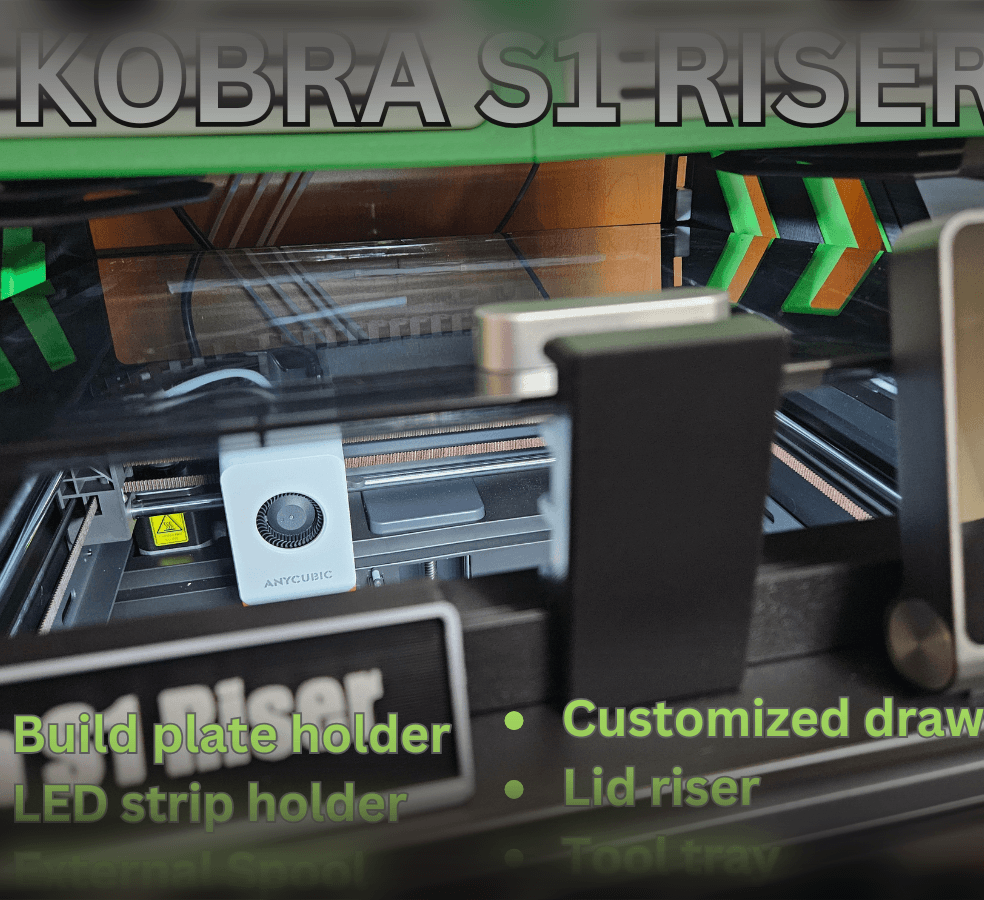
The S1 LITE riser features (some of the add-on features are available as free to download models on Makeronline):
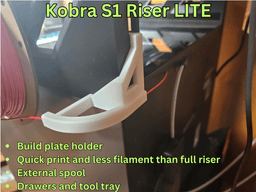
Two large storage drawers with customizable compartments. Side mounted external spool and mount; Corner filament guide. It helps prevents jams and tangles by routing the filament around corner and connects to the rear Bowden tube; Integrated build plate holder that can hold multiple build plates; Tool tray add on
Specifications:
The S1 LITE riser adds 15 cm (6 inches) of height to the Kobra S1 and Ace pro combo.
Total height with Ace pro opened is approximately 107 cm (42 inches). The Kobra S1 riser requires about 1.5 kg of filament for the base unit including drawers and inlays.
Instructions
All parts are snap fit and require no external hardware. Glue is optional.
If you are not using my print profile - the BP holder needs to be mirrored.
See the instruction gif in the model's description photos. I also uploaded a zip file with all the instruction photos.
Add-ons and external model links - available for free download on Makeronline:
RECOMMENDED - Side mounted external spool holder with interchangeable spindles: https://www.makeronline.com/en/model/Interchangeable%20spool%20holder%20for%20Kobra%20S1%20riser/185868.html
Side mounted external spool holder.
Link: https://www.makeronline.com/en/model/Side%20Spool%20holder%20for%20Kobra%20S1%20riser/157314.html https://www.makeronline.com/en/model/EXTERNAL%20SPOOL%20HOLDER%20FOR%20KOBRA%20S1%20RISER/162262.html
Corner filament guide
Link: https://www.makeronline.com/en/model/Filament%20guide%20for%20Kobra%20S1%20riser/157315.html
Tooltray (use the LITE version): Link: https://www.makeronline.com/en/model/Tool%20Tray%20for%20Kobra%20S1%20Riser%20LITE/159532.html
Drawer comparments Link: https://www.makeronline.com/en/model/Drawer%20compartments%20for%20Kobra%20S1%20riser/157319.html
Hot end tray (design by aeromedic7 on MO) https://www.makeronline.com/en/model/Noozle%20and%20hot%20end%20tray%20for%20Kobra%20S1%20Riser%20(Kobra%20S!%20Riser%20by%20Darren%203D%20Prints)/172411.html
Nozzle and hot end compartment (by Brody Richardson): https://www.makeronline.com/en/model/Gridfinity%20Nozzle%20and%20hotend%20compartment%20for%20S1%20Riser/180020.html?fbclid=IwY2xjawKF1ElleHRuA2FlbQIxMABicmlkETFMNmdBd1Bia1NOM2prZlZsAR7auQOcwW2oU3aHYwKsY49Vxl2yY-848MtM7ZOxXPqHeE6gdu08sQR4-sdSfA_aem_PIkve61tzVdUrS1dSXmNdw
Side inserts with lid holder: https://www.makeronline.com/en/model/KOBRA%20S1%20RISER%20Lid%20holder%20side%20inserts/184870.html
3d printing
A print profile is included for the S1. I highly recommend you use the print profile as all the support is painted and the parts are correctly positioned.
I HAVE PAINTED SUPPORT ON ALL PARTS ON THE INCLUDED PRINT PROFILE. SLICE IT USING TREE MANUAL.
I have printed each part and tested everything. Tolerances are tight where they have to be. If you are having issues with your printer, your filament or adhesion I suggest you ask for help on Facebook or a forum as I cannot help you there.
Anycubic Kobra S1 Riser LITE

D3P RISER FOR QIDI MAX 4

Creality SparkX i7 D3P bottom riser

Creality SparkX i7 D3P overhead mount
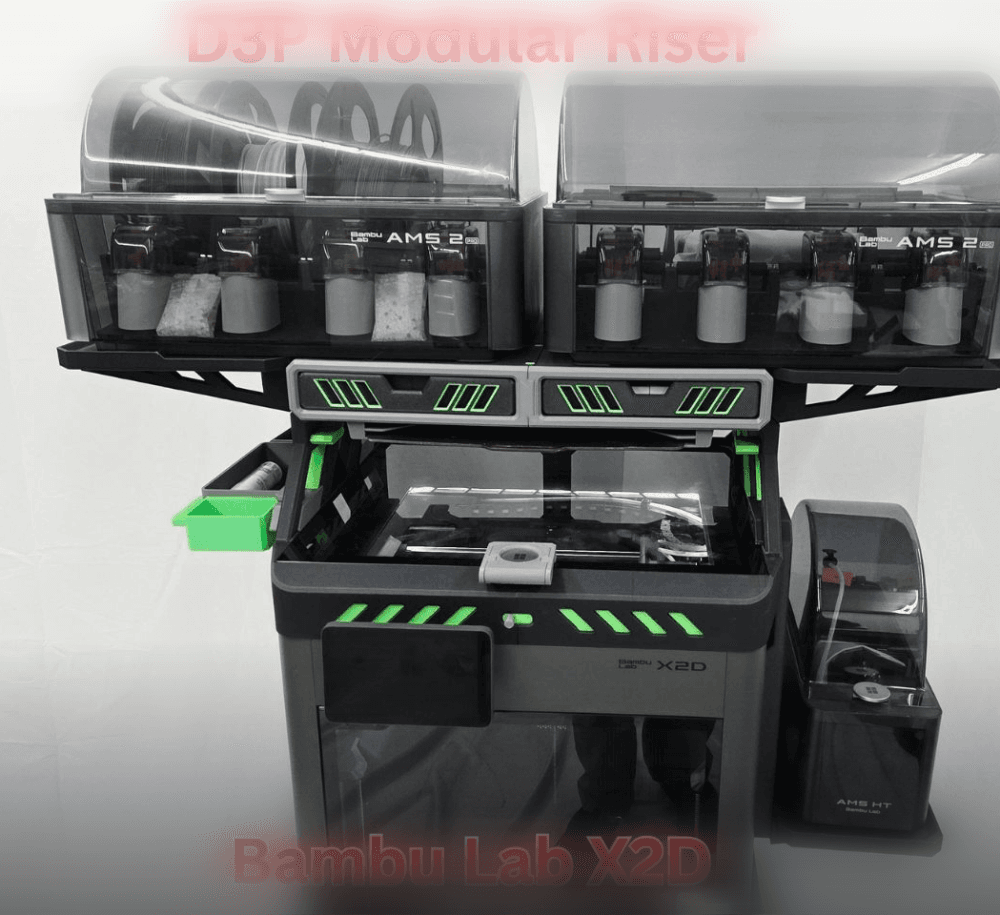
D3P riser for Bambu Lab X2D
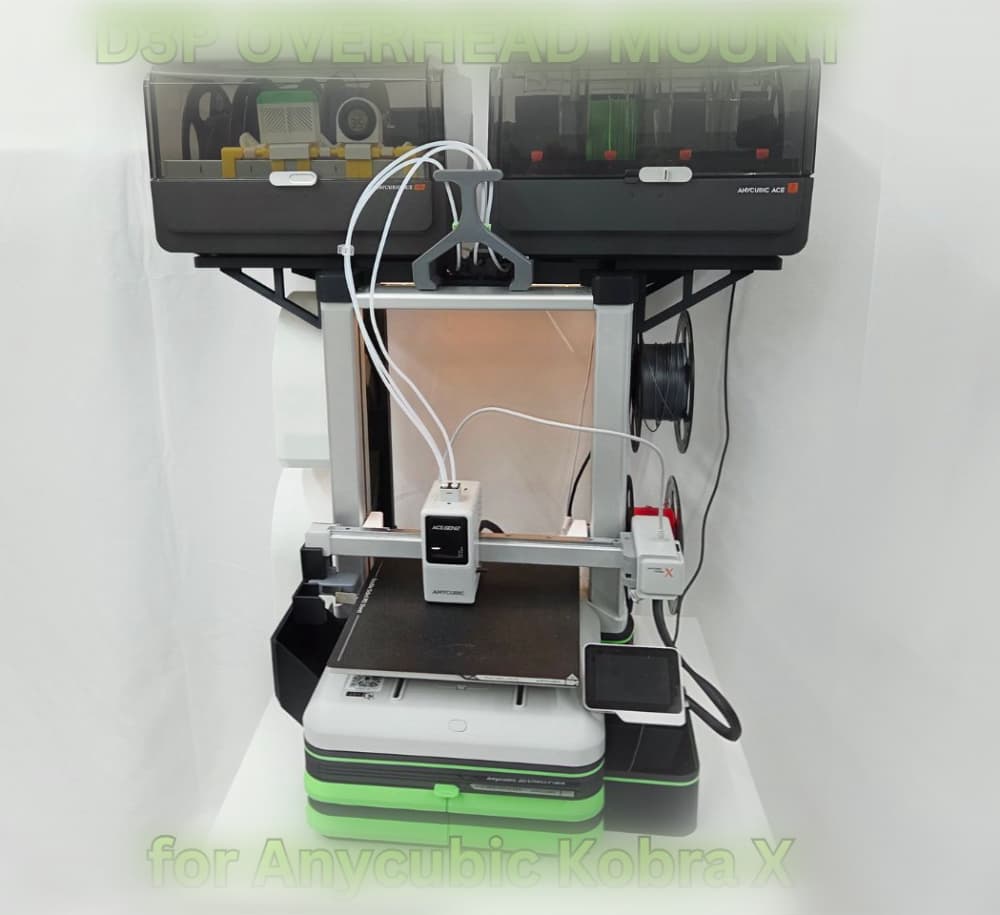
D3P Overhead mount for Anycubic Kobra X and Kobra 4
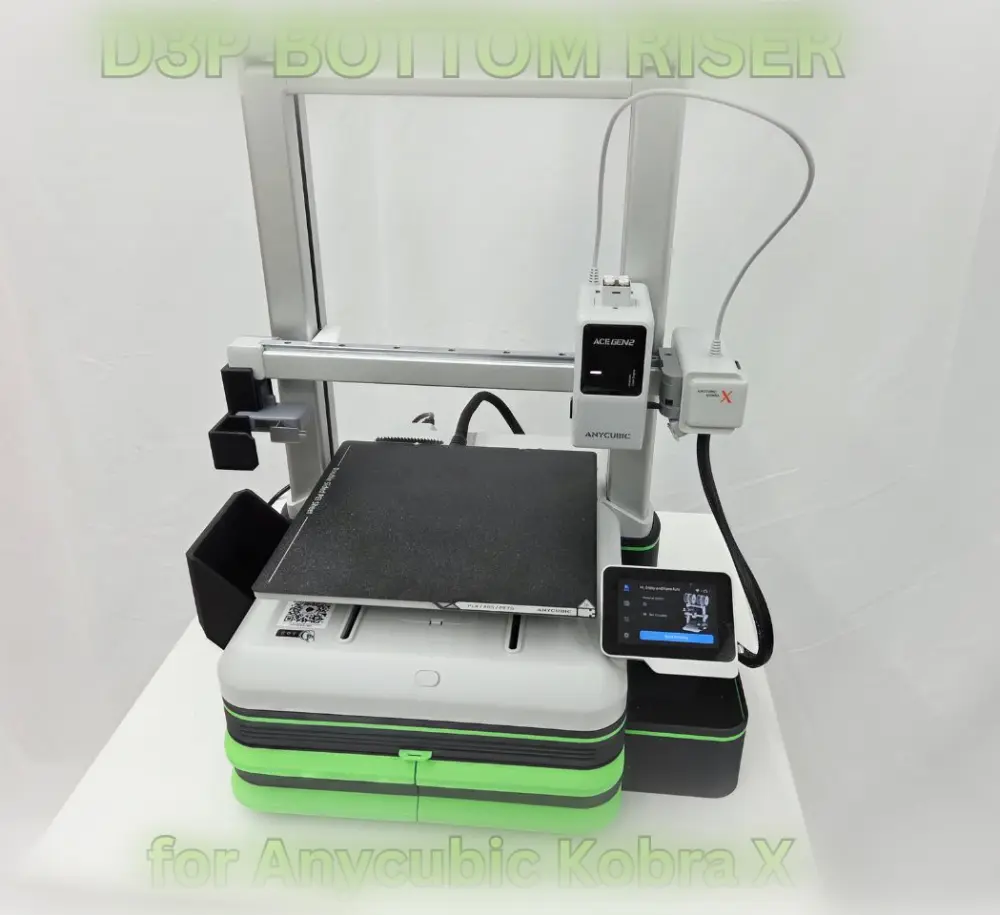
D3P Bottom riser for Anycubic Kobra X and Kobra 4
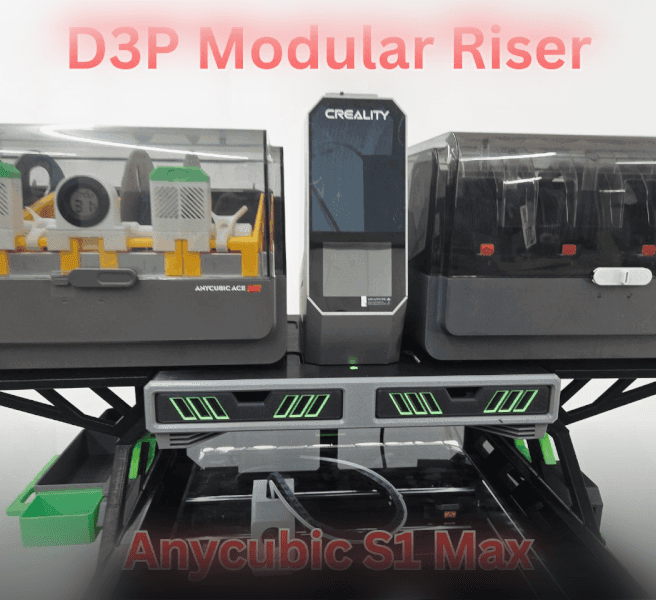
D3P riser for the Anycubic Kobra S1 Max

D3P riser for K2 SE
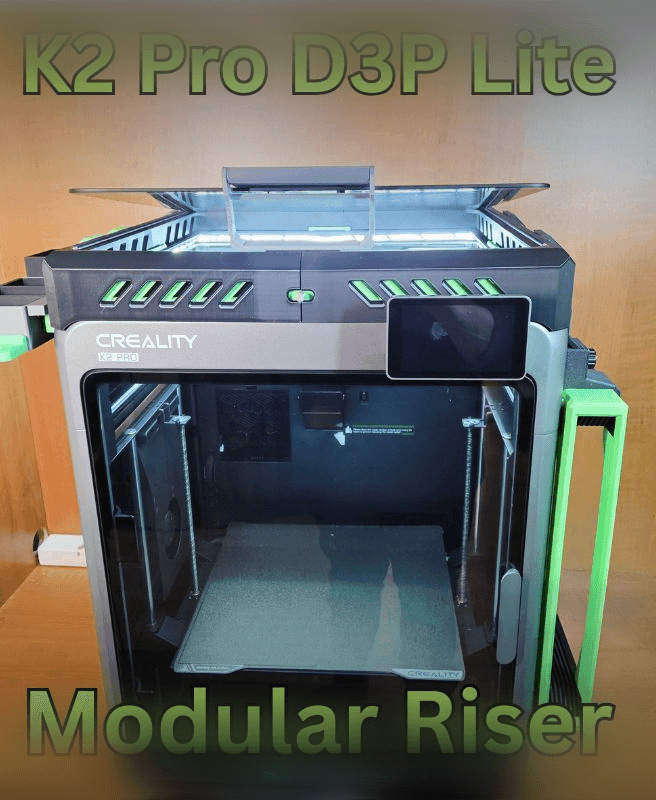
K2 PRO D3P RISER LITE
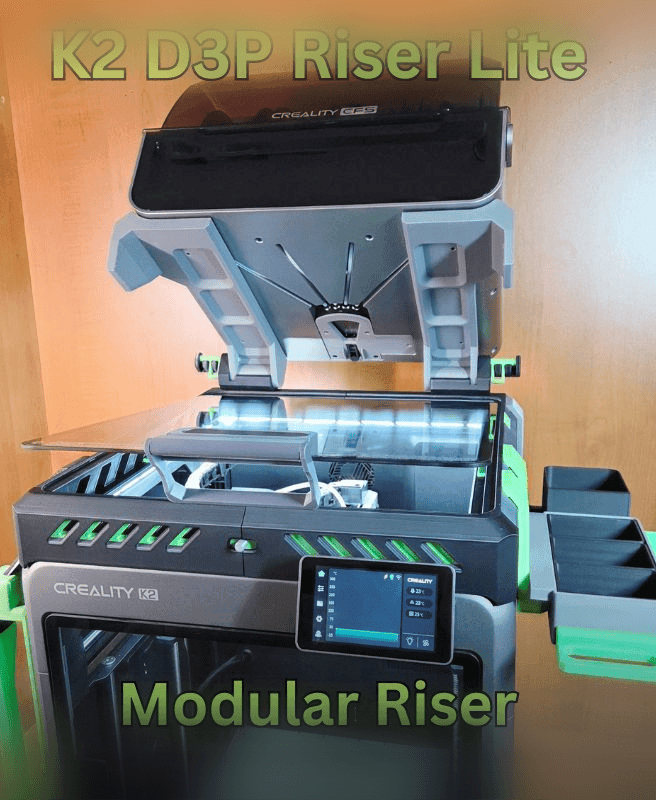
D3P K2 LITE RISER
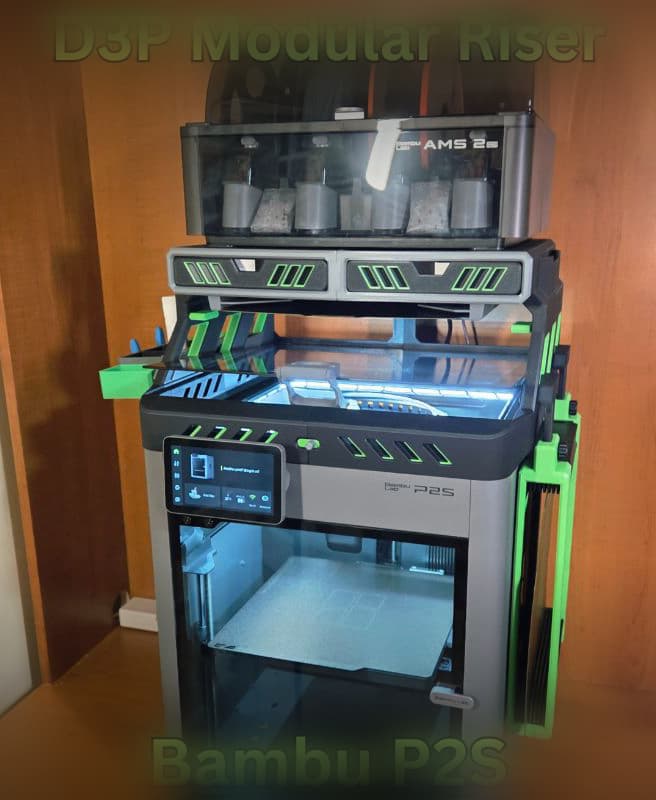
D3P riser for Bambu Lab P2S
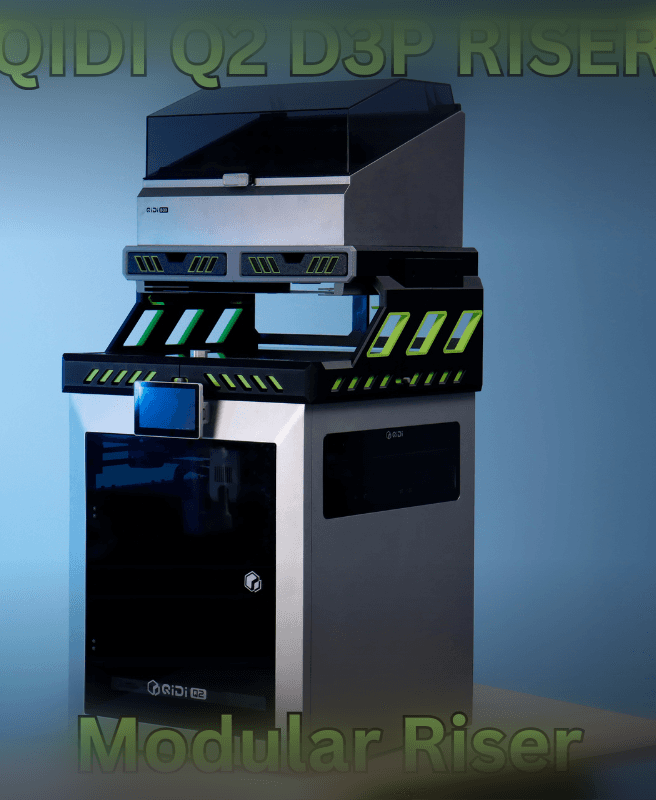
Qidi Q2 D3P Riser
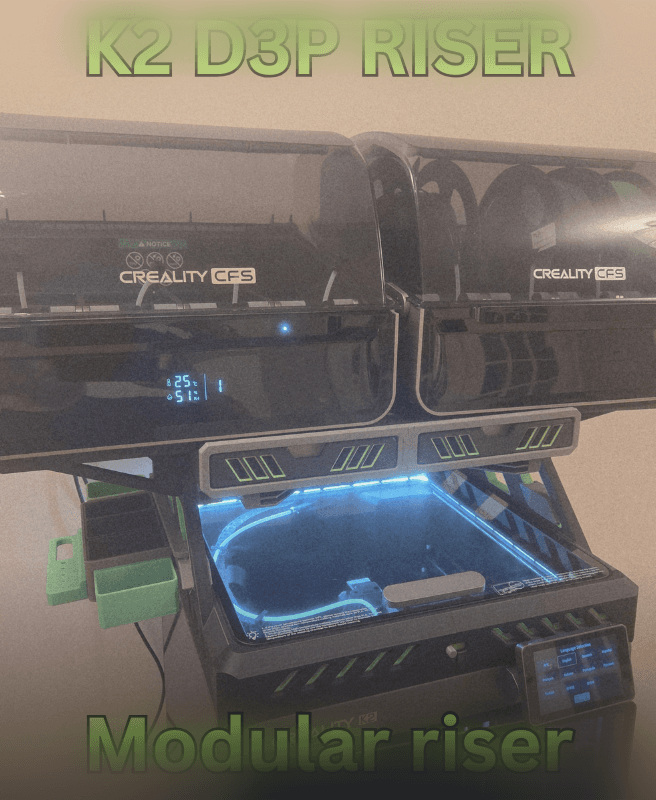
Creality K2 - D3P riser
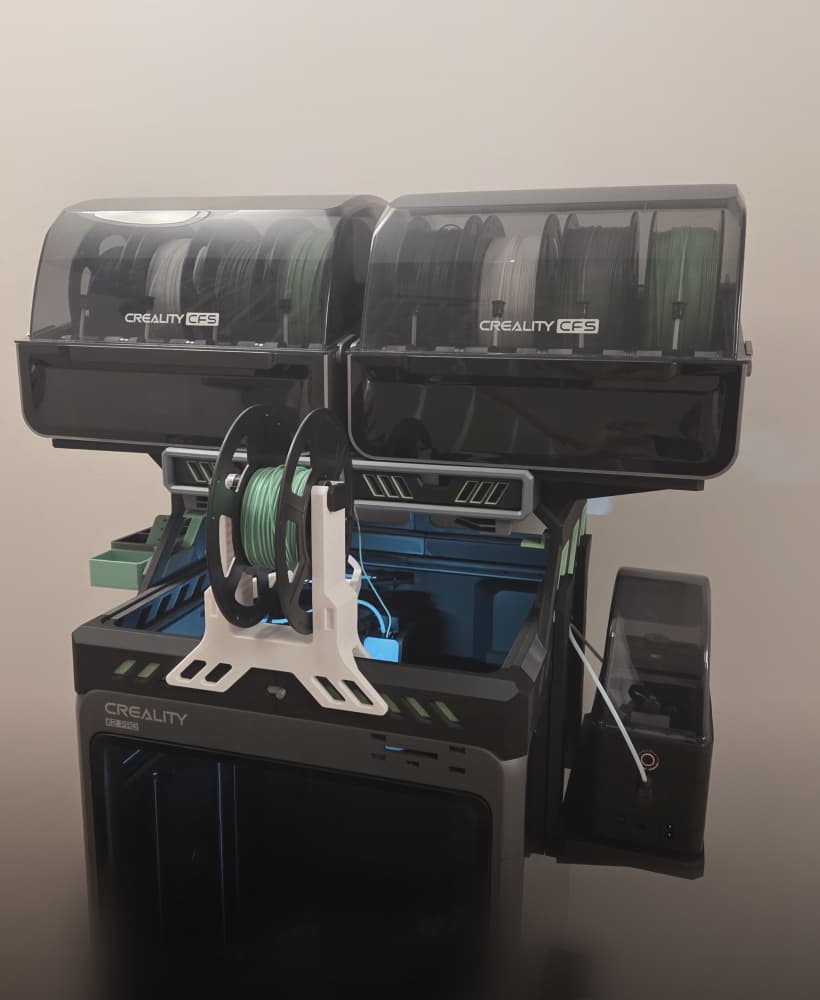
CREALITY K2 PRO D3P RISER
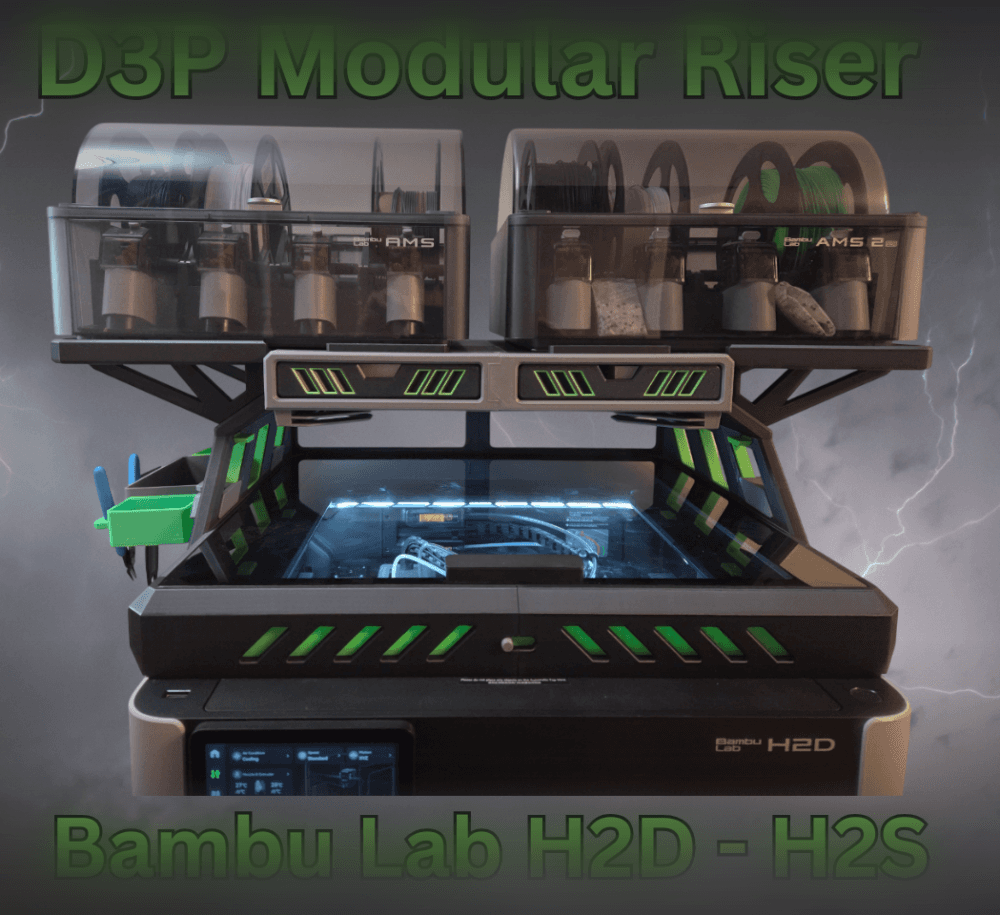
Bambu H2D H2S H2C D3P Riser

D3P riser for K1 K1C K1E
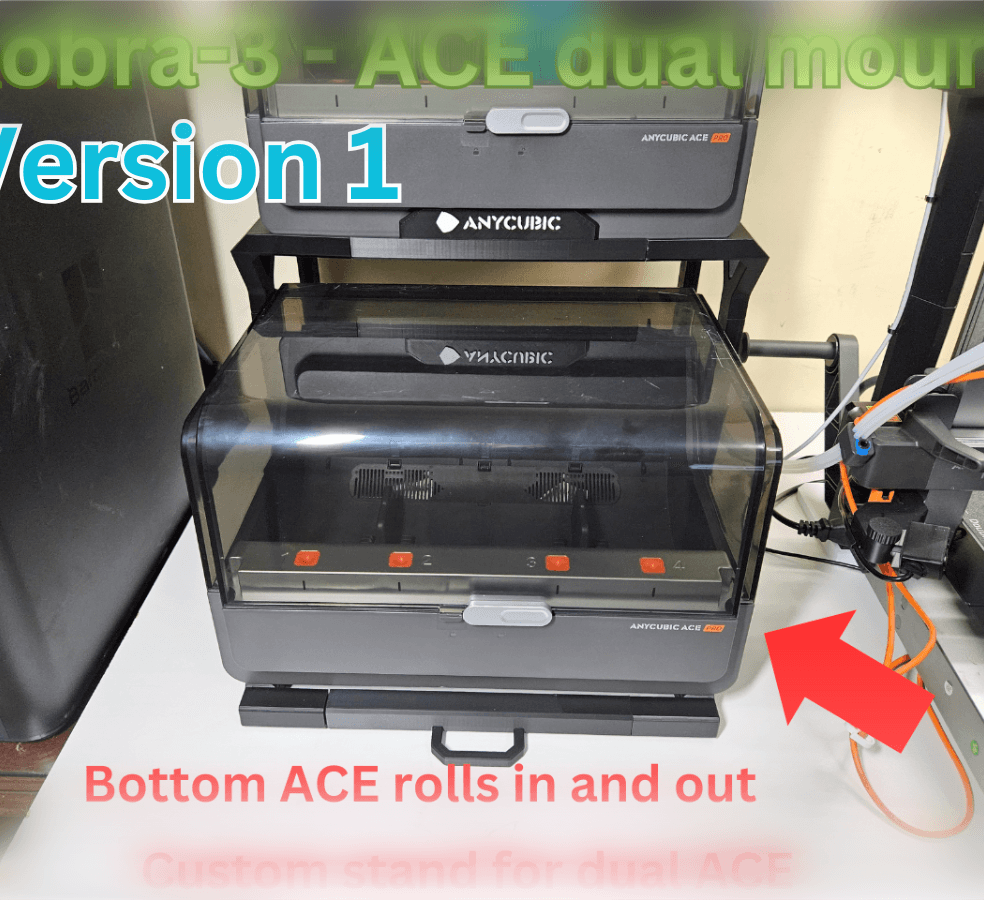
KOBRA-3 DUAL ACE-PRO STAND
Anycubic KOBRA S1 RISER

Kobra S1 Riser DUAL ACE PRO - Ace pro 1 and Ace pro 2
