


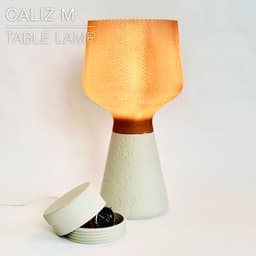

CALIZ M | Woven Table Lamp E14 & E26/27
CALIZ M | Woven Table Lamp E14 & E26/27
Meet the Medium-size version of my CALIZ woven table lamp. The height of the base is twice as tall. (I might make a "Large" version in the near future, but currently I can't print bigger than this on my printers)
It works with E14 & E26/27 light bulbs. There's a version of the base for each type.
UPDATE: You can now pick between 2 weave patterns. • V1 prints in regular mode. • "V2_shade-full" prints in vase mode, without any visible seame. Make sure to check out the detailed print settings.
It comes with a hidden container that you can screw inside the bottom of the base. You can use it to hide valuables (watches, jewlery, money), Or to add some weight to the base, just fill it up with clay, gravel or sand. It makes the lamp very stable, gives it a more premium feel.
The woven pattern diffuses the light beautifully. It can be printed by any printer with a classic 0.4mm nozzle (2 wall lines). Or you can print in vase mode with a 0.8mm nozzle.
Personnaly, I prefer the quality with a 0.4mm nozzle, fewer defects easier to hide the seam. But some ninjas out there had great results in vase mode with 0.8mm nozzle.
Happy printing!
DIMENSIONS (shade) | Ø190mm H 209mm DIMENSIONS (base) | Ø135mm H 196mm DIMENSIONS (mounted) | Ø135mm H 370mm
3D PRINT SETTINGS: All STL files are already oriented properly. You need to print 4 parts:
- one shade
- one base
- one "weight container" made of 2 parts
THE SHADE: The shade prints upright. 2 versions available: V1 and V2. V1 prints in regular mode, V2 in vase mode. V1 SHADE: • Layer height: 0.3 mm (no less, no more) • Line width: 0.5mm (for a 0.4mm nozzle, so as to extrude a bit more material and achieve a cleaner weave) • Wall line count (perimeter walls): 2 • Build adhesion type: None • Supports: None V2 SHADE: The 3D model is full. This is normal. You need to "empty it" by printing it in vase mode (spiralize outer contour / spiral vase). Same settings for 0.4 to 0.8mm nozzles as detailed below: • 0.4mm layer height • default 0.85mm line width • 8 bottom layers (adjust if using another layer height)
For Bambu Studio users, make sure to: • turn OFF "slow down for overhangs" • set "wall generator" to "arachne". • turn off the "scarf mode" in the seam settings.
THE BASE & WEIGHT CONTAINER: No particular tricks for the base. I used 0.2mm per layer and 15% infill.
Happy printing!
CALIZ M | Woven Table Lamp E14 & E26/27

SINE | pendant light E27/E26

COROA | pendant light E27/E26

MALLA | woven fruit bowl

MALLA | key bowl
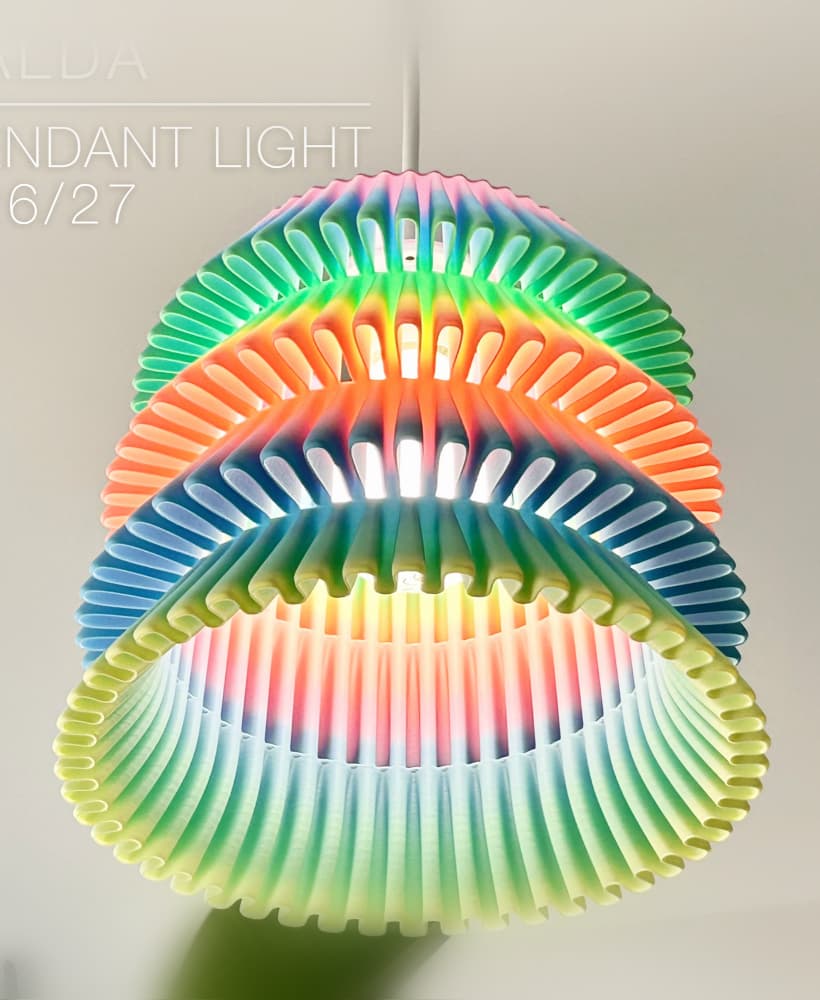
FALDA | Pendant Light E26/27

MALLA | Woven String Art Deco

SAKURA | Pendant Light E26/27

SAKURA | Scalable Pencil Holder

MALLA | nut bowl
![SAKU[MINI] | Table Lamp E14 & E26/27 3d model](/_next/image?url=https%3A%2F%2Fstorage.googleapis.com%2Fproduction-thangs-public%2Fuploads%2Fenhanced_images%2Fv1%2F421bb906-ca95-4bc9-9dba-a6fd01fd6885%2FSAKU%255BMINI%255D_table-lamp_perspective-ON.jpg&w=3840&q=75)
SAKU[MINI] | Table Lamp E14 & E26/27

SAKUMI | Table Lamp E14 & E26/27

SYZYGY | Heart Vase, scalable
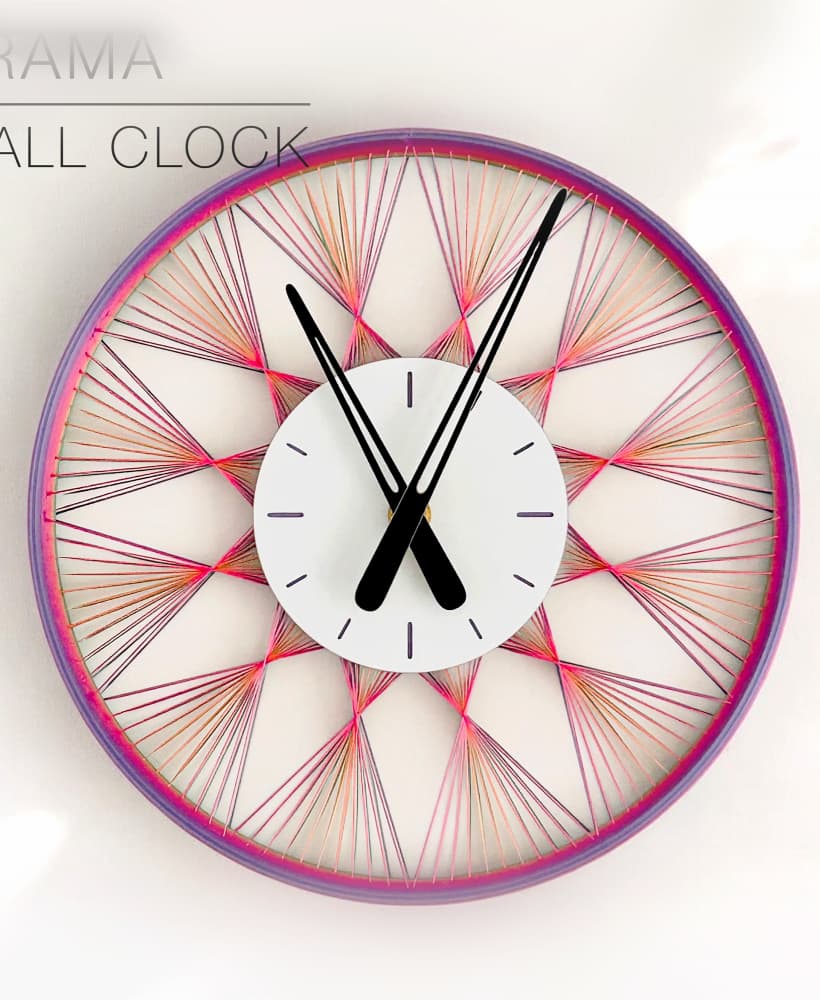
TRAMA | Wall Clock
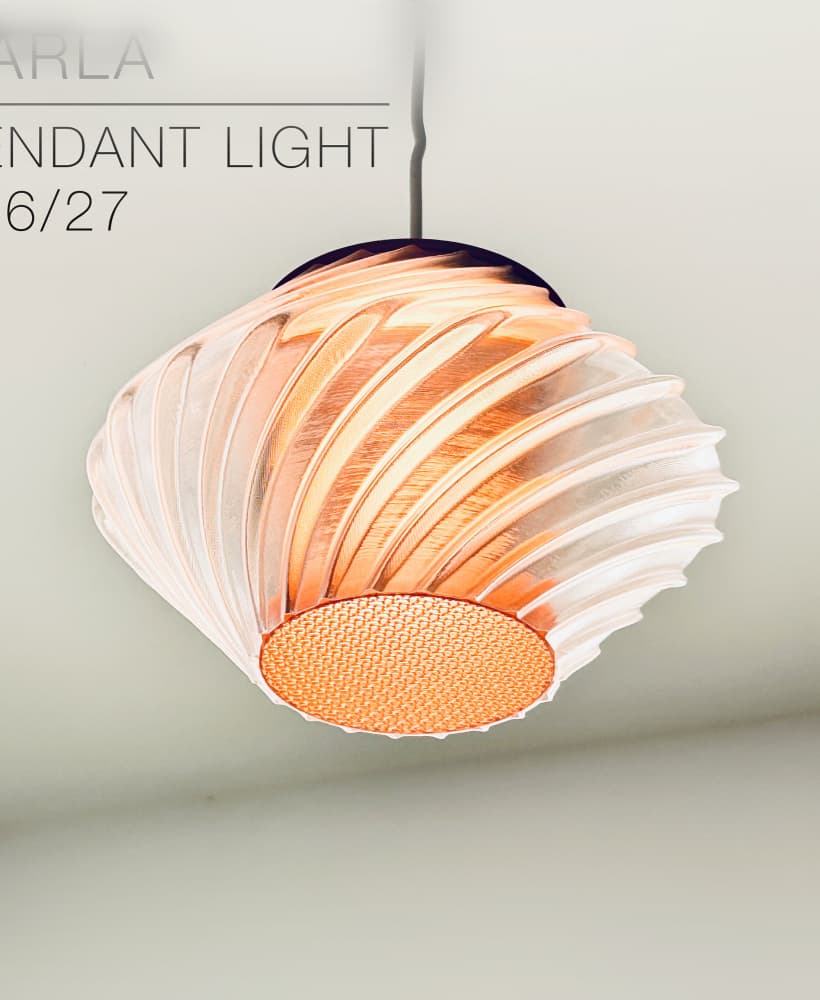
CARLA | Pendant Light E26/27

ORB XY | String Art Pendant Light

NINA | Toothbrush cups

PICA | Brush, print-in-place

MORPH | Stackable Egg Cup

ARYZ Divide | Pendant light E26/27
