Clamping & Swiveling Desktop Speaker Stand by Deposition Sound
Attach this clamp to the edge of your desktop, swivel your speaker to any angle you wish, lock it into position, and ROCK OUT!
Maximum speaker weight: 8.3 lb (3.8 kg)
Print Settings: 4 walls (minimum) for .6mm nozzle 6 walls (minimum) for a .4mm nozzle 15-20% gyroid infill
See PDF attachment for assembly instructions.
General Notes: We recommend using PETG. But PLA, ABS, and ASA are perfectly fine too. Keep in mind that the surfaces making contact between the pedestal ball and the upper plate socket are subject to wear. After all, it's just plastic. The levers are there to add a little extra clamp force and increase the static friction force. Try to make all adjustments with the levers open. You can adjust the orientation of the speaker with the levers in the closed position. But, do so sparingly as this will reduce the holding power of your swivel joint in the future.
Thanks!
Clamping & Swiveling Desktop Speaker Stand by Deposition Sound

FDMS8 Powered Subwoofer by Deposition Sound LLC
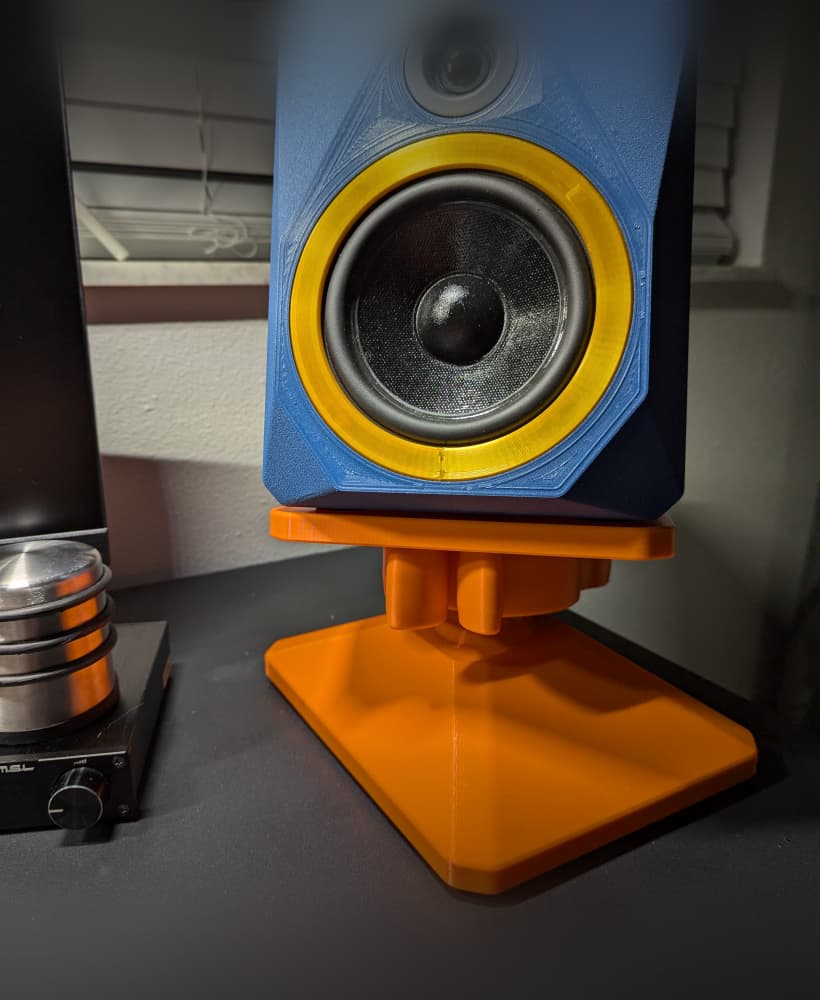
Swiveling Desktop Speaker Stand by Deposition Sound
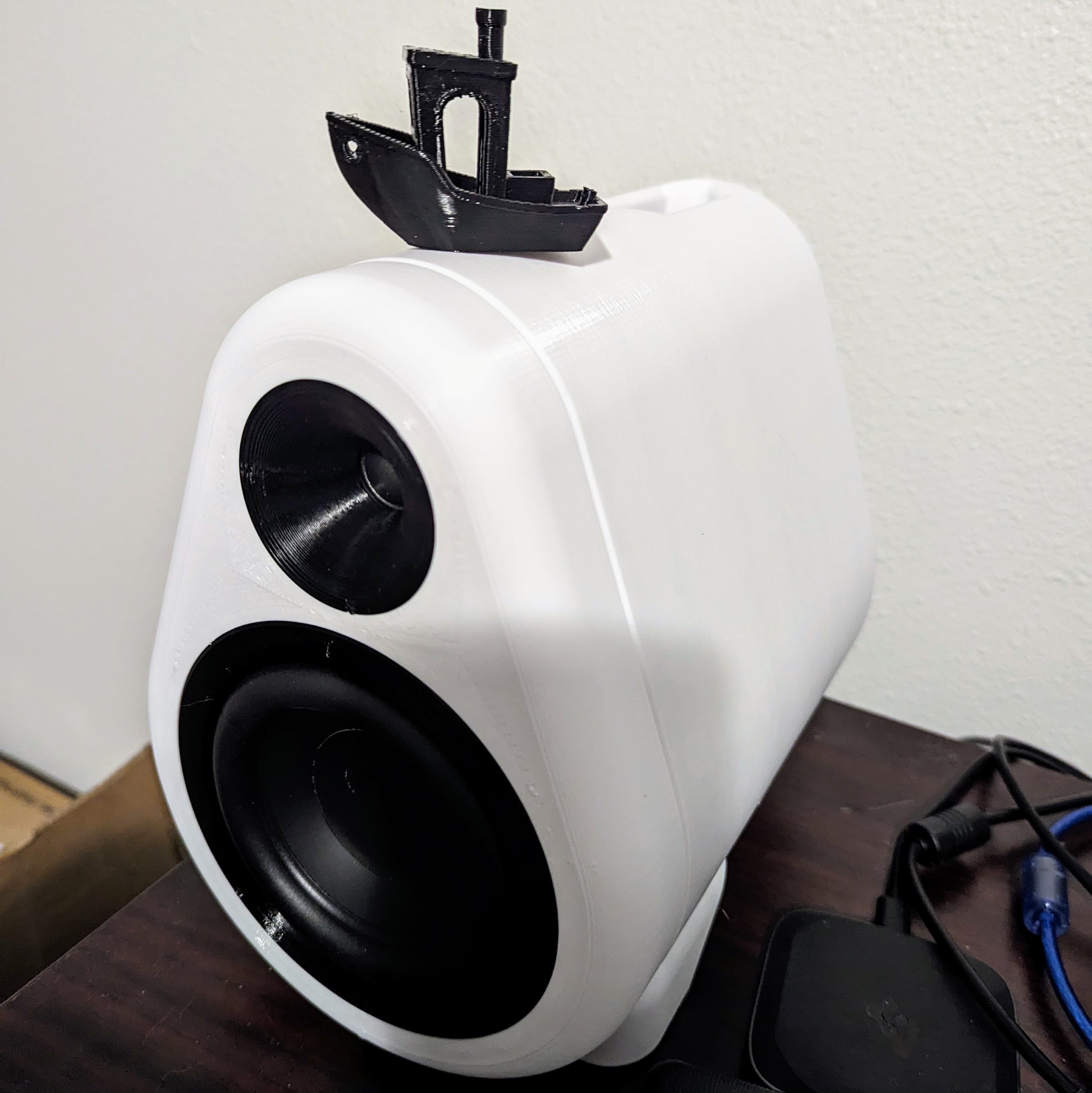
FDM4 Loudspeakers by Deposition Sound
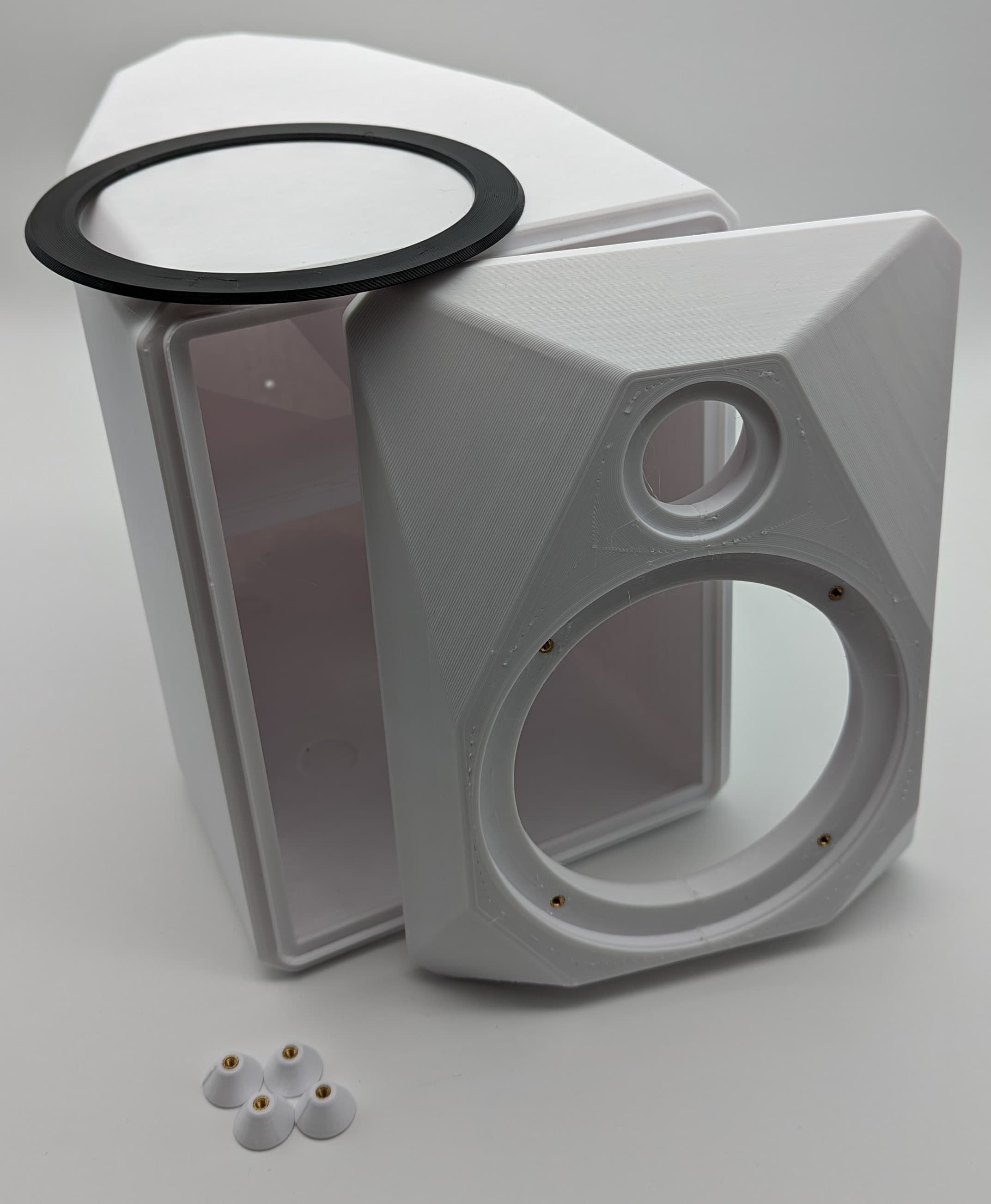
FDMGeo Loudspeakers by Deposition Sound
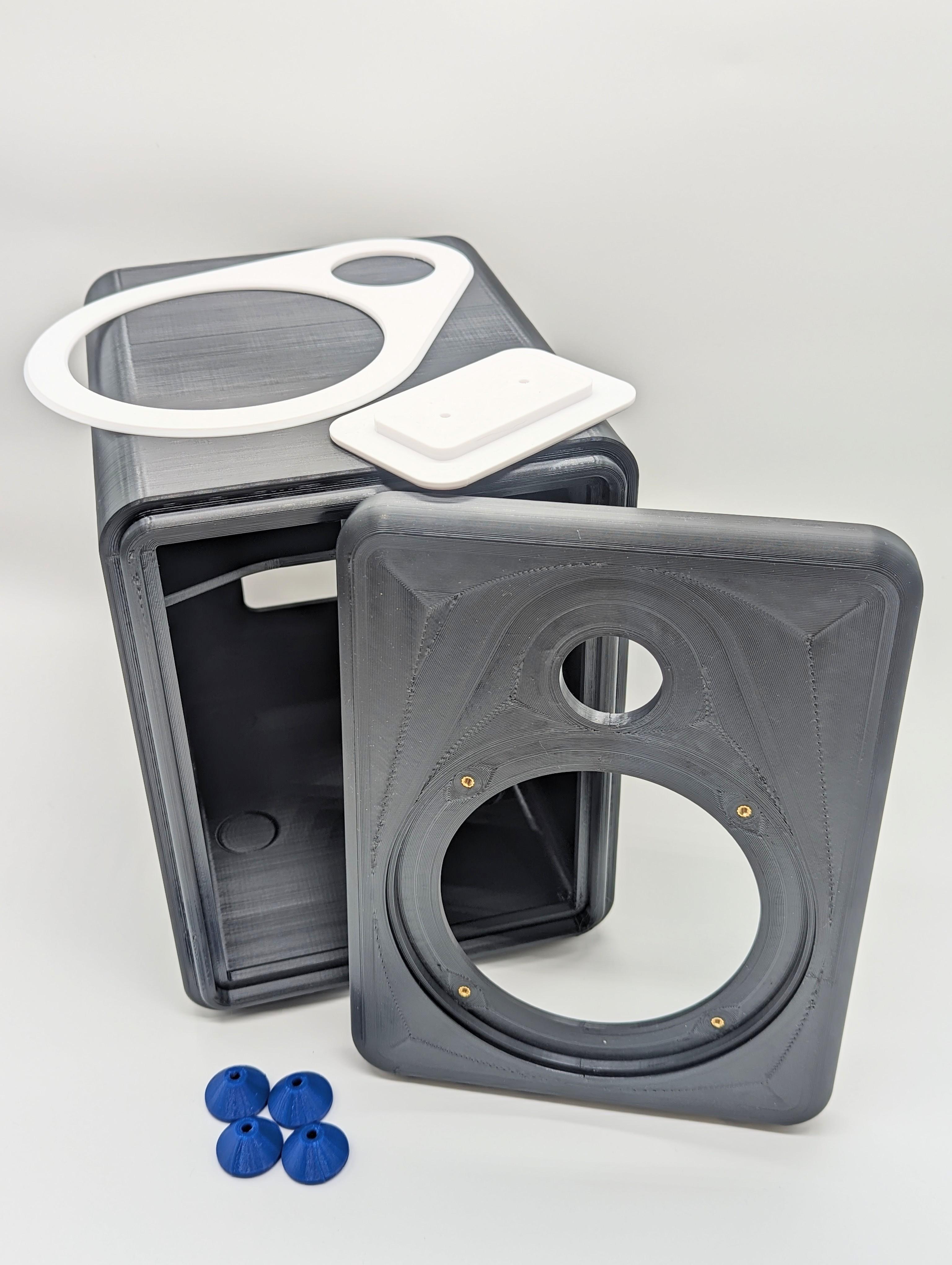
FDM5 Loudspeakers by Deposition Sound
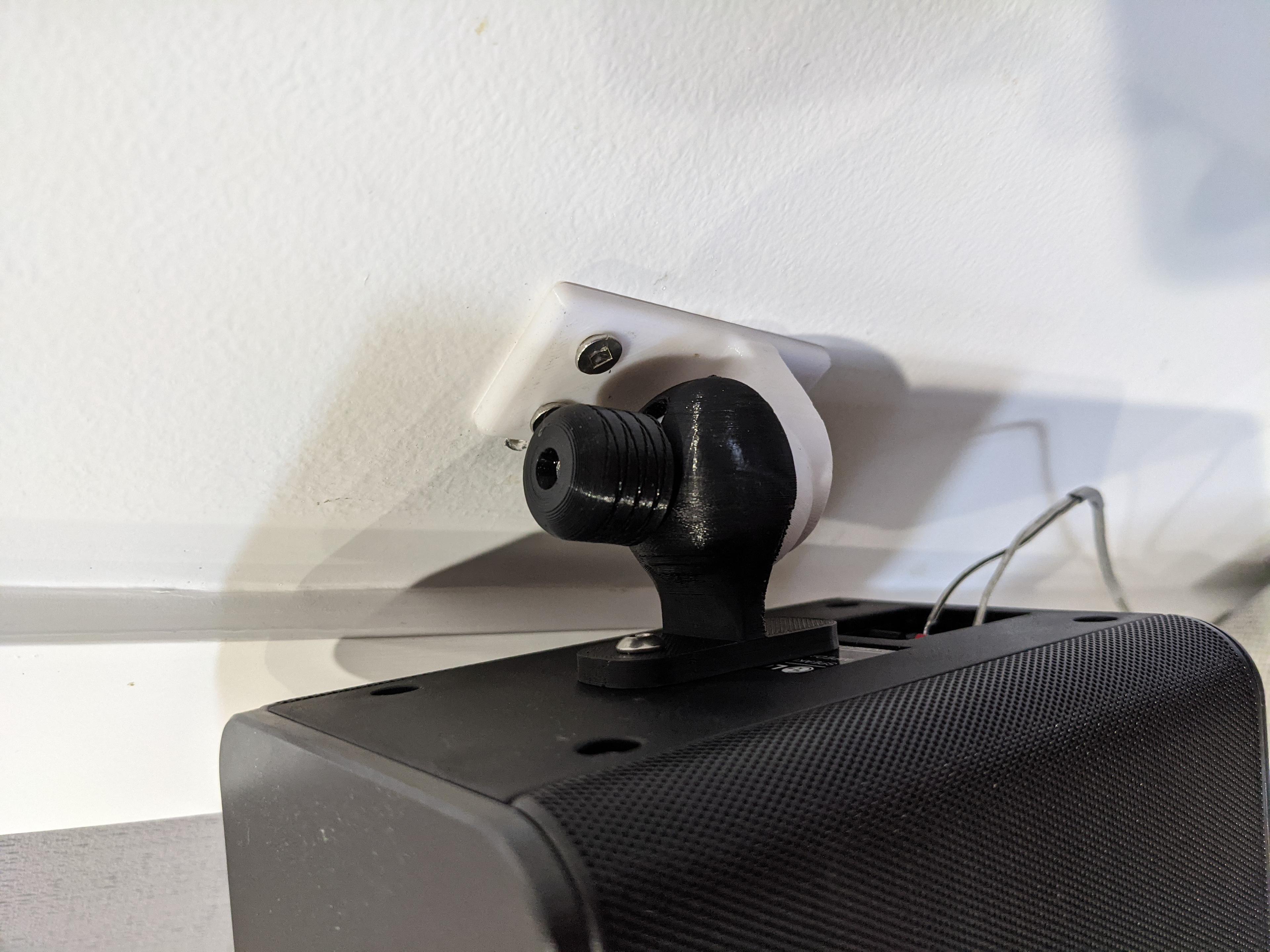
LG SPK8 Rear Speaker Mounts
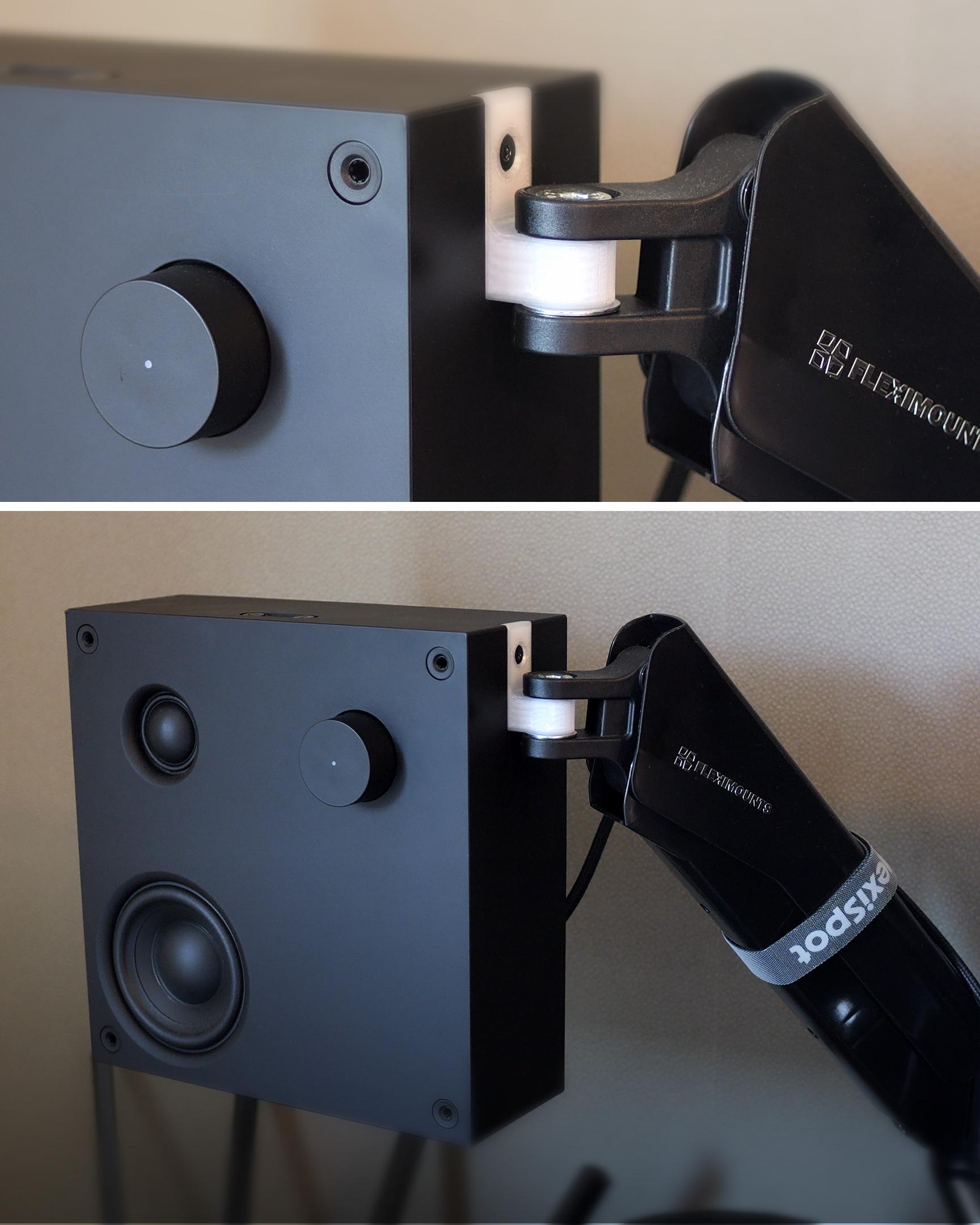
IKEA VAPPEBY to Fleximount Monitor Mount Adaptor
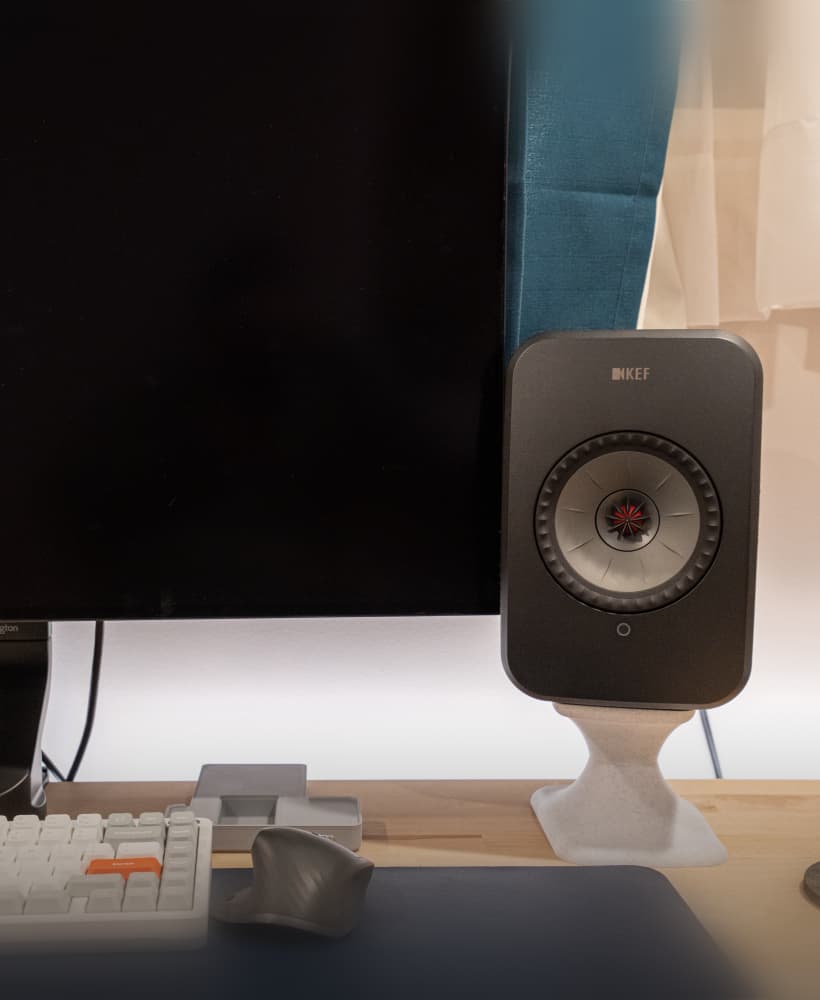
KEF LSX Speaker Stand (100mm tall)
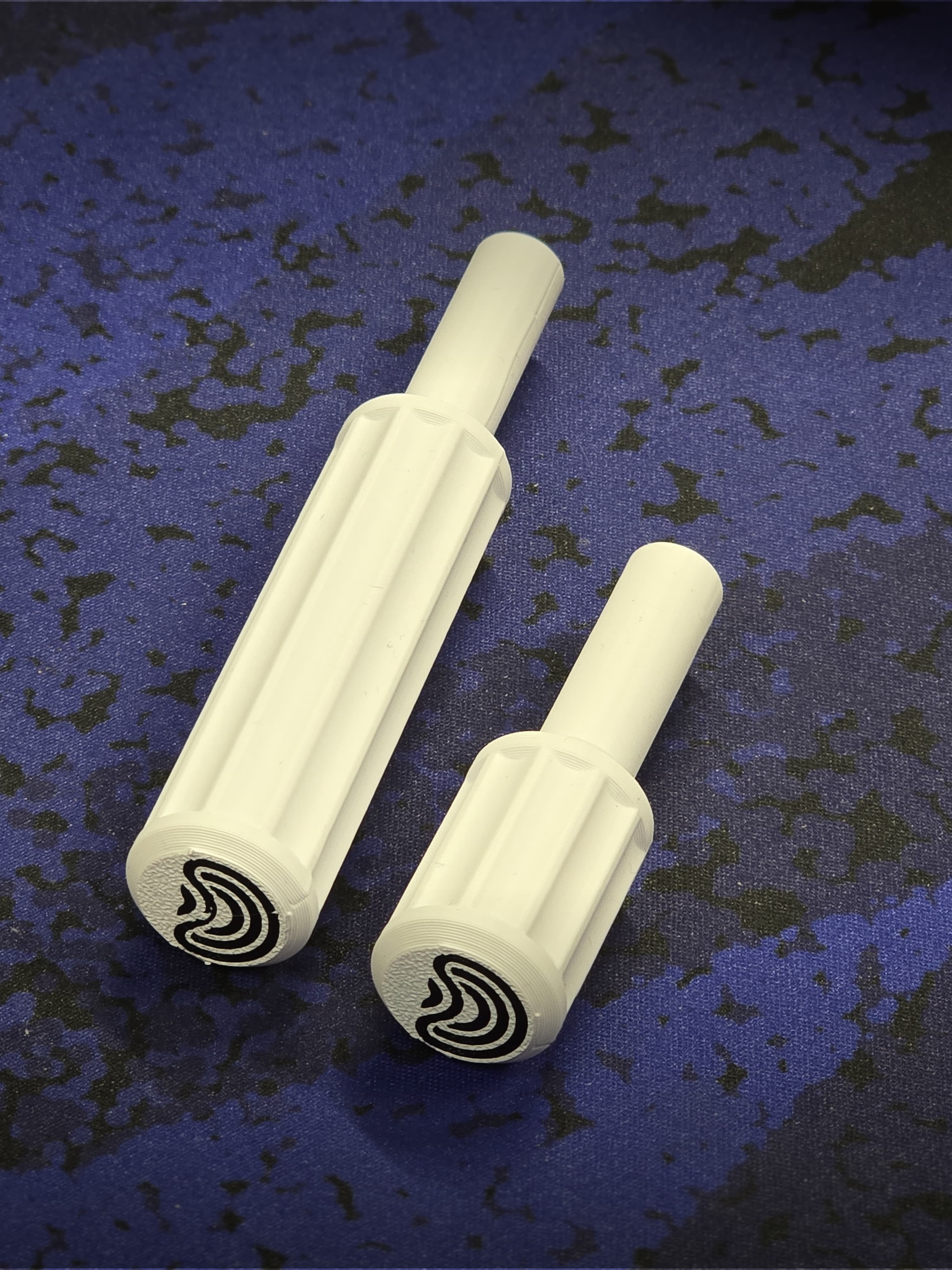
Deposition Sound 7mm Nut Driver
Small Thread Swivel Hook
Mini Print-in-Place Vise

SKEWBITS (v1) Puzzle Game for 3D Printing *OUTDATED*
Modular Wall Light
Lying baby dragon - compatible with Amazon Dot

Wall Mounted Storage Bins
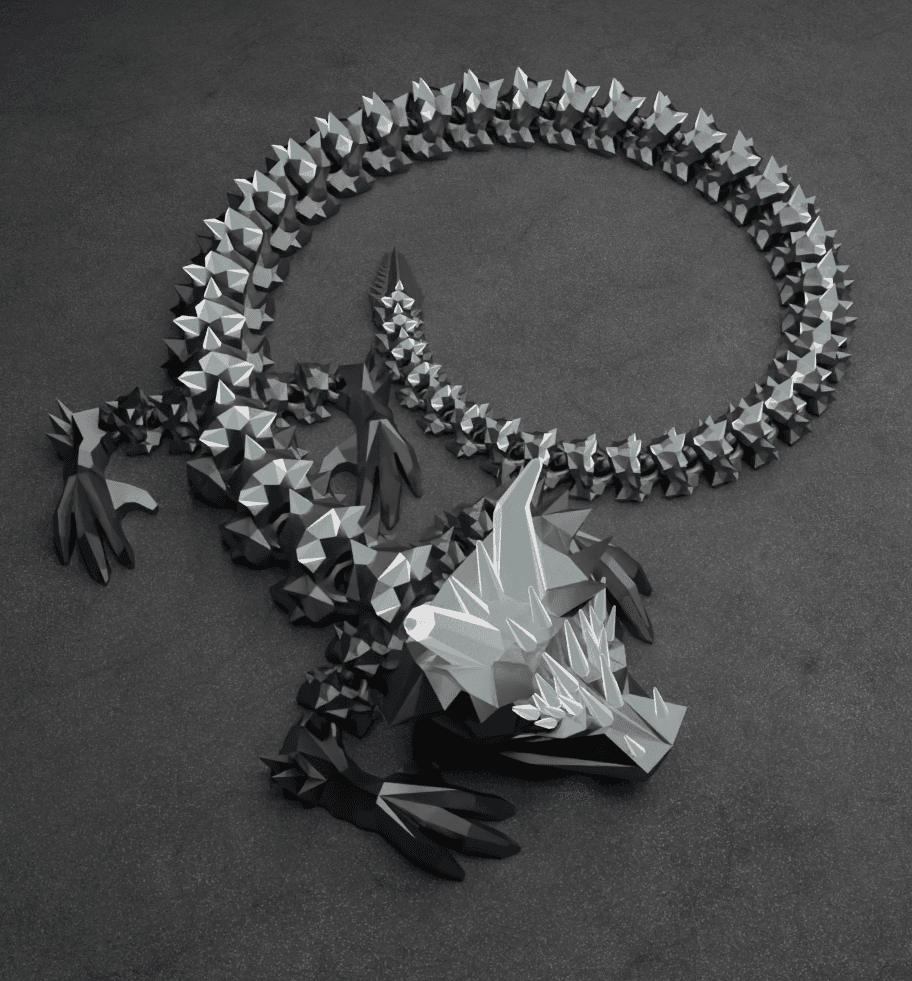
Filamentius Mesh Mayhem Dragon.stl
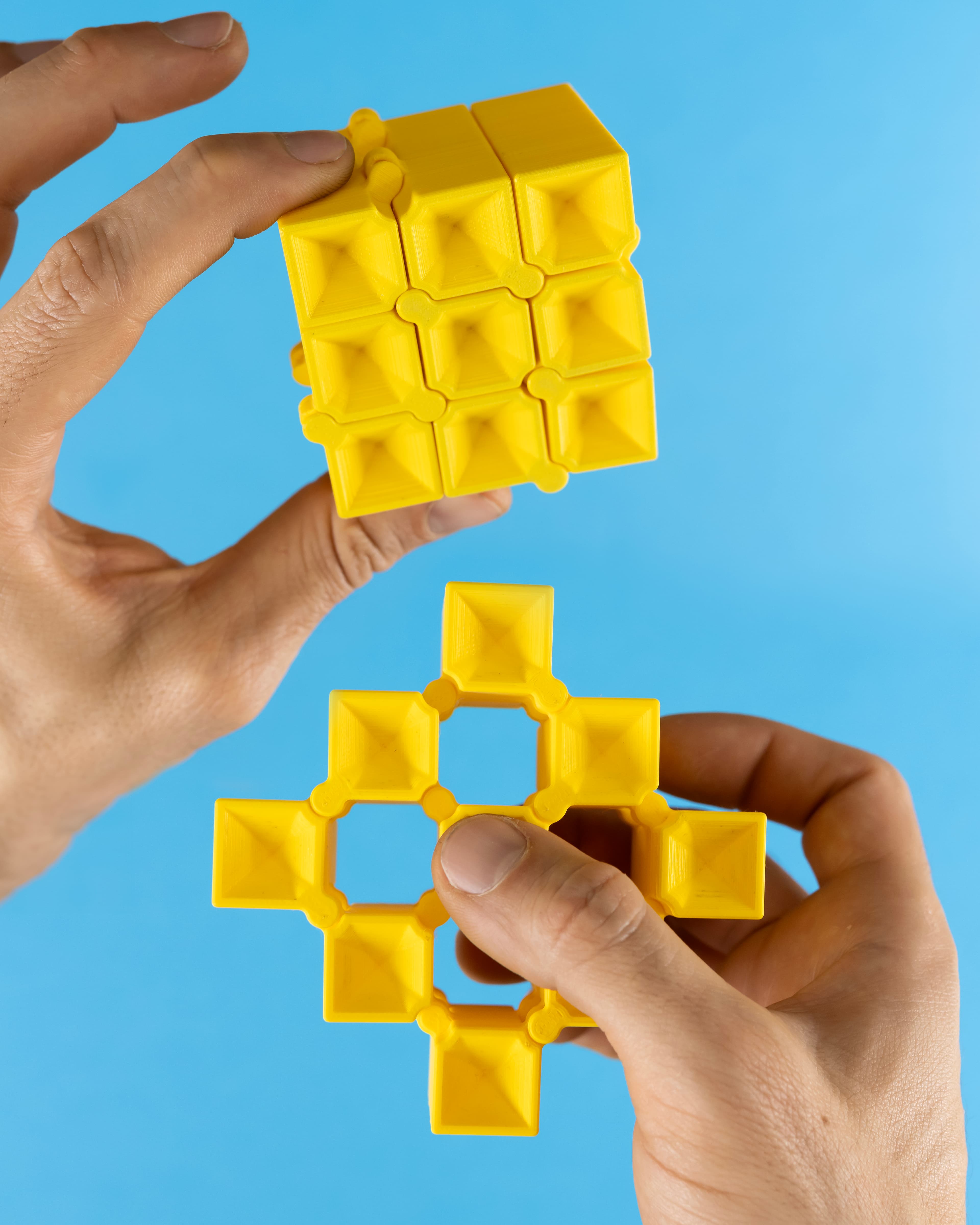
Auxetic Cubes // 20mm 3x3 Stacked & Tapered
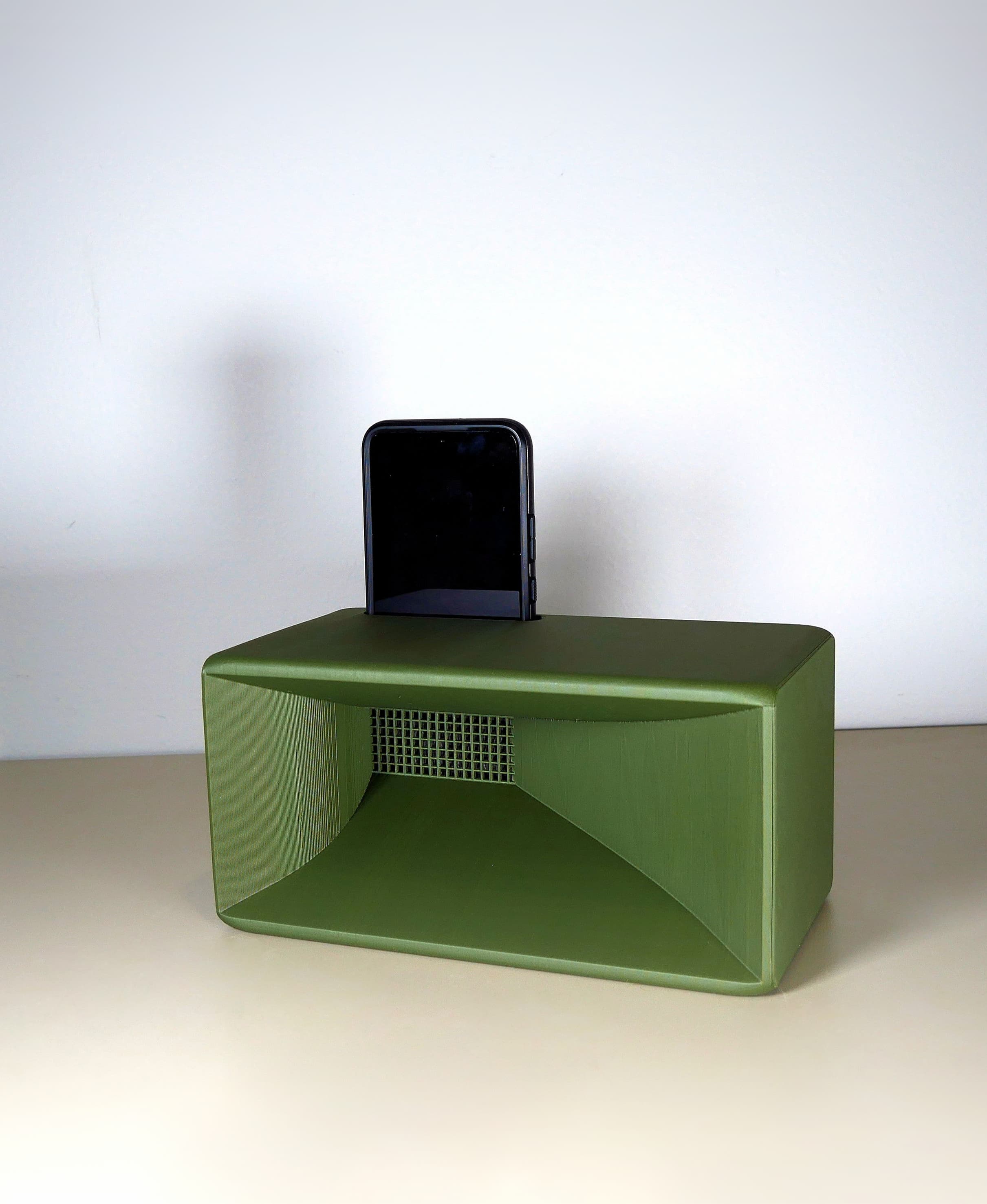
Smooth Passive Speaker
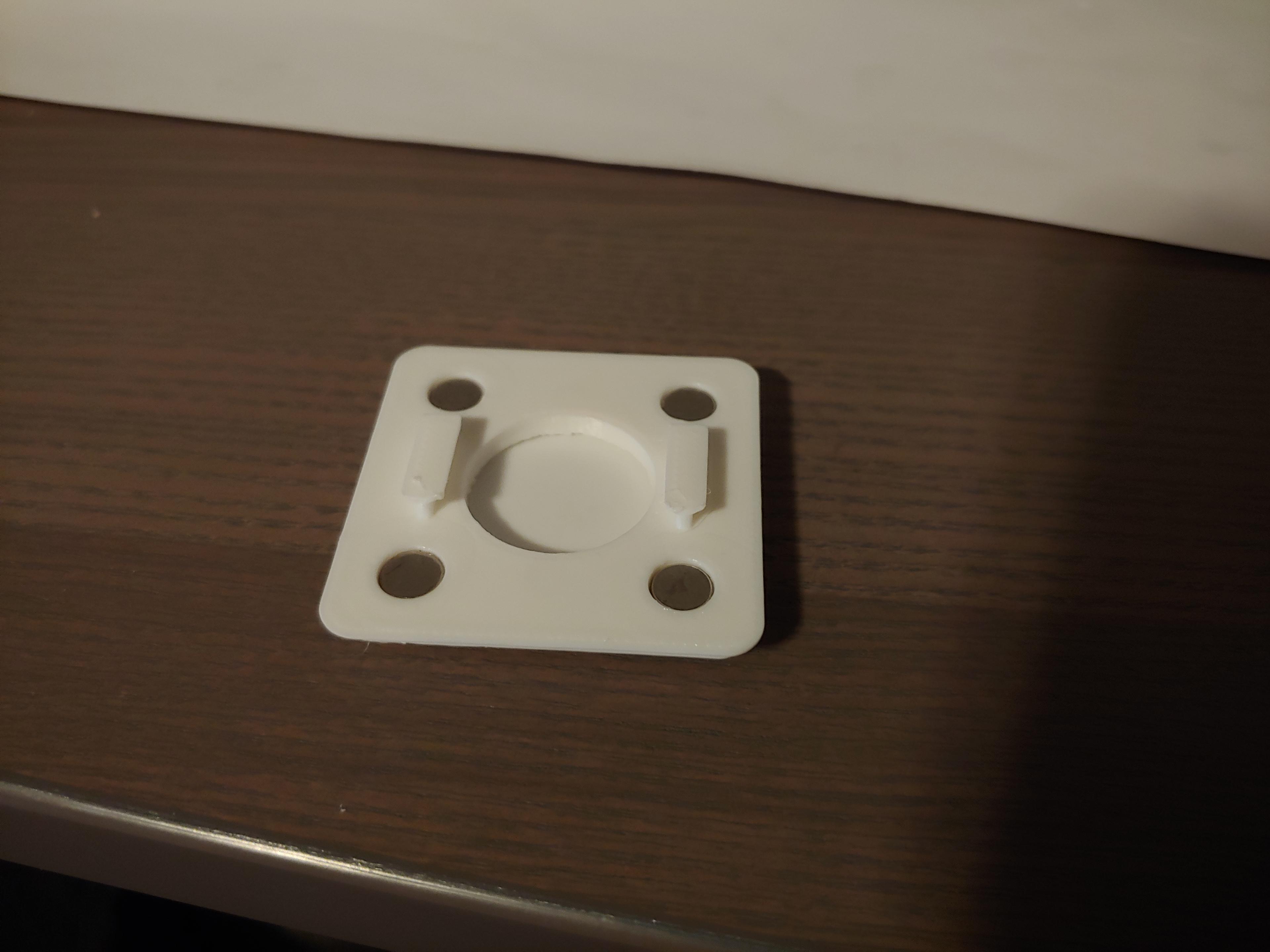
Gridfinity Baseplate Magnet Jig