


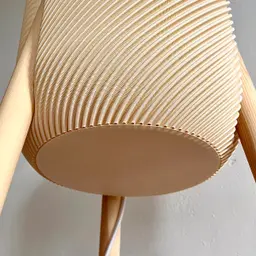


Umea - a standing lamp in boho style
Build your own modern standing lamp.
Fits a Bambulab X1 or P1 series
Changelog:
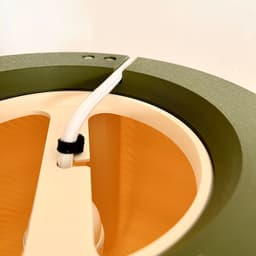
V2 has improved cable management. Retainer is changed and needs the cable tie files in addition to work. If you want to route a channel in one of the legs then use the "top v2" part and also print channel cover. "clip" is for keeping the cable in the channel, this must be adjusted to the measurements of your routed channel. Shade and Cap haven't changed. Files for routing the channel are here: https://thangs.com/designer/Geoshape/3d-model/Makita%20adapter%20for%20rods%20%28routing%20a%20channel%29-1218881
Print settings: _Shade: _ prints in vase mode (0.8mm nozzle recommended; 0.4 possible) layer height 0.56mm (0.8mm nozzle) or 0.28mm (0.4mm nozzle) in both cases print it upside down and set bottom layers to 2 (0.8) or 4 (0.4) set line width to 0.7/0.8mm
Top: prints upside down 0.2mm layer height 3 walls minimum Cap: 0.2mm layer height 2 walls 1 bottom layer 0 top layer 30% gyroid add height range modifier: 0% infill after 1mm
Filament: For the shade use some whiteish filament. I used Spectrum PLA Ivory Beige.
Additional hardware: 3x wood rods diameter=28mm L=1370mm 6x wood screw 3,5mm 1x zip tie 1x E14 or E27 light cord


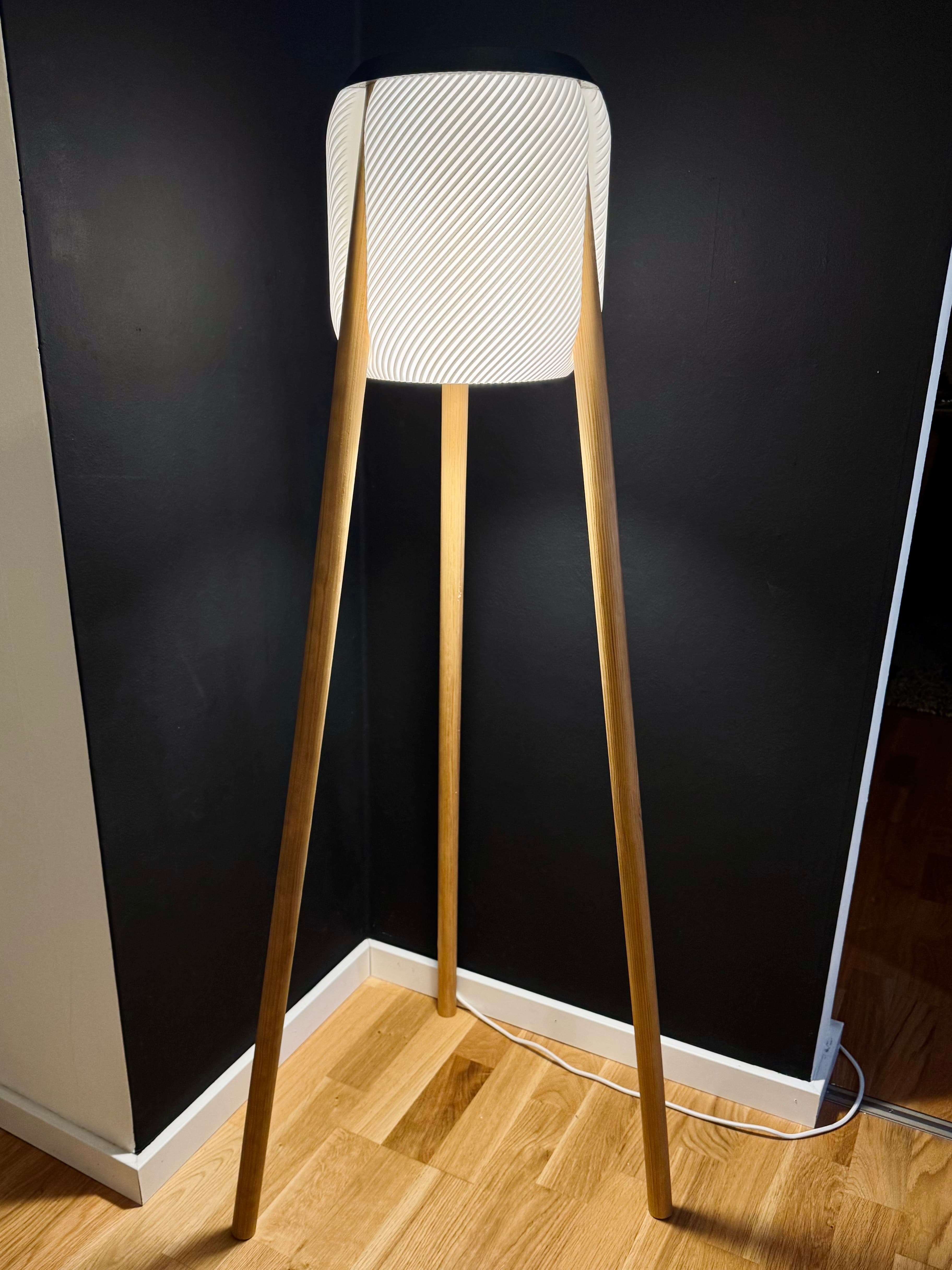


Umea - a standing lamp in boho style

Orsa - a floor lamp in scandi style
Habo floor lamp

Swing retro pendant

The Honey shelf system

Ikea Fado rumbler (25cm version)
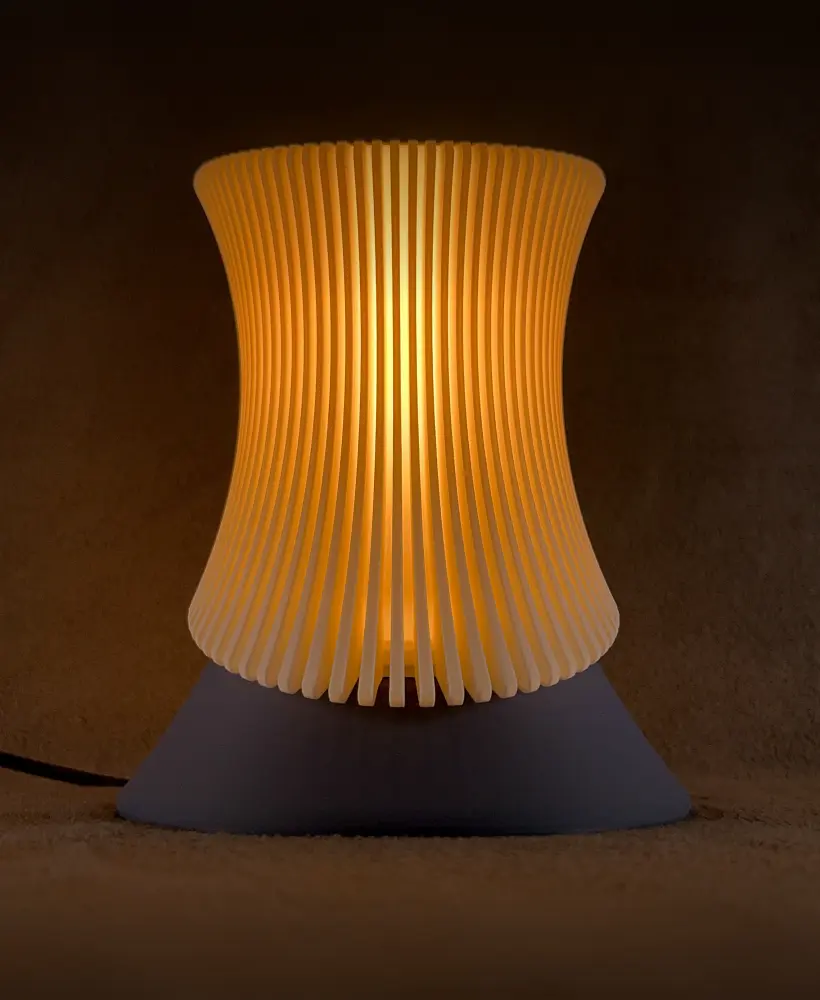
Venio - a futuristic table lamp

Borno vase

Cibol - a table lamp

Rocket side table
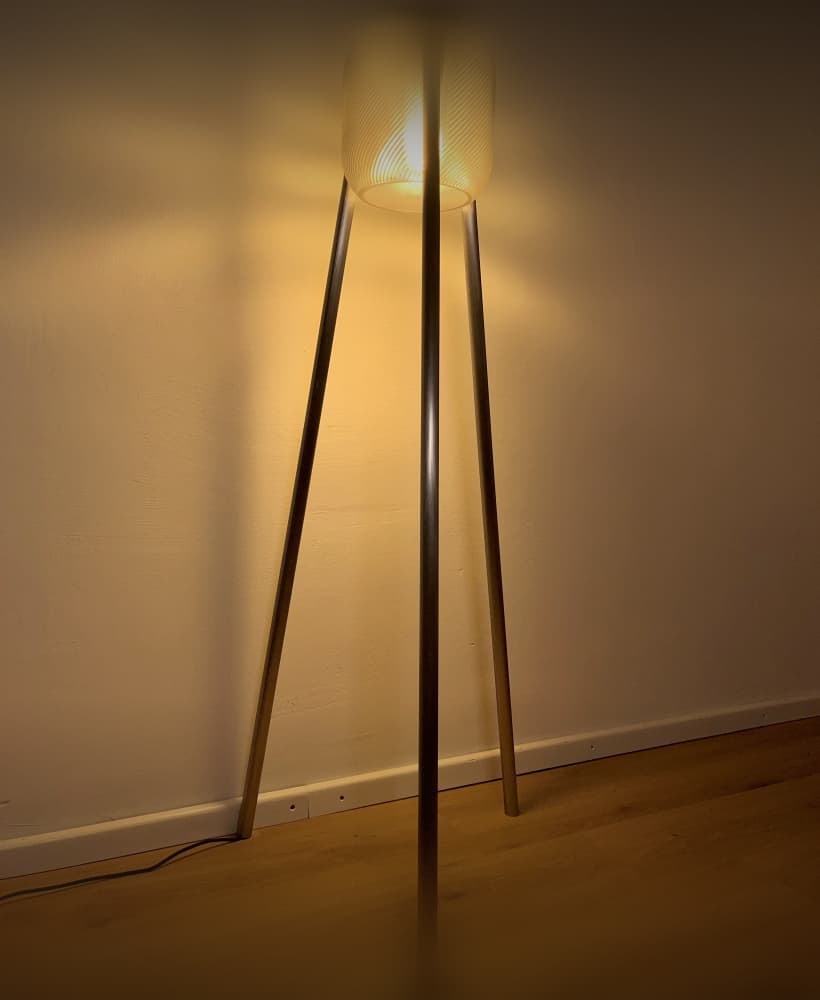
Umea industrial - a floor lamp with steel/copper/aluminum pipes

Funnel vase two parts

Hobbs - a levitating desk lamp

Dego - a modern cup shelf

Needle vase - minimalistic & elegant
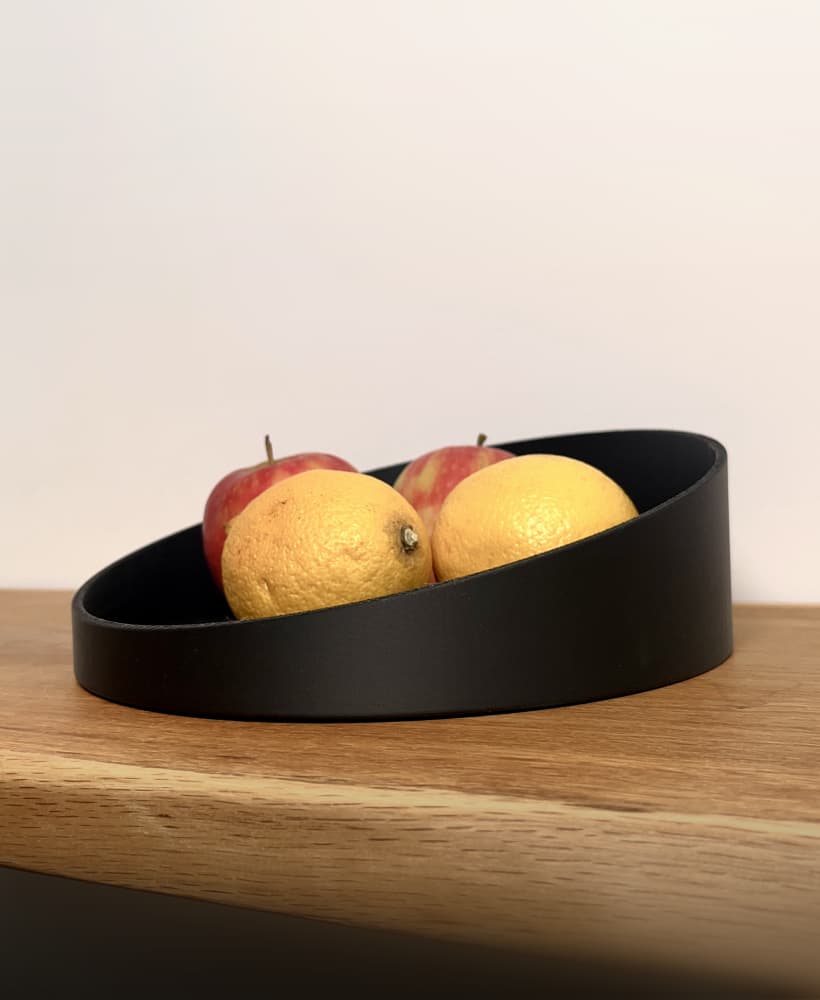
Needle bowl - an elegant & minimalistic bowl

Coneo - a space age housing for Ikea Fado (17cm)

Cup shelf wave

The Y Stand for IKEA Fado (17cm)

Kami - a floor lamp in boho/scandi style

Have you got the file for this?
What settings did you use? Unfortunately, I have a problem with printing the first layers on P1S
I'm interested in your complete settings as well..
Same problem here, It would be awesome to have a prusa mk3 or higher compatible design with the same wood diameter and E14/E27.
I have the same problem on P1S. Did you manage to solve it?
I couldn’t solve the issue with the 0.4mm nozzle, but the 0.6mm nozzle worked better and improved print quality. For 0.4mm, try printing slower in normal mode, not vase mode, but I recommend 0.6mm.
Why the site owner ignores questions for months is beyond me—especially when charging money. Just cancel the subscription and keep printing.
Thank you. I had the same thought: it would be nice to include screenshots of print settings of the machine used for the dev of the print, rather than the very limited print setting recommendation in the description. At least it is something :)
Hi. Could you please share your new hat as well?
Hey good job, can u share the "shoes"?
awesome :)
looks very nice :)
ah okay okay now i understand, first time using vase mode. Thank you man :) Have a nice day!
How have you modified the shape to let in work in normal mode? Or can I print with 0.4 nozzle in vase mode?
I printed this a second time in Vase mode on a 4mm nozzle using bottom shell layers = 4, wall loops 1 and the layer height as recommended at .28. The only issue I had was that the bottom (top?) of the print came out with a few "holes" due to the curvature. Unsure how to fix this but they are basically invisible once you attach the bottom lid.
I used the same settings on P2S and reduced the print speed to 50mms, but also ended up with some holes at the bottom. I didn't see the comment thread here and might try a reprint with the recommended settings from OP below :)
Hey sorry for confusion, I updated the print setting for the shade... Basically you need to add a height range modifier after 0.96mm and set the bottom layers to 0....
I love the lamp. I've printed all the parts but my shade is coming out very differently to yours. The Top of the shade is printing a completer layer (so I am missing the center hole) and I don't have any screw holes (although I cannot see their purpose). I don't have a 8mm nozzle so printed with the 4mm suggested settings. I have examined the included shade file a few times and am not sure it's the same as what you intended to include...
I just printed a version, see my post, and I needed some love in the slicer to make the shade come out properly. I made the same conclusion on the missing screw holes, which were not needed and also not in the file. Guessing there were some itteration done between creating the Insta video and the upload here
Thanks for confirming I am not going crazy @sjunnsesson. I didn't see anything in your post specifically speaking to what changes you made, can you put them here?
Hey sorry for confusion, I updated the print setting for the shade...