


Itty Bitty Fidget
This incredibly tiny fidget uses less than 1.5m of filament.
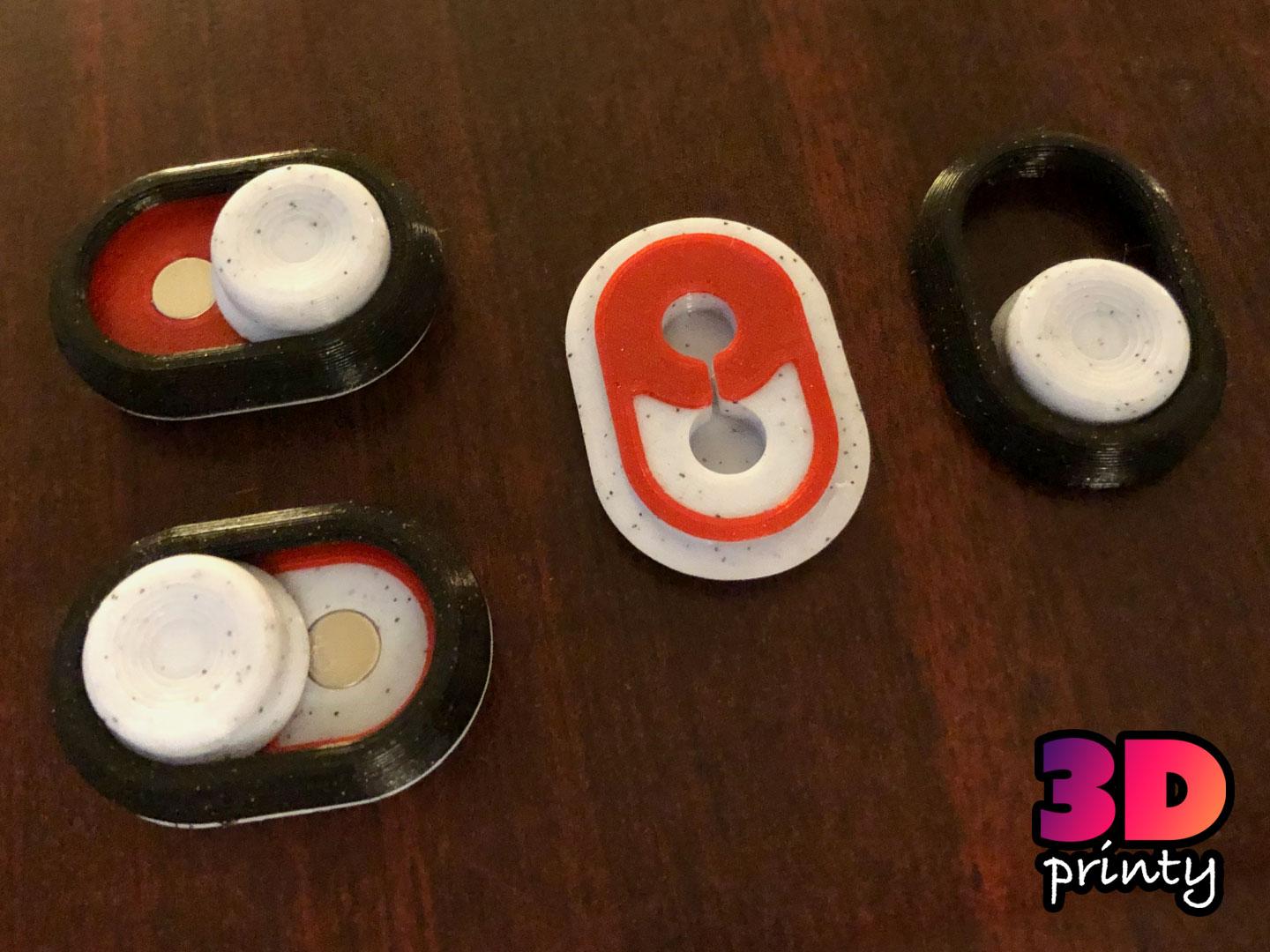
It's available in the following versions:
Large magnets 6x3mm cylinder magnets Strongest and most reliable click.
Small magnets 3x3mm cylinder magnets Soft click with an optional middle setting.
No magnets No hardware required Depending on your printer's calibration and the filament you use, this will provide a click of variable stiffness.
No magnets version 2 No hardware required No hardware required, stays clicky longer Depending on your printer's calibration and the filament you use, this will provide a click of variable stiffness.
8x3mm magnets 8x3mm cylinder magnets
10x3mm magnets 10x3mm cylinder magnets
Printing
This model is very small and requires accurately printed clearances to work as expected.
Print slowly and avoid brittle or inconsistent filaments.
Assembly
If assembling one of the magnet versions of this fidget, press fit the magnets into the button and bottom case first. Make sure magnets are oriented to pull the button toward the bottom case. If the magnets are loose, glue them in.
The top and bottom pieces snap together. These snaps are very tight, so they may require some force to work.
Gluing the case shut is not recommended. If you do glue the case together, limit the glue to only the ends of the case. This is particularly important if you're printing the no-magnet version, as the case needs to flex slightly at the middle.
Magnets? Where?
Magnets are incredibly useful, so buy them in bulk. You will use them if you have them.
Can I sell copies of this?
Yes! This project was shared under the Creative Commons - Attribution license.
This license allows selling copies, but you must provide proper attribution, as detailed in the license itself.
Please note that any other projects linked here (remixes or related projects) may have a different license. Please respect those licenses.
This license applies only to the model files (STL, 3MF, STEP, F3D) included in this project. It does not apply to photos, videos, my logo, or other supplemental graphics attached to or displayed with this project.
Itty Bitty Indicator

Bitty Boombox Clicky Fidget and Keychain
Genie Lamp | Phenomenal cosmic powers...
Magic Heart Lamp (remix)
Xorn Babies and Eggs

Subscriber Exclusive - Campfire Ghost Stories collaboration with Kawaii Rogue
.png&w=3840&q=75)
Demon Bat Keychain STL | Gothic Accessory 3D Print | Cute

Genie Bottle
Ultra-quick mini-balljoint press (Traxxas style rod-ends)

Glu-Bot cap holder.stl

Byte-Size Bots

Gear Cube Fidget Toy

Tactile Fidget Rings (spinning fun toy)
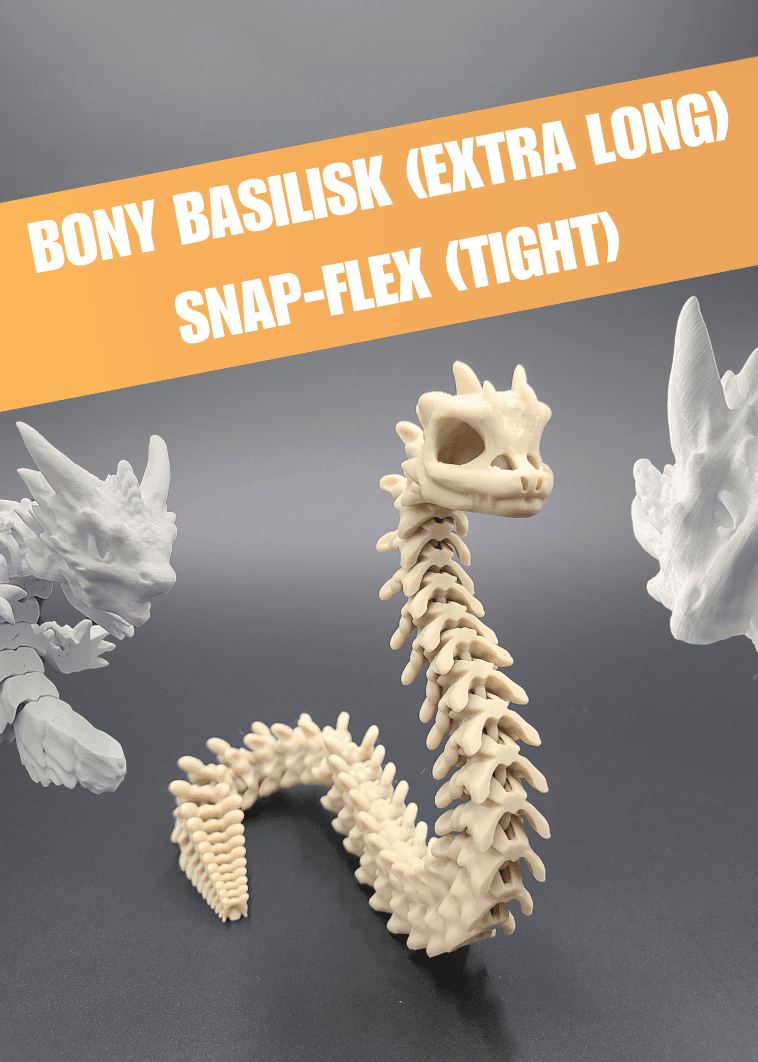
Extra Long Bony Basilisk - Articulated Snap-Flex Fidget (Tight Joints)

Gear Ball Fidget Toy
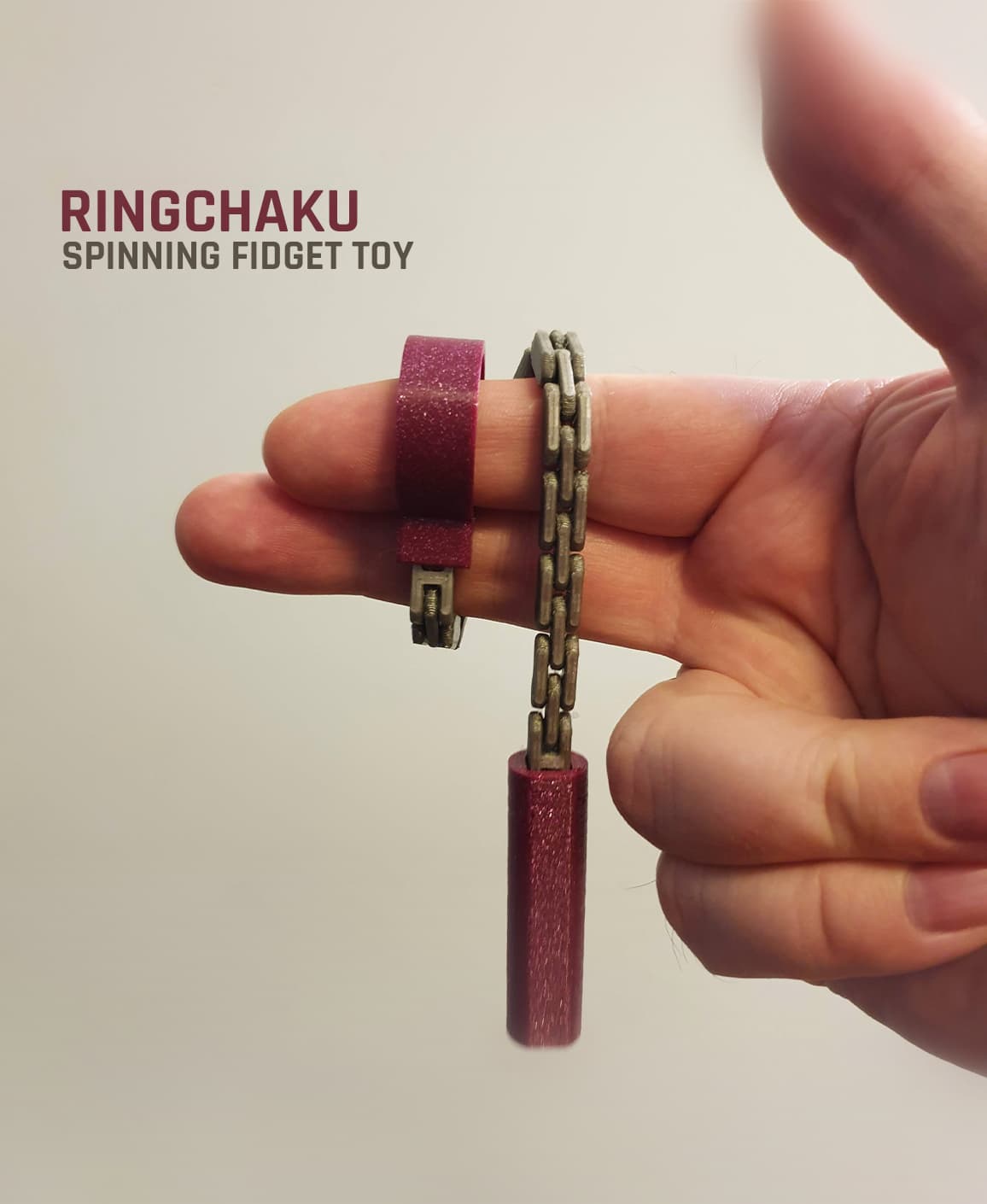
Ringchaku Spinning Fidget Toy
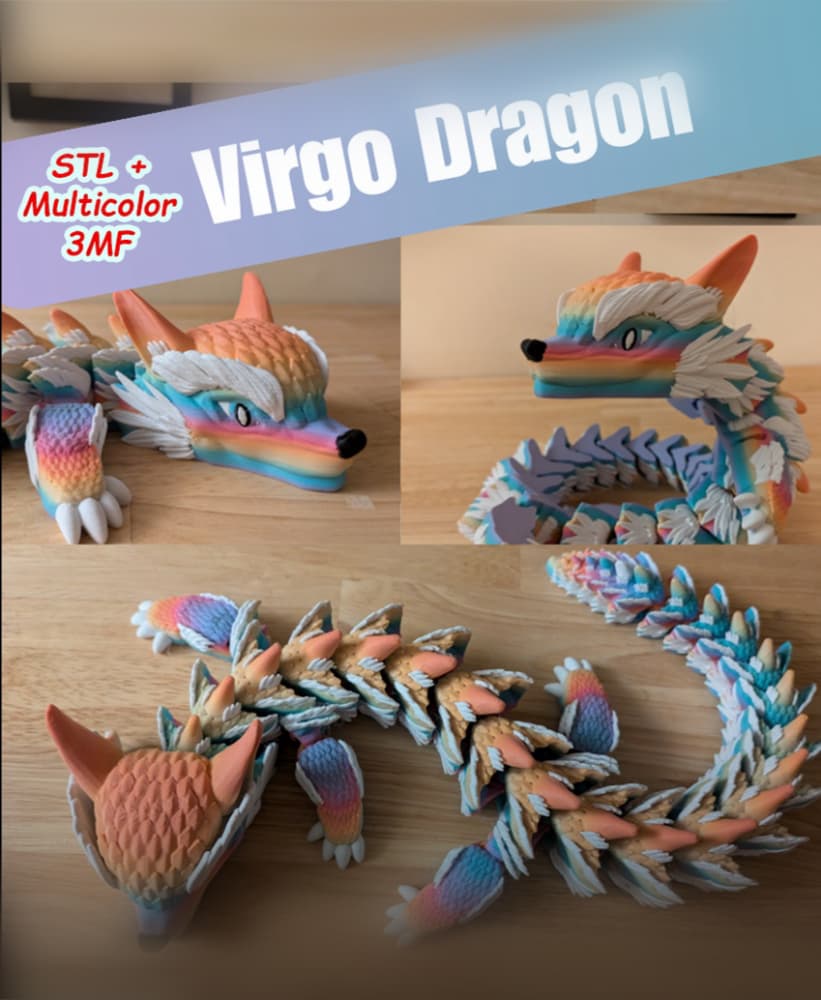
Virgo Dragon - Articulated Dragon
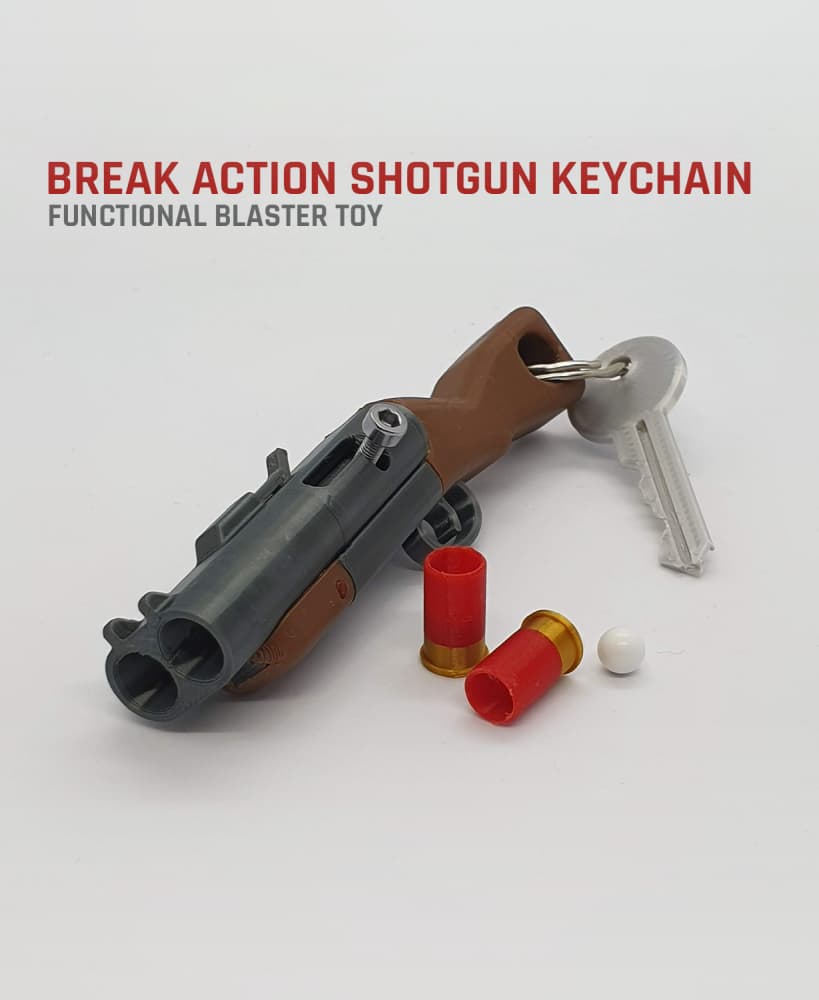
Break Action Shotgun Keychain — Functional Blaster Toy
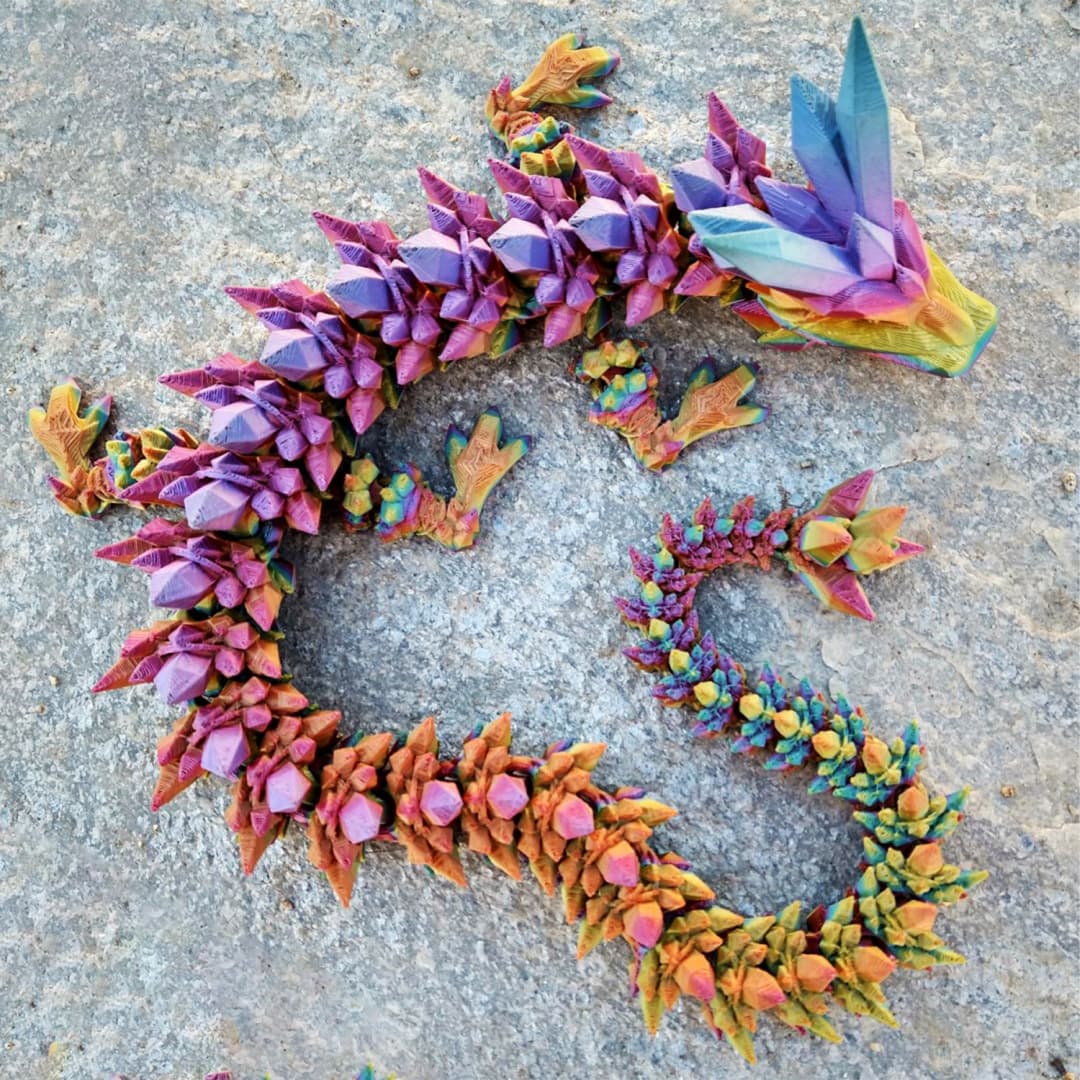
Crystal Dragon
I'm no designer ( wish I was and knew how to use the software much better) and don't use PrusaSlicer. But if I get around to trying out that slicer I'll download it and see what I can do to follow those steps. Thanks
I love the simplicity of this design and the use of the 6.3mm magnets. And having watched your video I now understand why the small size. Is it possible to have a bigger ver made while still being able to keep the same magnet sizes. Maybe a little bit wider than 22mm. It just seems a bit hard to hold and slide the button back and forth.
Glad you like it!
Here are steps to get a larger fidget while still supporting the same magnet size:
I hope that helps :)