
Top Layer Sample Swatches
Model originally uploaded to Thingiverse at https://www.thingiverse.com/thing:6270879.
Collection sample swatches for testing different slicer top layer finishes
Print with a 0.2mm Layer Height and enable the Print Thin Walls option.
Top Layers
- Cura: Lines, Zig Zag, Concentric
- PrusaSlicer: Rectilinear, Monotonic, Hilbert Curve, Aligned Rectilinear, Archimedean Chords, Octagram Spiral, Concentric
Print with the corresponding Top Layer pattern. Either print with your regular settings or use a wider line width (e.g. 0.6mm or higher) to help exaggerate the pattern.
Ironing Enable Ironing and select the Iron Only Highest Layer option
Fuzzy Skin Not exactly a top layer finish, as fuzzy skin applies to the sides of a model, so this swatch has to be printed vertically. You will need to add a custom settings block to only enable fuzzy skin on the sample area. Print with a Brim.
Cura guidelines to add custom settings block:
- Create support blocker
- Set size to x: 36, y: 5, z: 19
- Set position to x: 0, y: 2.5, z: 2
- Set Mesh Type to Modify settings for overlaps
- Set to Cutting mesh
- Add the Fuzzy Skin option and set as enabled
- Select Print Thin Walls
PrusaSlicer guidelines to add modifier block
- Create a modifier block by right clicking on the object and select Add modifier > Box
- Select the box, in the part details unselect the size lock
- Set size to x: 36, y: 5, z: 19
- Set position to x: 0, y: -2, z: -3.5
- Right click the modifier box object and select Add settings > Fuzzy skin
- Set the Fuzzy skin option to Outside walls
- Select Detect thin walls
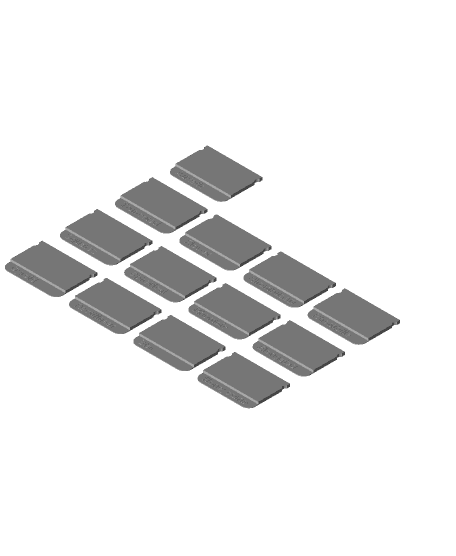
Autodesk Fusion 360 Infill Sample Swatches
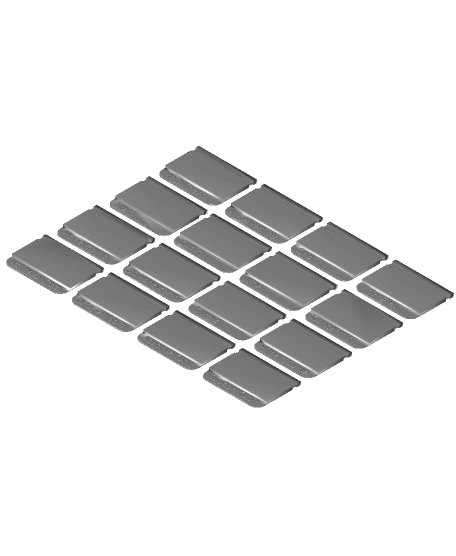
PrusaSlicer Infill Sample Swatches
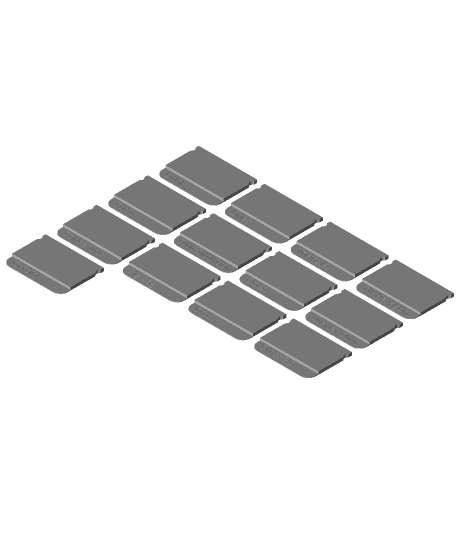
Cura Infill Sample Swatches

Flexi Fila Swatch (filament samples made fun - flexible calibration)
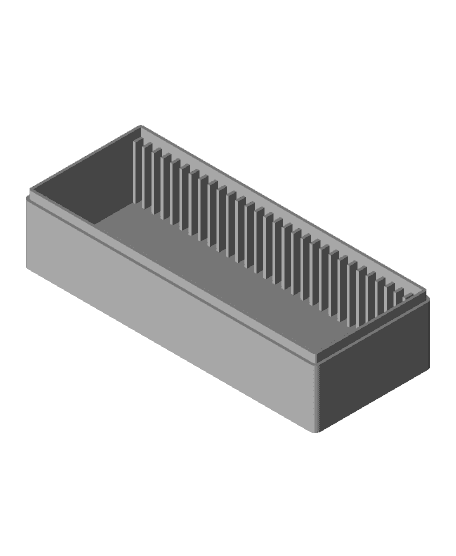
Small Swatch Samples Organizer Box

Modular Filament Swatch (Sample) System
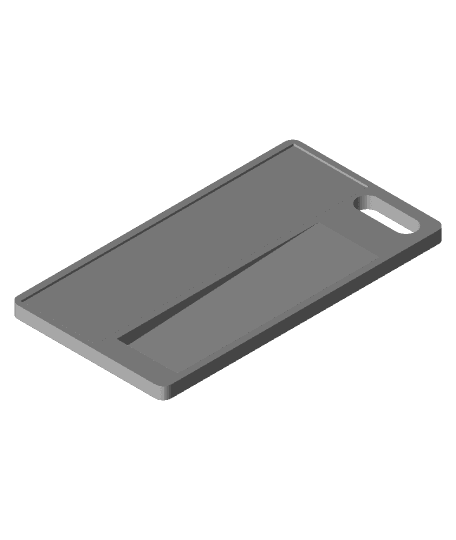
Filament Sample Swatch

Gengar - LED Lightbox - NO AMS NEEDED
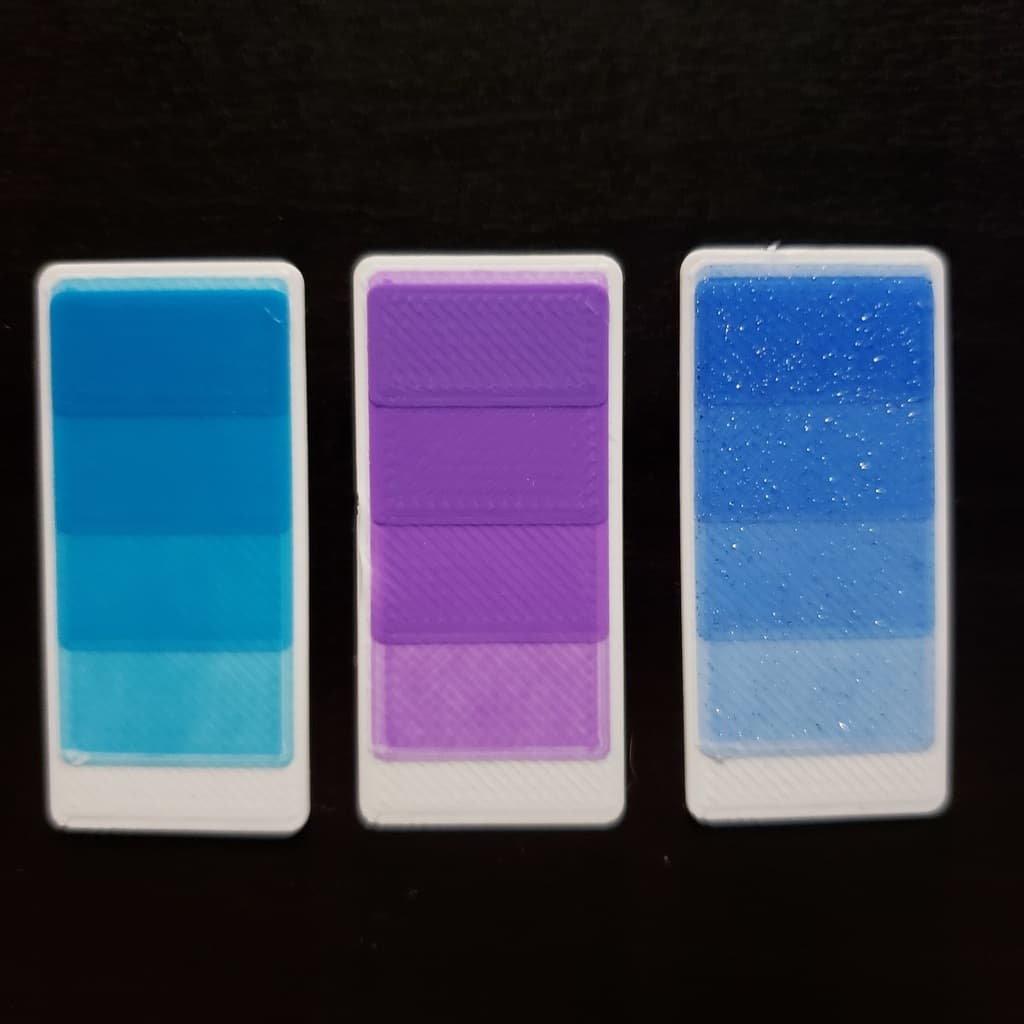
Swatches to test color shading by layer height

Tora barefoot shoes

TheRabbix - theREGGIpalle
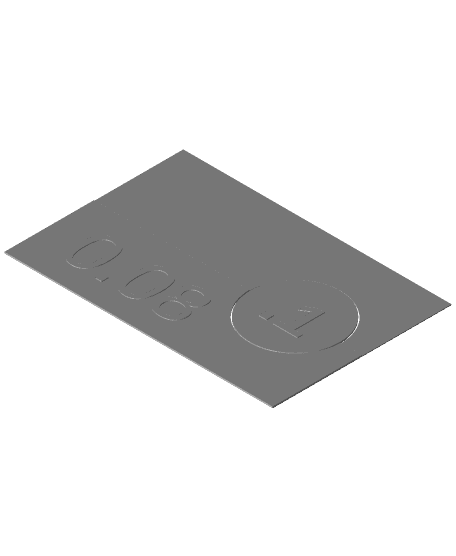
Filament Flow and Tolerance Testing Tile

Happy Party Cake Clicker
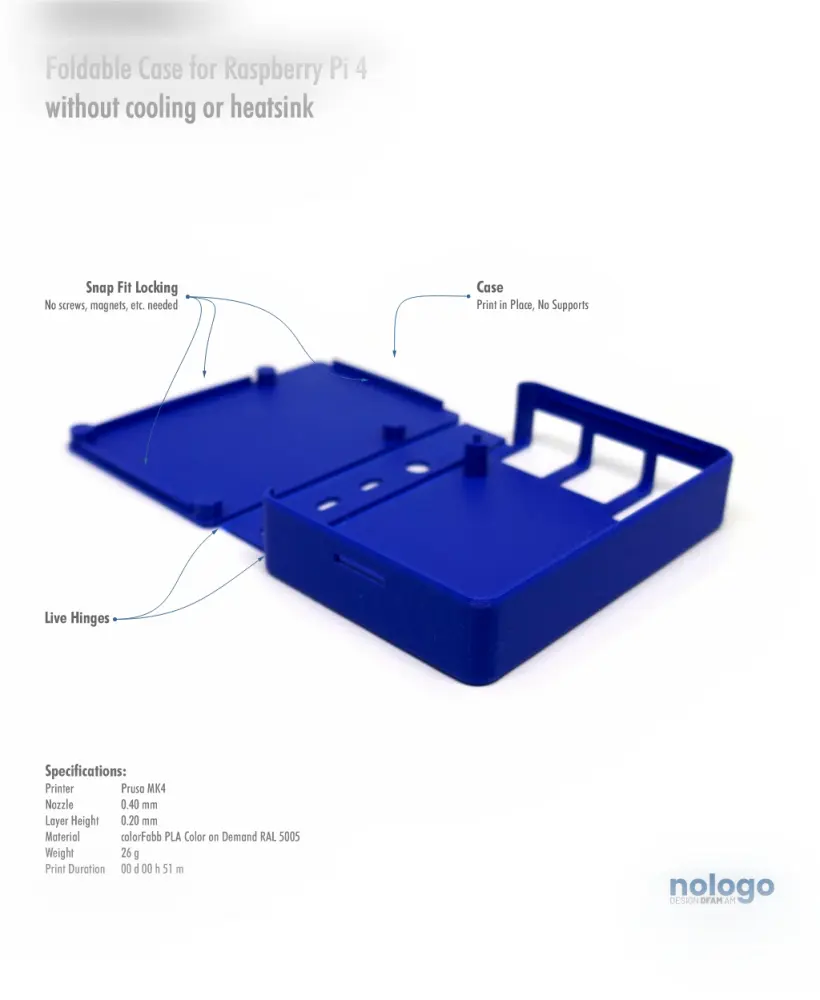
M!N!MAL 4 - Raspberry Pi 4 Case
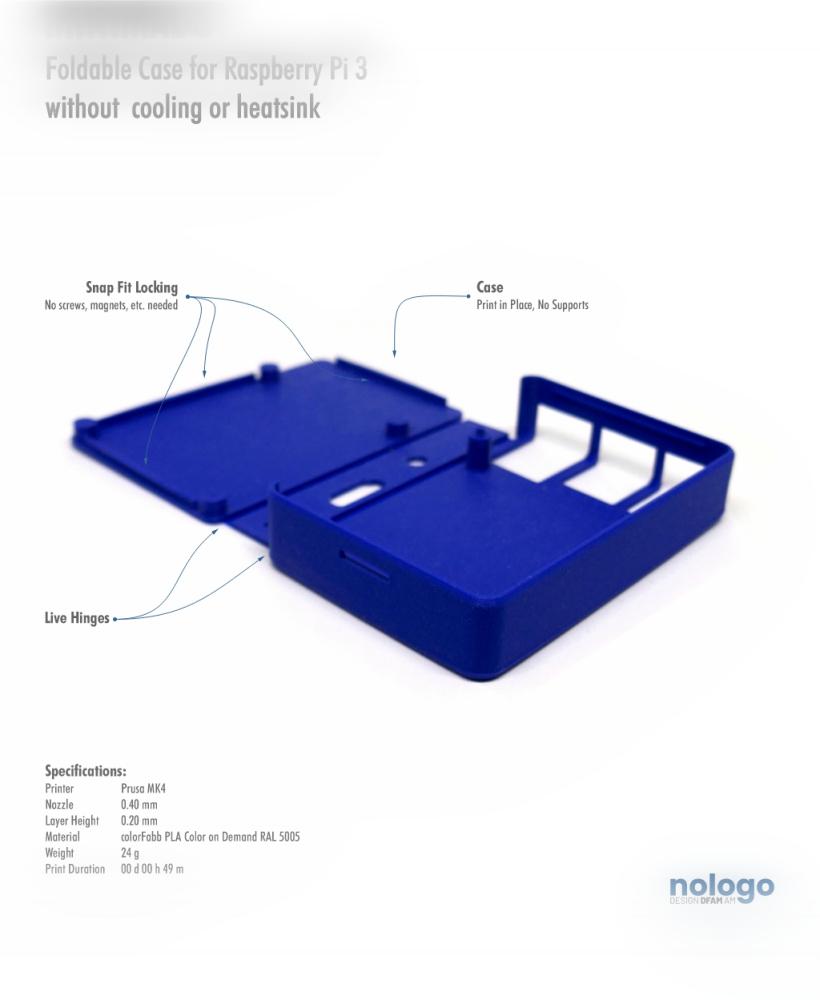
M!N!MAL 3 - Raspberry Pi 3 Case
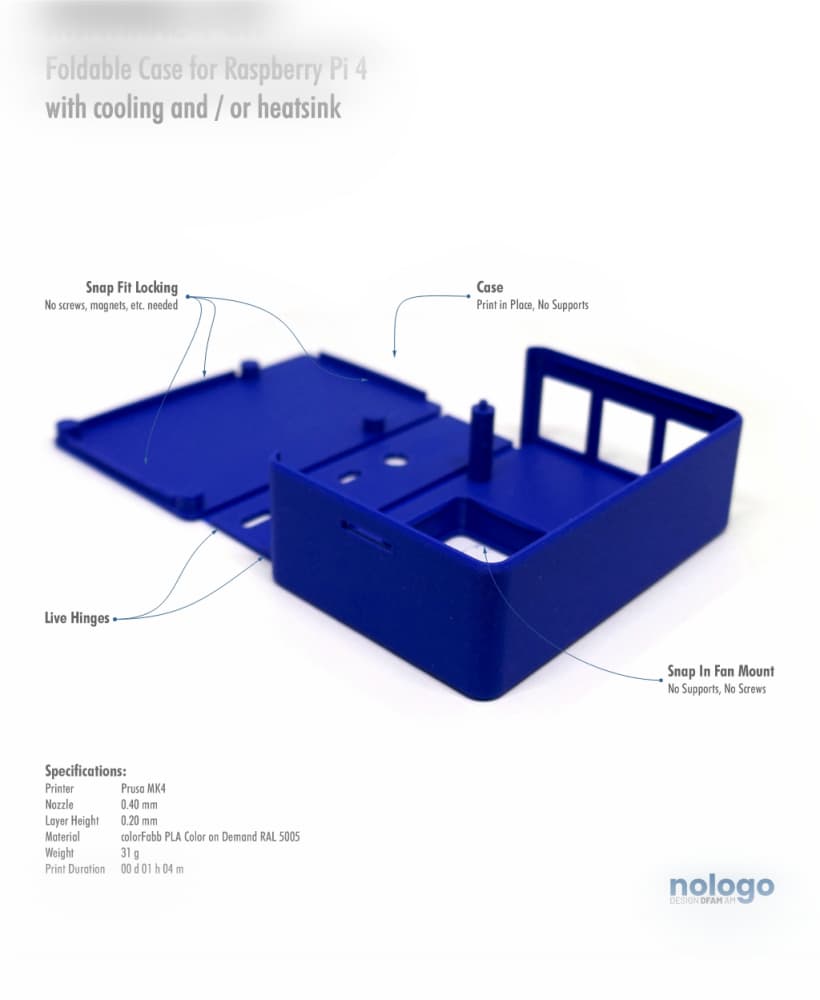
M!N!MAL 4 CH - Raspberry Pi 4 Case
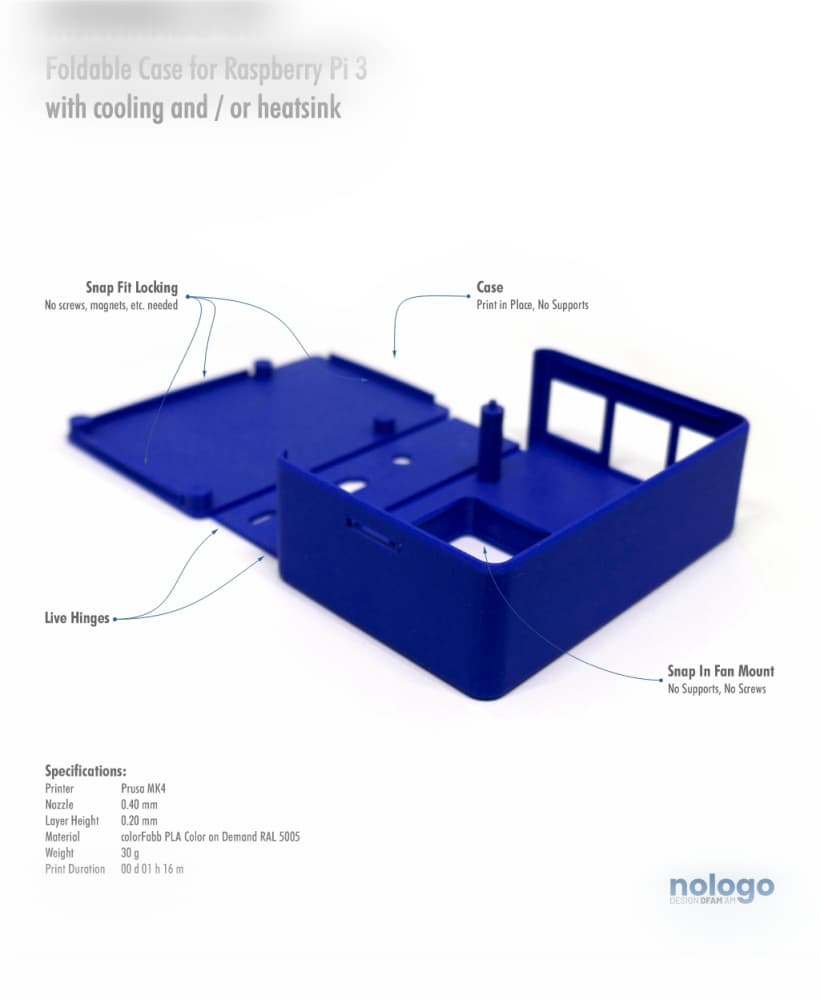
M!N!MAL 3 CH - Raspberry Pi 3 Case
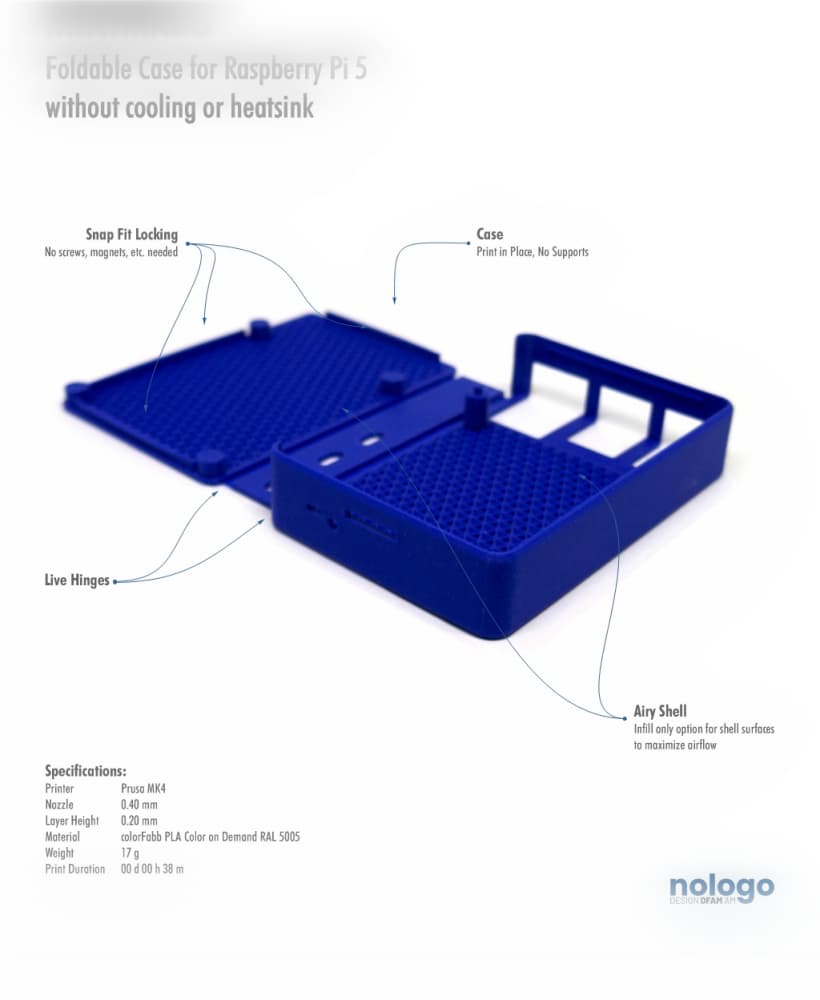
M!N!MAL 5 - Raspberry Pi 5 Case
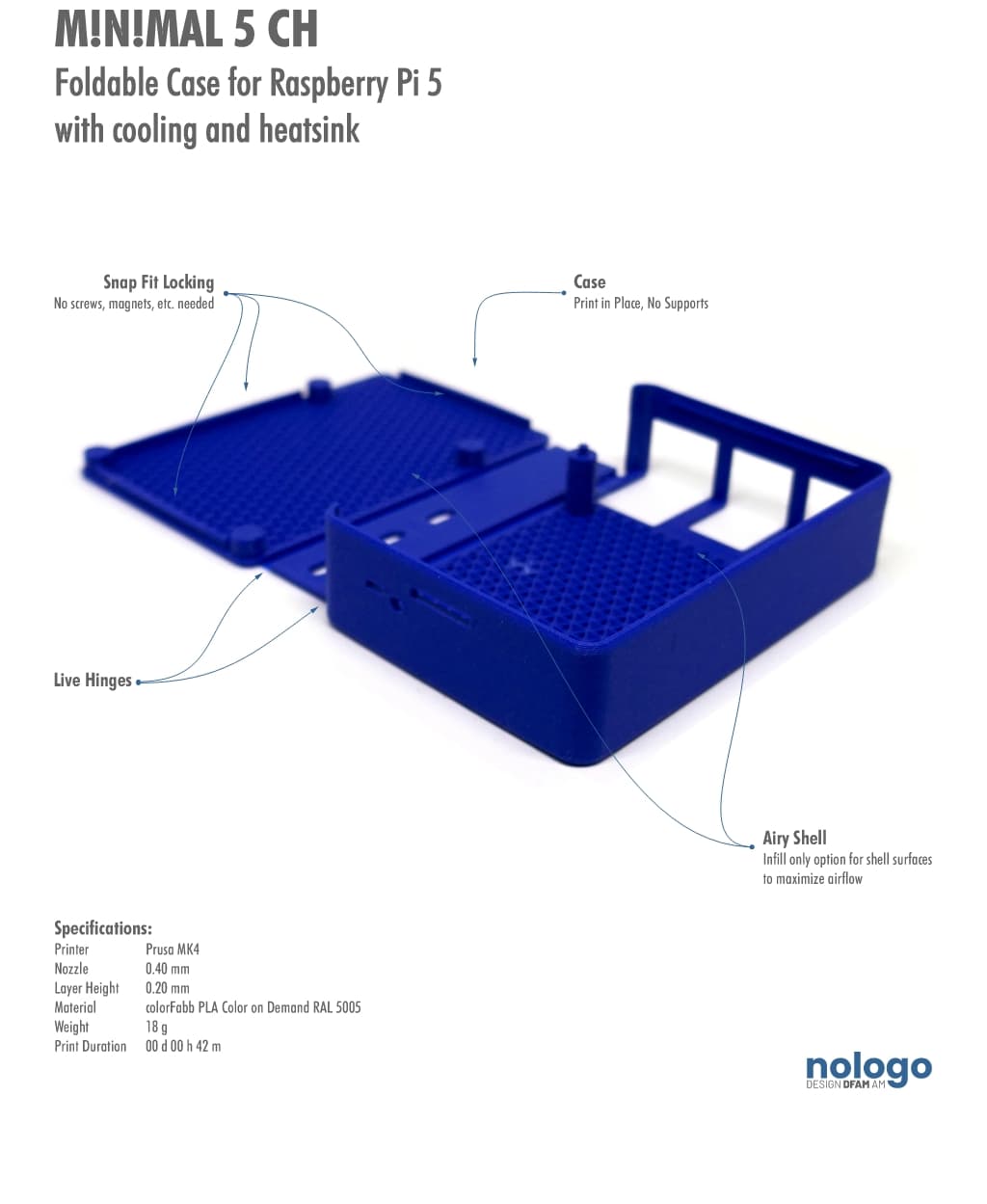
M!N!MAL 5 CH - Raspberry Pi 5 Case
.jpg&w=3840&q=75)