Nintendo Switch Backpack
Assembly Instructions: pop out the Nintendo Switch's kickstand by rotating it past its limit. Next, insert the part that looks like the kickstand. Put the slider that holds the video games into the gap on the main body part. Press the main body onto the back of the switch, lining up the pegs on both the main body and the kickstand insert. Finally, the backpack's kickstand should be popped in so that the bevel on the side matches with the main body.
Snap fit, shouldn't come loose, though your machine may vary.
Holds up to 5 games, and has a much more solid kickstand than the built-in one.
The kickstand should stop at the angle shown. If it is too tight or too loose, scale the kickstand +-1mm, the difference seems to be by material (ABS vs PLA). The files are for ABS, so if using PLA, you might need to scale the kickstand down.
This part was made on the uPrint SE Plus.
Nintendo Switch Backpack
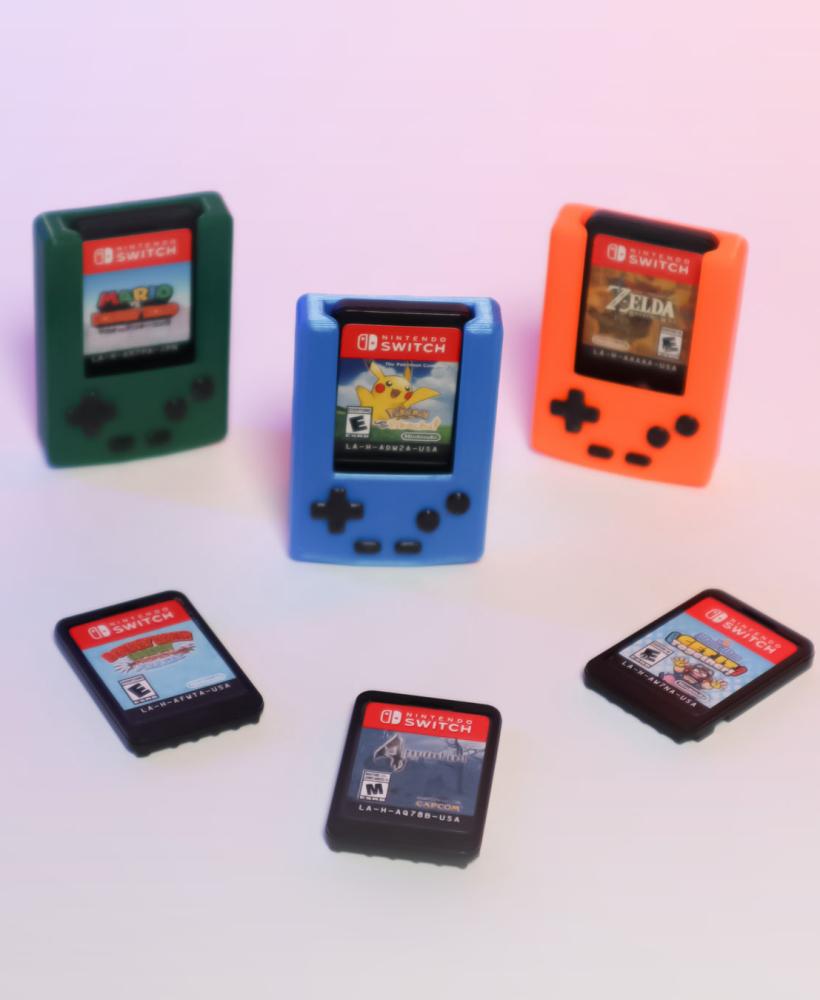
Mini Gameboy Case for Switch Game Cartridge – Open
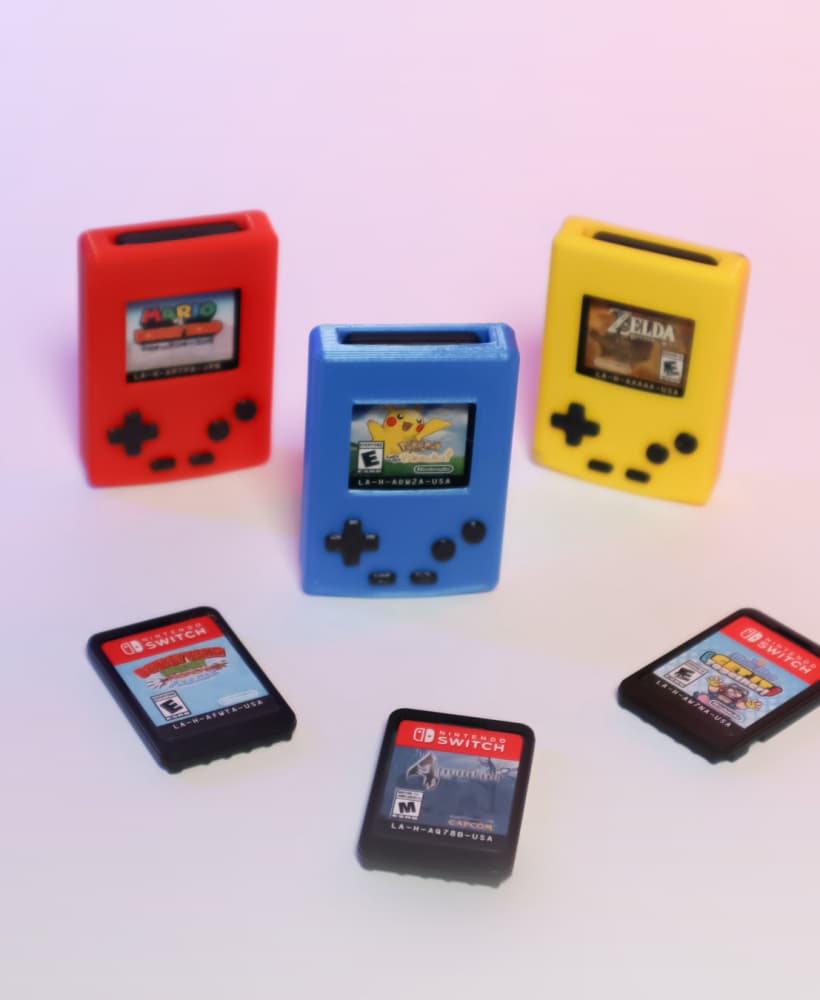
Mini Gameboy Case for Switch Game Cartridge – Enclosed

Large Foldable Stand - Multi Angled - Steam Deck / Switch / Mobile Phone / Tablet
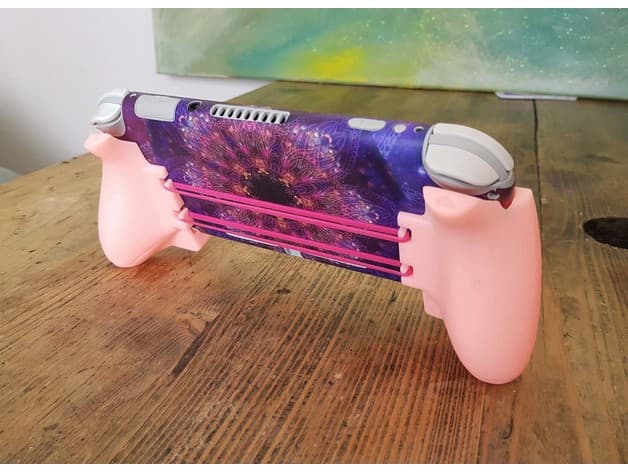
Switch Lite Grip - PRE-SUPPORTED RESIN EDITION!

Captain Toad

Hard Travel Case for Joy-Lock
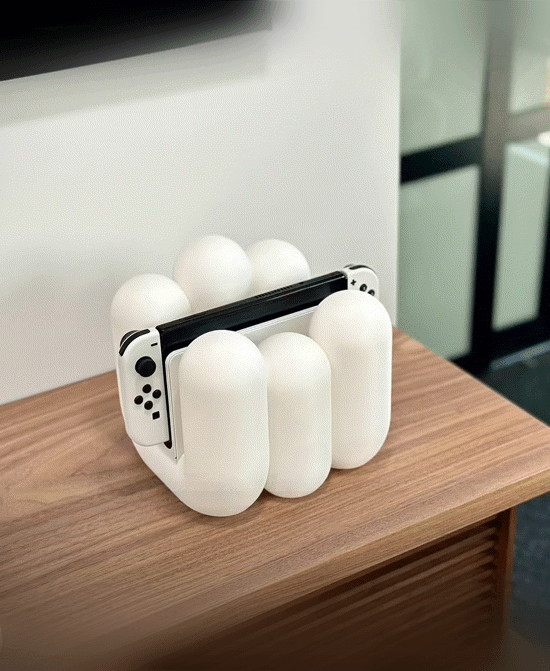
Switch Capsule Dock - Nintendo Switch OLED & Classic

Retro Switch 2 - Nintendo Switch 2 Retro Radio

Nintendo Switch - Retro Switch

Viking Shield and Axe Dock Storage - Switch Station - Nintendo Switch 2 Dock

Flip Switch for Nintendo Switch
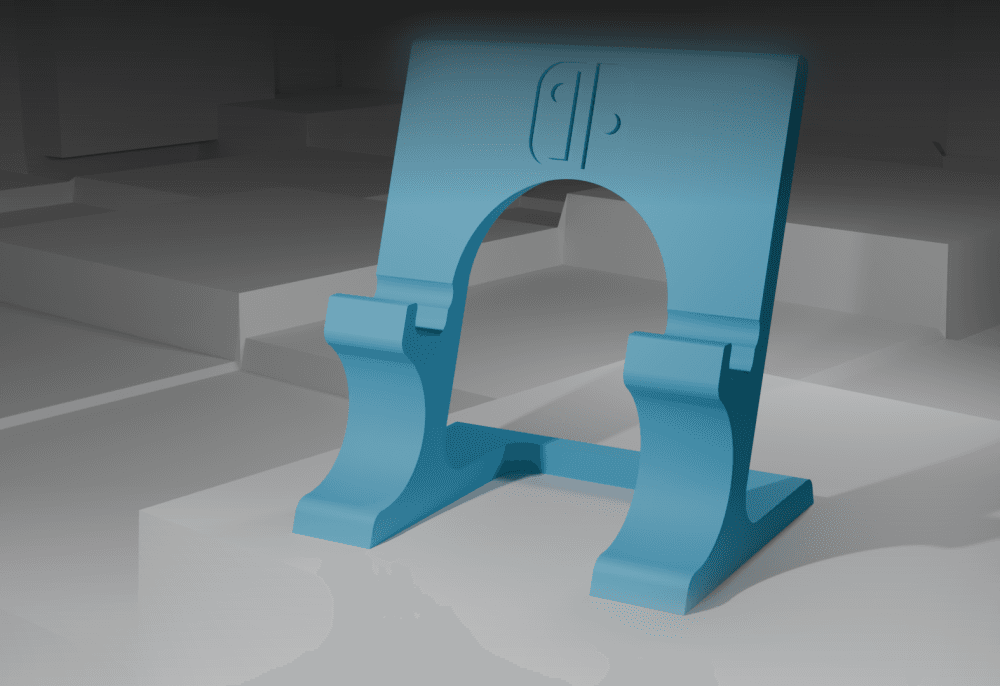
Nintendo switch / switch lite stand

Nintendo Switch KKlicker - Switch Fidget Clicker
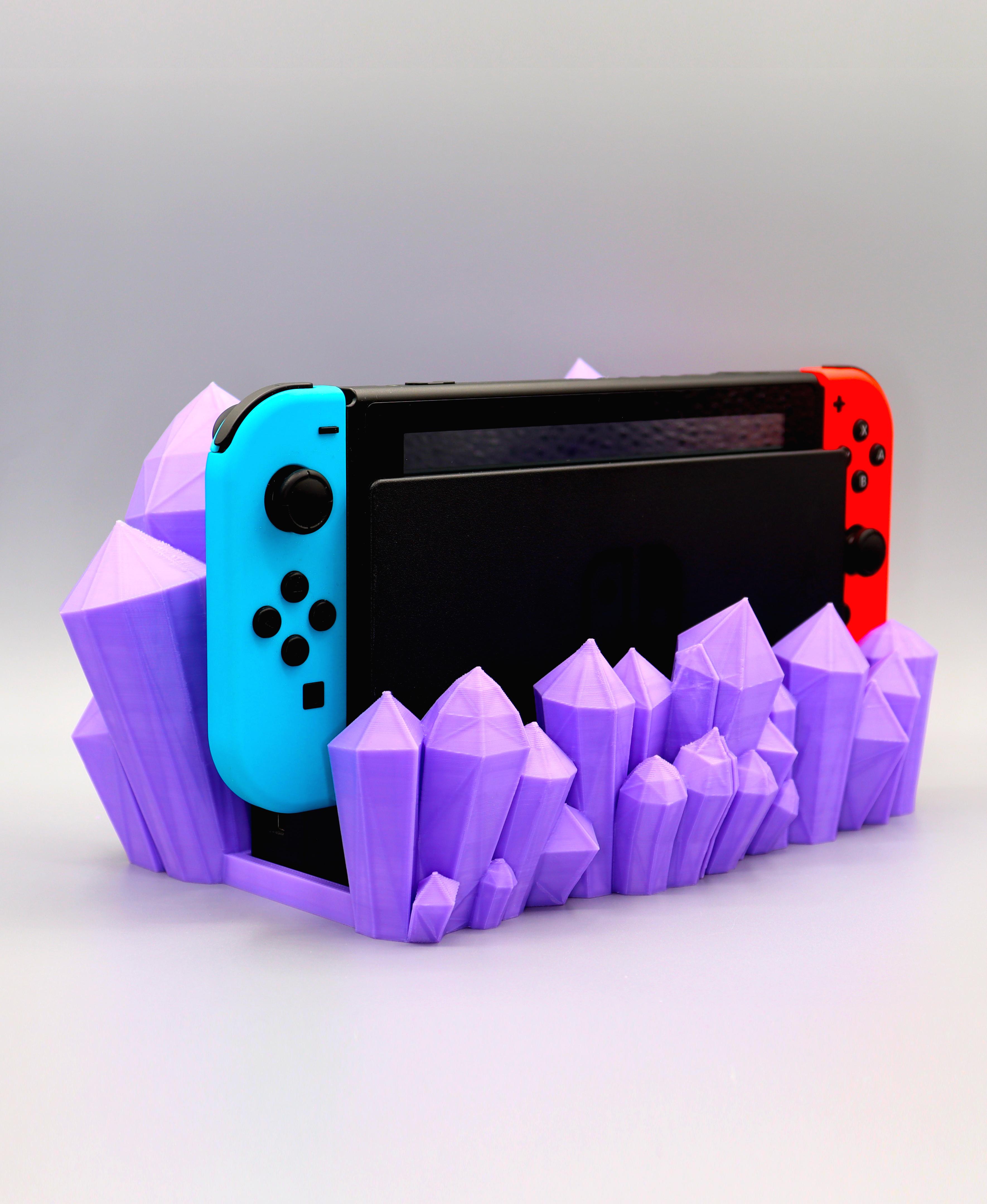
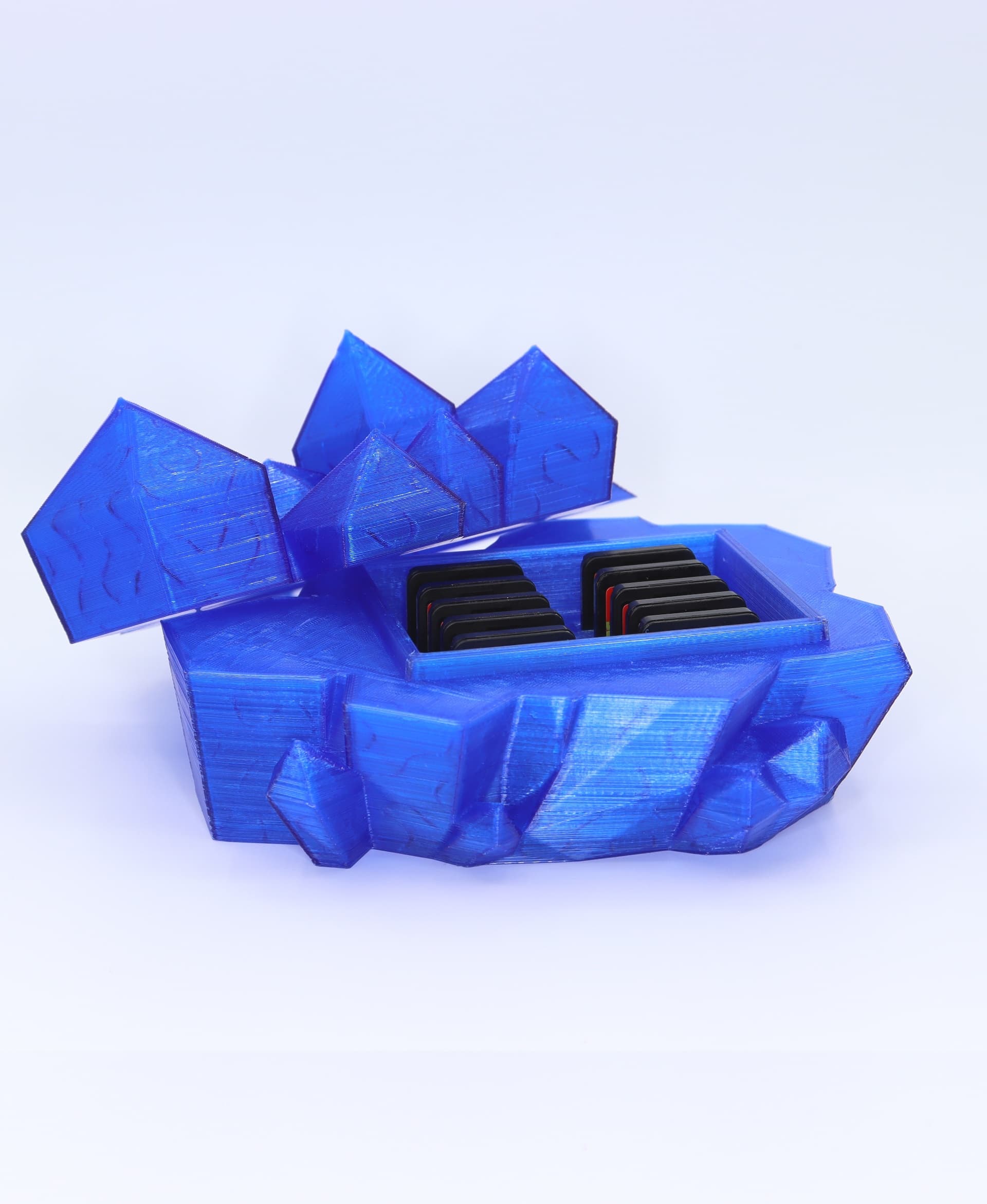
Crystal Nintendo switch dock
%2520New%2520Render%2520Nintendo%2520Switch%2520M0.032.png&w=3840&q=75)
Modern OLED Nintendo Switch Dock (Organizer) - Cut Panels
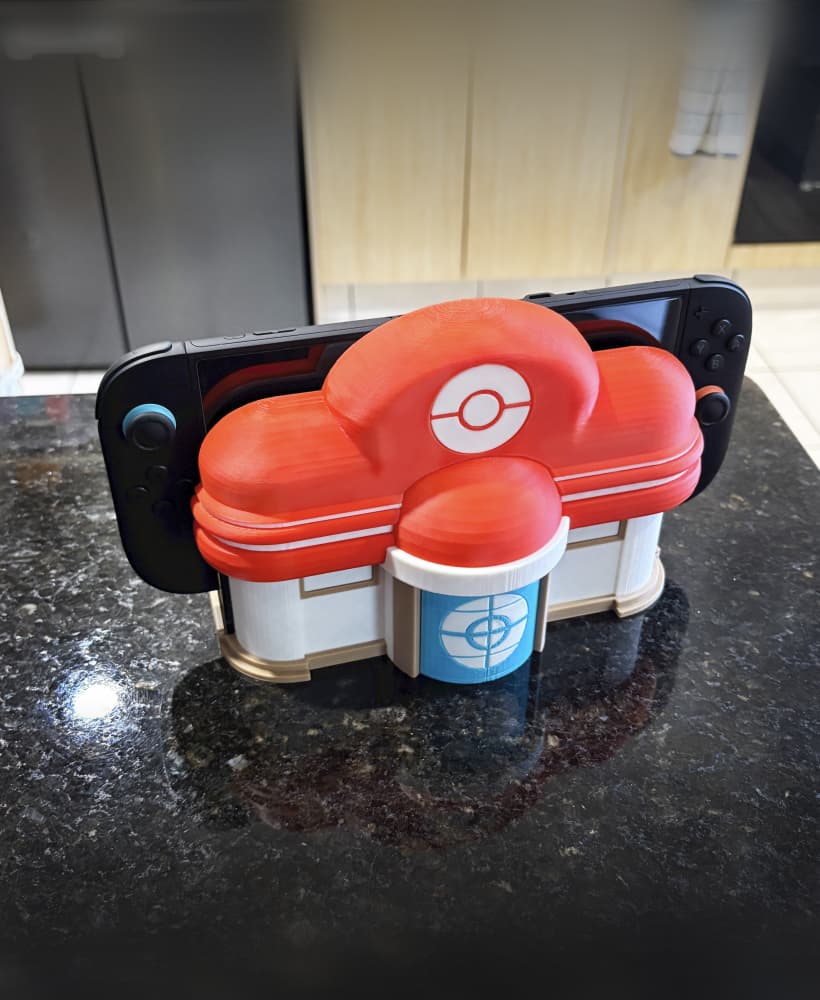
Pokemon Centre Nintendo switch dock multi-part
%2520New%2520Render%2520Nintendo%2520Switch%2520M0.032.png&w=3840&q=75)
Modern OLED Nintendo Switch Dock (Organizer) - Wide Panels

Flame Nintendo switch dock
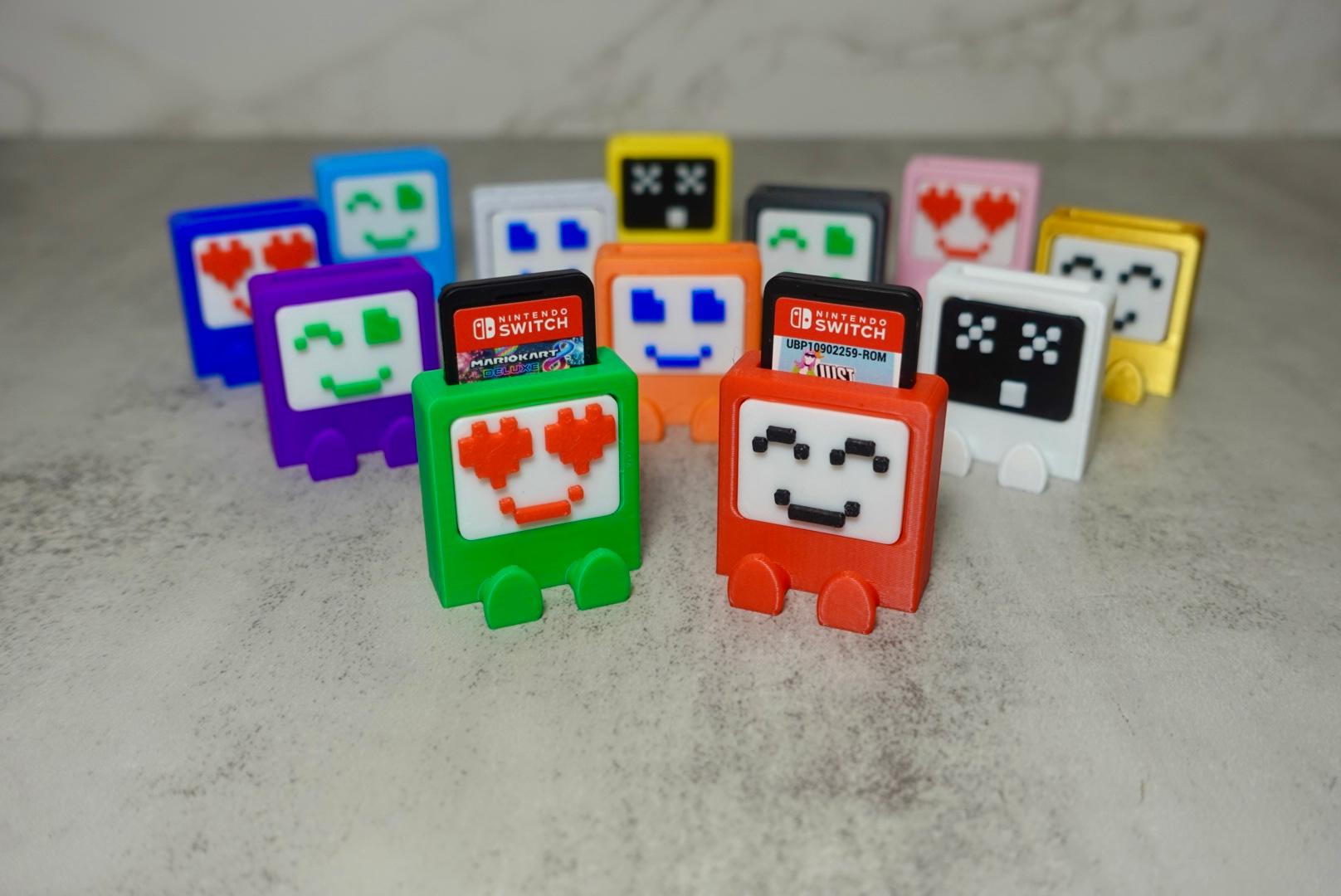
Nintendo Switch Buddies