
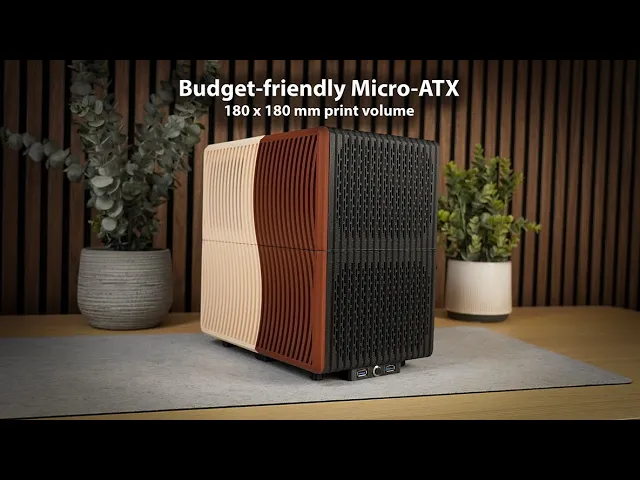





Budget-friendly mATX case
The full detailed building instructions are available in the included PDF, or via this link to Printables.
About the case: Unique looking Micro-ATX case designed specifically to be both budget-friendly and also be printable on small printers down to 180 x 180 x 180 mm in print volume. A perfect little project for your Original Prusa MINI+ or similar printer.
Good to know: The case shown in the pictures is printed exclusively in Prusament colors. The main body is printed in Prusament PETG Prusa Galaxy Black 1kg while the side panel is printed using Prusa's two brand new PLA colors created in collaboration with Noctua. Check out the Prusament PLA Noctua Brown 1kg and Prusament PLA Noctua Beige 1kg. The total filament use is shown in the table further down.
Overall case size incl. feet: L:300mm H:295mm W:190mm (excl. headphone holder)
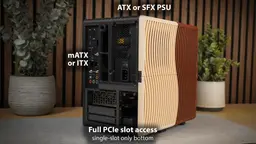
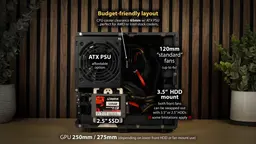
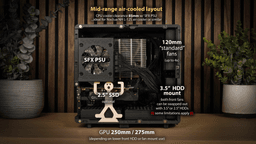
Compatible components: NOTE: Not all parts listed can fit at the same time, please plan your layout based on build video and presented layout pictures. Feel free to ask for help if needed, see Discord link further down.
- Micro-ATX or ITX motherboard
- ATX or SFX power supply
- Graphic cards up to 275mm - (250mm if using lower front HDD/fan mount)
- 120mm AIO Liquid cooler - (possible to do push+pull config)
- Using ATX PSU: CPU Cooler clearance 65mm (For ideal airflow < 55mm)
- Using SFX PSU: CPU Cooler clearance 85mm (For ideal airflow < 75mm)
- 3x 2.5" SSDs - (2x instead of front 120mm fans or 3.5" HDDs)
- 2x 3.5" HDDs - (instead of 2x 2.5" SSDs or 120mm front fans, requires the use of 90-degree SATA power and data cables, see comment two sections down regarding HDD use)
- Up to 4x 120mm computer fans - (2x front fans if not using 3.5" or 2.5" HDD/SSD in the front)
Required parts to complete build:
- 50x (approx.) M3 threaded inserts (M3 x 4.6 x 5.7 mm)
- 50x (approx.) M3 x 10 mm screws
- 16x 8 x 3 mm neodymium magnets
- 12 mm momentary push button (power button)
Optional parts:
- Front-panel mounted dual USB cable (see comment in next section)
- Super glue (to keep the magnets in place)
Important considerations before building in this case: IF YOU PLAN TO USE 3.5" HDDS: If your motherboard has built in 90-degree SATA connectors pointing to the side, you may not be able to use a 3.5" HDD in the lower front slot depending on where the SATA ports are located. You can still use a 120mm fan or 2.5" drive in the slot, then just put the 3.5" hard drive in the upper slot.
IF YOU PLAN TO USE FRONT PANEL USB PORTS COMBINED WITH 120MM AIO: Depending on where your 20-pin front-panel USB connector is located on your motherboard it may interfere with using a 120mm AIO. (A low-profile USB header extension might solve this challenge)
Budget-friendly mATX case
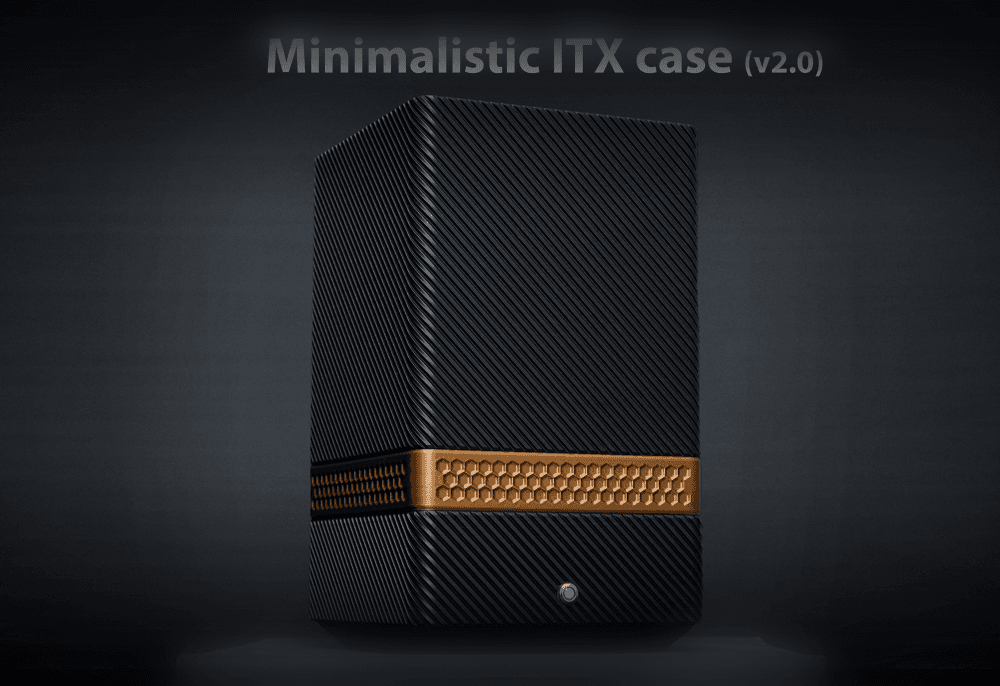
Minimalistic vertical ITX case (v2.0)

Backpack-friendly ITX PC case v1.0
.png&w=3840&q=75)
Clean looking ITX PC case
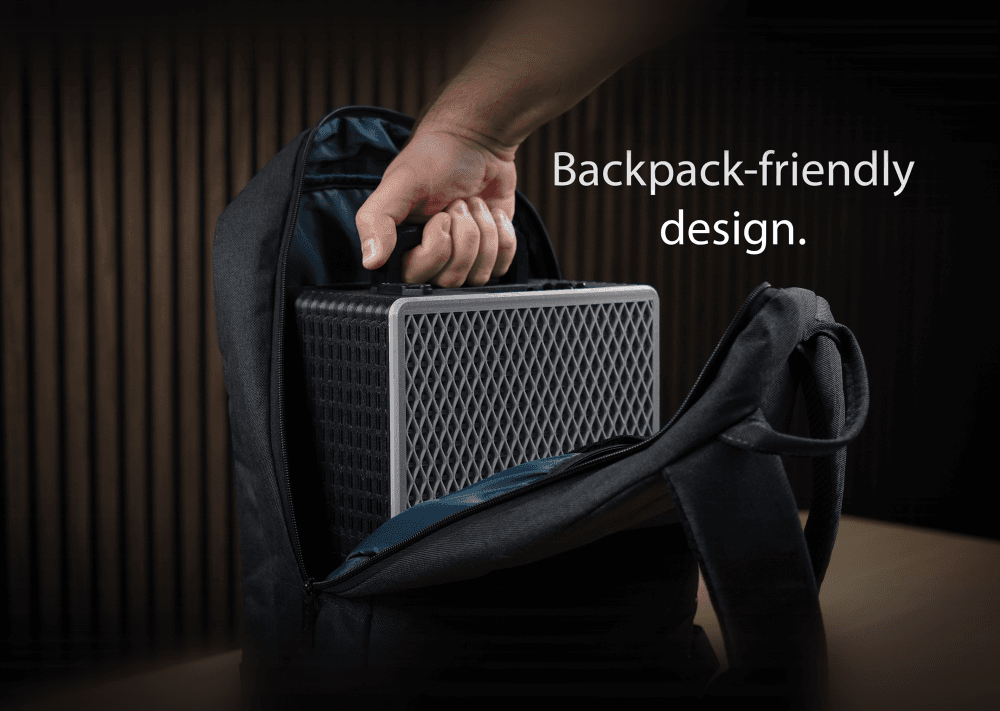
Backpack-friendly PC case v2.0
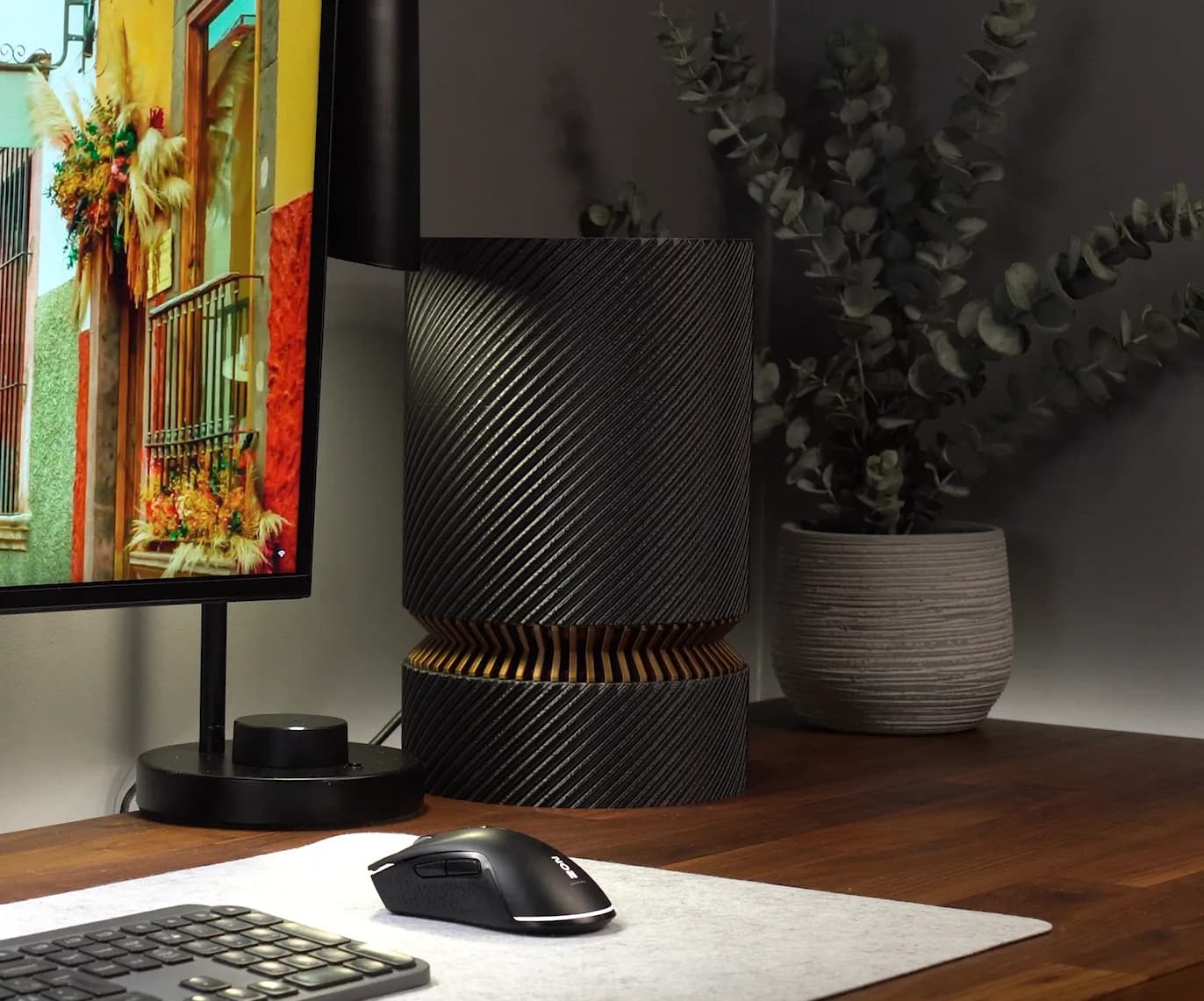
Minimalistic ITX PC case for onboard graphics

ATX PC CASE - 180 x 180mm print volume

12-bay ATX NAS case - 180mm print volume
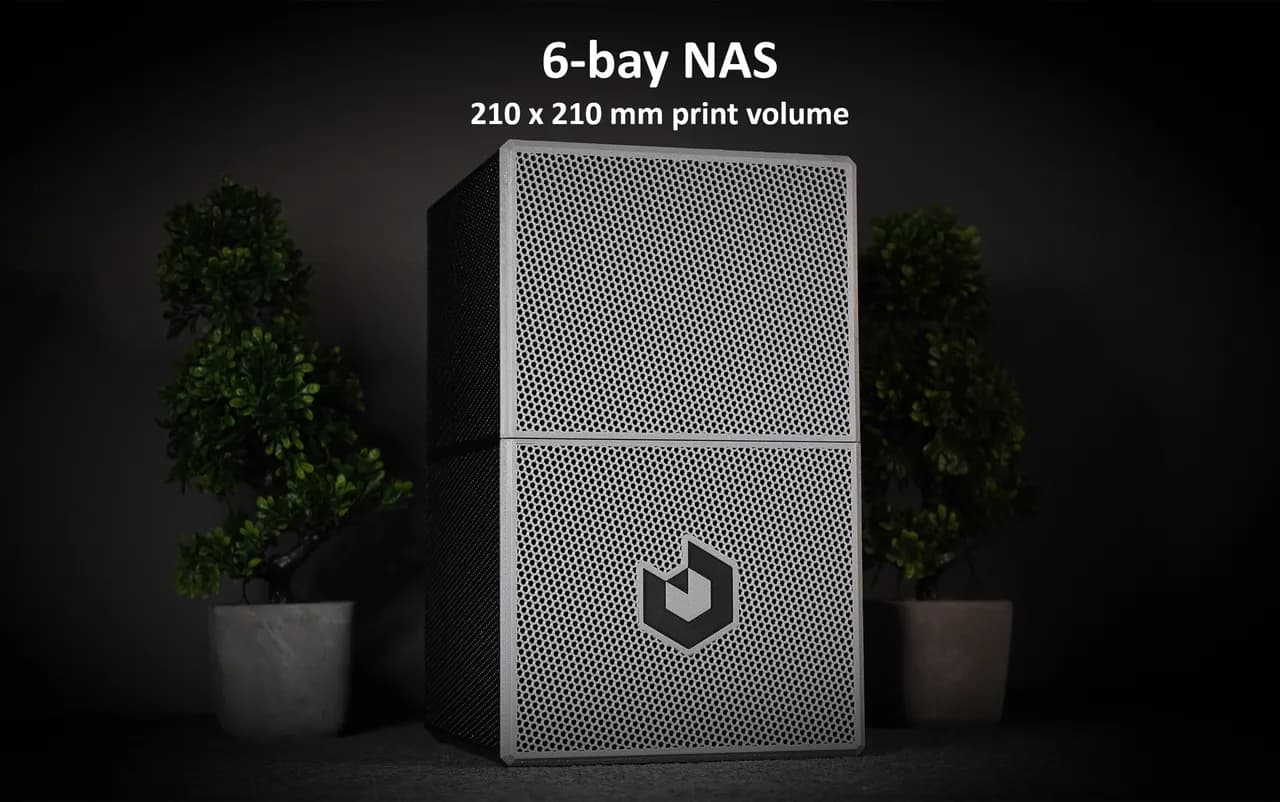
NAS CASE 6-bay (+3 SSD) incl. STEP files.

Glove-Friendly GoPro 7/8/9 Case

Friend Ball Pokeball / Pokémon Go Plus + Protective Case

Miniature Replica 05. KLEPPSTAD Bed Frame for Miniature Dollhouse - IKEA (1:12,24,48) - 3D Print Ins

PRISMALAMP MINI

Book Shelf.3mf

Modular 10" Mini Server Rack! - Mod10
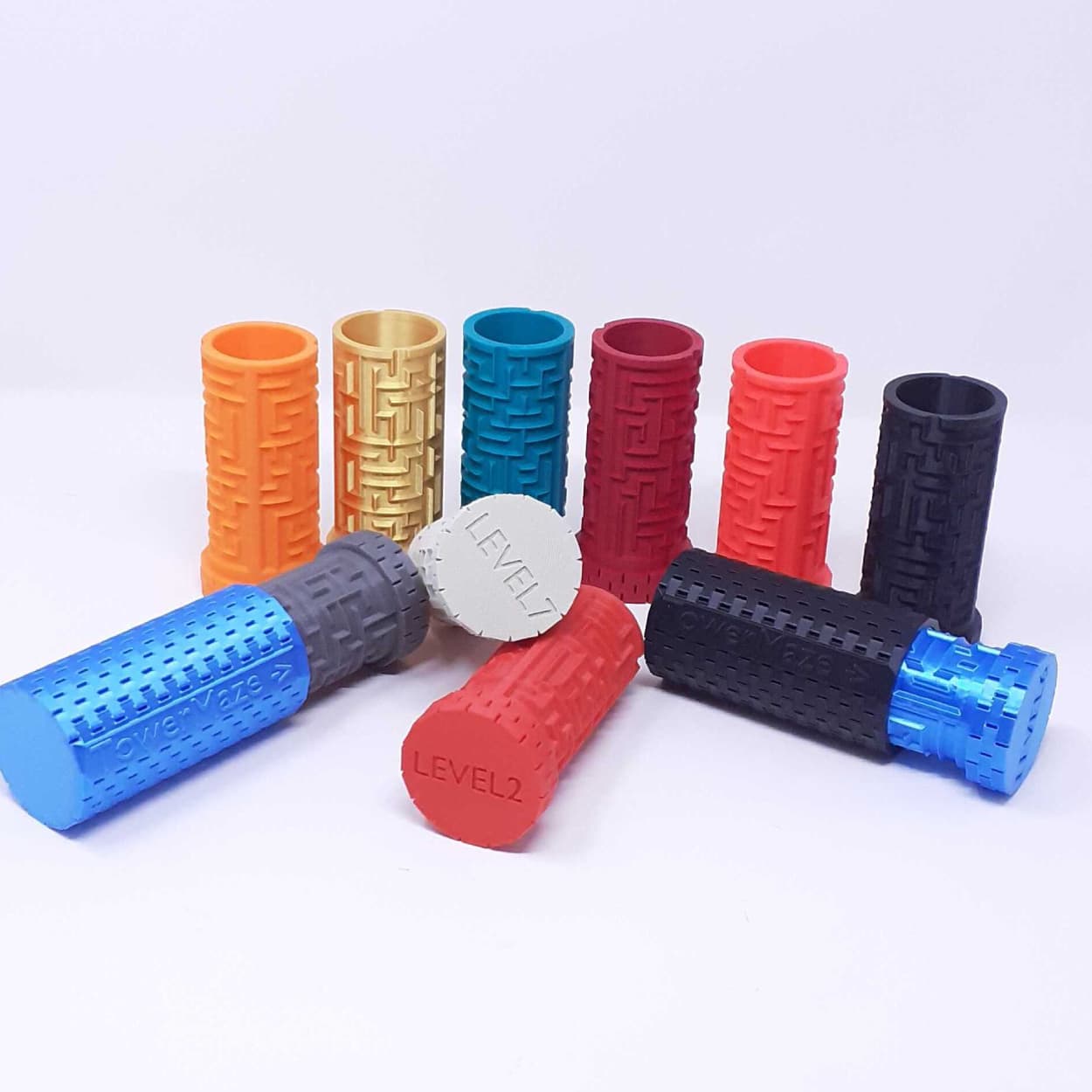
SET OF 10 DIFFERENT COMPLEXITY TOWER MAZE's - 10 levels - each more complex than the previous!
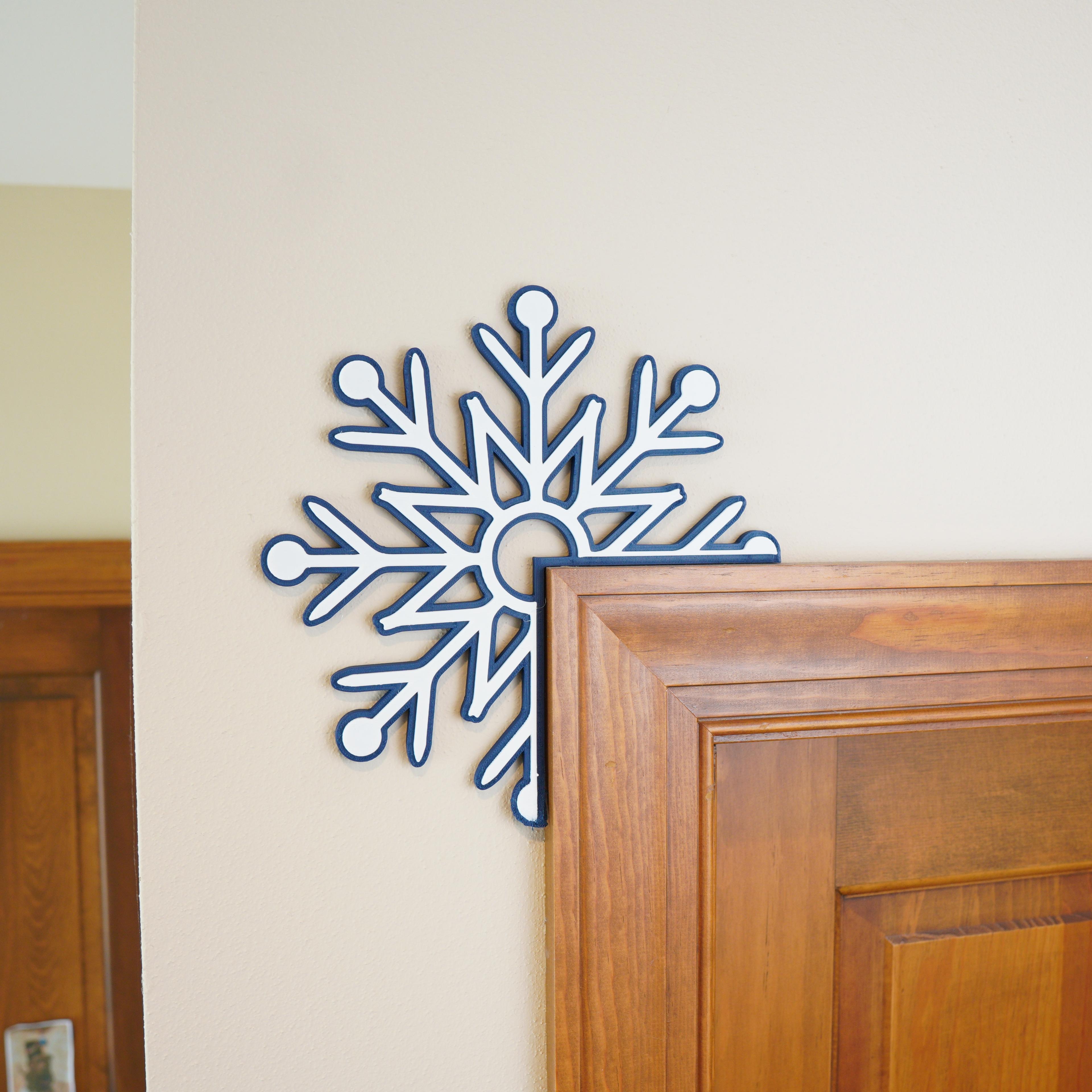
Snowflake Corner Decoration

Aothia Desk Shelf - Upgraded Legs
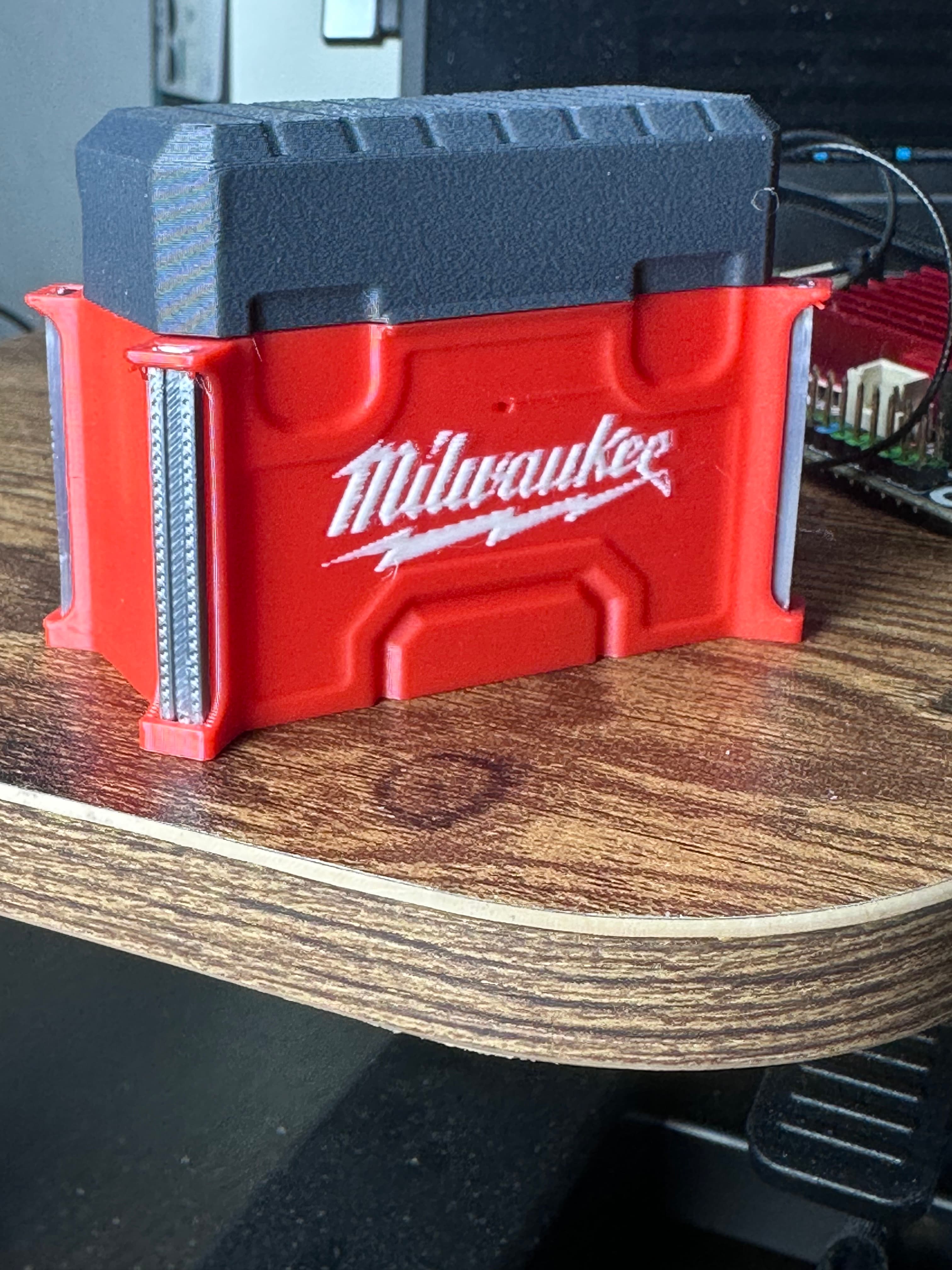
Milwaukee Packout, Airpod Pro Cases, Protect your Airpods, Practical, Fast, easy, fathers day
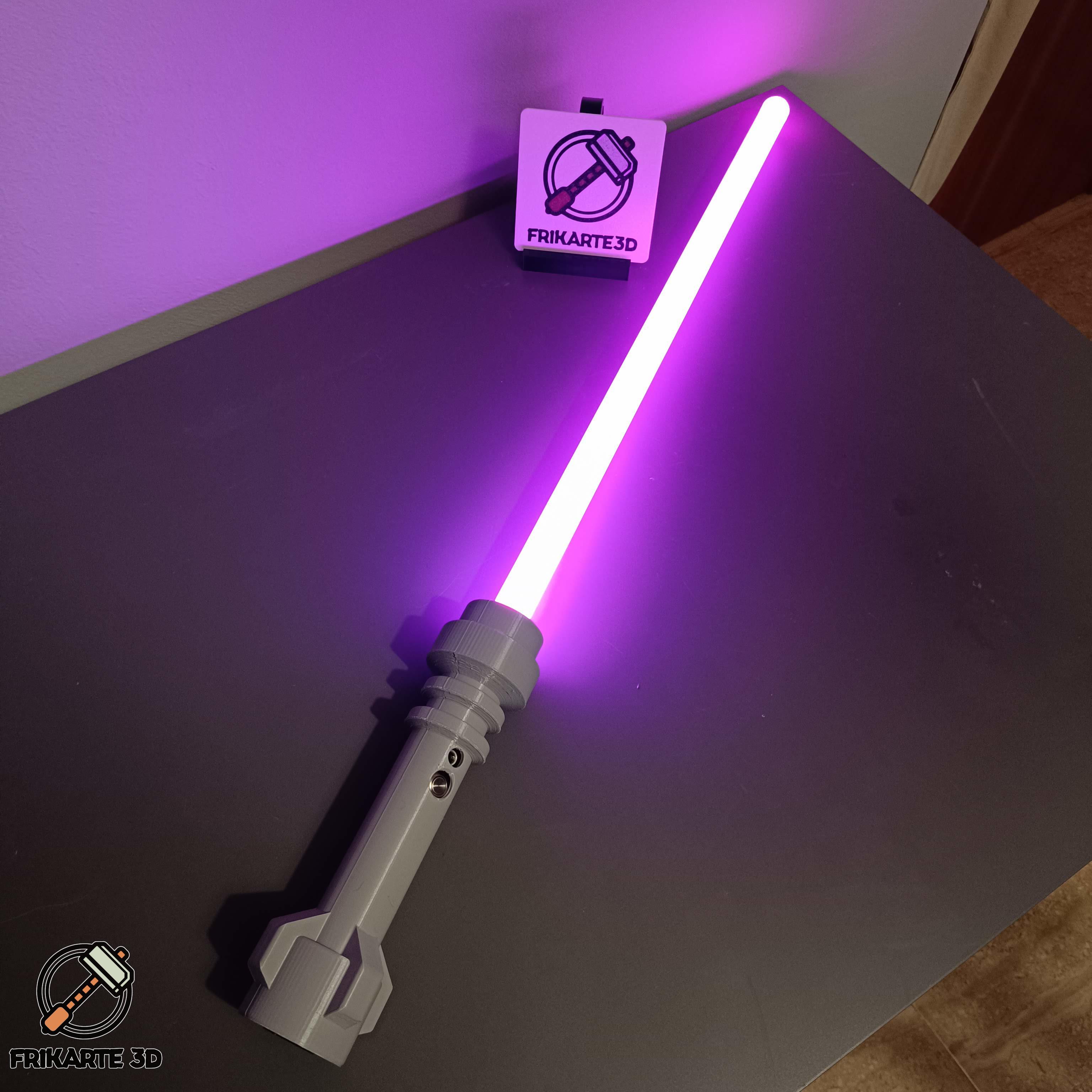
BrickSaber: LEGO-Inspired Functional Lightsaber
