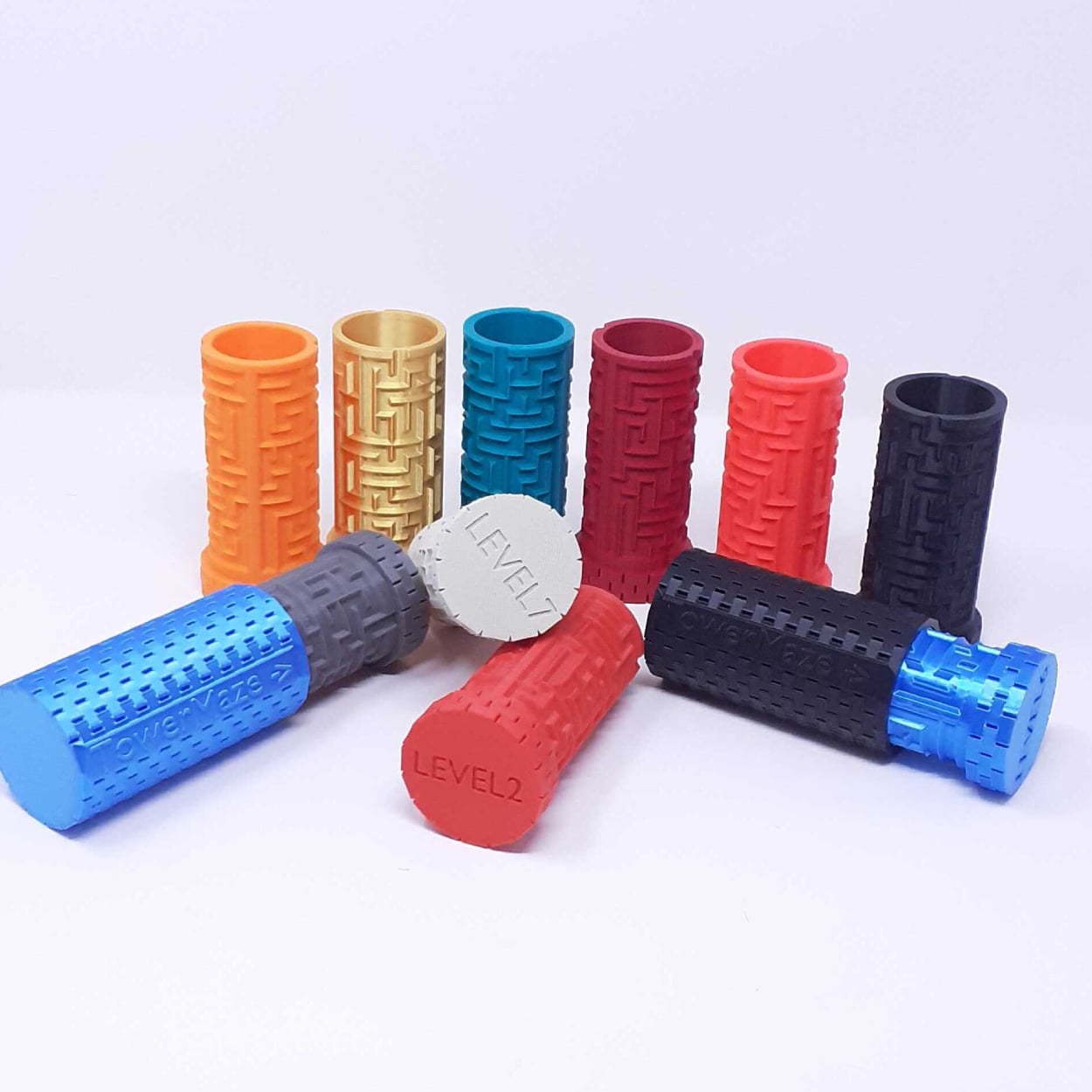

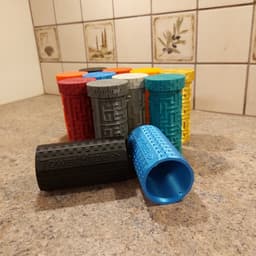

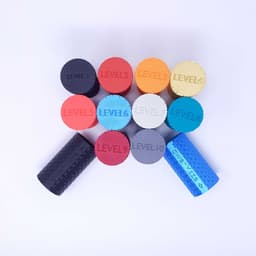


SET OF 10 DIFFERENT COMPLEXITY TOWER MAZE's - 10 levels - each more complex than the previous!
Who’s up for a massive challenge? Well here’s one for you - I designed 10 different maze levels, each more complex than the previous one. Will you start your way from the bottom or jump straight to the level 10? Well, whichever option suits you best. Tower Maze level 1 to level 10 are here to challenge you. And if you will be able to beat them all? Well then you can challenge me to make even more levels until one of us decides that the other one wins! Cheers and best of luck to you! For the convenience, I designed a case that acts as one-fits-all so you do not have to print 10 cases, however, if you want to showcase your collection, you are more than welcome to print a case for each maze! Share the challenge with friends to see who’s best at solving them. And if you decide to showcase your printed version, don’t be shy to tag me @3dbrinumi
PRINT TIMES AND MATERIAL REQUIREMENTS (TOTAL AT THE END):
The case for the maze
Print Dimensions: Height =9.8 cm (3.86 Inches) | Diameter of 5.4 cm (2.13 inches) Layer height: 0.2 mm Infill type: Gyroid Infill percentage: 12% Print speed: 250 mm/s Print time: 2 hours and 29 Minutes Amount of material required: ~ 20.4 m
Total Print time for 10 cases (1 for each maze): 25 Hours Amount of material required for 10 cases: ~ 204 m
LEVEL 1 MAZE:
Print Dimensions: Height =11 cm (4.33 Inches) | Diameter of 5.35 cm (2.11 inches) Layer height: 0.2 mm Infill type: Gyroid Infill percentage: 12% Print speed: 250 mm/s Print time: 1 hours and 59 Minutes Amount of material required: ~ 17.2 m
LEVEL 2 MAZE:
Print Dimensions: Height =11 cm (4.33 Inches) | Diameter of 5.35 cm (2.11 inches) Layer height: 0.2 mm Infill type: Gyroid Infill percentage: 12% Print speed: 250 mm/s Print time: 2 hours and 04 Minutes Amount of material required: ~ 16 m
LEVEL 3 MAZE:
Print Dimensions: Height =11 cm (4.33 Inches) | Diameter of 5.35 cm (2.11 inches) Layer height: 0.2 mm Infill type: Gyroid Infill percentage: 12% Print speed: 250 mm/s Print time: 2 hours and 02 Minutes Amount of material required: ~ 17.1 m
LEVEL 4 MAZE:
Print Dimensions: Height =11 cm (4.33 Inches) | Diameter of 5.35 cm (2.11 inches) Layer height: 0.2 mm Infill type: Gyroid Infill percentage: 12% Print speed: 250 mm/s Print time: 2 hours and 08 Minutes Amount of material required: ~ 16.4 m
LEVEL 5 MAZE:
Print Dimensions: Height =11 cm (4.33 Inches) | Diameter of 5.35 cm (2.11 inches) Layer height: 0.2 mm Infill type: Gyroid Infill percentage: 12% Print speed: 250 mm/s Print time: 2 hours and 02 Minutes Amount of material required: ~ 17 m
LEVEL 6 MAZE:
Print Dimensions: Height =11 cm (4.33 Inches) | Diameter of 5.35 cm (2.11 inches) Layer height: 0.2 mm Infill type: Gyroid Infill percentage: 12% Print speed: 250 mm/s Print time: 2 hours and 02 Minutes Amount of material required: ~ 17 m
LEVEL 7 MAZE:
Print Dimensions: Height =11 cm (4.33 Inches) | Diameter of 5.35 cm (2.11 inches) Layer height: 0.2 mm Infill type: Gyroid Infill percentage: 12% Print speed: 250 mm/s Print time: 2 hours and 04 Minutes Amount of material required: ~ 17.1 m
LEVEL 8 MAZE:
Print Dimensions: Height =11 cm (4.33 Inches) | Diameter of 5.35 cm (2.11 inches) Layer height: 0.2 mm Infill type: Gyroid Infill percentage: 12% Print speed: 250 mm/s Print time: 2 hours and 02 Minutes Amount of material required: ~ 17.1 m
LEVEL 9 MAZE:
Print Dimensions: Height =11 cm (4.33 Inches) | Diameter of 5.35 cm (2.11 inches) Layer height: 0.2 mm Infill type: Gyroid Infill percentage: 12% Print speed: 250 mm/s Print time: 2 hours and 02 Minutes Amount of material required: ~ 17 m
LEVEL 10 MAZE:
Print Dimensions: Height =11 cm (4.33 Inches) | Diameter of 5.35 cm (2.11 inches) Layer height: 0.2 mm Infill type: Gyroid Infill percentage: 12% Print speed: 250 mm/s Print time: 2 hours and 02 Minutes Amount of material required: ~ 17.1 m
**TOTAL MATERIAM ALL MAZES: **169 meters of material **TOTAL PRINT TIME ALL MAZES: **20 hours and 27 minutes
Totals for 10 mazes + 1 case
TOTAL MATERIAM ALL MAZES: 189.4 meters of material TOTAL PRINT TIME ALL MAZES: 22 hours and 56 minutes
Totals for 10 mazes + 10 cases
TOTAL MATERIAM ALL MAZES: 373 meters of material TOTAL PRINT TIME ALL MAZES: 45 hours and 27 minutes
SET OF 10 DIFFERENT COMPLEXITY TOWER MAZE's - 10 levels - each more complex than the previous!

Corn Desk Organizer

The Earth puzzle - 7 pieces

Lollipop Newton’s Cradle

Donut fridge magnet

Lollipop Xbox Controller Holder

Cupcake Gravity Fidget Toy – Sliding Interlocking Design

Chocolate Cake Pen Organizer with Hidden Compartment

Candy Keychain – Mini Sweet Treat Accessory
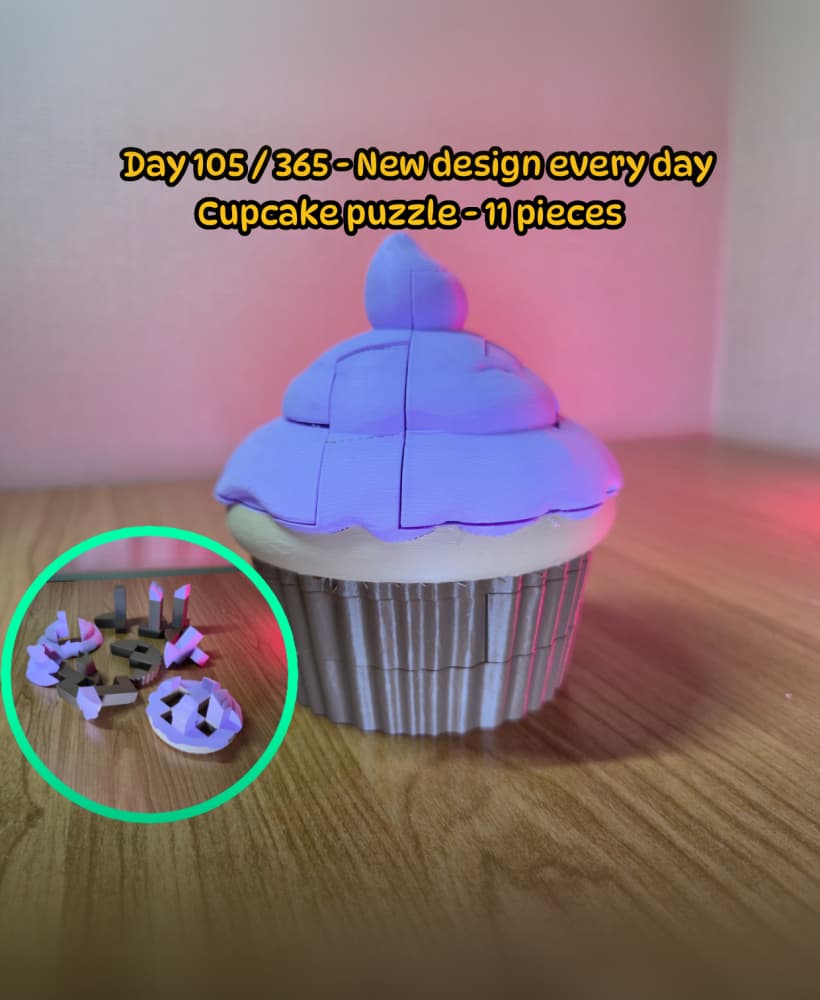
Cupcake puzzle - 11 pieces

Donut Fidget Ring

Truffle Box Fidget Clicker Toy

Low Poly Gummy Bear Piggy Bank

Candy Cane Chocolate Bar Phone Stand

TowerMaze Level 50
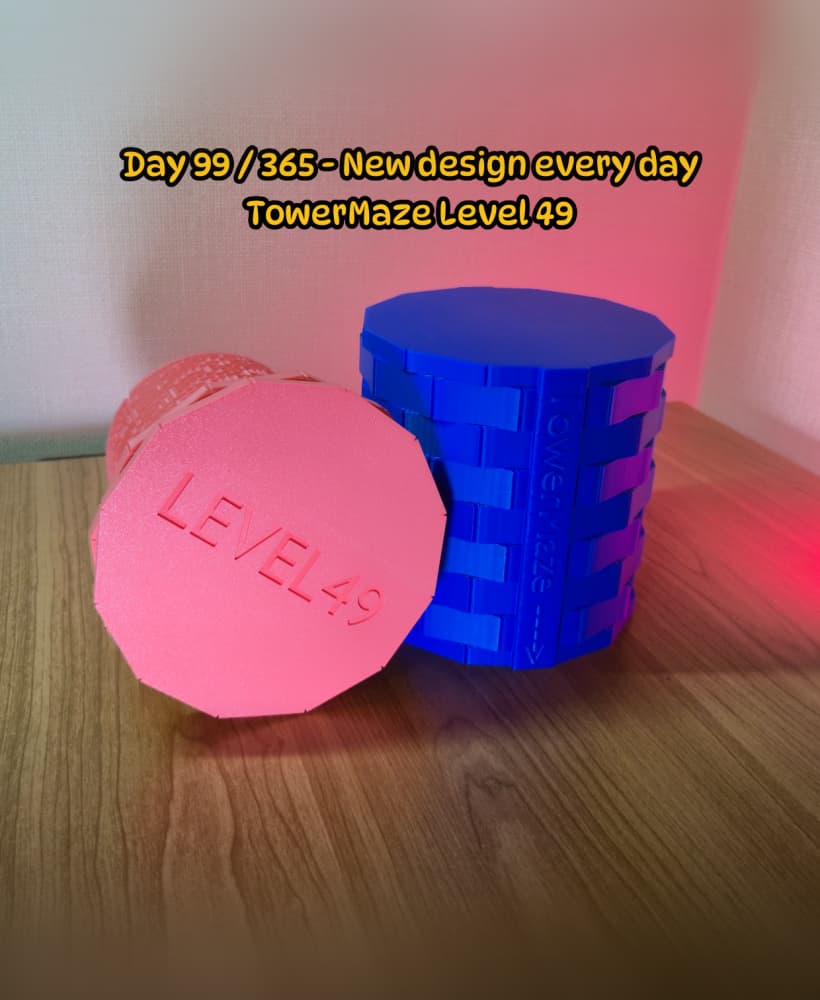
TowerMaze Level 49

TowerMaze Level 48

TowerMaze Level 47

TowerMaze Level 46

Carrot egg fidget spinner

Is this a game or storage container?
Honestly it has multiple purposes. It is being used as a container with a "lock" challenge for Geocaching and it is also a gift container. But the containers part can be ignored and then it can be used as a brainteaser. So you do with it what best suits you as it is multifunctional. :)
"Two wrongs, don't make it right"
First layer on all of these do not work with my poor ender 3 with the sprite extruder. It is the oddest thing. It will print the brim at perfect height but when it moves to actually start the print it is just a tad to high and I get zero adhesion. As a sanity check I went a printed a few other things with no issues.
Hi, I am sorry to hear that you are having issues with the print. However there are 0 reasons for a stl file to affect the adhesion. Furthermore you say that the brim gets perfect height so I have no clue where you could suddenly get the nozzle o move up so that the actual print is not getting any adhesion to the plate. I would suggest trying to print it without the brim. Maybe you have some settings that make the brim it's own independent layer and then the actual model is just a bit higher.
however, if you said that other prints do well then it should not be the case. BUT again - stl file can not make your nozzle to start to print it up in the air, that has something to do with printer settings. Unfortunately only thing I can advise to you is to try and print them on flat surfaces without a brim.
Can the text be changes on the side of the cylinder? I am printing puzzles for Center for Victims for the participants to play with while awaiting their turn in court to give them something to do. I am not selling them I am donating them and thought it would be cool if in the side it said Center for Victims. Please advise.
Great design thank you for sharing!!! Tom
It can be done, let me know what text should be put there and I will see if I can do that.
Center for Victims That is all that needs to be on there
I will make it and also increase the spacing between the case and the maze for smoother moving. Let me know where I can send you the stl file of the upgraded case :)
tom@esmllc.net, Thank you , I will send a donaition for your time
The STEP files do not work in the slicer. Error "the file does not contain any geometry data".
I don't need it fixed, the STL is good anyways. But just so you know :)
Thank you for letting me know, I will look in to it to see where the issue comes from :)
I love this, and I bought all models from 1-35 (so far) without realizing some features were only added to later versions. Are you planning to go back and update previous versions (like this 1-10 set) to include the lock [1], the "one-way closing" option [2], and the "geocaching cutout" [3]? I would buy an updated version of the series if you retroactively added those features ((perhaps offer a discount for those that already bought all of the original set?). I'd like to use these in a geocaching challenge/series.
https://thangs.com/designer/Mazetropolis/3d-model/SET%20of%205%20Tower%20Mazes%20-%20levels%2011%20to%20level%2015%20-%20optimized%20design-1024371
https://thangs.com/designer/Mazetropolis/3d-model/Set%20of%20TowerMaze%27s%20Level%2021%20to%20Level%2025-1081455
https://thangs.com/designer/Mazetropolis/3d-model/Tower%20Maze%20for%20Geocaching-1005503
It would be a bit of a challenge to do so as the wall between the mazes level 1 to level 15 seems a bit too thin for me to be able to create a path in the limited space. However, I will look into this and test it out to see if it's possible. I have thought about re-doing the mazes do have the one-way closing path, but this issue of whether it's possible to fit a path in the limited space has been what's stopping me. I will test it out during this weekend and if it's possible, I will do it
i like these things. The only thing I regret of these models is that you don't end horizontally, unless you add a tape around it, it opens a bit
Thank you for your feedback. I am currently designing the next 5 levels and I have heard "not locking" at the end as an issue from multiple people. That is why, the future levels will include a "lock" section at the end of the maze so that it stays closed.
ah I just bought it. Wil I be able to download the next 5 as well?
Thank you for your support. And yes, the extra 5 levels are available free for download here until next Friday: https://thangs.com/designer/3DBrinumi/3d-model/Tower%20Maze%20levels%2011%20to%20level%2015%20-%20optimized%20design-1024371?manualModelView=true&source=All+Files
Cool thanks! Is the difficulty level the same? I have only tried level 10 but it was solved within 2 minutes :( if you put the pin in a different place so it wont be easy to "see" the path that would make a big difference if you know what I mean.
the difficulty increases with each level. while levels 1 to level 10 were same dimensions of maze (grid-vise) then the levels 11-15 are larger and require more turns and going back an fourth. In the future I am planning to make the design to consist of two different mazes so that it requires much more effort.
I would like for these to be a piggy bank. Do I need to ask you to modify the case to have a slot? Or with your permission may I make the slot myself? I don't know your intentions for allowing modifications.
As long as you use it for personal use, I am fine with you modifying it to be a piggy bank.