


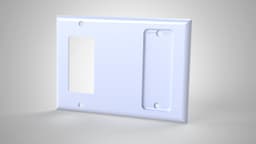
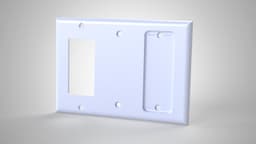


Triple Gang Hue Remote Holder (Std+Oversized)
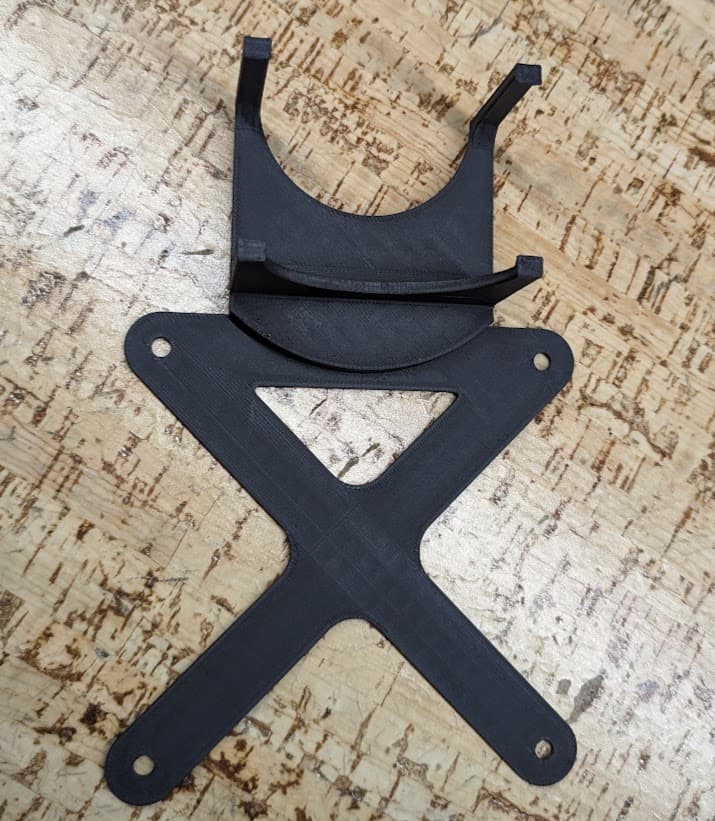
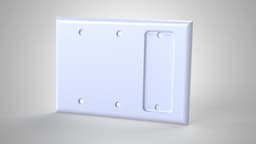
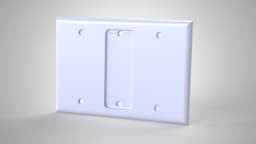
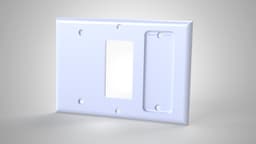
A triple-gang wall plate combining a Philips Hue Smart Button/Dimmer Remote holder with blank and/or Decora/rocker cutout sections, in 7 layout combinations, useful for mounting a Hue remote alongside existing switches or blank panels in any arrangement. Available in standard and oversized (+0.5cm all sides) versions. Most combinations also come in v1 (standard screw mounts) and v2 (exposed screw mounts removed on flat sections).
Need a mirrored layout (Hue holder on the other end)? Don't rotate the part, the Hue holder's shape is directional, so rotating 180 degrees will point it the wrong way. Use your slicer's Mirror tool instead. In PrusaSlicer: right-click the model, click Mirror, then choose the axis to mirror about. I'm not familiar with other slicer software's mirror functions, but all slicers should have a similar option.
Try the X-axis first, if it doesn't give the layout you want, undo and try the Y-axis.
Layout key (left to right):
- flat-flat-hue: Blank, blank, Hue holder
- flat-hue-flat: Blank, Hue holder, blank
- flat-hue-open: Blank, Hue holder, Decora
- flat-open-hue: Blank, Decora, Hue holder
- open-flat-hue: Decora, blank, Hue holder
- open-hue-open: Decora, Hue holder, Decora
- open-open-hue: Decora, Decora, Hue holder
This listing includes 6 of the 7 layout combinations (normal size only) due to platform upload limits. The complete set, including the open-open-hue layout, oversized sizes, and standard-screw-mount (v1) versions, can be found on my website with my entire portfolio.
Requires 2x 10mm x 2mm magnets per print (not included), see the included magnet assembly guide for installation steps.
Printed with the back face flat against the print bed for the best finish on the visible portion of the covers.
Settings:
- Infill: 15-20% (grid)
- Layer height: 0.16mm
- First layer height: 0.2mm
- Perimeters: 2
- Supports: Honeycomb pattern (auto-generated)
Designed in SolidWorks. Feedback and prints welcome!
Triple Gang Hue Remote Holder (Std+Oversized)

Double Gang Hue Remote Holder (Std+Oversized)
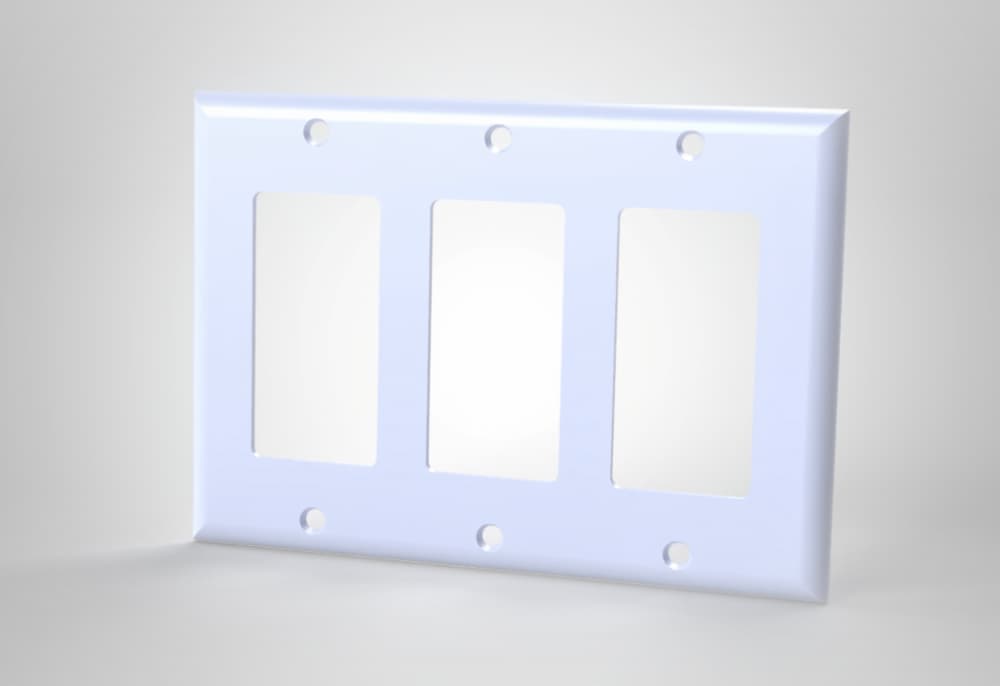
Triple Gang Light Switch Cover (Std+Oversized)

Single Gang Hue Remote Holder (Std+Oversized)
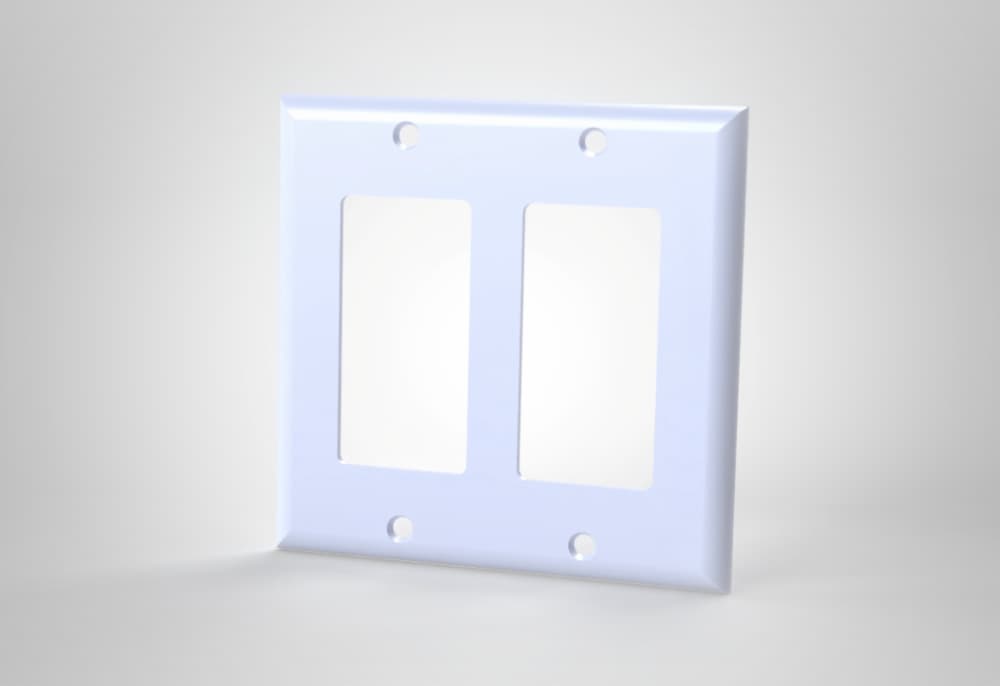
Double Gang Light Switch Cover (Std+Oversized)
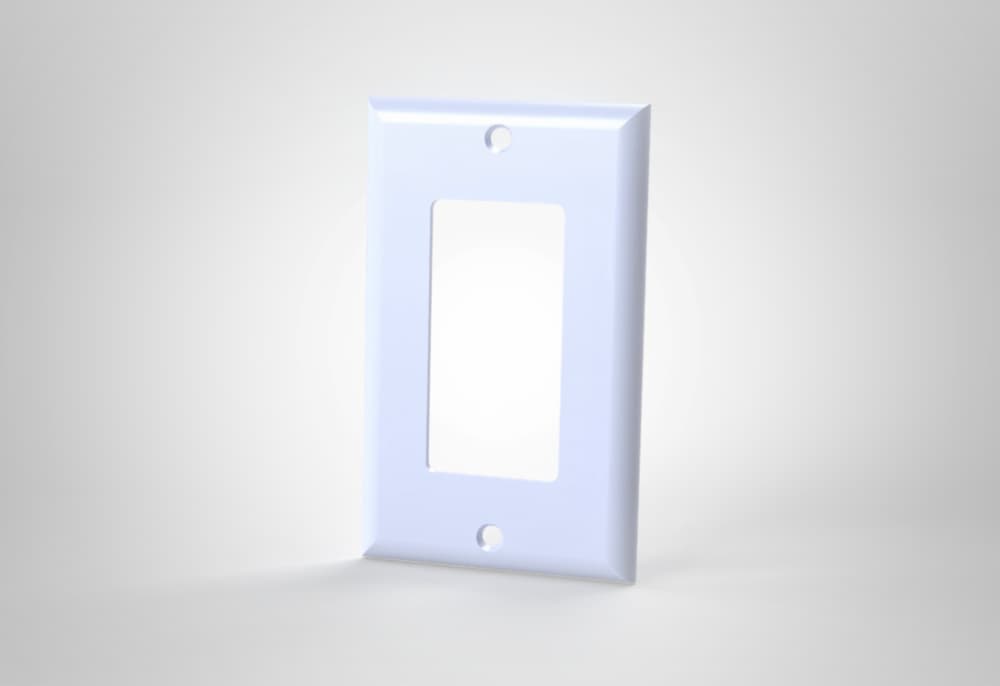
Single Gang Light Switch Cover (Std+Oversized)

SIngle gang Oversized light switch cover with isopods rolly pollies
.png&w=3840&q=75)
Printable Single-Gang Decora Wall Plate (1.00 Inch Oversize)
.png&w=3840&q=75)
Printable Single-Gang Standard Wall Plate (0.25 Inch Oversize)
.png&w=3840&q=75)
Printable Double-Gang Decora Wall Plate (1.00 Inch Oversize)
.png&w=3840&q=75)
Printable Double-Gang Decora Wall Plate (0.50 Inch Oversize)
.png&w=3840&q=75)
Printable Single-Gang Standard Wall Plate (1.00 Inch Oversize)
.png&w=3840&q=75)
Printable Single-Gang Decora Wall Plate (0.75 Inch Oversize)
.png&w=3840&q=75)
Printable Single-Gang Decora Wall Plate (0.25 Inch Oversize)
.png&w=3840&q=75)
Printable Single-Gang Decora Wall Plate (0.50 Inch Oversize)
.png&w=3840&q=75)
Printable Single-Gang Standard Wall Plate (0.50 Inch Oversize)
.png&w=3840&q=75)
Printable Double-Gang Decora Wall Plate (0.25 Inch Oversize)
.png&w=3840&q=75)
Printable Double-Gang Decora Wall Plate (0.75 Inch Oversize)
.png&w=3840&q=75)
Printable Single-Gang Standard Wall Plate (0.75 Inch Oversize)
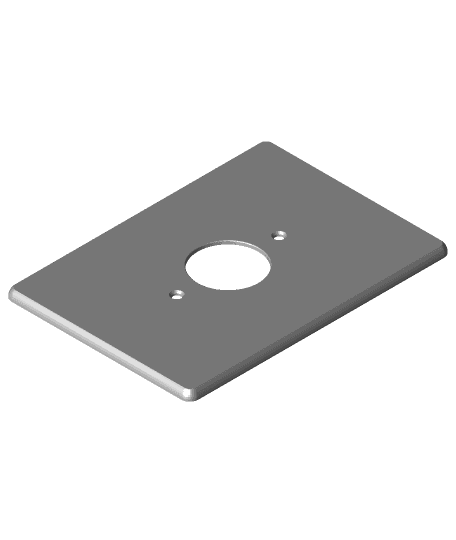
Oversized Circular Wall Plate