Jacob C
The Loot Lab3.8K followers
Follow
The Loot Lab
The Loot Lab
|
Image 1 of 10
Sword of Omens – Sword Kit | No Supports, No AMS, No Glue 3d model
The Loot Lab
The Loot Lab
|
Image 1 of 10
Sword of Omens – Sword Kit | No Supports, No AMS, No Glue 3d model

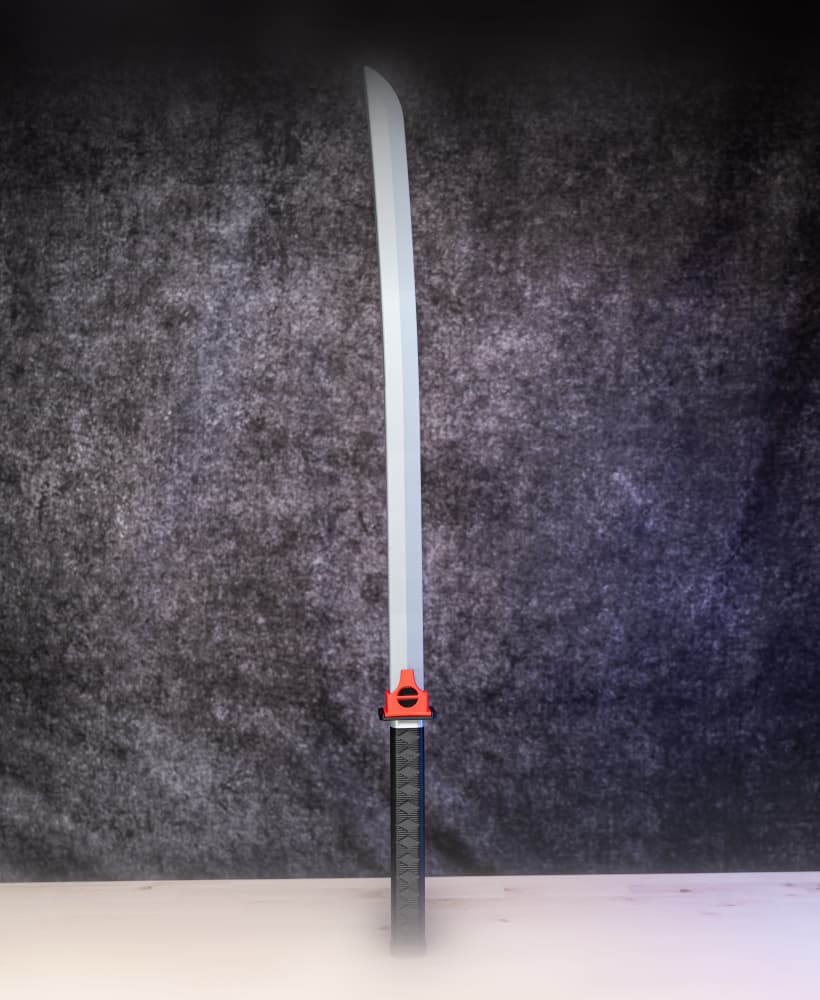
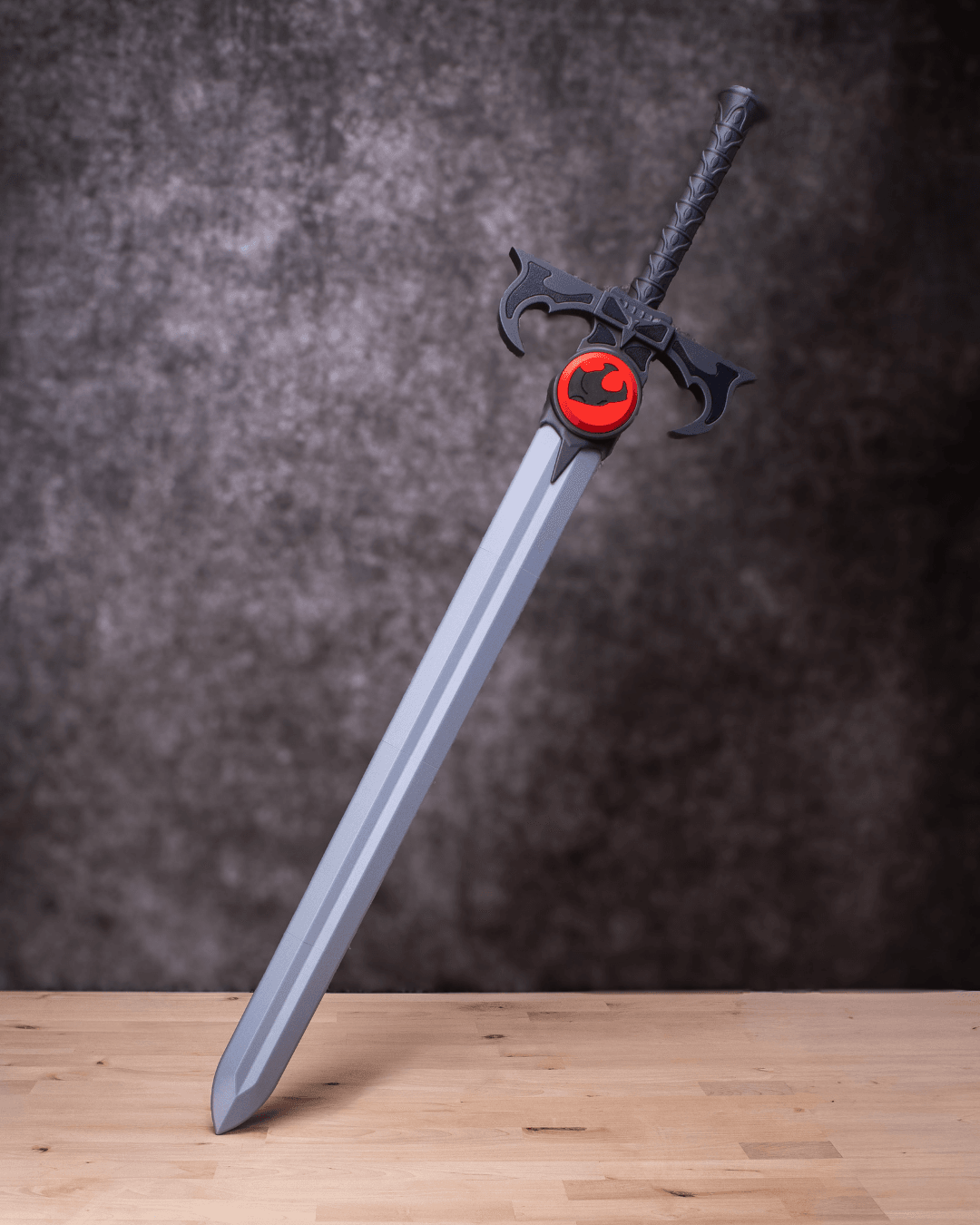
Sword of Omens – Sword Kit | No Supports, No AMS, No Glue

Subscribe for access starting at $10 USD
Get access to this model and 72+ more
This model is restricted by licensing terms. 

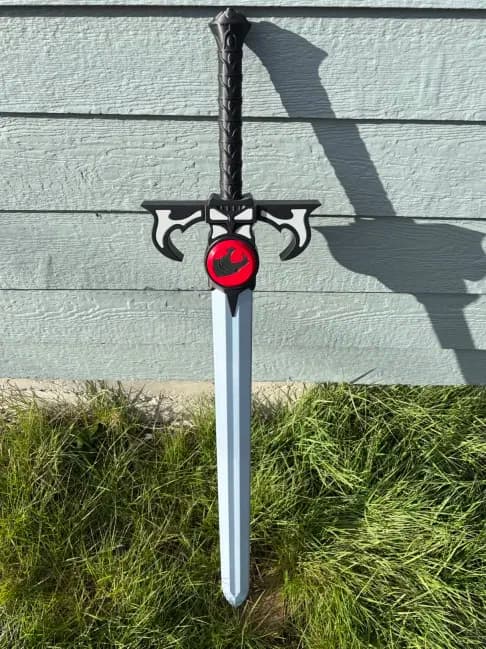
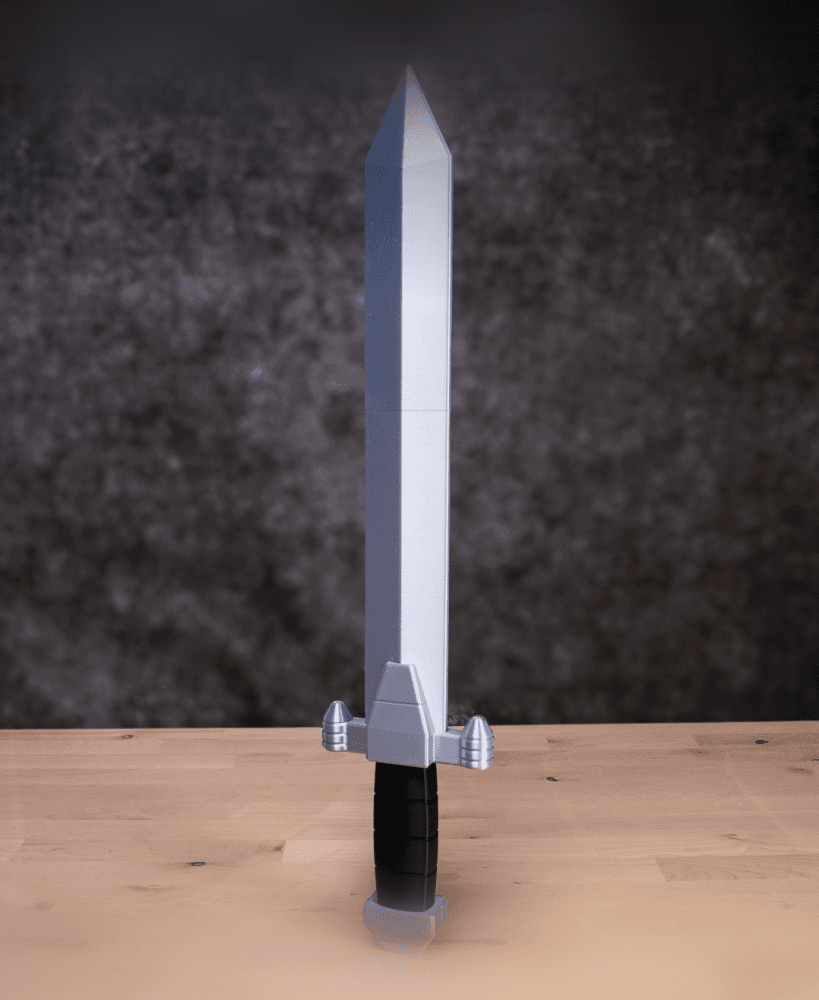
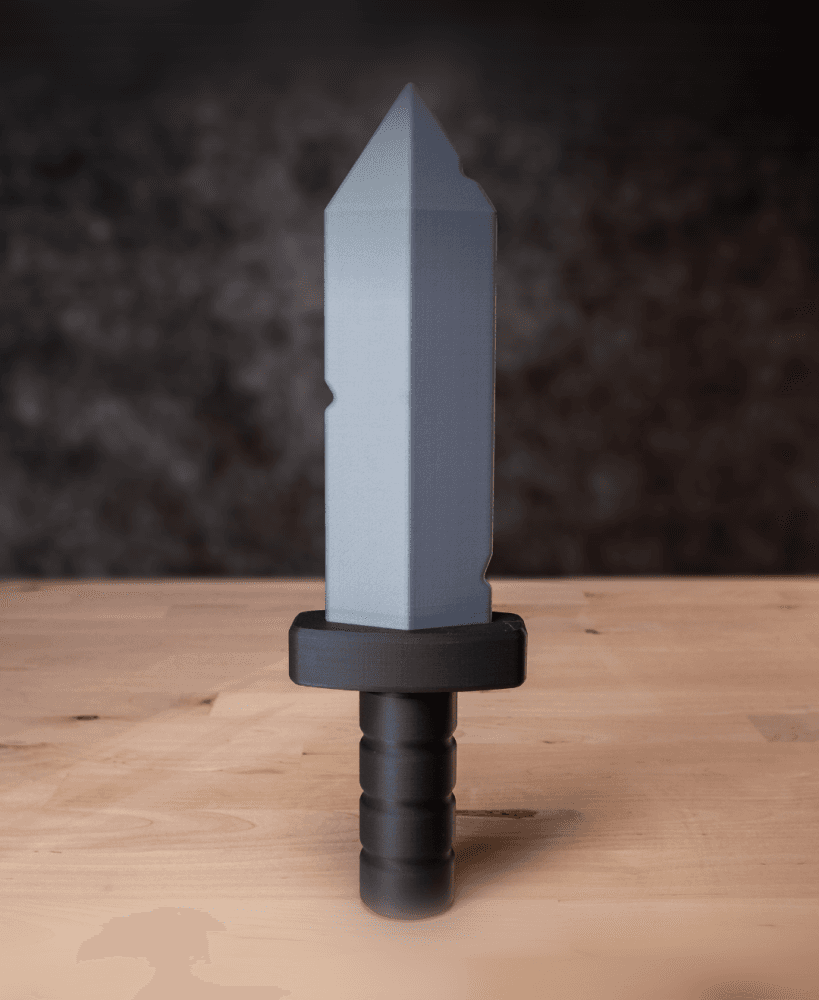
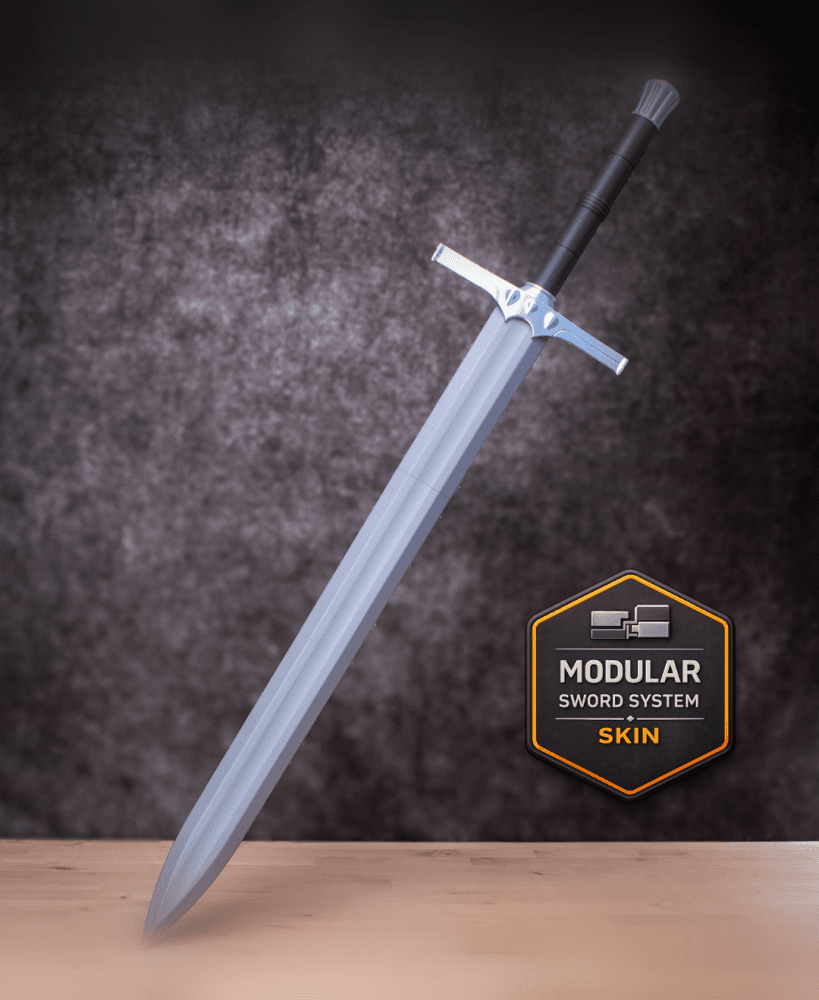
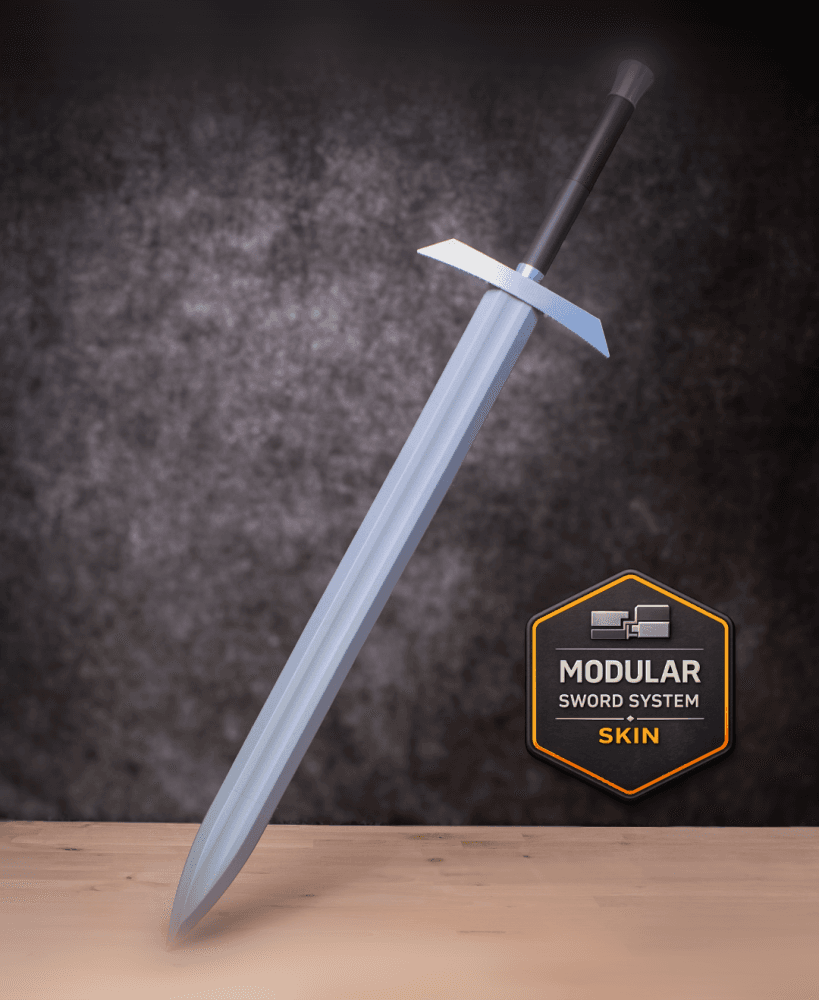
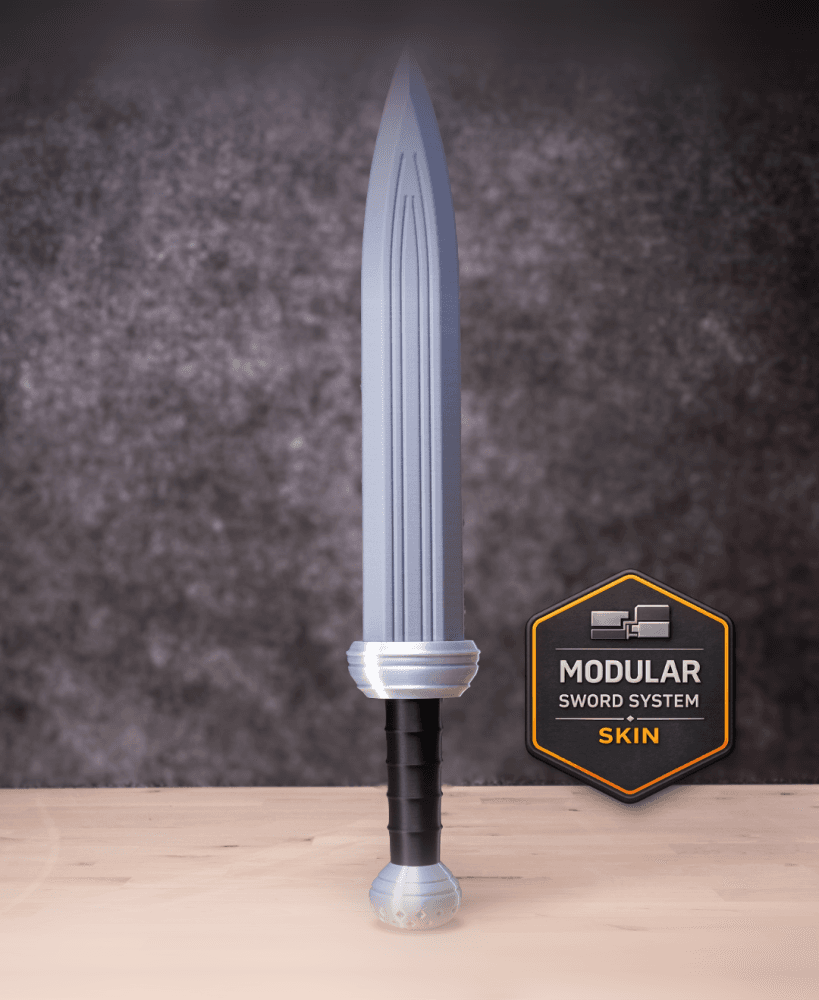
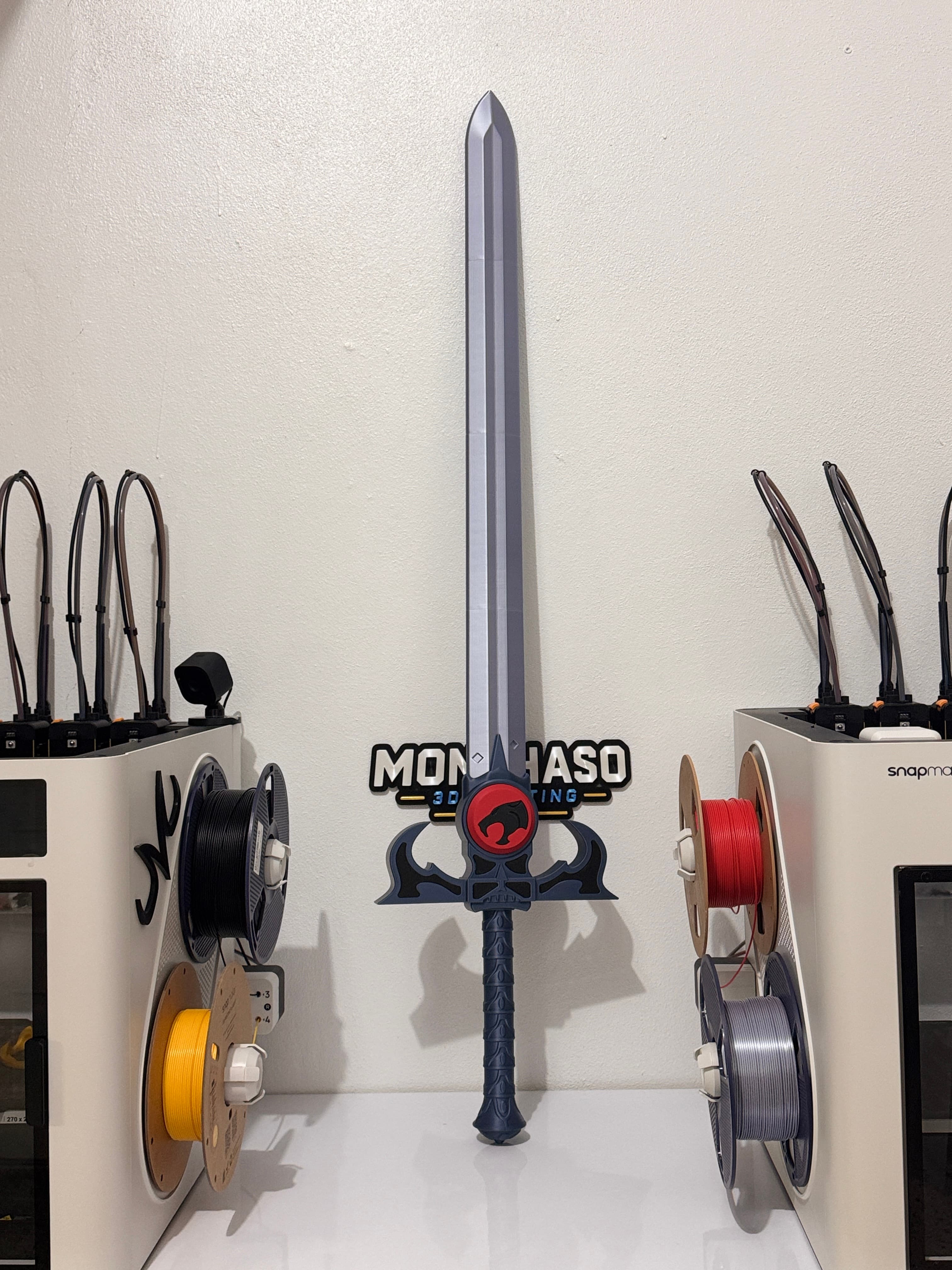
Forged with the sight beyond sight, the Sword of Omens awakens with ancient, watchful power. A legendary blade reborn in Chunkable form—built solid, print-ready, and ready to wield beyond display.


Want your print to look just like ours? Shop the filament we used on the Polymaker Website

Matte PLA Colors Used:

  • Fossil Grey

  • Ash Grey

  • Charcoal Black

  • Army Red

Purchases made through these links help support The Loot Lab and future designs.


From forge to hand, no magic tools required — prints in single colors, support-free, and snaps together without glue. Assembly scrolls are included in the download, with print settings revealed in the images above.


Seeking a guild of 3D printing adventurers? Join our growing Discord tavern to trade ideas, share quests, and shape future loot!
Community Makes (6)
It was printed in the Snapmaker U1 not the J1
Make by user
Make by user
Finally!! I've been wanting to print this sword for years, but it's always been a pain to print. I hope there are more large cartoon swords coming.
I ran out of filament half way :( 

Would appreciate an update on the instructions as for me it wasn't clear what to do with the locking pins. Now I assume they need to be fed from the base of the sword upwards? And when you say 1 at the base, you mean the numbers on the sword parts connect as the appear in the slicer with the numbers on the upper face?

Anyway, I think its a cool file to print, its mostly user error on my part making sense of the assembly instructions.
Make by user
It was printed in the Snapmaker U1 not the J1
Make by user
Make by user
Finally!! I've been wanting to print this sword for years, but it's always been a pain to print. I hope there are more large cartoon swords coming.
I ran out of filament half way :( 

Would appreciate an update on the instructions as for me it wasn't clear what to do with the locking pins. Now I assume they need to be fed from the base of the sword upwards? And when you say 1 at the base, you mean the numbers on the sword parts connect as the appear in the slicer with the numbers on the upper face?

Anyway, I think its a cool file to print, its mostly user error on my part making sense of the assembly instructions.
Make by user


Community Makes (6)
It was printed in the Snapmaker U1 not the J1
Make by user
Make by user
Finally!! I've been wanting to print this sword for years, but it's always been a pain to print. I hope there are more large cartoon swords coming.
I ran out of filament half way :( 

Would appreciate an update on the instructions as for me it wasn't clear what to do with the locking pins. Now I assume they need to be fed from the base of the sword upwards? And when you say 1 at the base, you mean the numbers on the sword parts connect as the appear in the slicer with the numbers on the upper face?

Anyway, I think its a cool file to print, its mostly user error on my part making sense of the assembly instructions.
Make by user
It was printed in the Snapmaker U1 not the J1
Make by user
Make by user
Finally!! I've been wanting to print this sword for years, but it's always been a pain to print. I hope there are more large cartoon swords coming.
I ran out of filament half way :( 

Would appreciate an update on the instructions as for me it wasn't clear what to do with the locking pins. Now I assume they need to be fed from the base of the sword upwards? And when you say 1 at the base, you mean the numbers on the sword parts connect as the appear in the slicer with the numbers on the upper face?

Anyway, I think its a cool file to print, its mostly user error on my part making sense of the assembly instructions.
Make by user

Discussions
steven p
stevenpoole1968
 3d model
 3d model
IAMJediSpidey
jedispidey
 3d model
PrinterBambu Lab H2S
MaterialPLA
SupportsNone
Shawn D
shawn.doan03
 3d model
PrinterBambu Lab A1
MaterialPLA
G
goroz
Finally!! I've been wanting to print this sword for years, but it's always been a pain to print. I hope there are more large cartoon swords coming.
Finally!! I've been wanting to print this sword for years, but it's always been a pain to print. I hope there are more large cartoon swords coming. 3d model
PrinterBambu Lab X1
MaterialPLA
sirideain
sirideain
I ran out of filament half way :( Would appreciate an update on the instructions as for me it wasn't clear what to do with the locking pins. Now I assume they need to be fed from the base of the sword upwards? And when you say 1 at the base, you mean the numbers on the sword parts connect as the appear in the slicer with the numbers on the upper face? Anyway, I think its a cool file to print, its mostly user error on my part making sense of the assembly instructions.
I ran out of filament half way :( 

Would appreciate an update on the instructions as for me it wasn't clear what to do with the locking pins. Now I assume they need to be fed from the base of the sword upwards? And when you say 1 at the base, you mean the numbers on the sword parts connect as the appear in the slicer with the numbers on the upper face?

Anyway, I think its a cool file to print, its mostly user error on my part making sense of the assembly instructions.  3d model
PrinterBambu Lab X1
Jacob C
The Loot Lab

Yes, the number parts go in order from the bottom of the sword to the tip of the blade. and yes the numbers on the blade parts are printed on the top. You can push all the locking pins in one go at the end or you can do it a segment at a time as you put the blade together. I'll try to make the instructions clearer in the future. Thanks!!

Esqui B
esquibernal

Great design and looks fantastic!!! Any chance you can design the He-Man and Voltron swords using the same design?

Jacob C
The Loot Lab

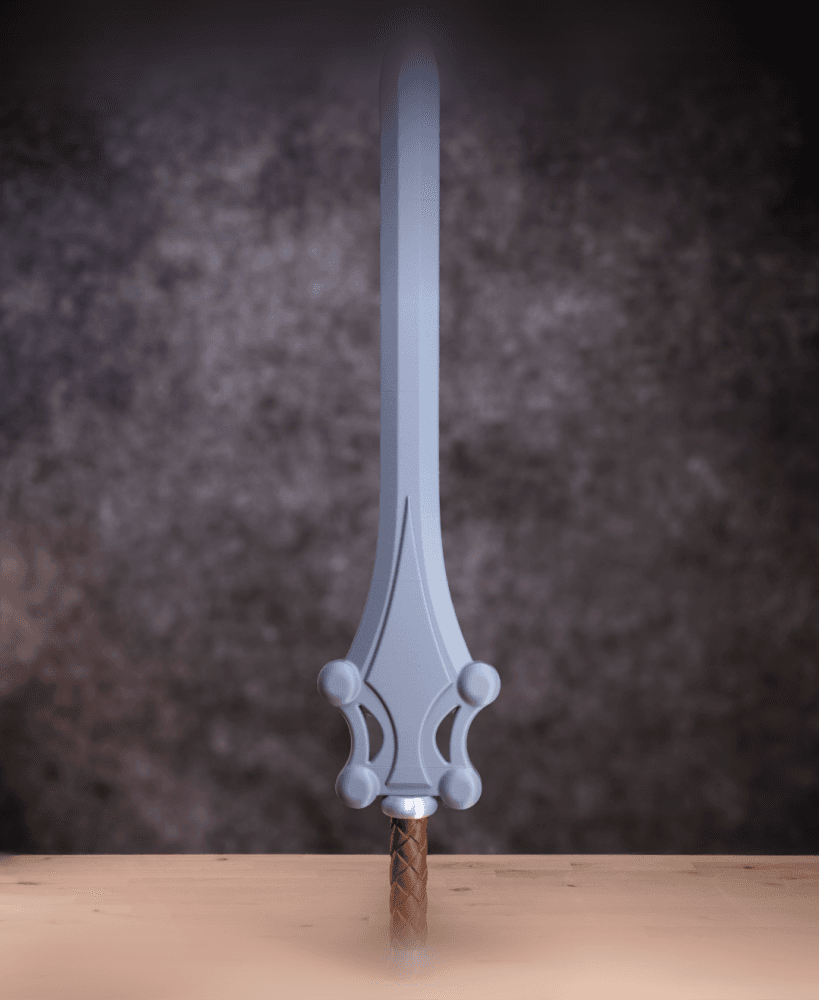
He Man sword is planned for sure

M
marabuntie

awesome as usual would love to have the he man sword of power in the same scale to display with it

Jacob C
The Loot Lab

He Man sword is planned for sure

M
Monchaso
It was printed in the Snapmaker U1 not the J1
It was printed in the Snapmaker U1 not the J1 3d model
 3d model
 3d model
 3d model
PrinterSnapmaker J1
Print bed sizeX: 270 mm; Y: 270 mm; Z: 270 mm
MaterialPLA
Layer height0.2 mm
Infill density7 %

Sword of Omens – Sword Kit | No Supports, No AMS, No Glue

308 downloads · 2 months ago in  and 
Jacob C
The Loot Lab3.8K followers
Follow
Subscribe for access starting at $10 USD
Get access to this model and 72+ more
This model is restricted by licensing terms.