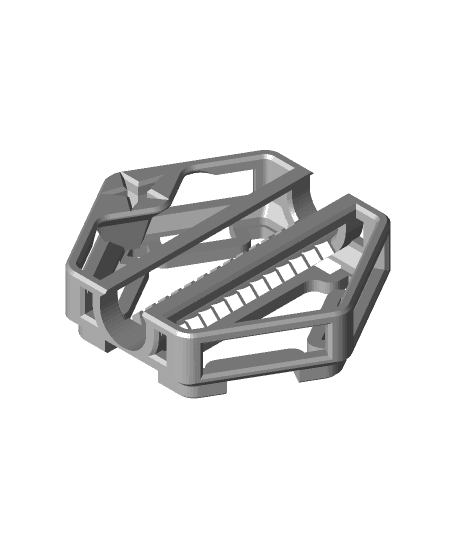
Hextraction Relay Tile
50 downloads · 1 year ago · Alternates between left and right outputs when an adjacent tile is played.
**Rules**
Setup: Must or
Alternates between left and right outputs when an adjacent tile is played.
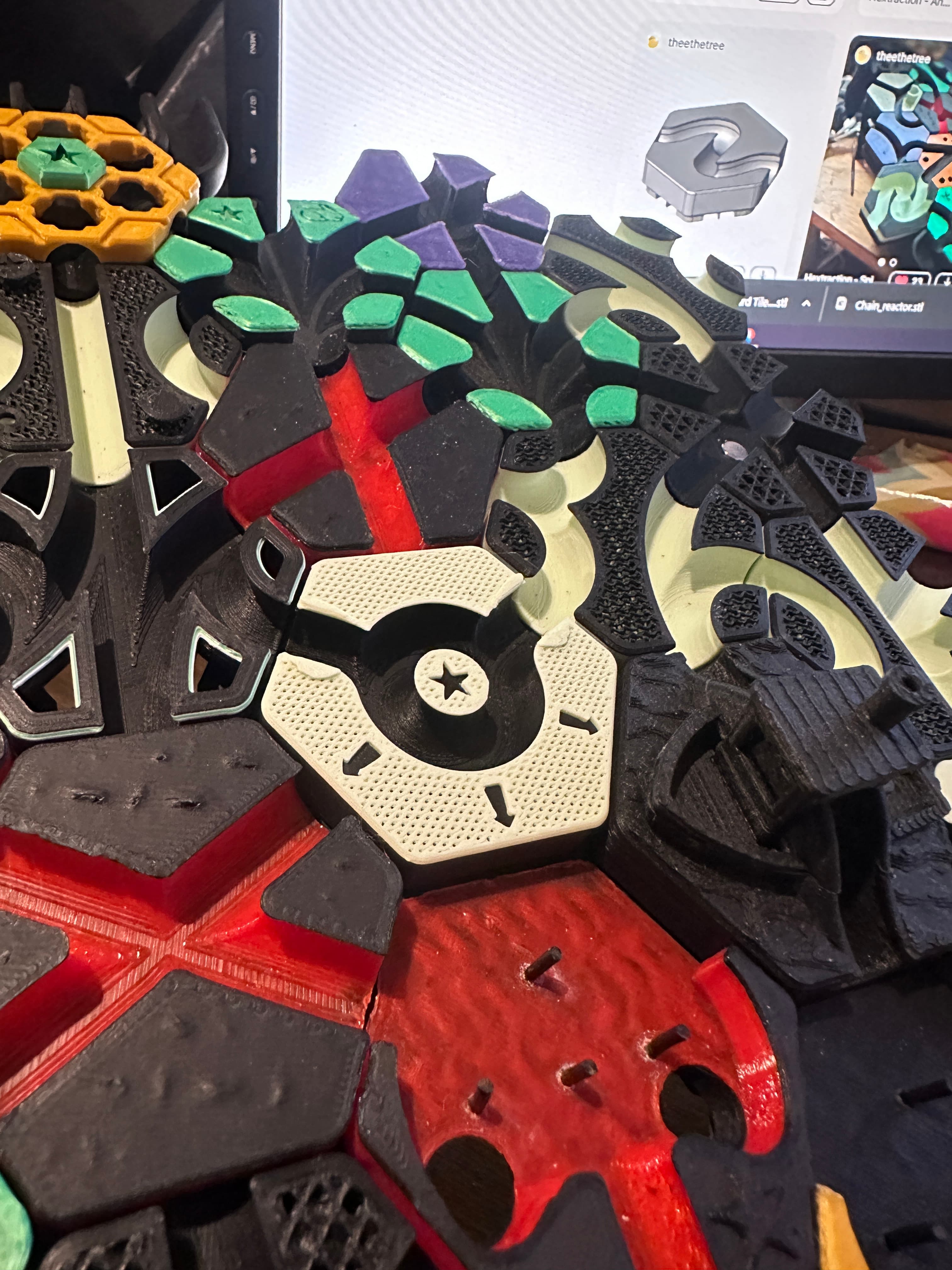
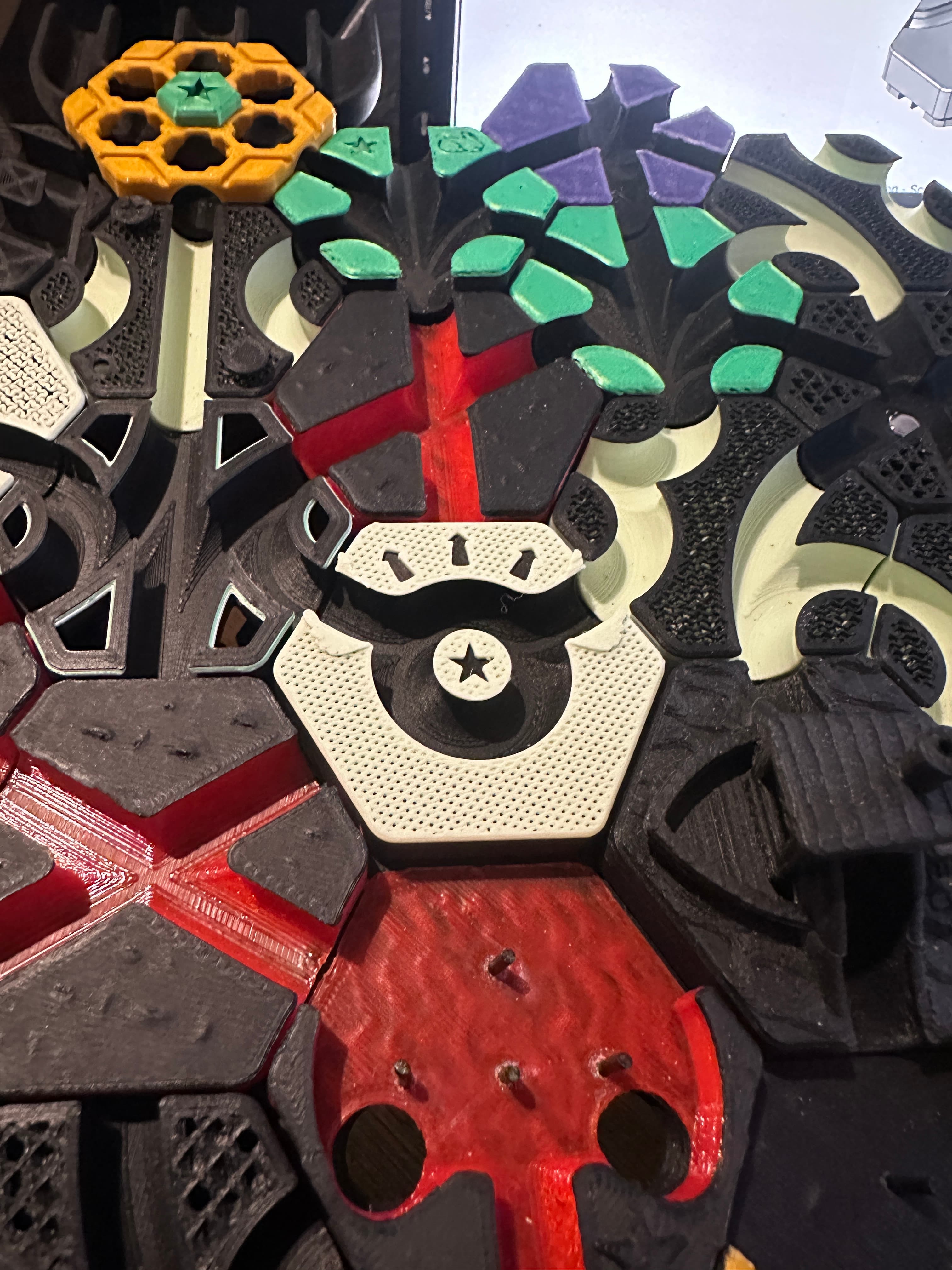
Rules Setup: Must orient flipper left or right. On adjacent played: Fully rotate flipper. To clarify, "On adjacent played" is when a tile is played directly next to the Relay tile. This does not include moving, swapping, rotating, etc.
Hardware / Printing
- One M3x4 screw (or longer)
- One M3 washer
- Card variations available
- Filament change for aesthetics. On the base, at the start of the pattern. On the flipper, at the start of the star.
Assembly
- Insert an M3x4 screw into the flipper, stack a washer on the screw, then install the flipper. Crank it down until it stops rotating freely.
- Slowly back out the screw 1/8th of a turn. Repeat until the flipper can be rotated with your finger, but won’t be flipped by a fast ball down the center path.
This tile is part of my Mechanism Tiles Pack. Check the others out.
- Coin Flip https://than.gs/m/975594
- Gear Spinner https://than.gs/m/975606
- Lazy Susan https://than.gs/m/1249642
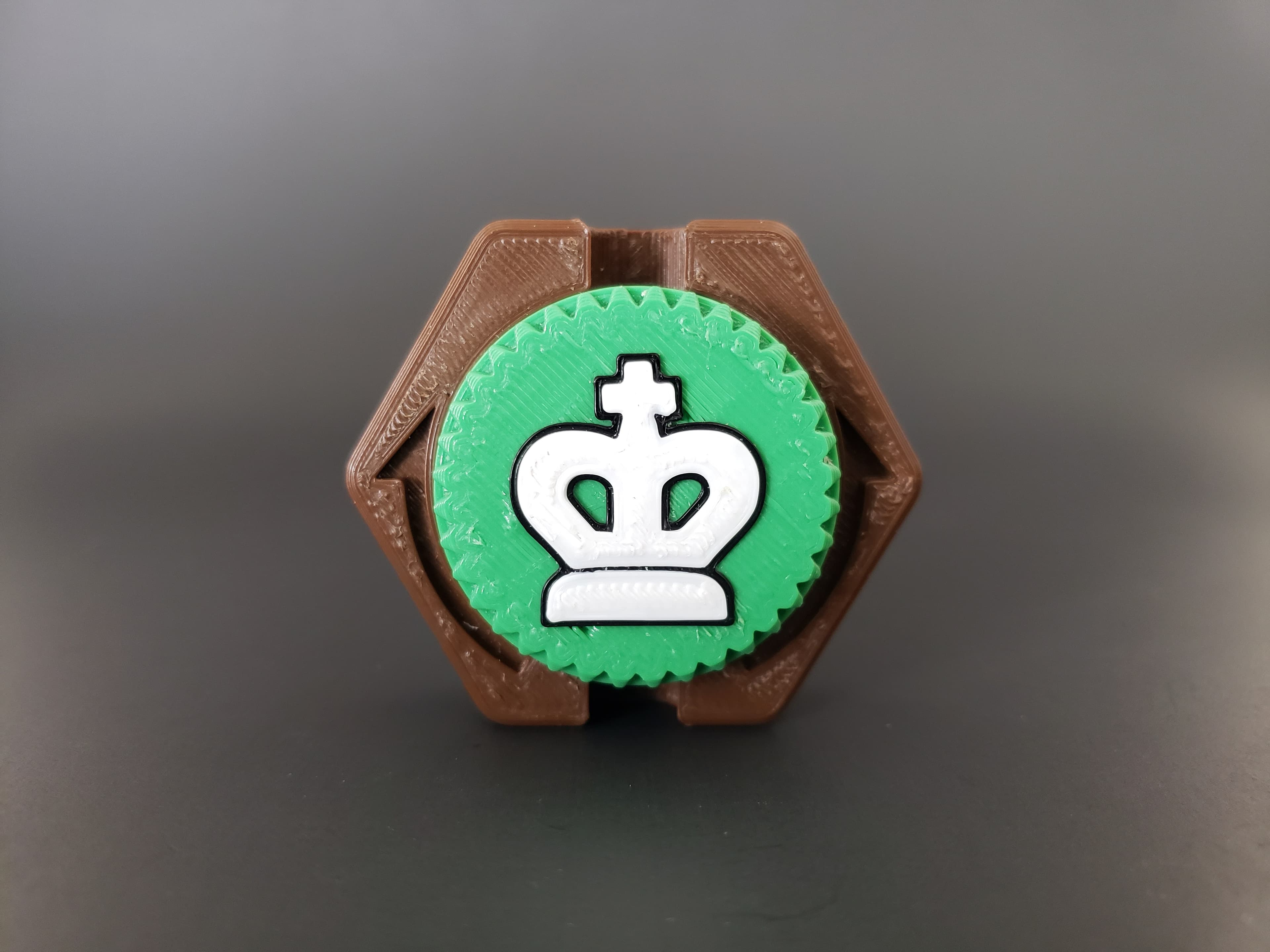
- Neo King https://than.gs/m/975604
- Relay https://than.gs/m/1327658
- Seesaw https://than.gs/m/975595
Hextraction Relay Tile
50 downloads · 1 year ago in and

Hextraction - Screwdriver Tile
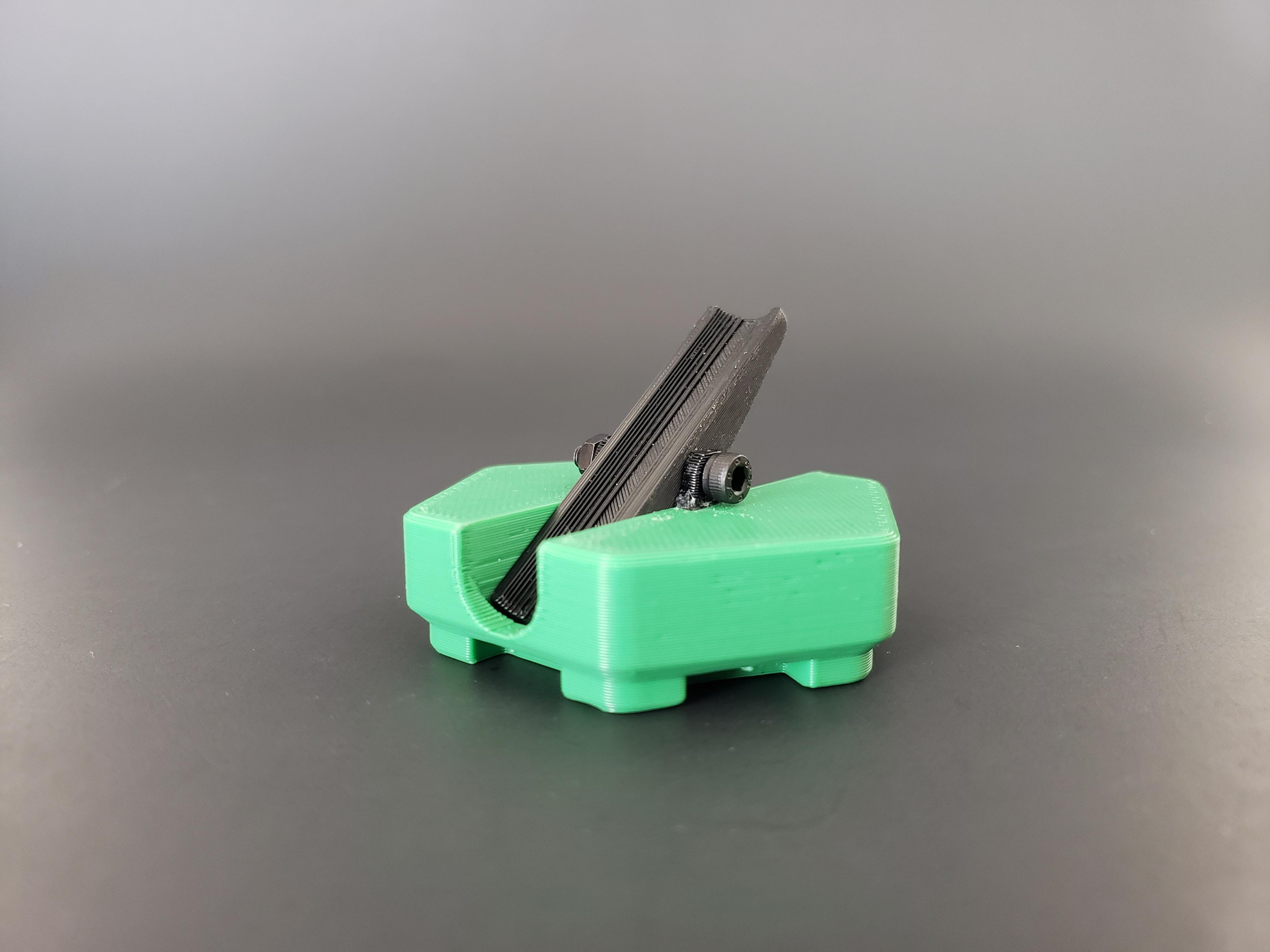
Hextraction Seesaw Tile
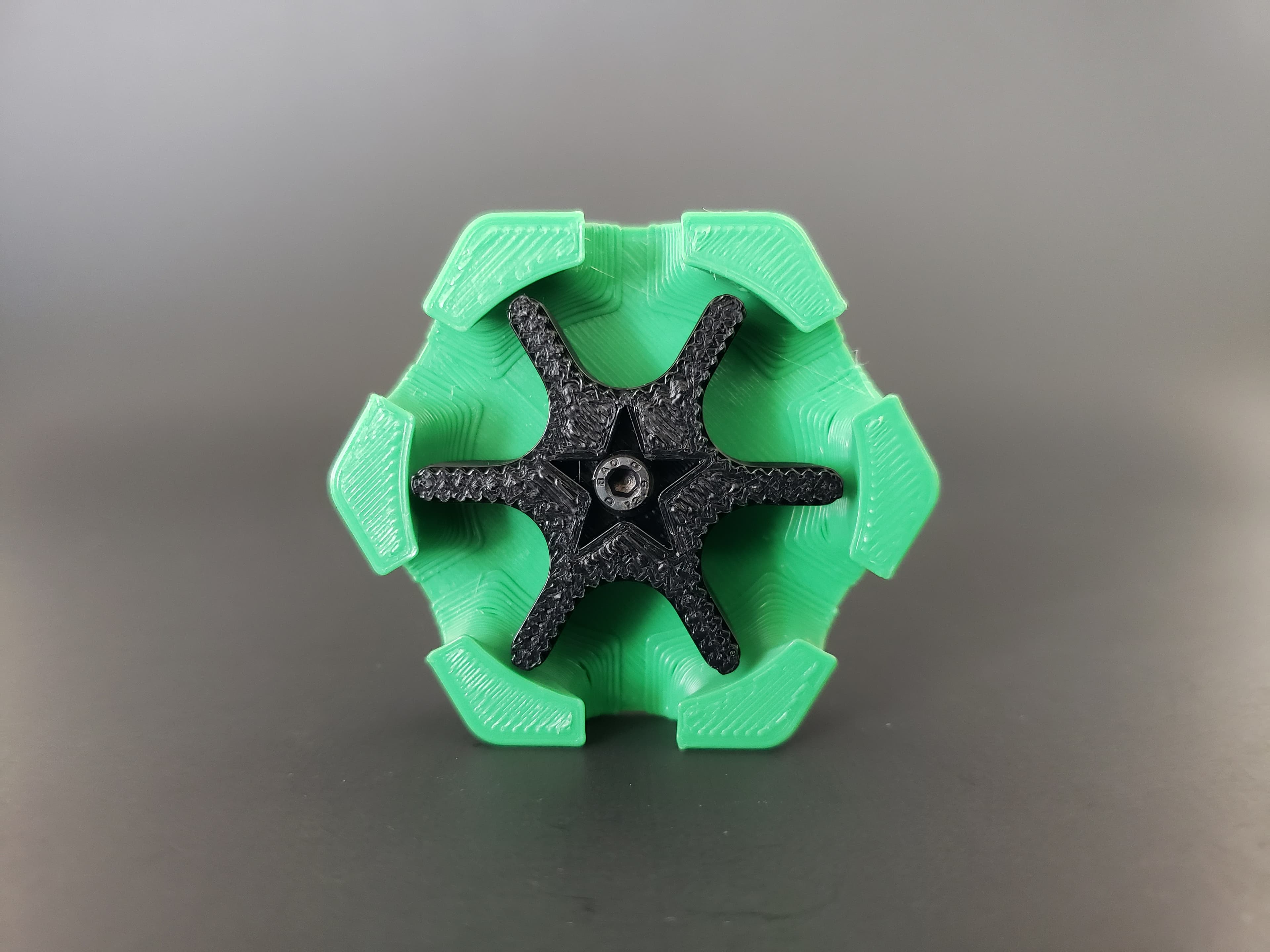
Hextraction Gear Spinner Tile
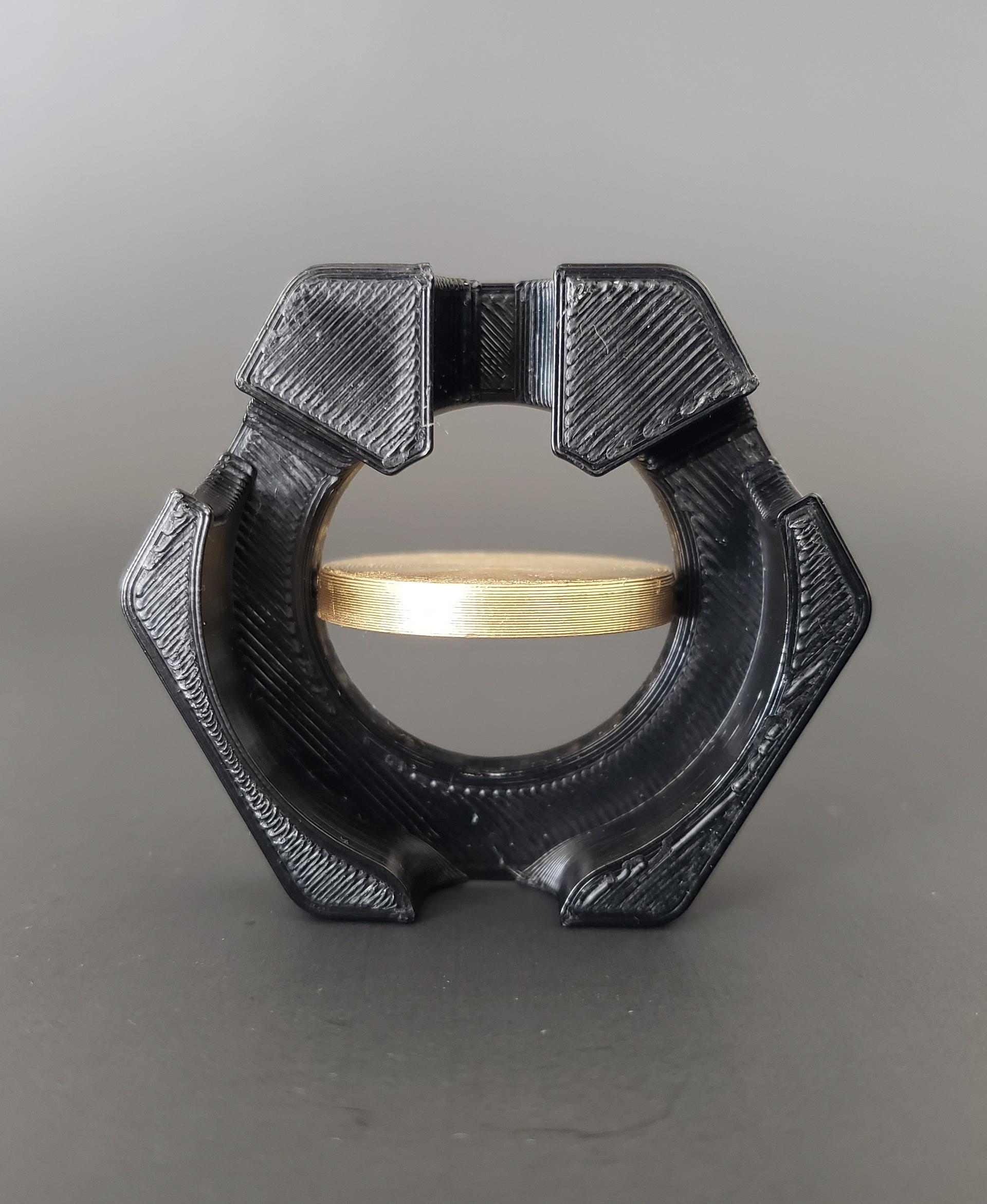
Hextraction Coin Flip Tile
Hextraction Neo King Tile

Hextraction Lazy Susan Tile

OLD Hextraction - Bishop Tile Chess Tiles

Hextraction - King tile Chess Tiles
OLD Hextraction - Rook tile Chess Tiles
OLD Hextraction - Knight Tile Chess Tiles
OLD Hextraction - Pawn Tile Chess Tiles
NEW Hextraction - Knight Chess Tiles
Hextraction - Queen Tile - Chess Tiles
Hextraction - Angel Down Tile
Hextraction - Angel Up tile

Hextraction - High-Consistency Trap Tiles
Hextraction - Dip Tile
NEW Hextraction - Rook Chess Tiles
Hextraction Shahrazad Tile Lid - Secret Tile Compatible