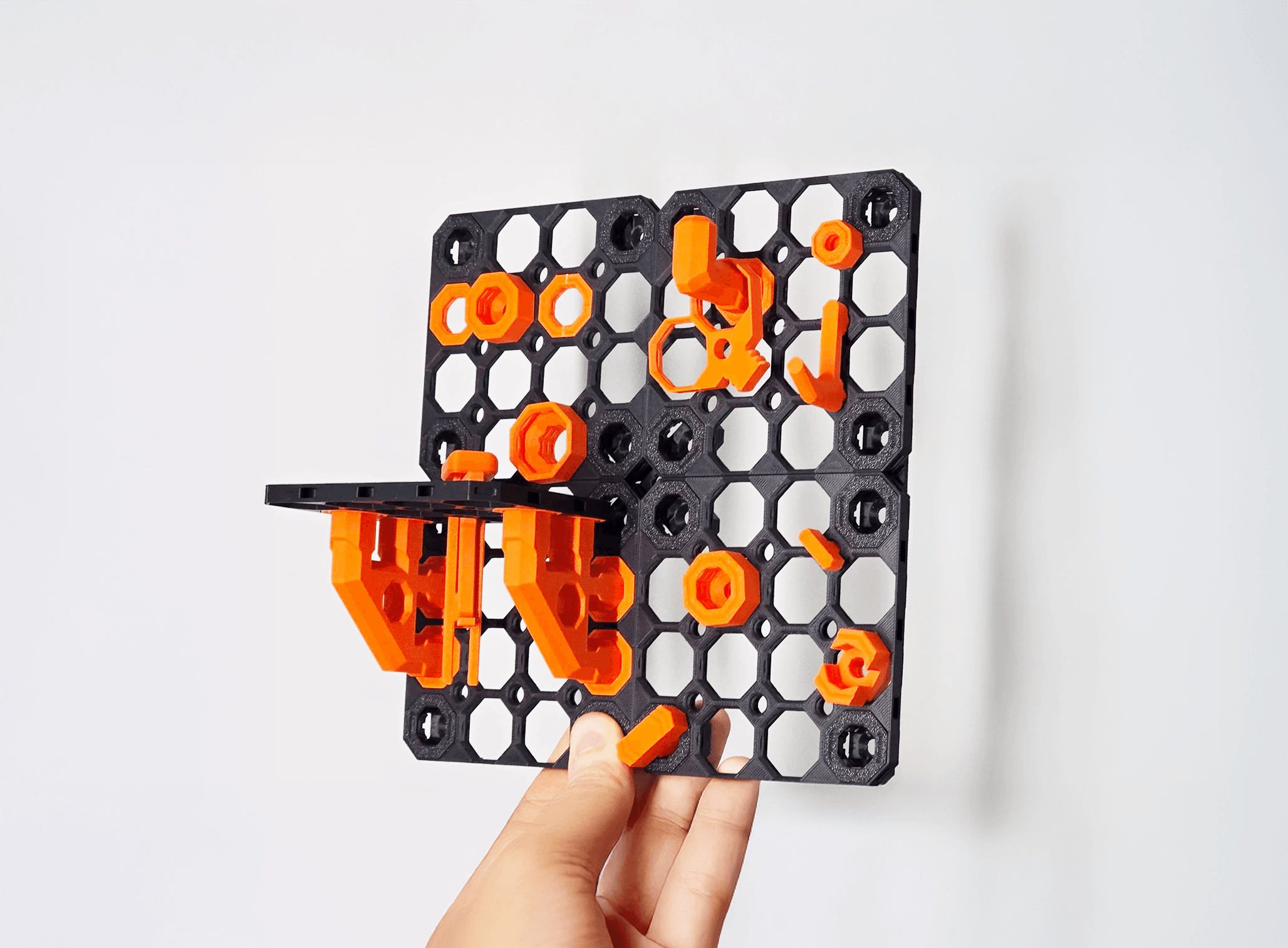


Multiboard Learning Pack
Learn the basics of the Tiles and get a taste of Multiboard. This video tutorial shows you how to assemble everything: https://youtu.be/Oge0fgVxRHY
Printing Guidelines:
The printing orientation is as provided in the files. The prints have been designed to be “3 wall perimeters” in wall thickness. Printed at a layer height of 0.2mm. They don’t need printing supports. Use the default 15% infill. Your printer will need to be able to bridge gaps of up to 30mm for some designs.
If you print the stacked tiles, watch this tutorial first to get your settings right: https://www.youtube.com/watch?v=xs2urfM0MRM
—
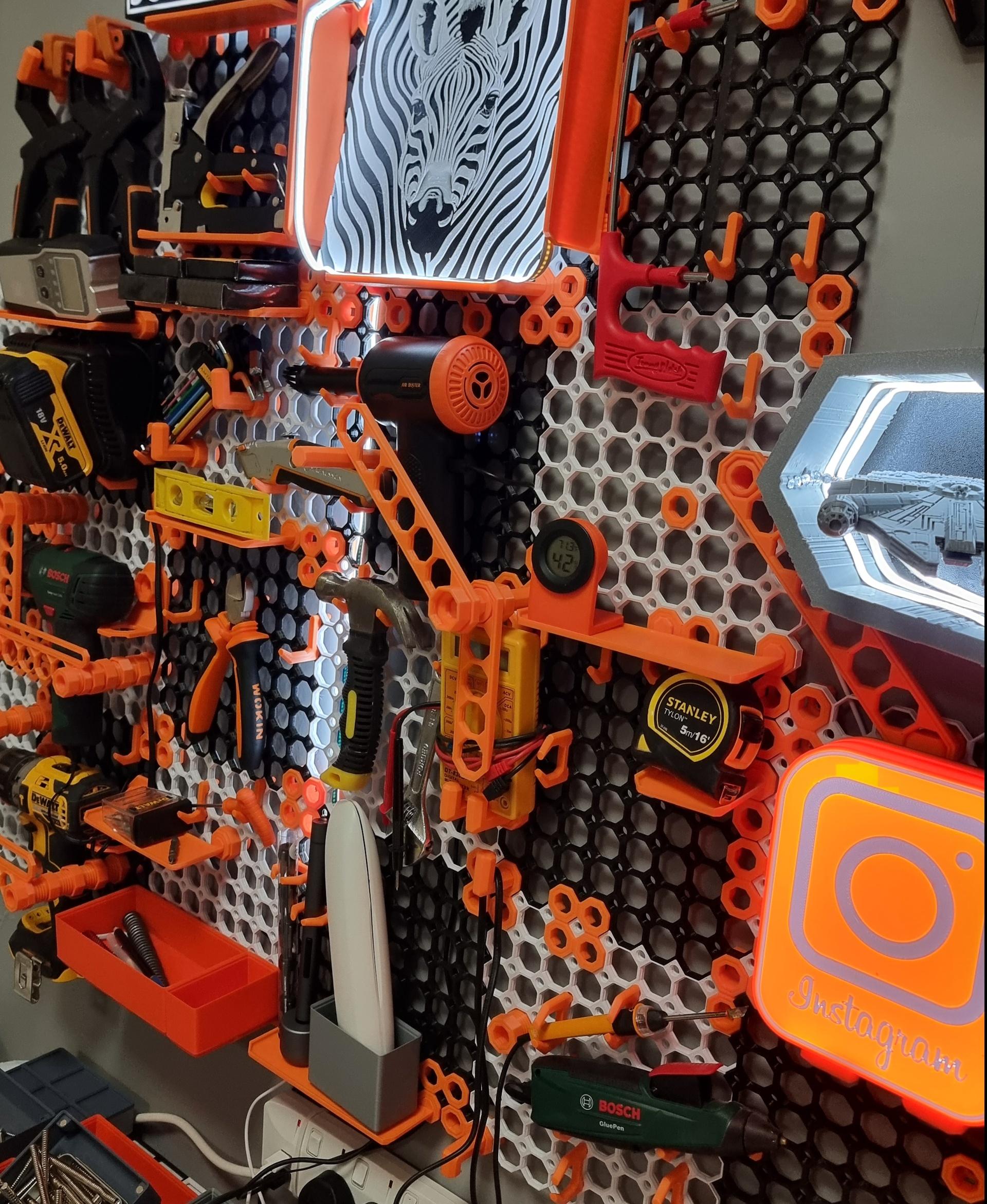
This object is part of Multiboard, a FREE "all in one" organization system with 700+ parts, that combines pegboard holes, honeycomb snaps, Gridfinity like bins, threads, brakes, and much more.
Explore and build the coolest, most adaptable workshop at https://multiboard.io

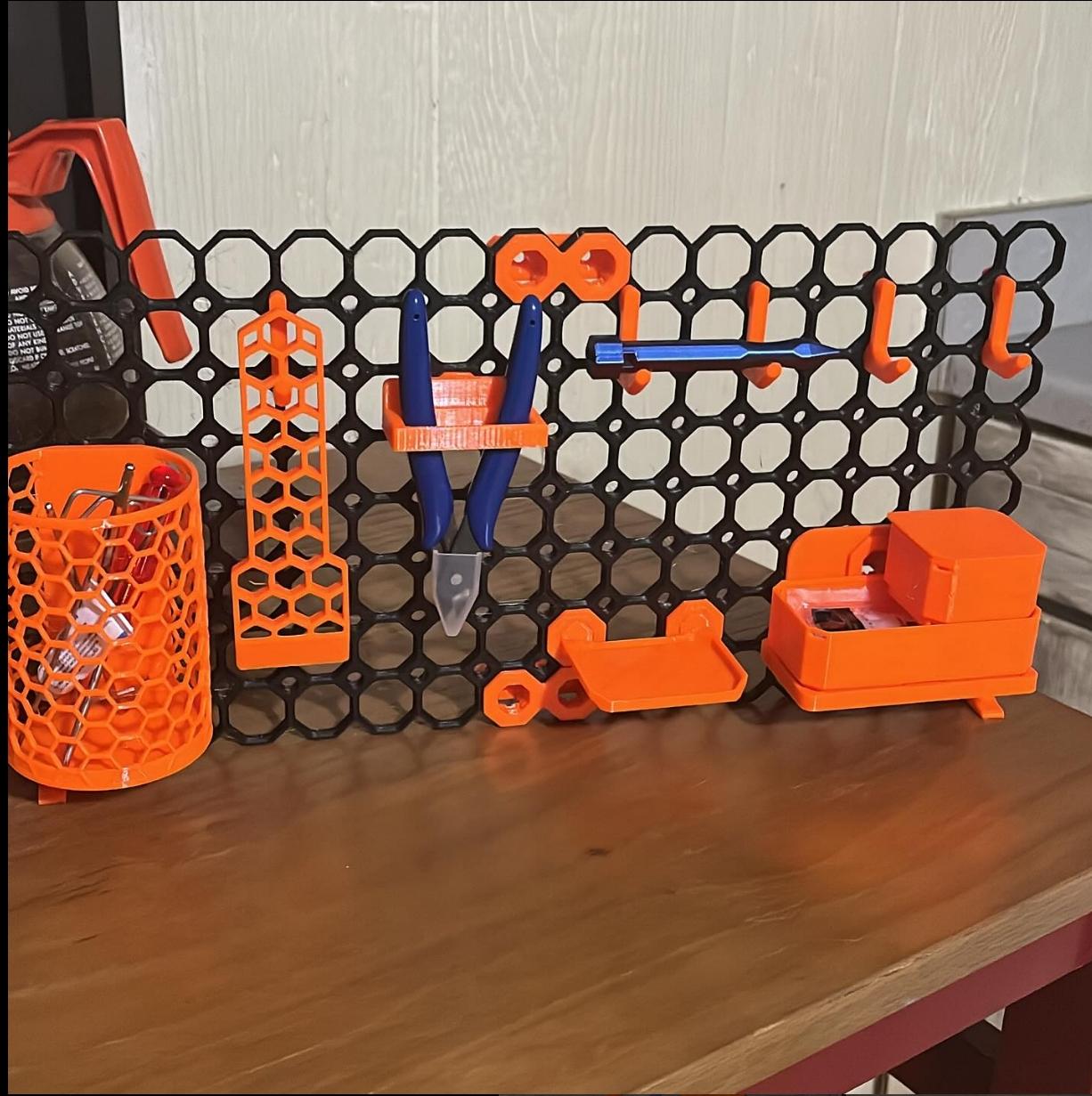
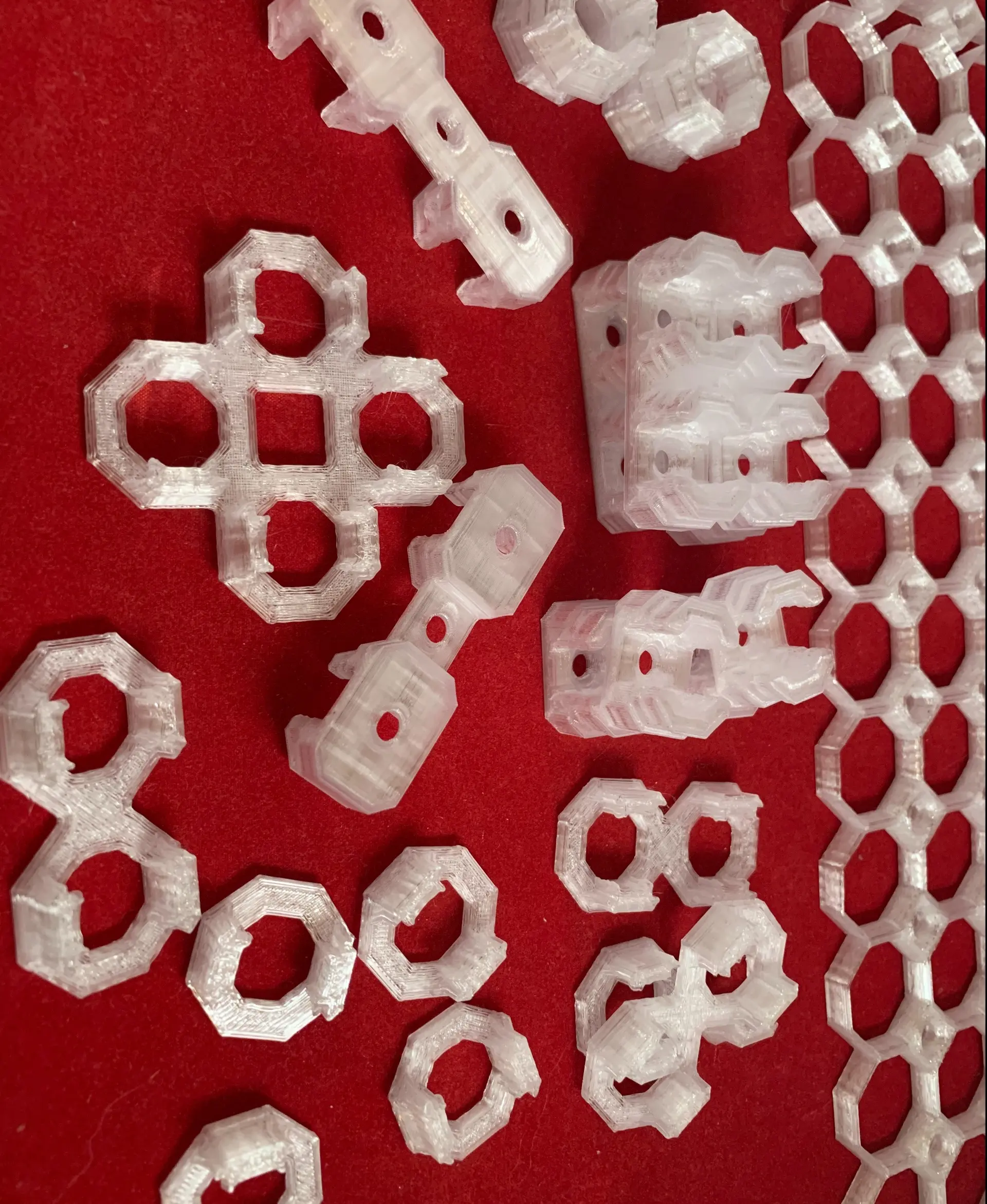
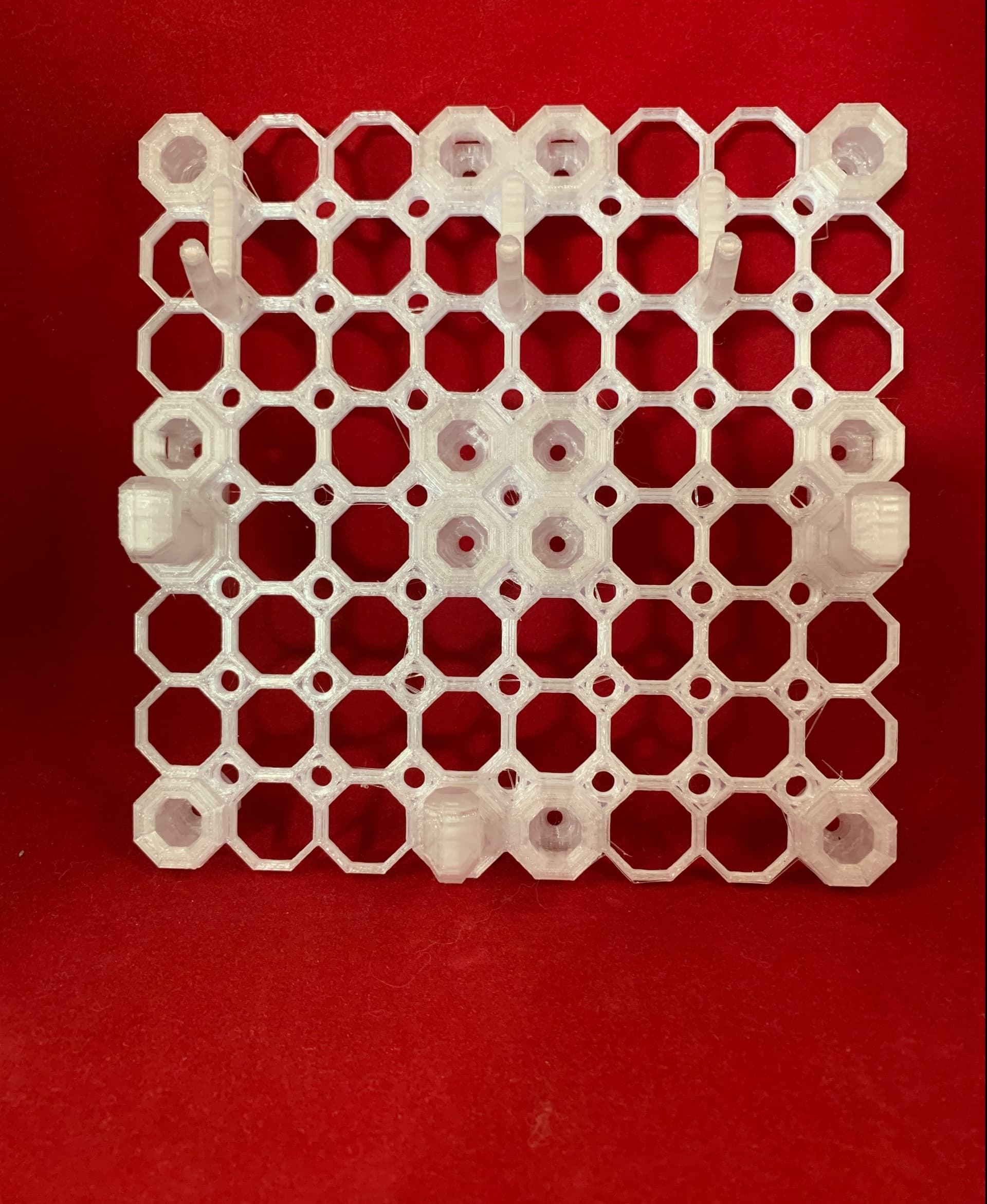
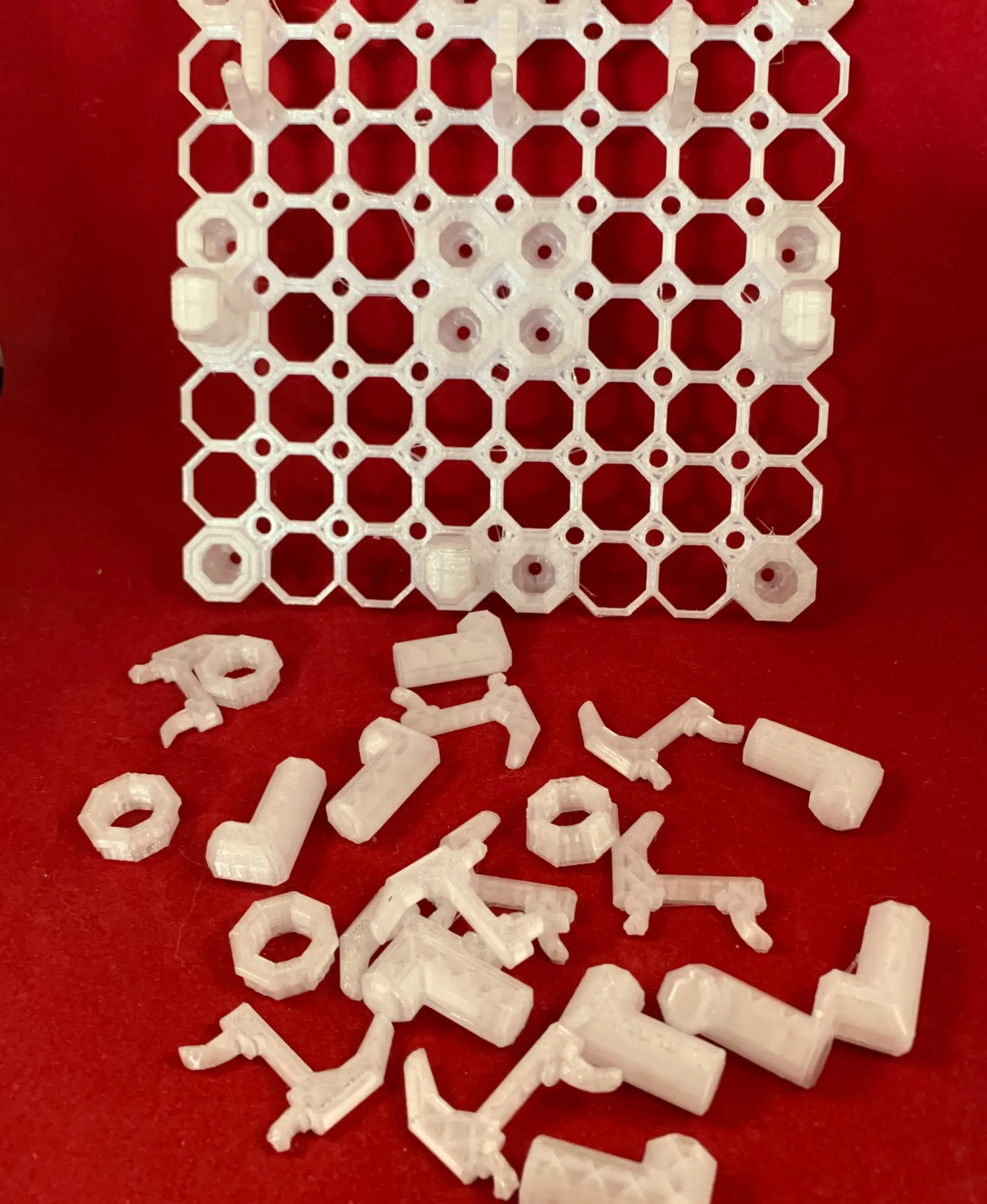
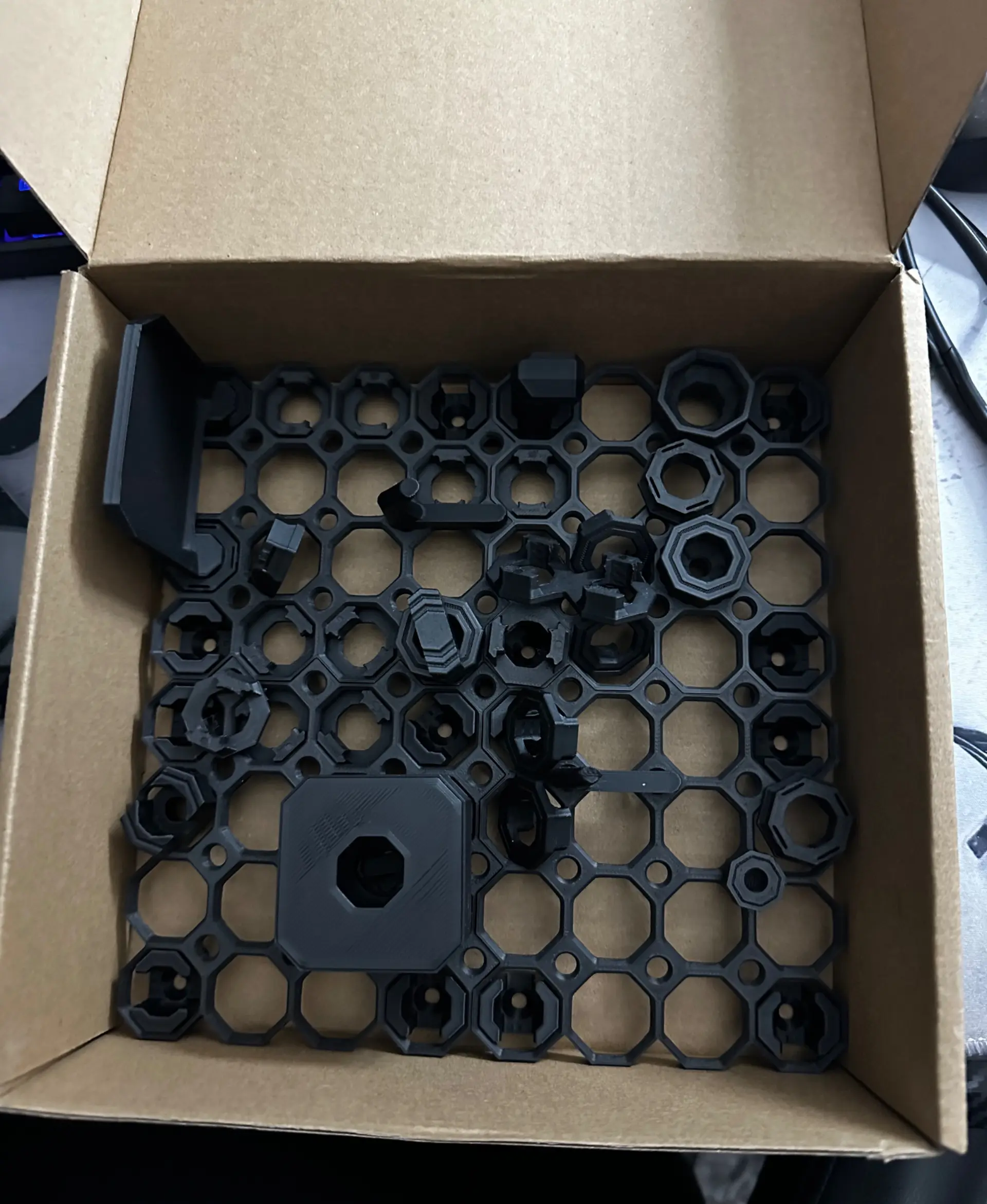
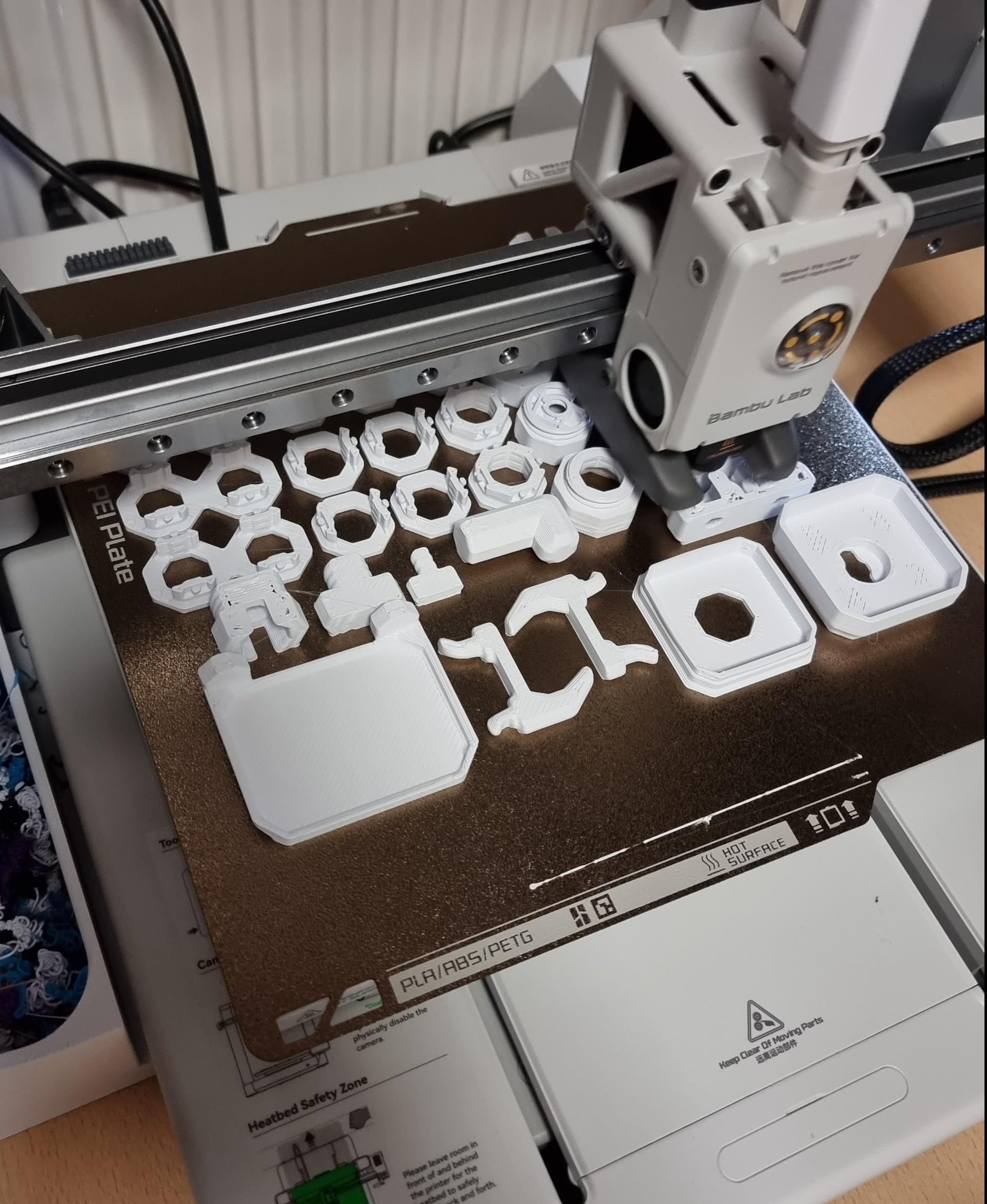
Multiboard Learning Pack

Fix Point to Countersink Adapter

Flush - Small Hole Center Marking Tool

6.25 Offset - Small Hole Center Marking Tool

12.5 Offset - Small Hole Center Marking Tool

2x6 MU - Right Support End - Modular Bolt-Locked Shelf

4x8 MU - Center - Modular Bolt-Locked Shelf

2x2 MU - Right Support End - Modular Bolt-Locked Shelf

2x6 MU - Left Support End - Modular Bolt-Locked Shelf

8x8 MU - Center - Modular Bolt-Locked Shelf

2x4 MU - Right Support End - Modular Bolt-Locked Shelf

4x6 MU - Center - Modular Bolt-Locked Shelf

2x8 MU - Left Support End - Modular Bolt-Locked Shelf

2x2 MU - Left Support End - Modular Bolt-Locked Shelf

8x2 MU - Center - Modular Bolt-Locked Shelf

8x4 MU - Center - Modular Bolt-Locked Shelf

2x4 MU - Center - Modular Bolt-Locked Shelf

2x8 MU - Right Support End - Modular Bolt-Locked Shelf

8x6 MU - Center - Modular Bolt-Locked Shelf

2x8 MU - Center Support - Modular Bolt-Locked Shelf

For the starter pack I think it would be advisable to list all components as included. Trying to identify which bolts are included so I can print more, if they were listed it would save scrolling through the list.
I agree! My print failed (I've never had luck with long prints) so I wanted to just start printing individual items. but... I wasn't sure what they were. Had to open the build plates and start deleting things instead. However, I wasn't sure what to name the files!
Heads up - parts in pack are not the same as in video. Difference to avoid surprise:
Thank you! It's so frustrating the creator seems to insist on using videos as primary documentation rather than text.
You might want to bundle the Accessories a little differently. I can print the tiles no problem on my Ender but can't print the Accessories so ended up having to download them per model anyway. Maybe 2 stls that are no larger than the tiles not stacked.
Your slicer should have an option to break it into parts.
creality and cura wont let me separate the parts. is there somewhere else that people recommend
Check out the mesh tools plugin in Cura. Should help split them.
thank you ! I did not know. brillant !
PrusaSlicer does it. You just have to know how.
orca does