
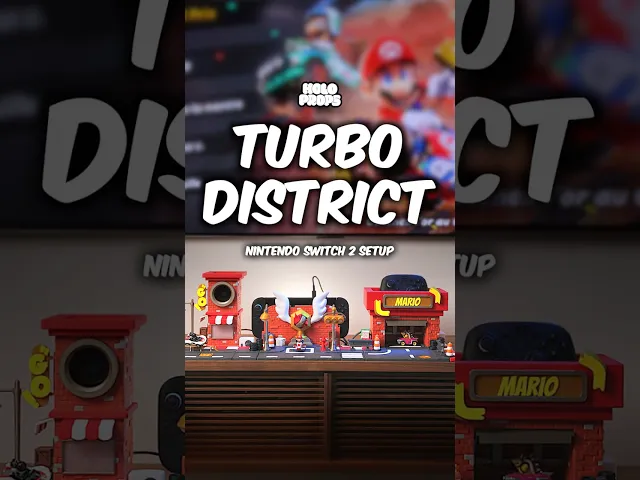


Camera Tower Nintendo Switch 2 – Turbo District Collection
- Support Free
- Glue Free
- AMS not necessary
Keep your privacy stylish and your setup unified with the Camera Tower, a playful urban-style mount for the official Nintendo Switch 2 Camera. This model is part of the Turbo District collection — a fully 3D-printable setup designed by Holoprops, inspired by the thrilling world of kart racing, reimagined in a miniature New York-style city.
Let’s be clear: this is not an official Nintendo product, and it is not affiliated with Mario Kart or Nintendo in any way. Every part of this design — from the bricks to the windows to the interactive twist — has been hand-sculpted by Holoprops (no AI) with 100% original geometry. No assets were extracted from any game or concept. It’s a fun and respectful homage to gaming culture.
⸻
🏙️ How it works
Simply place your Nintendo Switch 2 Camera inside the Camera Tower — it fits snugly inside the window of the upper floor. A dedicated hole in the back lets your cable run out neatly and discreetly.
Here’s the fun part: when you’re not using the camera or want extra peace of mind, just rotate the second floor by a quarter turn. Voilà — the camera enters privacy mode, hidden behind a wall. It’s far more satisfying than fiddling with a tiny button on the hardware.
🎥 Need help with assembly? We’ve got you covered! A step-by-step video guide is available at the link below to show you exactly how to assemble each part with ease: 👉 Watch the Camera Tower assembly video on Youtube
⸻
🧱 A charming tower with a twist
What makes this build special: • Interactive privacy mode – twist the second floor to block the camera • Back cable hole – keeps your desk clean and organized • Top platform – perfect to display your favorite amiibo • Snap-fit design, no glue needed (with one small exception, see below) • Custom red-and-white awnings – fully printable, but we suggest a tiny dab of glue to keep them secure over time • Numbered road markings – easily insert each section in the correct place on your street setup
⸻
🖨️ Printing Instructions & Best Practices
For best results, we strongly recommend using the provided 3MF file, designed and pre-configured in Bambu Studio.
Key settings: • Minimum Print Volume: 21 x 21 x 11 cm • Layer height: 0.16 mm / 0.2 mm • All walls and props: Infill Hatch 8%, 2 walls • Red-and-white awnings: print separately, glue optional • All parts pre-oriented and sliced for easy printing • No supports required • Minimum print volume: 21 x 21 x 11 cm
⚠️ AMS is not required. You can achieve all color changes with manual filament swaps. However, if you want dual-color brick walls as seen in our product photos, an AMS will give you the cleanest result.
⸻
✏️ Custom filament swaps
Every part has been split by color for easy printing without AMS. Just pause at the right layer and swap filaments if needed — especially for the awnings, signs, or roof highlights. If you do have an AMS, that’s even better — it’s all pre-configured in the 3MF.
⸻
🛠️ Assembly Tips
All parts are snap-fit, support-free, and require no glue — except for the optional awnings, which may benefit from a small dab of glue to prevent them from falling over time.
If parts don’t fit perfectly: • Check for elephant foot (first layer compression) • Ensure your printer is dimensionally accurate — the tolerances have been carefully tested
⸻
🌆 Expand your Turbo District
The Camera Tower is part of a bigger, modular city collection. Complete your setup with: • 🏁 Podium Pit Stop – Dock your Nintendo Switch 2 Console in a brick wall podium • 🔧 Garage Stand – Drop in your Pro Controller 2 and reveal a hidden Hot Wheels! • 🛣️ RoadLink System – Included for free to connect every part seamlessly • 🧱 Prop Pack – Also included: traffic cones, crates, hydrants, AC units, barrels, and more!
Want to share your build or ask questions? Join our awesome community on **Discord **and connect with other makers!
🔥 Add privacy with personality. Welcome to Turbo District.
⸻
⚠️ This model is for personal use only. If you wish to sell physical prints, you must be an active Merchant Tier member of Holoprops. Thank you for respecting original creators and supporting the handcrafted art of Holoprops.
⸻
🎨 Filaments used in the photos:
• Polymaker PanChroma Marble Brick • Polymaker PanChroma Marble Limestone • Polymaker PanChroma Galaxy Dark Grey • Polymaker PolyTerra PLA Lava Red
These filaments bring out all the tiny details in the Turbo District Collection and give the models their signature look. You’re welcome to use any colors you like — but if you want the same vibe as our product shots, these are the ones we used!
Camera Tower Nintendo Switch 2 – Turbo District Collection

JoyCon Cup Switch 2

Vase Station - Set of 3
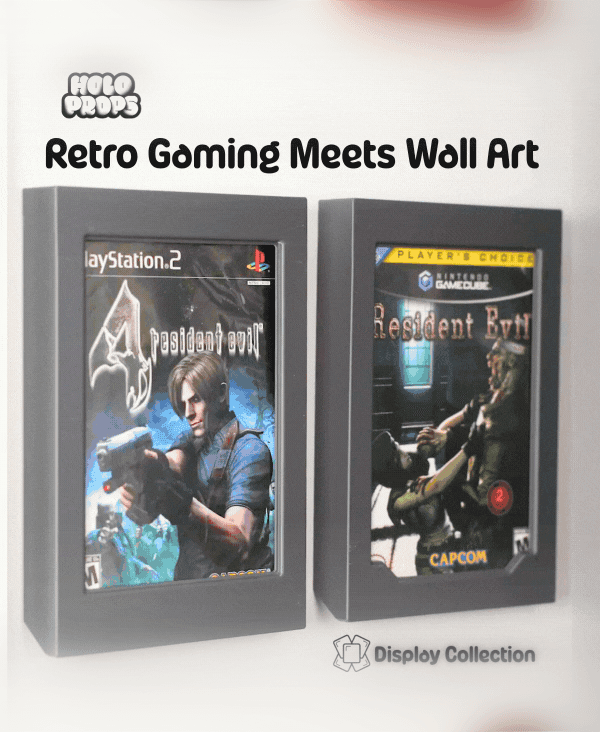
DVD Frames - DISPLAY COLLECTION
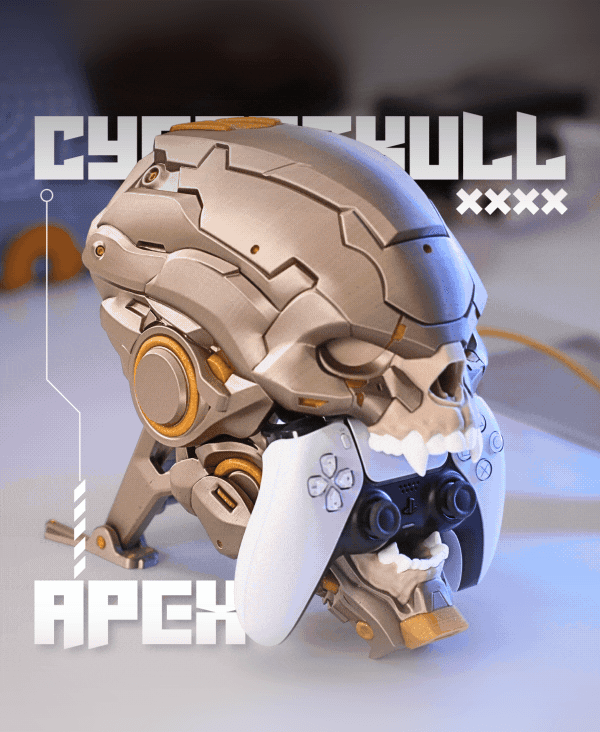
CyberSkull Apex

MechDam Dock Switch 2

MechDam Dock Switch 1
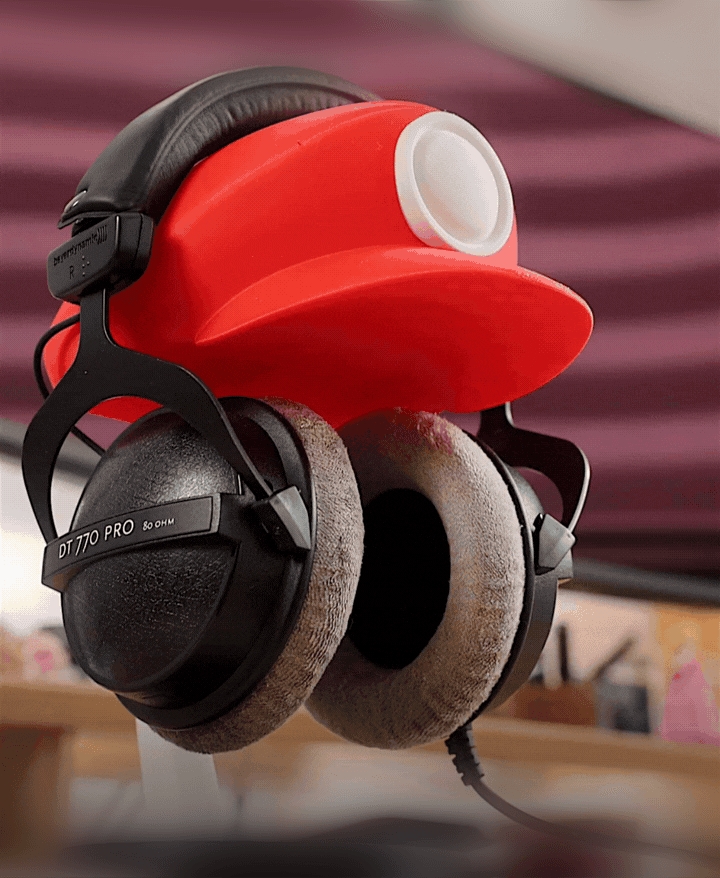
Plumber Cap Headphone Stand
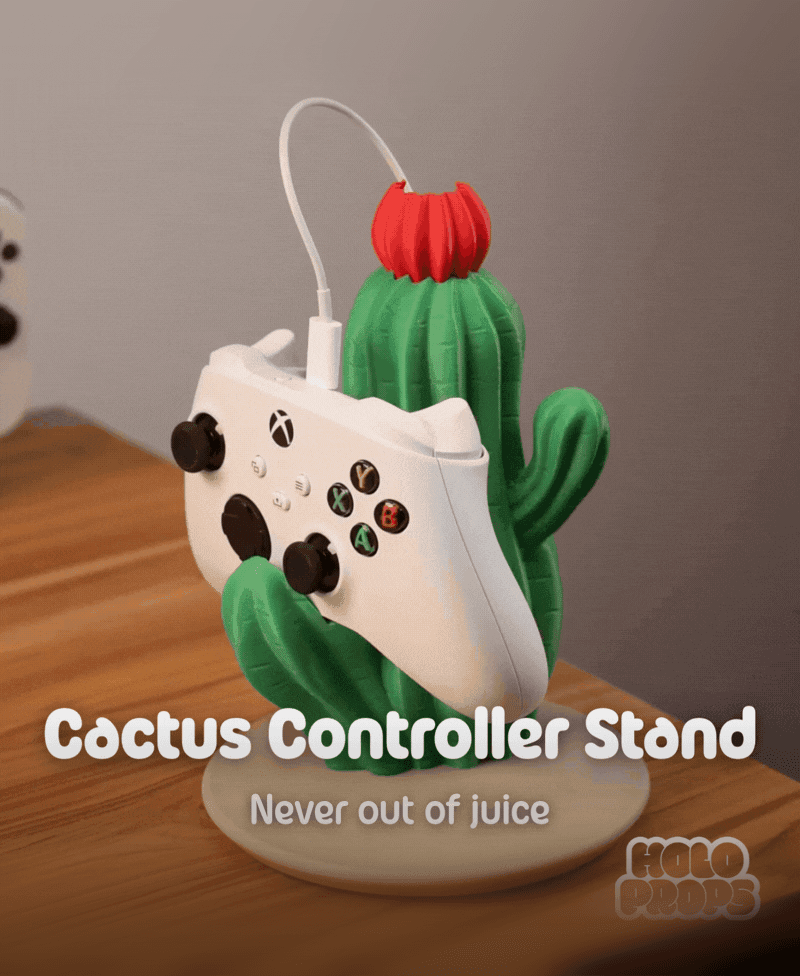
Cactus Controller Stand - Cactus Series

Magnetic Keychain for the Display Collection
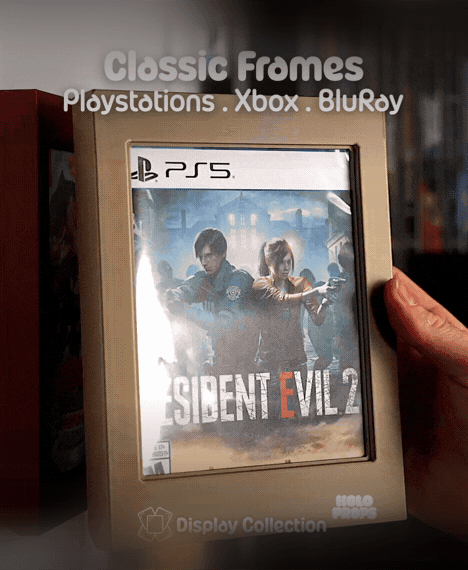
Classic Blu-ray Frames (PS, Xbox, Movies, Steelbooks) | DISPLAY COLLECTION
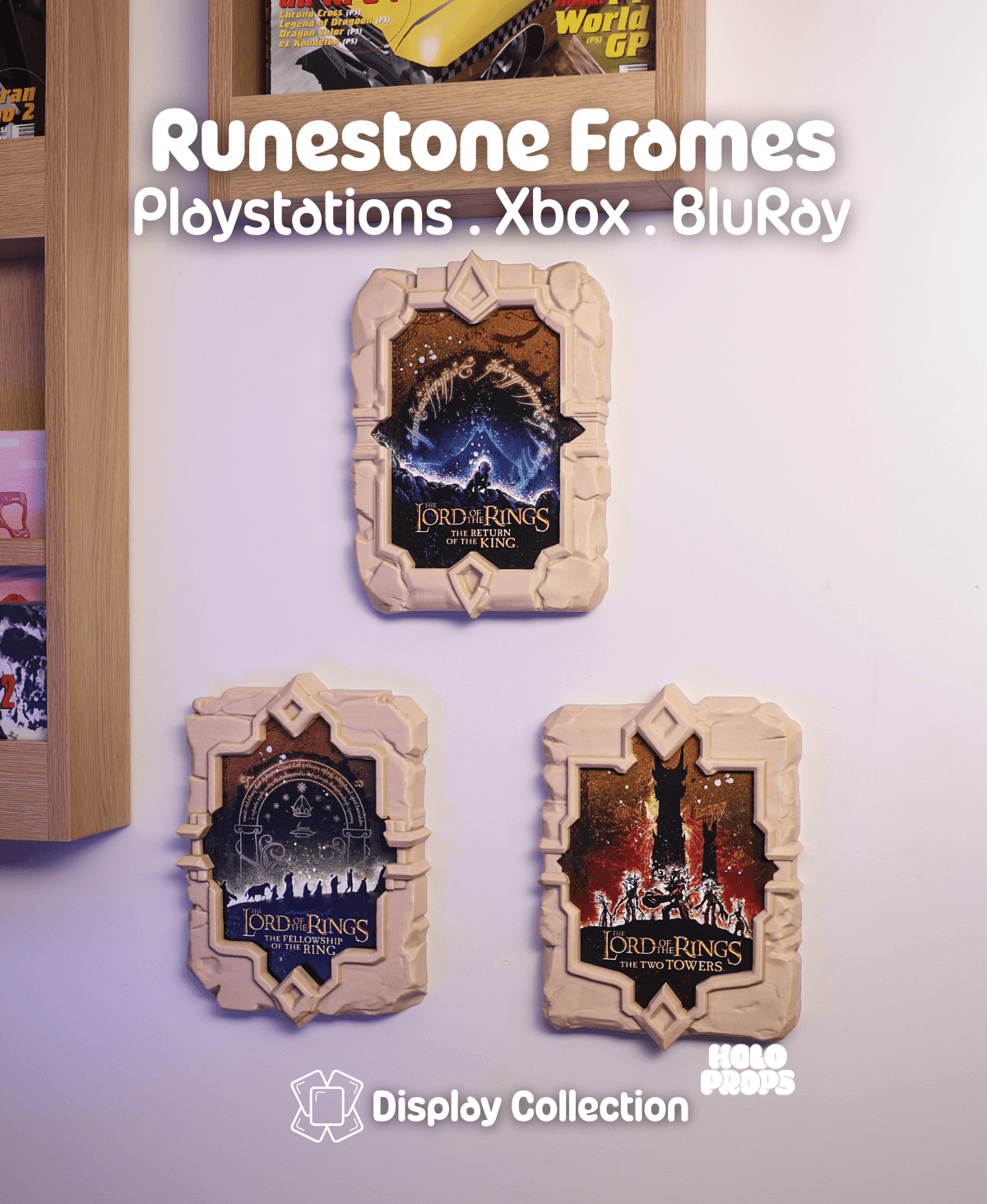
Runestones Blu-ray Frames (PS, Xbox, Movies, Steelbooks) | DISPLAY COLLECTION

Cactus Vase - Cactus Series
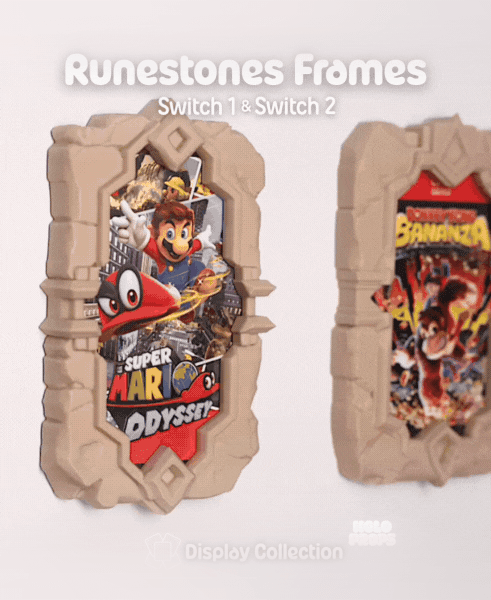
Runestone Frames - Switch | DISPLAY COLLECTION
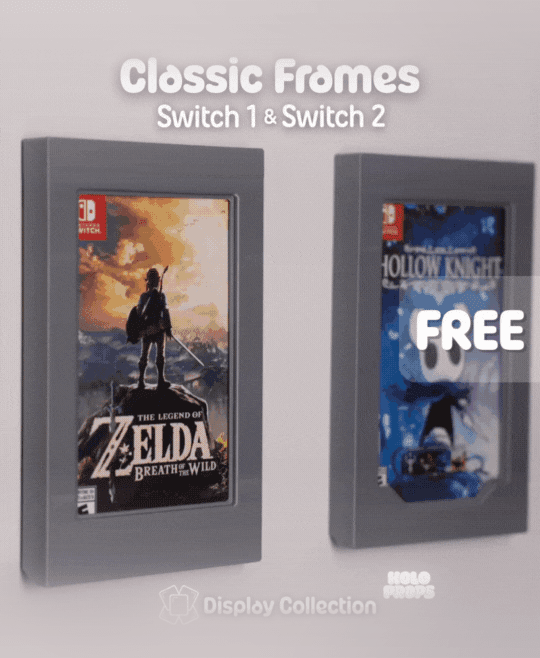
Classic Frames – Switch | DISPLAY COLLECTION Free Model

Tier List Badges | DISPLAY COLLECTION - Accessory Set

Tier List Badges | DISPLAY COLLECTION - Accessory Set

Knitted Cozy Pillow
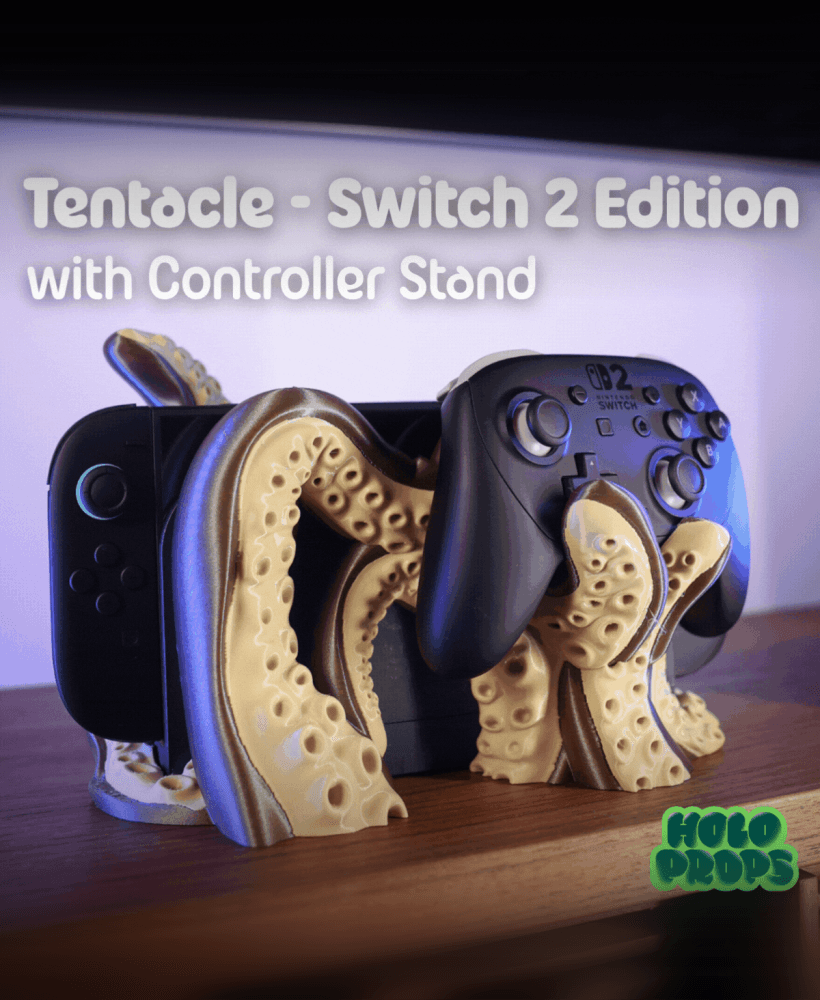
Tentacle Dock – Switch 2 Edition
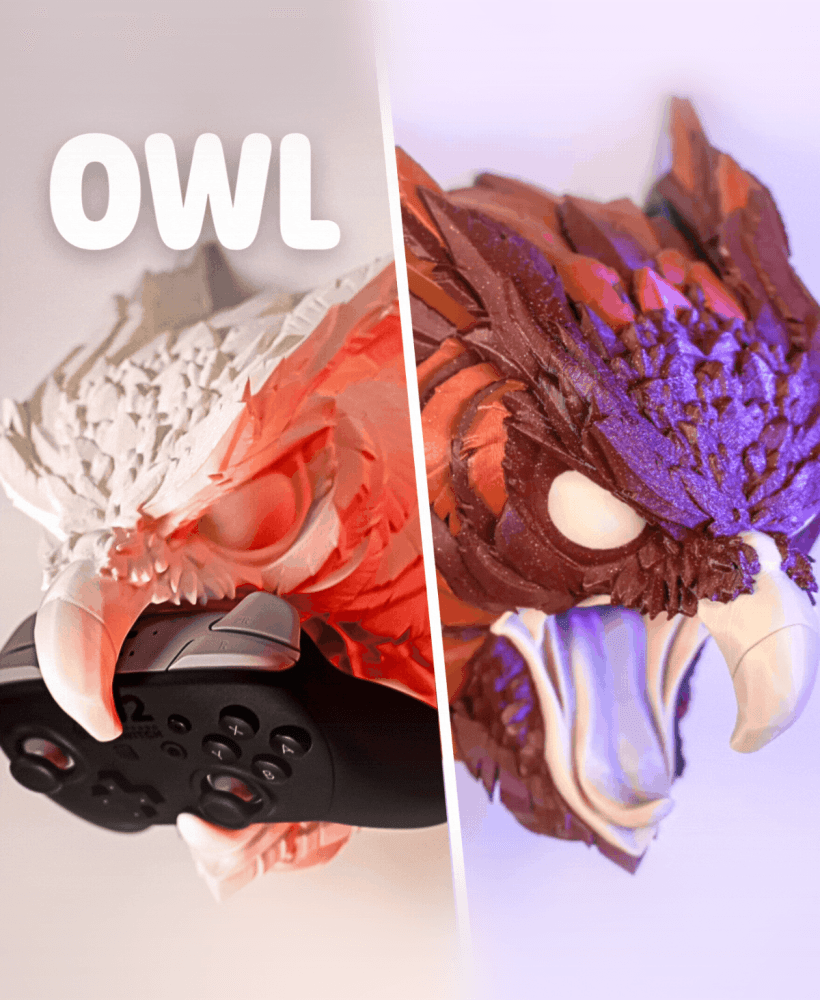
Owl Controller Stand - Creature Series #6
Amazing!
Thank you so much ;)