



Display Stand
Instructions Hardware Filaments
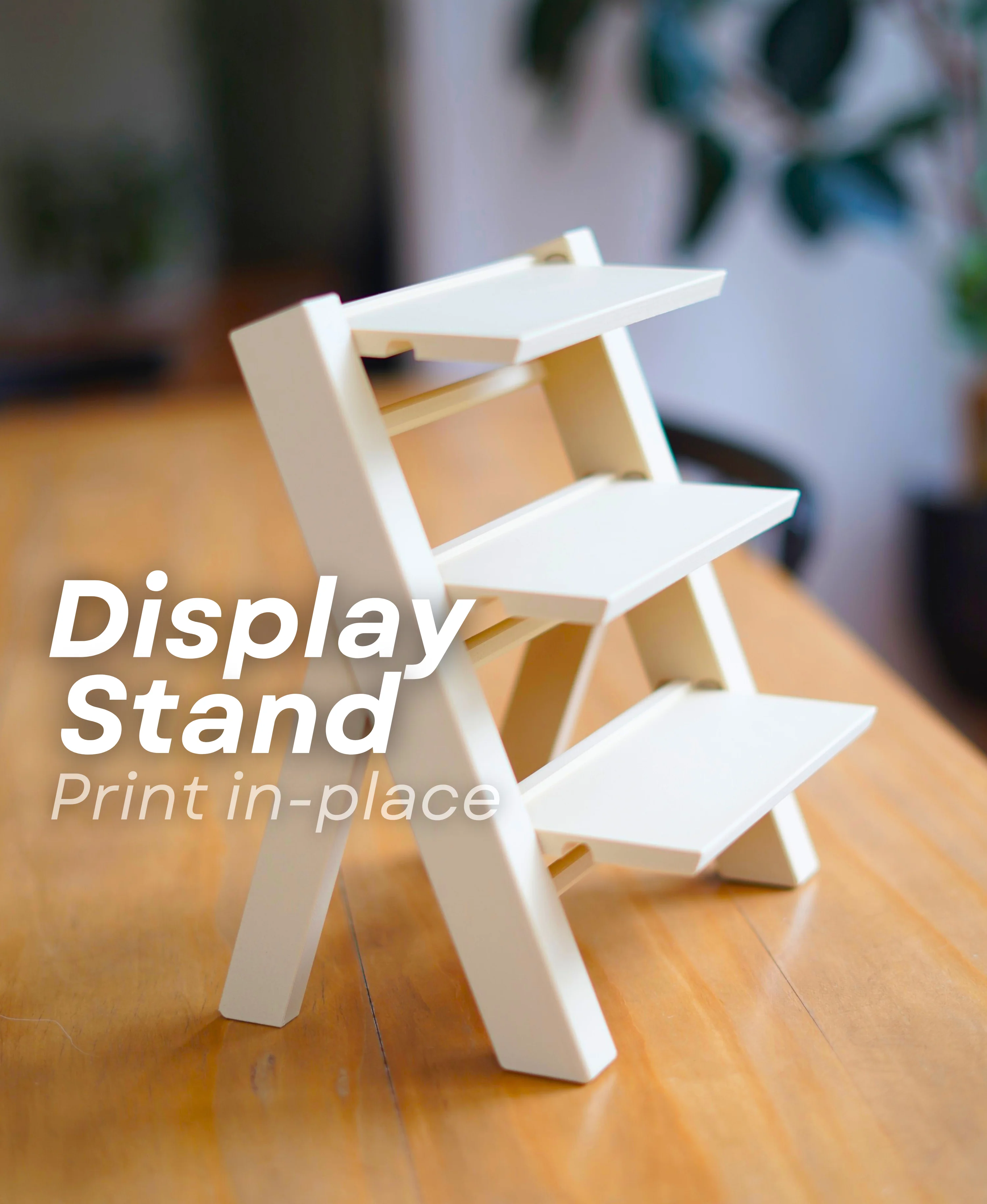
Display Stand - Beginner Recognize this display stand? I originally designed this stand in collaboration with my brother's page LUDO. I'm releasing it here as well so more people can find it. This design was meant to help 3D print sellers display their prints at craft events, BUT its turned into a great display shelf in general!
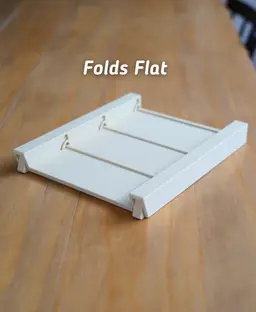
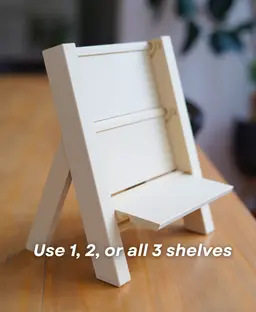
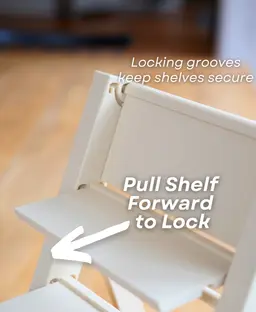
This display stand is fully print-in-place with no supports, stores flat, and locks into place. Great for displaying mini prints at home, or at craft fairs. It has 3 tiers that you can fold up or down depending on your needs.
Built in locking shelves The display stand has three shelves that fold out and slide forward to lock in place. That can quickly be folded back down for quick transportation. Perfect for craft fairs!
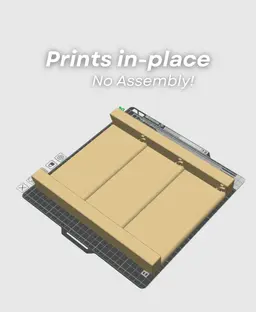
Print in Place The entire stand can be printed on a 250 mm (or larger) print bed with no supports. It comes off the build plate fully functional, with no cleanup required! Just fold the legs and shelf out and you're good to go.
Where do I find those Plants?!? The plants shown in the image are in the Pocket Plants collection. A collection of mini plants that are clickers, spinners, and fidgets.

PlayBook'd LUDO

Cactus Cluster

PlayBook'd Tic Tac Toe

Lucky Bamboo Mahjong

PlayBook'd - Go

Telephones Booth

Spinny Succulents - Pack III

Desktop Golf Gen 2
PlayBook'd - Playing Cards

Desktop Dumpster
PlayBook'd Cribbage

PlayBook'd Crosswords

Snack Attack - Gen 2

PlayBook'd Snakes and Ladders
.png&w=3840&q=75)
Date Night Daisy

PlayBook'd Settlers' Storage
Scoopy Stacks

Butterfly Fridge Magnets - Pack II
Playbook'd - Checkers

I printed this yesterday evening - with a bronze silk pla. It has turned out soooo well!
I'm so glad to hear it! Thank you for the feedback!
This is one of the best designs I have ever printed. Highly recommend!
Thank you so much for the great feedback! I'm glad you like it!
Hi, do you have a scaled down version of this, something like 30-35% of the size that would fit 1-2 of your fidget plants per shelf with little remaining space? Or do you think it's feasible to scale this one down at that level?
Hi, We don't have a smaller version currently and I wouldn't recommend scaling the model as i may cause issues with the tolerances. We may add something smaller in the future.
I have printed this twice on a creality k2 plus....Everything fuses togather and its hard to open up. I got one to open, but it pealed away a layer, the next one the sides broke because I forced it too much thinking I could free the parts. Any ideas on what I am doing wrong? Thanks.
Hi! When parts fuse together like that, it usually means the printer is running a bit hot or there could be some over-extruding happening. You can try lowering the temp by 5–10°C, reducing the filament flow a little, and slowing the print down. Also make sure the first layer isn’t too squished resulting in 'elephant foot'. These tweaks usually fix it! Let me know if you need some more suggestions, I'm happy to help solve this!
The print looks perfect....I just saw the elephant food setting when I was going through the settings...I'll set that to zero and see what happens.
If everything else turns out well it could also be bridging. This print needs good bridge settings so that nothing fuses together there. You could adjust the Bridge settings by 3-5% and also see if that helps
Sorry if this is a dumb question, I am VERY new to 3d printing. I got the membership to make this shelf and when I went to make it I realized it's slightly too big for my Anycubic Kobra S1. I know now to look at plate size needed. Is there anyway to make this fit and still function normal?
Hi, No worries at all, The build volume on the S1 is only slightly smaller than what's required so you should be okay scaling the print down very slightly to get it to fit
it is not working with the a1 it broken spit
Hi, What sort of issue do you seem to be having? I am more than happy to help diagnose a fix. I have printed this on the A1 so I may be able to help.
he prolly means the A1 mini which is not supported
how many grams is the print?
If you use the Easy Print 3mf with our settings, it is about 291g