


Tea Light Bauble with editable date (in Studio)
24 downloads · 1 year ago · Tea Light Bauble with editable date (in Studio)
In studio enter object from the menu on the left. un
This model is restricted by licensing terms.
View license.
Tea Light Bauble with editable date (in Studio) In studio enter object from the menu on the left. under the plate and the object you will see a text object. click the text object and then click the text edit button at the top. Then change the bottom box which is the date to the date require. default is 2024. Obviuosly requires extra part with tea light… it fits a standard battery tealight. slot the tealight into the holder. the holder then slots onto the bauble, lastly the loop screws in. 0.2 Layer height, 10% infill
Tea Light Bauble with editable date (in Studio)
24 downloads · 1 year ago in and
This model is restricted by licensing terms.
View license.
Bundle

Triple Clicker pain sensory fidget
Bundle

Happy Planter
Bundle

World Cup Trophy Replica
Bundle

Plain Goose update pack
Bundle

Canadian Flag
Bundle

XL Highland Cow (sitting)
Bundle

Not So XL Highland cow (sitting)
Bundle

Grumpy Planter
Bundle
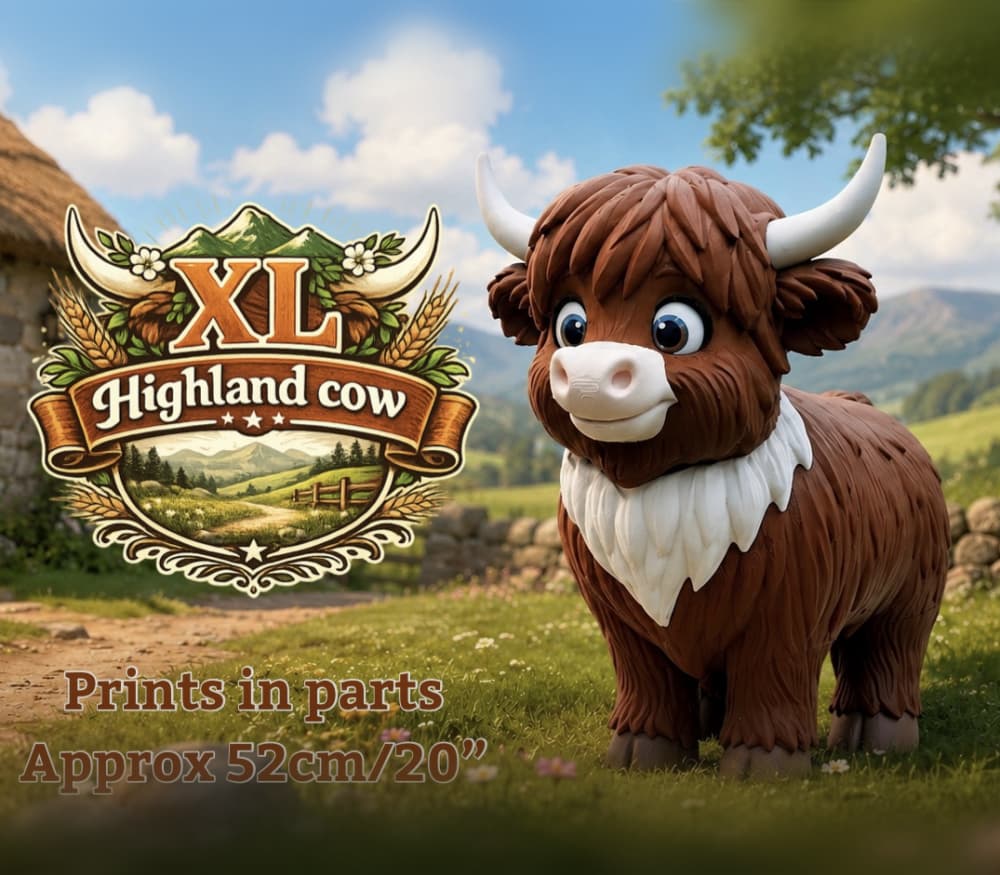
XL Highland Cow (standing) for larger build plates above 300x300x300
Bundle

Not So.. XL Highland Cow (standing) for smaller build plates below 300x300x300
Bundle

Golf Ball Container
Bundle

Awareness Ribbon
Bundle

Payment Wand
Bundle

Not So XL Urban Goose, for smaller build plates below 300x300x300
Bundle

XL Urban Goose, for larger build plates above 320x320x320
Bundle

Mini Chameleon
Bundle

Porch Goose, 54cm/21"
Bundle

Sliding Hex Fidget
Bundle

Shelf Goose
Bundle
