
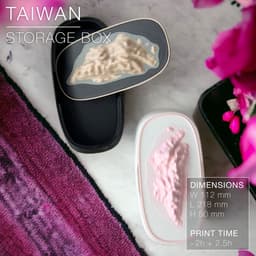
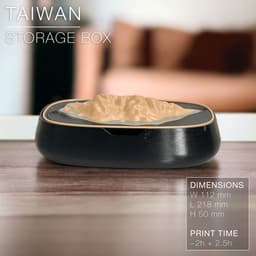


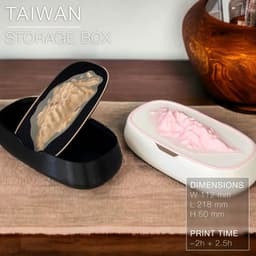

TAIWAN | Storage box
TAIWAN | Storage box
Alright, I'm a little biased... I live in Taiwan (but am French) and couldn't resist designing this little mountain-toped storage box to the shape of my adoptive island.
Which mountain / islands would you like me to turn into a box next? Fiji? Iceland? Great Britain? Australia? Let me know in the comments!
Happy printing!
DIMENSIONS | W 112mm x L 218mm x H 50 mm
Printing | ~2.5h + 2h
3D PRINTING SETTINGS
Resolution: 0.15mm / layer or less Infill: gyroid ~20% Build adhesion type: None Supports: None
If you want the island in a different colour than the lid (like on the pictures), you can modify your Gcode to schedule a filament change at the layer where the island starts. First, slice your model. Then, in CURA go to: Extensions > Post Processing > Modify Gcode > Add Script > Filament Change And in there you input the layer where you need the filament change to happen. Slice your model once again so it updates your Gcode. And there you go! Ready to print!
TAIWAN | Storage box

SINE | pendant light E27/E26

COROA | pendant light E27/E26

MALLA | woven fruit bowl

MALLA | key bowl
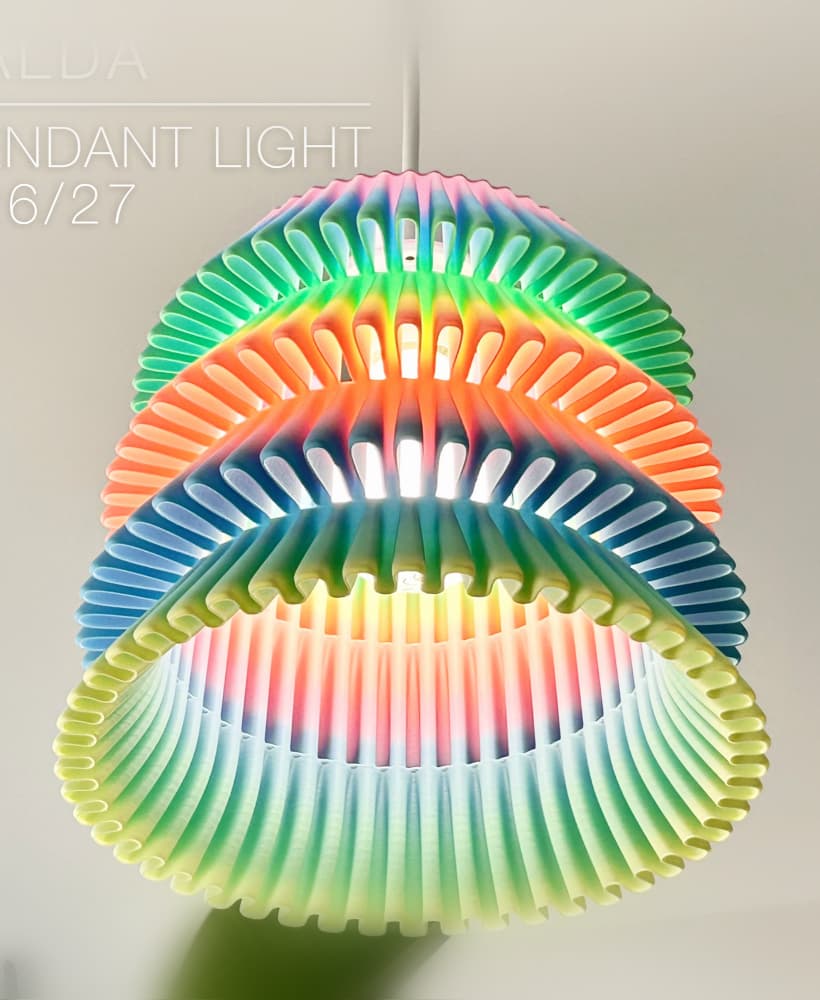
FALDA | Pendant Light E26/27

MALLA | Woven String Art Deco

SAKURA | Pendant Light E26/27

SAKURA | Scalable Pencil Holder

MALLA | nut bowl
![SAKU[MINI] | Table Lamp E14 & E26/27 3d model](/_next/image?url=https%3A%2F%2Fstorage.googleapis.com%2Fproduction-thangs-public%2Fuploads%2Fenhanced_images%2Fv1%2F421bb906-ca95-4bc9-9dba-a6fd01fd6885%2FSAKU%255BMINI%255D_table-lamp_perspective-ON.jpg&w=3840&q=75)
SAKU[MINI] | Table Lamp E14 & E26/27

SAKUMI | Table Lamp E14 & E26/27

SYZYGY | Heart Vase, scalable
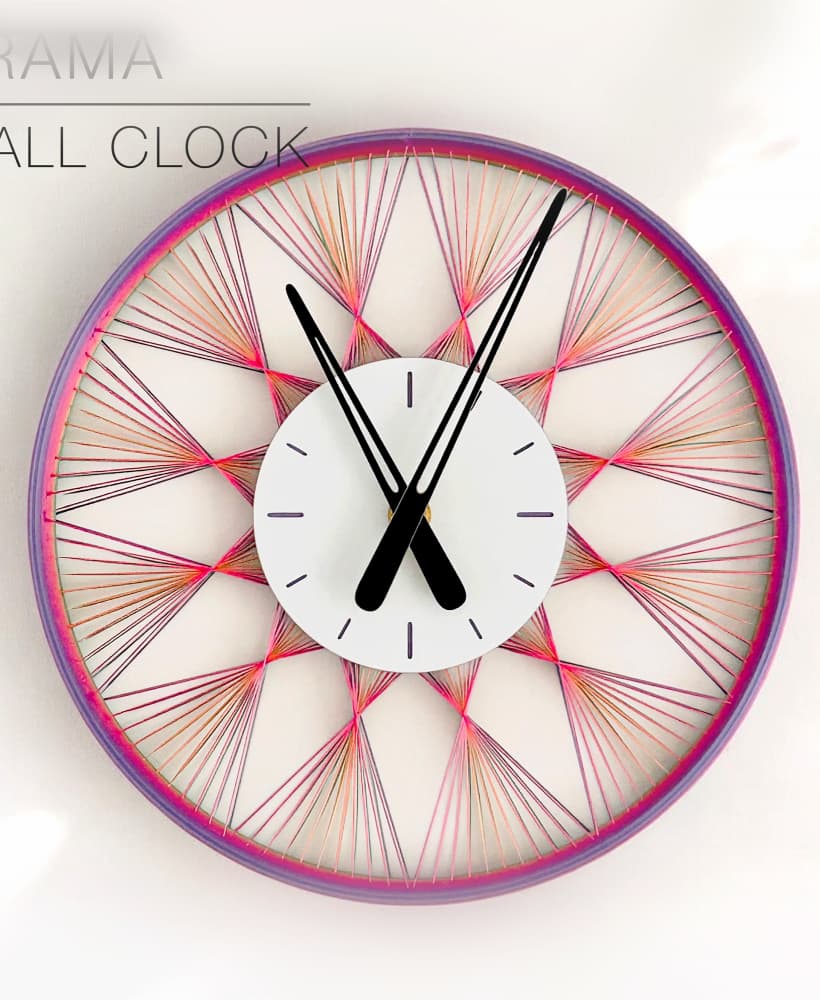
TRAMA | Wall Clock
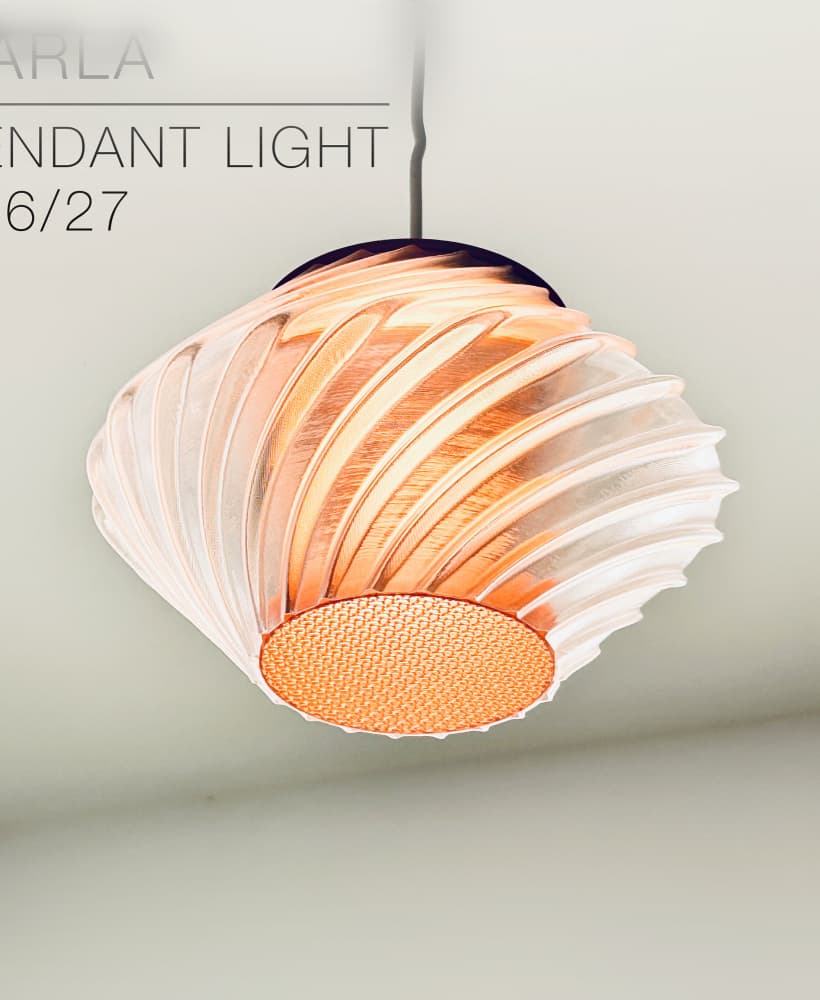
CARLA | Pendant Light E26/27

ORB XY | String Art Pendant Light

NINA | Toothbrush cups

PICA | Brush, print-in-place

MORPH | Stackable Egg Cup

ARYZ Divide | Pendant light E26/27
